
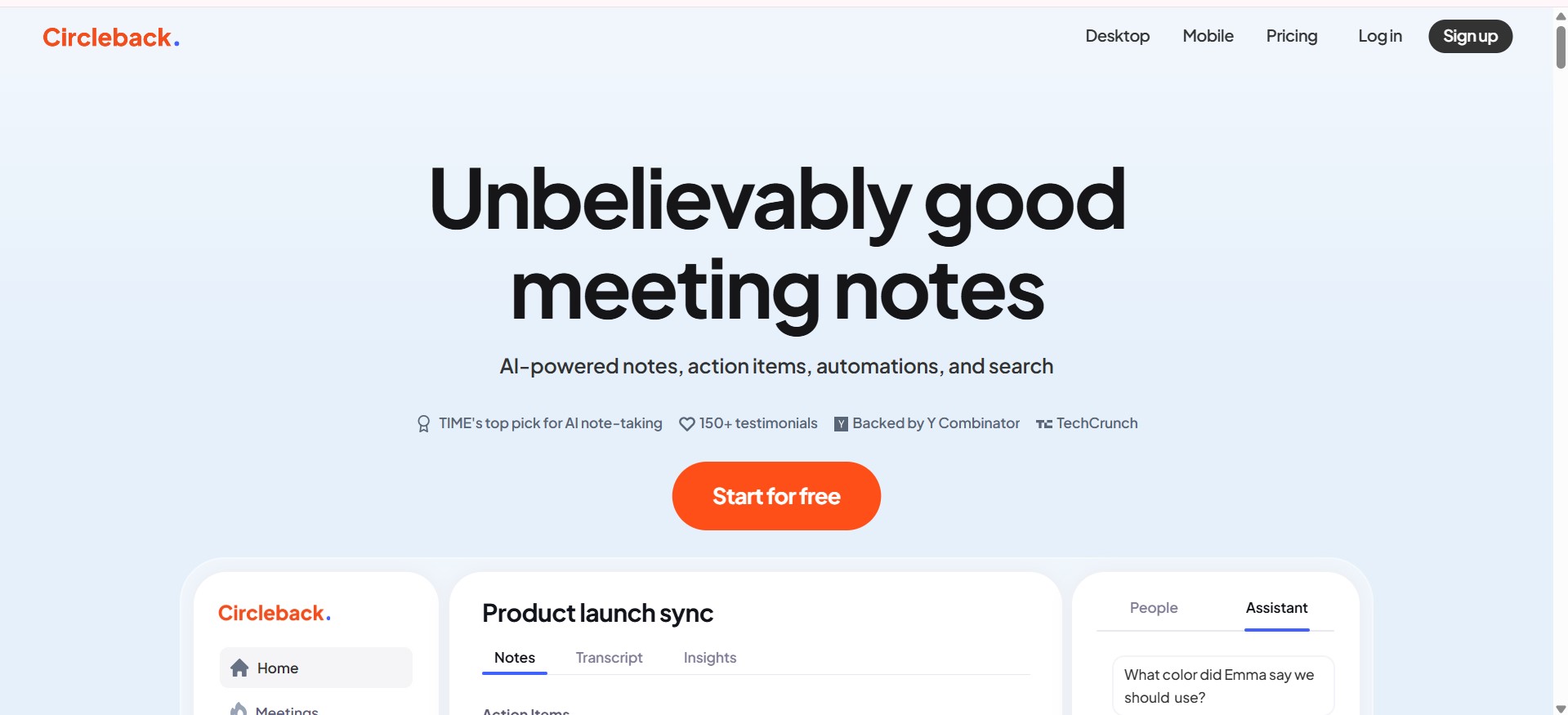
- Professionals & Teams: Keep track of meetings, follow-ups, and tasks efficiently.
- Managers & Team Leads: Ensure actionable items are captured and assigned correctly.
- Entrepreneurs & Founders: Save time by letting AI handle meeting summaries and documentation.
- Sales & Customer Success Teams: Automatically record client meetings and extract actionable insights.
- HR & Recruitment: Streamline interview notes and collaboration between hiring teams.
How to Use Circleback.ai?
- Sign Up & Connect Accounts: Access Circleback through its web app or desktop application.
- Schedule or Import Meetings: Integrate your calendar or upload recordings to start capturing meetings.
- AI-Powered Notes & Summaries: Let the AI generate comprehensive meeting notes automatically.
- Track Action Items: Assign tasks, follow-ups, and deadlines directly from meeting summaries.
- Search & Organize: Use AI-powered search to quickly find past meeting details and decisions.
- Integrate With Tools: Connect with Slack, Notion, CRM systems, and other productivity tools to streamline workflows.
- AI Meeting Summaries: Automatically generate clear, concise meeting notes.
- Action Item Detection: Identify tasks and responsibilities from meeting conversations.
- Transcriptions & Recordings: Get accurate transcripts of virtual or in-person meetings.
- AI-Powered Search: Quickly find specific topics, decisions, or participants from past meetings.
- Multiple Integrations: Works with calendars, Slack, Notion, CRMs, and other productivity tools.
- Secure & Private: Data is stored securely, keeping your meetings and notes confidential.
- Automatic note-taking reduces manual work after meetings.
- Action item detection helps teams stay accountable.
- Seamless integration with popular productivity apps.
- AI-powered search makes finding past meeting content fast and easy.
- Some complex meeting nuances may require manual clarification.
- Advanced features are limited to premium plans.
- AI summaries may occasionally miss context for highly technical discussions.
Individual
$ 25.00
Start for free
Meticulous notes, action items, and transcription for unlimited meetings
Video and audio playback
Ask Circleback questions and get answers with context from meetings and emails
Record in-person meetings and import audio/video recordings
Easily integrate with Slack, Notion, HubSpot, Salesforce, Attio, Linear, monday.com, Zapier, and more
Automatically share meeting notes and action items with invitees
Calendar and email
Team
$ 30.00
Start for free
Everything in Individual plan
Share meetings with your team
AI-powered search across all meetings you have access to
Custom team data retention
Slack huddles support
Collaborate with inline comments
Default and enforced team settings
Enable team automations to generate insights and integrate with other apps
Centralized billing
Unlimited viewers–free users you can share meetings with
Meeting participant customization
Enterprise
Custom
Contact sales
Everything in Team plan
Priority support
Onboarding and automation support
Advanced security controls
Proud of the love you're getting? Show off your AI Toolbook reviews—then invite more fans to share the love and build your credibility.
Add an AI Toolbook badge to your site—an easy way to drive followers, showcase updates, and collect reviews. It's like a mini 24/7 billboard for your AI.
Reviews
Rating Distribution
Average score
Popular Mention
FAQs
Similar AI Tools
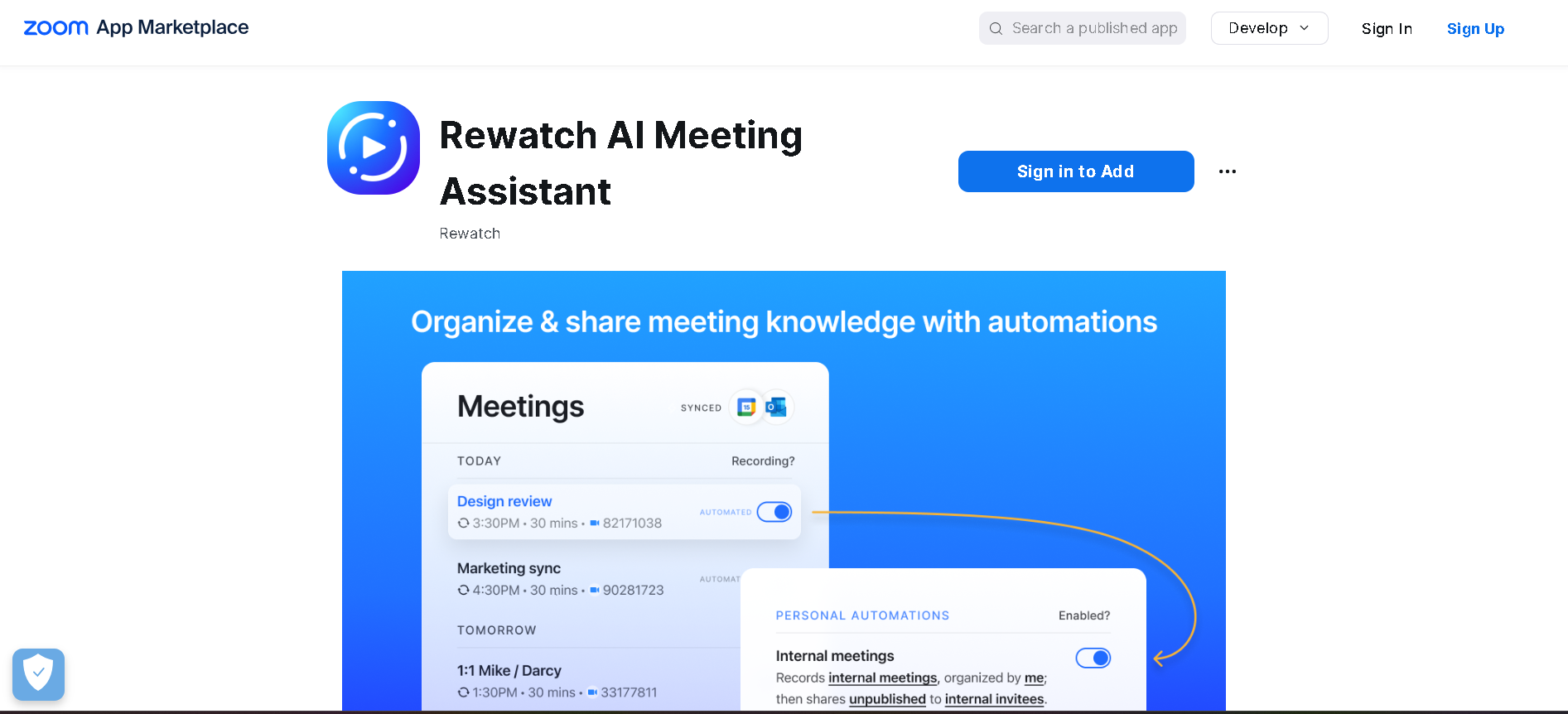
Rewatch AI Meeting Assistant is a free AI-powered app that automatically records, transcribes, and summarizes Zoom meetings. It allows users to focus on the conversation while ensuring that every detail is captured in AI-generated notes. By providing instant meeting recaps, searchable archives, and integrations with productivity tools, Rewatch helps teams streamline collaboration and stay productive.
Rewatch AI Meeting Assistant is a free AI-powered app that automatically records, transcribes, and summarizes Zoom meetings. It allows users to focus on the conversation while ensuring that every detail is captured in AI-generated notes. By providing instant meeting recaps, searchable archives, and integrations with productivity tools, Rewatch helps teams streamline collaboration and stay productive.
Rewatch AI Meeting Assistant is a free AI-powered app that automatically records, transcribes, and summarizes Zoom meetings. It allows users to focus on the conversation while ensuring that every detail is captured in AI-generated notes. By providing instant meeting recaps, searchable archives, and integrations with productivity tools, Rewatch helps teams streamline collaboration and stay productive.

trivoh
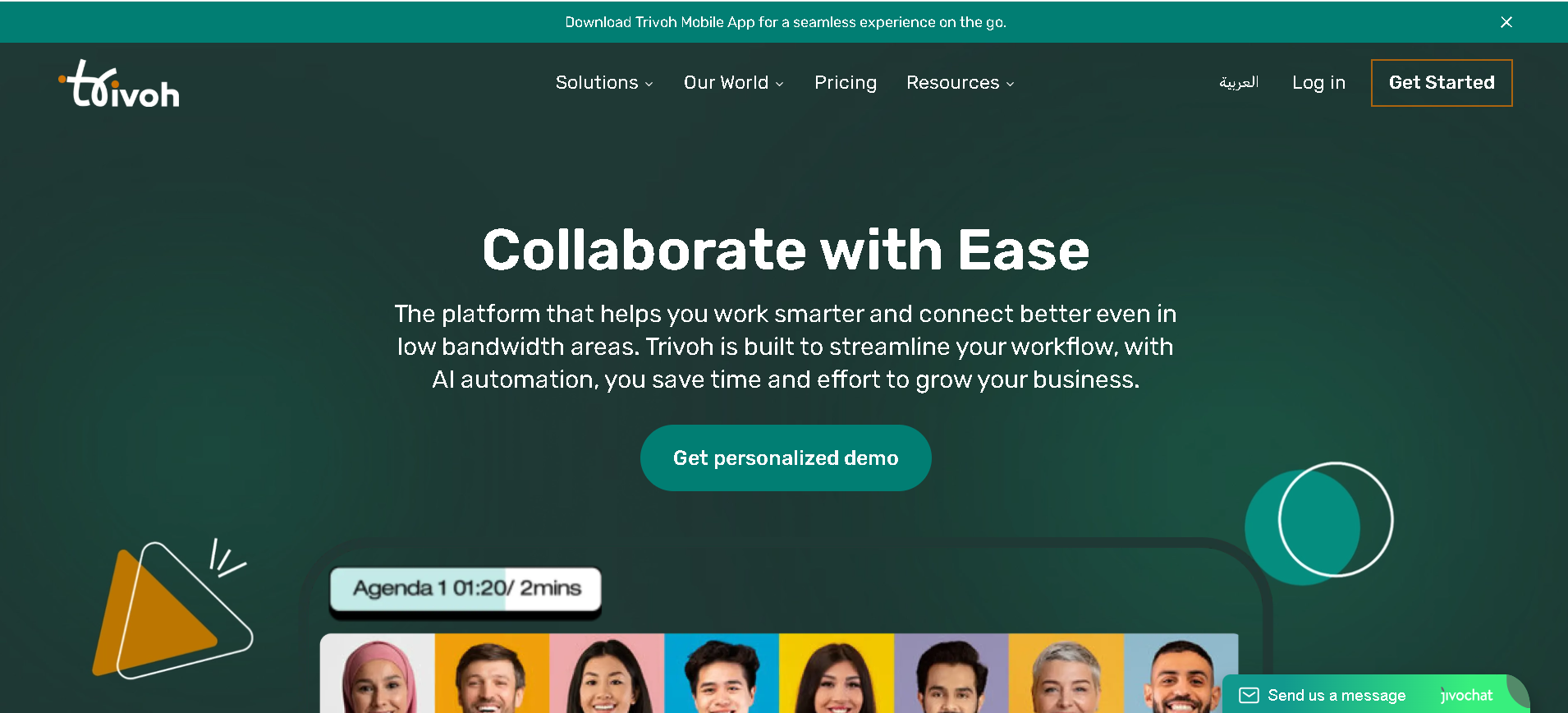
Trivoh is an AI-powered collaboration and productivity platform designed to streamline workflow and enhance connectivity, even in low-bandwidth areas. It offers a comprehensive suite of tools for virtual meetings, real-time collaboration, task management, and document sharing, all while prioritizing accessibility and security.
trivoh
Trivoh is an AI-powered collaboration and productivity platform designed to streamline workflow and enhance connectivity, even in low-bandwidth areas. It offers a comprehensive suite of tools for virtual meetings, real-time collaboration, task management, and document sharing, all while prioritizing accessibility and security.
trivoh
Trivoh is an AI-powered collaboration and productivity platform designed to streamline workflow and enhance connectivity, even in low-bandwidth areas. It offers a comprehensive suite of tools for virtual meetings, real-time collaboration, task management, and document sharing, all while prioritizing accessibility and security.

Frameable
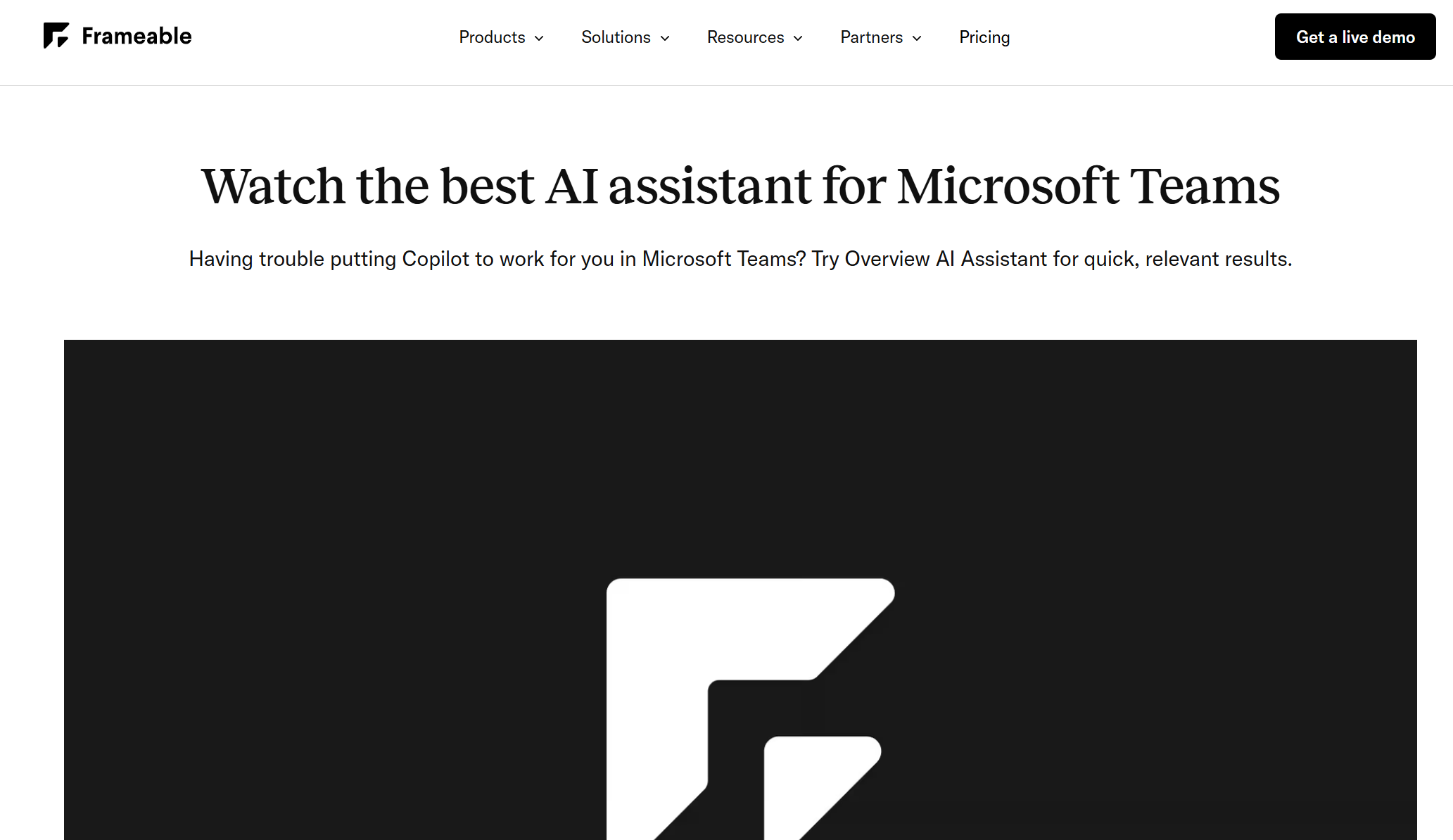
Frameable AI Assistant is an intelligent add-on for Microsoft Teams that boosts collaboration and productivity by summarizing chats, surfacing key action items, and providing instant answers to queries—without switching contexts. Built into Frameable’s Overview dashboard, it serves as a lightweight alternative to Microsoft Copilot that enhances team communication efficiency.
Frameable
Frameable AI Assistant is an intelligent add-on for Microsoft Teams that boosts collaboration and productivity by summarizing chats, surfacing key action items, and providing instant answers to queries—without switching contexts. Built into Frameable’s Overview dashboard, it serves as a lightweight alternative to Microsoft Copilot that enhances team communication efficiency.
Frameable
Frameable AI Assistant is an intelligent add-on for Microsoft Teams that boosts collaboration and productivity by summarizing chats, surfacing key action items, and providing instant answers to queries—without switching contexts. Built into Frameable’s Overview dashboard, it serves as a lightweight alternative to Microsoft Copilot that enhances team communication efficiency.
MinutesLink
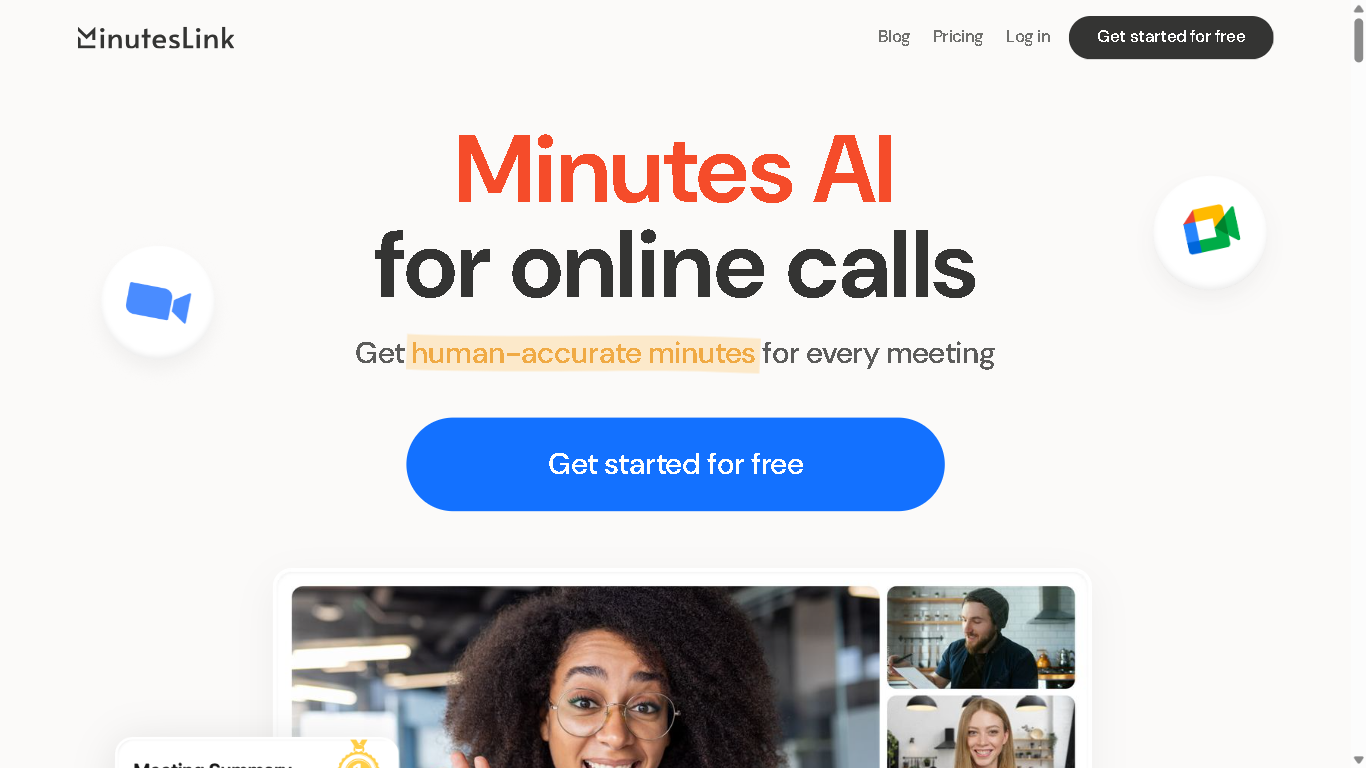
MinutesLink is an AI-powered meeting assistant that automates note-taking, transcription, and summarization for virtual meetings. It integrates with platforms like Zoom and Google Meet to capture and organize meeting content, enabling users to focus on discussions without manual note-taking. Experience the future of meeting productivity with MinutesLink – where every conversation becomes organized, searchable notes and actionable insights
MinutesLink
MinutesLink is an AI-powered meeting assistant that automates note-taking, transcription, and summarization for virtual meetings. It integrates with platforms like Zoom and Google Meet to capture and organize meeting content, enabling users to focus on discussions without manual note-taking. Experience the future of meeting productivity with MinutesLink – where every conversation becomes organized, searchable notes and actionable insights
MinutesLink
MinutesLink is an AI-powered meeting assistant that automates note-taking, transcription, and summarization for virtual meetings. It integrates with platforms like Zoom and Google Meet to capture and organize meeting content, enabling users to focus on discussions without manual note-taking. Experience the future of meeting productivity with MinutesLink – where every conversation becomes organized, searchable notes and actionable insights

Hints is an AI-powered productivity assistant that helps teams capture, update, and manage CRM and project data using natural language — by voice or text. It transforms spoken or typed messages into structured actions such as creating leads, updating deal stages, adding notes, assigning tasks, and syncing information across tools. Designed to reduce manual data entry and speed up workflows, Hints plugs into messaging channels and CRM systems so teams spend less time on admin and more time on high-value work.
Hints is an AI-powered productivity assistant that helps teams capture, update, and manage CRM and project data using natural language — by voice or text. It transforms spoken or typed messages into structured actions such as creating leads, updating deal stages, adding notes, assigning tasks, and syncing information across tools. Designed to reduce manual data entry and speed up workflows, Hints plugs into messaging channels and CRM systems so teams spend less time on admin and more time on high-value work.
Hints is an AI-powered productivity assistant that helps teams capture, update, and manage CRM and project data using natural language — by voice or text. It transforms spoken or typed messages into structured actions such as creating leads, updating deal stages, adding notes, assigning tasks, and syncing information across tools. Designed to reduce manual data entry and speed up workflows, Hints plugs into messaging channels and CRM systems so teams spend less time on admin and more time on high-value work.

Noty.ai
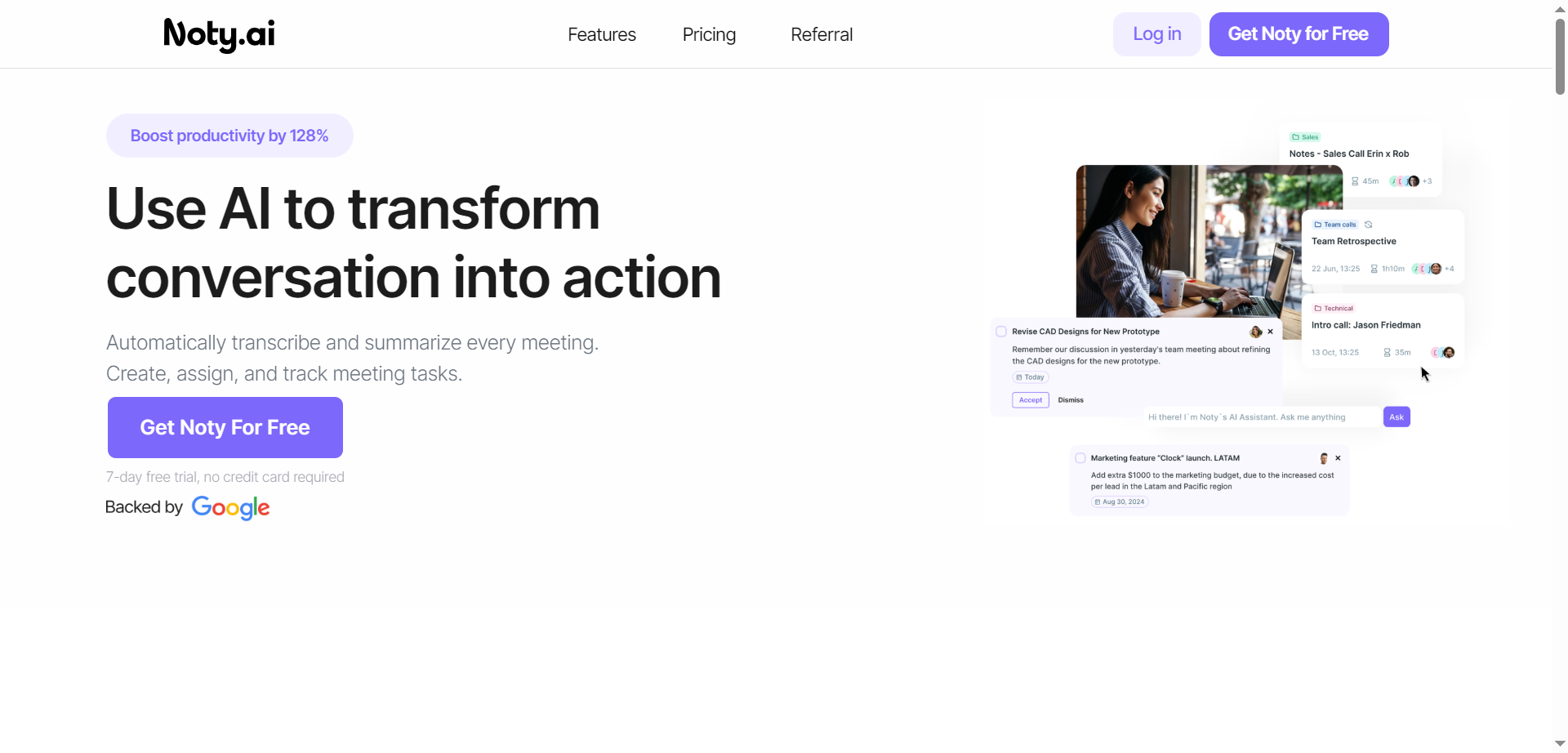
Noty.ai is a meeting AI assistant that turns conversations into actions by transcribing, summarizing, and organizing every meeting in real time. It captures key points, decisions, and deadlines, then generates concise summaries and AI-powered to-do lists for follow-through. During calls, it displays live transcripts for highlighting and commenting, and after, it creates shareable notes, tasks, and assignments. Teams can review, edit, and chat with Noty to surface details quickly, reducing post-meeting admin and context switching. With automated task detection, ownership, and due dates, it helps teams stay accountable and on schedule. The result is fewer missed details, faster alignment, and clearer action across projects.
Noty.ai
Noty.ai is a meeting AI assistant that turns conversations into actions by transcribing, summarizing, and organizing every meeting in real time. It captures key points, decisions, and deadlines, then generates concise summaries and AI-powered to-do lists for follow-through. During calls, it displays live transcripts for highlighting and commenting, and after, it creates shareable notes, tasks, and assignments. Teams can review, edit, and chat with Noty to surface details quickly, reducing post-meeting admin and context switching. With automated task detection, ownership, and due dates, it helps teams stay accountable and on schedule. The result is fewer missed details, faster alignment, and clearer action across projects.
Noty.ai
Noty.ai is a meeting AI assistant that turns conversations into actions by transcribing, summarizing, and organizing every meeting in real time. It captures key points, decisions, and deadlines, then generates concise summaries and AI-powered to-do lists for follow-through. During calls, it displays live transcripts for highlighting and commenting, and after, it creates shareable notes, tasks, and assignments. Teams can review, edit, and chat with Noty to surface details quickly, reducing post-meeting admin and context switching. With automated task detection, ownership, and due dates, it helps teams stay accountable and on schedule. The result is fewer missed details, faster alignment, and clearer action across projects.

TimeOS
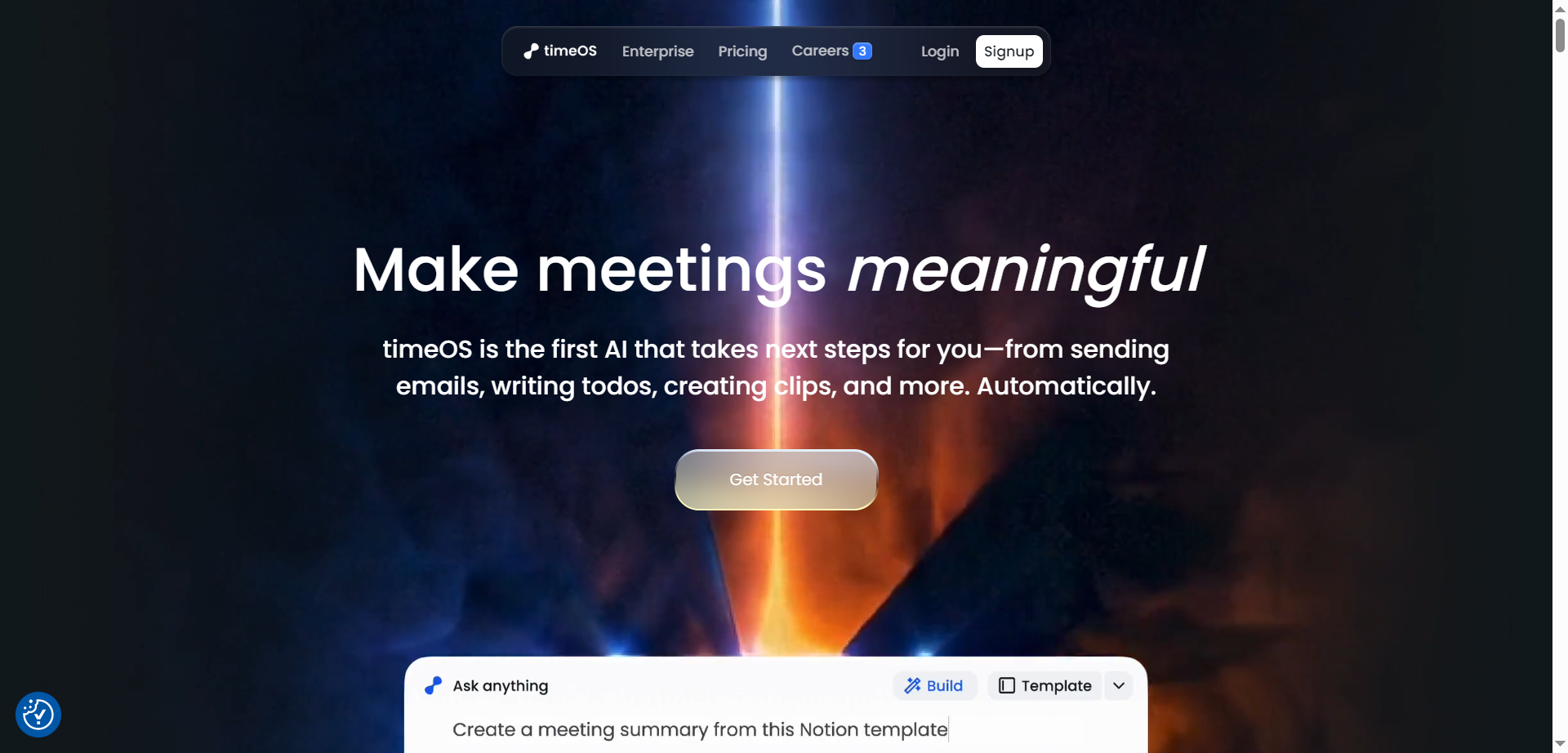
timeOS is a meeting-to-action AI that goes beyond note-taking to automatically draft emails, create todos, generate short video clips, and organize insights the moment a call ends. It captures conversations across tools, labels speakers, translates on the fly, and turns transcripts into structured outputs like summaries, dashboards, tables, and charts—customized through templates. Teams can build reusable workflows for sales, research, coaching, and content, then sync results to tools like Notion, Google Drive, and monday.com without bots joining the call. With desktop and Chrome apps, private-by-default design, and enterprise-grade security, timeOS helps convert every conversation into clear next steps—automatically.
TimeOS
timeOS is a meeting-to-action AI that goes beyond note-taking to automatically draft emails, create todos, generate short video clips, and organize insights the moment a call ends. It captures conversations across tools, labels speakers, translates on the fly, and turns transcripts into structured outputs like summaries, dashboards, tables, and charts—customized through templates. Teams can build reusable workflows for sales, research, coaching, and content, then sync results to tools like Notion, Google Drive, and monday.com without bots joining the call. With desktop and Chrome apps, private-by-default design, and enterprise-grade security, timeOS helps convert every conversation into clear next steps—automatically.
TimeOS
timeOS is a meeting-to-action AI that goes beyond note-taking to automatically draft emails, create todos, generate short video clips, and organize insights the moment a call ends. It captures conversations across tools, labels speakers, translates on the fly, and turns transcripts into structured outputs like summaries, dashboards, tables, and charts—customized through templates. Teams can build reusable workflows for sales, research, coaching, and content, then sync results to tools like Notion, Google Drive, and monday.com without bots joining the call. With desktop and Chrome apps, private-by-default design, and enterprise-grade security, timeOS helps convert every conversation into clear next steps—automatically.


ClienTask
ClienTask is a modern AI-powered client management tool that streamlines the way businesses handle client communication, tasks, and data organization. Designed for agencies, small to medium-sized businesses, and professionals, it centralizes client profiles, project tracking, and messaging—all within an intuitive platform. By offering automated workflows, customizable dashboards, and integrated billing and scheduling, ClienTask reduces administrative overhead and ensures teams never miss an important update. With its user-friendly interface and scalability, ClienTask empowers teams to focus more on building client relationships and less on repetitive manual tasks.
ClienTask
ClienTask is a modern AI-powered client management tool that streamlines the way businesses handle client communication, tasks, and data organization. Designed for agencies, small to medium-sized businesses, and professionals, it centralizes client profiles, project tracking, and messaging—all within an intuitive platform. By offering automated workflows, customizable dashboards, and integrated billing and scheduling, ClienTask reduces administrative overhead and ensures teams never miss an important update. With its user-friendly interface and scalability, ClienTask empowers teams to focus more on building client relationships and less on repetitive manual tasks.
ClienTask
ClienTask is a modern AI-powered client management tool that streamlines the way businesses handle client communication, tasks, and data organization. Designed for agencies, small to medium-sized businesses, and professionals, it centralizes client profiles, project tracking, and messaging—all within an intuitive platform. By offering automated workflows, customizable dashboards, and integrated billing and scheduling, ClienTask reduces administrative overhead and ensures teams never miss an important update. With its user-friendly interface and scalability, ClienTask empowers teams to focus more on building client relationships and less on repetitive manual tasks.
Spinach AI
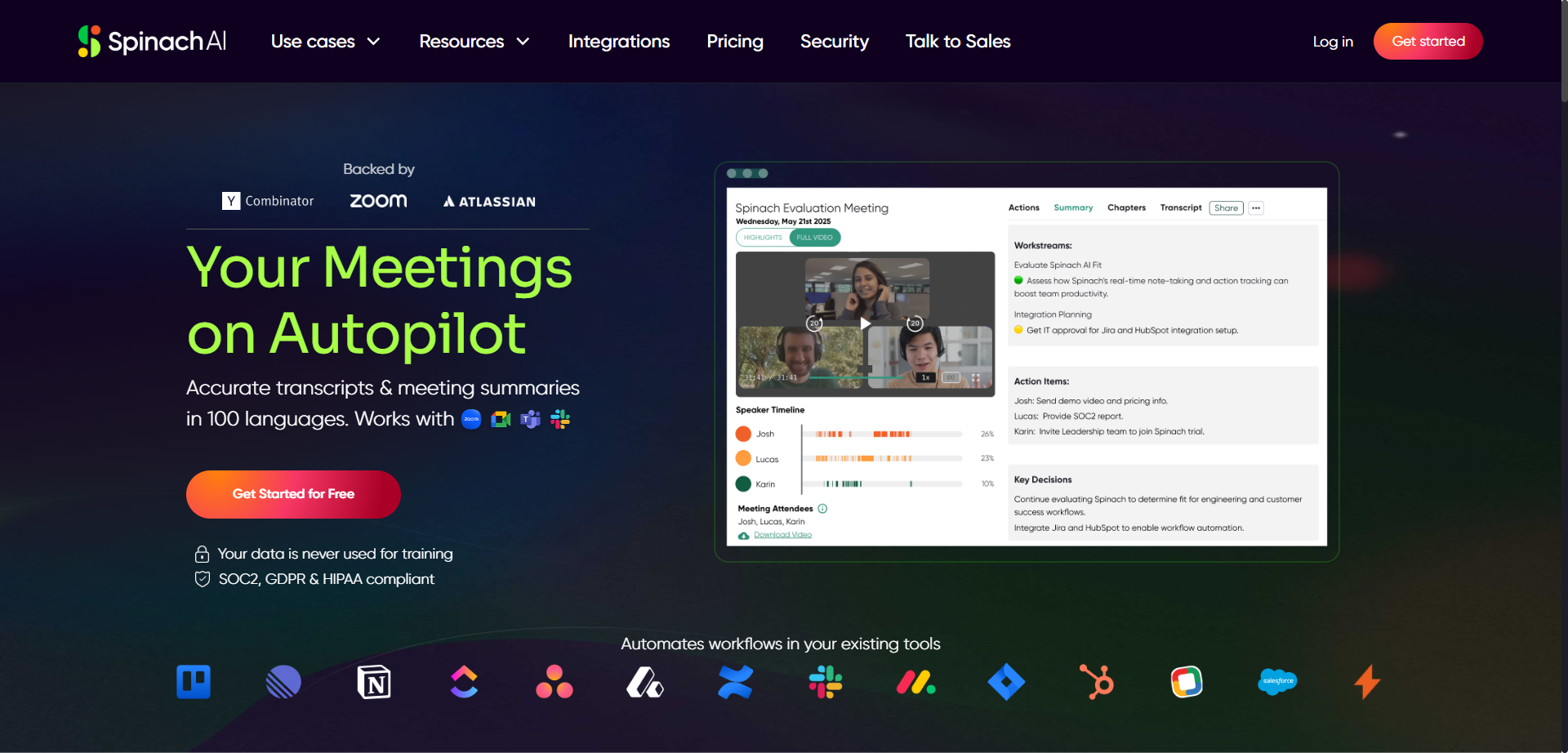
Spinach is an AI-powered meeting assistant designed to enhance productivity by automatically taking notes and capturing action items during meetings such as daily standups, weekly syncs, and user research sessions. It integrates seamlessly with calendars, video conferencing tools, Slack, email, and project management platforms like Jira to streamline workflows. Spinach converts discussion points into clear summaries and actionable tickets, allowing users to stay engaged without distraction. The platform gives users control to review and edit notes before sharing, ensuring privacy and accuracy. Spinach helps teams save time, improve collaboration, and keep project boards updated effortlessly.
Spinach AI
Spinach is an AI-powered meeting assistant designed to enhance productivity by automatically taking notes and capturing action items during meetings such as daily standups, weekly syncs, and user research sessions. It integrates seamlessly with calendars, video conferencing tools, Slack, email, and project management platforms like Jira to streamline workflows. Spinach converts discussion points into clear summaries and actionable tickets, allowing users to stay engaged without distraction. The platform gives users control to review and edit notes before sharing, ensuring privacy and accuracy. Spinach helps teams save time, improve collaboration, and keep project boards updated effortlessly.
Spinach AI
Spinach is an AI-powered meeting assistant designed to enhance productivity by automatically taking notes and capturing action items during meetings such as daily standups, weekly syncs, and user research sessions. It integrates seamlessly with calendars, video conferencing tools, Slack, email, and project management platforms like Jira to streamline workflows. Spinach converts discussion points into clear summaries and actionable tickets, allowing users to stay engaged without distraction. The platform gives users control to review and edit notes before sharing, ensuring privacy and accuracy. Spinach helps teams save time, improve collaboration, and keep project boards updated effortlessly.

Double
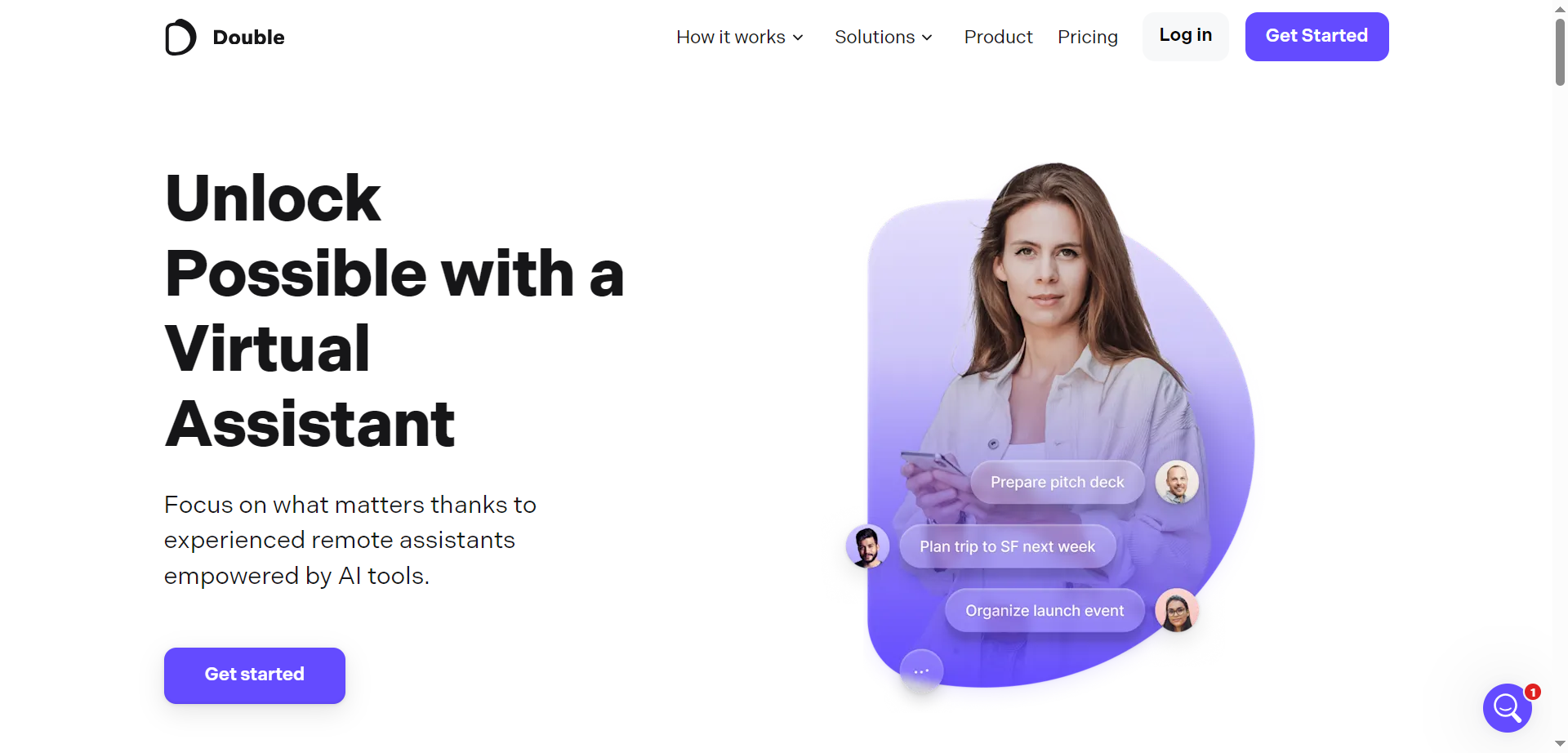
Double is a remote staffing platform that connects businesses with dedicated virtual assistants specialized in operations, customer support, and administrative tasks. The service pairs companies with skilled professionals who act as an extension of their team, handling day-to-day operational work to save time and increase productivity. Double emphasizes personalized matching, ongoing support, and integration into clients’ workflows to ensure seamless collaboration. Their virtual assistants can manage emails, calendar scheduling, customer interactions, and various administrative duties, enabling business leaders to focus on higher-value activities without hiring full-time staff.
Double
Double is a remote staffing platform that connects businesses with dedicated virtual assistants specialized in operations, customer support, and administrative tasks. The service pairs companies with skilled professionals who act as an extension of their team, handling day-to-day operational work to save time and increase productivity. Double emphasizes personalized matching, ongoing support, and integration into clients’ workflows to ensure seamless collaboration. Their virtual assistants can manage emails, calendar scheduling, customer interactions, and various administrative duties, enabling business leaders to focus on higher-value activities without hiring full-time staff.
Double
Double is a remote staffing platform that connects businesses with dedicated virtual assistants specialized in operations, customer support, and administrative tasks. The service pairs companies with skilled professionals who act as an extension of their team, handling day-to-day operational work to save time and increase productivity. Double emphasizes personalized matching, ongoing support, and integration into clients’ workflows to ensure seamless collaboration. Their virtual assistants can manage emails, calendar scheduling, customer interactions, and various administrative duties, enabling business leaders to focus on higher-value activities without hiring full-time staff.

TicNote
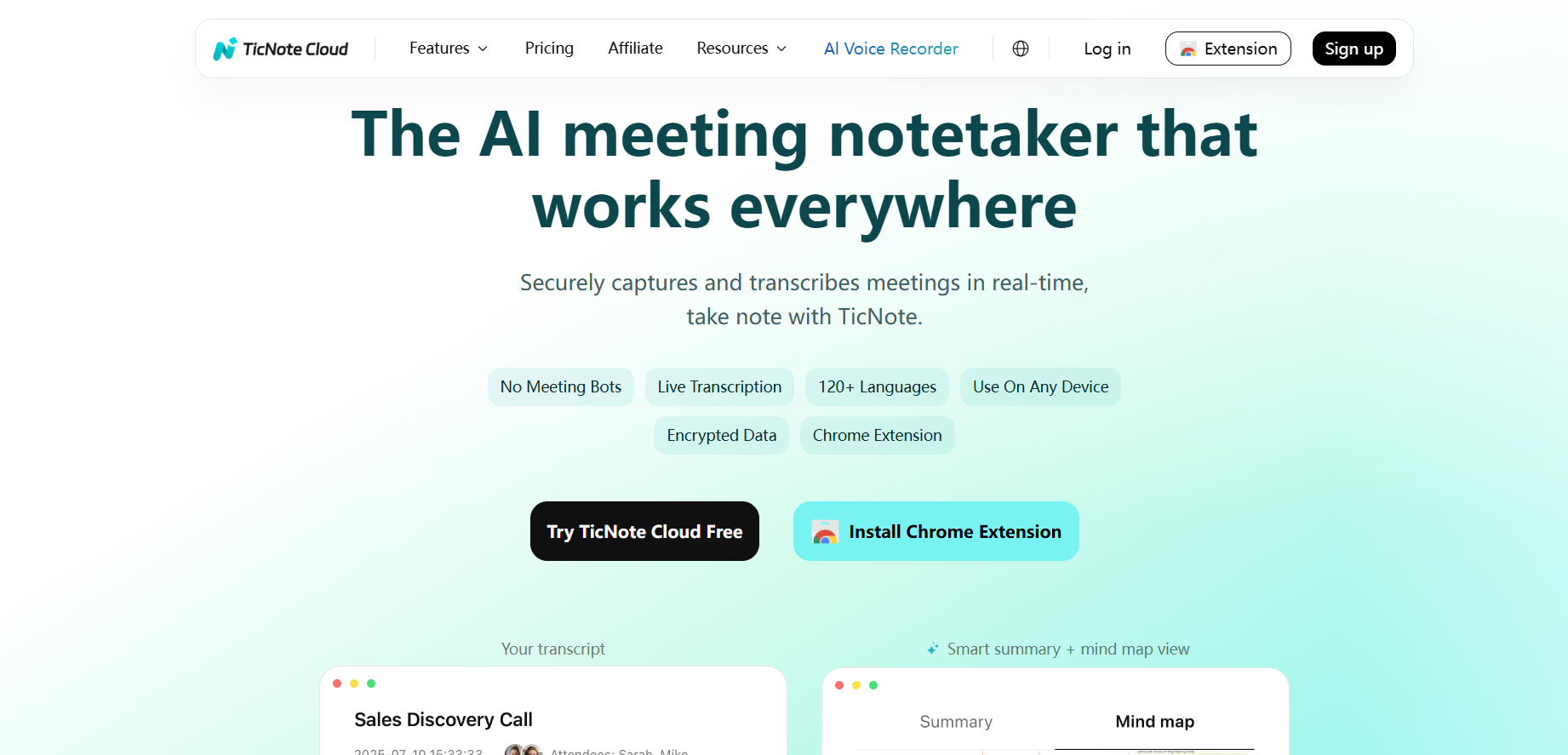
TicNote is an AI-powered note-taking and meeting transcription tool that automatically records, organizes, and summarizes conversations in real time. It is designed to help teams, professionals, and students capture ideas, decisions, and action items without the hassle of manual note-taking. TicNote’s AI converts spoken language into clear, structured notes, identifies key points, and creates shareable summaries. With integrations to productivity apps and searchable transcripts, TicNote ensures that nothing important gets lost during discussions. It’s ideal for remote teams, meetings, interviews, and academic use, combining accuracy with intelligent organization.
TicNote
TicNote is an AI-powered note-taking and meeting transcription tool that automatically records, organizes, and summarizes conversations in real time. It is designed to help teams, professionals, and students capture ideas, decisions, and action items without the hassle of manual note-taking. TicNote’s AI converts spoken language into clear, structured notes, identifies key points, and creates shareable summaries. With integrations to productivity apps and searchable transcripts, TicNote ensures that nothing important gets lost during discussions. It’s ideal for remote teams, meetings, interviews, and academic use, combining accuracy with intelligent organization.
TicNote
TicNote is an AI-powered note-taking and meeting transcription tool that automatically records, organizes, and summarizes conversations in real time. It is designed to help teams, professionals, and students capture ideas, decisions, and action items without the hassle of manual note-taking. TicNote’s AI converts spoken language into clear, structured notes, identifies key points, and creates shareable summaries. With integrations to productivity apps and searchable transcripts, TicNote ensures that nothing important gets lost during discussions. It’s ideal for remote teams, meetings, interviews, and academic use, combining accuracy with intelligent organization.

Meet Andy
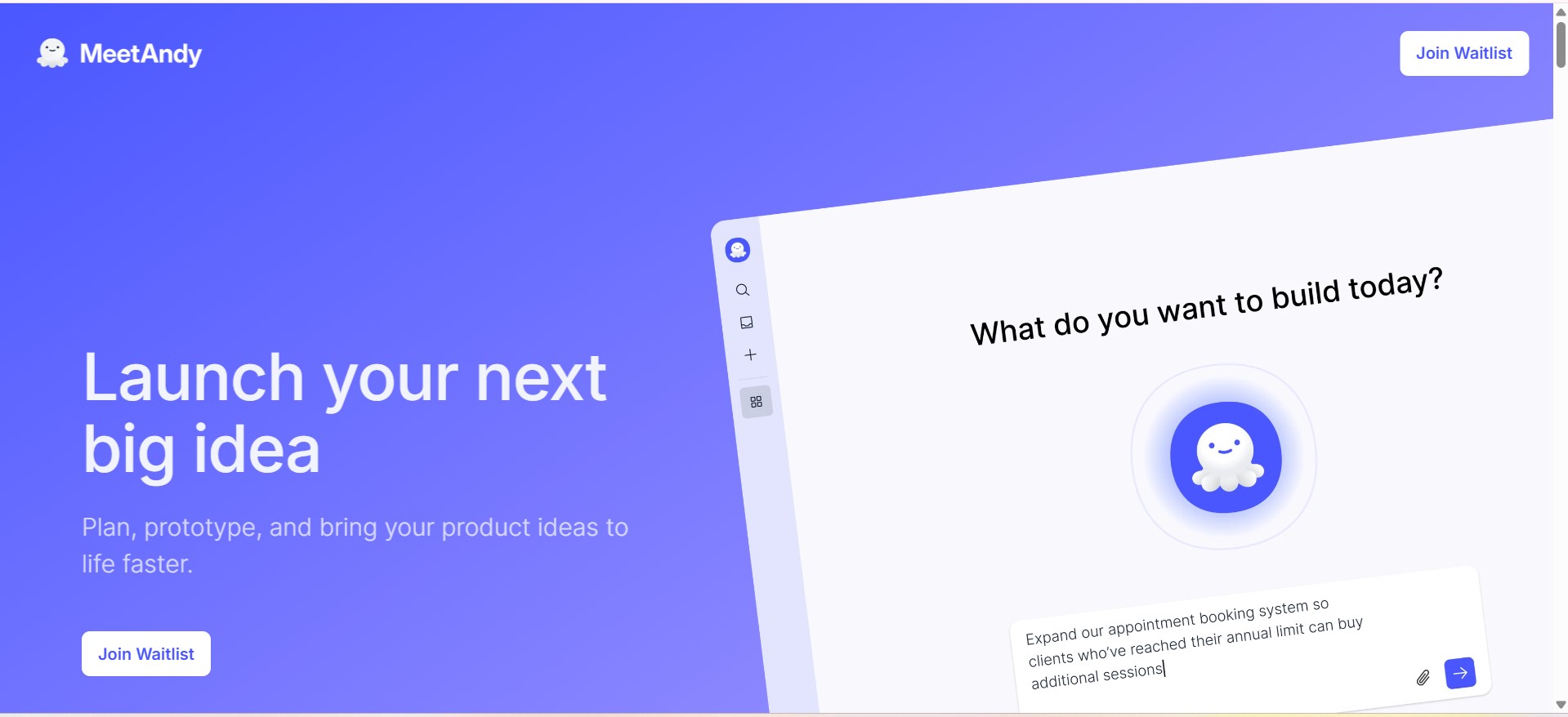
MeetAndy.ai is an AI-powered project and product assistant designed to help teams plan, document, and execute work more efficiently. It supports product managers, developers, and teams by transforming ideas, meetings, and discussions into structured documentation, actionable tasks, and clear project insights using AI-driven automation.
Meet Andy
MeetAndy.ai is an AI-powered project and product assistant designed to help teams plan, document, and execute work more efficiently. It supports product managers, developers, and teams by transforming ideas, meetings, and discussions into structured documentation, actionable tasks, and clear project insights using AI-driven automation.
Meet Andy
MeetAndy.ai is an AI-powered project and product assistant designed to help teams plan, document, and execute work more efficiently. It supports product managers, developers, and teams by transforming ideas, meetings, and discussions into structured documentation, actionable tasks, and clear project insights using AI-driven automation.
Editorial Note
This page was researched and written by the ATB Editorial Team. Our team researches each AI tool by reviewing its official website, testing features, exploring real use cases, and considering user feedback. Every page is fact-checked and regularly updated to ensure the information stays accurate, neutral, and useful for our readers.
If you have any suggestions or questions, email us at hello@aitoolbook.ai