
- Agencies & Marketers: Turn client calls into briefs, clips, social posts, and follow-up emails automatically.
- Founders & Operators: Spin up dashboards, prioritize feedback, and draft intros or recap emails from meetings.
- Product & UX Teams: Convert user interviews into categorized insights, problem statements, and stakeholder digests.
- Coaches & Consultants: Generate action items, next-session goals, and personalized follow-ups in minutes.
- Creators & Podcasters: Transform recordings into clips, carousels, scripts, and content calendars.
How to Use timeOS?
- Install & Connect: Add the desktop or Chrome app and link work tools like Notion and Drive.
- Pick a Template: Choose a workflow (e.g., user call to priority board) or create one with a prompt.
- Capture & Convert: Record or import meetings, then auto-generate summaries, clips, emails, and tables.
- Review & Ship: Tweak outputs, save as templates, and sync to connected tools for seamless handoff.
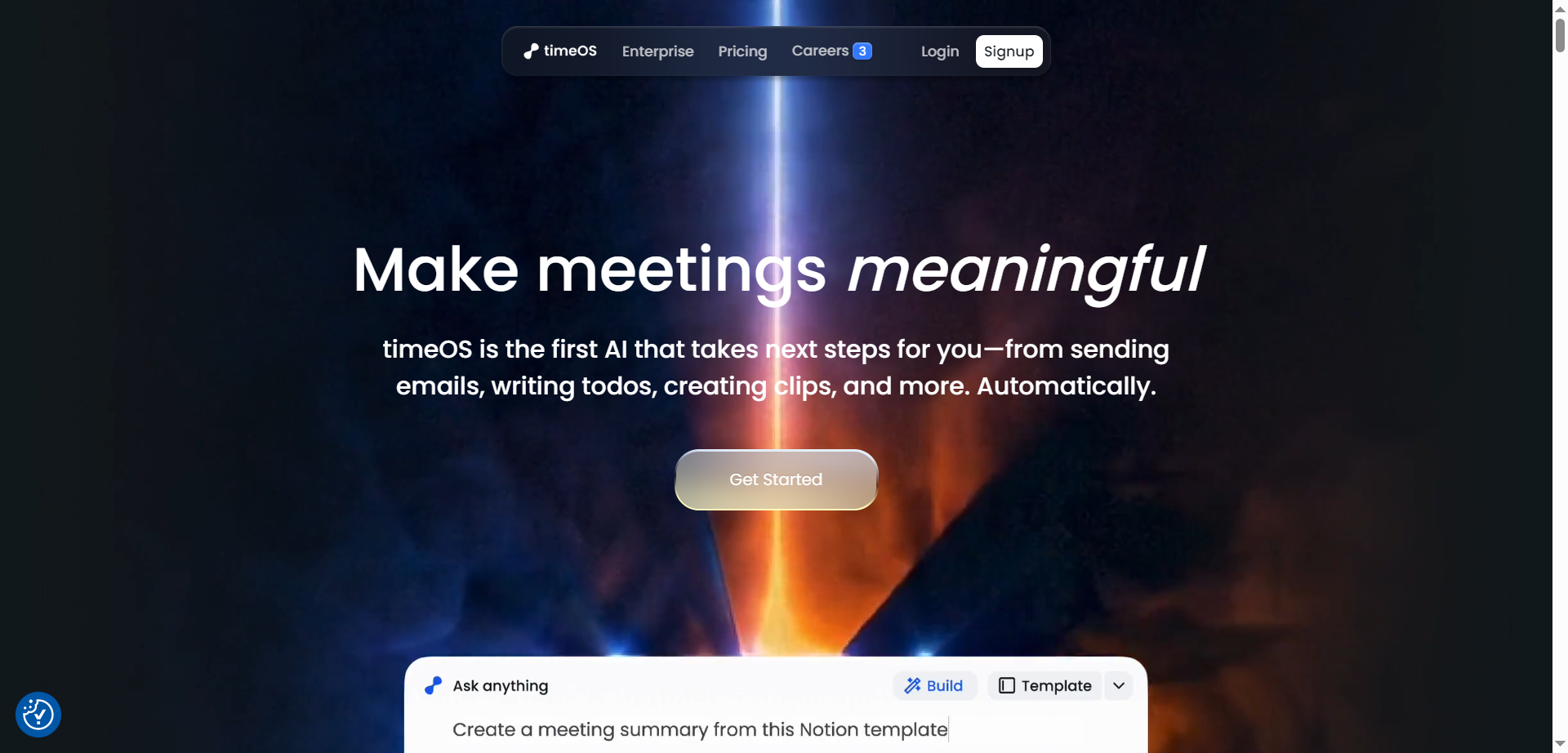
- Action-First AI: Auto-creates emails, todos, clips, charts, and tables—beyond simple notes.
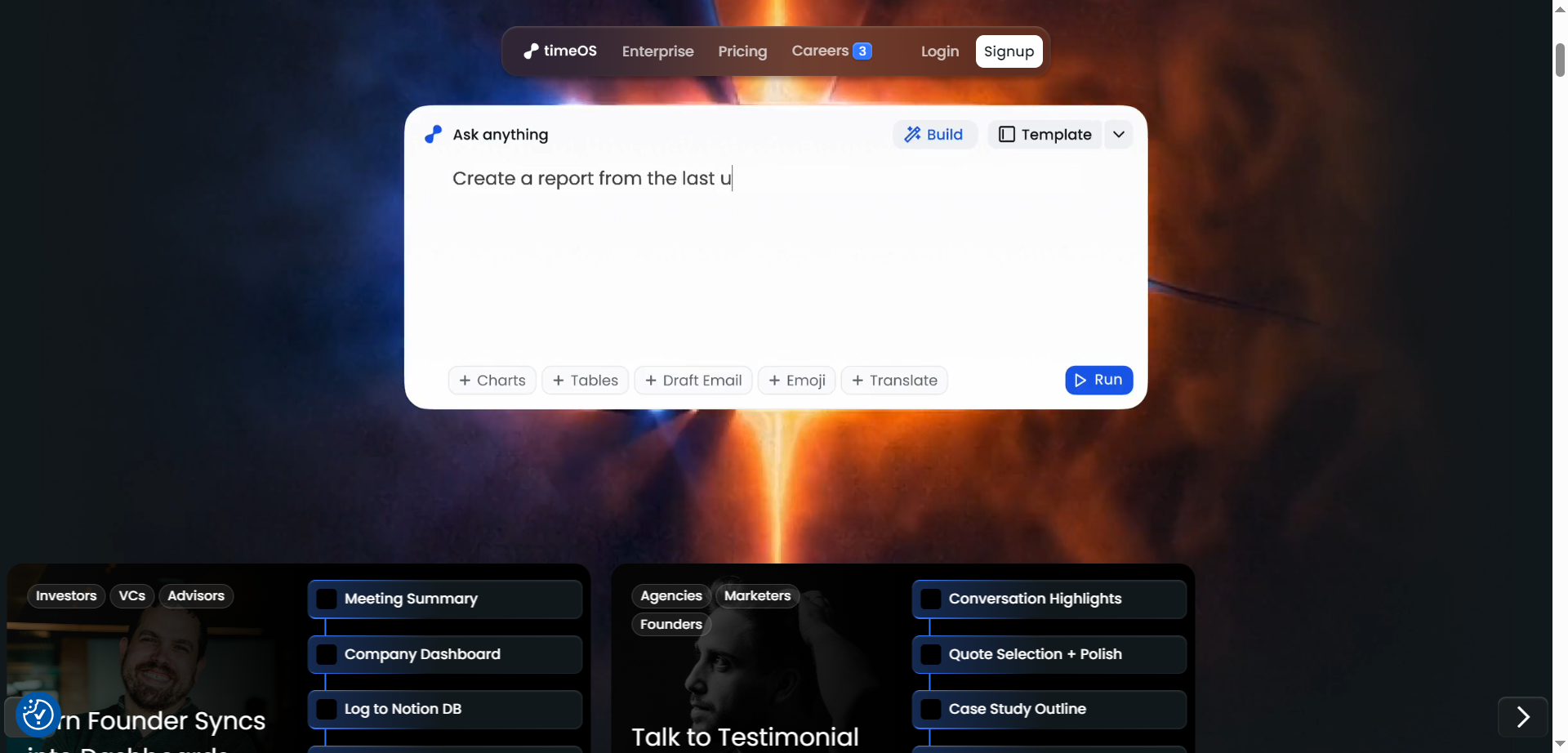
- Template Builder: One prompt becomes a full workflow, instantly editable and reusable.
- AI Clips: Ask for a 30s highlight and get share-ready video moments from any meeting.
- No-Bot Capture: Desktop experience records notes without a meeting bot joining calls.
- Enterprise-Ready Privacy: Private by default with user-controlled data deletion and strong compliance.
- Turns transcripts into real work outputs automatically.
- Flexible templates that update entire workflows in one click.
- Fast desktop capture without meeting bots.
- Smooth integrations that keep tools in sync.
- Best results depend on thoughtful template setup.
- Video clip quality can vary based on source audio.
- Complex teams may need time to standardize workflows.
- Limited OS support if not using macOS or Chrome.
Free
$ 0.00
Al meeting notes in 60+ languages
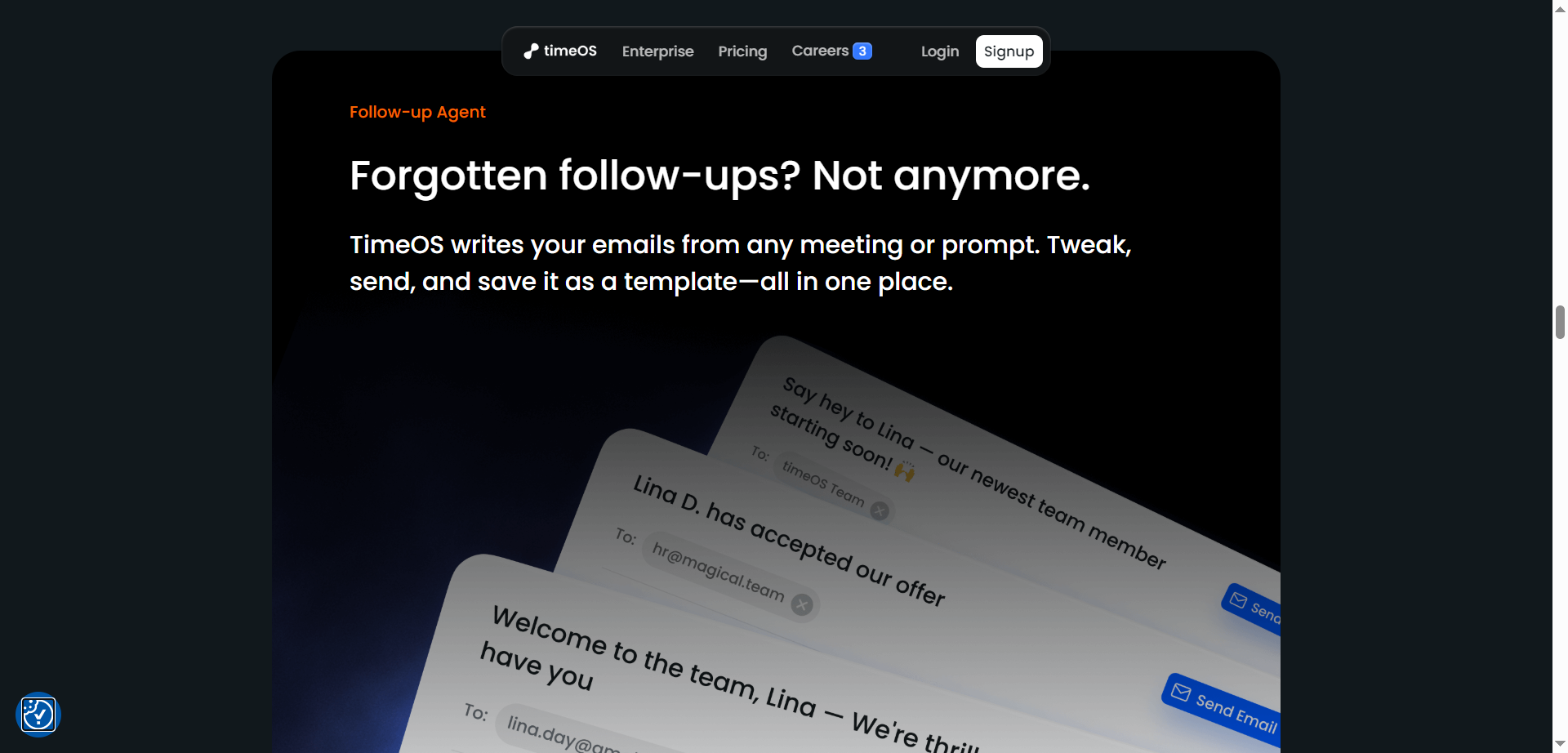
Al-powered followup emails that sound like you
Gallery of Al assistant background images & customizable name
Smart scheduling links
15+ integrations, including Notion, Google Drive, and more.
Up to 10 Instant Briefs, getting you ready for meetings in seconds with context from Linkedin, Gmail threads, Google Calendar, and previous meeting notes
Timely reminders to join meetings right on time
Access your calendar & notes from any tab
Pro
$ 29.00
Unlimited Al Meetings
Unlimited Instant Briefs
100% customizable Al assistant
Priority Support
Access to our exclusive Slack community, beta features, and productivity webinars
Unlimited storage for meeting notes, transcripts, and recordings
Business
$ 39.00
Unified billing
1 year price guarantee
Manage user permissions
SOC 2 (Type 2)
Team workspace
Workspace auto-sharing
Collaborative team features
Proud of the love you're getting? Show off your AI Toolbook reviews—then invite more fans to share the love and build your credibility.
Add an AI Toolbook badge to your site—an easy way to drive followers, showcase updates, and collect reviews. It's like a mini 24/7 billboard for your AI.
Reviews
Rating Distribution
Average score
Popular Mention
FAQs
Similar AI Tools
NYOTA
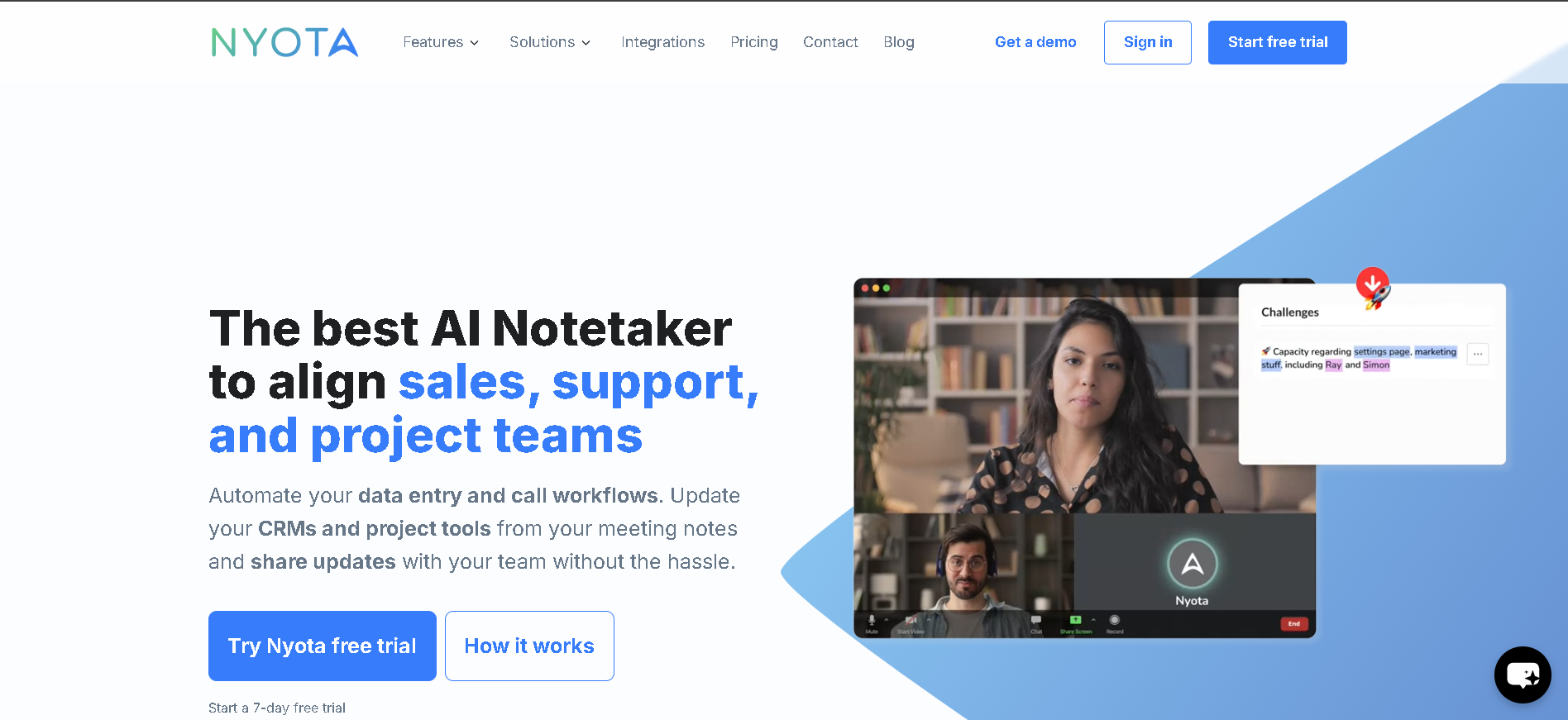
Nyota AI is an advanced AI-powered notetaker designed to streamline meetings and automate workflows for sales, support, and project teams. Unlike traditional notetaking tools, Nyota AI goes beyond simple transcription—it captures key insights, updates CRMs and project tools, and generates actionable summaries, allowing teams to stay aligned without manual effort. With support for over 90 languages, Nyota AI ensures that no important detail is lost, making meetings more productive and efficient.
NYOTA
Nyota AI is an advanced AI-powered notetaker designed to streamline meetings and automate workflows for sales, support, and project teams. Unlike traditional notetaking tools, Nyota AI goes beyond simple transcription—it captures key insights, updates CRMs and project tools, and generates actionable summaries, allowing teams to stay aligned without manual effort. With support for over 90 languages, Nyota AI ensures that no important detail is lost, making meetings more productive and efficient.
NYOTA
Nyota AI is an advanced AI-powered notetaker designed to streamline meetings and automate workflows for sales, support, and project teams. Unlike traditional notetaking tools, Nyota AI goes beyond simple transcription—it captures key insights, updates CRMs and project tools, and generates actionable summaries, allowing teams to stay aligned without manual effort. With support for over 90 languages, Nyota AI ensures that no important detail is lost, making meetings more productive and efficient.
MinutesLink
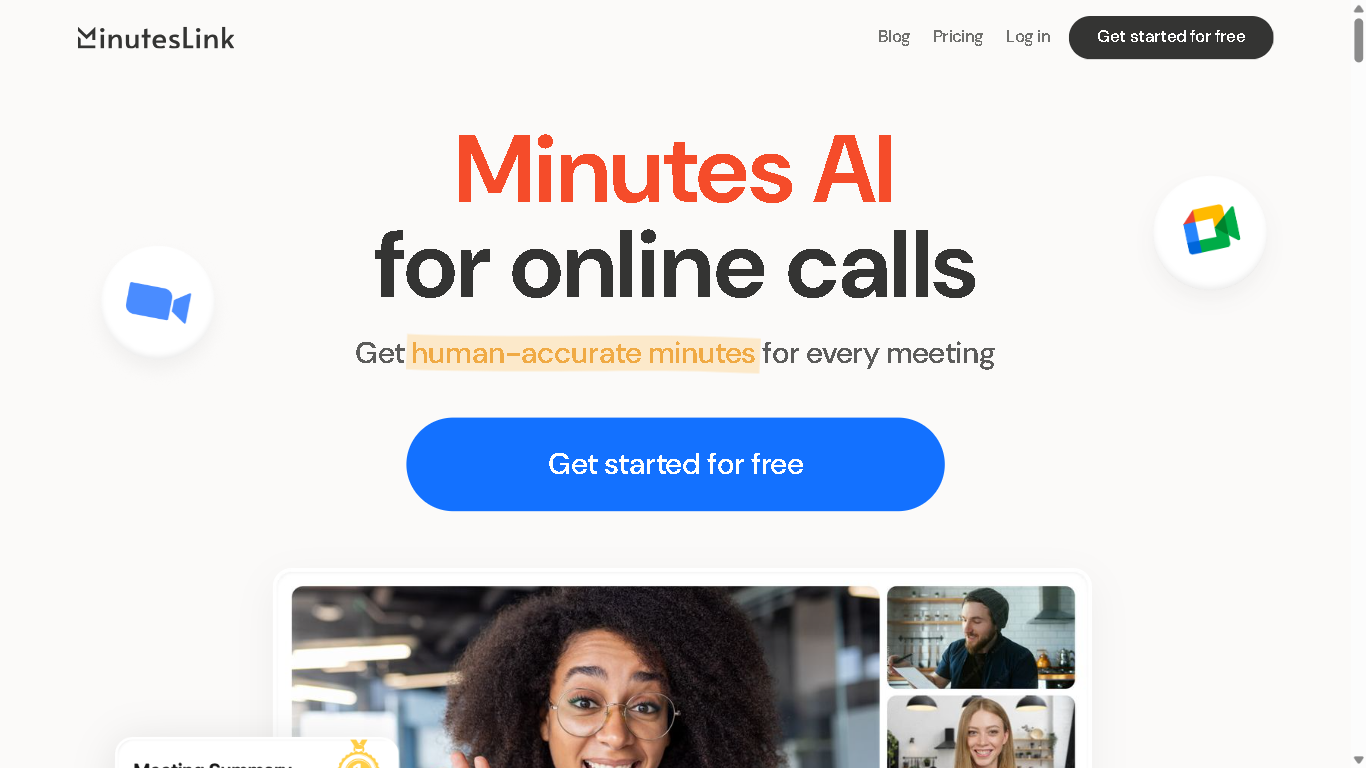
MinutesLink is an AI-powered meeting assistant that automates note-taking, transcription, and summarization for virtual meetings. It integrates with platforms like Zoom and Google Meet to capture and organize meeting content, enabling users to focus on discussions without manual note-taking. Experience the future of meeting productivity with MinutesLink – where every conversation becomes organized, searchable notes and actionable insights
MinutesLink
MinutesLink is an AI-powered meeting assistant that automates note-taking, transcription, and summarization for virtual meetings. It integrates with platforms like Zoom and Google Meet to capture and organize meeting content, enabling users to focus on discussions without manual note-taking. Experience the future of meeting productivity with MinutesLink – where every conversation becomes organized, searchable notes and actionable insights
MinutesLink
MinutesLink is an AI-powered meeting assistant that automates note-taking, transcription, and summarization for virtual meetings. It integrates with platforms like Zoom and Google Meet to capture and organize meeting content, enabling users to focus on discussions without manual note-taking. Experience the future of meeting productivity with MinutesLink – where every conversation becomes organized, searchable notes and actionable insights
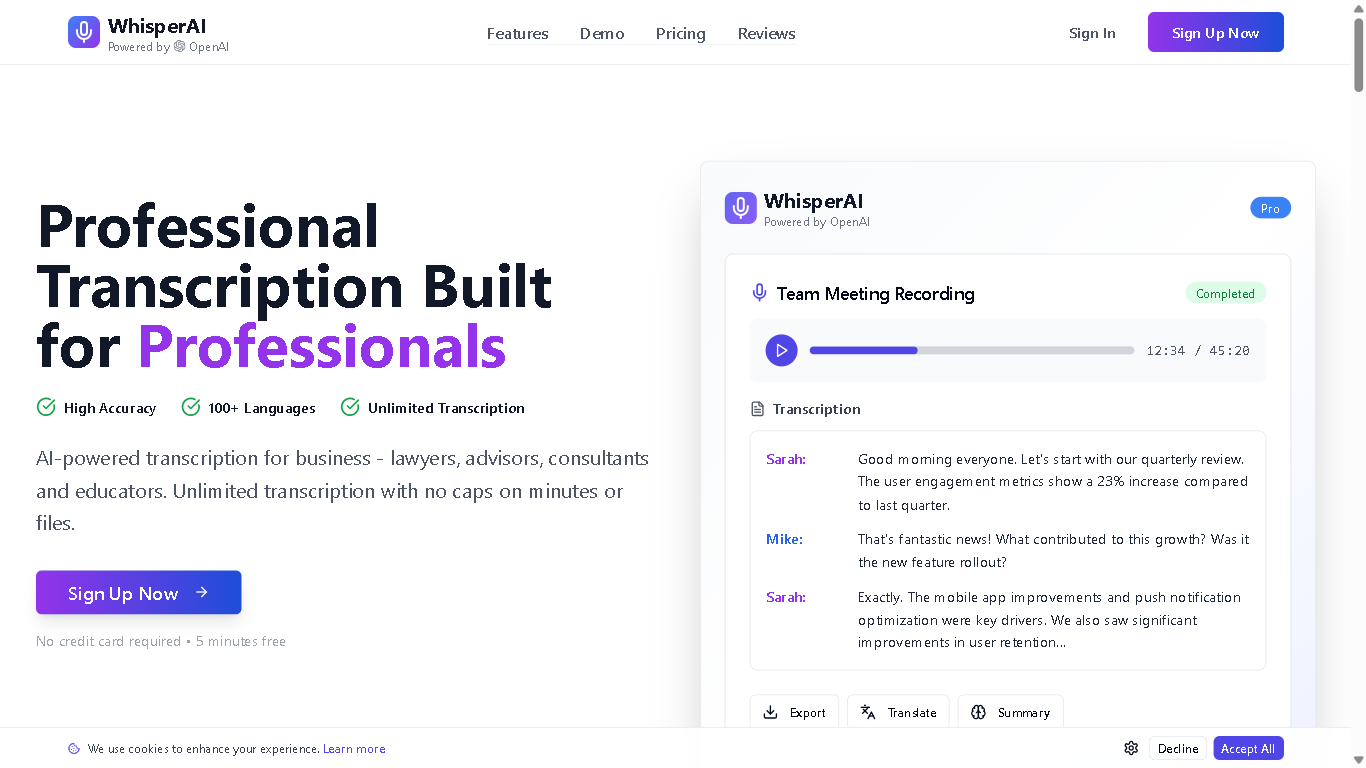
Whisprai.ai is an AI-powered transcription and summarization tool designed to help businesses and individuals quickly and accurately transcribe audio and video files, and generate concise summaries of their content. It offers features for improving workflow efficiency and enhancing productivity through AI-driven automation.
Whisprai.ai is an AI-powered transcription and summarization tool designed to help businesses and individuals quickly and accurately transcribe audio and video files, and generate concise summaries of their content. It offers features for improving workflow efficiency and enhancing productivity through AI-driven automation.
Whisprai.ai is an AI-powered transcription and summarization tool designed to help businesses and individuals quickly and accurately transcribe audio and video files, and generate concise summaries of their content. It offers features for improving workflow efficiency and enhancing productivity through AI-driven automation.
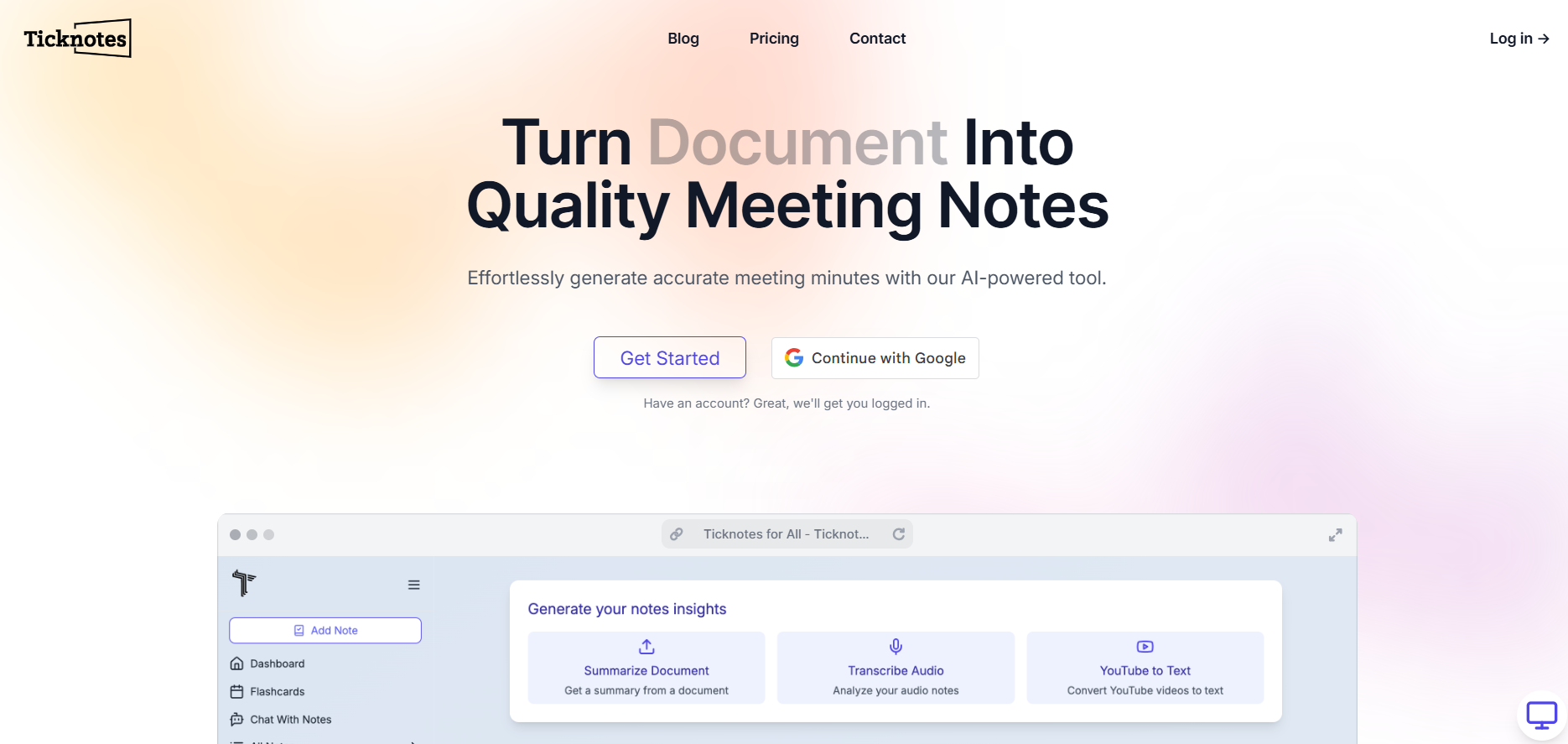

Ticknotes
Meeting Minutes Generator is an AI-driven tool that helps teams turn meeting recordings, transcripts, or notes into clear, actionable meeting minutes. Rather than manually sifting through hours of discussion, it identifies key discussion points, decisions, and action items automatically, producing a polished summary you can share with stakeholders. The tool saves time, improves accuracy, and ensures nothing important gets lost after meetings.
Ticknotes
Meeting Minutes Generator is an AI-driven tool that helps teams turn meeting recordings, transcripts, or notes into clear, actionable meeting minutes. Rather than manually sifting through hours of discussion, it identifies key discussion points, decisions, and action items automatically, producing a polished summary you can share with stakeholders. The tool saves time, improves accuracy, and ensures nothing important gets lost after meetings.
Ticknotes
Meeting Minutes Generator is an AI-driven tool that helps teams turn meeting recordings, transcripts, or notes into clear, actionable meeting minutes. Rather than manually sifting through hours of discussion, it identifies key discussion points, decisions, and action items automatically, producing a polished summary you can share with stakeholders. The tool saves time, improves accuracy, and ensures nothing important gets lost after meetings.
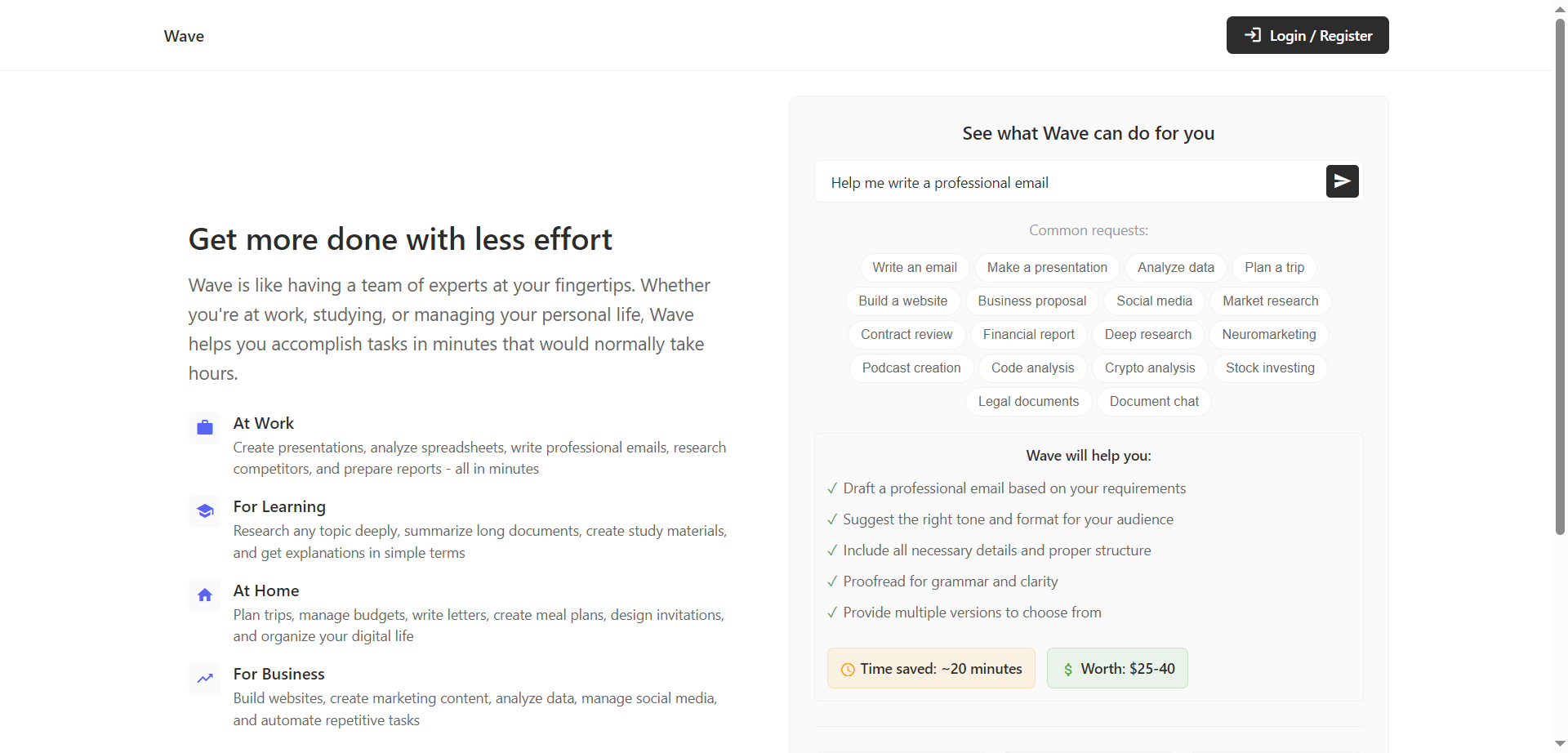

Wave
Wave is an AI-powered personal productivity assistant that helps complete work, learning, and life tasks in minutes instead of hours. It acts like a team of experts on demand, creating presentations, analyzing spreadsheets, drafting professional emails, researching competitors, and preparing reports. For learning, it can deeply research topics, summarize long documents, and generate study materials and plain-language explanations. At home and in business, it plans trips, manages budgets, creates marketing content, analyzes data, manages social, and automates repetitive tasks. With 200+ expert skills and a simple subscription, Wave focuses on saving time and multiplying output without adding complexity.
Wave
Wave is an AI-powered personal productivity assistant that helps complete work, learning, and life tasks in minutes instead of hours. It acts like a team of experts on demand, creating presentations, analyzing spreadsheets, drafting professional emails, researching competitors, and preparing reports. For learning, it can deeply research topics, summarize long documents, and generate study materials and plain-language explanations. At home and in business, it plans trips, manages budgets, creates marketing content, analyzes data, manages social, and automates repetitive tasks. With 200+ expert skills and a simple subscription, Wave focuses on saving time and multiplying output without adding complexity.
Wave
Wave is an AI-powered personal productivity assistant that helps complete work, learning, and life tasks in minutes instead of hours. It acts like a team of experts on demand, creating presentations, analyzing spreadsheets, drafting professional emails, researching competitors, and preparing reports. For learning, it can deeply research topics, summarize long documents, and generate study materials and plain-language explanations. At home and in business, it plans trips, manages budgets, creates marketing content, analyzes data, manages social, and automates repetitive tasks. With 200+ expert skills and a simple subscription, Wave focuses on saving time and multiplying output without adding complexity.
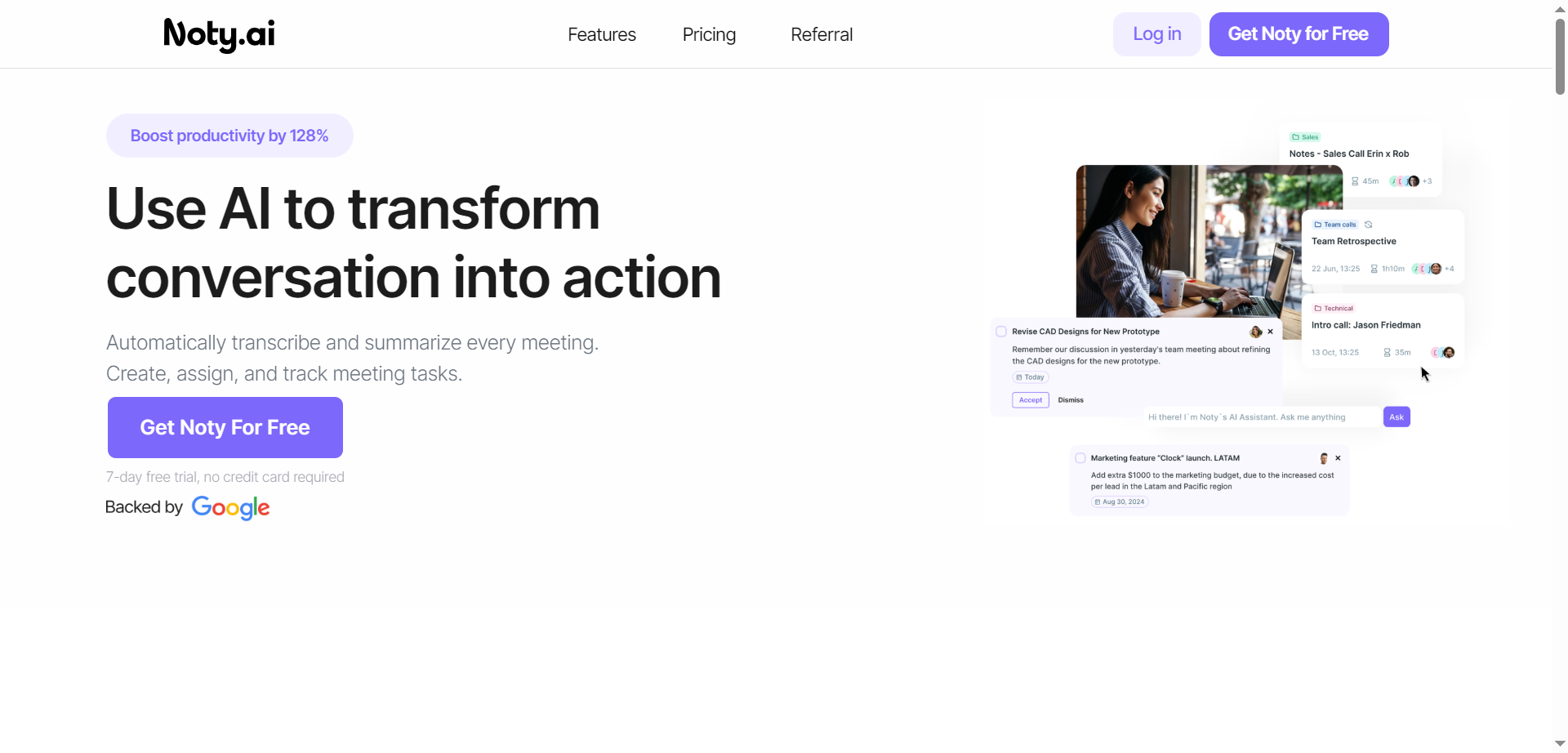

Noty.ai
Noty.ai is a meeting AI assistant that turns conversations into actions by transcribing, summarizing, and organizing every meeting in real time. It captures key points, decisions, and deadlines, then generates concise summaries and AI-powered to-do lists for follow-through. During calls, it displays live transcripts for highlighting and commenting, and after, it creates shareable notes, tasks, and assignments. Teams can review, edit, and chat with Noty to surface details quickly, reducing post-meeting admin and context switching. With automated task detection, ownership, and due dates, it helps teams stay accountable and on schedule. The result is fewer missed details, faster alignment, and clearer action across projects.
Noty.ai
Noty.ai is a meeting AI assistant that turns conversations into actions by transcribing, summarizing, and organizing every meeting in real time. It captures key points, decisions, and deadlines, then generates concise summaries and AI-powered to-do lists for follow-through. During calls, it displays live transcripts for highlighting and commenting, and after, it creates shareable notes, tasks, and assignments. Teams can review, edit, and chat with Noty to surface details quickly, reducing post-meeting admin and context switching. With automated task detection, ownership, and due dates, it helps teams stay accountable and on schedule. The result is fewer missed details, faster alignment, and clearer action across projects.
Noty.ai
Noty.ai is a meeting AI assistant that turns conversations into actions by transcribing, summarizing, and organizing every meeting in real time. It captures key points, decisions, and deadlines, then generates concise summaries and AI-powered to-do lists for follow-through. During calls, it displays live transcripts for highlighting and commenting, and after, it creates shareable notes, tasks, and assignments. Teams can review, edit, and chat with Noty to surface details quickly, reducing post-meeting admin and context switching. With automated task detection, ownership, and due dates, it helps teams stay accountable and on schedule. The result is fewer missed details, faster alignment, and clearer action across projects.


Radiant
Radiant is an AI-powered personal assistant app designed to help professionals capture meetings and execute next steps automatically. It goes beyond traditional notetaking by intelligently identifying action items and completing tasks across your connected tools. With seamless integration and background operation, Radiant enables users to work more efficiently by automating repetitive follow-ups, creating drafts, and managing tasks in real-time. The platform’s mission is to save time and enhance productivity by acting as your silent digital collaborator, turning discussions into tangible results without manual effort.
Radiant
Radiant is an AI-powered personal assistant app designed to help professionals capture meetings and execute next steps automatically. It goes beyond traditional notetaking by intelligently identifying action items and completing tasks across your connected tools. With seamless integration and background operation, Radiant enables users to work more efficiently by automating repetitive follow-ups, creating drafts, and managing tasks in real-time. The platform’s mission is to save time and enhance productivity by acting as your silent digital collaborator, turning discussions into tangible results without manual effort.
Radiant
Radiant is an AI-powered personal assistant app designed to help professionals capture meetings and execute next steps automatically. It goes beyond traditional notetaking by intelligently identifying action items and completing tasks across your connected tools. With seamless integration and background operation, Radiant enables users to work more efficiently by automating repetitive follow-ups, creating drafts, and managing tasks in real-time. The platform’s mission is to save time and enhance productivity by acting as your silent digital collaborator, turning discussions into tangible results without manual effort.
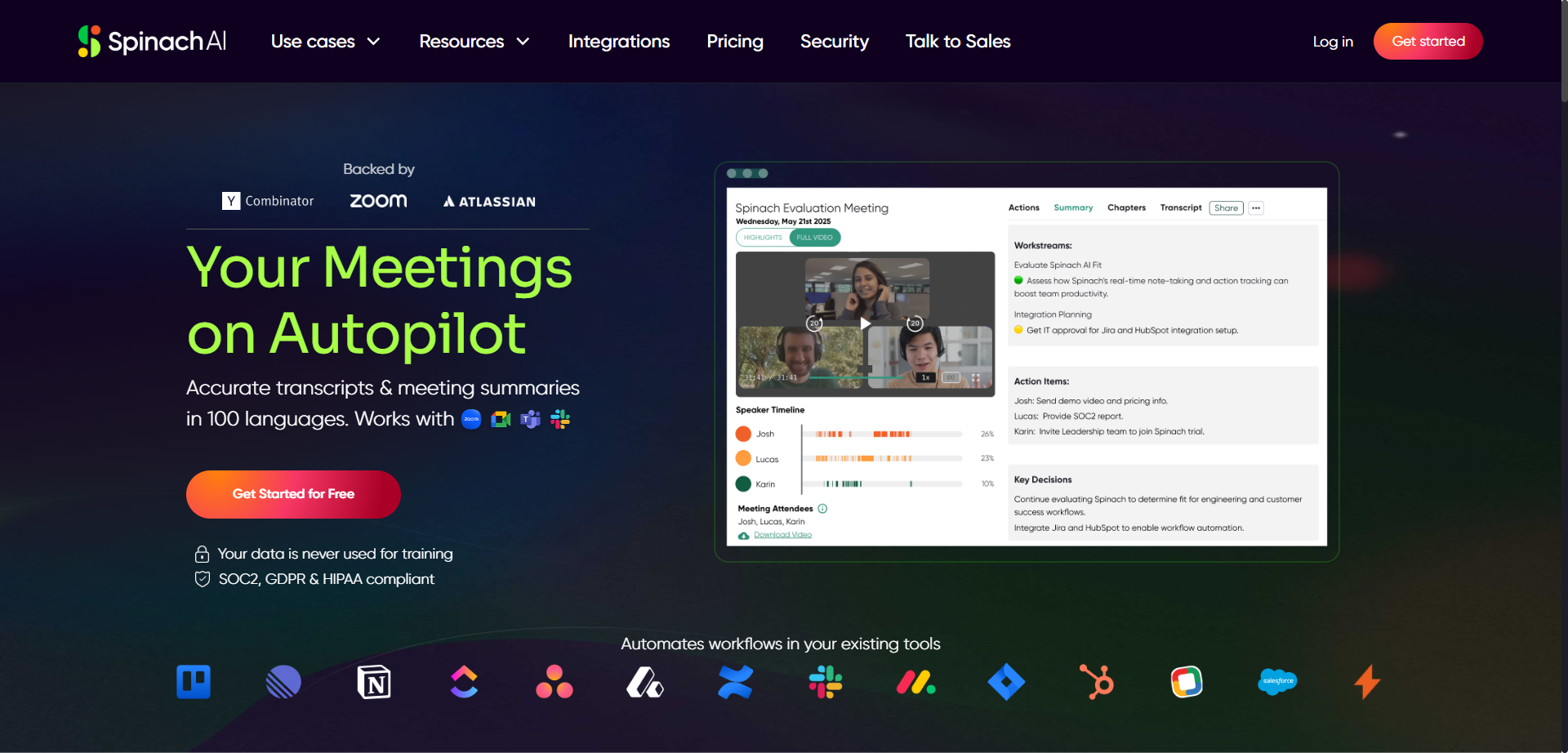
Spinach AI
Spinach is an AI-powered meeting assistant designed to enhance productivity by automatically taking notes and capturing action items during meetings such as daily standups, weekly syncs, and user research sessions. It integrates seamlessly with calendars, video conferencing tools, Slack, email, and project management platforms like Jira to streamline workflows. Spinach converts discussion points into clear summaries and actionable tickets, allowing users to stay engaged without distraction. The platform gives users control to review and edit notes before sharing, ensuring privacy and accuracy. Spinach helps teams save time, improve collaboration, and keep project boards updated effortlessly.
Spinach AI
Spinach is an AI-powered meeting assistant designed to enhance productivity by automatically taking notes and capturing action items during meetings such as daily standups, weekly syncs, and user research sessions. It integrates seamlessly with calendars, video conferencing tools, Slack, email, and project management platforms like Jira to streamline workflows. Spinach converts discussion points into clear summaries and actionable tickets, allowing users to stay engaged without distraction. The platform gives users control to review and edit notes before sharing, ensuring privacy and accuracy. Spinach helps teams save time, improve collaboration, and keep project boards updated effortlessly.
Spinach AI
Spinach is an AI-powered meeting assistant designed to enhance productivity by automatically taking notes and capturing action items during meetings such as daily standups, weekly syncs, and user research sessions. It integrates seamlessly with calendars, video conferencing tools, Slack, email, and project management platforms like Jira to streamline workflows. Spinach converts discussion points into clear summaries and actionable tickets, allowing users to stay engaged without distraction. The platform gives users control to review and edit notes before sharing, ensuring privacy and accuracy. Spinach helps teams save time, improve collaboration, and keep project boards updated effortlessly.
Twin Mind
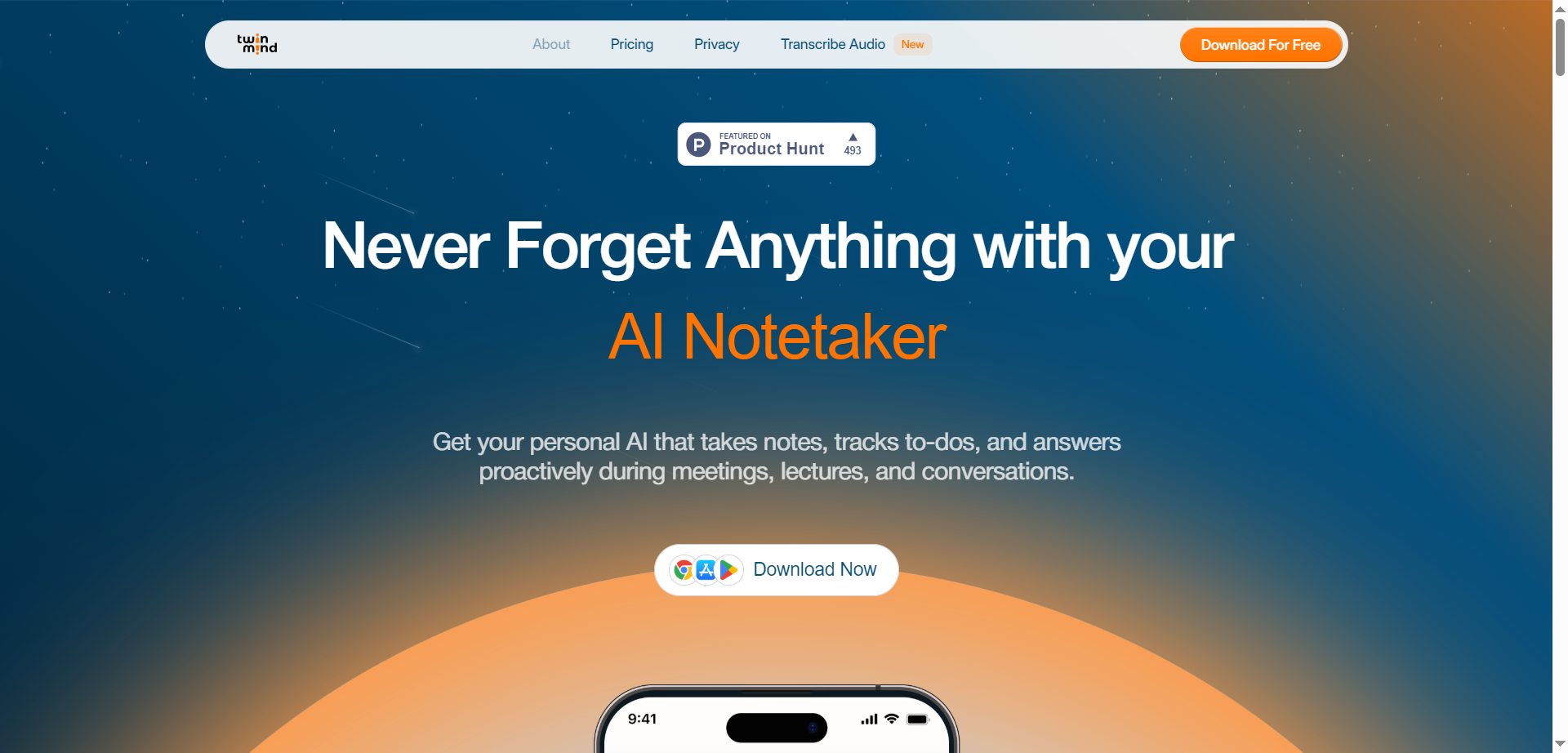
TwinMind is an AI-powered personal assistant platform that provides advanced note-taking, transcription, and meeting summarization services. It works across meetings, lectures, and conversations, capturing notes proactively and offering real-time transcription with high accuracy in over 140 languages. TwinMind operates with offline mode ensuring 100% privacy by processing audio on-device without recording, and it stores transcripts locally with optional encrypted cloud backups. The platform also integrates AI models for generating summaries, action items, follow-up emails, and study guides, helping users stay organized and efficient. TwinMind supports desktop, mobile, and browser extensions, enabling seamless integration into users’ daily workflows.
Twin Mind
TwinMind is an AI-powered personal assistant platform that provides advanced note-taking, transcription, and meeting summarization services. It works across meetings, lectures, and conversations, capturing notes proactively and offering real-time transcription with high accuracy in over 140 languages. TwinMind operates with offline mode ensuring 100% privacy by processing audio on-device without recording, and it stores transcripts locally with optional encrypted cloud backups. The platform also integrates AI models for generating summaries, action items, follow-up emails, and study guides, helping users stay organized and efficient. TwinMind supports desktop, mobile, and browser extensions, enabling seamless integration into users’ daily workflows.
Twin Mind
TwinMind is an AI-powered personal assistant platform that provides advanced note-taking, transcription, and meeting summarization services. It works across meetings, lectures, and conversations, capturing notes proactively and offering real-time transcription with high accuracy in over 140 languages. TwinMind operates with offline mode ensuring 100% privacy by processing audio on-device without recording, and it stores transcripts locally with optional encrypted cloud backups. The platform also integrates AI models for generating summaries, action items, follow-up emails, and study guides, helping users stay organized and efficient. TwinMind supports desktop, mobile, and browser extensions, enabling seamless integration into users’ daily workflows.

ScreenApp
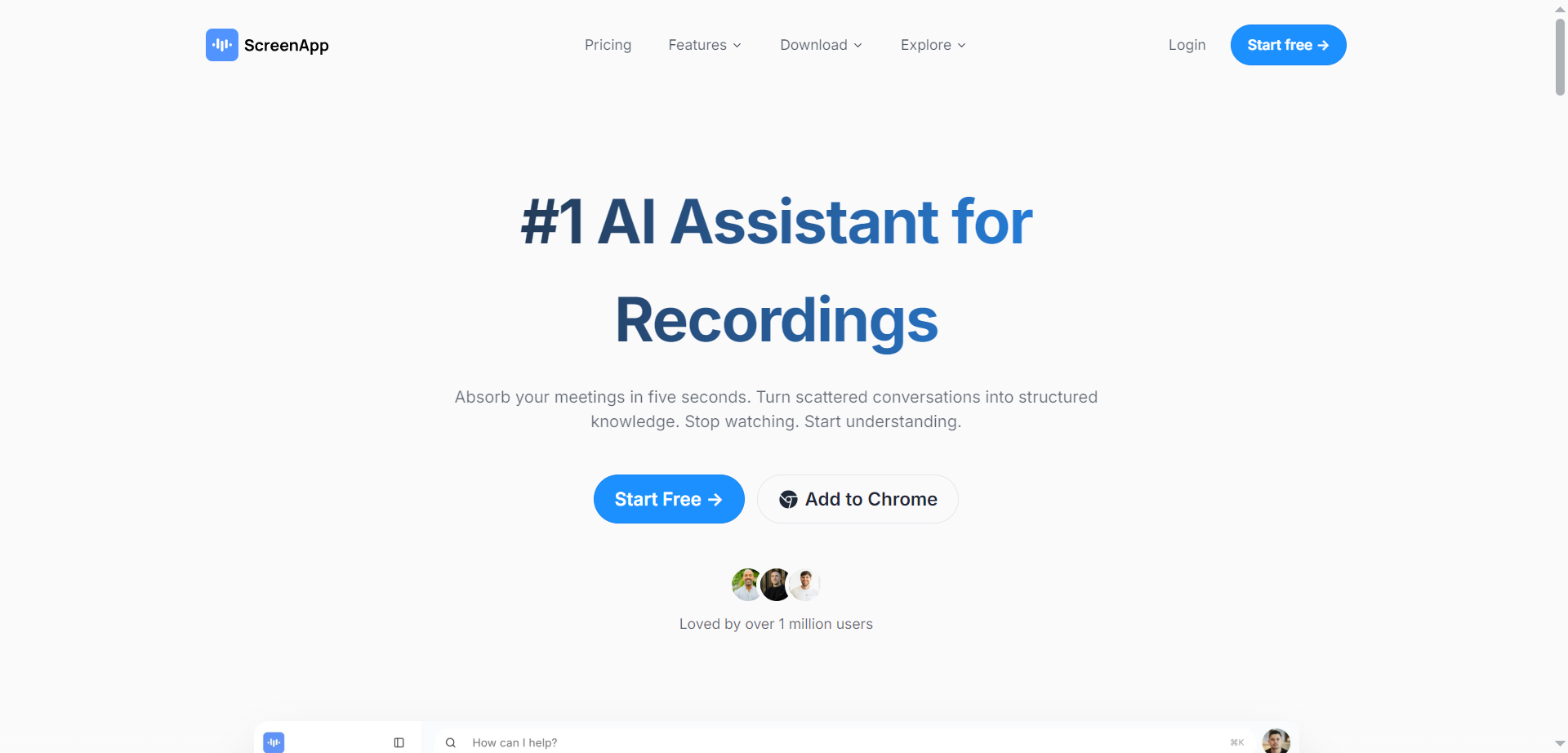
ScreenApp is an innovative AI-powered platform that serves as a comprehensive notetaker, transcription tool, summarizer, and recorder for audio and video content. It allows users to effortlessly record meetings, lectures, conversations, and screen activity directly in the browser without any installation. The AI automatically transcribes recordings with up to 99% accuracy for clear audio, generates structured notes with key points, action items, and decisions in real-time, extracts insights and summaries in seconds, and enables searching or asking questions about the content for instant answers. It transforms hours of scattered information into searchable, organized knowledge, acting as a second brain for your recordings.
ScreenApp
ScreenApp is an innovative AI-powered platform that serves as a comprehensive notetaker, transcription tool, summarizer, and recorder for audio and video content. It allows users to effortlessly record meetings, lectures, conversations, and screen activity directly in the browser without any installation. The AI automatically transcribes recordings with up to 99% accuracy for clear audio, generates structured notes with key points, action items, and decisions in real-time, extracts insights and summaries in seconds, and enables searching or asking questions about the content for instant answers. It transforms hours of scattered information into searchable, organized knowledge, acting as a second brain for your recordings.
ScreenApp
ScreenApp is an innovative AI-powered platform that serves as a comprehensive notetaker, transcription tool, summarizer, and recorder for audio and video content. It allows users to effortlessly record meetings, lectures, conversations, and screen activity directly in the browser without any installation. The AI automatically transcribes recordings with up to 99% accuracy for clear audio, generates structured notes with key points, action items, and decisions in real-time, extracts insights and summaries in seconds, and enables searching or asking questions about the content for instant answers. It transforms hours of scattered information into searchable, organized knowledge, acting as a second brain for your recordings.
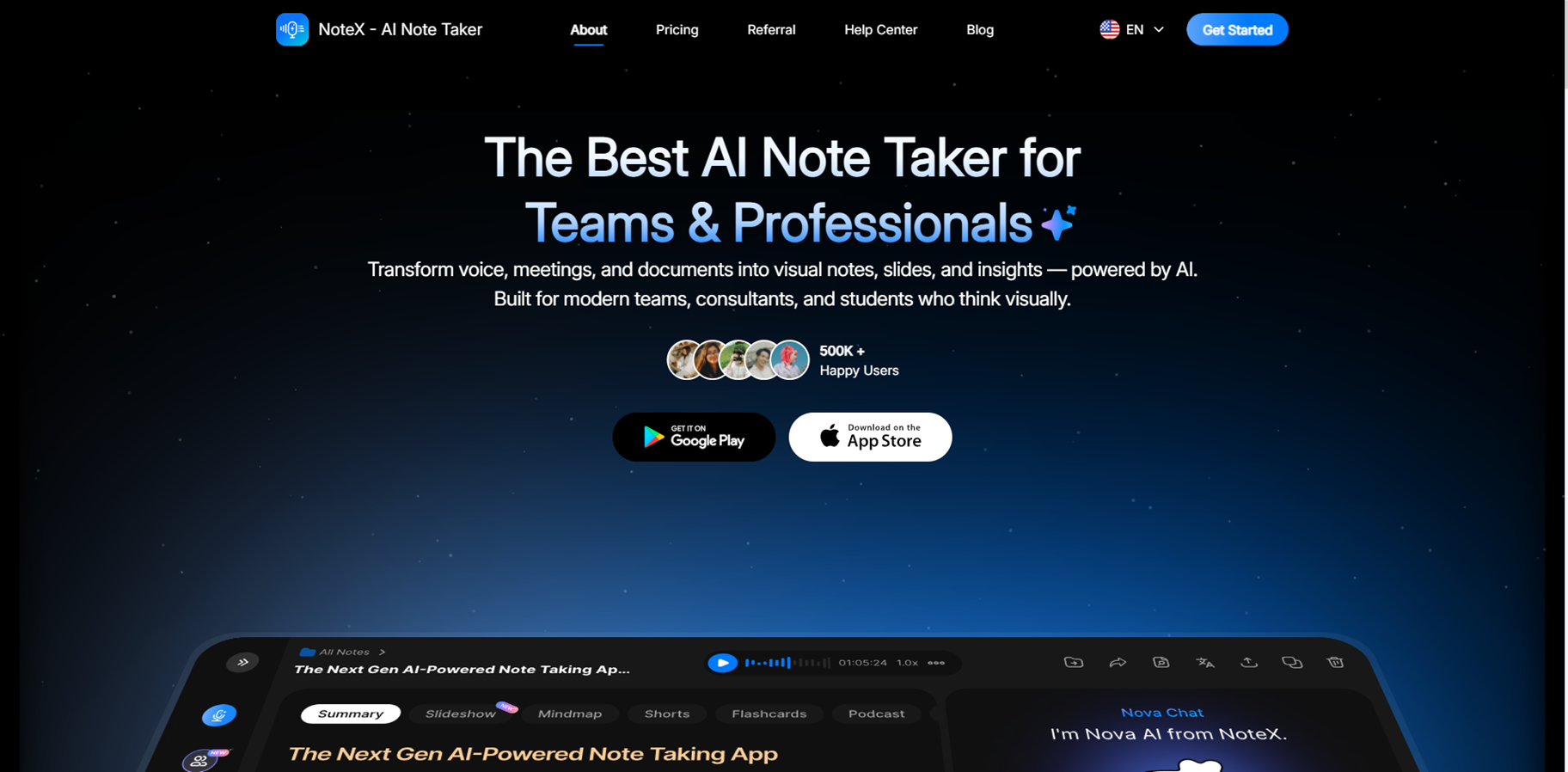
NoteX - AI Note Taker is an AI-powered note-taking platform that captures, transcribes, and transforms any content into smart, actionable study or work materials. Upload YouTube videos, audio recordings, PDFs, images for OCR, or websites, and it generates summaries, mind maps, flashcards, quizzes, and even AI Shorts for TikTok or YouTube. With 99.2% accurate transcriptions, voice-to-notes conversion, meeting minutes, and a chatty AI assistant named Nova, it syncs across web, iOS, and Android while supporting translations and collaboration. Ideal for students, professionals, and creators turning lectures, meetings, or ideas into organized knowledge fast.
NoteX - AI Note Taker is an AI-powered note-taking platform that captures, transcribes, and transforms any content into smart, actionable study or work materials. Upload YouTube videos, audio recordings, PDFs, images for OCR, or websites, and it generates summaries, mind maps, flashcards, quizzes, and even AI Shorts for TikTok or YouTube. With 99.2% accurate transcriptions, voice-to-notes conversion, meeting minutes, and a chatty AI assistant named Nova, it syncs across web, iOS, and Android while supporting translations and collaboration. Ideal for students, professionals, and creators turning lectures, meetings, or ideas into organized knowledge fast.
NoteX - AI Note Taker is an AI-powered note-taking platform that captures, transcribes, and transforms any content into smart, actionable study or work materials. Upload YouTube videos, audio recordings, PDFs, images for OCR, or websites, and it generates summaries, mind maps, flashcards, quizzes, and even AI Shorts for TikTok or YouTube. With 99.2% accurate transcriptions, voice-to-notes conversion, meeting minutes, and a chatty AI assistant named Nova, it syncs across web, iOS, and Android while supporting translations and collaboration. Ideal for students, professionals, and creators turning lectures, meetings, or ideas into organized knowledge fast.


Minute Minder
Minute Minder is an AI Agenda Assistant for Google Meet. It helps you avoid running overtime with a timer and alert system, and keeps meetings clear and focused by using AI to organise everyone’s speaking time. With an AI Agenda Assistant next to the meeting, you don’t start from scratch. You start with a clear goal and a sequence that fits the time you booked. And because you can share it, everyone is aligned early, not after 20 minutes of context switching.
Minute Minder
Minute Minder is an AI Agenda Assistant for Google Meet. It helps you avoid running overtime with a timer and alert system, and keeps meetings clear and focused by using AI to organise everyone’s speaking time. With an AI Agenda Assistant next to the meeting, you don’t start from scratch. You start with a clear goal and a sequence that fits the time you booked. And because you can share it, everyone is aligned early, not after 20 minutes of context switching.
Minute Minder
Minute Minder is an AI Agenda Assistant for Google Meet. It helps you avoid running overtime with a timer and alert system, and keeps meetings clear and focused by using AI to organise everyone’s speaking time. With an AI Agenda Assistant next to the meeting, you don’t start from scratch. You start with a clear goal and a sequence that fits the time you booked. And because you can share it, everyone is aligned early, not after 20 minutes of context switching.
Editorial Note
This page was researched and written by the ATB Editorial Team. Our team researches each AI tool by reviewing its official website, testing features, exploring real use cases, and considering user feedback. Every page is fact-checked and regularly updated to ensure the information stays accurate, neutral, and useful for our readers.
If you have any suggestions or questions, email us at hello@aitoolbook.ai