
- Team Leads & Managers: To get clean summaries without spending time writing them.
- Remote & Distributed Teams: So everyone stays aligned even if they couldn’t attend.
- Executives & Stakeholders: To review decisions and strategies without wading through full transcripts.
- Administrative & Operations Staff: To offload manual note-taking and formatting.
- Project Managers: For tracking action items, follow-ups, and responsibilities clearly.
- Educators & Trainers: To convert classes, workshops, or seminars into organized notes.
How to Use It?
- Upload Transcript or Recording: Add meeting audio, video, or transcript.
- Run the Tool: Let AI analyze the discussion, detect key points, decisions, and action items.
- Customize Output Layout: Choose sections like “Key Takeaways,” “Decisions,” “Action Items.”
- Review & Edit: Tweak any sections, ensure accuracy, add participant names if needed.
- Download & Share: Export the minutes in a professional format (e.g. PDF or doc) and send to your team.
- Automated Extraction of Key Details: Automatically finds decisions, action items, and discussion highlights.
- Speeds Up Post-Meeting Workflow: Cuts down the time from meeting end to shareable summary drastically.
- Enhances Accuracy: Reduces human error in forgetting points or mis-attributing items.
- Flexible Formats & Templates: Different styles depending on meeting type (strategy, project update, etc.).
- Scalable for Various Meeting Sizes: Works for small team check-ins or large board meetings.
- Improved Accountability: Clear ownership of action items and decisions, with good traceability.
- Saves a lot of time and effort after meetings
- Ensures key decisions and follow-ups aren’t missed
- Clear structure helps all participants stay on the same page
- Good for distributed or asynchronous teams
- Useful across many different meeting types
- Quality depends on clarity of recording/transcript
- AI may occasionally misinterpret speaker roles or context
- Editing required to polish near-final version
- Some formatting presets may not fit all styles or organization preferences

Premium
$ 5.50
- The perfect plan if you need to use for months
Premium Forever
$ 79.00
- Buy once, use forever.
Proud of the love you're getting? Show off your AI Toolbook reviews—then invite more fans to share the love and build your credibility.
Add an AI Toolbook badge to your site—an easy way to drive followers, showcase updates, and collect reviews. It's like a mini 24/7 billboard for your AI.
Reviews
Rating Distribution
Average score
Popular Mention
FAQs
No — you can typically upload audio or video recordings and the tool converts them.
Yes — you can choose which elements to include (action items, decisions, takeaways).
Yes — it scales well and helps manage complexity by structuring content.
Yes — formats like PDF or Word are usually supported.
Generally yes — but accuracy improves with good audio quality and clear speech.
Similar AI Tools
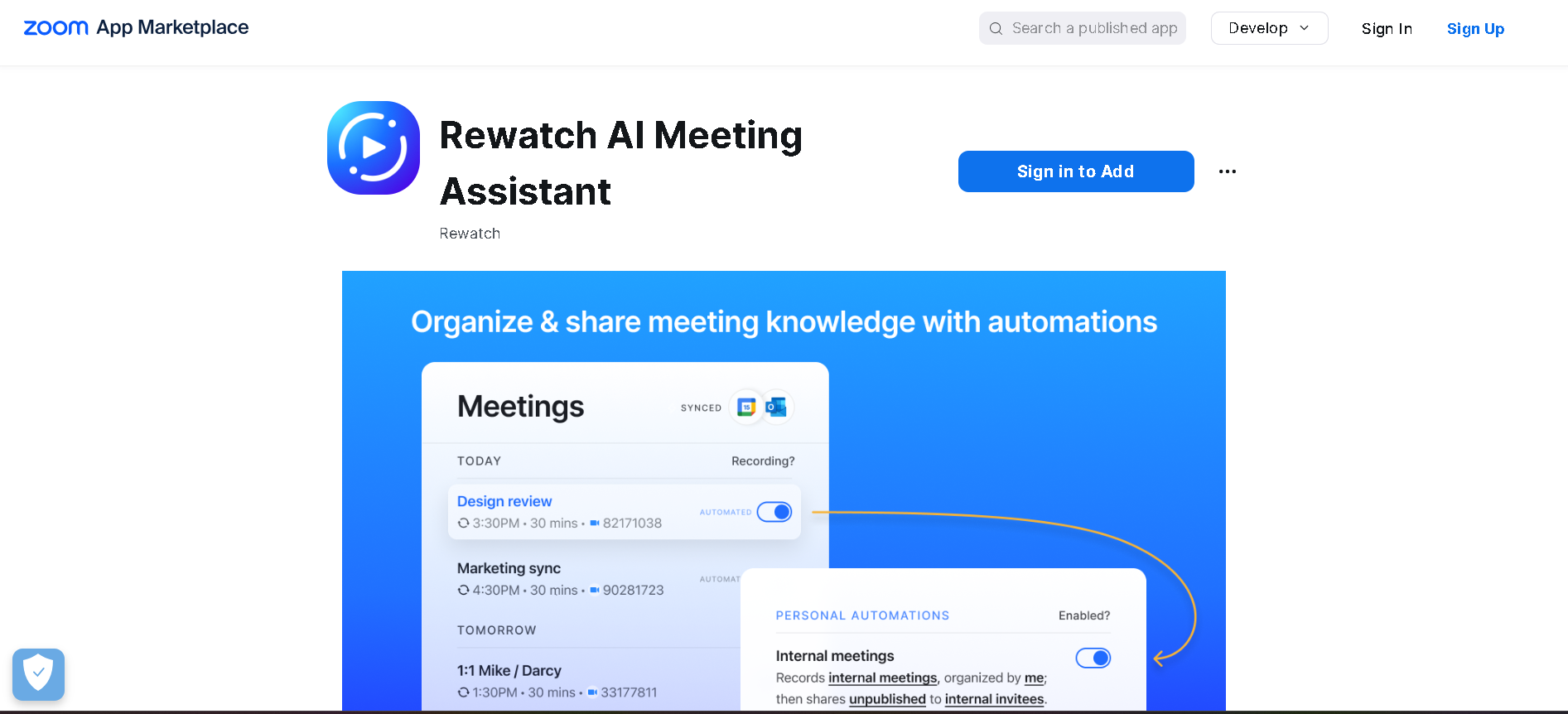
Rewatch AI Meeting Assistant is a free AI-powered app that automatically records, transcribes, and summarizes Zoom meetings. It allows users to focus on the conversation while ensuring that every detail is captured in AI-generated notes. By providing instant meeting recaps, searchable archives, and integrations with productivity tools, Rewatch helps teams streamline collaboration and stay productive.
Rewatch AI Meeting Assistant is a free AI-powered app that automatically records, transcribes, and summarizes Zoom meetings. It allows users to focus on the conversation while ensuring that every detail is captured in AI-generated notes. By providing instant meeting recaps, searchable archives, and integrations with productivity tools, Rewatch helps teams streamline collaboration and stay productive.
Rewatch AI Meeting Assistant is a free AI-powered app that automatically records, transcribes, and summarizes Zoom meetings. It allows users to focus on the conversation while ensuring that every detail is captured in AI-generated notes. By providing instant meeting recaps, searchable archives, and integrations with productivity tools, Rewatch helps teams streamline collaboration and stay productive.

SpinachAI
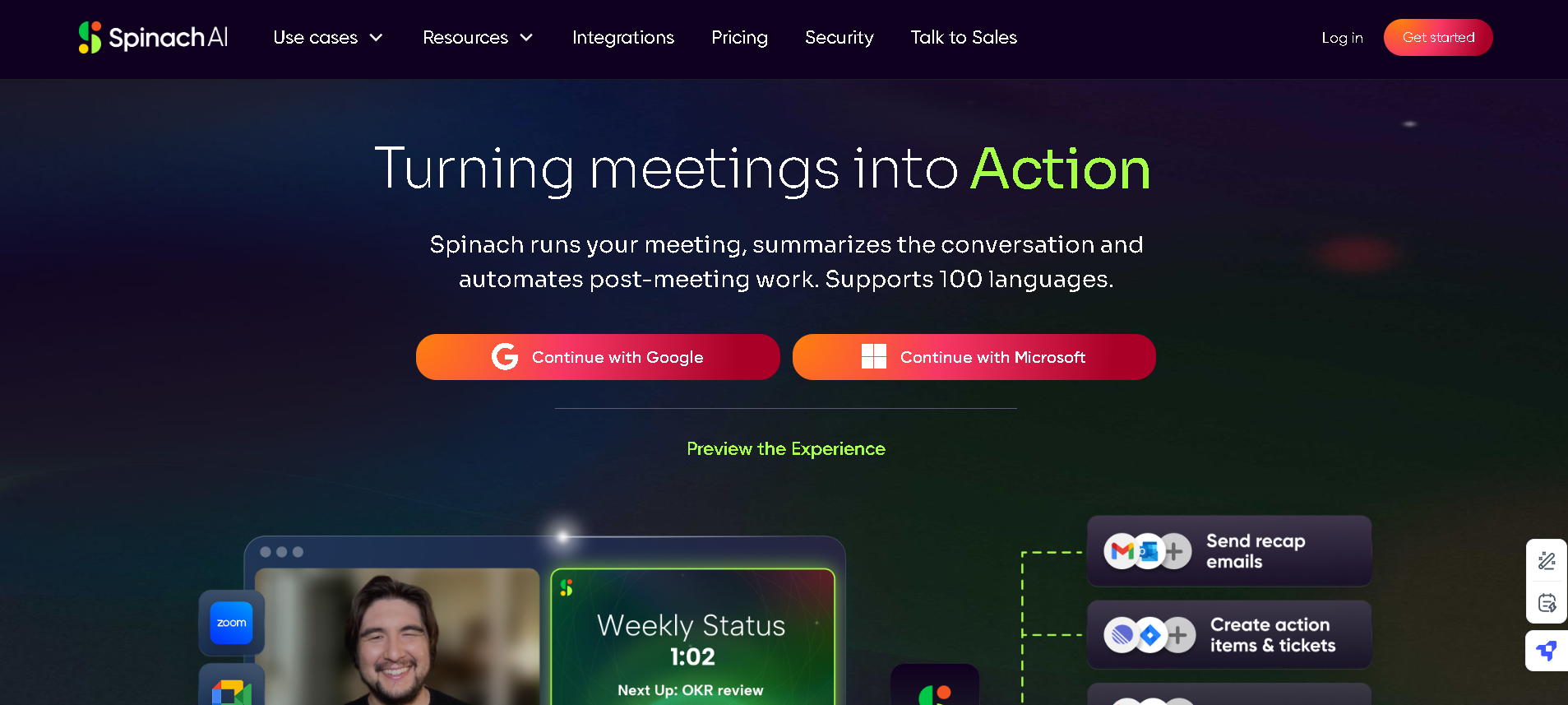
Spinach AI Meeting Copilot is an intelligent meeting assistant (note-taking assistant) that transforms discussions into structured notes, action items, and insights. Designed to streamline meetings, Spinach summarizes conversations in real time, automates follow-ups, and ensures that teams stay on track with clear takeaways. Supporting over 100 languages, it provides seamless integration and customization to fit different workflows.
SpinachAI
Spinach AI Meeting Copilot is an intelligent meeting assistant (note-taking assistant) that transforms discussions into structured notes, action items, and insights. Designed to streamline meetings, Spinach summarizes conversations in real time, automates follow-ups, and ensures that teams stay on track with clear takeaways. Supporting over 100 languages, it provides seamless integration and customization to fit different workflows.
SpinachAI
Spinach AI Meeting Copilot is an intelligent meeting assistant (note-taking assistant) that transforms discussions into structured notes, action items, and insights. Designed to streamline meetings, Spinach summarizes conversations in real time, automates follow-ups, and ensures that teams stay on track with clear takeaways. Supporting over 100 languages, it provides seamless integration and customization to fit different workflows.

Notis AI
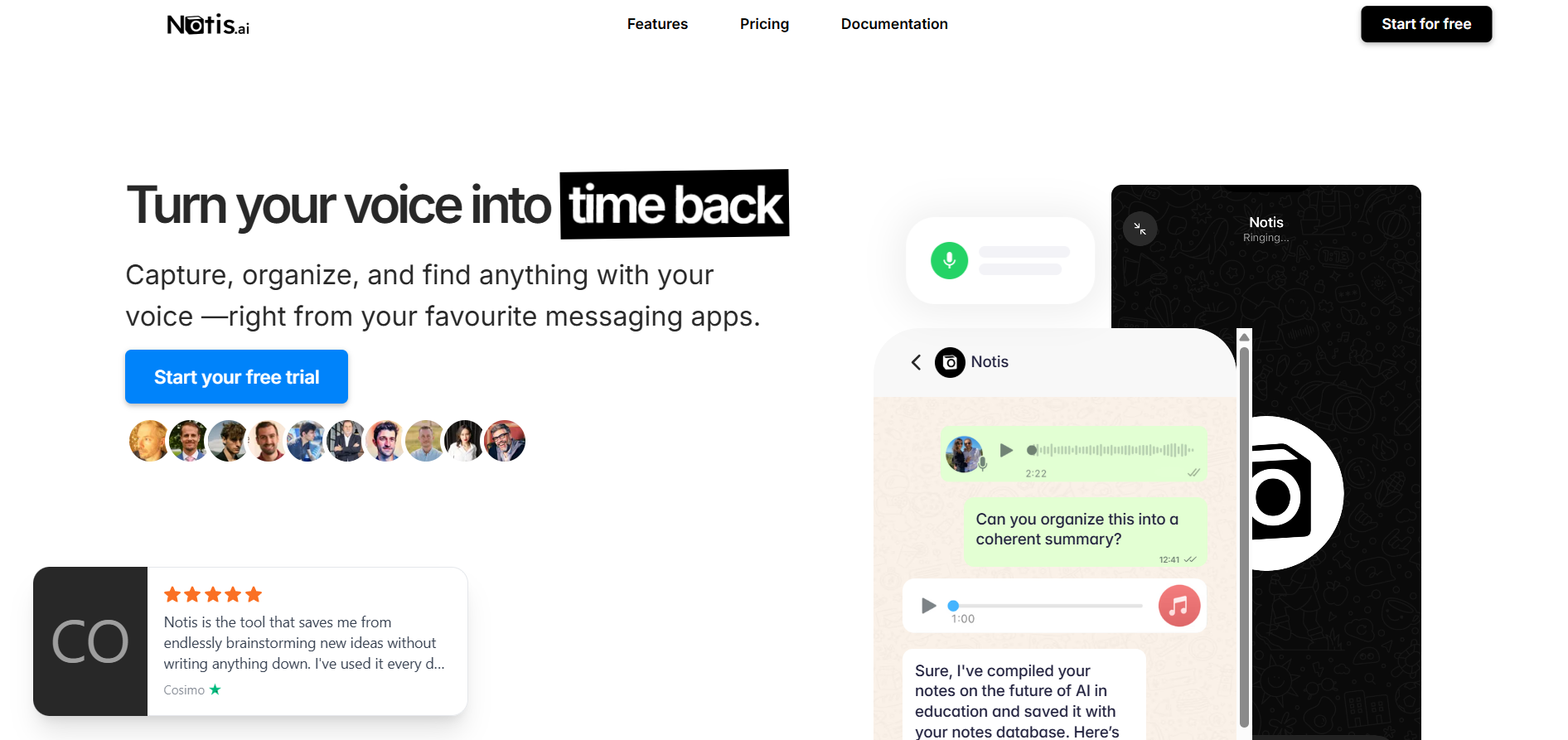
Notis AI is a voice-first productivity assistant that integrates deeply with Notion and messaging apps like WhatsApp, Telegram, email or Raycast to let you dictate, capture, and organize notes, memos, tasks, meeting minutes, and more — all from wherever you are, without opening Notion explicitly. You can send a voice message, forward an email, text, or snap a photo, and Notis transcribes or processes the content (including for multiple languages), structures it into Notion databases, extracts action items, generates summaries, and even sends follow-ups or reminders automatically. It supports both disposable workflows (quick one-off tasks like summarizing a meeting or drafting an email) and persistent automation workflows (where Notis monitors databases, runs scheduled prompts, or responds to triggers so it behaves like an “agent” in your workspace).
Notis AI
Notis AI is a voice-first productivity assistant that integrates deeply with Notion and messaging apps like WhatsApp, Telegram, email or Raycast to let you dictate, capture, and organize notes, memos, tasks, meeting minutes, and more — all from wherever you are, without opening Notion explicitly. You can send a voice message, forward an email, text, or snap a photo, and Notis transcribes or processes the content (including for multiple languages), structures it into Notion databases, extracts action items, generates summaries, and even sends follow-ups or reminders automatically. It supports both disposable workflows (quick one-off tasks like summarizing a meeting or drafting an email) and persistent automation workflows (where Notis monitors databases, runs scheduled prompts, or responds to triggers so it behaves like an “agent” in your workspace).
Notis AI
Notis AI is a voice-first productivity assistant that integrates deeply with Notion and messaging apps like WhatsApp, Telegram, email or Raycast to let you dictate, capture, and organize notes, memos, tasks, meeting minutes, and more — all from wherever you are, without opening Notion explicitly. You can send a voice message, forward an email, text, or snap a photo, and Notis transcribes or processes the content (including for multiple languages), structures it into Notion databases, extracts action items, generates summaries, and even sends follow-ups or reminders automatically. It supports both disposable workflows (quick one-off tasks like summarizing a meeting or drafting an email) and persistent automation workflows (where Notis monitors databases, runs scheduled prompts, or responds to triggers so it behaves like an “agent” in your workspace).
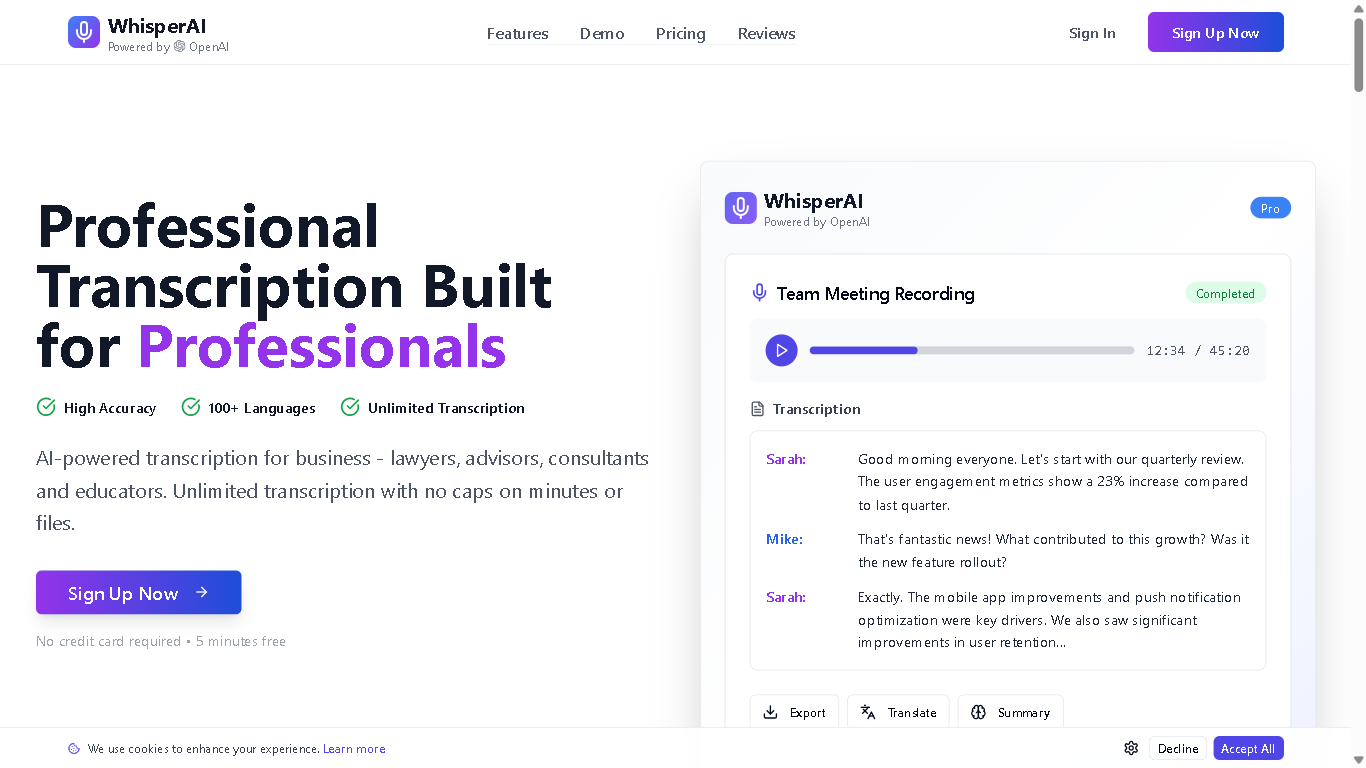
Whisprai.ai is an AI-powered transcription and summarization tool designed to help businesses and individuals quickly and accurately transcribe audio and video files, and generate concise summaries of their content. It offers features for improving workflow efficiency and enhancing productivity through AI-driven automation.
Whisprai.ai is an AI-powered transcription and summarization tool designed to help businesses and individuals quickly and accurately transcribe audio and video files, and generate concise summaries of their content. It offers features for improving workflow efficiency and enhancing productivity through AI-driven automation.
Whisprai.ai is an AI-powered transcription and summarization tool designed to help businesses and individuals quickly and accurately transcribe audio and video files, and generate concise summaries of their content. It offers features for improving workflow efficiency and enhancing productivity through AI-driven automation.

upword*
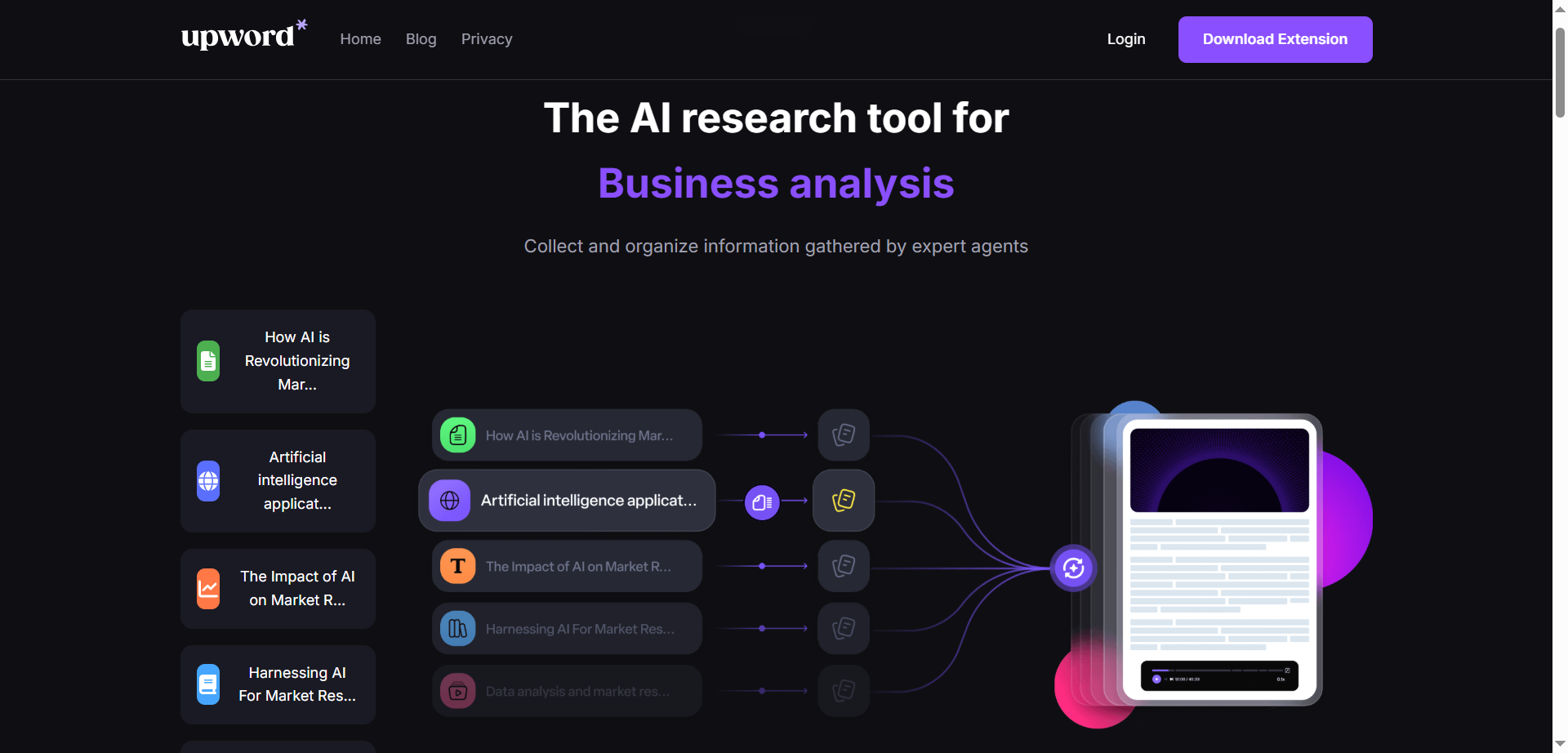
Upword is an AI-powered research assistant that helps collect, organize, and synthesize information into clear, actionable insights. It combines summarization, semantic search, and an AI copilot to process documents, web pages, videos, and PDFs, turning long sources into concise notes and briefs. A unified workspace, browser extension, and project-based organization keep sources and highlights in one place. Users can ask questions of their sources, extract key points, and convert findings into shareable documents. With customizable workflows and collaboration features, Upword aims to speed up analysis while preserving accuracy and context. It’s designed for teams and individuals who need to move from research to results quickly.
upword*
Upword is an AI-powered research assistant that helps collect, organize, and synthesize information into clear, actionable insights. It combines summarization, semantic search, and an AI copilot to process documents, web pages, videos, and PDFs, turning long sources into concise notes and briefs. A unified workspace, browser extension, and project-based organization keep sources and highlights in one place. Users can ask questions of their sources, extract key points, and convert findings into shareable documents. With customizable workflows and collaboration features, Upword aims to speed up analysis while preserving accuracy and context. It’s designed for teams and individuals who need to move from research to results quickly.
upword*
Upword is an AI-powered research assistant that helps collect, organize, and synthesize information into clear, actionable insights. It combines summarization, semantic search, and an AI copilot to process documents, web pages, videos, and PDFs, turning long sources into concise notes and briefs. A unified workspace, browser extension, and project-based organization keep sources and highlights in one place. Users can ask questions of their sources, extract key points, and convert findings into shareable documents. With customizable workflows and collaboration features, Upword aims to speed up analysis while preserving accuracy and context. It’s designed for teams and individuals who need to move from research to results quickly.

TimeOS
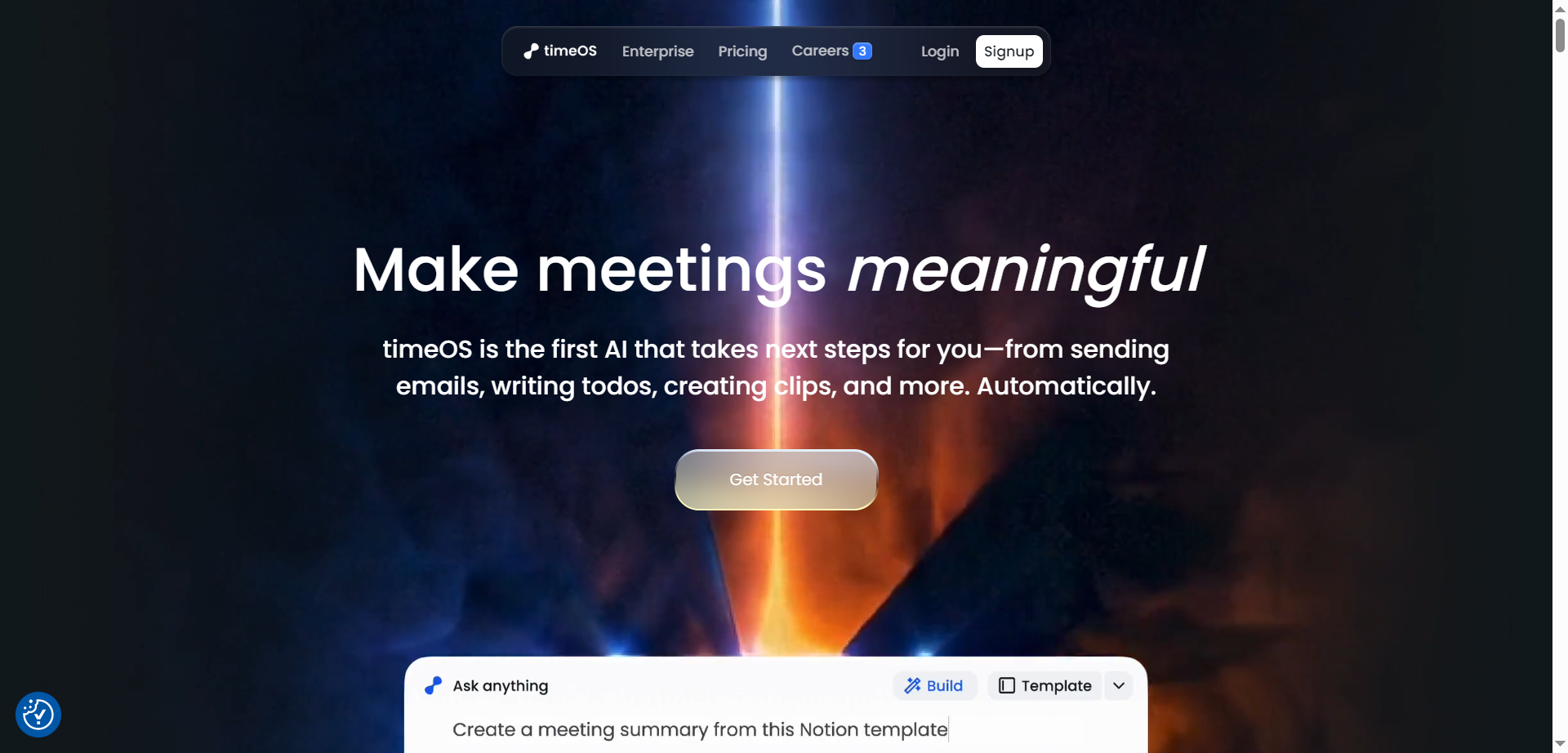
timeOS is a meeting-to-action AI that goes beyond note-taking to automatically draft emails, create todos, generate short video clips, and organize insights the moment a call ends. It captures conversations across tools, labels speakers, translates on the fly, and turns transcripts into structured outputs like summaries, dashboards, tables, and charts—customized through templates. Teams can build reusable workflows for sales, research, coaching, and content, then sync results to tools like Notion, Google Drive, and monday.com without bots joining the call. With desktop and Chrome apps, private-by-default design, and enterprise-grade security, timeOS helps convert every conversation into clear next steps—automatically.
TimeOS
timeOS is a meeting-to-action AI that goes beyond note-taking to automatically draft emails, create todos, generate short video clips, and organize insights the moment a call ends. It captures conversations across tools, labels speakers, translates on the fly, and turns transcripts into structured outputs like summaries, dashboards, tables, and charts—customized through templates. Teams can build reusable workflows for sales, research, coaching, and content, then sync results to tools like Notion, Google Drive, and monday.com without bots joining the call. With desktop and Chrome apps, private-by-default design, and enterprise-grade security, timeOS helps convert every conversation into clear next steps—automatically.
TimeOS
timeOS is a meeting-to-action AI that goes beyond note-taking to automatically draft emails, create todos, generate short video clips, and organize insights the moment a call ends. It captures conversations across tools, labels speakers, translates on the fly, and turns transcripts into structured outputs like summaries, dashboards, tables, and charts—customized through templates. Teams can build reusable workflows for sales, research, coaching, and content, then sync results to tools like Notion, Google Drive, and monday.com without bots joining the call. With desktop and Chrome apps, private-by-default design, and enterprise-grade security, timeOS helps convert every conversation into clear next steps—automatically.
Spinach AI
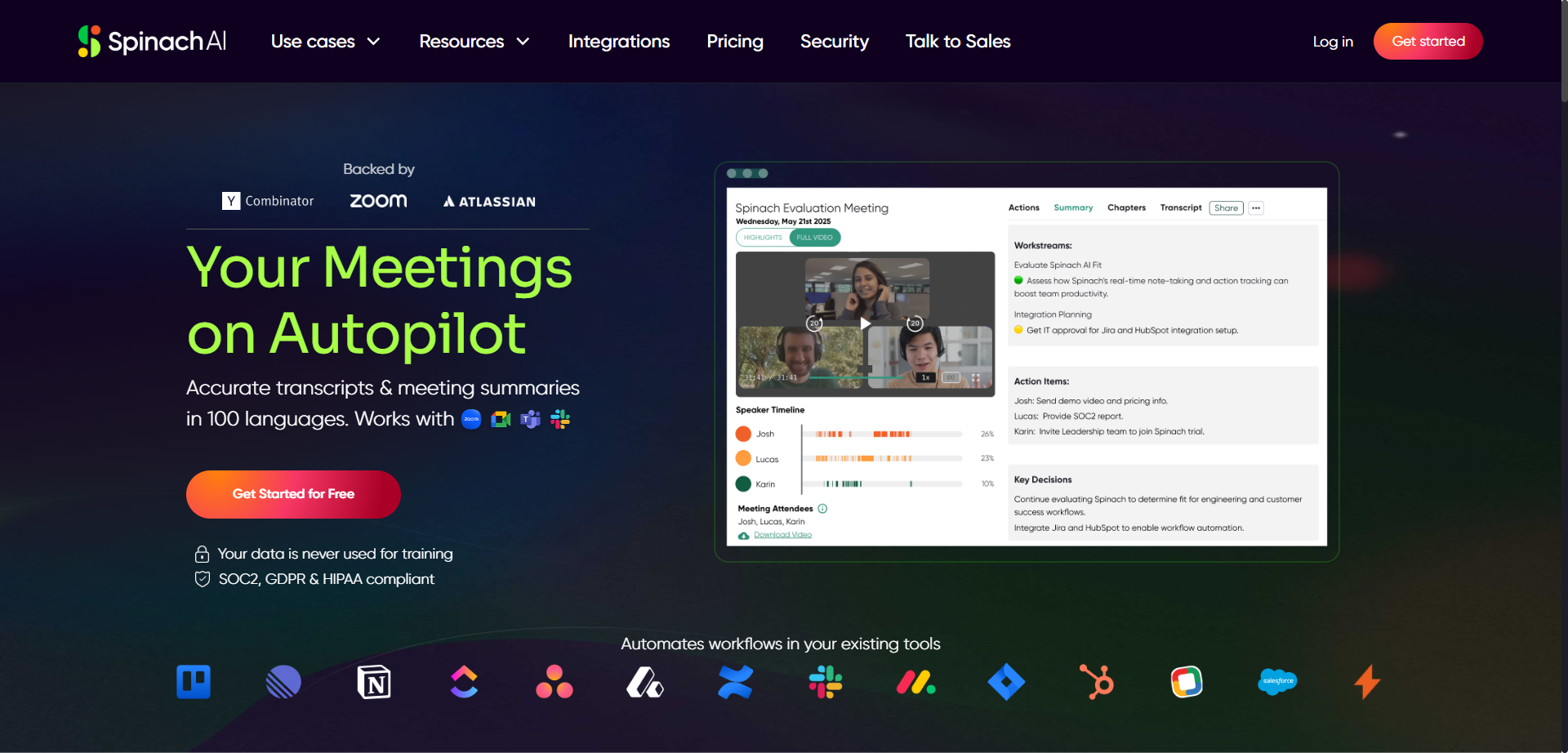
Spinach is an AI-powered meeting assistant designed to enhance productivity by automatically taking notes and capturing action items during meetings such as daily standups, weekly syncs, and user research sessions. It integrates seamlessly with calendars, video conferencing tools, Slack, email, and project management platforms like Jira to streamline workflows. Spinach converts discussion points into clear summaries and actionable tickets, allowing users to stay engaged without distraction. The platform gives users control to review and edit notes before sharing, ensuring privacy and accuracy. Spinach helps teams save time, improve collaboration, and keep project boards updated effortlessly.
Spinach AI
Spinach is an AI-powered meeting assistant designed to enhance productivity by automatically taking notes and capturing action items during meetings such as daily standups, weekly syncs, and user research sessions. It integrates seamlessly with calendars, video conferencing tools, Slack, email, and project management platforms like Jira to streamline workflows. Spinach converts discussion points into clear summaries and actionable tickets, allowing users to stay engaged without distraction. The platform gives users control to review and edit notes before sharing, ensuring privacy and accuracy. Spinach helps teams save time, improve collaboration, and keep project boards updated effortlessly.
Spinach AI
Spinach is an AI-powered meeting assistant designed to enhance productivity by automatically taking notes and capturing action items during meetings such as daily standups, weekly syncs, and user research sessions. It integrates seamlessly with calendars, video conferencing tools, Slack, email, and project management platforms like Jira to streamline workflows. Spinach converts discussion points into clear summaries and actionable tickets, allowing users to stay engaged without distraction. The platform gives users control to review and edit notes before sharing, ensuring privacy and accuracy. Spinach helps teams save time, improve collaboration, and keep project boards updated effortlessly.

Twin Mind
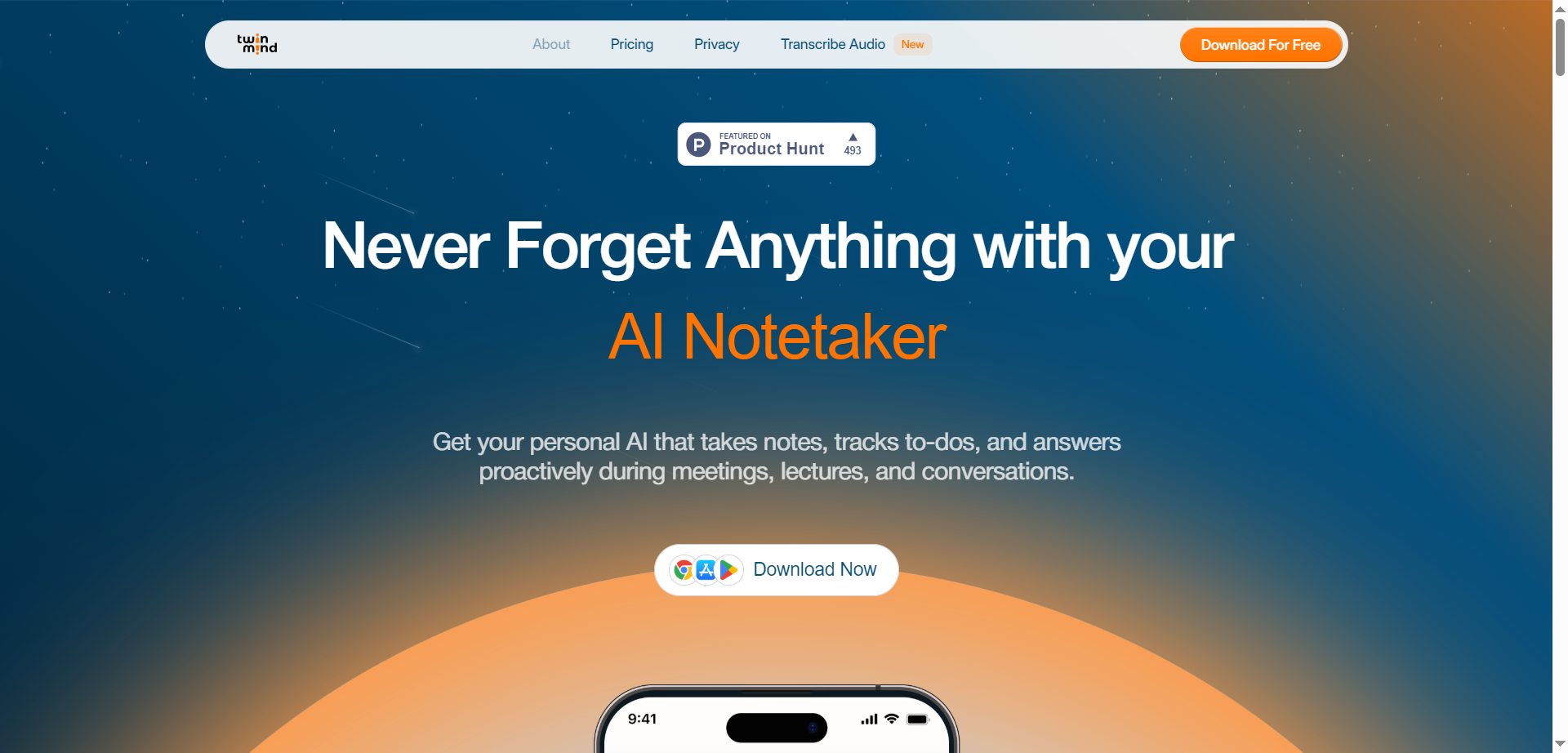
TwinMind is an AI-powered personal assistant platform that provides advanced note-taking, transcription, and meeting summarization services. It works across meetings, lectures, and conversations, capturing notes proactively and offering real-time transcription with high accuracy in over 140 languages. TwinMind operates with offline mode ensuring 100% privacy by processing audio on-device without recording, and it stores transcripts locally with optional encrypted cloud backups. The platform also integrates AI models for generating summaries, action items, follow-up emails, and study guides, helping users stay organized and efficient. TwinMind supports desktop, mobile, and browser extensions, enabling seamless integration into users’ daily workflows.
Twin Mind
TwinMind is an AI-powered personal assistant platform that provides advanced note-taking, transcription, and meeting summarization services. It works across meetings, lectures, and conversations, capturing notes proactively and offering real-time transcription with high accuracy in over 140 languages. TwinMind operates with offline mode ensuring 100% privacy by processing audio on-device without recording, and it stores transcripts locally with optional encrypted cloud backups. The platform also integrates AI models for generating summaries, action items, follow-up emails, and study guides, helping users stay organized and efficient. TwinMind supports desktop, mobile, and browser extensions, enabling seamless integration into users’ daily workflows.
Twin Mind
TwinMind is an AI-powered personal assistant platform that provides advanced note-taking, transcription, and meeting summarization services. It works across meetings, lectures, and conversations, capturing notes proactively and offering real-time transcription with high accuracy in over 140 languages. TwinMind operates with offline mode ensuring 100% privacy by processing audio on-device without recording, and it stores transcripts locally with optional encrypted cloud backups. The platform also integrates AI models for generating summaries, action items, follow-up emails, and study guides, helping users stay organized and efficient. TwinMind supports desktop, mobile, and browser extensions, enabling seamless integration into users’ daily workflows.

ScreenApp
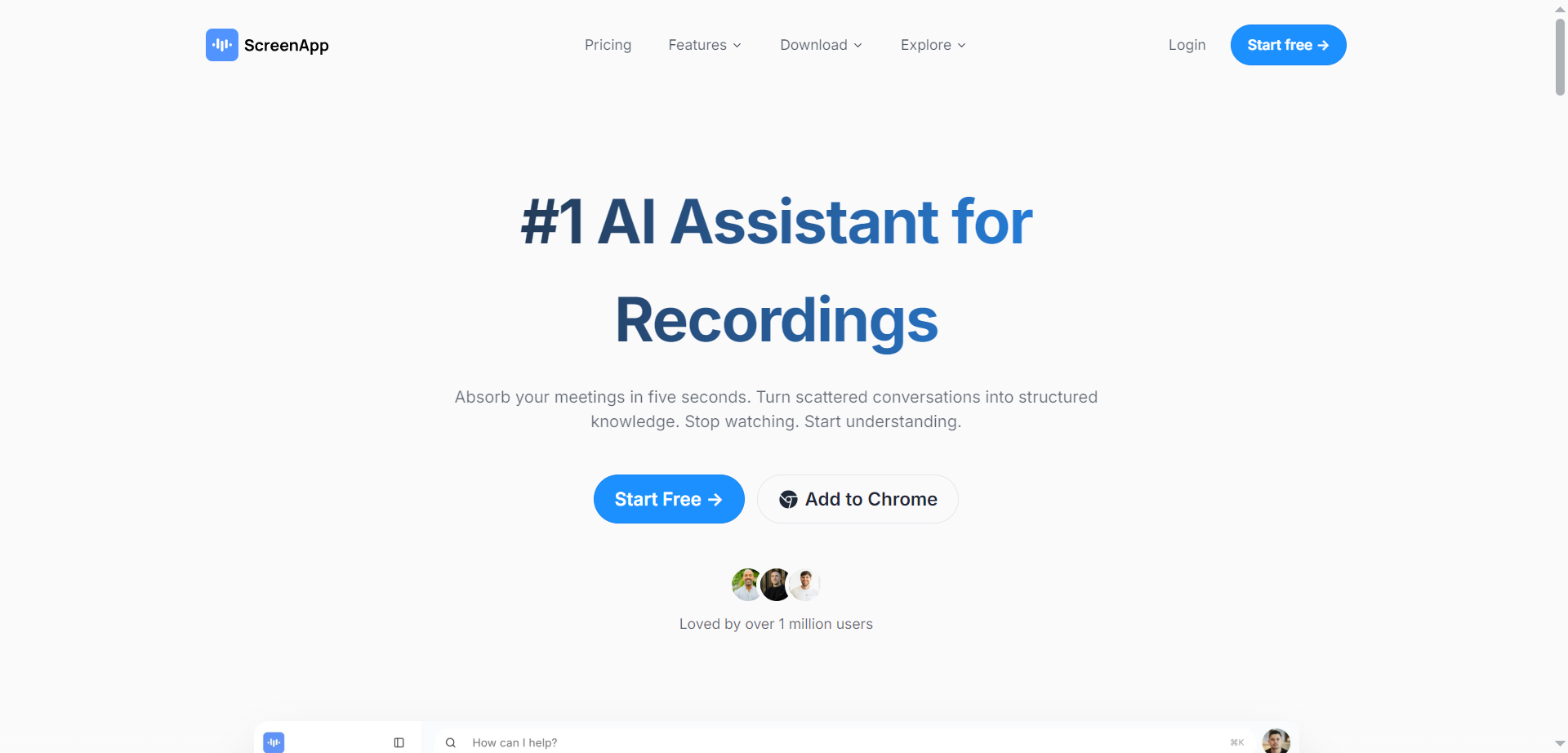
ScreenApp is an innovative AI-powered platform that serves as a comprehensive notetaker, transcription tool, summarizer, and recorder for audio and video content. It allows users to effortlessly record meetings, lectures, conversations, and screen activity directly in the browser without any installation. The AI automatically transcribes recordings with up to 99% accuracy for clear audio, generates structured notes with key points, action items, and decisions in real-time, extracts insights and summaries in seconds, and enables searching or asking questions about the content for instant answers. It transforms hours of scattered information into searchable, organized knowledge, acting as a second brain for your recordings.
ScreenApp
ScreenApp is an innovative AI-powered platform that serves as a comprehensive notetaker, transcription tool, summarizer, and recorder for audio and video content. It allows users to effortlessly record meetings, lectures, conversations, and screen activity directly in the browser without any installation. The AI automatically transcribes recordings with up to 99% accuracy for clear audio, generates structured notes with key points, action items, and decisions in real-time, extracts insights and summaries in seconds, and enables searching or asking questions about the content for instant answers. It transforms hours of scattered information into searchable, organized knowledge, acting as a second brain for your recordings.
ScreenApp
ScreenApp is an innovative AI-powered platform that serves as a comprehensive notetaker, transcription tool, summarizer, and recorder for audio and video content. It allows users to effortlessly record meetings, lectures, conversations, and screen activity directly in the browser without any installation. The AI automatically transcribes recordings with up to 99% accuracy for clear audio, generates structured notes with key points, action items, and decisions in real-time, extracts insights and summaries in seconds, and enables searching or asking questions about the content for instant answers. It transforms hours of scattered information into searchable, organized knowledge, acting as a second brain for your recordings.

Meet Andy
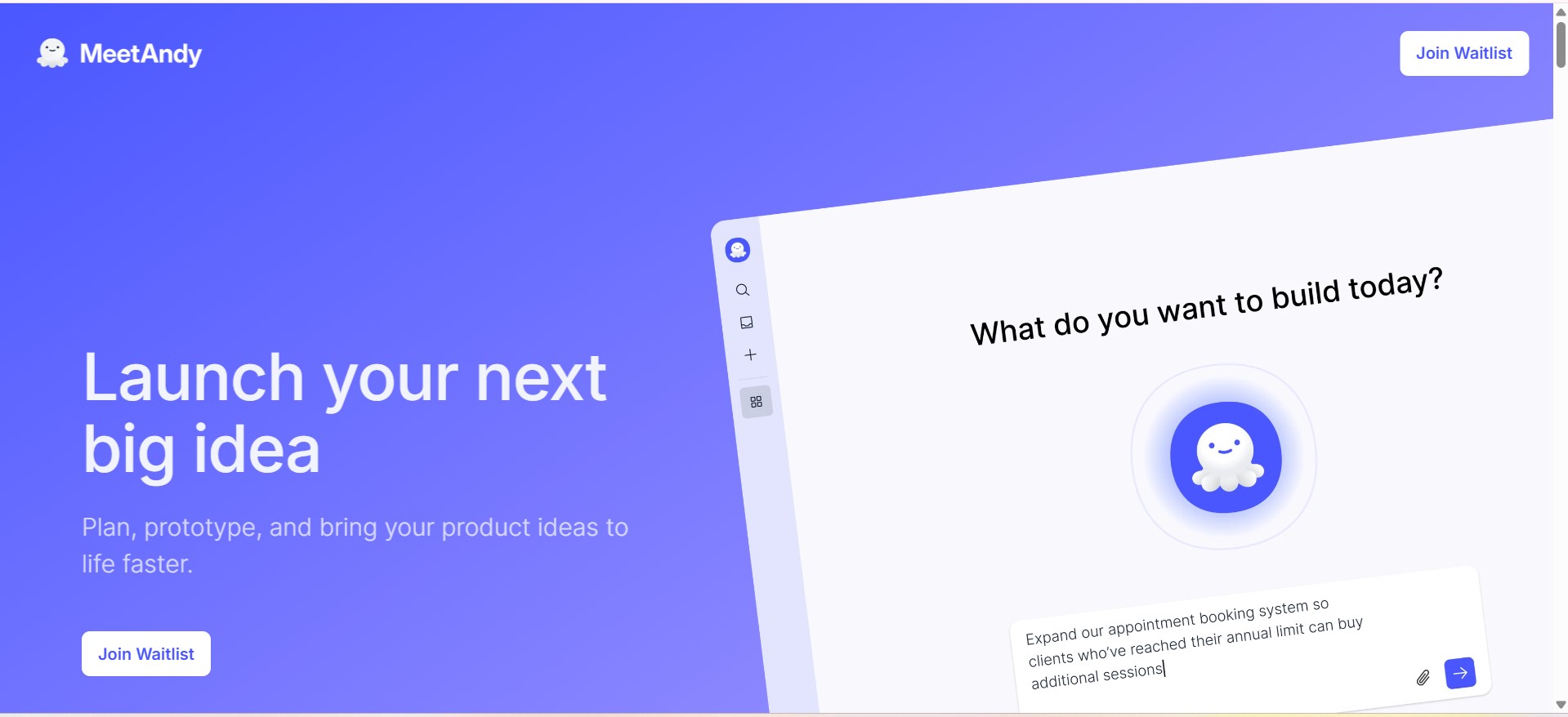
MeetAndy.ai is an AI-powered project and product assistant designed to help teams plan, document, and execute work more efficiently. It supports product managers, developers, and teams by transforming ideas, meetings, and discussions into structured documentation, actionable tasks, and clear project insights using AI-driven automation.
Meet Andy
MeetAndy.ai is an AI-powered project and product assistant designed to help teams plan, document, and execute work more efficiently. It supports product managers, developers, and teams by transforming ideas, meetings, and discussions into structured documentation, actionable tasks, and clear project insights using AI-driven automation.
Meet Andy
MeetAndy.ai is an AI-powered project and product assistant designed to help teams plan, document, and execute work more efficiently. It supports product managers, developers, and teams by transforming ideas, meetings, and discussions into structured documentation, actionable tasks, and clear project insights using AI-driven automation.
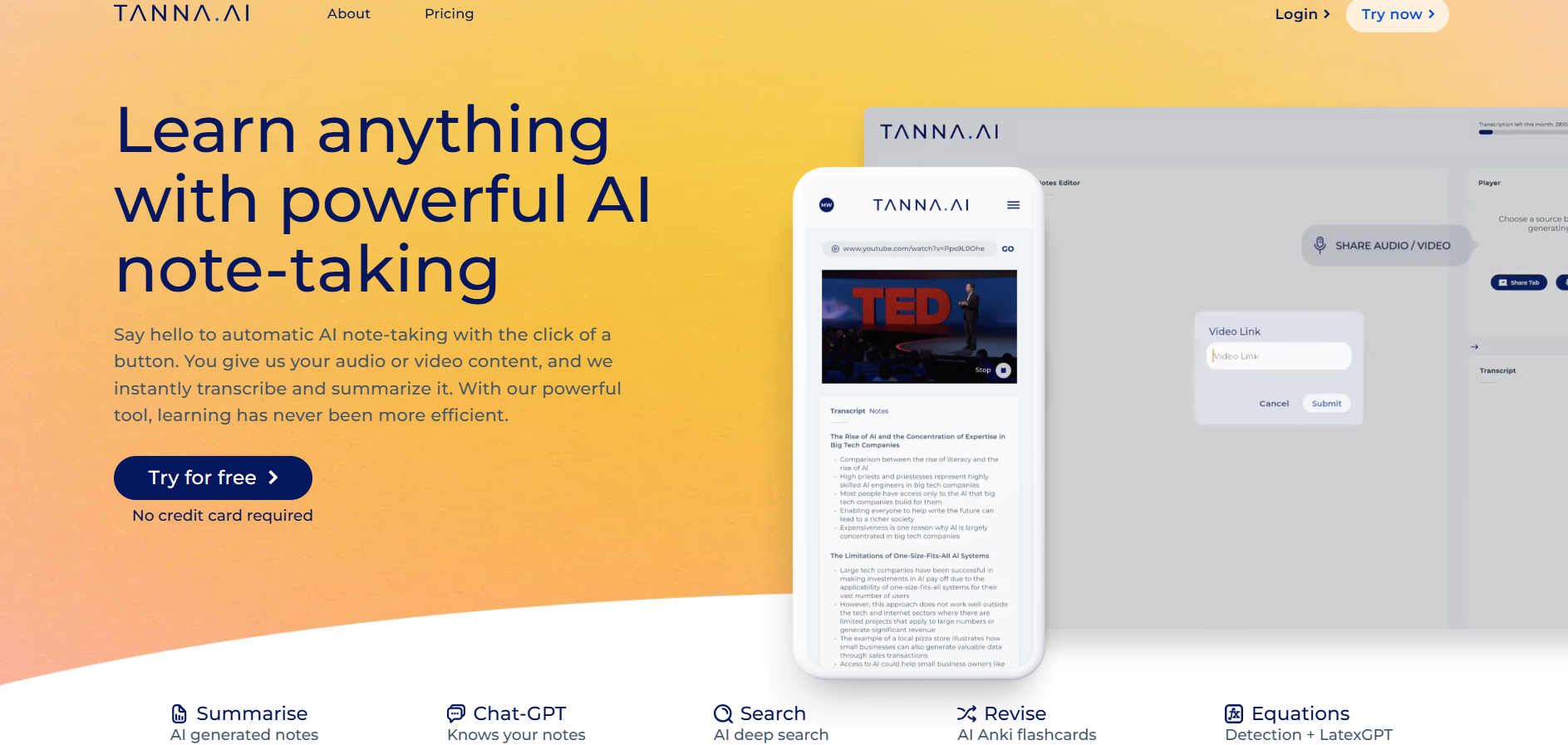

Tanna AI
Tanna is an AI-powered note-taking and learning assistant designed to help users capture, process, and retain information from audio and video content effortlessly. By automatically transcribing recordings and generating structured summaries, Tanna reduces the manual effort involved in note-taking and review. It is built for learners who consume lectures, meetings, podcasts, or video-based material and want to convert spoken content into searchable, organized knowledge. The platform emphasizes efficiency and clarity, allowing users to focus on understanding and learning rather than documentation, making long-form content more accessible and actionable.
Tanna AI
Tanna is an AI-powered note-taking and learning assistant designed to help users capture, process, and retain information from audio and video content effortlessly. By automatically transcribing recordings and generating structured summaries, Tanna reduces the manual effort involved in note-taking and review. It is built for learners who consume lectures, meetings, podcasts, or video-based material and want to convert spoken content into searchable, organized knowledge. The platform emphasizes efficiency and clarity, allowing users to focus on understanding and learning rather than documentation, making long-form content more accessible and actionable.
Tanna AI
Tanna is an AI-powered note-taking and learning assistant designed to help users capture, process, and retain information from audio and video content effortlessly. By automatically transcribing recordings and generating structured summaries, Tanna reduces the manual effort involved in note-taking and review. It is built for learners who consume lectures, meetings, podcasts, or video-based material and want to convert spoken content into searchable, organized knowledge. The platform emphasizes efficiency and clarity, allowing users to focus on understanding and learning rather than documentation, making long-form content more accessible and actionable.
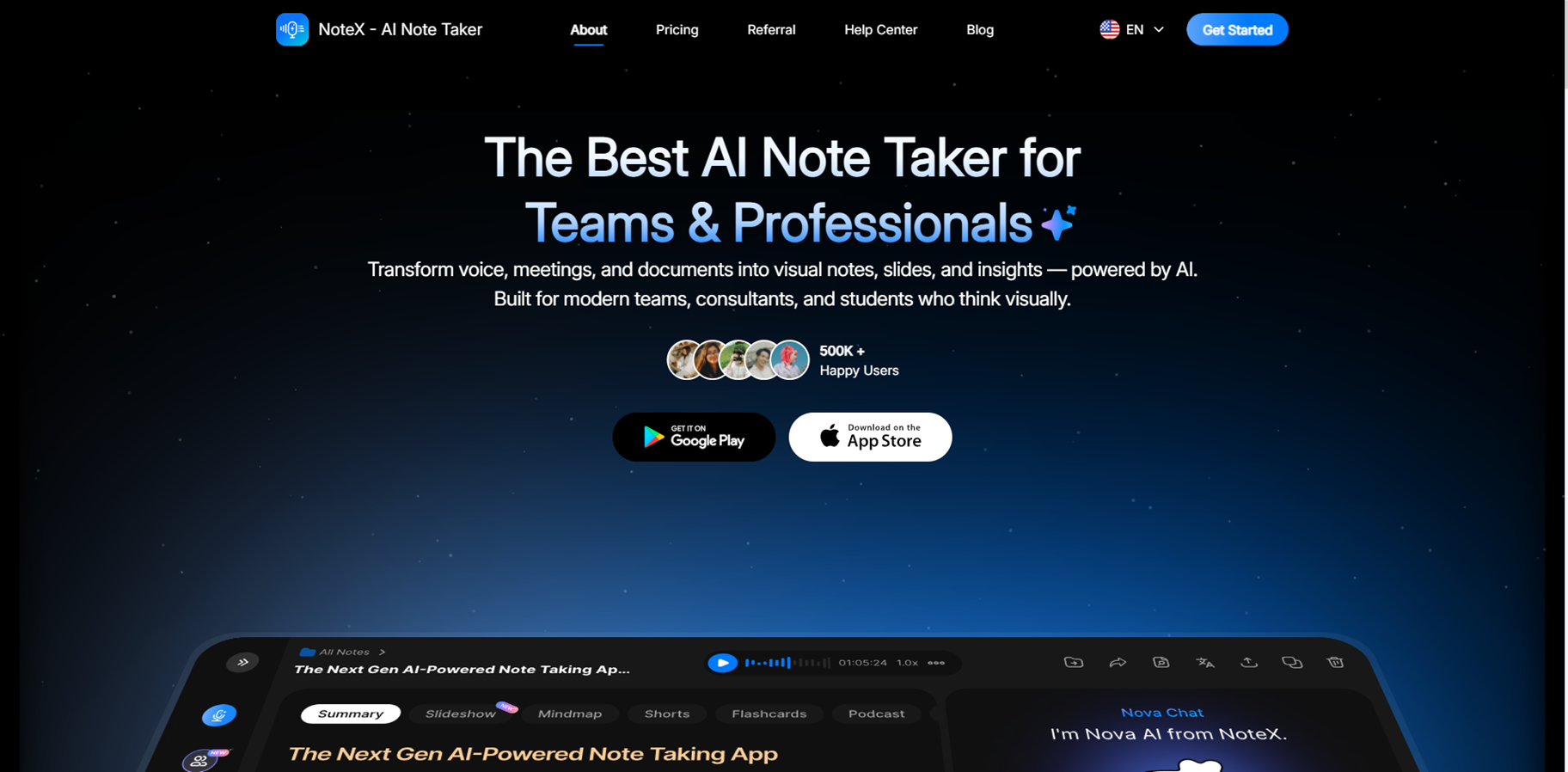
NoteX - AI Note Taker is an AI-powered note-taking platform that captures, transcribes, and transforms any content into smart, actionable study or work materials. Upload YouTube videos, audio recordings, PDFs, images for OCR, or websites, and it generates summaries, mind maps, flashcards, quizzes, and even AI Shorts for TikTok or YouTube. With 99.2% accurate transcriptions, voice-to-notes conversion, meeting minutes, and a chatty AI assistant named Nova, it syncs across web, iOS, and Android while supporting translations and collaboration. Ideal for students, professionals, and creators turning lectures, meetings, or ideas into organized knowledge fast.
NoteX - AI Note Taker is an AI-powered note-taking platform that captures, transcribes, and transforms any content into smart, actionable study or work materials. Upload YouTube videos, audio recordings, PDFs, images for OCR, or websites, and it generates summaries, mind maps, flashcards, quizzes, and even AI Shorts for TikTok or YouTube. With 99.2% accurate transcriptions, voice-to-notes conversion, meeting minutes, and a chatty AI assistant named Nova, it syncs across web, iOS, and Android while supporting translations and collaboration. Ideal for students, professionals, and creators turning lectures, meetings, or ideas into organized knowledge fast.
NoteX - AI Note Taker is an AI-powered note-taking platform that captures, transcribes, and transforms any content into smart, actionable study or work materials. Upload YouTube videos, audio recordings, PDFs, images for OCR, or websites, and it generates summaries, mind maps, flashcards, quizzes, and even AI Shorts for TikTok or YouTube. With 99.2% accurate transcriptions, voice-to-notes conversion, meeting minutes, and a chatty AI assistant named Nova, it syncs across web, iOS, and Android while supporting translations and collaboration. Ideal for students, professionals, and creators turning lectures, meetings, or ideas into organized knowledge fast.
Editorial Note
This page was researched and written by the ATB Editorial Team. Our team researches each AI tool by reviewing its official website, testing features, exploring real use cases, and considering user feedback. Every page is fact-checked and regularly updated to ensure the information stays accurate, neutral, and useful for our readers.
If you have any suggestions or questions, email us at hello@aitoolbook.ai