
Whether you’re training new employees, documenting internal processes, or creating tutorials for clients, Kopyst makes the entire process faster, easier, and more consistent—without requiring design or tech skills.
- HR & Training Teams: Create onboarding documents and training SOPs quickly.
- Customer Support Teams: Develop help docs and how-to guides for users with ease.
- Product & Operations Managers: Document internal workflows for process improvement.
- Founders & Entrepreneurs: Save time creating knowledge bases and user instructions.
- Agencies & Consultants: Deliver clean, step-by-step guides for client-facing processes.
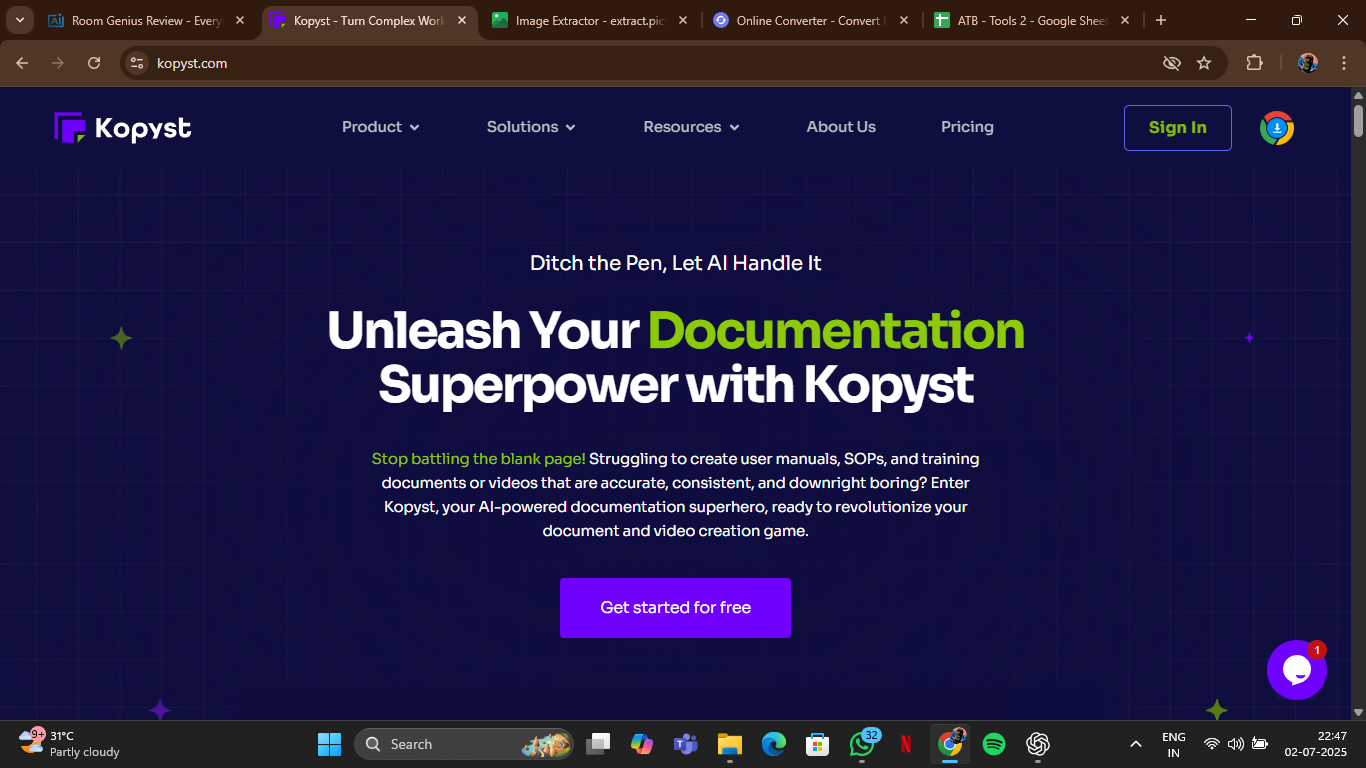
How to Use Kopyst?
- Install the Chrome Extension: Begin by adding the Kopyst extension to your browser.
- Perform the Task as Usual: Carry out the task or workflow you want to document.
- Auto-Generate the Guide: Kopyst captures your screen activity and turns it into a step-by-step guide.
- Edit & Customize: Add branding, annotations, and descriptions using the easy editor.
- Export & Share: Export to PDF, HTML, or share directly via a link with your team or clients.
- Auto-Documentation: No need to manually write processes—Kopyst creates them as you work.
- Multiple Export Formats: Easily download or share SOPs in PDF, HTML, or Markdown formats.
- Clean UI & Branding Options: Customize the look and feel of your documents with branding.
- No Code Required: Zero tech expertise needed to create polished guides.
- Time-Saving Workflow Recorder: Finish in minutes what usually takes hours.
- Fast SOP Generation: Saves hours of manual documentation.
- Clean, Editable Outputs: Guides are well-formatted and ready to use.
- No Technical Skills Needed: Ideal for non-tech teams and users.
- Chrome Extension Convenience: Start recording guides directly in your browser.
- Useful for Many Teams: From HR to support to ops, it covers all documentation needs.
- Limited Browser Support: Currently only works as a Chrome extension.
- Free Plan Has Limits: Advanced features like branding may require a paid plan.
- No Desktop App: Fully web-based, which may not suit all organizations.
- Best for Web-Based Tasks: Doesn’t capture desktop-based workflows.
Proud of the love you're getting? Show off your AI Toolbook reviews—then invite more fans to share the love and build your credibility.
Add an AI Toolbook badge to your site—an easy way to drive followers, showcase updates, and collect reviews. It's like a mini 24/7 billboard for your AI.
Reviews
Rating Distribution
Average score
Popular Mention
FAQs
Similar AI Tools

ClickUp Brain AI
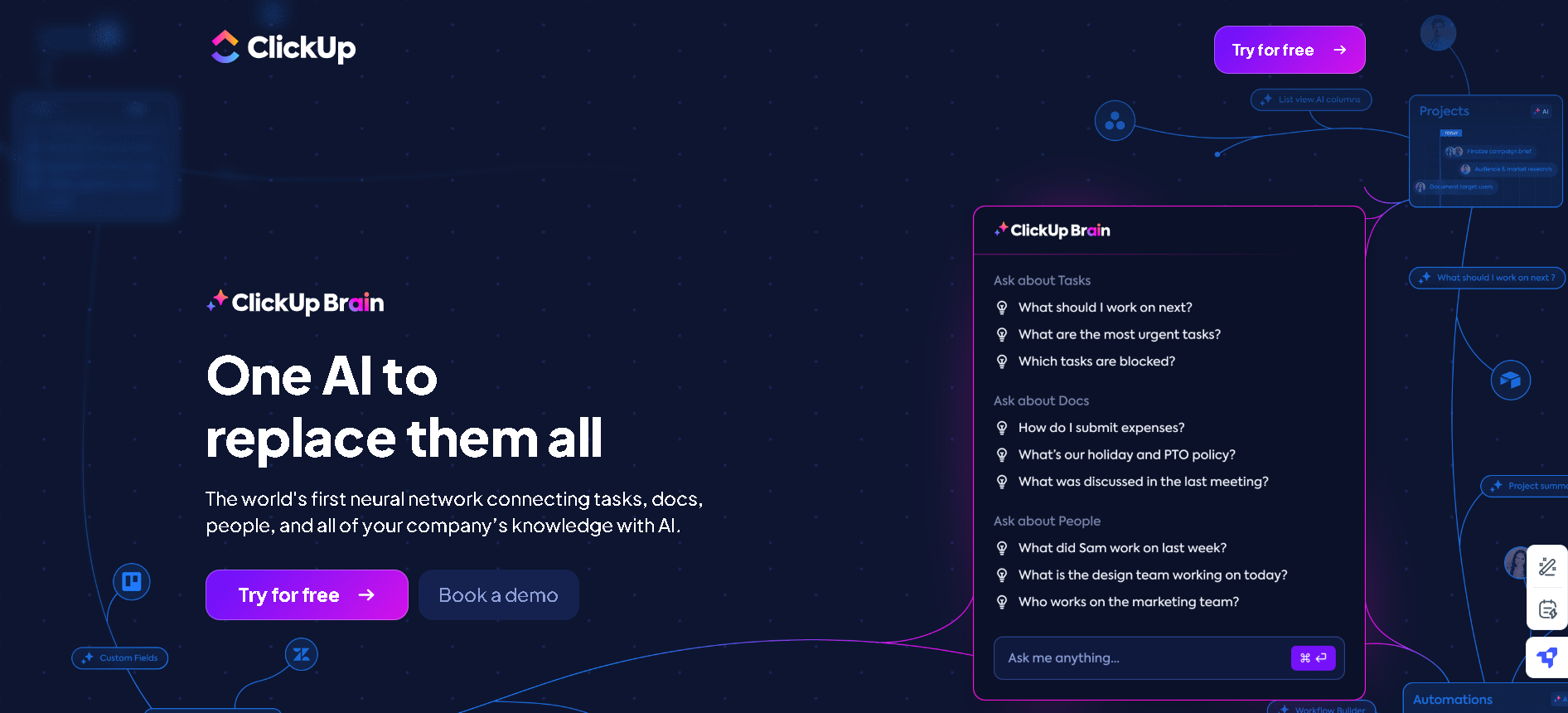
ClickUp Brain is an AI-powered productivity assistant that seamlessly integrates with tasks, documents, projects, and team collaboration to enhance workplace efficiency. As the world’s first neural network for work, ClickUp Brain connects your company’s knowledge, automates workflows, and provides instant insights—making it a powerful tool for project management, documentation, and AI-assisted decision-making.
ClickUp Brain AI
ClickUp Brain is an AI-powered productivity assistant that seamlessly integrates with tasks, documents, projects, and team collaboration to enhance workplace efficiency. As the world’s first neural network for work, ClickUp Brain connects your company’s knowledge, automates workflows, and provides instant insights—making it a powerful tool for project management, documentation, and AI-assisted decision-making.
ClickUp Brain AI
ClickUp Brain is an AI-powered productivity assistant that seamlessly integrates with tasks, documents, projects, and team collaboration to enhance workplace efficiency. As the world’s first neural network for work, ClickUp Brain connects your company’s knowledge, automates workflows, and provides instant insights—making it a powerful tool for project management, documentation, and AI-assisted decision-making.
Zapier Agents
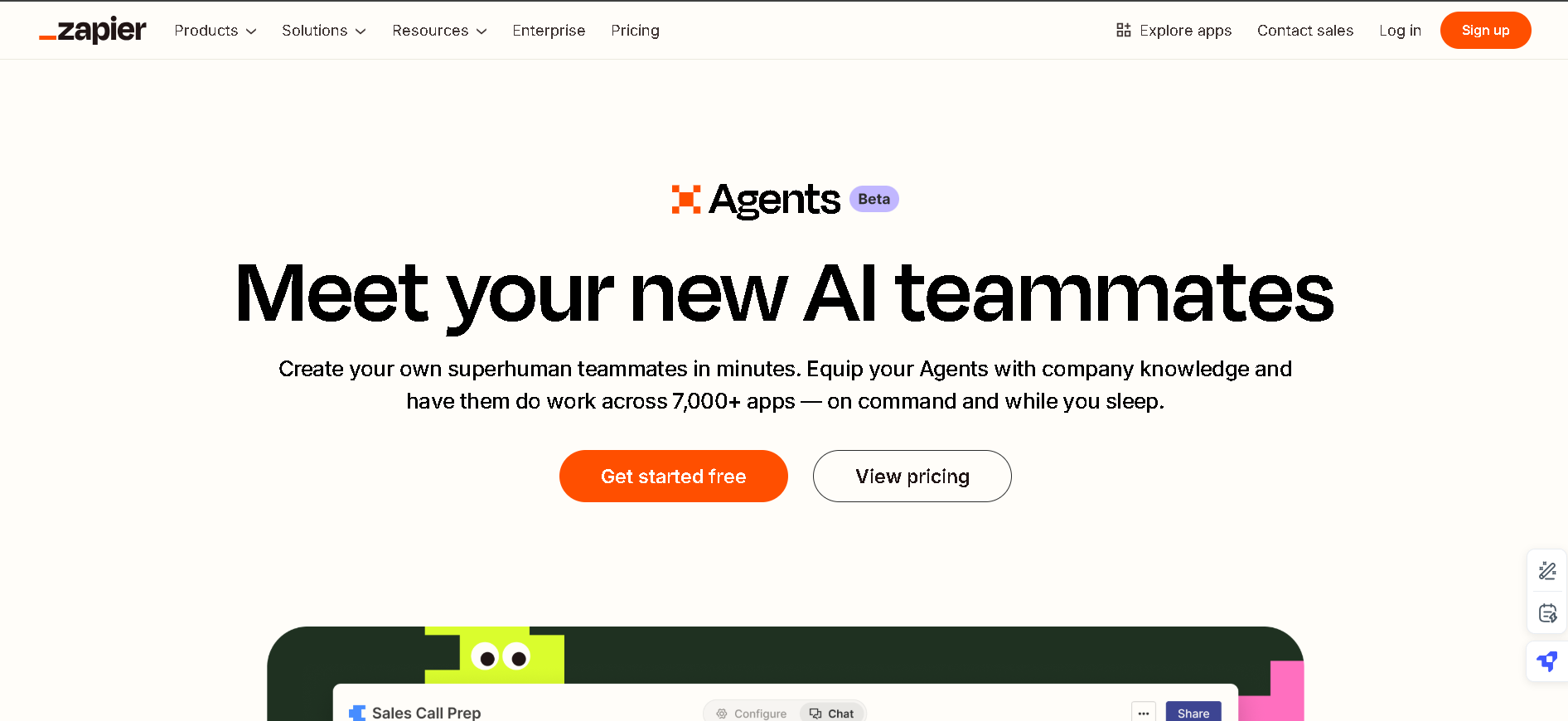
Zapier Agents are custom AI-powered teammates designed to streamline workflows and automate tasks across over 7,000 apps. By equipping these AI agents with company-specific knowledge, you can delegate real work, such as processing leads, managing emails, handling calendars, and more — all on command and without needing constant supervision.
Zapier Agents
Zapier Agents are custom AI-powered teammates designed to streamline workflows and automate tasks across over 7,000 apps. By equipping these AI agents with company-specific knowledge, you can delegate real work, such as processing leads, managing emails, handling calendars, and more — all on command and without needing constant supervision.
Zapier Agents
Zapier Agents are custom AI-powered teammates designed to streamline workflows and automate tasks across over 7,000 apps. By equipping these AI agents with company-specific knowledge, you can delegate real work, such as processing leads, managing emails, handling calendars, and more — all on command and without needing constant supervision.


Synchronymax
Synchrony Max is an AI-driven platform designed to enhance workforce productivity by integrating specialized AI agents into various business processes. It aims to address skill shortages and improve operational efficiency across industries such as healthcare, finance, and technology. Augment your knowledge workforce with AI agents – Experience new levels of efficiency, performance, and growth.
Synchronymax
Synchrony Max is an AI-driven platform designed to enhance workforce productivity by integrating specialized AI agents into various business processes. It aims to address skill shortages and improve operational efficiency across industries such as healthcare, finance, and technology. Augment your knowledge workforce with AI agents – Experience new levels of efficiency, performance, and growth.
Synchronymax
Synchrony Max is an AI-driven platform designed to enhance workforce productivity by integrating specialized AI agents into various business processes. It aims to address skill shortages and improve operational efficiency across industries such as healthcare, finance, and technology. Augment your knowledge workforce with AI agents – Experience new levels of efficiency, performance, and growth.

Noty.ai
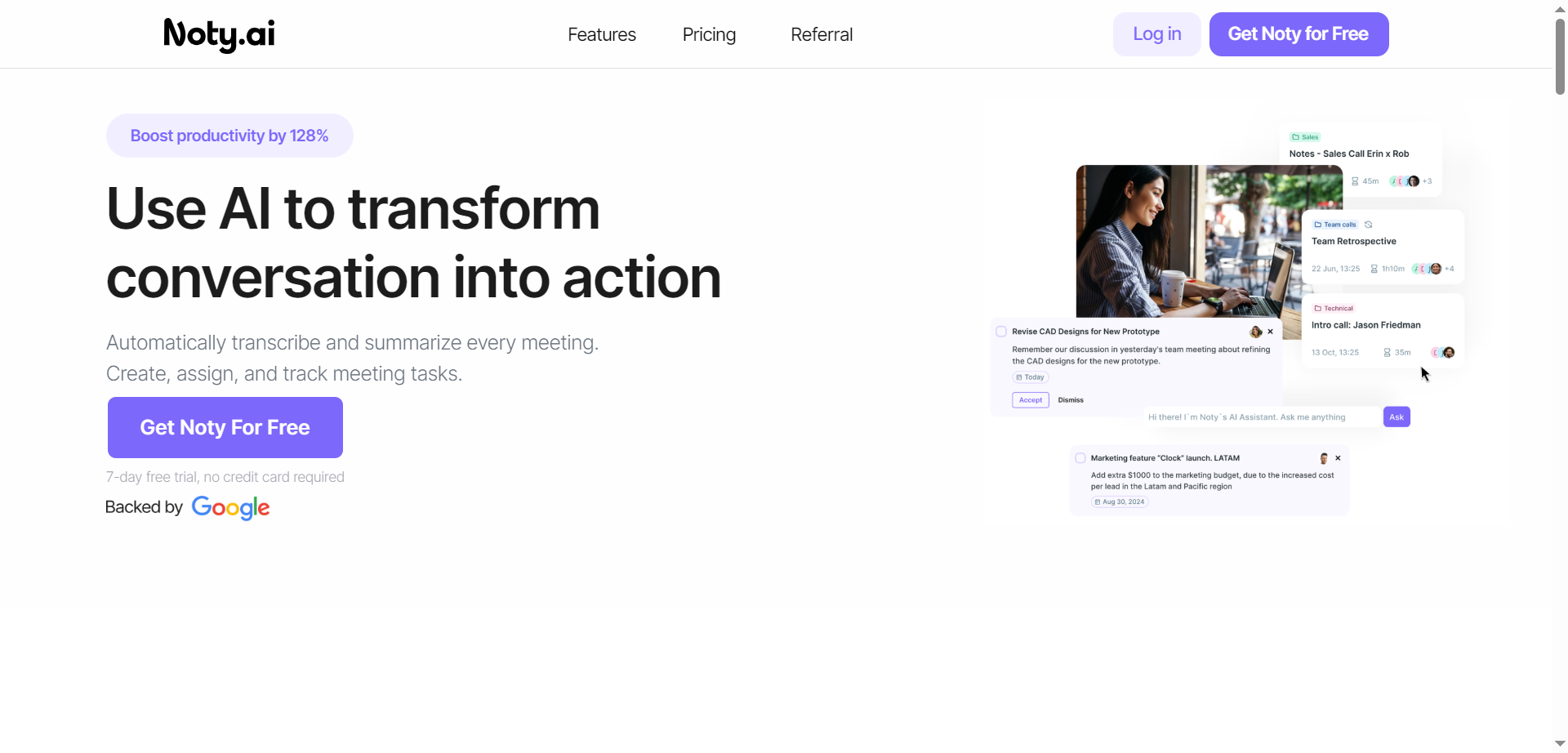
Noty.ai is a meeting AI assistant that turns conversations into actions by transcribing, summarizing, and organizing every meeting in real time. It captures key points, decisions, and deadlines, then generates concise summaries and AI-powered to-do lists for follow-through. During calls, it displays live transcripts for highlighting and commenting, and after, it creates shareable notes, tasks, and assignments. Teams can review, edit, and chat with Noty to surface details quickly, reducing post-meeting admin and context switching. With automated task detection, ownership, and due dates, it helps teams stay accountable and on schedule. The result is fewer missed details, faster alignment, and clearer action across projects.
Noty.ai
Noty.ai is a meeting AI assistant that turns conversations into actions by transcribing, summarizing, and organizing every meeting in real time. It captures key points, decisions, and deadlines, then generates concise summaries and AI-powered to-do lists for follow-through. During calls, it displays live transcripts for highlighting and commenting, and after, it creates shareable notes, tasks, and assignments. Teams can review, edit, and chat with Noty to surface details quickly, reducing post-meeting admin and context switching. With automated task detection, ownership, and due dates, it helps teams stay accountable and on schedule. The result is fewer missed details, faster alignment, and clearer action across projects.
Noty.ai
Noty.ai is a meeting AI assistant that turns conversations into actions by transcribing, summarizing, and organizing every meeting in real time. It captures key points, decisions, and deadlines, then generates concise summaries and AI-powered to-do lists for follow-through. During calls, it displays live transcripts for highlighting and commenting, and after, it creates shareable notes, tasks, and assignments. Teams can review, edit, and chat with Noty to surface details quickly, reducing post-meeting admin and context switching. With automated task detection, ownership, and due dates, it helps teams stay accountable and on schedule. The result is fewer missed details, faster alignment, and clearer action across projects.


ClienTask
ClienTask is a modern AI-powered client management tool that streamlines the way businesses handle client communication, tasks, and data organization. Designed for agencies, small to medium-sized businesses, and professionals, it centralizes client profiles, project tracking, and messaging—all within an intuitive platform. By offering automated workflows, customizable dashboards, and integrated billing and scheduling, ClienTask reduces administrative overhead and ensures teams never miss an important update. With its user-friendly interface and scalability, ClienTask empowers teams to focus more on building client relationships and less on repetitive manual tasks.
ClienTask
ClienTask is a modern AI-powered client management tool that streamlines the way businesses handle client communication, tasks, and data organization. Designed for agencies, small to medium-sized businesses, and professionals, it centralizes client profiles, project tracking, and messaging—all within an intuitive platform. By offering automated workflows, customizable dashboards, and integrated billing and scheduling, ClienTask reduces administrative overhead and ensures teams never miss an important update. With its user-friendly interface and scalability, ClienTask empowers teams to focus more on building client relationships and less on repetitive manual tasks.
ClienTask
ClienTask is a modern AI-powered client management tool that streamlines the way businesses handle client communication, tasks, and data organization. Designed for agencies, small to medium-sized businesses, and professionals, it centralizes client profiles, project tracking, and messaging—all within an intuitive platform. By offering automated workflows, customizable dashboards, and integrated billing and scheduling, ClienTask reduces administrative overhead and ensures teams never miss an important update. With its user-friendly interface and scalability, ClienTask empowers teams to focus more on building client relationships and less on repetitive manual tasks.

Pipefy
Pipefy is an AI-powered workflow management and process orchestration platform designed to help organisations streamline, automate, and scale their business processes without heavy developer intervention. The platform offers a no-code/low-code experience enabling teams to build custom workflows, forms, portals and AI agents that oversee process execution, approvals, decision logic, and integration across systems. Its value lies in enabling business users to rapidly design workflows and deploy “AI Agents” that execute tasks, monitor statuses, extract data, and embed into existing operational systems. It supports wide enterprise uses — from HR onboarding, procurement and finance operations to customer service workflows and legal automation — with a focus on agility, visibility, and governance.
Pipefy
Pipefy is an AI-powered workflow management and process orchestration platform designed to help organisations streamline, automate, and scale their business processes without heavy developer intervention. The platform offers a no-code/low-code experience enabling teams to build custom workflows, forms, portals and AI agents that oversee process execution, approvals, decision logic, and integration across systems. Its value lies in enabling business users to rapidly design workflows and deploy “AI Agents” that execute tasks, monitor statuses, extract data, and embed into existing operational systems. It supports wide enterprise uses — from HR onboarding, procurement and finance operations to customer service workflows and legal automation — with a focus on agility, visibility, and governance.
Pipefy
Pipefy is an AI-powered workflow management and process orchestration platform designed to help organisations streamline, automate, and scale their business processes without heavy developer intervention. The platform offers a no-code/low-code experience enabling teams to build custom workflows, forms, portals and AI agents that oversee process execution, approvals, decision logic, and integration across systems. Its value lies in enabling business users to rapidly design workflows and deploy “AI Agents” that execute tasks, monitor statuses, extract data, and embed into existing operational systems. It supports wide enterprise uses — from HR onboarding, procurement and finance operations to customer service workflows and legal automation — with a focus on agility, visibility, and governance.

Attio
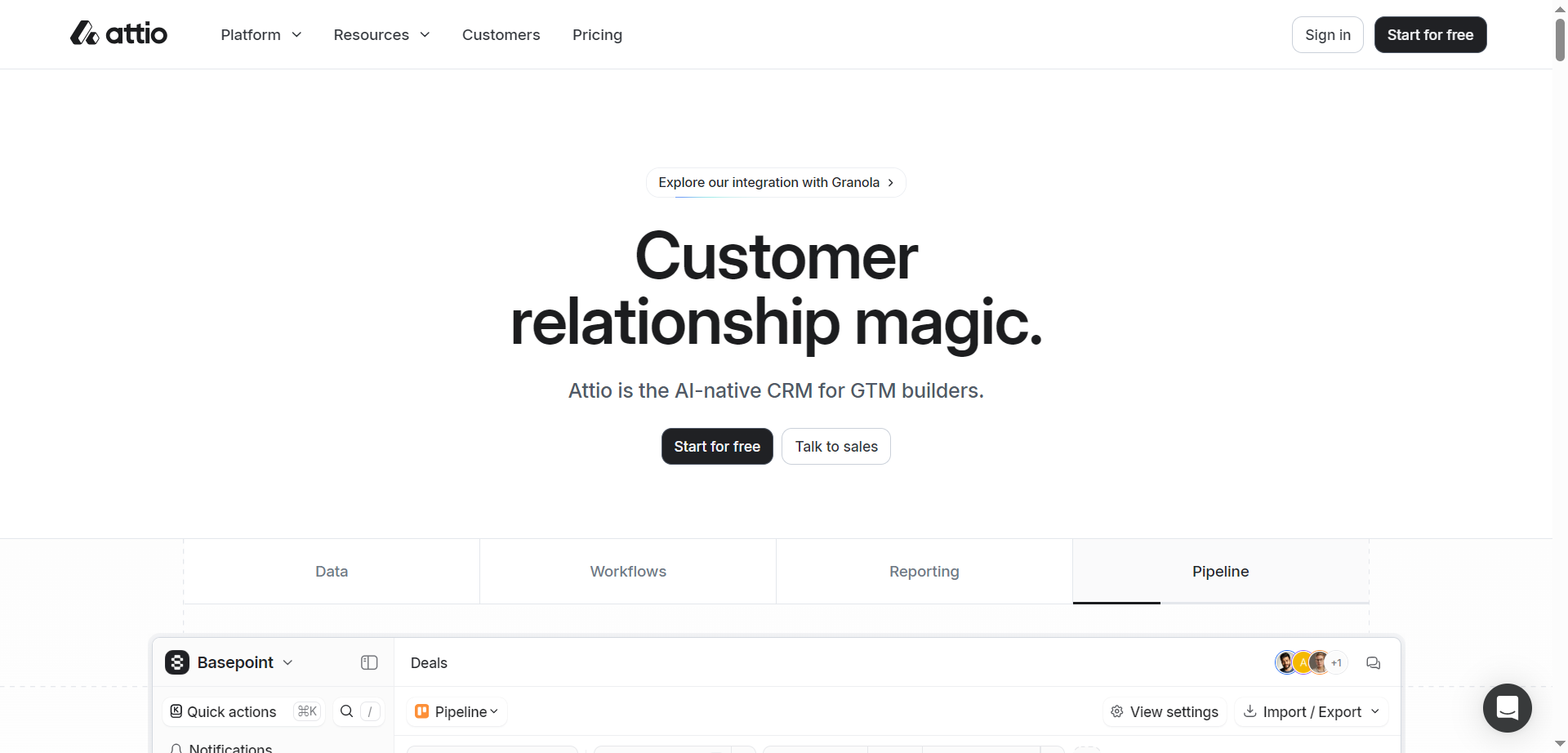
Attio is an AI-native CRM platform designed for go-to-market (GTM) teams and business builders who want to execute revenue strategies with precision. It offers a highly flexible data model that adapts to each business’s unique workflows rather than forcing businesses to adapt to the CRM. Attio integrates seamlessly with multiple data sources, including email, calendar, billing, customer support, and product data, creating a unified, real-time source of truth. The platform features powerful automation engines for complex processes, AI-driven research agents for lead prospecting and routing, and advanced reporting tools that generate deep business insights instantly. It is built for scale, handling millions of records with low latency, and follows robust security and compliance standards such as GDPR, CCPA, and ISO certifications.
Attio
Attio is an AI-native CRM platform designed for go-to-market (GTM) teams and business builders who want to execute revenue strategies with precision. It offers a highly flexible data model that adapts to each business’s unique workflows rather than forcing businesses to adapt to the CRM. Attio integrates seamlessly with multiple data sources, including email, calendar, billing, customer support, and product data, creating a unified, real-time source of truth. The platform features powerful automation engines for complex processes, AI-driven research agents for lead prospecting and routing, and advanced reporting tools that generate deep business insights instantly. It is built for scale, handling millions of records with low latency, and follows robust security and compliance standards such as GDPR, CCPA, and ISO certifications.
Attio
Attio is an AI-native CRM platform designed for go-to-market (GTM) teams and business builders who want to execute revenue strategies with precision. It offers a highly flexible data model that adapts to each business’s unique workflows rather than forcing businesses to adapt to the CRM. Attio integrates seamlessly with multiple data sources, including email, calendar, billing, customer support, and product data, creating a unified, real-time source of truth. The platform features powerful automation engines for complex processes, AI-driven research agents for lead prospecting and routing, and advanced reporting tools that generate deep business insights instantly. It is built for scale, handling millions of records with low latency, and follows robust security and compliance standards such as GDPR, CCPA, and ISO certifications.

Nextdocs IO
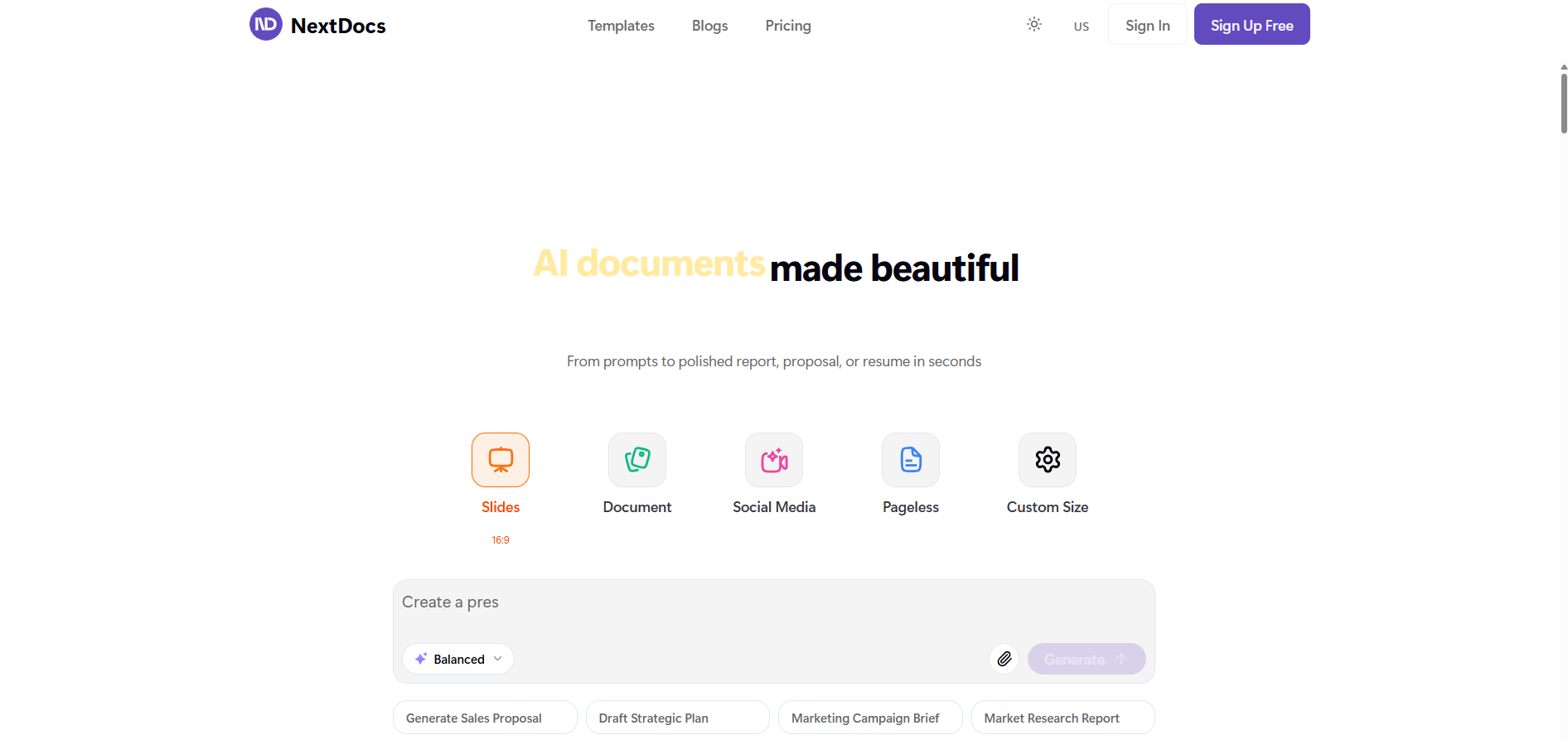
NextDocs is an AI-powered documentation management and workflow automation platform that helps teams create, maintain, and update technical or operational documents collaboratively. The platform uses generative AI to streamline document creation, automate formatting, and manage version control. Designed for startups, tech companies, and enterprise teams, it allows users to write and structure docs efficiently while maintaining brand consistency and compliance. With real-time editing, intelligent search, and customizable templates, NextDocs transforms documentation into a dynamic, living system rather than static files.
Nextdocs IO
NextDocs is an AI-powered documentation management and workflow automation platform that helps teams create, maintain, and update technical or operational documents collaboratively. The platform uses generative AI to streamline document creation, automate formatting, and manage version control. Designed for startups, tech companies, and enterprise teams, it allows users to write and structure docs efficiently while maintaining brand consistency and compliance. With real-time editing, intelligent search, and customizable templates, NextDocs transforms documentation into a dynamic, living system rather than static files.
Nextdocs IO
NextDocs is an AI-powered documentation management and workflow automation platform that helps teams create, maintain, and update technical or operational documents collaboratively. The platform uses generative AI to streamline document creation, automate formatting, and manage version control. Designed for startups, tech companies, and enterprise teams, it allows users to write and structure docs efficiently while maintaining brand consistency and compliance. With real-time editing, intelligent search, and customizable templates, NextDocs transforms documentation into a dynamic, living system rather than static files.
Prompts AI
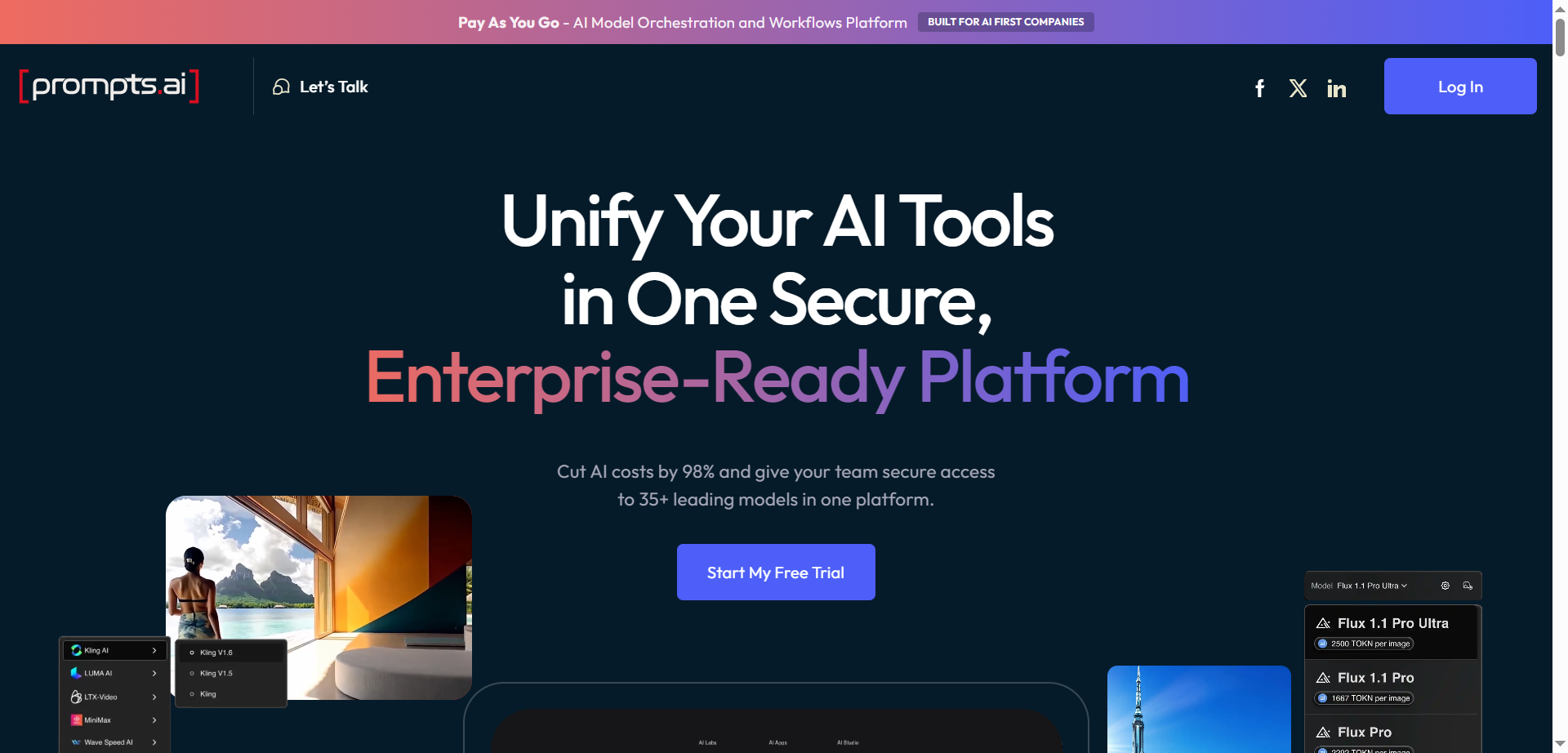
Prompts.ai is an enterprise-grade AI platform designed to streamline, optimize, and govern generative AI workflows and prompt engineering across organizations. It centralizes access to over 35 large language models (LLMs) and AI tools, allowing teams to automate repetitive workflows, reduce costs, and boost productivity by up to 10 times. The platform emphasizes data security and compliance with standards such as SOC 2 Type II, HIPAA, and GDPR. It supports enterprises in building custom AI workflows, ensuring full visibility, auditability, and governance of AI interactions. Additionally, Prompts.ai fosters collaboration by providing a shared library of expert-built prompts and workflows, enabling businesses to scale AI adoption efficiently and securely.
Prompts AI
Prompts.ai is an enterprise-grade AI platform designed to streamline, optimize, and govern generative AI workflows and prompt engineering across organizations. It centralizes access to over 35 large language models (LLMs) and AI tools, allowing teams to automate repetitive workflows, reduce costs, and boost productivity by up to 10 times. The platform emphasizes data security and compliance with standards such as SOC 2 Type II, HIPAA, and GDPR. It supports enterprises in building custom AI workflows, ensuring full visibility, auditability, and governance of AI interactions. Additionally, Prompts.ai fosters collaboration by providing a shared library of expert-built prompts and workflows, enabling businesses to scale AI adoption efficiently and securely.
Prompts AI
Prompts.ai is an enterprise-grade AI platform designed to streamline, optimize, and govern generative AI workflows and prompt engineering across organizations. It centralizes access to over 35 large language models (LLMs) and AI tools, allowing teams to automate repetitive workflows, reduce costs, and boost productivity by up to 10 times. The platform emphasizes data security and compliance with standards such as SOC 2 Type II, HIPAA, and GDPR. It supports enterprises in building custom AI workflows, ensuring full visibility, auditability, and governance of AI interactions. Additionally, Prompts.ai fosters collaboration by providing a shared library of expert-built prompts and workflows, enabling businesses to scale AI adoption efficiently and securely.
OmniGPT
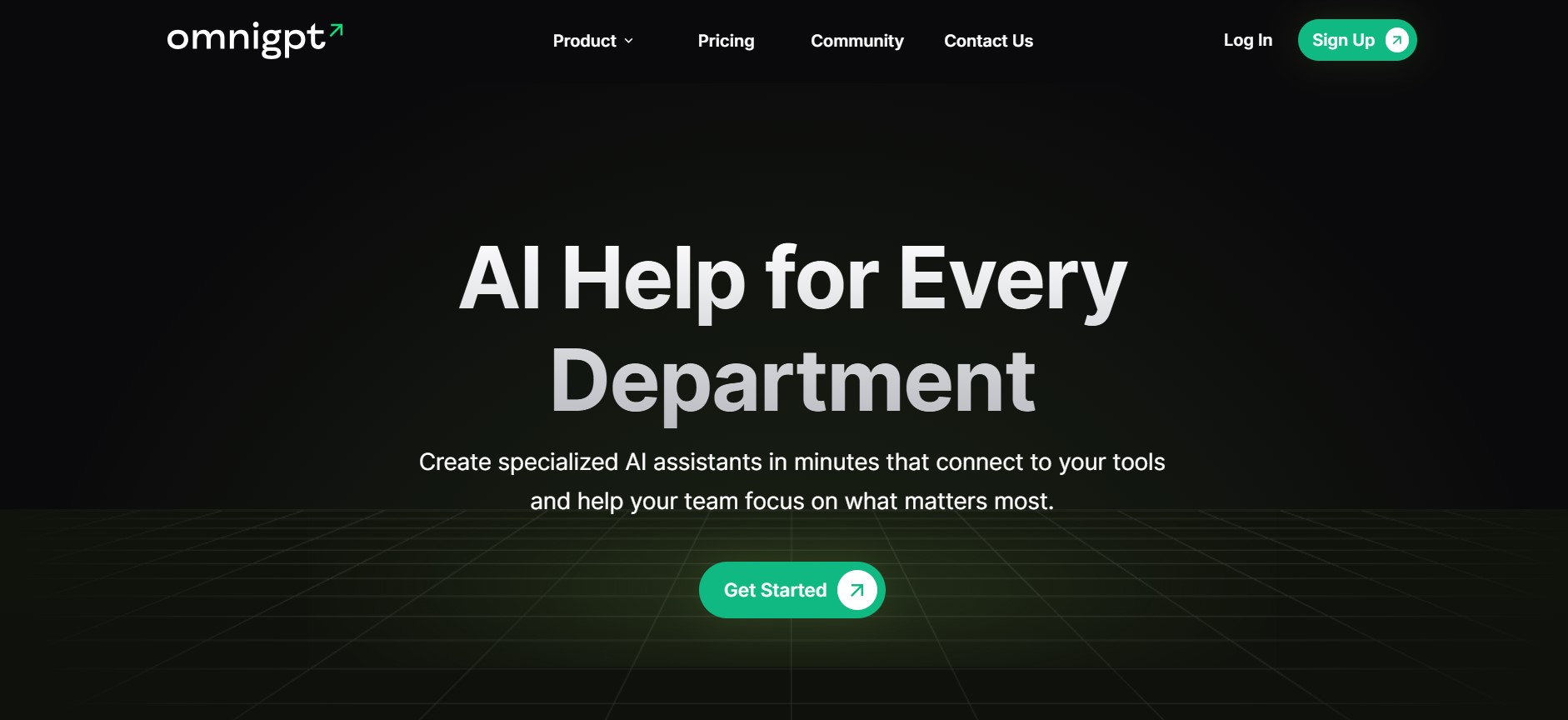
OmniGPT.co is an AI-powered productivity platform that enables individuals and teams to create custom AI assistants and access multiple advanced AI models in one centralized workspace. The platform supports tasks such as content generation, document analysis, knowledge retrieval, and domain-specific assistance by connecting AI agents to tools like Google Workspace and Notion. Designed for ease of use, OmniGPT allows users to build and customize AI helpers without coding, helping teams work faster and make better use of artificial intelligence across everyday tasks.
OmniGPT
OmniGPT.co is an AI-powered productivity platform that enables individuals and teams to create custom AI assistants and access multiple advanced AI models in one centralized workspace. The platform supports tasks such as content generation, document analysis, knowledge retrieval, and domain-specific assistance by connecting AI agents to tools like Google Workspace and Notion. Designed for ease of use, OmniGPT allows users to build and customize AI helpers without coding, helping teams work faster and make better use of artificial intelligence across everyday tasks.
OmniGPT
OmniGPT.co is an AI-powered productivity platform that enables individuals and teams to create custom AI assistants and access multiple advanced AI models in one centralized workspace. The platform supports tasks such as content generation, document analysis, knowledge retrieval, and domain-specific assistance by connecting AI agents to tools like Google Workspace and Notion. Designed for ease of use, OmniGPT allows users to build and customize AI helpers without coding, helping teams work faster and make better use of artificial intelligence across everyday tasks.
Jeeva AI
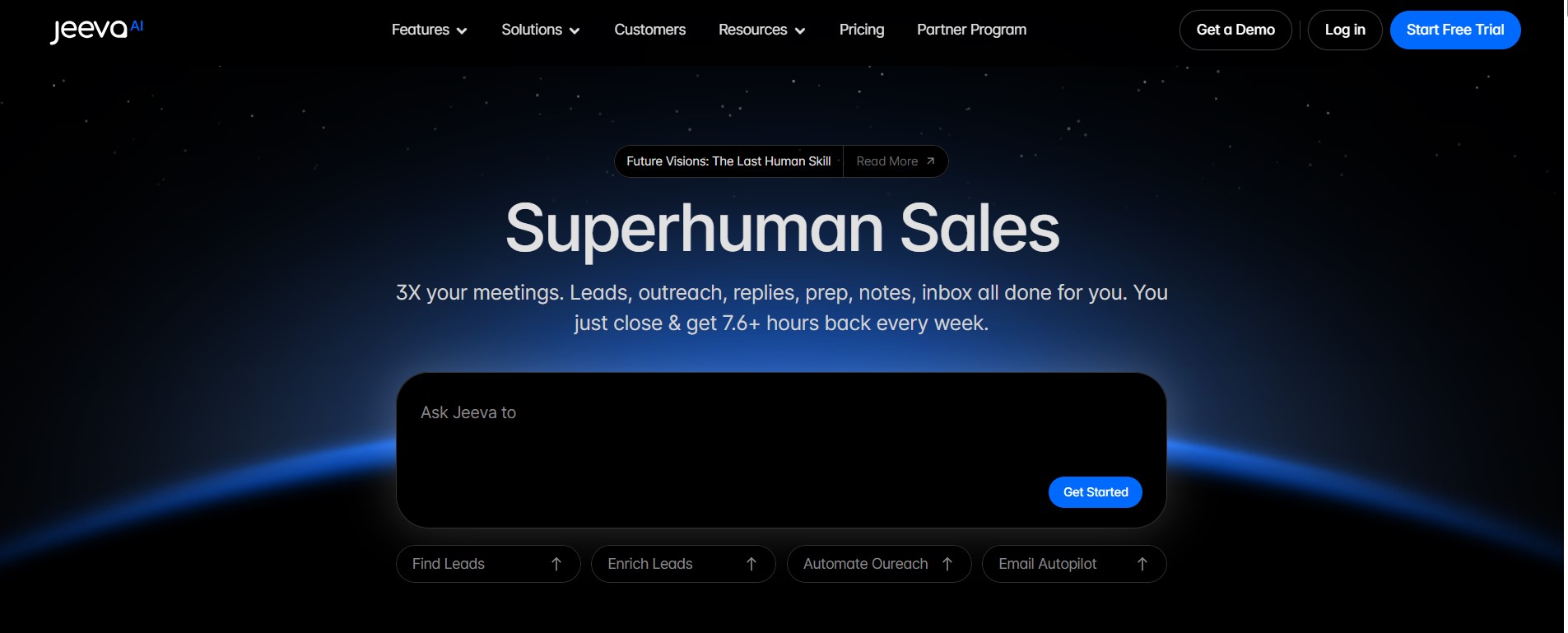
Jeeva.ai is an AI-powered agentic sales automation platform that helps teams and businesses accelerate lead generation, personalized outreach, and pipeline growth. Its intelligent AI agents autonomously discover, enrich, and engage prospects across email, LinkedIn, and calls, while automating follow-ups, CRM updates, meeting scheduling, and sales tasks — freeing sales reps to focus on closing deals. Built on advanced natural language processing and predictive analytics, Jeeva.ai integrates with CRM and inbox tools to streamline sales workflows, improve productivity, and enhance data-driven engagement across the sales funnel.
Jeeva AI
Jeeva.ai is an AI-powered agentic sales automation platform that helps teams and businesses accelerate lead generation, personalized outreach, and pipeline growth. Its intelligent AI agents autonomously discover, enrich, and engage prospects across email, LinkedIn, and calls, while automating follow-ups, CRM updates, meeting scheduling, and sales tasks — freeing sales reps to focus on closing deals. Built on advanced natural language processing and predictive analytics, Jeeva.ai integrates with CRM and inbox tools to streamline sales workflows, improve productivity, and enhance data-driven engagement across the sales funnel.
Jeeva AI
Jeeva.ai is an AI-powered agentic sales automation platform that helps teams and businesses accelerate lead generation, personalized outreach, and pipeline growth. Its intelligent AI agents autonomously discover, enrich, and engage prospects across email, LinkedIn, and calls, while automating follow-ups, CRM updates, meeting scheduling, and sales tasks — freeing sales reps to focus on closing deals. Built on advanced natural language processing and predictive analytics, Jeeva.ai integrates with CRM and inbox tools to streamline sales workflows, improve productivity, and enhance data-driven engagement across the sales funnel.

Affint
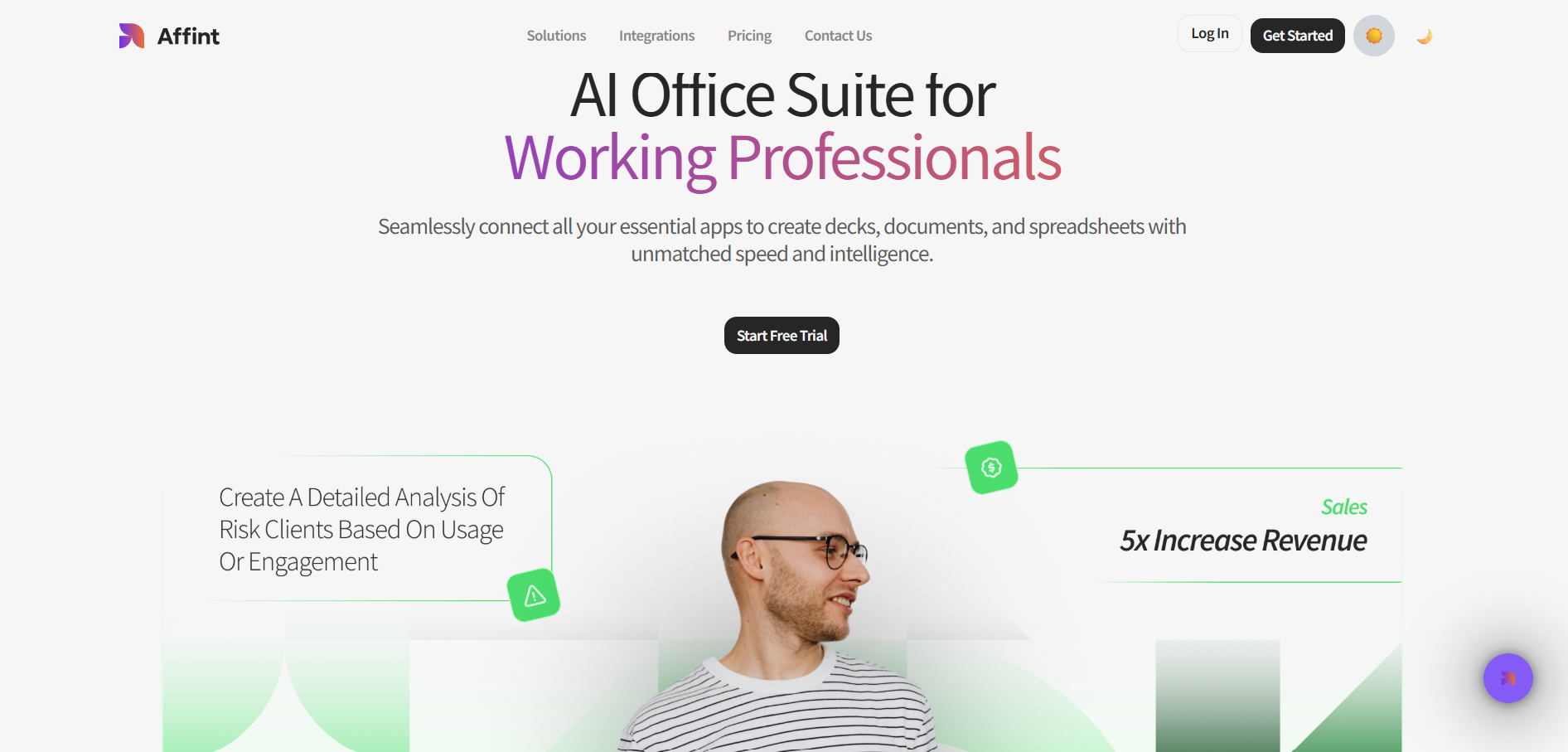
Affint.ai is an AI-powered office suite designed for teams and working professionals who need to create documents, spreadsheets, and presentations with unparalleled speed and intelligence. The platform connects essential workplace apps into one unified environment, enabling users to generate content, automate formatting, and produce professional deliverables without switching tools. By integrating smart automation and AI-driven writing and calculation capabilities, Affint.ai streamlines workflows, reduces manual work, and increases productivity for individuals and teams across business functions.
Affint
Affint.ai is an AI-powered office suite designed for teams and working professionals who need to create documents, spreadsheets, and presentations with unparalleled speed and intelligence. The platform connects essential workplace apps into one unified environment, enabling users to generate content, automate formatting, and produce professional deliverables without switching tools. By integrating smart automation and AI-driven writing and calculation capabilities, Affint.ai streamlines workflows, reduces manual work, and increases productivity for individuals and teams across business functions.
Affint
Affint.ai is an AI-powered office suite designed for teams and working professionals who need to create documents, spreadsheets, and presentations with unparalleled speed and intelligence. The platform connects essential workplace apps into one unified environment, enabling users to generate content, automate formatting, and produce professional deliverables without switching tools. By integrating smart automation and AI-driven writing and calculation capabilities, Affint.ai streamlines workflows, reduces manual work, and increases productivity for individuals and teams across business functions.
Editorial Note
This page was researched and written by the ATB Editorial Team. Our team researches each AI tool by reviewing its official website, testing features, exploring real use cases, and considering user feedback. Every page is fact-checked and regularly updated to ensure the information stays accurate, neutral, and useful for our readers.
If you have any suggestions or questions, email us at hello@aitoolbook.ai