
- Professional Developers: Speed up coding with intelligent suggestions based on your own code context.
- Beginner Programmers: Get guided help through code completions that follow best practices.
- Enterprise Teams: Standardize coding practices and improve code quality with shared team models.
- Data Scientists & ML Engineers: Use IntelliCode in Python and Jupyter environments for smart suggestions.
- Cross-Platform Developers: Use it across languages and frameworks including C#, Python, JavaScript, and more.
How to Use IntelliCode?
- Install Visual Studio or VS Code: IntelliCode is built into these environments or available as an extension.
- Enable IntelliCode Features: Activate AI-assisted IntelliSense and suggestions.
- Start Coding: Write code as usual and watch IntelliCode recommend context-aware completions.
- Use Team Models: Train IntelliCode on your team’s codebase to personalize suggestions.
- Refine with Feedback: Accept, ignore, or adapt IntelliCode’s suggestions as needed to improve accuracy.
- Trained on High-Quality Repos: Models are trained on over 500,000 GitHub repos for accuracy.
- Personalized Team Models: Fine-tune IntelliCode to match your team’s coding style and preferences.
- Multi-Language Support: Works across popular languages like C#, Python, JavaScript, TypeScript, and more.
- Deep IDE Integration: Fully integrated into Visual Studio and VS Code for seamless workflows.
- AI-Assisted Refactoring: Offers suggestions beyond just completions, including smarter refactorings.
- Free for Individuals: IntelliCode is included at no cost for individual developers using Visual Studio.
- Context-Aware Code Suggestions: Learns from code context for smarter, accurate completions.
- Team Model Training: Customizes suggestions based on your organization’s codebase.
- Multi-Language Support: Works with C#, Python, JavaScript, Java, and more.
- Deep IDE Integration: Native support in Visual Studio and Visual Studio Code.
- Only Works in Microsoft IDEs: Limited to Visual Studio and VS Code environments.
- Team Training Setup Needed: Requires configuration and training for optimal team model usage.
- Dependent on Code Quality: Suggestions depend heavily on the training data’s quality and patterns.

Proud of the love you're getting? Show off your AI Toolbook reviews—then invite more fans to share the love and build your credibility.
Add an AI Toolbook badge to your site—an easy way to drive followers, showcase updates, and collect reviews. It's like a mini 24/7 billboard for your AI.
Reviews
Rating Distribution
Average score
Popular Mention
FAQs
Similar AI Tools

GitHub Copilot
GitHub Copilot is an AI-powered code completion tool developed by GitHub and powered by OpenAI. It helps developers write code faster and more efficiently by suggesting full lines, functions, or entire blocks of code directly within the editor. Integrated with popular IDEs like Visual Studio Code, JetBrains, and Neovim, Copilot acts as a virtual pair programmer that understands your context and writes code in real-time.
GitHub Copilot
GitHub Copilot is an AI-powered code completion tool developed by GitHub and powered by OpenAI. It helps developers write code faster and more efficiently by suggesting full lines, functions, or entire blocks of code directly within the editor. Integrated with popular IDEs like Visual Studio Code, JetBrains, and Neovim, Copilot acts as a virtual pair programmer that understands your context and writes code in real-time.
GitHub Copilot
GitHub Copilot is an AI-powered code completion tool developed by GitHub and powered by OpenAI. It helps developers write code faster and more efficiently by suggesting full lines, functions, or entire blocks of code directly within the editor. Integrated with popular IDEs like Visual Studio Code, JetBrains, and Neovim, Copilot acts as a virtual pair programmer that understands your context and writes code in real-time.

Replit Ghostwriter
Replit Ghostwriter is an AI-powered coding assistant integrated into the Replit online IDE. Designed to boost developer productivity, Ghostwriter offers intelligent code suggestions, autocomplete, debugging help, and natural language explanations—all within your browser. It’s built to support both novice and advanced programmers as they code, learn, and build projects in real time.
Replit Ghostwriter
Replit Ghostwriter is an AI-powered coding assistant integrated into the Replit online IDE. Designed to boost developer productivity, Ghostwriter offers intelligent code suggestions, autocomplete, debugging help, and natural language explanations—all within your browser. It’s built to support both novice and advanced programmers as they code, learn, and build projects in real time.
Replit Ghostwriter
Replit Ghostwriter is an AI-powered coding assistant integrated into the Replit online IDE. Designed to boost developer productivity, Ghostwriter offers intelligent code suggestions, autocomplete, debugging help, and natural language explanations—all within your browser. It’s built to support both novice and advanced programmers as they code, learn, and build projects in real time.

OpenAI Codex
OpenAI Codex is a powerful AI coding engine developed by OpenAI that translates natural language into code. Built on top of GPT-3, Codex understands and generates code in over a dozen programming languages, including JavaScript, Python, and more. It's the underlying model behind GitHub Copilot and is designed to help developers write code faster, learn new APIs, and prototype projects with simple language commands.
OpenAI Codex
OpenAI Codex is a powerful AI coding engine developed by OpenAI that translates natural language into code. Built on top of GPT-3, Codex understands and generates code in over a dozen programming languages, including JavaScript, Python, and more. It's the underlying model behind GitHub Copilot and is designed to help developers write code faster, learn new APIs, and prototype projects with simple language commands.
OpenAI Codex
OpenAI Codex is a powerful AI coding engine developed by OpenAI that translates natural language into code. Built on top of GPT-3, Codex understands and generates code in over a dozen programming languages, including JavaScript, Python, and more. It's the underlying model behind GitHub Copilot and is designed to help developers write code faster, learn new APIs, and prototype projects with simple language commands.
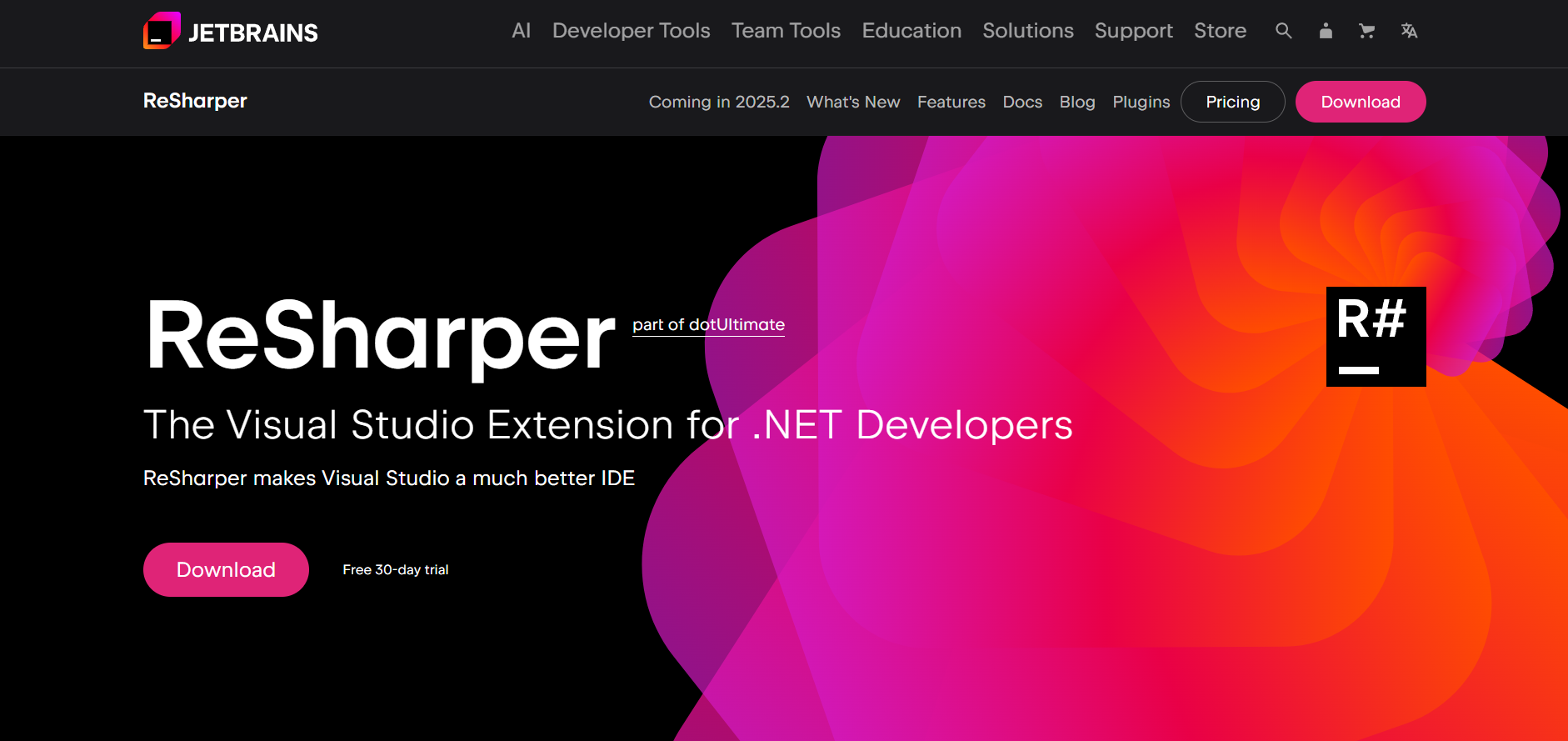

ReSharper
ReSharper is a powerful Visual Studio extension developed by JetBrains that enhances .NET development with advanced code analysis, refactoring tools, and productivity boosters. It streamlines C#, VB.NET, ASP.NET, and other .NET language development by offering intelligent suggestions, quick fixes, and deep code navigation features—all designed to help developers write cleaner, faster, and more maintainable code.
ReSharper
ReSharper is a powerful Visual Studio extension developed by JetBrains that enhances .NET development with advanced code analysis, refactoring tools, and productivity boosters. It streamlines C#, VB.NET, ASP.NET, and other .NET language development by offering intelligent suggestions, quick fixes, and deep code navigation features—all designed to help developers write cleaner, faster, and more maintainable code.
ReSharper
ReSharper is a powerful Visual Studio extension developed by JetBrains that enhances .NET development with advanced code analysis, refactoring tools, and productivity boosters. It streamlines C#, VB.NET, ASP.NET, and other .NET language development by offering intelligent suggestions, quick fixes, and deep code navigation features—all designed to help developers write cleaner, faster, and more maintainable code.
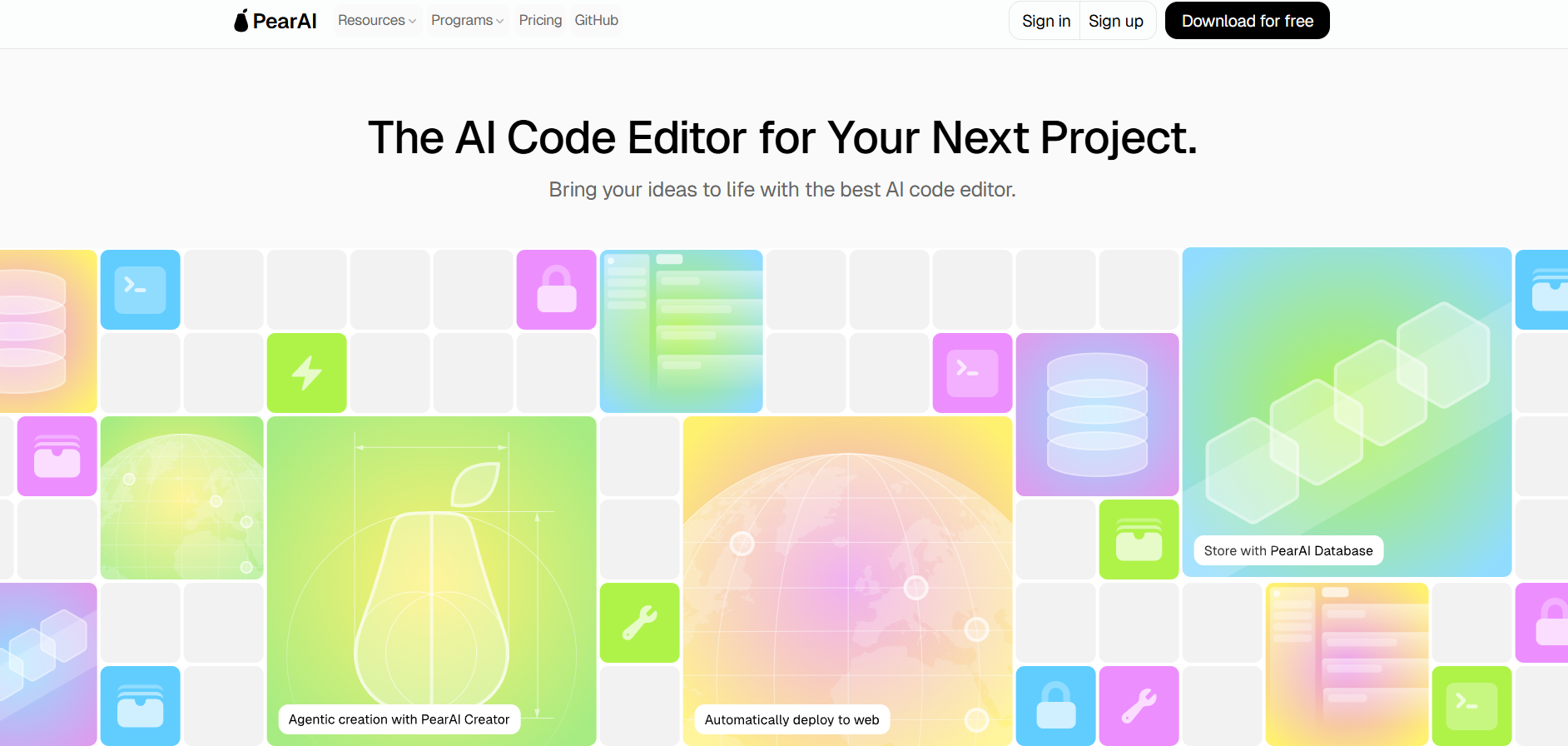

PearAI
PearAI is an open-source, AI-powered code editor based on Visual Studio Code that combines top AI coding tools like GPT-4, Claude, LLaMA, and AI agents into one intelligent workspace. Designed for developers who want deep codebase understanding, automated assistance, and fast project scaffolding, PearAI delivers a unified, local-first AI coding experience.
PearAI
PearAI is an open-source, AI-powered code editor based on Visual Studio Code that combines top AI coding tools like GPT-4, Claude, LLaMA, and AI agents into one intelligent workspace. Designed for developers who want deep codebase understanding, automated assistance, and fast project scaffolding, PearAI delivers a unified, local-first AI coding experience.
PearAI
PearAI is an open-source, AI-powered code editor based on Visual Studio Code that combines top AI coding tools like GPT-4, Claude, LLaMA, and AI agents into one intelligent workspace. Designed for developers who want deep codebase understanding, automated assistance, and fast project scaffolding, PearAI delivers a unified, local-first AI coding experience.
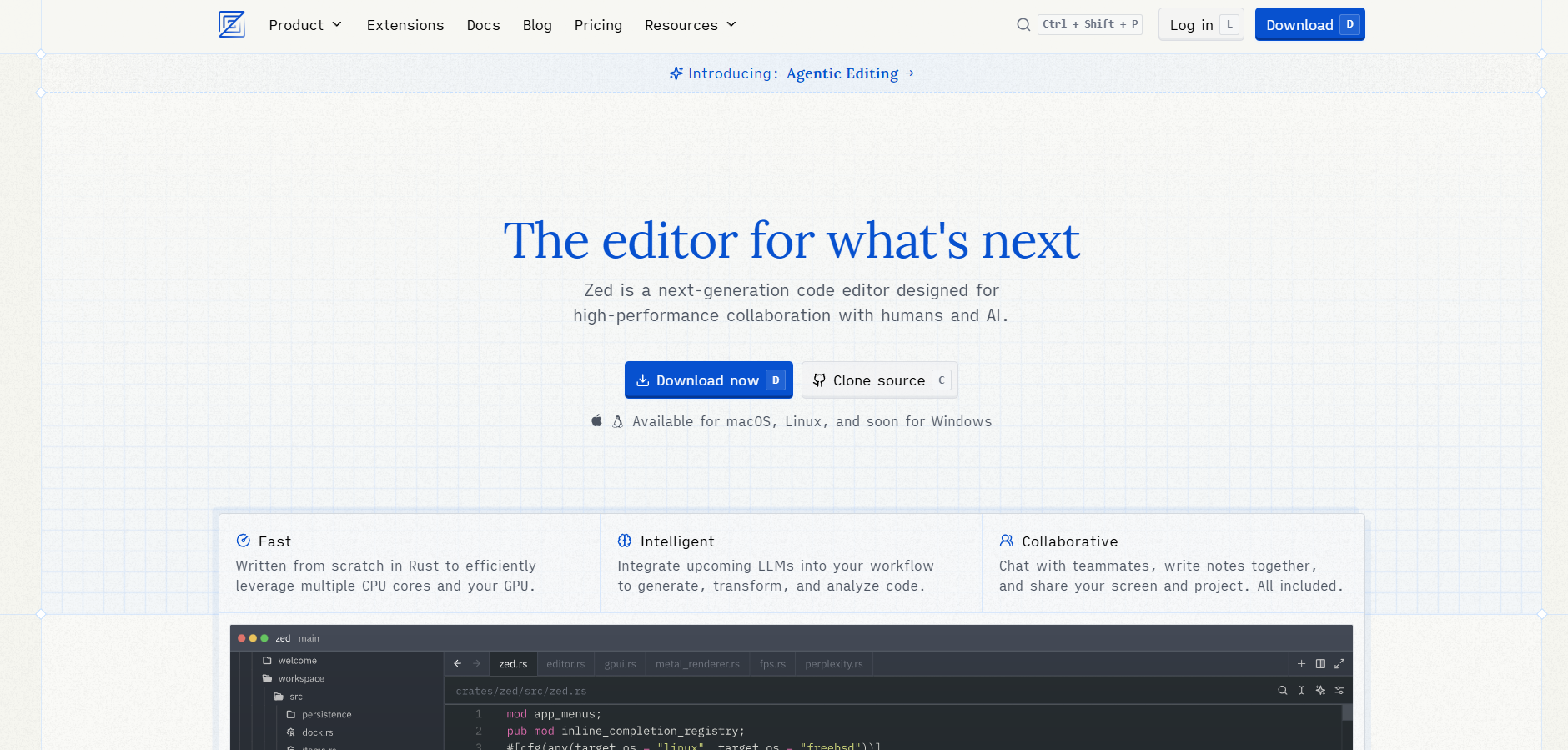

Zed
Zed is a high-performance, open-source code editor built for speed and collaboration. It combines lightning-fast responsiveness with built-in real-time collaboration and AI-assisted code editing, redefining editor precision and coding velocity.
Zed
Zed is a high-performance, open-source code editor built for speed and collaboration. It combines lightning-fast responsiveness with built-in real-time collaboration and AI-assisted code editing, redefining editor precision and coding velocity.
Zed
Zed is a high-performance, open-source code editor built for speed and collaboration. It combines lightning-fast responsiveness with built-in real-time collaboration and AI-assisted code editing, redefining editor precision and coding velocity.
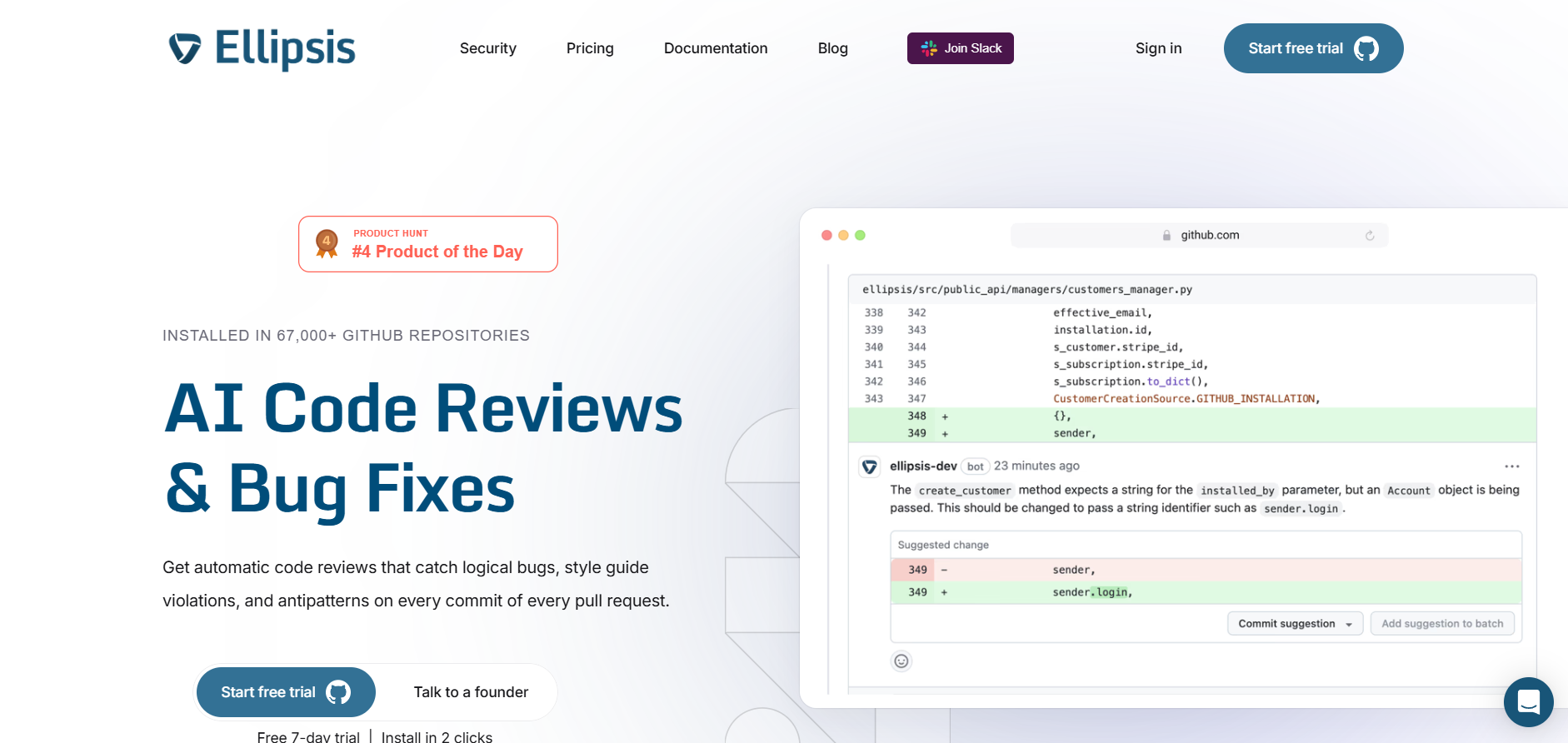

Ellipsis
Ellipsis is a visual AI-powered interface for crafting GPT-based workflows. By connecting AI actions like summarization, classification, or chat in a flow-chart style, users can build complex automations without writing any code—perfect for tasks like analytics insight or content classification.
Ellipsis
Ellipsis is a visual AI-powered interface for crafting GPT-based workflows. By connecting AI actions like summarization, classification, or chat in a flow-chart style, users can build complex automations without writing any code—perfect for tasks like analytics insight or content classification.
Ellipsis
Ellipsis is a visual AI-powered interface for crafting GPT-based workflows. By connecting AI actions like summarization, classification, or chat in a flow-chart style, users can build complex automations without writing any code—perfect for tasks like analytics insight or content classification.
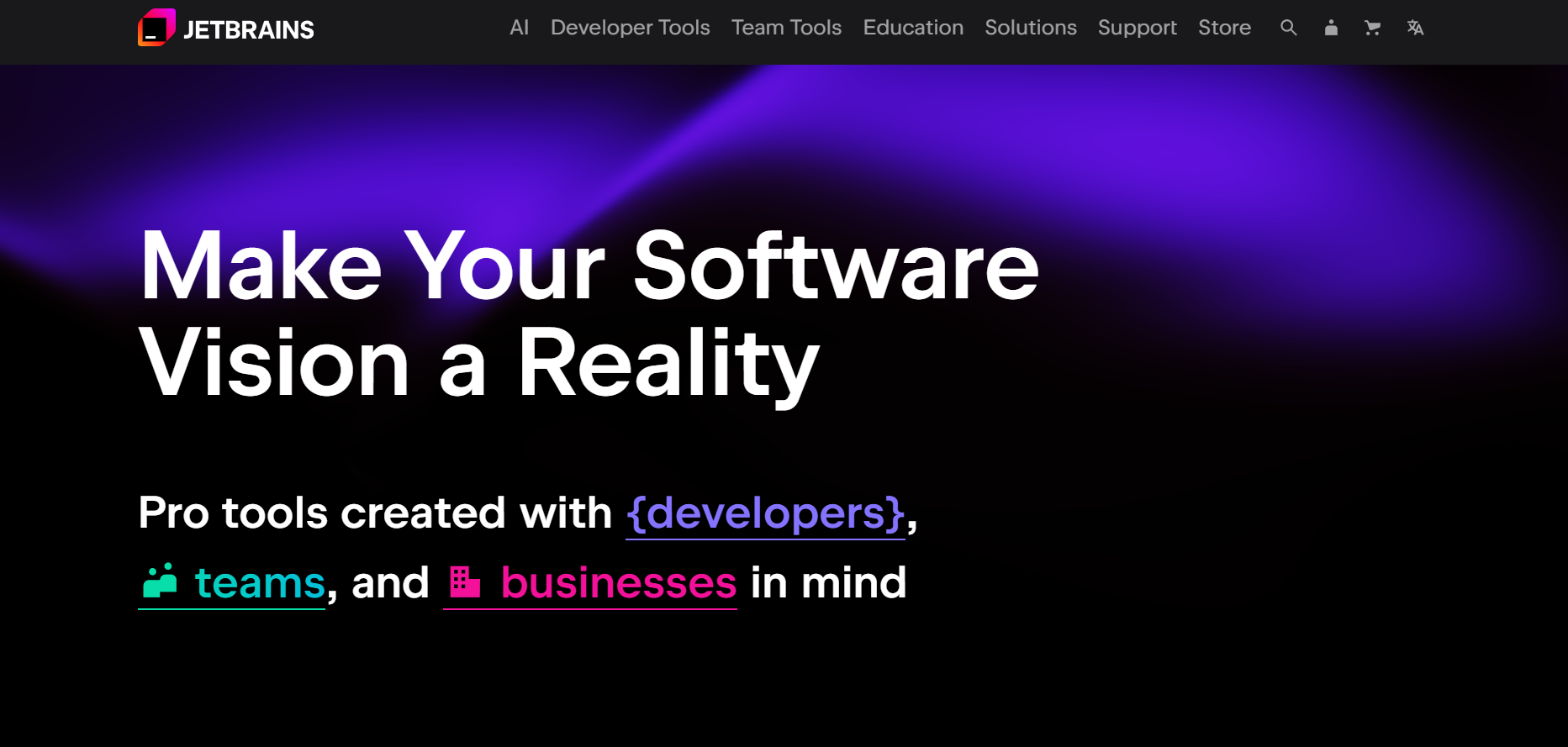

JetBrains IDEs
JetBrains IDEs are a suite of professional, language-specific integrated development environments (IDEs) backed by robust coding assistance, smart refactoring, debugging, testing, and AI-powered plugin support across multiple languages.
JetBrains IDEs
JetBrains IDEs are a suite of professional, language-specific integrated development environments (IDEs) backed by robust coding assistance, smart refactoring, debugging, testing, and AI-powered plugin support across multiple languages.
JetBrains IDEs
JetBrains IDEs are a suite of professional, language-specific integrated development environments (IDEs) backed by robust coding assistance, smart refactoring, debugging, testing, and AI-powered plugin support across multiple languages.
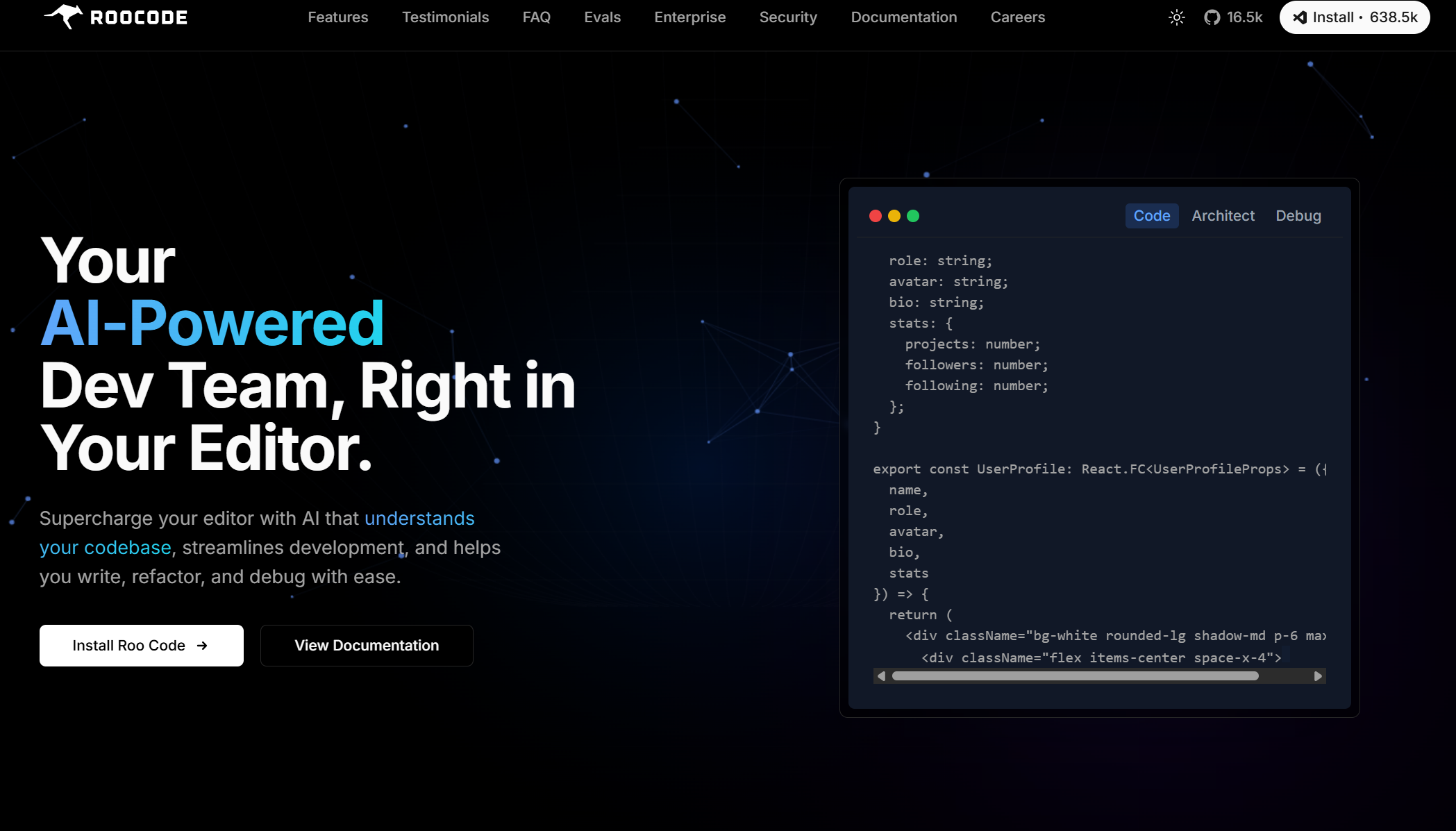

RooCode
Roo Code (formerly Roo Cline) is an open-source, AI-powered development assistant built directly into Visual Studio Code. Acting like a full-stack “AI dev team,” it helps you plan, write, and refactor code across multiple files, run terminal commands, launch browsers, and debug—all from within your editor.
RooCode
Roo Code (formerly Roo Cline) is an open-source, AI-powered development assistant built directly into Visual Studio Code. Acting like a full-stack “AI dev team,” it helps you plan, write, and refactor code across multiple files, run terminal commands, launch browsers, and debug—all from within your editor.
RooCode
Roo Code (formerly Roo Cline) is an open-source, AI-powered development assistant built directly into Visual Studio Code. Acting like a full-stack “AI dev team,” it helps you plan, write, and refactor code across multiple files, run terminal commands, launch browsers, and debug—all from within your editor.


Manus AI
ManusAI is an AI-powered code assistant built to help developers write, understand, and debug code faster and more efficiently. With deep code comprehension, custom workflows, and seamless IDE integrations, ManusAI acts like a virtual senior engineer—guiding you through complex logic, code reviews, and refactoring tasks. Whether you’re writing new code or diving into a legacy codebase, ManusAI accelerates your productivity with precision. Essentially, Manus AI aims to be an "intelligent hand" that translates user intent directly into action, automating tasks that typically require human management. It's currently accessible via an invitation-only beta.
Manus AI
ManusAI is an AI-powered code assistant built to help developers write, understand, and debug code faster and more efficiently. With deep code comprehension, custom workflows, and seamless IDE integrations, ManusAI acts like a virtual senior engineer—guiding you through complex logic, code reviews, and refactoring tasks. Whether you’re writing new code or diving into a legacy codebase, ManusAI accelerates your productivity with precision. Essentially, Manus AI aims to be an "intelligent hand" that translates user intent directly into action, automating tasks that typically require human management. It's currently accessible via an invitation-only beta.
Manus AI
ManusAI is an AI-powered code assistant built to help developers write, understand, and debug code faster and more efficiently. With deep code comprehension, custom workflows, and seamless IDE integrations, ManusAI acts like a virtual senior engineer—guiding you through complex logic, code reviews, and refactoring tasks. Whether you’re writing new code or diving into a legacy codebase, ManusAI accelerates your productivity with precision. Essentially, Manus AI aims to be an "intelligent hand" that translates user intent directly into action, automating tasks that typically require human management. It's currently accessible via an invitation-only beta.


Chef
Chef by Convex is an AI-powered development assistant built to help developers create, test, and deploy web applications faster using natural language prompts. Integrated with Convex’s backend-as-a-service platform, Chef automates code generation, database setup, and API creation, enabling developers to move from concept to functional prototype within minutes. The tool understands developer intent, allowing users to describe what they want and instantly receive production-ready code snippets. With collaborative features and integrated testing environments, Chef by Convex simplifies modern app development for both individuals and teams, combining AI intelligence with backend scalability.
Chef
Chef by Convex is an AI-powered development assistant built to help developers create, test, and deploy web applications faster using natural language prompts. Integrated with Convex’s backend-as-a-service platform, Chef automates code generation, database setup, and API creation, enabling developers to move from concept to functional prototype within minutes. The tool understands developer intent, allowing users to describe what they want and instantly receive production-ready code snippets. With collaborative features and integrated testing environments, Chef by Convex simplifies modern app development for both individuals and teams, combining AI intelligence with backend scalability.
Chef
Chef by Convex is an AI-powered development assistant built to help developers create, test, and deploy web applications faster using natural language prompts. Integrated with Convex’s backend-as-a-service platform, Chef automates code generation, database setup, and API creation, enabling developers to move from concept to functional prototype within minutes. The tool understands developer intent, allowing users to describe what they want and instantly receive production-ready code snippets. With collaborative features and integrated testing environments, Chef by Convex simplifies modern app development for both individuals and teams, combining AI intelligence with backend scalability.
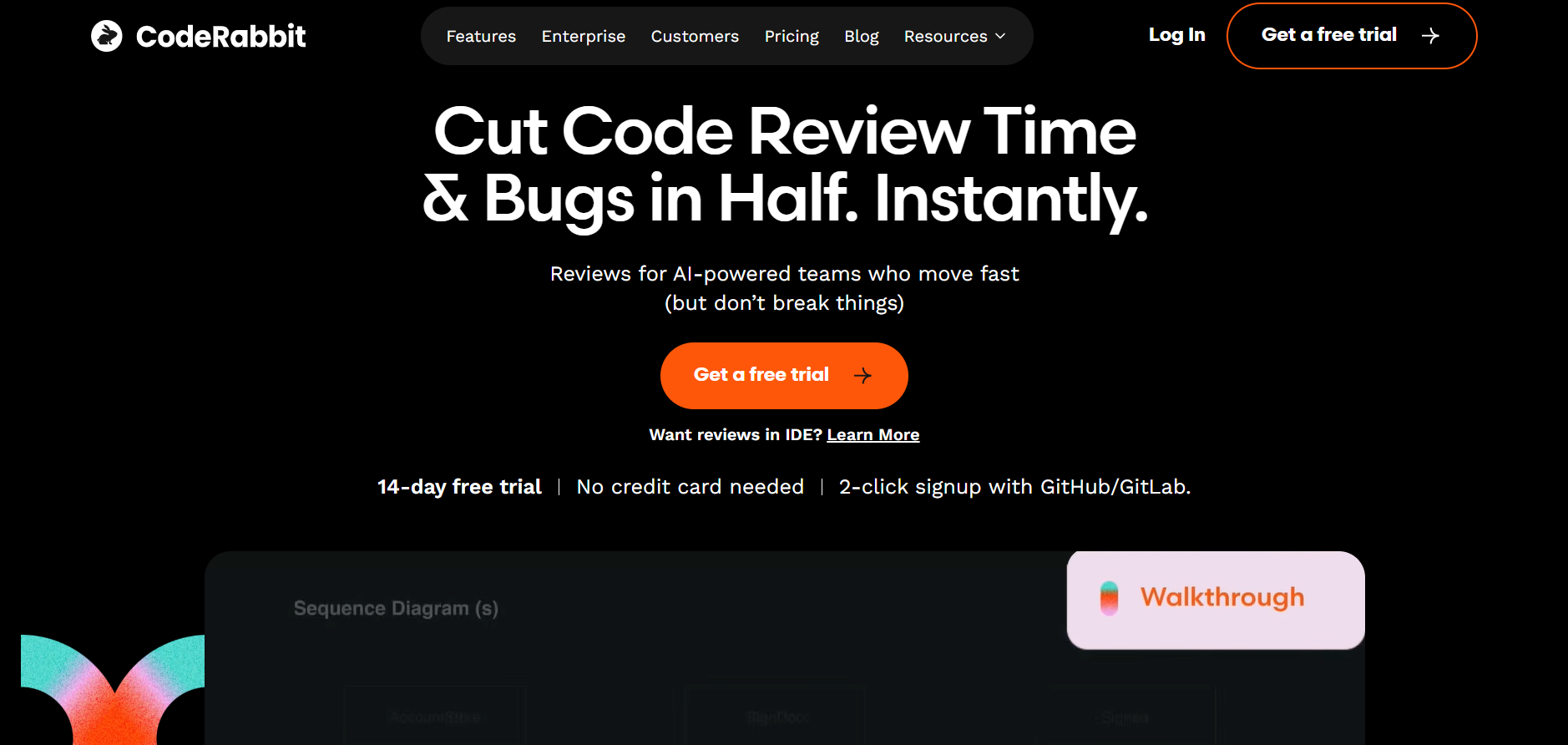

Coderabbit AI
CodeRabbit AI is an intelligent code review assistant designed to automate software review processes, identify bugs, and improve code quality using machine learning. It integrates directly with GitHub and other version control systems to provide real-time analysis, review comments, and improvement suggestions. By mimicking human reviewer logic, CodeRabbit helps development teams maintain code standards while reducing time spent on manual reviews. Its AI models are trained on best coding practices, ensuring that every commit is efficient, secure, and optimized for performance.
Coderabbit AI
CodeRabbit AI is an intelligent code review assistant designed to automate software review processes, identify bugs, and improve code quality using machine learning. It integrates directly with GitHub and other version control systems to provide real-time analysis, review comments, and improvement suggestions. By mimicking human reviewer logic, CodeRabbit helps development teams maintain code standards while reducing time spent on manual reviews. Its AI models are trained on best coding practices, ensuring that every commit is efficient, secure, and optimized for performance.
Coderabbit AI
CodeRabbit AI is an intelligent code review assistant designed to automate software review processes, identify bugs, and improve code quality using machine learning. It integrates directly with GitHub and other version control systems to provide real-time analysis, review comments, and improvement suggestions. By mimicking human reviewer logic, CodeRabbit helps development teams maintain code standards while reducing time spent on manual reviews. Its AI models are trained on best coding practices, ensuring that every commit is efficient, secure, and optimized for performance.
Editorial Note
This page was researched and written by the ATB Editorial Team. Our team researches each AI tool by reviewing its official website, testing features, exploring real use cases, and considering user feedback. Every page is fact-checked and regularly updated to ensure the information stays accurate, neutral, and useful for our readers.
If you have any suggestions or questions, email us at hello@aitoolbook.ai