
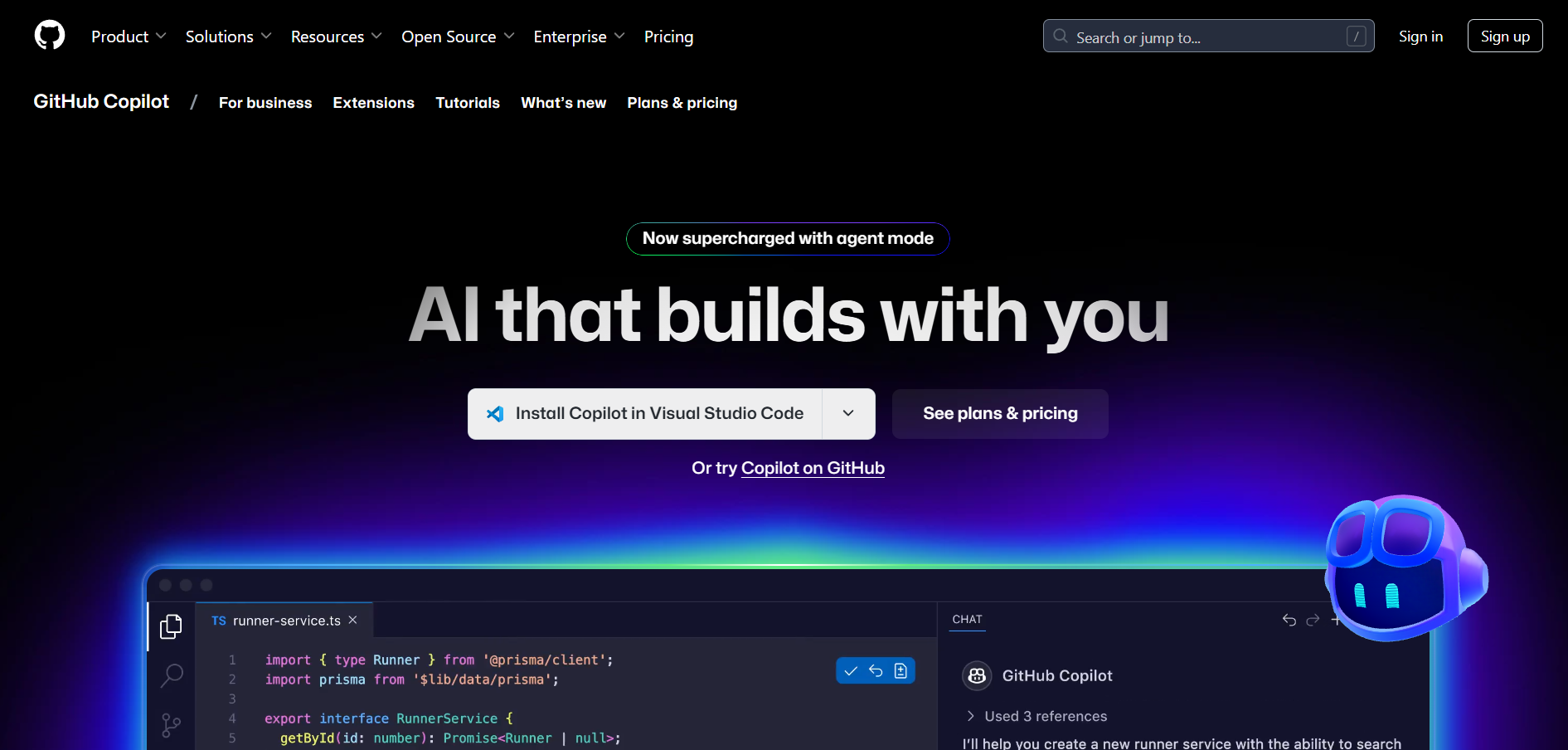
- Software Developers: Accelerate coding tasks with real-time AI code suggestions and completions.
- Frontend & Backend Engineers: Autocomplete UI logic, APIs, and database queries quickly and accurately.
- DevOps & SREs: Generate configuration files, shell scripts, and automation workflows efficiently.
- Beginner Programmers: Learn coding patterns and best practices with guided code suggestions.
- Open Source Contributors: Speed up contributions with context-aware completions across repositories.
How to Use GitHub Copilot?
- Sign In with GitHub: Subscribe to Copilot through your GitHub account and connect it to your preferred IDE.
- Install the Plugin: Add the Copilot extension to supported editors like VS Code, JetBrains IDEs, or Neovim.
- Start Typing Code: Begin writing code normally and Copilot will suggest context-aware completions.
- Accept or Modify Suggestions: Use keyboard shortcuts to accept, reject, or cycle through suggestions.
- Improve with Usage: The more you use it, the better it adapts to your style and project context.
- Context-Aware Code Suggestions: Writes code that adapts to your project’s language, framework, and style.
- Supports Multiple Languages: Works across dozens of programming languages including Python, JavaScript, C++, and Go.
- IDE Integration: Seamlessly integrates into your coding workflow with support for VS Code, JetBrains, and Neovim.
- Paired Programming Experience: Feels like coding with a knowledgeable AI pair programmer.
- Natural Language to Code: Understands comments and turns them into working code snippets.
- Powered by OpenAI Codex: Utilizes one of the most advanced AI coding models built on GPT architecture.
- Time-Saving Autocompletion: Suggests full lines and functions as you type.
- IDE Integration: Works smoothly within popular code editors.
- Multilingual Support: Covers a wide range of programming languages and file types.
- Learns from Context: Provides smarter suggestions by analyzing your existing codebase.
- Requires Internet Connection: Needs online access for generating suggestions.
- May Generate Insecure Code: AI can suggest code with vulnerabilities if not carefully reviewed.
- Not Always Accurate: Suggestions may sometimes be irrelevant or incorrect, needing human oversight.
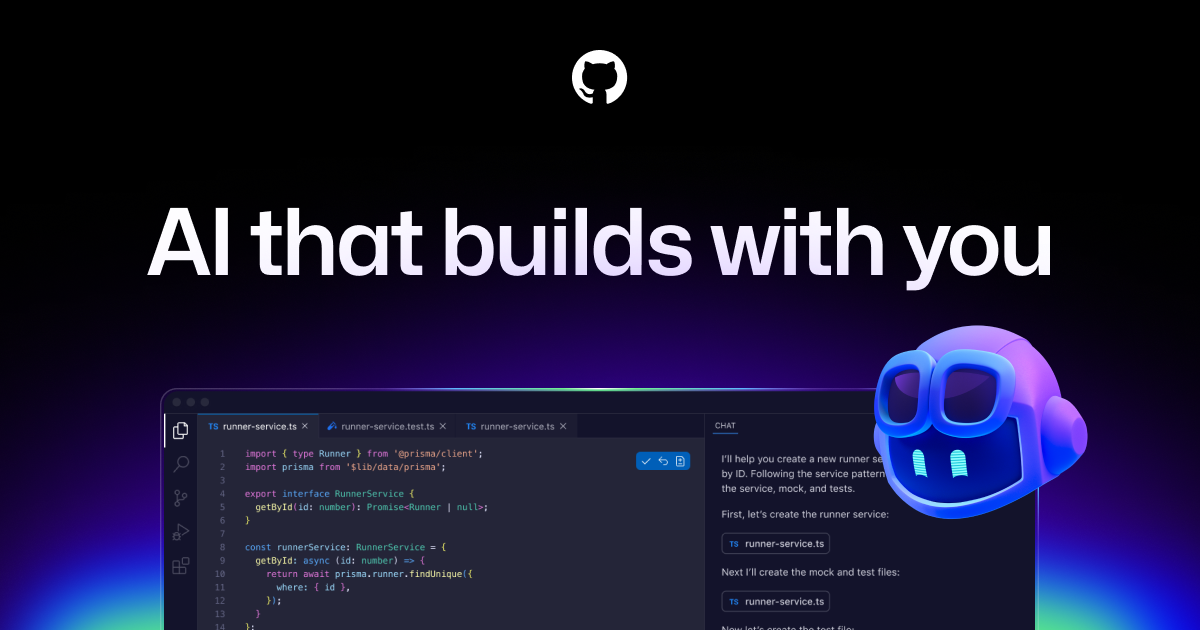
Free Plan
$ 0.00
Unlimited public/private repositories
Community support
Team Plan
$ 4.00
Advanced collaboration tools
Code owners and protected branches
Required reviewers
3,000 GitHub Actions minutes/month
2 GB GitHub Packages storage
Enterprise Plan
$ 21.00
Enterprise security and compliance
SAML single sign-on (SSO)
Audit logs and compliance reports
Flexible deployment options (cloud, self-hosted)
Premium support and SLAs
Proud of the love you're getting? Show off your AI Toolbook reviews—then invite more fans to share the love and build your credibility.
Add an AI Toolbook badge to your site—an easy way to drive followers, showcase updates, and collect reviews. It's like a mini 24/7 billboard for your AI.
Reviews
Rating Distribution
Average score
Popular Mention
FAQs
Similar AI Tools

OpenAI ChatGPT
ChatGPT is an advanced AI chatbot developed by OpenAI that can generate human-like text, answer questions, assist with creative writing, and engage in natural conversations. Powered by OpenAI’s GPT models, it is widely used for customer support, content creation, tutoring, and even casual chat. ChatGPT is available as a web app, API, and mobile app, making it accessible for personal and business use.
OpenAI ChatGPT
ChatGPT is an advanced AI chatbot developed by OpenAI that can generate human-like text, answer questions, assist with creative writing, and engage in natural conversations. Powered by OpenAI’s GPT models, it is widely used for customer support, content creation, tutoring, and even casual chat. ChatGPT is available as a web app, API, and mobile app, making it accessible for personal and business use.
OpenAI ChatGPT
ChatGPT is an advanced AI chatbot developed by OpenAI that can generate human-like text, answer questions, assist with creative writing, and engage in natural conversations. Powered by OpenAI’s GPT models, it is widely used for customer support, content creation, tutoring, and even casual chat. ChatGPT is available as a web app, API, and mobile app, making it accessible for personal and business use.

Qodo
Qodo.ai is an innovative AI-powered platform designed to revolutionize business process automation by enabling teams to build custom AI workflows without writing code. From document processing to customer support automation, Qodo allows users to orchestrate complex workflows using advanced AI models like GPT-4 and Claude. Its drag-and-drop interface and no-code builder make it accessible to both technical and non-technical users.
Qodo
Qodo.ai is an innovative AI-powered platform designed to revolutionize business process automation by enabling teams to build custom AI workflows without writing code. From document processing to customer support automation, Qodo allows users to orchestrate complex workflows using advanced AI models like GPT-4 and Claude. Its drag-and-drop interface and no-code builder make it accessible to both technical and non-technical users.
Qodo
Qodo.ai is an innovative AI-powered platform designed to revolutionize business process automation by enabling teams to build custom AI workflows without writing code. From document processing to customer support automation, Qodo allows users to orchestrate complex workflows using advanced AI models like GPT-4 and Claude. Its drag-and-drop interface and no-code builder make it accessible to both technical and non-technical users.

Replit Ghostwriter
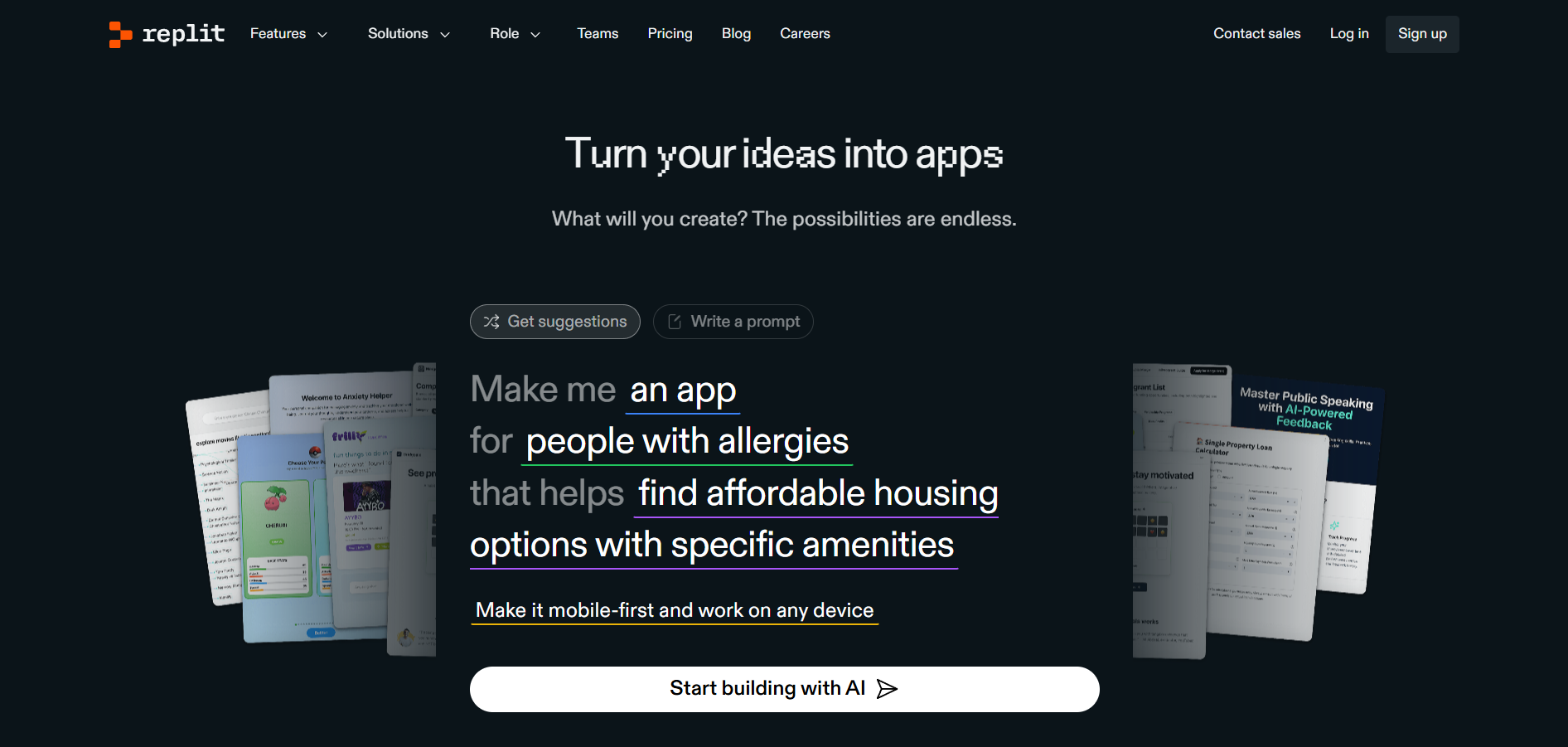
Replit Ghostwriter is an AI-powered coding assistant integrated into the Replit online IDE. Designed to boost developer productivity, Ghostwriter offers intelligent code suggestions, autocomplete, debugging help, and natural language explanations—all within your browser. It’s built to support both novice and advanced programmers as they code, learn, and build projects in real time.
Replit Ghostwriter
Replit Ghostwriter is an AI-powered coding assistant integrated into the Replit online IDE. Designed to boost developer productivity, Ghostwriter offers intelligent code suggestions, autocomplete, debugging help, and natural language explanations—all within your browser. It’s built to support both novice and advanced programmers as they code, learn, and build projects in real time.
Replit Ghostwriter
Replit Ghostwriter is an AI-powered coding assistant integrated into the Replit online IDE. Designed to boost developer productivity, Ghostwriter offers intelligent code suggestions, autocomplete, debugging help, and natural language explanations—all within your browser. It’s built to support both novice and advanced programmers as they code, learn, and build projects in real time.

OpenAI Codex
OpenAI Codex is a powerful AI coding engine developed by OpenAI that translates natural language into code. Built on top of GPT-3, Codex understands and generates code in over a dozen programming languages, including JavaScript, Python, and more. It's the underlying model behind GitHub Copilot and is designed to help developers write code faster, learn new APIs, and prototype projects with simple language commands.
OpenAI Codex
OpenAI Codex is a powerful AI coding engine developed by OpenAI that translates natural language into code. Built on top of GPT-3, Codex understands and generates code in over a dozen programming languages, including JavaScript, Python, and more. It's the underlying model behind GitHub Copilot and is designed to help developers write code faster, learn new APIs, and prototype projects with simple language commands.
OpenAI Codex
OpenAI Codex is a powerful AI coding engine developed by OpenAI that translates natural language into code. Built on top of GPT-3, Codex understands and generates code in over a dozen programming languages, including JavaScript, Python, and more. It's the underlying model behind GitHub Copilot and is designed to help developers write code faster, learn new APIs, and prototype projects with simple language commands.
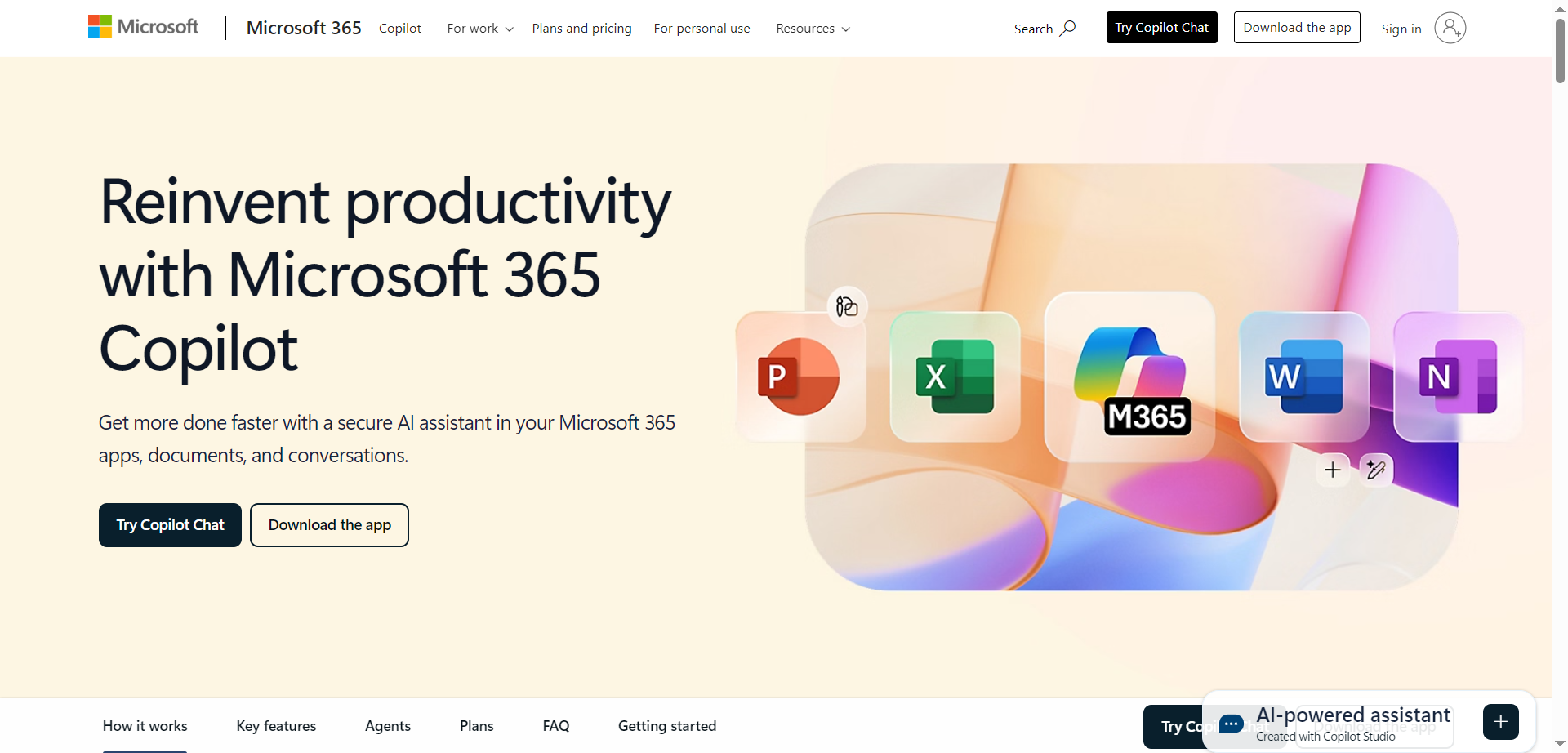
Microsoft 365 Copilot is a sophisticated AI-powered productivity assistant deeply integrated across the Microsoft 365 suite - Word, Excel, PowerPoint, Outlook, Teams, OneNote, OneDrive, and beyond. Copilot leverages advanced natural language processing and generative AI models to help users work faster, smarter, and more securely within their everyday documents, communications, and workflows. Whether you’re writing a complex report, crunching data, visualizing a presentation, or collaborating with colleagues in real time, Copilot acts as an intelligent partner that understands context, streamlines repetitive tasks, and offers actionable suggestions drawn from your organizational data, recent files, and emails.
Microsoft 365 Copilot is a sophisticated AI-powered productivity assistant deeply integrated across the Microsoft 365 suite - Word, Excel, PowerPoint, Outlook, Teams, OneNote, OneDrive, and beyond. Copilot leverages advanced natural language processing and generative AI models to help users work faster, smarter, and more securely within their everyday documents, communications, and workflows. Whether you’re writing a complex report, crunching data, visualizing a presentation, or collaborating with colleagues in real time, Copilot acts as an intelligent partner that understands context, streamlines repetitive tasks, and offers actionable suggestions drawn from your organizational data, recent files, and emails.
Microsoft 365 Copilot is a sophisticated AI-powered productivity assistant deeply integrated across the Microsoft 365 suite - Word, Excel, PowerPoint, Outlook, Teams, OneNote, OneDrive, and beyond. Copilot leverages advanced natural language processing and generative AI models to help users work faster, smarter, and more securely within their everyday documents, communications, and workflows. Whether you’re writing a complex report, crunching data, visualizing a presentation, or collaborating with colleagues in real time, Copilot acts as an intelligent partner that understands context, streamlines repetitive tasks, and offers actionable suggestions drawn from your organizational data, recent files, and emails.


Tidio Copilot
Tidio Copilot is a free AI-powered assistant designed to enhance the efficiency of customer support teams by providing real-time, context-aware response suggestions. It functions as a Chrome extension that seamlessly integrates with popular helpdesk platforms like Zendesk, Intercom, Gorgias, and Gmail. By analyzing past interactions, FAQs, and company knowledge bases, Tidio Copilot assists agents in generating accurate and relevant responses, automating routine tasks, and accelerating reply times. The platform helps reduce repetitive work, allowing support teams to focus on more complex customer issues while improving overall service quality and customer satisfaction.
Tidio Copilot
Tidio Copilot is a free AI-powered assistant designed to enhance the efficiency of customer support teams by providing real-time, context-aware response suggestions. It functions as a Chrome extension that seamlessly integrates with popular helpdesk platforms like Zendesk, Intercom, Gorgias, and Gmail. By analyzing past interactions, FAQs, and company knowledge bases, Tidio Copilot assists agents in generating accurate and relevant responses, automating routine tasks, and accelerating reply times. The platform helps reduce repetitive work, allowing support teams to focus on more complex customer issues while improving overall service quality and customer satisfaction.
Tidio Copilot
Tidio Copilot is a free AI-powered assistant designed to enhance the efficiency of customer support teams by providing real-time, context-aware response suggestions. It functions as a Chrome extension that seamlessly integrates with popular helpdesk platforms like Zendesk, Intercom, Gorgias, and Gmail. By analyzing past interactions, FAQs, and company knowledge bases, Tidio Copilot assists agents in generating accurate and relevant responses, automating routine tasks, and accelerating reply times. The platform helps reduce repetitive work, allowing support teams to focus on more complex customer issues while improving overall service quality and customer satisfaction.

Abacus.AI
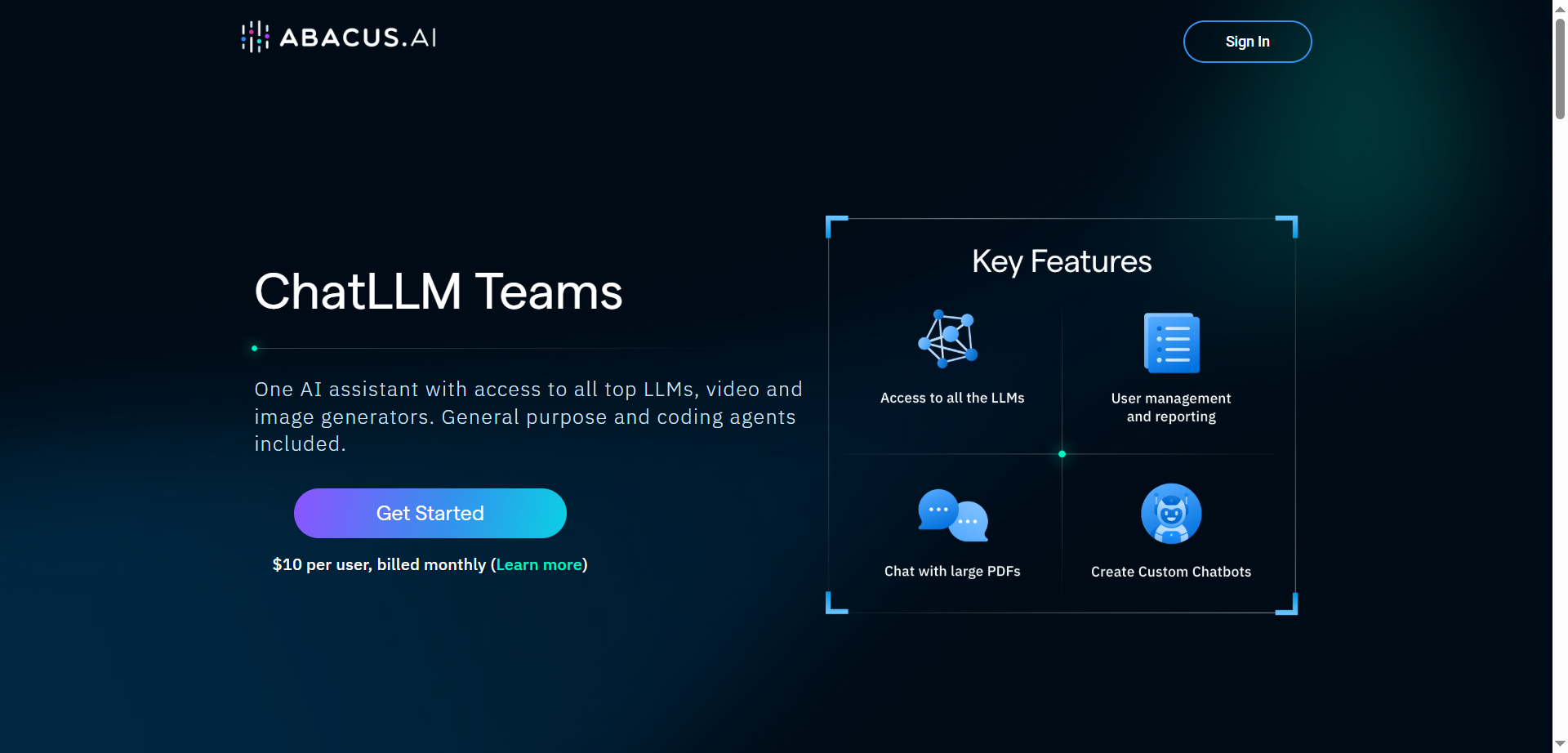
ChatLLM Teams by Abacus.AI is an all‑in‑one AI assistant that unifies access to top LLMs, image and video generators, and powerful agentic tools in a single workspace. It includes DeepAgent for complex, multi‑step tasks, code execution with an editor, document/chat with files, web search, TTS, and slide/doc generation. Users can build custom chatbots, set up AI workflows, generate images and videos from multiple models, and organize work with projects across desktop and mobile apps. The platform is OpenAI‑style in usability but adds operator features for running tasks on a computer, plus DeepAgent Desktop and AppLLM for building and hosting small apps.
Abacus.AI
ChatLLM Teams by Abacus.AI is an all‑in‑one AI assistant that unifies access to top LLMs, image and video generators, and powerful agentic tools in a single workspace. It includes DeepAgent for complex, multi‑step tasks, code execution with an editor, document/chat with files, web search, TTS, and slide/doc generation. Users can build custom chatbots, set up AI workflows, generate images and videos from multiple models, and organize work with projects across desktop and mobile apps. The platform is OpenAI‑style in usability but adds operator features for running tasks on a computer, plus DeepAgent Desktop and AppLLM for building and hosting small apps.
Abacus.AI
ChatLLM Teams by Abacus.AI is an all‑in‑one AI assistant that unifies access to top LLMs, image and video generators, and powerful agentic tools in a single workspace. It includes DeepAgent for complex, multi‑step tasks, code execution with an editor, document/chat with files, web search, TTS, and slide/doc generation. Users can build custom chatbots, set up AI workflows, generate images and videos from multiple models, and organize work with projects across desktop and mobile apps. The platform is OpenAI‑style in usability but adds operator features for running tasks on a computer, plus DeepAgent Desktop and AppLLM for building and hosting small apps.


LibreChat
LibreChat is an open-source AI chat platform designed for developers, teams, and enterprises looking for customizable and secure conversational AI solutions. It enables users to integrate leading AI models like OpenAI, Anthropic, AWS, and Azure, giving them full control over performance, data, and privacy. LibreChat also supports multimodal interactions, code execution, and advanced agent capabilities that handle files, APIs, and workspace tasks. With its modular architecture and developer-friendly integrations, LibreChat empowers organizations to deploy, extend, and scale AI-driven assistants effortlessly.
LibreChat
LibreChat is an open-source AI chat platform designed for developers, teams, and enterprises looking for customizable and secure conversational AI solutions. It enables users to integrate leading AI models like OpenAI, Anthropic, AWS, and Azure, giving them full control over performance, data, and privacy. LibreChat also supports multimodal interactions, code execution, and advanced agent capabilities that handle files, APIs, and workspace tasks. With its modular architecture and developer-friendly integrations, LibreChat empowers organizations to deploy, extend, and scale AI-driven assistants effortlessly.
LibreChat
LibreChat is an open-source AI chat platform designed for developers, teams, and enterprises looking for customizable and secure conversational AI solutions. It enables users to integrate leading AI models like OpenAI, Anthropic, AWS, and Azure, giving them full control over performance, data, and privacy. LibreChat also supports multimodal interactions, code execution, and advanced agent capabilities that handle files, APIs, and workspace tasks. With its modular architecture and developer-friendly integrations, LibreChat empowers organizations to deploy, extend, and scale AI-driven assistants effortlessly.

Coderabbit AI
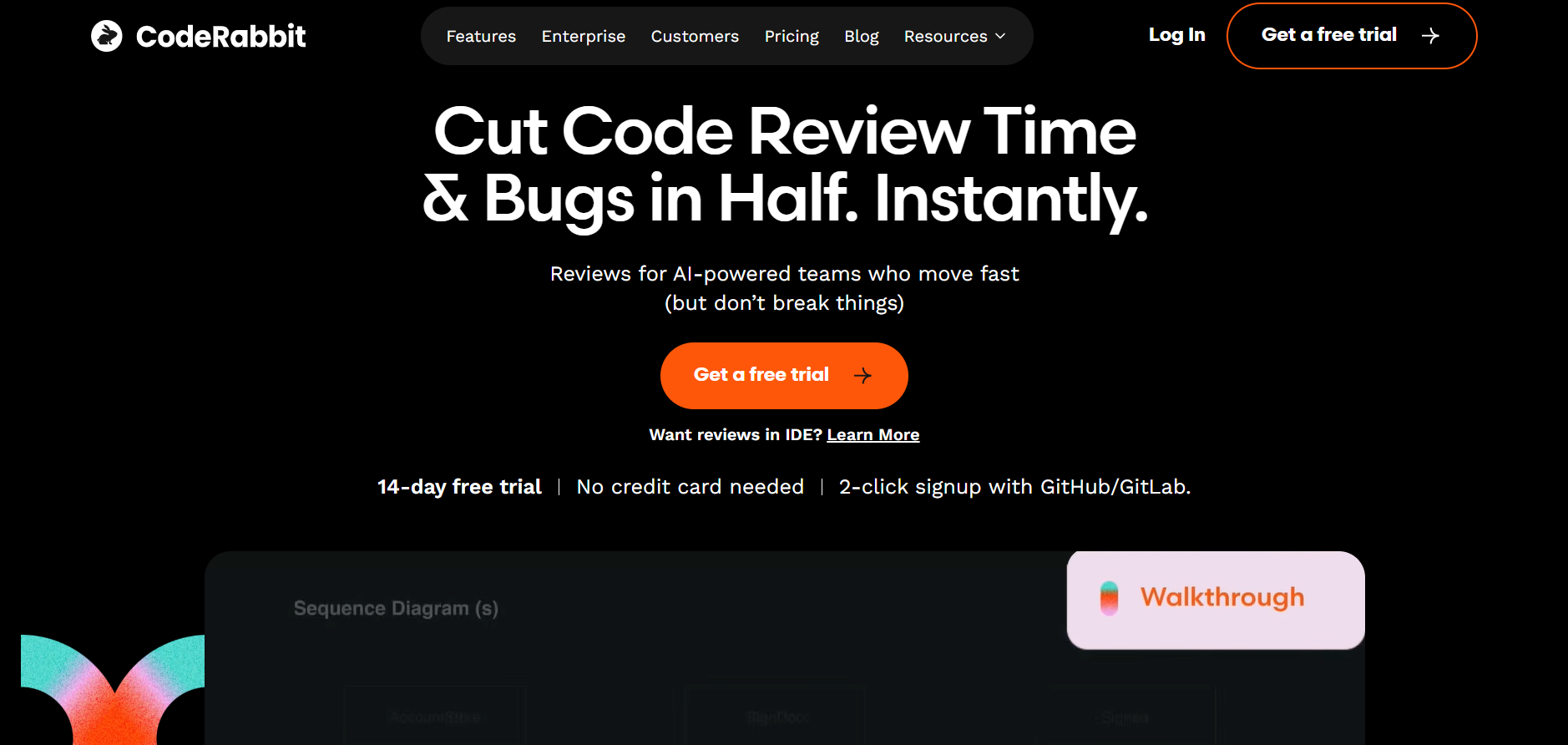
CodeRabbit AI is an intelligent code review assistant designed to automate software review processes, identify bugs, and improve code quality using machine learning. It integrates directly with GitHub and other version control systems to provide real-time analysis, review comments, and improvement suggestions. By mimicking human reviewer logic, CodeRabbit helps development teams maintain code standards while reducing time spent on manual reviews. Its AI models are trained on best coding practices, ensuring that every commit is efficient, secure, and optimized for performance.
Coderabbit AI
CodeRabbit AI is an intelligent code review assistant designed to automate software review processes, identify bugs, and improve code quality using machine learning. It integrates directly with GitHub and other version control systems to provide real-time analysis, review comments, and improvement suggestions. By mimicking human reviewer logic, CodeRabbit helps development teams maintain code standards while reducing time spent on manual reviews. Its AI models are trained on best coding practices, ensuring that every commit is efficient, secure, and optimized for performance.
Coderabbit AI
CodeRabbit AI is an intelligent code review assistant designed to automate software review processes, identify bugs, and improve code quality using machine learning. It integrates directly with GitHub and other version control systems to provide real-time analysis, review comments, and improvement suggestions. By mimicking human reviewer logic, CodeRabbit helps development teams maintain code standards while reducing time spent on manual reviews. Its AI models are trained on best coding practices, ensuring that every commit is efficient, secure, and optimized for performance.

GPTConsole
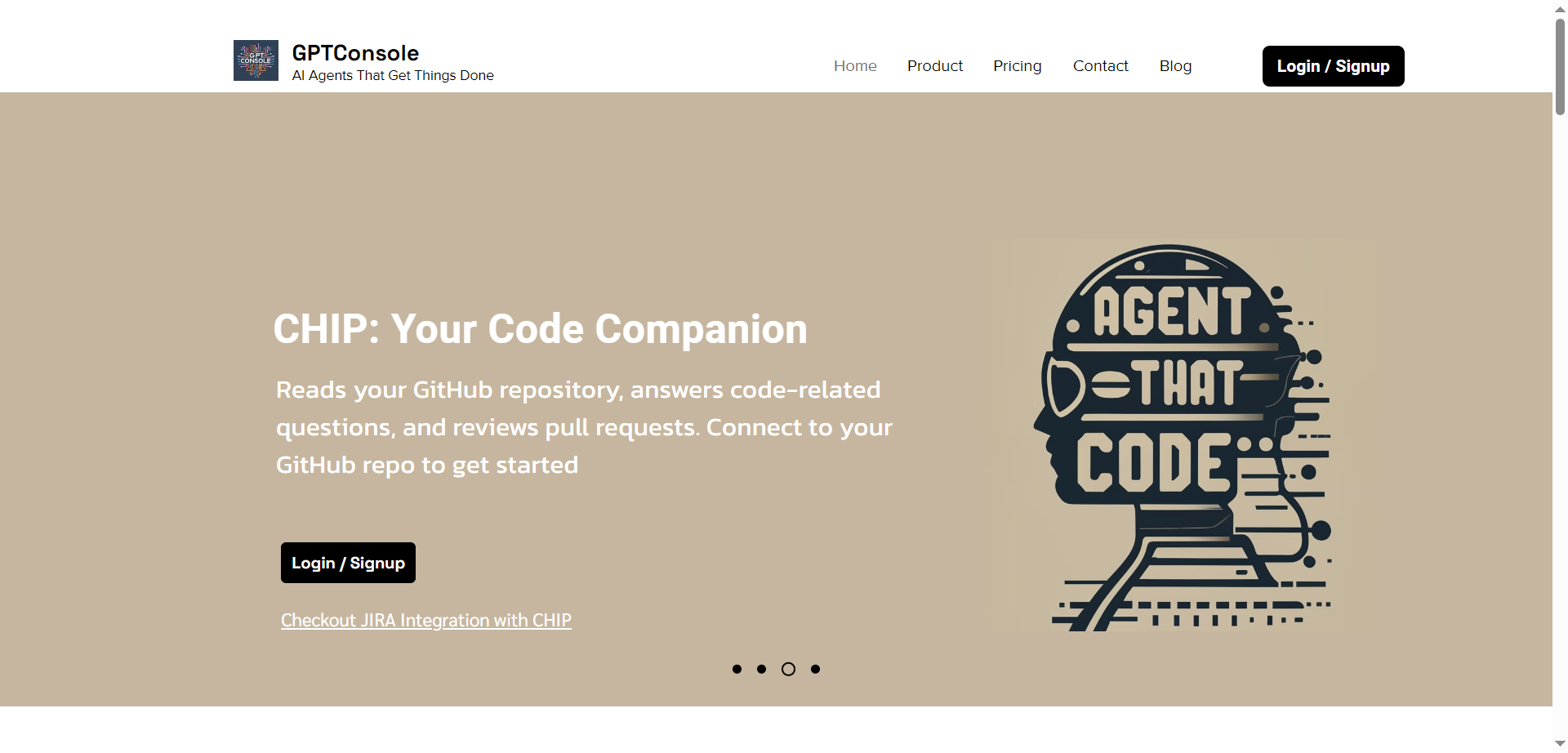
GPTConsole.ai is a developer-focused platform for creating, sharing, and monetizing autonomous AI agents that handle complex tasks beyond simple responses. It simplifies agent development through SDK, API, CLI tools, and data infrastructure managing event chaining, lifecycle, and memory, letting developers focus on objectives. Key agents include Pixie for building full web apps, dashboards, and landing pages from prompts; Chip for codebase analysis, Jira ticket generation, PR reviews; and Doodle for animated visuals. Install via npm for CLI access, generate production-ready code iteratively, and integrate with tools like GitHub or Jira. Trusted by 5000+ developers, it accelerates web/mobile app creation and automation efficiently.
GPTConsole
GPTConsole.ai is a developer-focused platform for creating, sharing, and monetizing autonomous AI agents that handle complex tasks beyond simple responses. It simplifies agent development through SDK, API, CLI tools, and data infrastructure managing event chaining, lifecycle, and memory, letting developers focus on objectives. Key agents include Pixie for building full web apps, dashboards, and landing pages from prompts; Chip for codebase analysis, Jira ticket generation, PR reviews; and Doodle for animated visuals. Install via npm for CLI access, generate production-ready code iteratively, and integrate with tools like GitHub or Jira. Trusted by 5000+ developers, it accelerates web/mobile app creation and automation efficiently.
GPTConsole
GPTConsole.ai is a developer-focused platform for creating, sharing, and monetizing autonomous AI agents that handle complex tasks beyond simple responses. It simplifies agent development through SDK, API, CLI tools, and data infrastructure managing event chaining, lifecycle, and memory, letting developers focus on objectives. Key agents include Pixie for building full web apps, dashboards, and landing pages from prompts; Chip for codebase analysis, Jira ticket generation, PR reviews; and Doodle for animated visuals. Install via npm for CLI access, generate production-ready code iteratively, and integrate with tools like GitHub or Jira. Trusted by 5000+ developers, it accelerates web/mobile app creation and automation efficiently.

potpie.ai
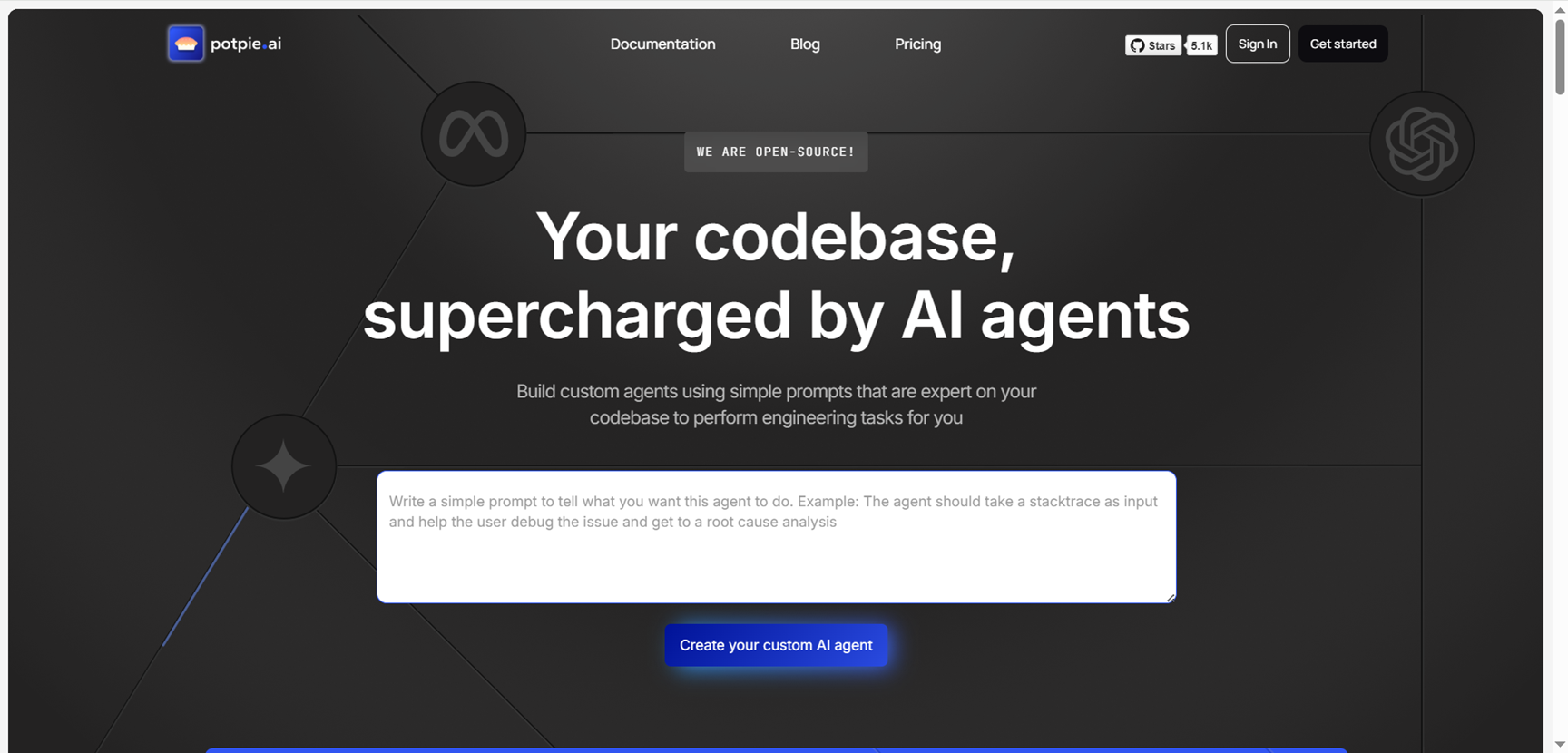
Potpie.ai is an innovative AI agent platform that enables developers to create intelligent agents for their codebase in just minutes, transforming software development through automated understanding and interaction. Designed specifically for codebase analysis, it allows users to deploy AI agents that comprehend entire repositories, perform tasks like code reviews, bug detection, refactoring suggestions, and feature implementation autonomously. The platform emphasizes speed and simplicity, requiring minimal setup to integrate with existing projects on GitHub or local environments. Key capabilities include natural language queries for code exploration, multi-agent collaboration for complex workflows, and seamless integration with popular IDEs like VS Code. By leveraging advanced LLMs fine-tuned for code, Potpie.ai boosts productivity for solo developers and teams alike, making AI-assisted coding accessible without deep expertise.
potpie.ai
Potpie.ai is an innovative AI agent platform that enables developers to create intelligent agents for their codebase in just minutes, transforming software development through automated understanding and interaction. Designed specifically for codebase analysis, it allows users to deploy AI agents that comprehend entire repositories, perform tasks like code reviews, bug detection, refactoring suggestions, and feature implementation autonomously. The platform emphasizes speed and simplicity, requiring minimal setup to integrate with existing projects on GitHub or local environments. Key capabilities include natural language queries for code exploration, multi-agent collaboration for complex workflows, and seamless integration with popular IDEs like VS Code. By leveraging advanced LLMs fine-tuned for code, Potpie.ai boosts productivity for solo developers and teams alike, making AI-assisted coding accessible without deep expertise.
potpie.ai
Potpie.ai is an innovative AI agent platform that enables developers to create intelligent agents for their codebase in just minutes, transforming software development through automated understanding and interaction. Designed specifically for codebase analysis, it allows users to deploy AI agents that comprehend entire repositories, perform tasks like code reviews, bug detection, refactoring suggestions, and feature implementation autonomously. The platform emphasizes speed and simplicity, requiring minimal setup to integrate with existing projects on GitHub or local environments. Key capabilities include natural language queries for code exploration, multi-agent collaboration for complex workflows, and seamless integration with popular IDEs like VS Code. By leveraging advanced LLMs fine-tuned for code, Potpie.ai boosts productivity for solo developers and teams alike, making AI-assisted coding accessible without deep expertise.

Gemini CLI
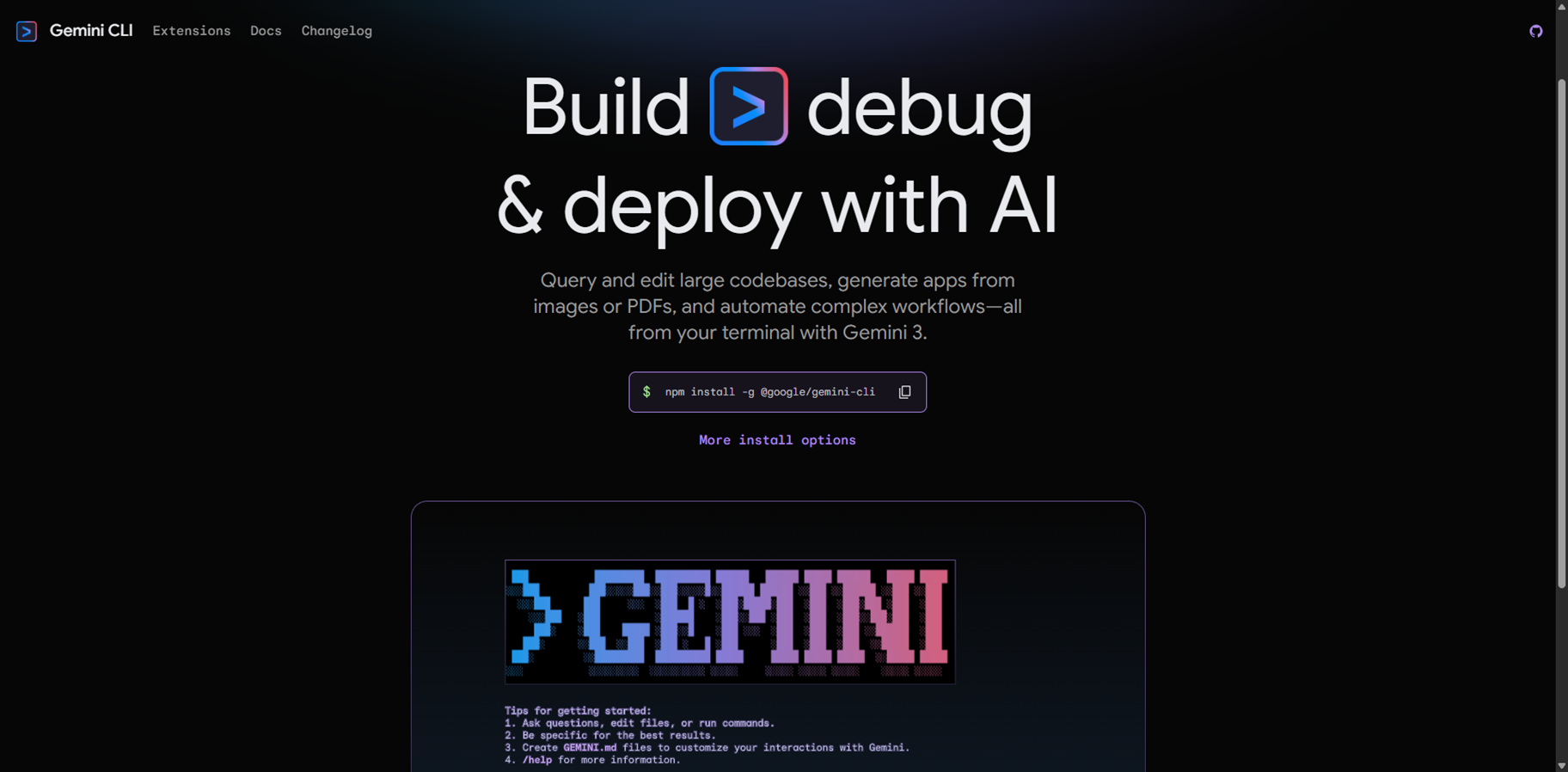
Gemini CLI is an open-source AI agent from Google that brings the power of Gemini 3 directly into your terminal, enabling developers to build, debug, and deploy apps with natural language commands. It uses a ReAct loop for complex tasks like querying large codebases, generating apps from images or PDFs, fixing bugs, automating workflows, and handling GitHub issues, all while running locally on Mac, Windows, or Linux. Key features include slash commands for quick actions, custom commands for shortcuts, checkpointing to save sessions, headless mode for scripting, sandboxing for secure tool execution, context files like GEMINI.md for project-specific instructions, token caching to cut costs, and integrations with Google Search, MCP servers for extensions like Veo or Imagen, and IDEs like VS Code. Install via npm for free access to powerful coding assistance, research, content generation, and task management right in your command line.
Gemini CLI
Gemini CLI is an open-source AI agent from Google that brings the power of Gemini 3 directly into your terminal, enabling developers to build, debug, and deploy apps with natural language commands. It uses a ReAct loop for complex tasks like querying large codebases, generating apps from images or PDFs, fixing bugs, automating workflows, and handling GitHub issues, all while running locally on Mac, Windows, or Linux. Key features include slash commands for quick actions, custom commands for shortcuts, checkpointing to save sessions, headless mode for scripting, sandboxing for secure tool execution, context files like GEMINI.md for project-specific instructions, token caching to cut costs, and integrations with Google Search, MCP servers for extensions like Veo or Imagen, and IDEs like VS Code. Install via npm for free access to powerful coding assistance, research, content generation, and task management right in your command line.
Gemini CLI
Gemini CLI is an open-source AI agent from Google that brings the power of Gemini 3 directly into your terminal, enabling developers to build, debug, and deploy apps with natural language commands. It uses a ReAct loop for complex tasks like querying large codebases, generating apps from images or PDFs, fixing bugs, automating workflows, and handling GitHub issues, all while running locally on Mac, Windows, or Linux. Key features include slash commands for quick actions, custom commands for shortcuts, checkpointing to save sessions, headless mode for scripting, sandboxing for secure tool execution, context files like GEMINI.md for project-specific instructions, token caching to cut costs, and integrations with Google Search, MCP servers for extensions like Veo or Imagen, and IDEs like VS Code. Install via npm for free access to powerful coding assistance, research, content generation, and task management right in your command line.
Editorial Note
This page was researched and written by the ATB Editorial Team. Our team researches each AI tool by reviewing its official website, testing features, exploring real use cases, and considering user feedback. Every page is fact-checked and regularly updated to ensure the information stays accurate, neutral, and useful for our readers.
If you have any suggestions or questions, email us at hello@aitoolbook.ai