
- Product Managers & Project Leads: Automatically draft epics, issues, and descriptions based on project needs.
- Developers & Technical Leads: Get intelligent labeling, assignments, and issue deduplication suggestions.
- Agile Teams: Improve sprint planning accuracy with insights into stale or overlooked work items.
- DevOps & Operations Engineers: Automate issue transitions and status changes triggered by code activity.
- QA & Testing Teams: Surface test-related work items and identify items needing attention.
How to Use GitLab Plan Stage AI?
- Enable the AI Features: Turn on the AI-powered workflows in GitLab’s planning interface.
- Generate Work Items: Use AI to draft issue titles and descriptions based on context.
- Let AI Assign & Label: Have the system suggest labels, assignees, and health status automatically.
- Surface Important Items: Receive ranked alerts on stale issues or epics requiring attention.
- Refine & Plan: Review AI drafts, accept, adjust, and finalize issues and epics before your sprint.
- Intelligent Text Generation: Auto-generates work item descriptions, epics, labels, and assignments.
- Data-Driven Prioritization: Highlights items needing attention based on DevSecOps activities .
- Deep GitLab Integration: Seamlessly built into issue boards and workflows without switching tools.
- Lifecycle Automation: Automates low-value tasks like labeling, status changes, and issue health updates.
- Plan + AI Collaboration: Developed in partnership between Plan Stage and AI stage teams for cohesive DevOps workflows
- Reduced Manual Work: Automates common planning tasks like labeling, assignment, and issue health updates.
- Better Visibility: Helps teams spot stale or untriaged issues with smart suggestions.
- Built-In Workflow: Fully integrated into GitLab’s planning interface—no extra tools required.
- Coordinated AI Approach: Developed directly by GitLab’s Plan and AI teams for seamless experience.
- Limited to GitLab: Only available within GitLab’s planning stage—no standalone support.
- Dependency on DevSecOps Activity: Effectiveness depends on signals from code and security workflows.
- Learning Curve: Teams may need time to adapt to AI-generated planning suggestions.
Free
$ 0.00
Core DevOps features
Community support
No credit card required
Immediate setup
Premium
$ 29.00
Enhanced productivity and collaboration tools
Advanced CI/CD, code review, and project management
Native AI features (GitLab Duo) integrated into the GitLab UI and IDE
Available for scaling organizations
Priority support
Ultimate
Contact Sales for pricing
Advanced security and compliance capabilities
Full AI transformation across the DevSecOps lifecycle (GitLab Duo Pro)
Enterprise-grade security, compliance, and reporting
For enterprises requiring the highest level of security and compliance
24x7 support
Proud of the love you're getting? Show off your AI Toolbook reviews—then invite more fans to share the love and build your credibility.
Add an AI Toolbook badge to your site—an easy way to drive followers, showcase updates, and collect reviews. It's like a mini 24/7 billboard for your AI.
Reviews
Rating Distribution
Average score
Popular Mention
FAQs
Similar AI Tools

Replit Ghostwriter
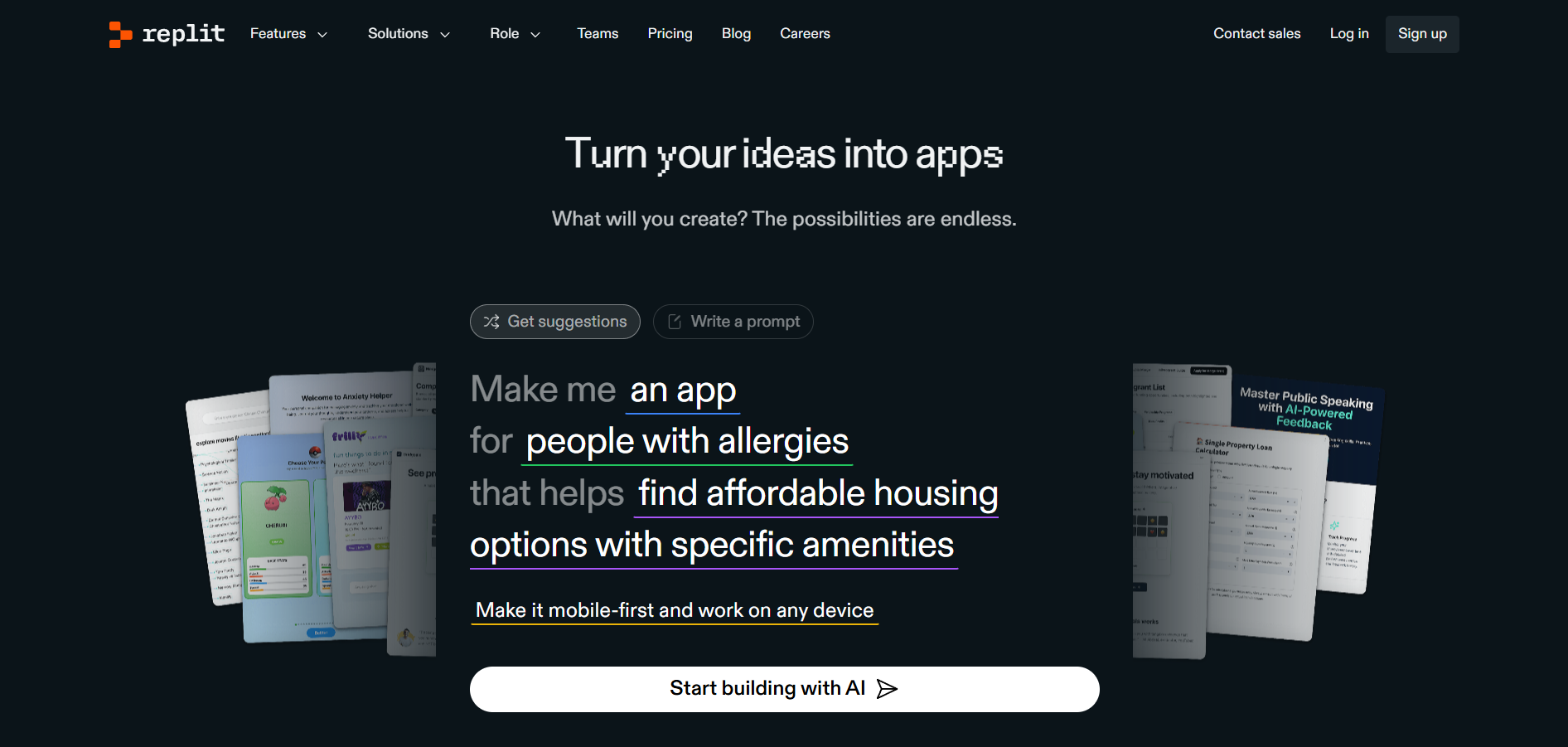
Replit Ghostwriter is an AI-powered coding assistant integrated into the Replit online IDE. Designed to boost developer productivity, Ghostwriter offers intelligent code suggestions, autocomplete, debugging help, and natural language explanations—all within your browser. It’s built to support both novice and advanced programmers as they code, learn, and build projects in real time.
Replit Ghostwriter
Replit Ghostwriter is an AI-powered coding assistant integrated into the Replit online IDE. Designed to boost developer productivity, Ghostwriter offers intelligent code suggestions, autocomplete, debugging help, and natural language explanations—all within your browser. It’s built to support both novice and advanced programmers as they code, learn, and build projects in real time.
Replit Ghostwriter
Replit Ghostwriter is an AI-powered coding assistant integrated into the Replit online IDE. Designed to boost developer productivity, Ghostwriter offers intelligent code suggestions, autocomplete, debugging help, and natural language explanations—all within your browser. It’s built to support both novice and advanced programmers as they code, learn, and build projects in real time.

Tabnine
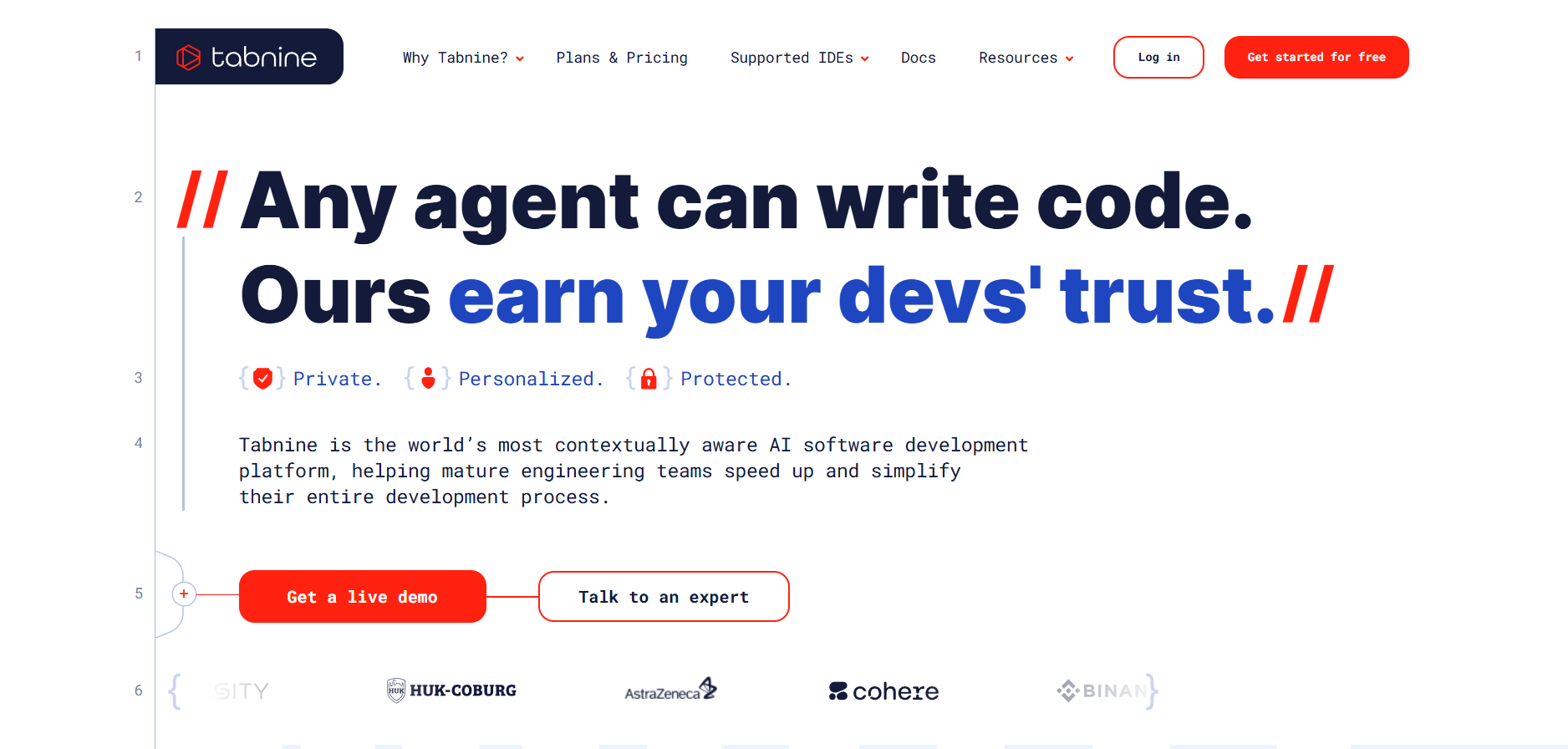
Tabnine is an AI-powered coding assistant designed to accelerate software development by providing intelligent code completions and suggestions directly within your IDE. It supports multiple programming languages and integrates seamlessly into popular editors, helping individuals and teams write better code faster with privacy-focused AI models trained on open-source code.
Tabnine
Tabnine is an AI-powered coding assistant designed to accelerate software development by providing intelligent code completions and suggestions directly within your IDE. It supports multiple programming languages and integrates seamlessly into popular editors, helping individuals and teams write better code faster with privacy-focused AI models trained on open-source code.
Tabnine
Tabnine is an AI-powered coding assistant designed to accelerate software development by providing intelligent code completions and suggestions directly within your IDE. It supports multiple programming languages and integrates seamlessly into popular editors, helping individuals and teams write better code faster with privacy-focused AI models trained on open-source code.
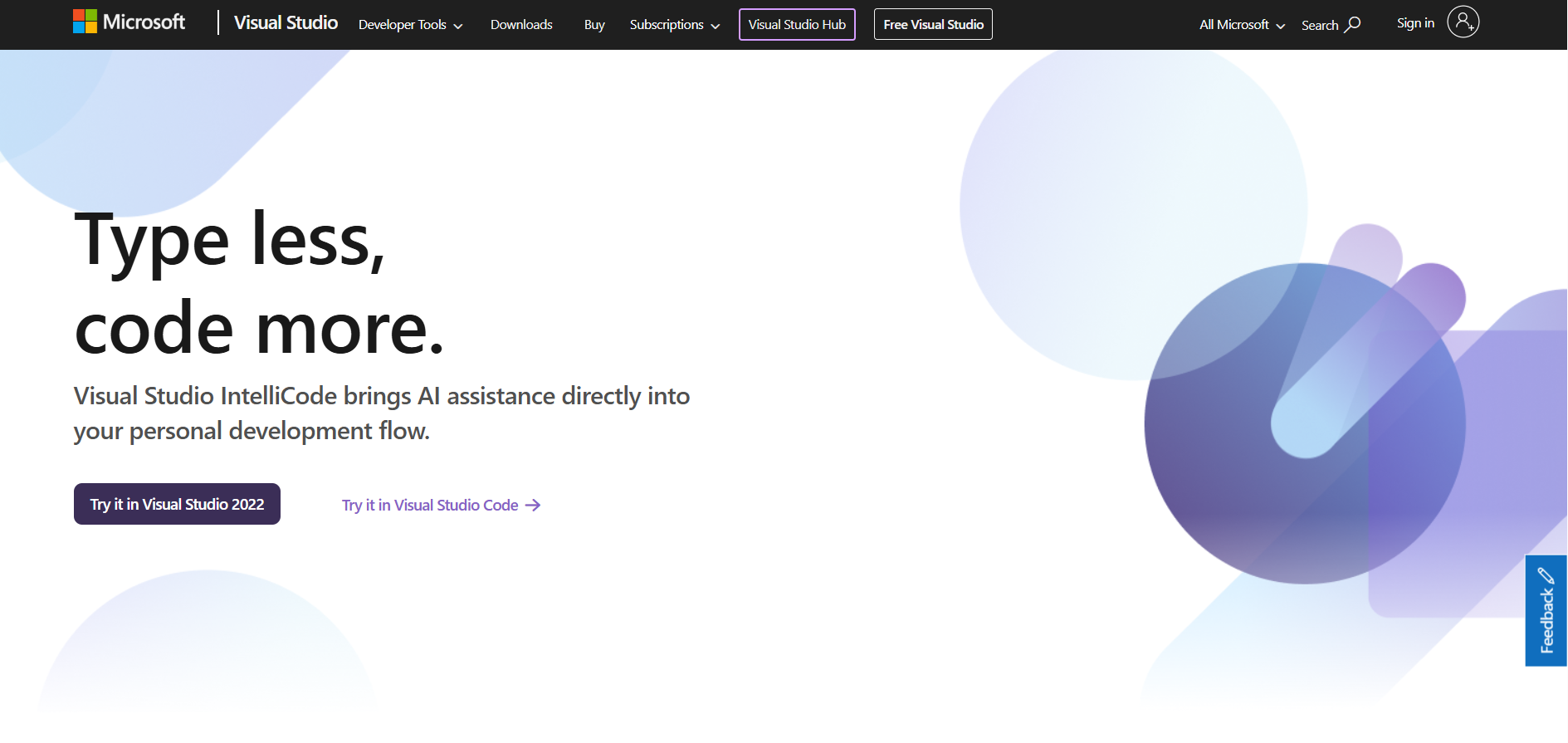
IntelliCode is an AI-powered code assistance tool built into Microsoft Visual Studio and Visual Studio Code. It enhances developer productivity by providing intelligent code suggestions, auto-completions, and best practice recommendations based on machine learning models trained on thousands of high-quality open-source projects. IntelliCode makes coding faster and smarter by anticipating developer intent and offering context-aware recommendations.
IntelliCode is an AI-powered code assistance tool built into Microsoft Visual Studio and Visual Studio Code. It enhances developer productivity by providing intelligent code suggestions, auto-completions, and best practice recommendations based on machine learning models trained on thousands of high-quality open-source projects. IntelliCode makes coding faster and smarter by anticipating developer intent and offering context-aware recommendations.
IntelliCode is an AI-powered code assistance tool built into Microsoft Visual Studio and Visual Studio Code. It enhances developer productivity by providing intelligent code suggestions, auto-completions, and best practice recommendations based on machine learning models trained on thousands of high-quality open-source projects. IntelliCode makes coding faster and smarter by anticipating developer intent and offering context-aware recommendations.
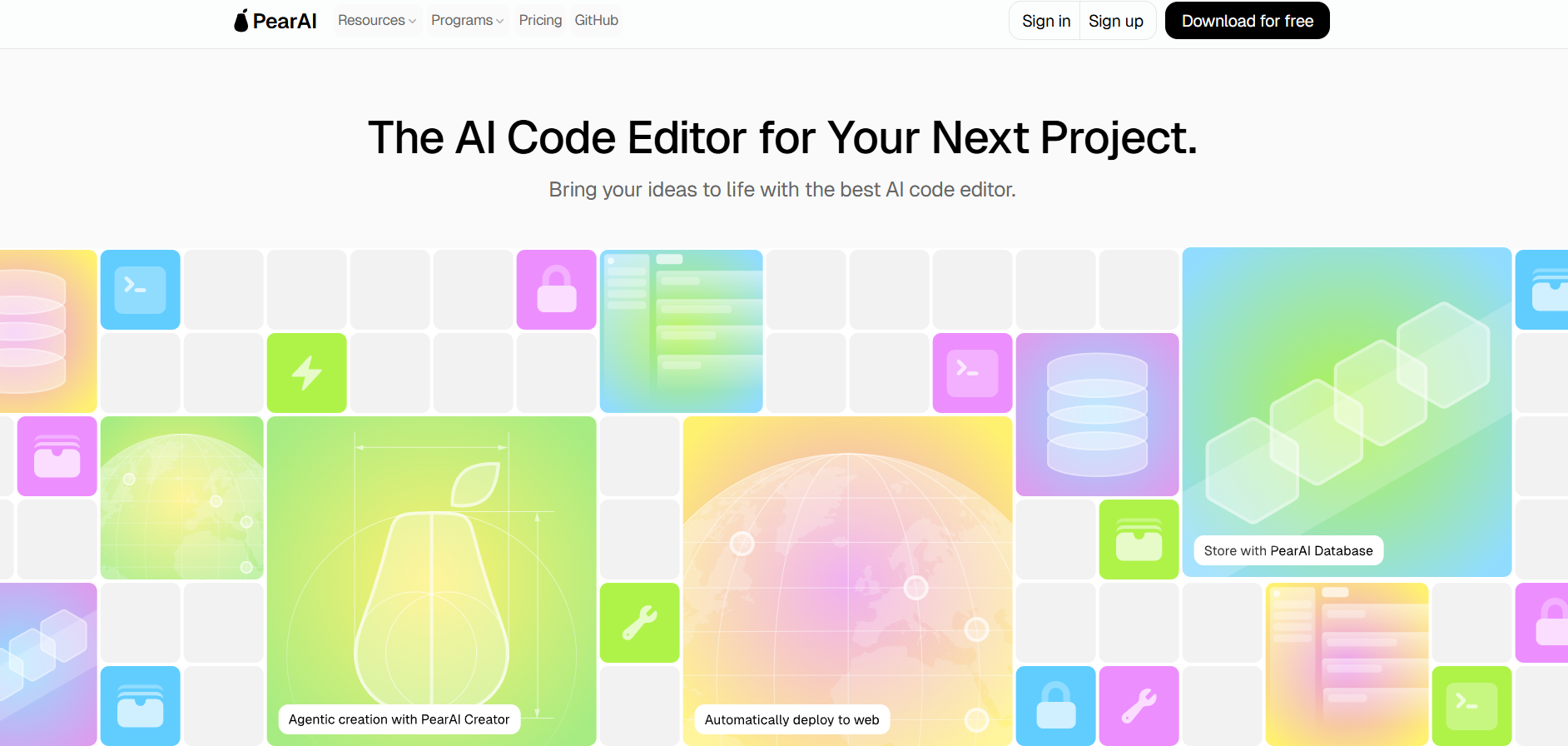

PearAI
PearAI is an open-source, AI-powered code editor based on Visual Studio Code that combines top AI coding tools like GPT-4, Claude, LLaMA, and AI agents into one intelligent workspace. Designed for developers who want deep codebase understanding, automated assistance, and fast project scaffolding, PearAI delivers a unified, local-first AI coding experience.
PearAI
PearAI is an open-source, AI-powered code editor based on Visual Studio Code that combines top AI coding tools like GPT-4, Claude, LLaMA, and AI agents into one intelligent workspace. Designed for developers who want deep codebase understanding, automated assistance, and fast project scaffolding, PearAI delivers a unified, local-first AI coding experience.
PearAI
PearAI is an open-source, AI-powered code editor based on Visual Studio Code that combines top AI coding tools like GPT-4, Claude, LLaMA, and AI agents into one intelligent workspace. Designed for developers who want deep codebase understanding, automated assistance, and fast project scaffolding, PearAI delivers a unified, local-first AI coding experience.

CodeStory
CodeStory is an AI-native, privacy-focused IDE (a fork of VS Code) that lets humans and AI pair-program together. It supports multi-file editing, proactive error fixing, intelligent code completion, and deep context awareness—all running locally with advanced AI agents to streamline complex development tasks.
CodeStory
CodeStory is an AI-native, privacy-focused IDE (a fork of VS Code) that lets humans and AI pair-program together. It supports multi-file editing, proactive error fixing, intelligent code completion, and deep context awareness—all running locally with advanced AI agents to streamline complex development tasks.
CodeStory
CodeStory is an AI-native, privacy-focused IDE (a fork of VS Code) that lets humans and AI pair-program together. It supports multi-file editing, proactive error fixing, intelligent code completion, and deep context awareness—all running locally with advanced AI agents to streamline complex development tasks.
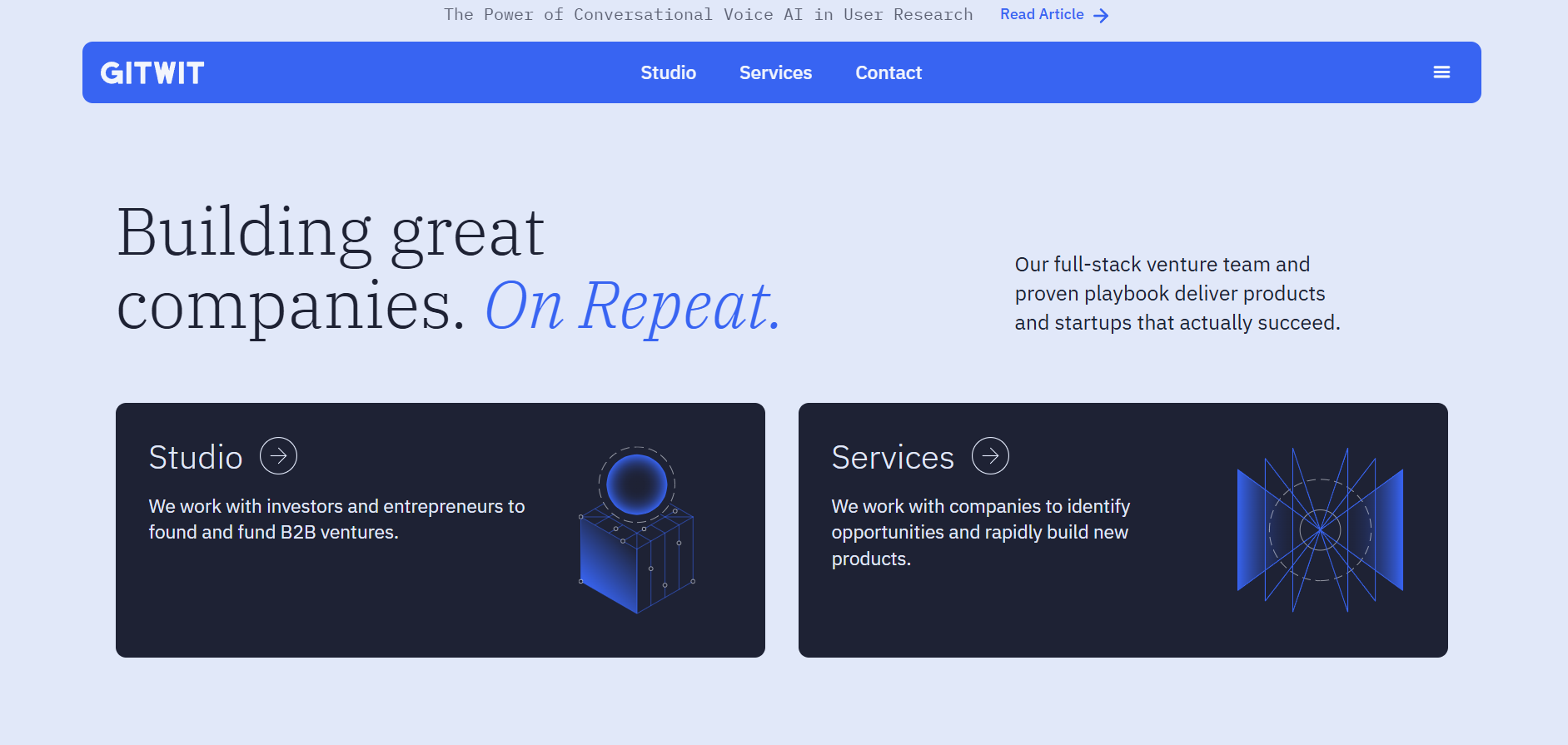

GitWit
Gitwit is an open-source, browser-based AI coding platform that combines in-browser development with AI-powered autocomplete, instant deployment, and community collaboration. It brings together code writing, testing, and deployment in one smart, accessible environment.
GitWit
Gitwit is an open-source, browser-based AI coding platform that combines in-browser development with AI-powered autocomplete, instant deployment, and community collaboration. It brings together code writing, testing, and deployment in one smart, accessible environment.
GitWit
Gitwit is an open-source, browser-based AI coding platform that combines in-browser development with AI-powered autocomplete, instant deployment, and community collaboration. It brings together code writing, testing, and deployment in one smart, accessible environment.
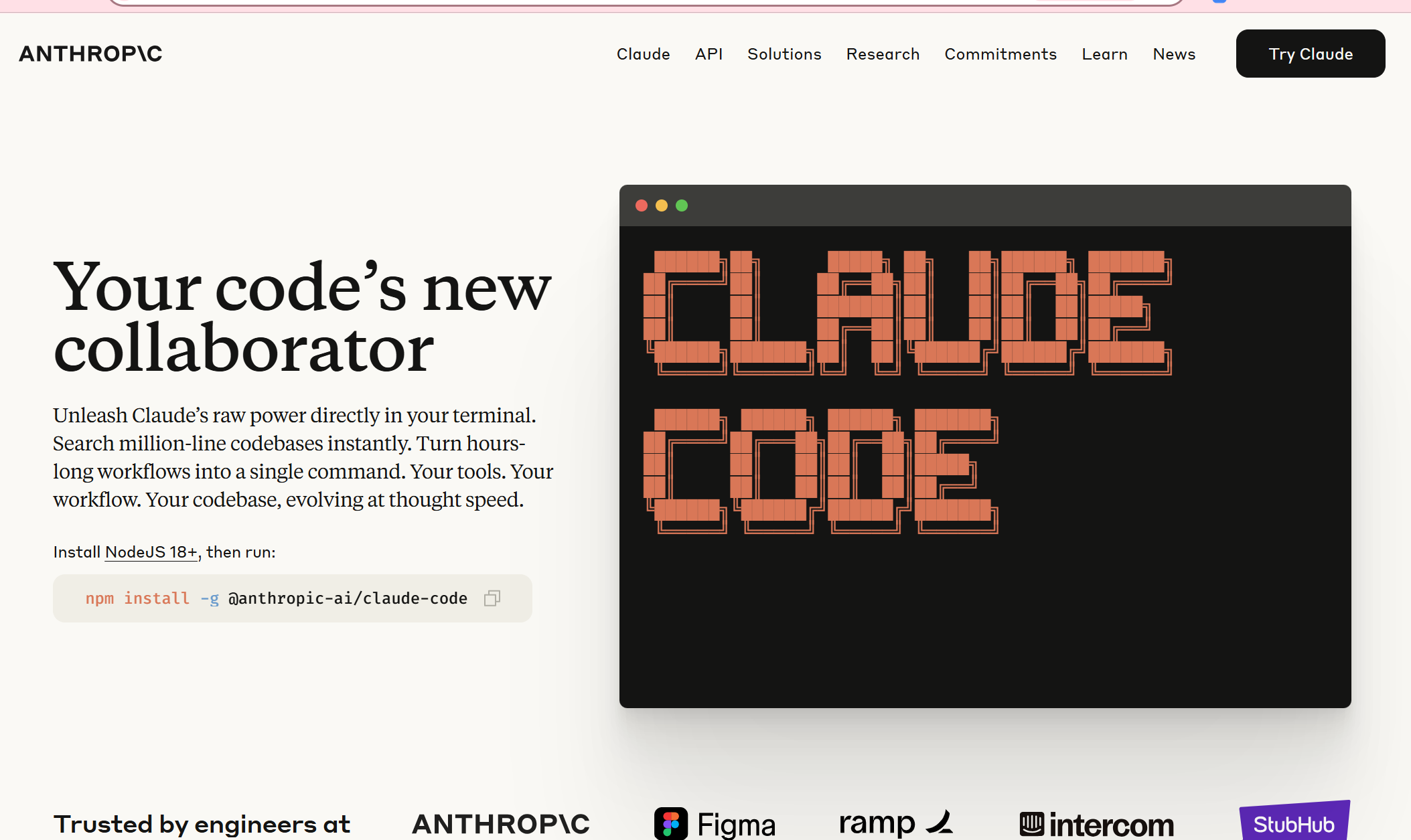

Claude Code
Claude Code is an agentic coding assistant developed by Anthropic. Living in your terminal (or IDE), it comprehends your entire codebase and executes routine tasks—like writing code, debugging, explaining logic, and managing Git workflows—all via natural language commands .
Claude Code
Claude Code is an agentic coding assistant developed by Anthropic. Living in your terminal (or IDE), it comprehends your entire codebase and executes routine tasks—like writing code, debugging, explaining logic, and managing Git workflows—all via natural language commands .
Claude Code
Claude Code is an agentic coding assistant developed by Anthropic. Living in your terminal (or IDE), it comprehends your entire codebase and executes routine tasks—like writing code, debugging, explaining logic, and managing Git workflows—all via natural language commands .

Cline Bot
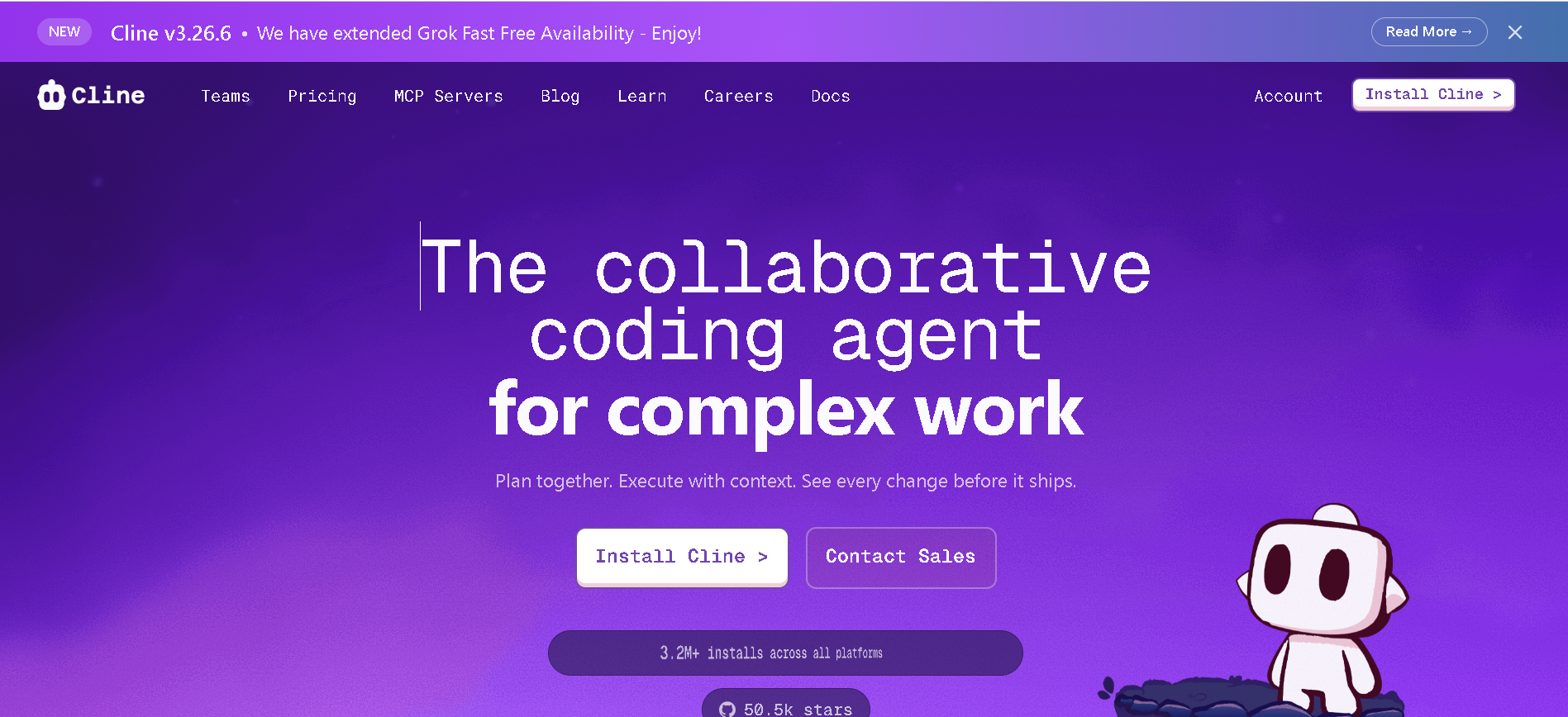
Cline is an open-source AI coding agent that integrates directly into your IDE. It is designed to amplify human capability by bringing frontier AI models directly to the developer's workspace. Unlike simple autocomplete tools, Cline is a true coding agent that can understand entire codebases, plan complex changes, and execute multi-step tasks with full transparency.
Cline Bot
Cline is an open-source AI coding agent that integrates directly into your IDE. It is designed to amplify human capability by bringing frontier AI models directly to the developer's workspace. Unlike simple autocomplete tools, Cline is a true coding agent that can understand entire codebases, plan complex changes, and execute multi-step tasks with full transparency.
Cline Bot
Cline is an open-source AI coding agent that integrates directly into your IDE. It is designed to amplify human capability by bringing frontier AI models directly to the developer's workspace. Unlike simple autocomplete tools, Cline is a true coding agent that can understand entire codebases, plan complex changes, and execute multi-step tasks with full transparency.
Blitzy
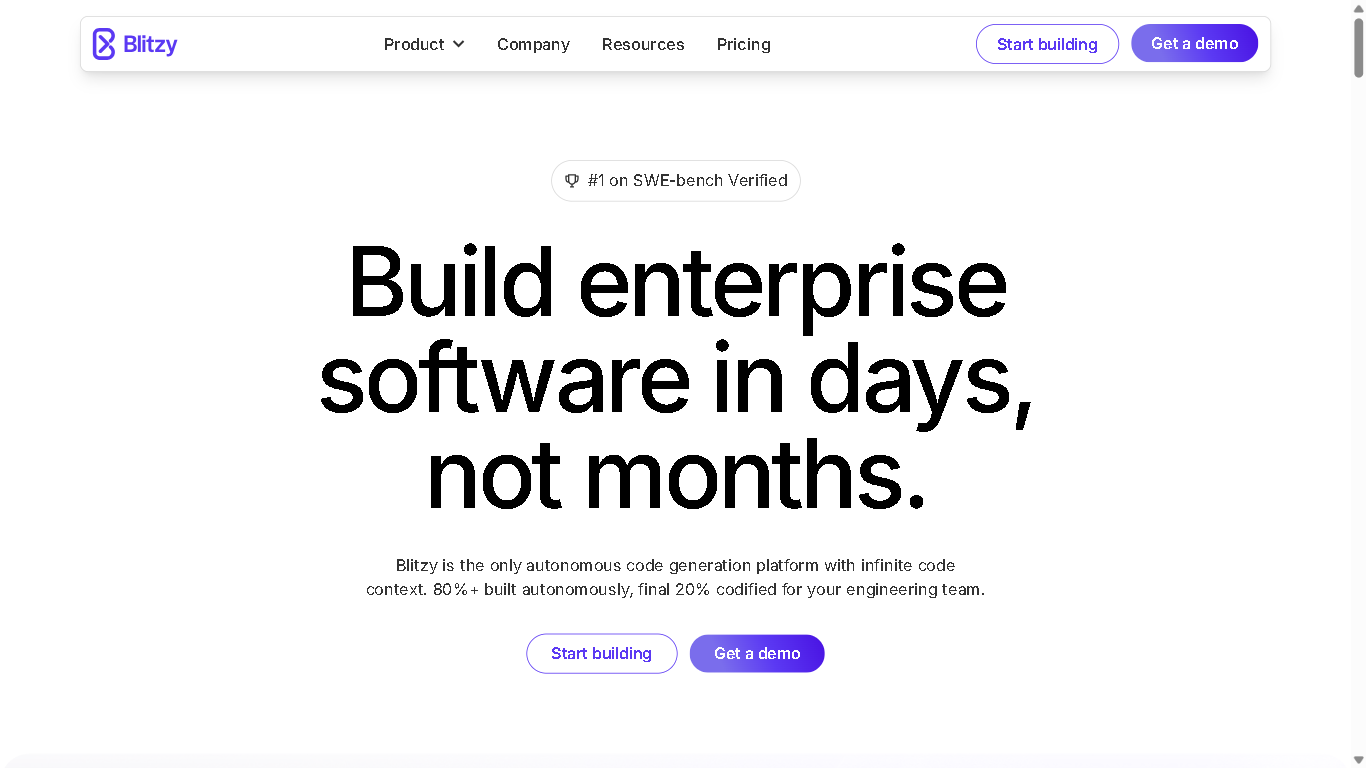
Blitzy is an AI-powered autonomous software development platform designed to accelerate enterprise-grade software creation. It automates over 80% of the development process, enabling teams to transform six-month projects into six-day turnarounds. Blitzy utilizes a multi-agent System 2 AI architecture to reason deeply across entire codebases, providing high-quality, production-ready code validated at both compile and runtime.
Blitzy
Blitzy is an AI-powered autonomous software development platform designed to accelerate enterprise-grade software creation. It automates over 80% of the development process, enabling teams to transform six-month projects into six-day turnarounds. Blitzy utilizes a multi-agent System 2 AI architecture to reason deeply across entire codebases, providing high-quality, production-ready code validated at both compile and runtime.
Blitzy
Blitzy is an AI-powered autonomous software development platform designed to accelerate enterprise-grade software creation. It automates over 80% of the development process, enabling teams to transform six-month projects into six-day turnarounds. Blitzy utilizes a multi-agent System 2 AI architecture to reason deeply across entire codebases, providing high-quality, production-ready code validated at both compile and runtime.

Hatch
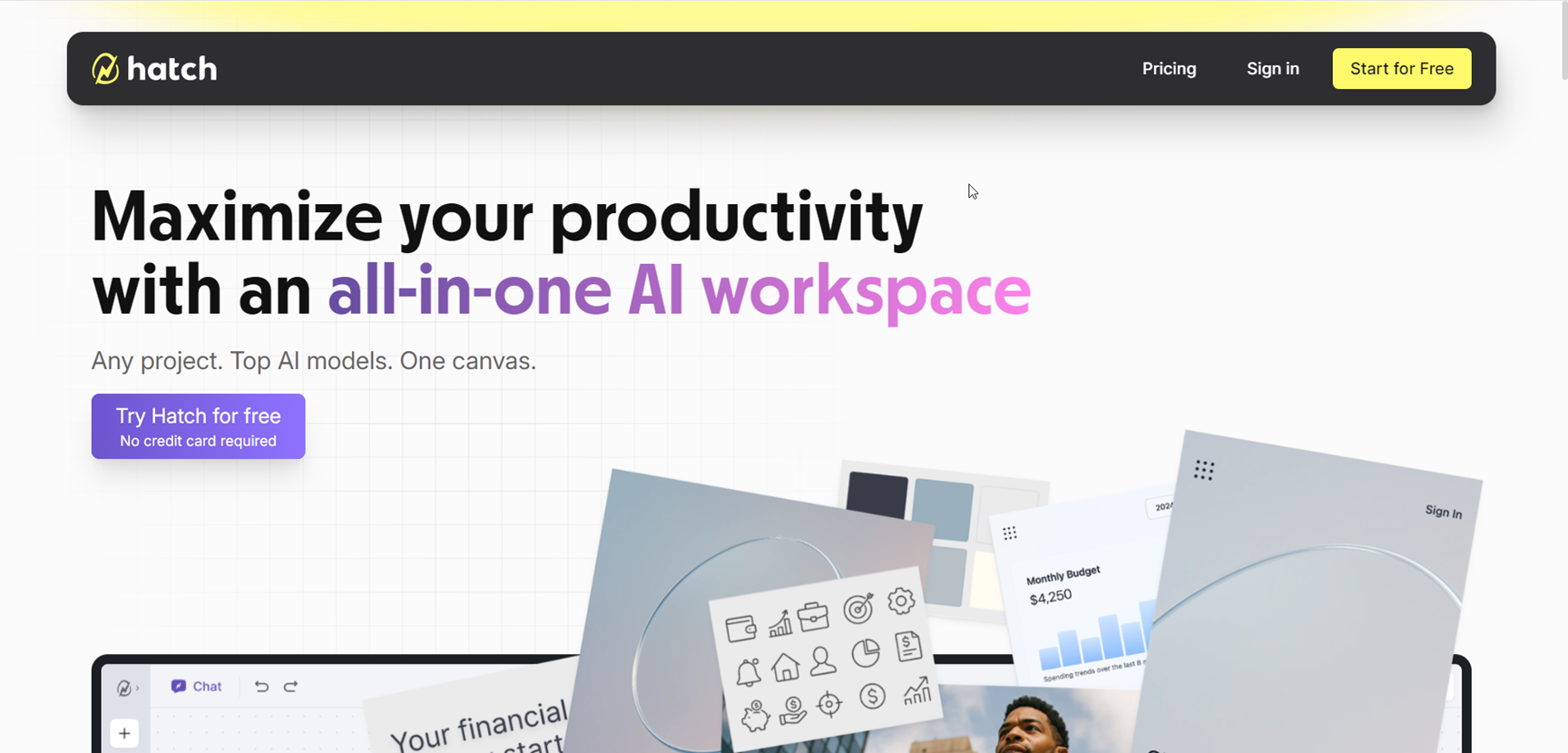
Hatch is an all-in-one AI workspace designed to streamline project creation, collaboration, and execution by bringing together documents, images, code, and data on a single canvas. Acting as a unified alternative to juggling ChatGPT, Google Suite, VS Code, and multiple browser tabs, Hatch empowers users to develop quick sketches, code snippets, analysis, and designs without losing context. With multi-model AI integration, Hatch delivers team-level productivity, turning scattered ideas into polished projects, enabling seamless creativity, research, and collaboration—all in one place.
Hatch
Hatch is an all-in-one AI workspace designed to streamline project creation, collaboration, and execution by bringing together documents, images, code, and data on a single canvas. Acting as a unified alternative to juggling ChatGPT, Google Suite, VS Code, and multiple browser tabs, Hatch empowers users to develop quick sketches, code snippets, analysis, and designs without losing context. With multi-model AI integration, Hatch delivers team-level productivity, turning scattered ideas into polished projects, enabling seamless creativity, research, and collaboration—all in one place.
Hatch
Hatch is an all-in-one AI workspace designed to streamline project creation, collaboration, and execution by bringing together documents, images, code, and data on a single canvas. Acting as a unified alternative to juggling ChatGPT, Google Suite, VS Code, and multiple browser tabs, Hatch empowers users to develop quick sketches, code snippets, analysis, and designs without losing context. With multi-model AI integration, Hatch delivers team-level productivity, turning scattered ideas into polished projects, enabling seamless creativity, research, and collaboration—all in one place.

Traycer
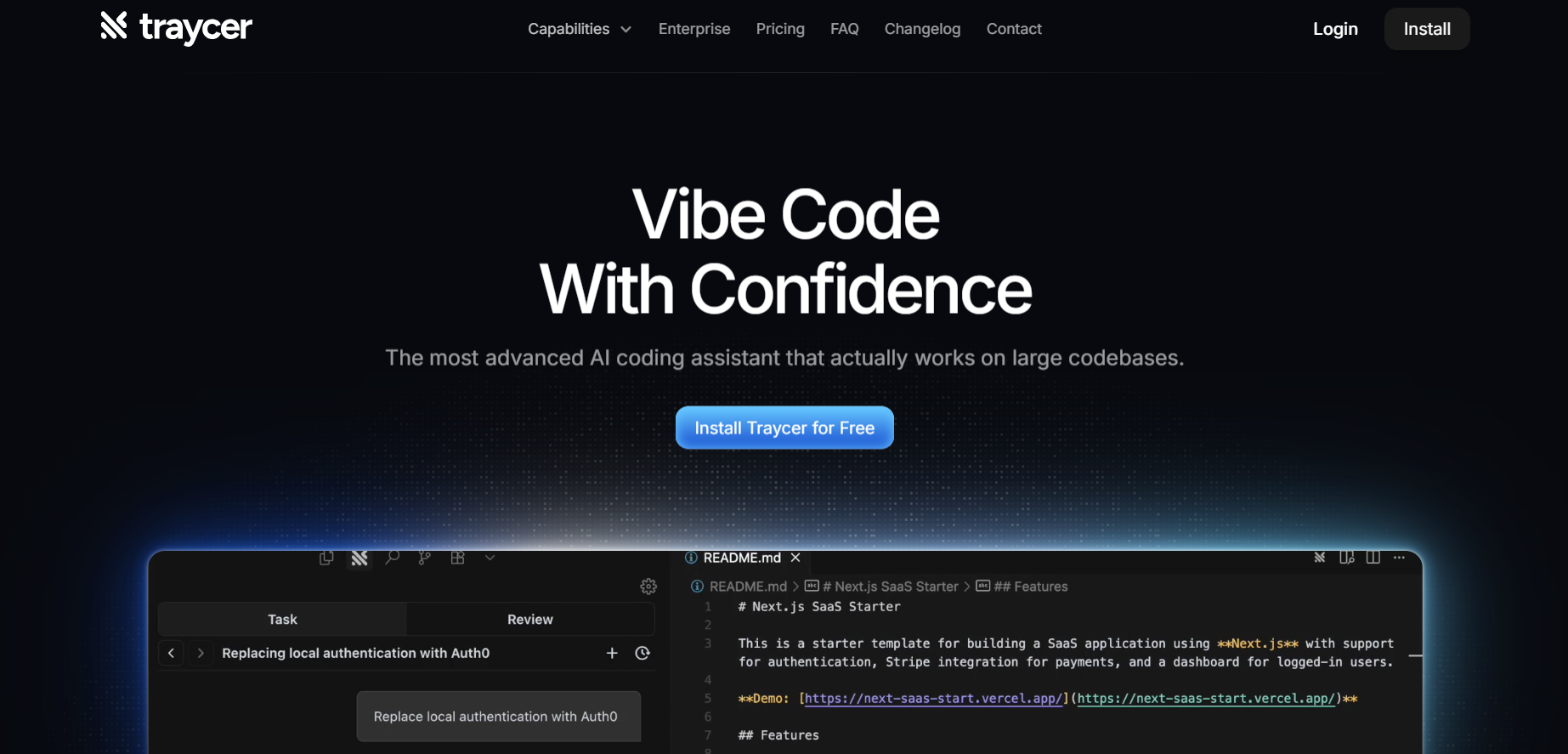
Traycer AI is an advanced coding assistant focused on planning, executing, and reviewing code changes in large projects. Rather than immediately generating code, it begins each task by creating detailed, structured plans that break down high-level intent into manageable actions. From there, it allows users to iterate on these plans, then hand them off to AI agents like Claude Code, Cursor, or others to implement the changes. Traycer also includes functionality to verify AI-generated changes against the existing codebase to catch errors early. It integrates with development environments (VSCode, Cursor, Windsurf) and supports features like “Ticket Assist,” which turns GitHub issues into executable plans directly in your IDE.
Traycer
Traycer AI is an advanced coding assistant focused on planning, executing, and reviewing code changes in large projects. Rather than immediately generating code, it begins each task by creating detailed, structured plans that break down high-level intent into manageable actions. From there, it allows users to iterate on these plans, then hand them off to AI agents like Claude Code, Cursor, or others to implement the changes. Traycer also includes functionality to verify AI-generated changes against the existing codebase to catch errors early. It integrates with development environments (VSCode, Cursor, Windsurf) and supports features like “Ticket Assist,” which turns GitHub issues into executable plans directly in your IDE.
Traycer
Traycer AI is an advanced coding assistant focused on planning, executing, and reviewing code changes in large projects. Rather than immediately generating code, it begins each task by creating detailed, structured plans that break down high-level intent into manageable actions. From there, it allows users to iterate on these plans, then hand them off to AI agents like Claude Code, Cursor, or others to implement the changes. Traycer also includes functionality to verify AI-generated changes against the existing codebase to catch errors early. It integrates with development environments (VSCode, Cursor, Windsurf) and supports features like “Ticket Assist,” which turns GitHub issues into executable plans directly in your IDE.
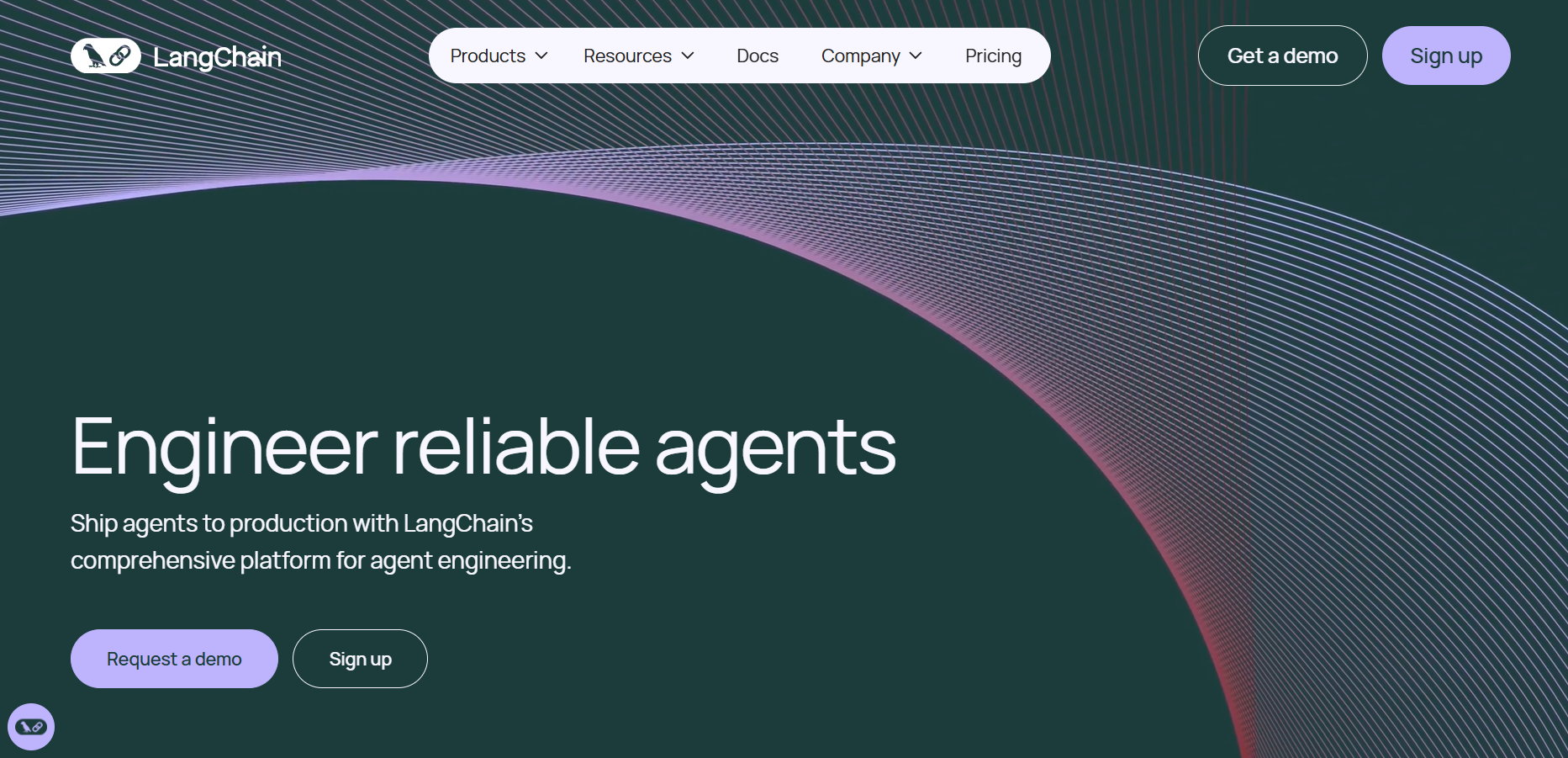

Langchain
LangChain is a powerful open-source framework designed to help developers build context-aware applications that leverage large language models (LLMs). It allows users to connect language models to various data sources, APIs, and memory components, enabling intelligent, multi-step reasoning and decision-making processes. LangChain supports both Python and JavaScript, providing modular building blocks for developers to create chatbots, AI assistants, retrieval-augmented generation (RAG) systems, and agent-based tools. The framework is widely adopted across industries for its flexibility in connecting structured and unstructured data with LLMs.
Langchain
LangChain is a powerful open-source framework designed to help developers build context-aware applications that leverage large language models (LLMs). It allows users to connect language models to various data sources, APIs, and memory components, enabling intelligent, multi-step reasoning and decision-making processes. LangChain supports both Python and JavaScript, providing modular building blocks for developers to create chatbots, AI assistants, retrieval-augmented generation (RAG) systems, and agent-based tools. The framework is widely adopted across industries for its flexibility in connecting structured and unstructured data with LLMs.
Langchain
LangChain is a powerful open-source framework designed to help developers build context-aware applications that leverage large language models (LLMs). It allows users to connect language models to various data sources, APIs, and memory components, enabling intelligent, multi-step reasoning and decision-making processes. LangChain supports both Python and JavaScript, providing modular building blocks for developers to create chatbots, AI assistants, retrieval-augmented generation (RAG) systems, and agent-based tools. The framework is widely adopted across industries for its flexibility in connecting structured and unstructured data with LLMs.
Editorial Note
This page was researched and written by the ATB Editorial Team. Our team researches each AI tool by reviewing its official website, testing features, exploring real use cases, and considering user feedback. Every page is fact-checked and regularly updated to ensure the information stays accurate, neutral, and useful for our readers.
If you have any suggestions or questions, email us at hello@aitoolbook.ai