

- Freelancers & Solopreneurs: Manage your to-dos, notes, content, and projects in one smart place to save time and mental energy.
- Remote Teams & Startups: Collaborate live on shared workspaces, chat within tasks, launch AI agents, and automate team workflows.
- Project Managers & Ops Leads: Use various views (list, board, mind-map, table) to track progress, assign tasks, and build structured workflows.
- Content Creators & Knowledge Workers: Draft outlines, brainstorm with AI, structure ideas, and convert them into action with minimal friction.
- Growth/Marketing Teams & Agencies: Generate content briefs, automate outreach, map campaigns, integrate with external tools and scale smartly.
How to Use Taskade?
- Sign Up & Create a Workspace: Start with a free account, set up your workspace(s) for projects or teams.
- Choose Your Project View: Select list, board, table, mind-map, or org-chart layout depending on how you want to work.
- Build Tasks & Notes: Add tasks, check-lists, outlines, or notes—invite collaborators, set due dates, assign people, add tags.
- Use AI Agent Features: Activate AI commands to summarize documents, generate outlines, research topics, or create custom agents for your workflow.
- Automate & Integrate: Set up triggers or connect to external services so tasks fire automatically, notifications send, actions happen.
- Collaborate & Communicate: Chat in-project, start calls, leave comments, and watch changes sync in real time across devices.
- Scale & Monitor: For teams, add more seats, workspaces, permissions, API/SSO as needed—grow without shifting tools.
- Workspace Flexibility: You’re not locked into a single view—switch between visual styles (lists, boards, mind-maps) as your team or project demands.
- AI-Augmented Workflow: Beyond basic task tracking, Taskade embeds AI agents and automation logic so you can build smarter routines rather than manual ones.
- Real-Time Collaboration + Multi-Platform: Multiple users, entire devices, full syncing, chat/calls embedded—everything in one coherent environment.
- Automation & Integration Depth: Taskade lets you trigger workflows, connect external apps, and build custom logic—not just static check-lists.
- Scalable for Teams & Individuals: Works for a solo user managing personal tasks or a multi-team org building complex agile workflows—all in the same product.
- Unified workspace that handles tasks, notes, visuals, and collaboration—fewer tool-hops means higher focus.
- Intuitive views for different work styles: you pick list, board, mind-map, table—and switch fluidly.
- AI agents that can research, generate outlines, summarize—helping you get done faster.
- Automations and external integrations turn your workspace into a living system not just a static board.
- Cross-device, cross-platform access keeps your flow consistent whether you’re on a phone, tablet or desktop.
- Some advanced AI/automation features may require paid tiers—free version may feel limited for heavy workflows.
- Because it covers so many use cases (notes + tasks + maps + automation), there is a bit of a learning curve for first-time users.
- For deep project-management (e.g., very large portfolios with dependencies, resource tracking) there may be more specialized tools.
- Heavy reliance on internet connectivity and syncing—offline or disconnected-mode may be less capable.
Free
$ 0.00
- 200 credits / month
- 3 Apps
- 1 Workspace
- Basic AI Models
- Community Templates
Starter
$ 8.00
- Taskade AI
- Unlimited Apps
- Unlimited Workspaces
- Private and Unlisted Apps
- Upload Files and Links
- Frontier AI Models
Pro
$ 20.00
- Unlimited AI Agents
- Unlimited Automations
- Train Agents with Your Data
- Password Protected Sharing
- Remove Taskade Branding
- Connect 100+ Integrations
Ultra
$ 60.00
- Custom Domains
- Advanced Analytics
- Branded Apps and Links
- API and Custom Integrations
Proud of the love you're getting? Show off your AI Toolbook reviews—then invite more fans to share the love and build your credibility.
Add an AI Toolbook badge to your site—an easy way to drive followers, showcase updates, and collect reviews. It's like a mini 24/7 billboard for your AI.
Reviews
Rating Distribution
Average score
Popular Mention
FAQs
Similar AI Tools
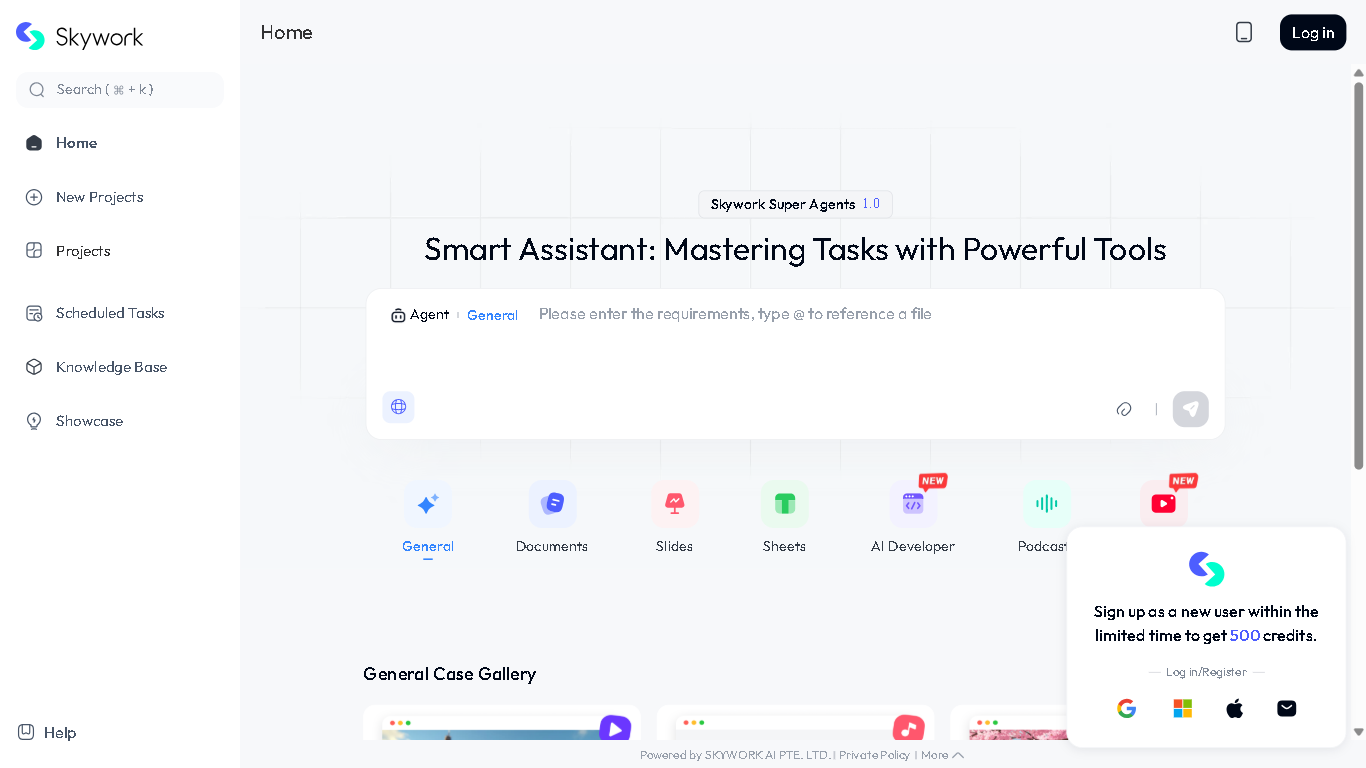

Skywork
SkyWork.ai is an AI-powered platform designed to streamline and automate various aspects of business operations. It offers tools for project management, team collaboration, and task automation, enabling businesses to increase efficiency and productivity. SkyWork.ai integrates various AI functionalities to simplify workflows and improve decision-making.
Skywork
SkyWork.ai is an AI-powered platform designed to streamline and automate various aspects of business operations. It offers tools for project management, team collaboration, and task automation, enabling businesses to increase efficiency and productivity. SkyWork.ai integrates various AI functionalities to simplify workflows and improve decision-making.
Skywork
SkyWork.ai is an AI-powered platform designed to streamline and automate various aspects of business operations. It offers tools for project management, team collaboration, and task automation, enabling businesses to increase efficiency and productivity. SkyWork.ai integrates various AI functionalities to simplify workflows and improve decision-making.

Sim Studio
Sim.AI is a cloud-native platform designed to streamline the development and deployment of AI agents. It offers a user-friendly, open-source environment that allows developers to create, connect, and automate workflows effortlessly. With seamless integrations and no-code setup, Sim.AI empowers teams to enhance productivity and innovation.
Sim Studio
Sim.AI is a cloud-native platform designed to streamline the development and deployment of AI agents. It offers a user-friendly, open-source environment that allows developers to create, connect, and automate workflows effortlessly. With seamless integrations and no-code setup, Sim.AI empowers teams to enhance productivity and innovation.
Sim Studio
Sim.AI is a cloud-native platform designed to streamline the development and deployment of AI agents. It offers a user-friendly, open-source environment that allows developers to create, connect, and automate workflows effortlessly. With seamless integrations and no-code setup, Sim.AI empowers teams to enhance productivity and innovation.
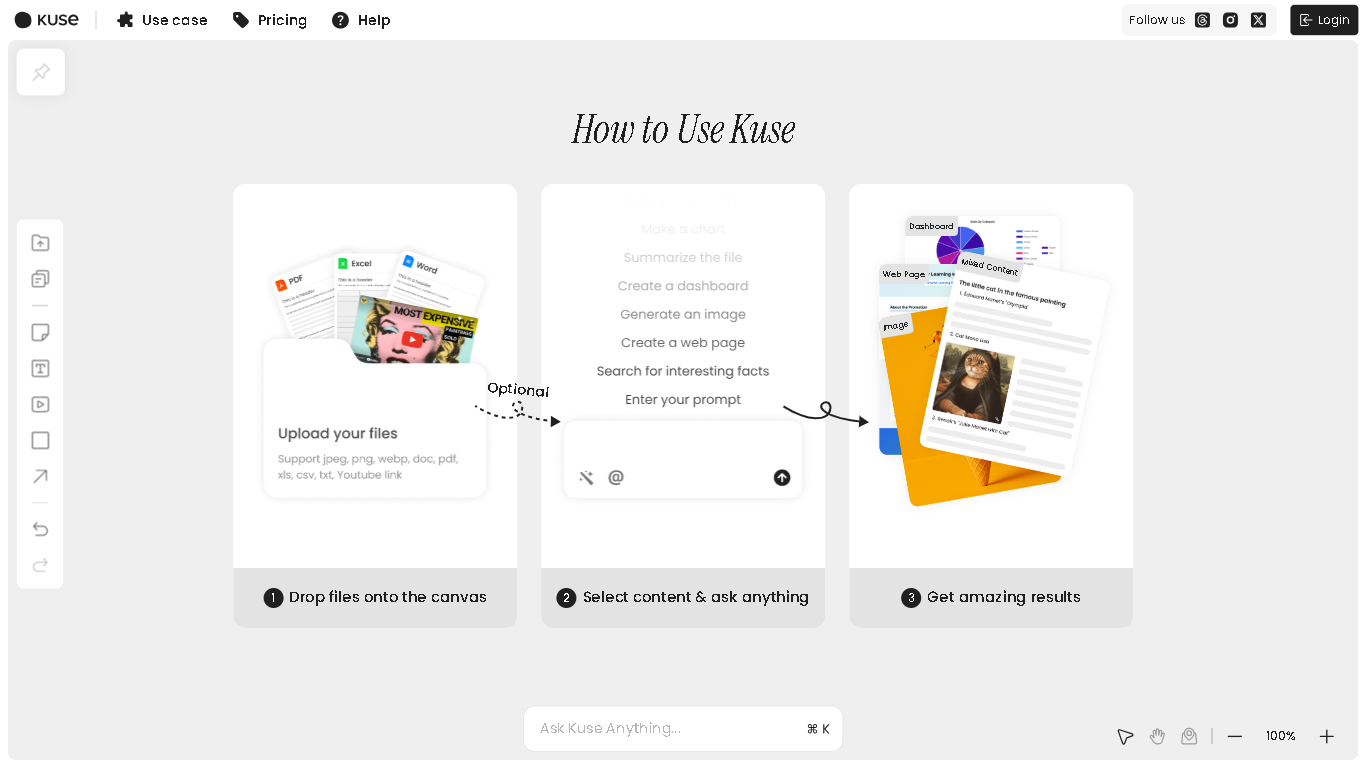
Kuse
Kuse.ai is an AI-powered visual workspace designed to help professionals, educators, and creatives organize, analyze, and generate content from various inputs. It combines an infinite canvas with advanced AI capabilities, allowing users to transform unstructured information—such as files, links, and videos—into structured insights and actionable deliverables.
Kuse
Kuse.ai is an AI-powered visual workspace designed to help professionals, educators, and creatives organize, analyze, and generate content from various inputs. It combines an infinite canvas with advanced AI capabilities, allowing users to transform unstructured information—such as files, links, and videos—into structured insights and actionable deliverables.
Kuse
Kuse.ai is an AI-powered visual workspace designed to help professionals, educators, and creatives organize, analyze, and generate content from various inputs. It combines an infinite canvas with advanced AI capabilities, allowing users to transform unstructured information—such as files, links, and videos—into structured insights and actionable deliverables.
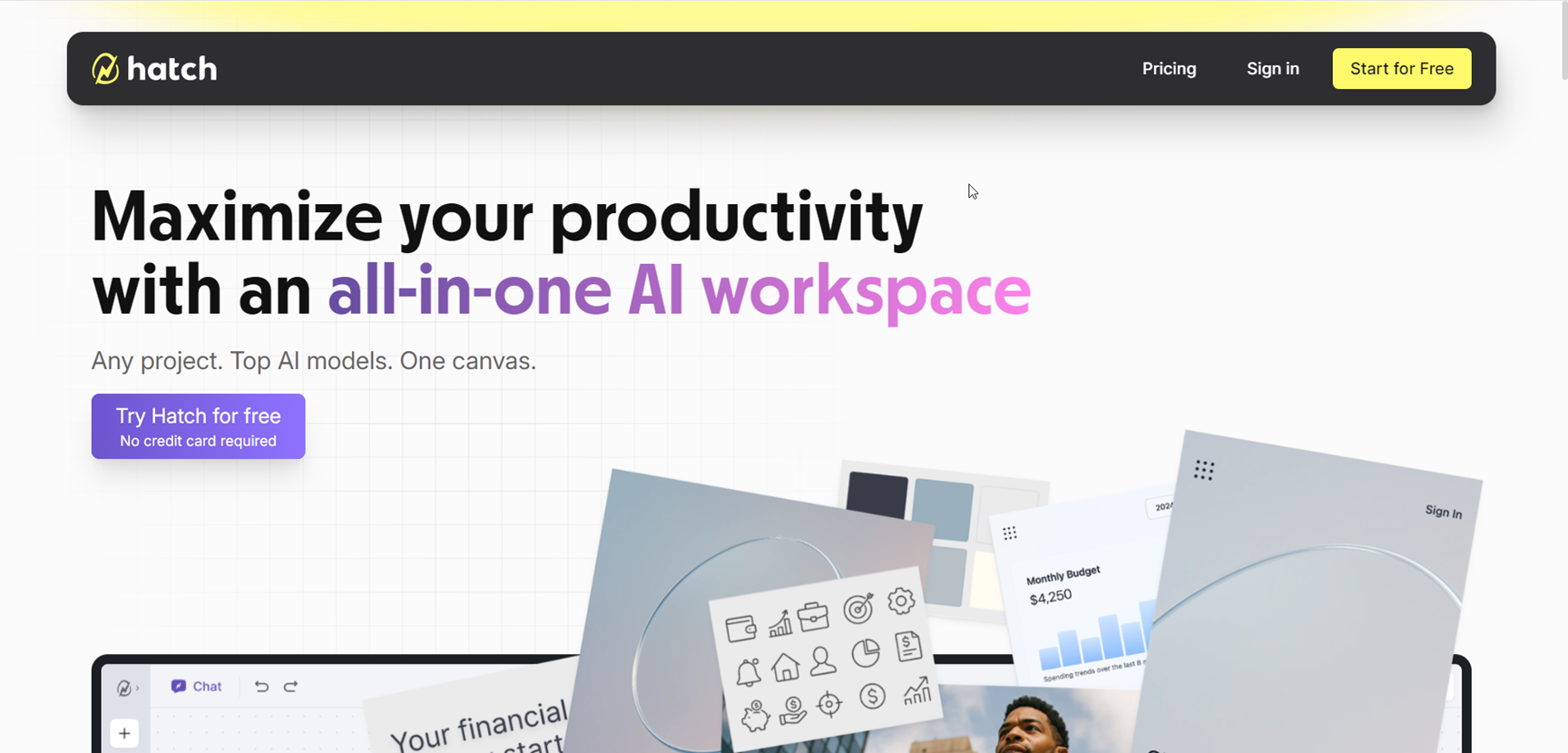

Hatch
Hatch is an all-in-one AI workspace designed to streamline project creation, collaboration, and execution by bringing together documents, images, code, and data on a single canvas. Acting as a unified alternative to juggling ChatGPT, Google Suite, VS Code, and multiple browser tabs, Hatch empowers users to develop quick sketches, code snippets, analysis, and designs without losing context. With multi-model AI integration, Hatch delivers team-level productivity, turning scattered ideas into polished projects, enabling seamless creativity, research, and collaboration—all in one place.
Hatch
Hatch is an all-in-one AI workspace designed to streamline project creation, collaboration, and execution by bringing together documents, images, code, and data on a single canvas. Acting as a unified alternative to juggling ChatGPT, Google Suite, VS Code, and multiple browser tabs, Hatch empowers users to develop quick sketches, code snippets, analysis, and designs without losing context. With multi-model AI integration, Hatch delivers team-level productivity, turning scattered ideas into polished projects, enabling seamless creativity, research, and collaboration—all in one place.
Hatch
Hatch is an all-in-one AI workspace designed to streamline project creation, collaboration, and execution by bringing together documents, images, code, and data on a single canvas. Acting as a unified alternative to juggling ChatGPT, Google Suite, VS Code, and multiple browser tabs, Hatch empowers users to develop quick sketches, code snippets, analysis, and designs without losing context. With multi-model AI integration, Hatch delivers team-level productivity, turning scattered ideas into polished projects, enabling seamless creativity, research, and collaboration—all in one place.
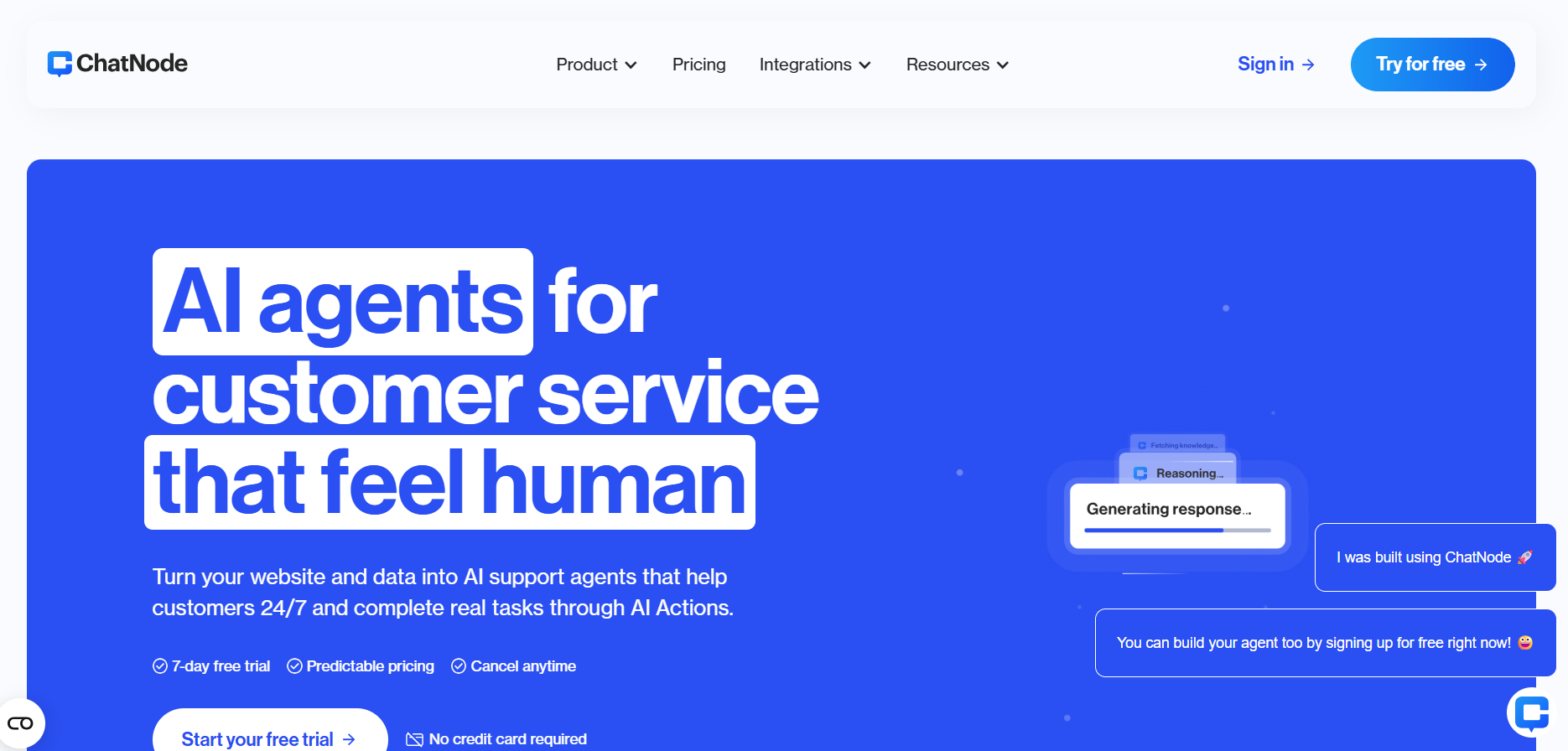

Chatnode AI
ChatNode AI is a conversational-AI platform that turns websites and data into AI support agents capable of performing tasks, learning continually and handing off to humans when needed. It enables organisations to deploy chatbots that can book meetings, show invoices, update records and integrate with backend systems, all while supporting brand voice and policy compliance.
Chatnode AI
ChatNode AI is a conversational-AI platform that turns websites and data into AI support agents capable of performing tasks, learning continually and handing off to humans when needed. It enables organisations to deploy chatbots that can book meetings, show invoices, update records and integrate with backend systems, all while supporting brand voice and policy compliance.
Chatnode AI
ChatNode AI is a conversational-AI platform that turns websites and data into AI support agents capable of performing tasks, learning continually and handing off to humans when needed. It enables organisations to deploy chatbots that can book meetings, show invoices, update records and integrate with backend systems, all while supporting brand voice and policy compliance.

AI Maestro
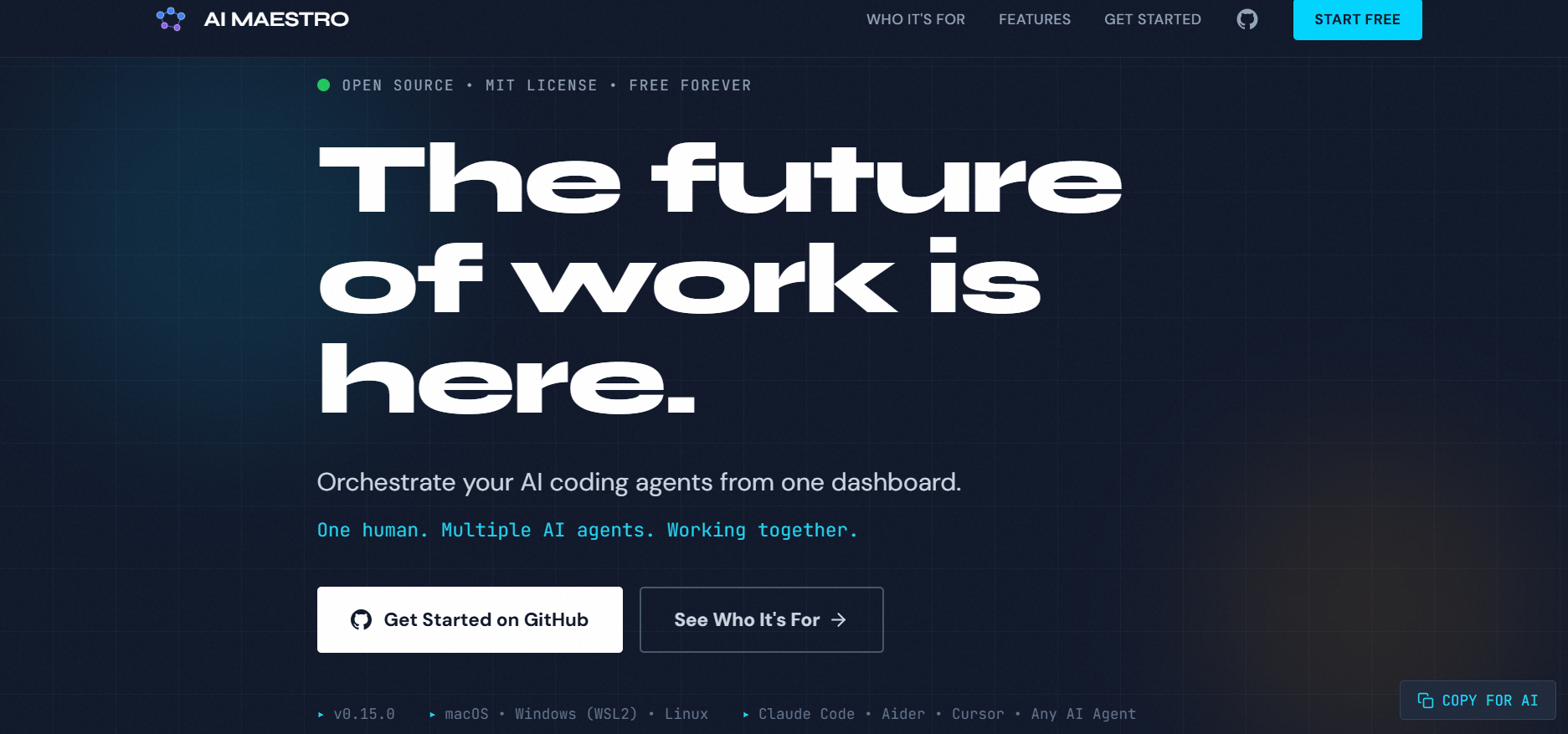
AI Maestro is a no-code AI workflow builder that enables businesses, creators, and teams to design, automate, and deploy intelligent processes without technical expertise. It provides a modular block-based interface where users can combine data inputs, logic steps, transformations, and AI-driven actions—such as classification, summarization, generation, or routing—to build complete automated workflows. AI Maestro reduces the complexity of traditional automation by making each step visual and configurable, allowing users to orchestrate tasks across documents, media, chat interactions, forms, and backend operations. The platform focuses on accelerating operational efficiency by replacing repetitive manual processes with automated AI pipelines.
AI Maestro
AI Maestro is a no-code AI workflow builder that enables businesses, creators, and teams to design, automate, and deploy intelligent processes without technical expertise. It provides a modular block-based interface where users can combine data inputs, logic steps, transformations, and AI-driven actions—such as classification, summarization, generation, or routing—to build complete automated workflows. AI Maestro reduces the complexity of traditional automation by making each step visual and configurable, allowing users to orchestrate tasks across documents, media, chat interactions, forms, and backend operations. The platform focuses on accelerating operational efficiency by replacing repetitive manual processes with automated AI pipelines.
AI Maestro
AI Maestro is a no-code AI workflow builder that enables businesses, creators, and teams to design, automate, and deploy intelligent processes without technical expertise. It provides a modular block-based interface where users can combine data inputs, logic steps, transformations, and AI-driven actions—such as classification, summarization, generation, or routing—to build complete automated workflows. AI Maestro reduces the complexity of traditional automation by making each step visual and configurable, allowing users to orchestrate tasks across documents, media, chat interactions, forms, and backend operations. The platform focuses on accelerating operational efficiency by replacing repetitive manual processes with automated AI pipelines.

NinjaNote
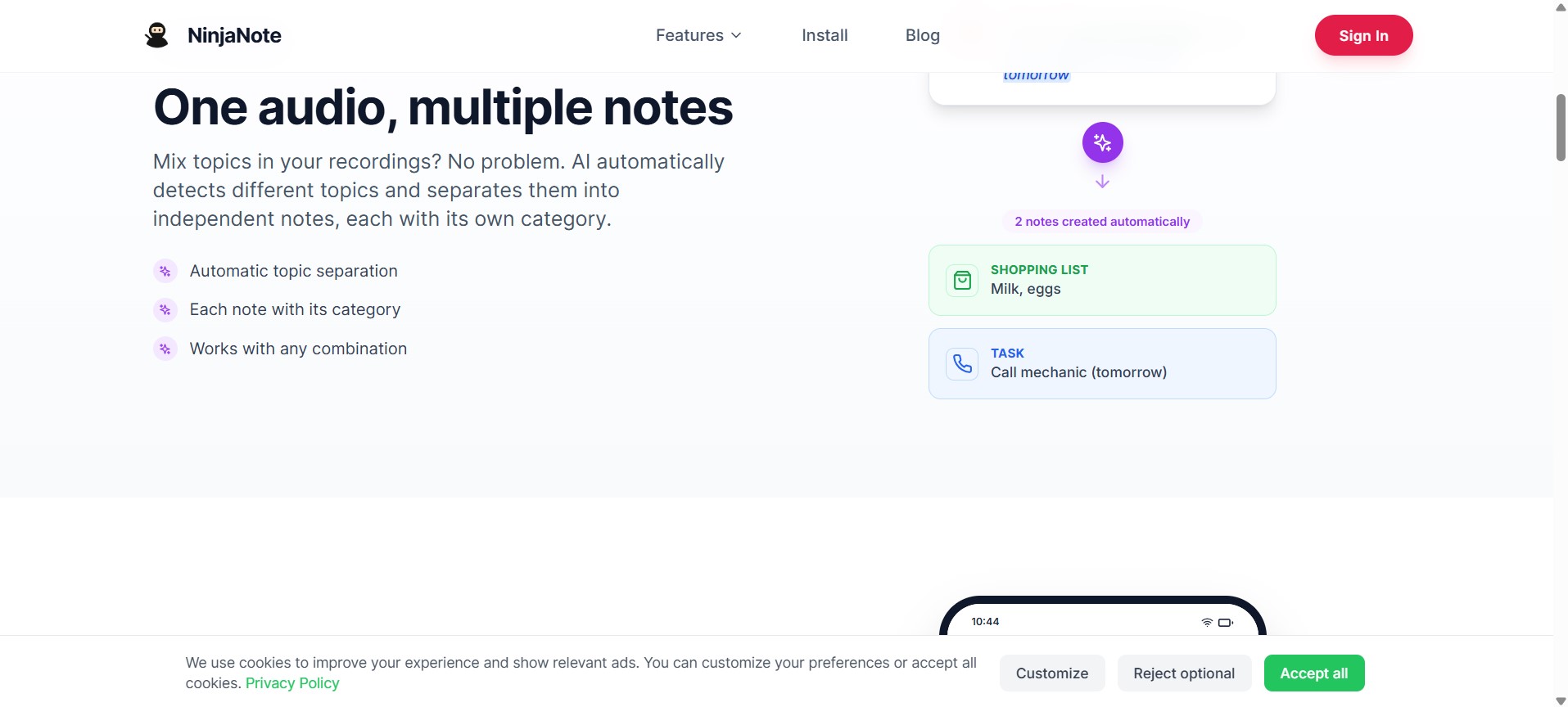
NinjaNote.app is an AI-powered smart note-taking platform that lets you record voice and audio and automatically transforms it into organized, searchable, and shareable notes. Using advanced artificial intelligence, NinjaNote detects topics from your voice recordings, categorizes information, and helps you manage tasks, lists, reminders, and more — all without manual typing.
NinjaNote
NinjaNote.app is an AI-powered smart note-taking platform that lets you record voice and audio and automatically transforms it into organized, searchable, and shareable notes. Using advanced artificial intelligence, NinjaNote detects topics from your voice recordings, categorizes information, and helps you manage tasks, lists, reminders, and more — all without manual typing.
NinjaNote
NinjaNote.app is an AI-powered smart note-taking platform that lets you record voice and audio and automatically transforms it into organized, searchable, and shareable notes. Using advanced artificial intelligence, NinjaNote detects topics from your voice recordings, categorizes information, and helps you manage tasks, lists, reminders, and more — all without manual typing.

Upsolve AI
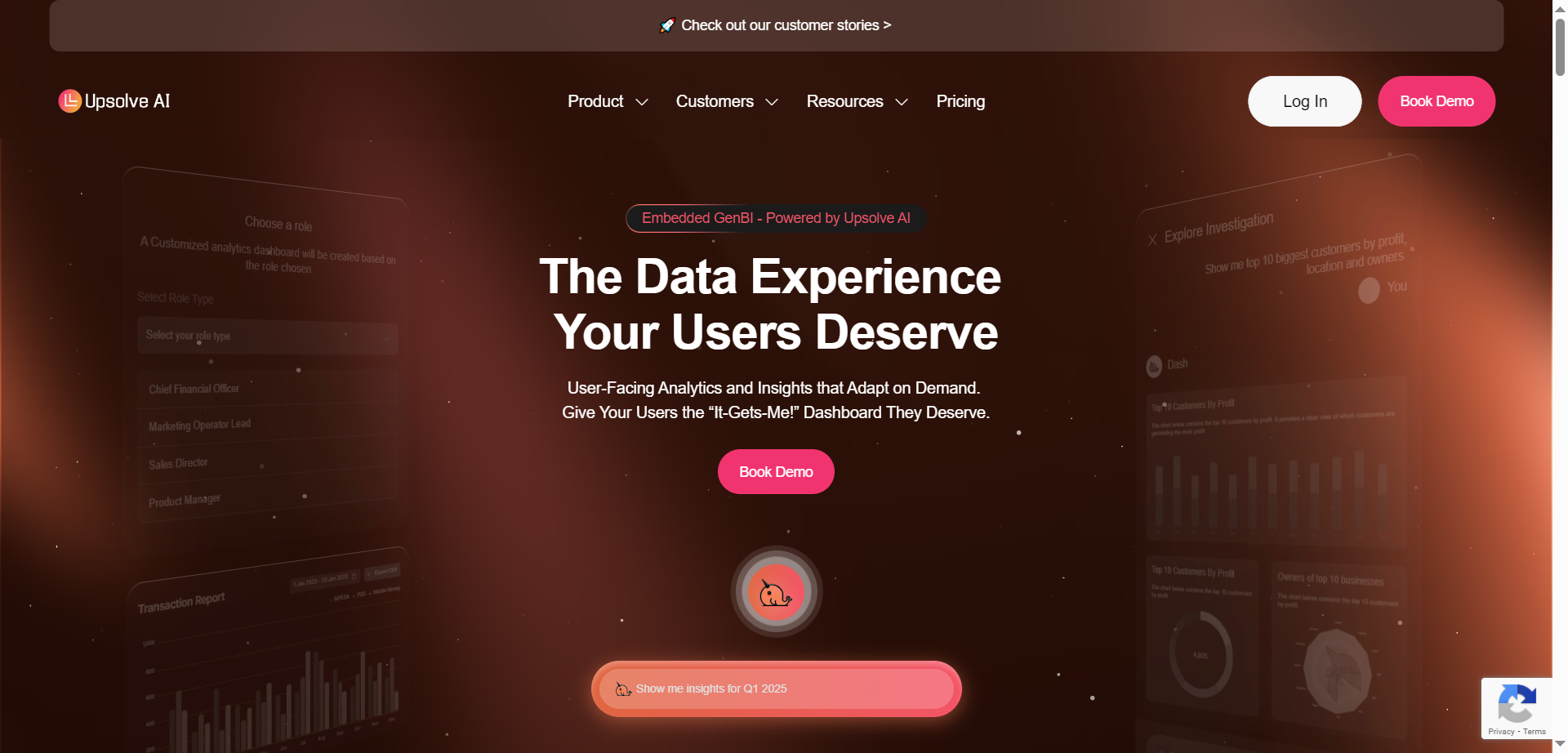
Upsolve.ai is an innovative AI-powered embedded analytics platform that enables SaaS companies to deliver hyper-personalized, customer-facing dashboards directly within their products. It features next-gen persona-based dashboards that adapt to user roles like CFO or Sales Director, natural language querying for effortless data exploration, and AI-guided insights that spot trends, anomalies, and actionable recommendations. Users can build embeddable dashboards rapidly using point-and-click UI, connect to various data sources, theme them to match brand design systems, and deploy via React or iFrame components. The platform eliminates complex Text-to-SQL needs, provides real-time analysis, automatic alerts, and self-service capabilities to drive operational brilliance and boost product value from day one.
Upsolve AI
Upsolve.ai is an innovative AI-powered embedded analytics platform that enables SaaS companies to deliver hyper-personalized, customer-facing dashboards directly within their products. It features next-gen persona-based dashboards that adapt to user roles like CFO or Sales Director, natural language querying for effortless data exploration, and AI-guided insights that spot trends, anomalies, and actionable recommendations. Users can build embeddable dashboards rapidly using point-and-click UI, connect to various data sources, theme them to match brand design systems, and deploy via React or iFrame components. The platform eliminates complex Text-to-SQL needs, provides real-time analysis, automatic alerts, and self-service capabilities to drive operational brilliance and boost product value from day one.
Upsolve AI
Upsolve.ai is an innovative AI-powered embedded analytics platform that enables SaaS companies to deliver hyper-personalized, customer-facing dashboards directly within their products. It features next-gen persona-based dashboards that adapt to user roles like CFO or Sales Director, natural language querying for effortless data exploration, and AI-guided insights that spot trends, anomalies, and actionable recommendations. Users can build embeddable dashboards rapidly using point-and-click UI, connect to various data sources, theme them to match brand design systems, and deploy via React or iFrame components. The platform eliminates complex Text-to-SQL needs, provides real-time analysis, automatic alerts, and self-service capabilities to drive operational brilliance and boost product value from day one.

Bond
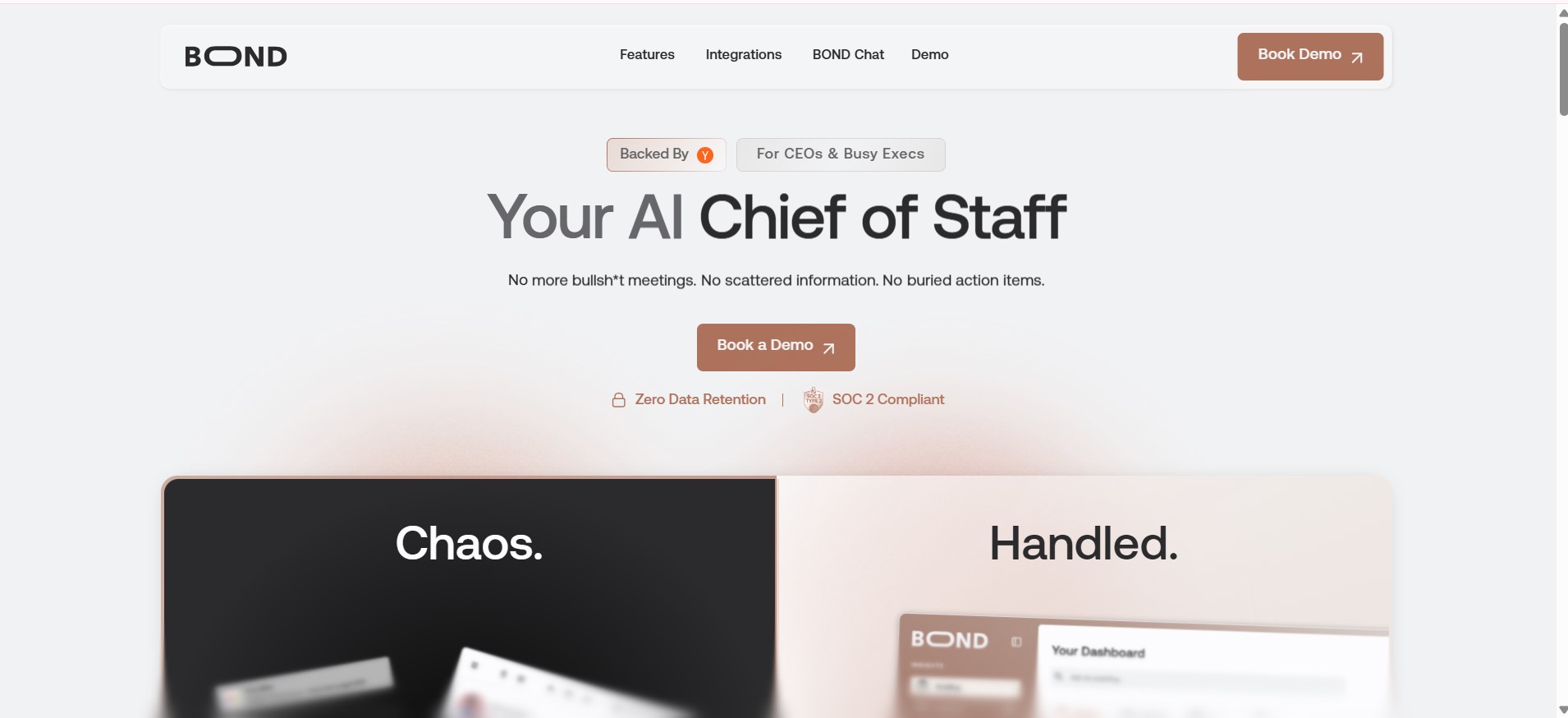
Bond is an AI-powered executive productivity platform that acts as an AI Chief of Staff for CEOs and senior leaders. It integrates data across organizational tools to provide real-time insights into projects, team performance, risks, and priorities, replacing the need for manual status updates and status meetings. By delivering concise daily briefings and centralized dashboards, Bond helps executives stay informed, make faster decisions, and focus on strategic work rather than hunting for information
Bond
Bond is an AI-powered executive productivity platform that acts as an AI Chief of Staff for CEOs and senior leaders. It integrates data across organizational tools to provide real-time insights into projects, team performance, risks, and priorities, replacing the need for manual status updates and status meetings. By delivering concise daily briefings and centralized dashboards, Bond helps executives stay informed, make faster decisions, and focus on strategic work rather than hunting for information
Bond
Bond is an AI-powered executive productivity platform that acts as an AI Chief of Staff for CEOs and senior leaders. It integrates data across organizational tools to provide real-time insights into projects, team performance, risks, and priorities, replacing the need for manual status updates and status meetings. By delivering concise daily briefings and centralized dashboards, Bond helps executives stay informed, make faster decisions, and focus on strategic work rather than hunting for information
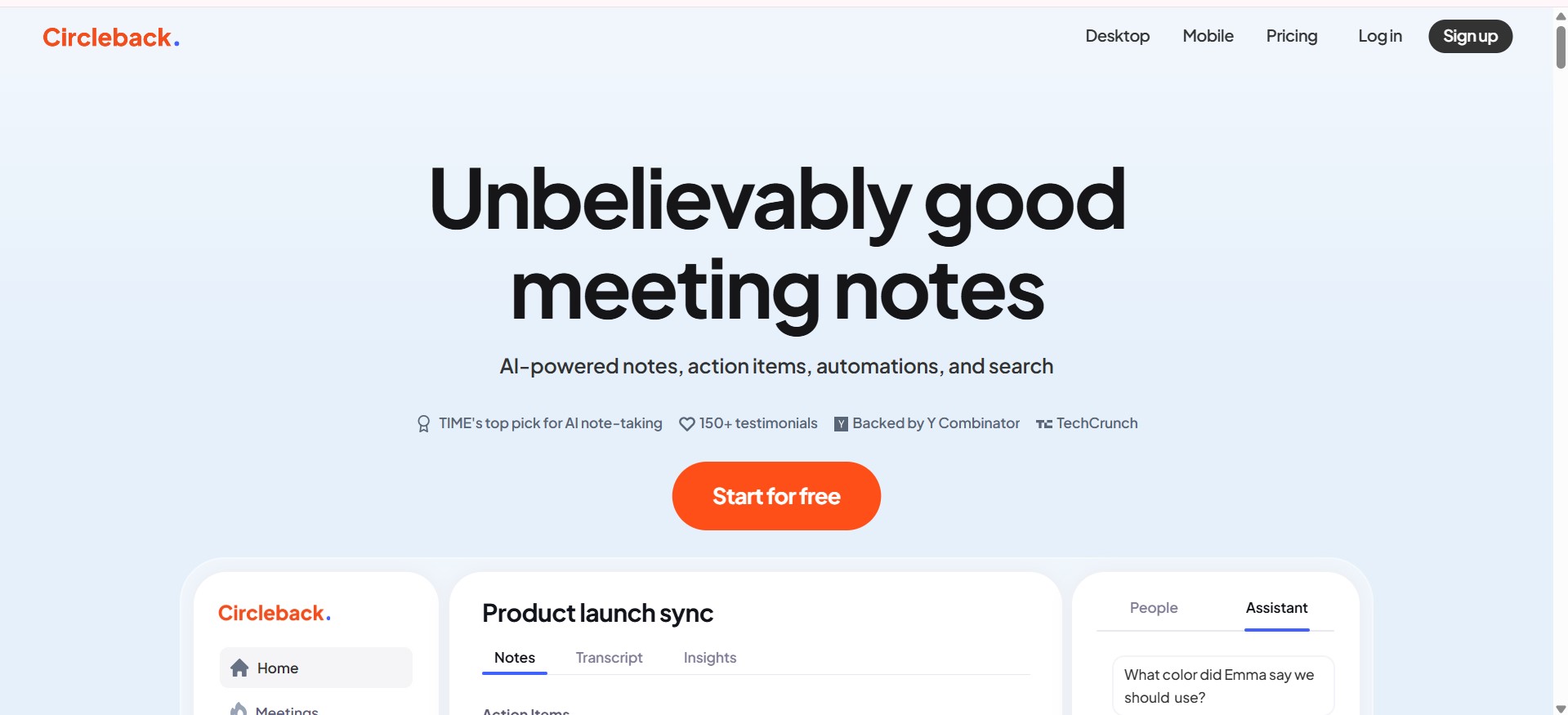

Circleback
Circleback.ai is an AI-powered meeting assistant that helps businesses, teams, and professionals automatically capture, summarize, and organize meetings. It provides AI-generated notes, action items, transcripts, and searchable archives to make meetings more productive and ensure nothing is missed. Never miss a follow-up again. Post-meeting to-dos automatically assigned and neatly organized for you.
Circleback
Circleback.ai is an AI-powered meeting assistant that helps businesses, teams, and professionals automatically capture, summarize, and organize meetings. It provides AI-generated notes, action items, transcripts, and searchable archives to make meetings more productive and ensure nothing is missed. Never miss a follow-up again. Post-meeting to-dos automatically assigned and neatly organized for you.
Circleback
Circleback.ai is an AI-powered meeting assistant that helps businesses, teams, and professionals automatically capture, summarize, and organize meetings. It provides AI-generated notes, action items, transcripts, and searchable archives to make meetings more productive and ensure nothing is missed. Never miss a follow-up again. Post-meeting to-dos automatically assigned and neatly organized for you.
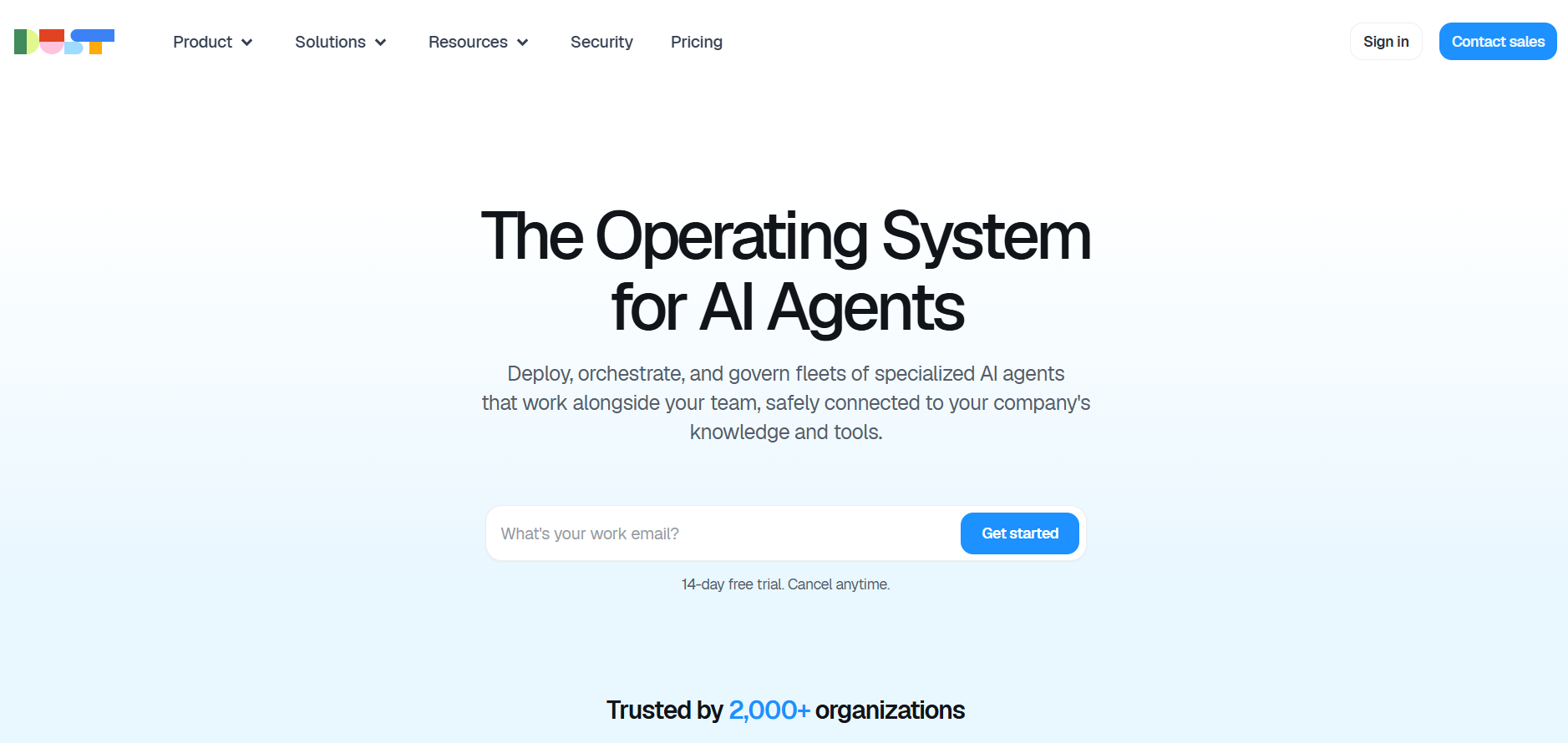

Dust
Dust is an operating system for AI agents, built to help organizations deploy, orchestrate, and govern large fleets of specialized AI agents that work alongside human teams. It integrates directly with a company’s internal knowledge, workflows, and tools, enabling agents to take actions, provide insights, automate tasks, and operate safely within controlled environments. Dust focuses on enterprise-grade security, governance, and interoperability, allowing teams to build and manage multi-agent ecosystems without losing oversight or control. With the ability to connect agents to internal data sources and business processes, Dust turns AI into an operational layer that scales across departments and functions.
Dust
Dust is an operating system for AI agents, built to help organizations deploy, orchestrate, and govern large fleets of specialized AI agents that work alongside human teams. It integrates directly with a company’s internal knowledge, workflows, and tools, enabling agents to take actions, provide insights, automate tasks, and operate safely within controlled environments. Dust focuses on enterprise-grade security, governance, and interoperability, allowing teams to build and manage multi-agent ecosystems without losing oversight or control. With the ability to connect agents to internal data sources and business processes, Dust turns AI into an operational layer that scales across departments and functions.
Dust
Dust is an operating system for AI agents, built to help organizations deploy, orchestrate, and govern large fleets of specialized AI agents that work alongside human teams. It integrates directly with a company’s internal knowledge, workflows, and tools, enabling agents to take actions, provide insights, automate tasks, and operate safely within controlled environments. Dust focuses on enterprise-grade security, governance, and interoperability, allowing teams to build and manage multi-agent ecosystems without losing oversight or control. With the ability to connect agents to internal data sources and business processes, Dust turns AI into an operational layer that scales across departments and functions.
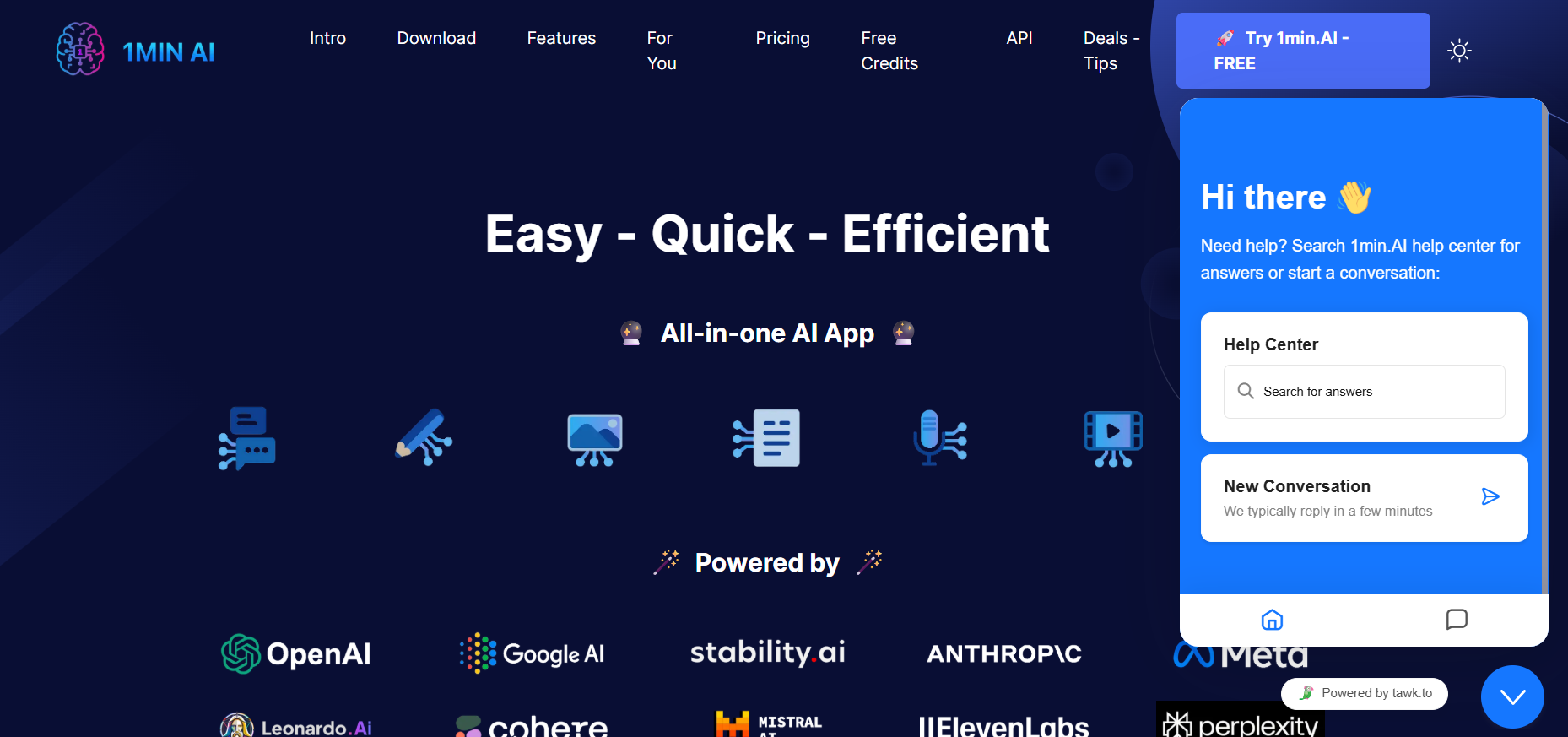

1Min AI
1Min.ai is an all-in-one AI application focused on simplicity, speed, and efficiency. It allows users to generate content, automate tasks, enhance productivity, and perform creative operations quickly without needing technical expertise. With a streamlined interface and a broad set of features, 1Min.ai aims to provide a fast AI solution for everyday users who want quick results. Its emphasis on ease of use makes it suitable for a wide range of personal and professional tasks.
1Min AI
1Min.ai is an all-in-one AI application focused on simplicity, speed, and efficiency. It allows users to generate content, automate tasks, enhance productivity, and perform creative operations quickly without needing technical expertise. With a streamlined interface and a broad set of features, 1Min.ai aims to provide a fast AI solution for everyday users who want quick results. Its emphasis on ease of use makes it suitable for a wide range of personal and professional tasks.
1Min AI
1Min.ai is an all-in-one AI application focused on simplicity, speed, and efficiency. It allows users to generate content, automate tasks, enhance productivity, and perform creative operations quickly without needing technical expertise. With a streamlined interface and a broad set of features, 1Min.ai aims to provide a fast AI solution for everyday users who want quick results. Its emphasis on ease of use makes it suitable for a wide range of personal and professional tasks.
Editorial Note
This page was researched and written by the ATB Editorial Team. Our team researches each AI tool by reviewing its official website, testing features, exploring real use cases, and considering user feedback. Every page is fact-checked and regularly updated to ensure the information stays accurate, neutral, and useful for our readers.
If you have any suggestions or questions, email us at hello@aitoolbook.ai