
- HR Teams: Extract key skills and experience from multiple resumes and organize the data in a spreadsheet.
- Financial Analysts: Pull specific financial data from filings and reports for in-depth analysis.
- Researchers: Query large volumes of documents to find specific insights and data points.
- Data Professionals: Anyone who regularly handles large batches of PDF data and needs to perform quick and accurate extractions.
How to Use It?
- Upload Your PDFs: Upload one or more PDF files directly to the CapGo.AI website.
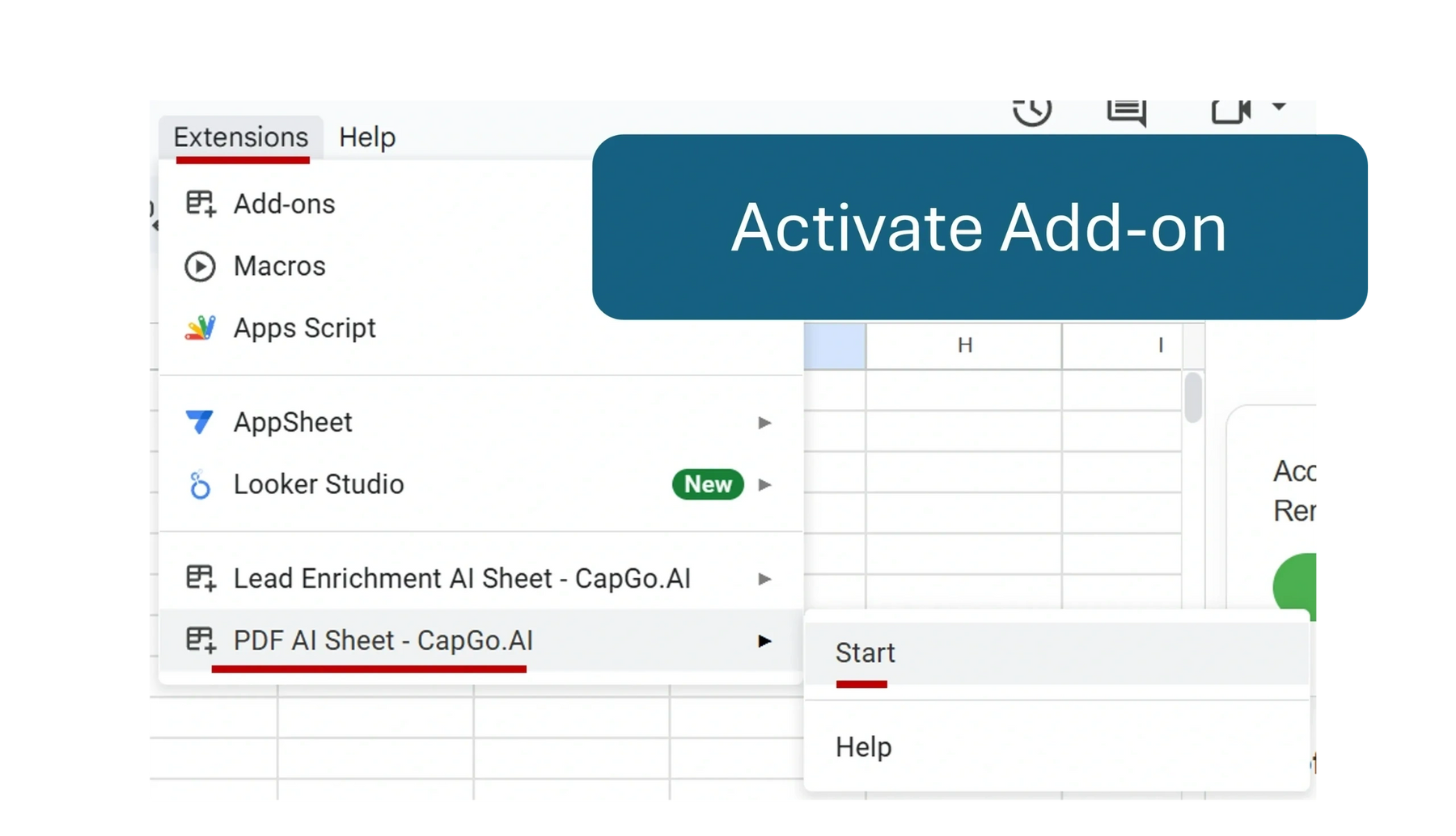
- Connect to Google Sheets: Install the "PDF AI Sheet™ - CapGo.AI" add-on from the Google Workspace Marketplace and link your PDF batch to your Google Sheet.
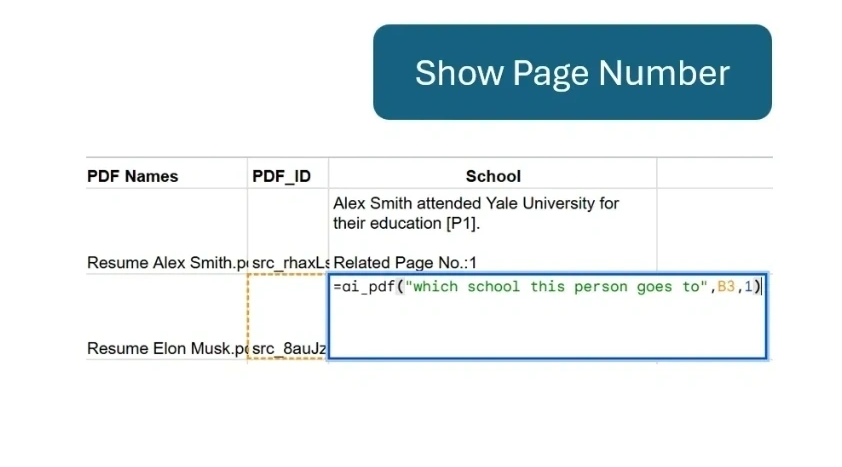
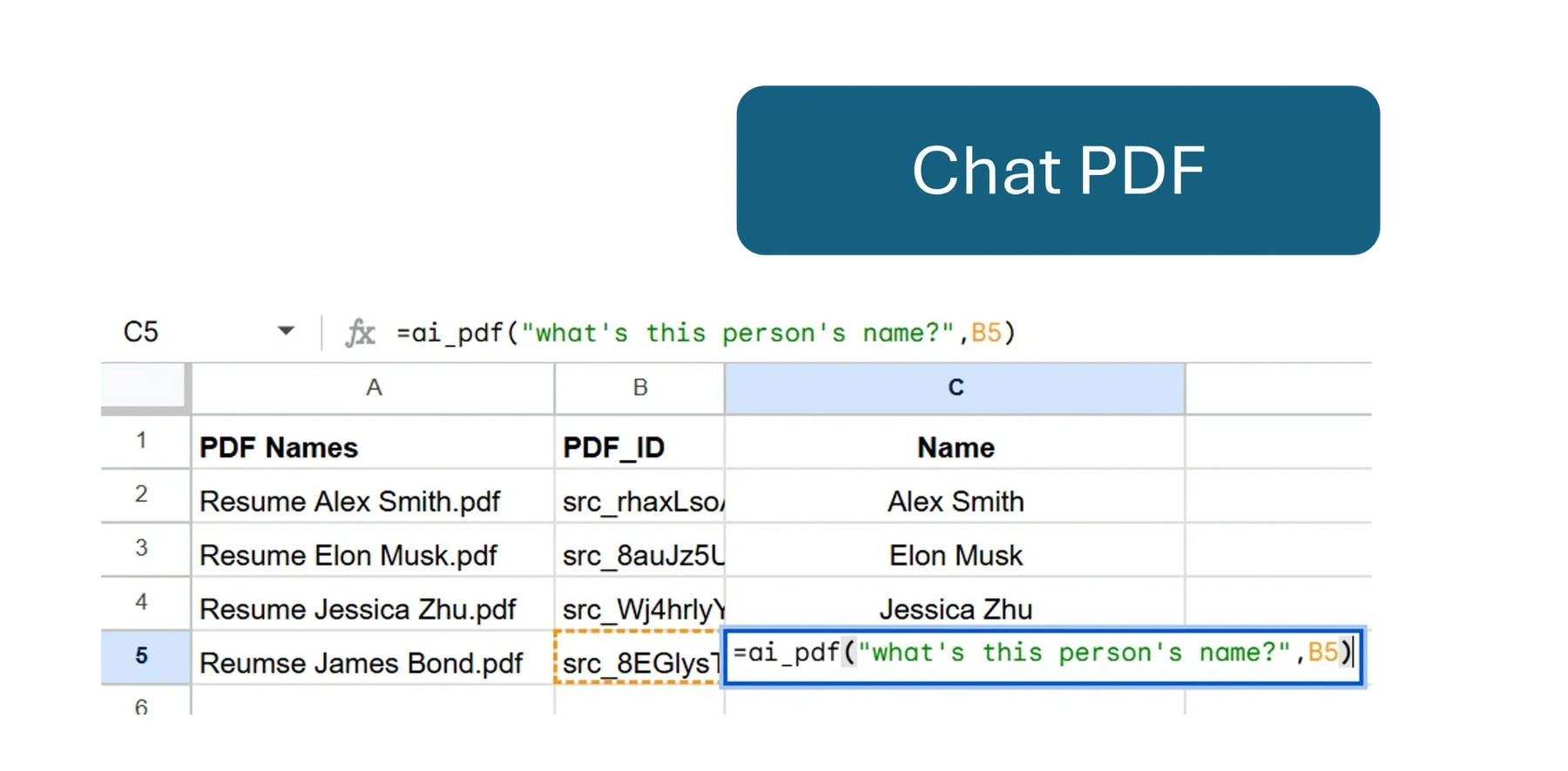
- Query with Natural Language: In your Google Sheet, use plain language questions to query the information across all the PDFs simultaneously.
- Get Instant Results: The extracted and organized data will appear directly in your spreadsheet, ready for further analysis or export.
- Bulk Data Extraction: The platform’s ability to process and extract data from a large number of PDFs at once saves a significant amount of time compared to manual review.
- Natural Language Querying: It eliminates the need for complex formulas or coding. Users can simply ask questions in plain language to get the information they need.
- Seamless Google Sheets Integration: The tool works directly within Google Sheets, which makes it a convenient and efficient solution for users already working in the Google Workspace ecosystem.
- Versatile Applications: Its functionality is versatile and can be applied to many different use cases, from extracting data from contracts to analyzing reports.
- Efficiency: It automates a time-consuming process, saving hours of manual data extraction.
- Ease of Use: The natural language querying makes it accessible to users without a technical background.
- Scalability: It can handle projects of any size, from a few documents to massive batches of PDFs.
- Accuracy: It retrieves precise information, reducing the risk of human error.
- External Website Requirement: Users must first upload their PDFs to the CapGo.AI website before linking them to Google Sheets, which adds an extra step to the workflow.
- Permission Requirements: The add-on requires access to your Google Account, which some users might be hesitant to grant.
Paid
custom
Proud of the love you're getting? Show off your AI Toolbook reviews—then invite more fans to share the love and build your credibility.
Add an AI Toolbook badge to your site—an easy way to drive followers, showcase updates, and collect reviews. It's like a mini 24/7 billboard for your AI.
Reviews
Rating Distribution
Average score
Popular Mention
FAQs
Similar AI Tools
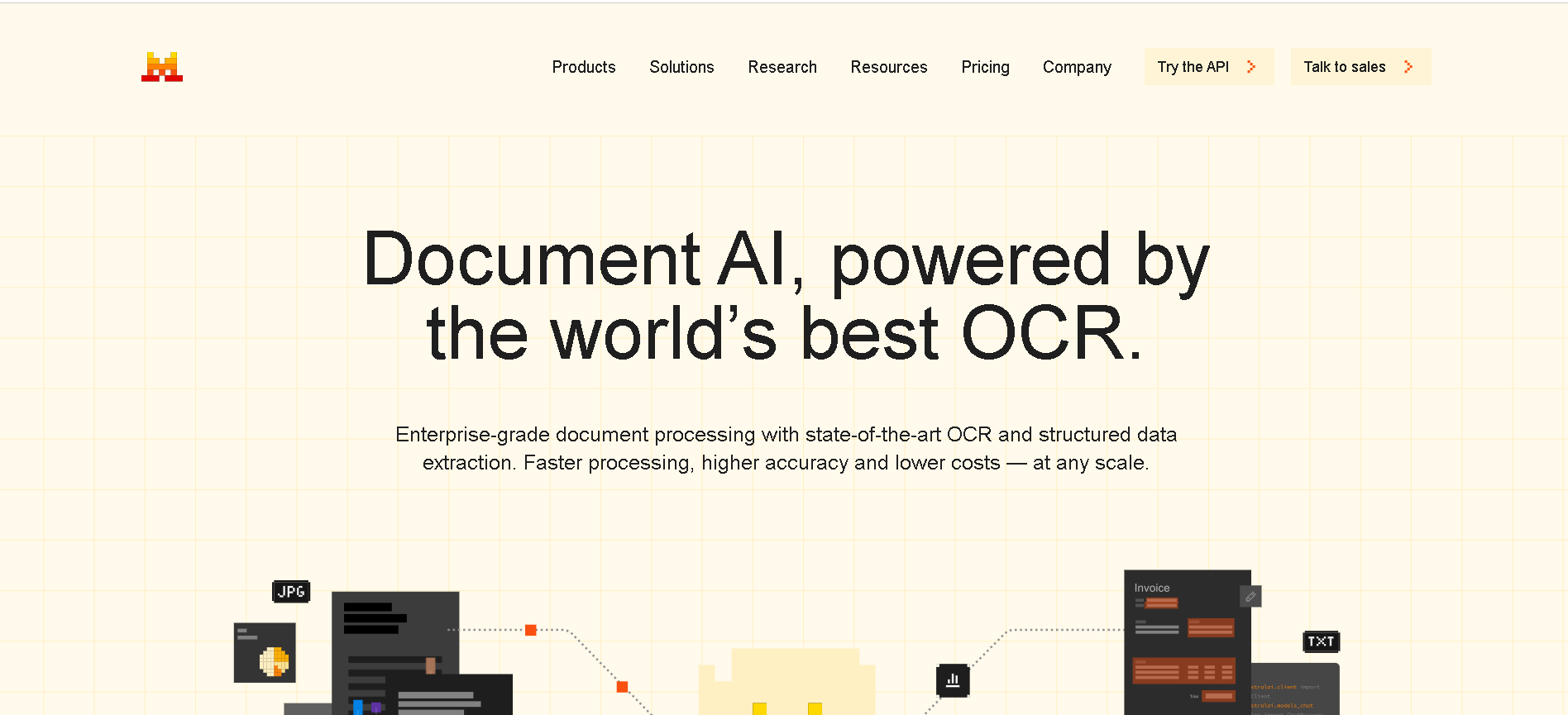
Mistral Document AI is Mistral AI’s enterprise-grade document processing platform, launched May 2025. It combines state-of-the-art OCR model mistral-ocr-latest with structured data extraction, document Q&A, and natural language understanding—delivering 99%+ OCR accuracy, support for over 40 languages and complex layouts (tables, forms, handwriting), and blazing-fast processing at up to 2,000 pages/min per GPU.
Mistral Document AI is Mistral AI’s enterprise-grade document processing platform, launched May 2025. It combines state-of-the-art OCR model mistral-ocr-latest with structured data extraction, document Q&A, and natural language understanding—delivering 99%+ OCR accuracy, support for over 40 languages and complex layouts (tables, forms, handwriting), and blazing-fast processing at up to 2,000 pages/min per GPU.
Mistral Document AI is Mistral AI’s enterprise-grade document processing platform, launched May 2025. It combines state-of-the-art OCR model mistral-ocr-latest with structured data extraction, document Q&A, and natural language understanding—delivering 99%+ OCR accuracy, support for over 40 languages and complex layouts (tables, forms, handwriting), and blazing-fast processing at up to 2,000 pages/min per GPU.
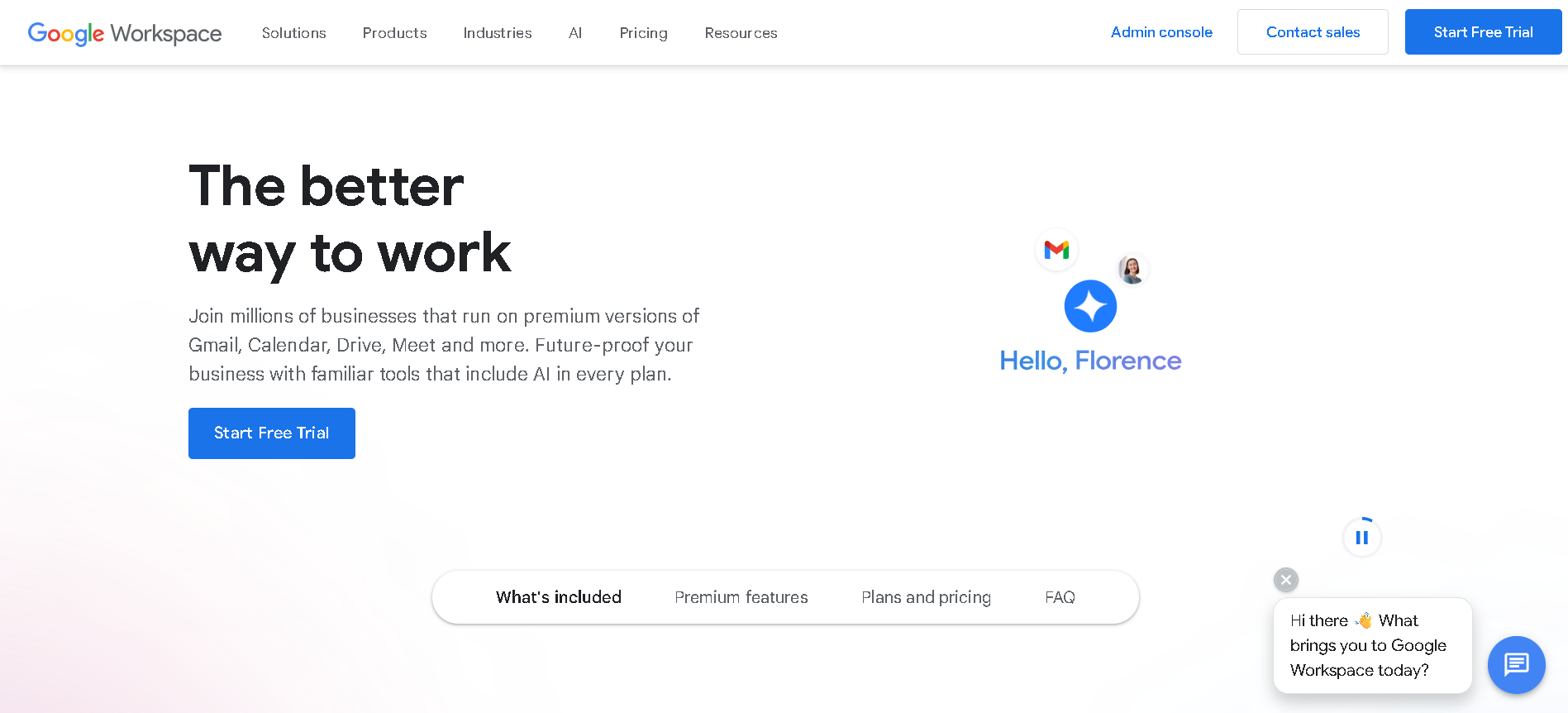
Google Workspace AI (also known as "Gemini in Workspace") is Google’s integrated suite of AI-powered features embedded throughout Gmail, Docs, Sheets, Slides, Meet, Chat, Drive, Vids, Forms, and more. Introduced fully in early 2025, it brings Gemini 2.5 Pro, NotebookLM Plus, agentic workflows via Workspace Flows, and domain-specific video editing to help businesses and educators work smarter and faster.
Google Workspace AI (also known as "Gemini in Workspace") is Google’s integrated suite of AI-powered features embedded throughout Gmail, Docs, Sheets, Slides, Meet, Chat, Drive, Vids, Forms, and more. Introduced fully in early 2025, it brings Gemini 2.5 Pro, NotebookLM Plus, agentic workflows via Workspace Flows, and domain-specific video editing to help businesses and educators work smarter and faster.
Google Workspace AI (also known as "Gemini in Workspace") is Google’s integrated suite of AI-powered features embedded throughout Gmail, Docs, Sheets, Slides, Meet, Chat, Drive, Vids, Forms, and more. Introduced fully in early 2025, it brings Gemini 2.5 Pro, NotebookLM Plus, agentic workflows via Workspace Flows, and domain-specific video editing to help businesses and educators work smarter and faster.

CTRL Sheet
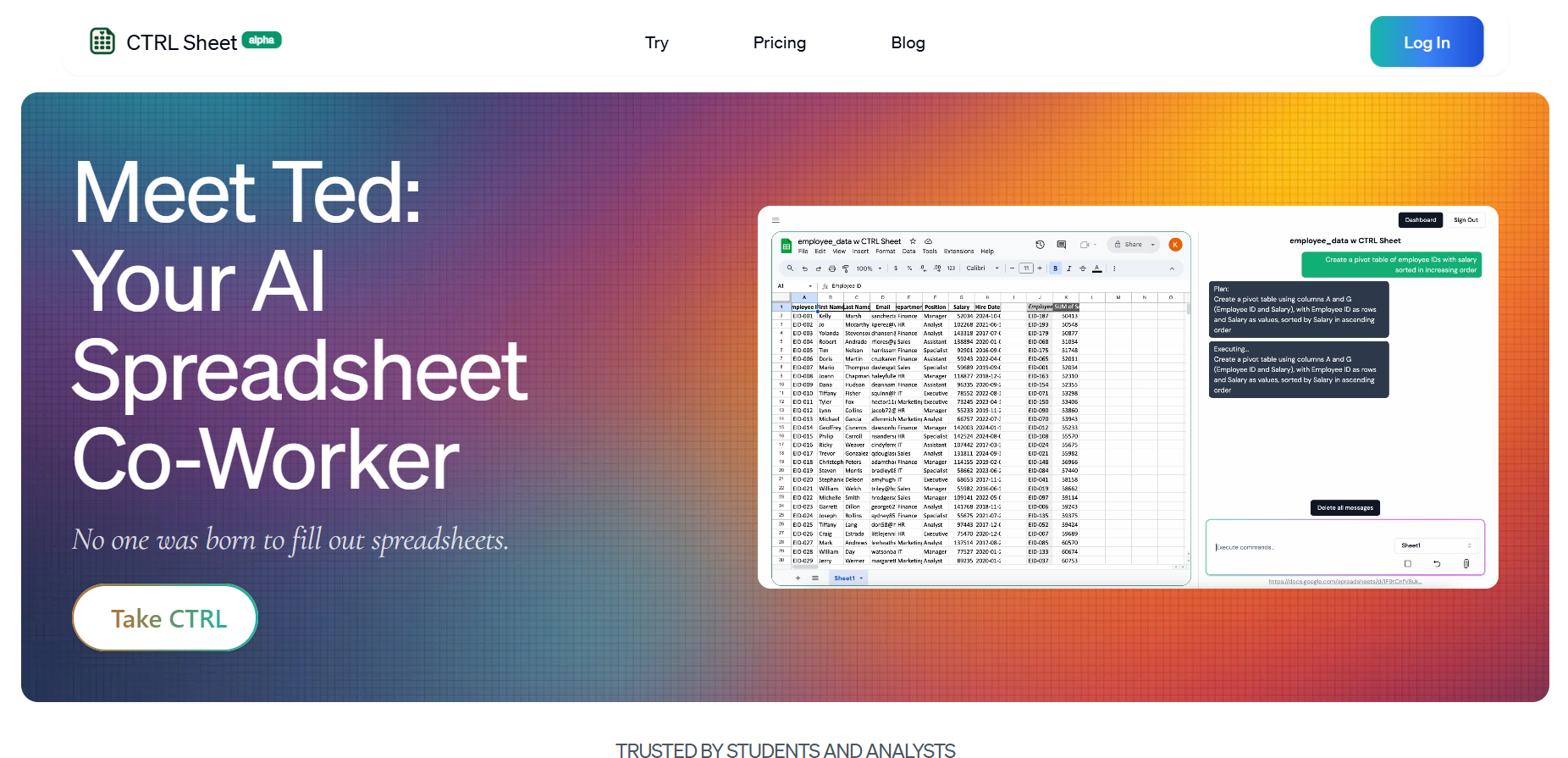
CtrlSheet.ai is an AI-powered spreadsheet assistant designed to automate and simplify complex spreadsheet workflows. It enables users to issue natural language prompts that instantly generate formulas, build financial models, summarize datasets, create pivot tables and charts, and even pull live data from external sources. With support for Excel, Google Sheets, CSV, PDF, and image inputs, CtrlSheet functions as an intelligent spreadsheet co‑pilot. It is tailored to reduce manual toil and boost data accuracy, making spreadsheet work faster and more accessible.
CTRL Sheet
CtrlSheet.ai is an AI-powered spreadsheet assistant designed to automate and simplify complex spreadsheet workflows. It enables users to issue natural language prompts that instantly generate formulas, build financial models, summarize datasets, create pivot tables and charts, and even pull live data from external sources. With support for Excel, Google Sheets, CSV, PDF, and image inputs, CtrlSheet functions as an intelligent spreadsheet co‑pilot. It is tailored to reduce manual toil and boost data accuracy, making spreadsheet work faster and more accessible.
CTRL Sheet
CtrlSheet.ai is an AI-powered spreadsheet assistant designed to automate and simplify complex spreadsheet workflows. It enables users to issue natural language prompts that instantly generate formulas, build financial models, summarize datasets, create pivot tables and charts, and even pull live data from external sources. With support for Excel, Google Sheets, CSV, PDF, and image inputs, CtrlSheet functions as an intelligent spreadsheet co‑pilot. It is tailored to reduce manual toil and boost data accuracy, making spreadsheet work faster and more accessible.

AI TransPDF
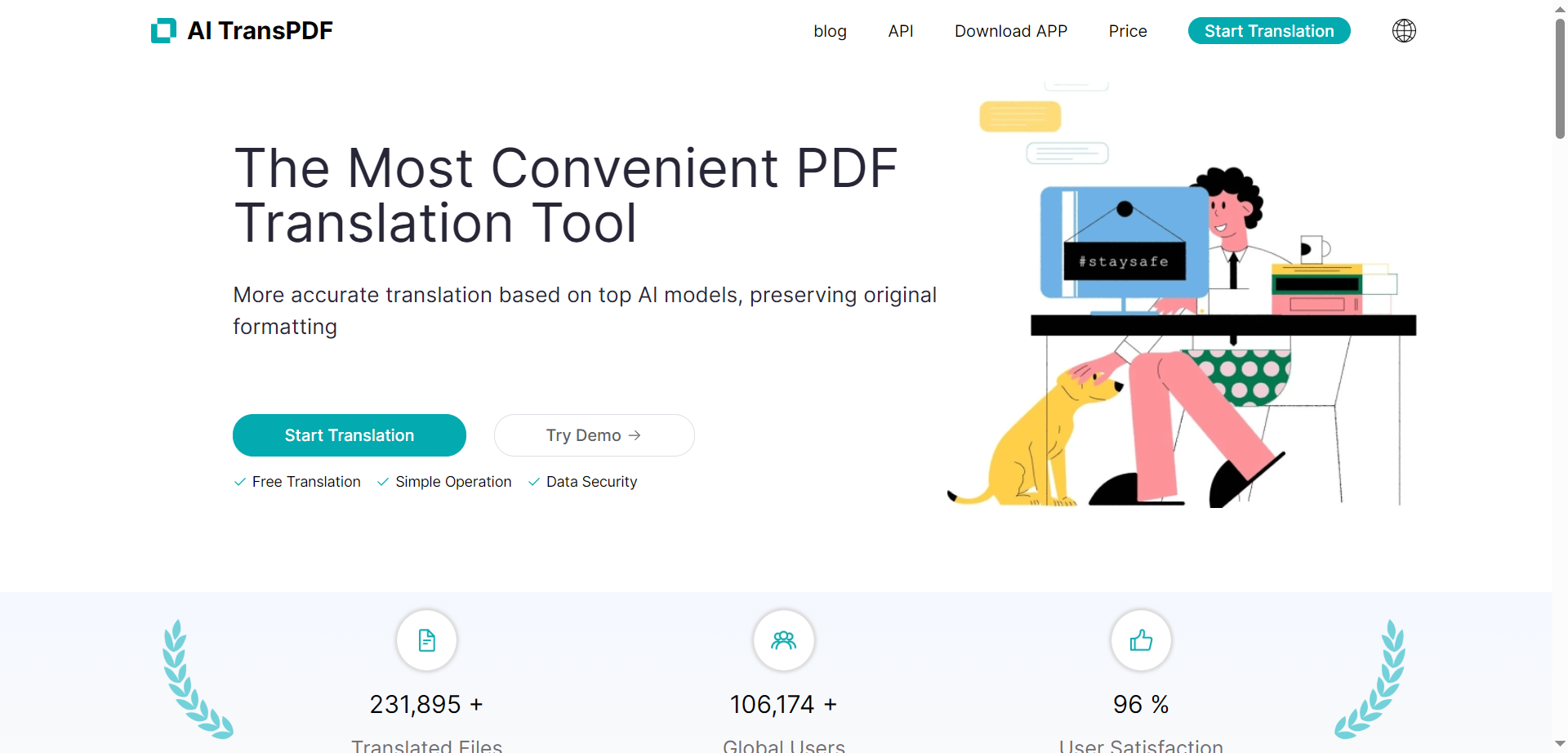
AI TransPDF is an AI-powered online platform that enables users to quickly and accurately translate PDF documents between multiple languages while preserving their original formatting and layout. Leveraging advanced machine translation and document parsing technology, AI TransPDF helps individuals, students, professionals, and businesses break language barriers for reports, manuals, legal papers, contracts, research articles, and more.
AI TransPDF
AI TransPDF is an AI-powered online platform that enables users to quickly and accurately translate PDF documents between multiple languages while preserving their original formatting and layout. Leveraging advanced machine translation and document parsing technology, AI TransPDF helps individuals, students, professionals, and businesses break language barriers for reports, manuals, legal papers, contracts, research articles, and more.
AI TransPDF
AI TransPDF is an AI-powered online platform that enables users to quickly and accurately translate PDF documents between multiple languages while preserving their original formatting and layout. Leveraging advanced machine translation and document parsing technology, AI TransPDF helps individuals, students, professionals, and businesses break language barriers for reports, manuals, legal papers, contracts, research articles, and more.
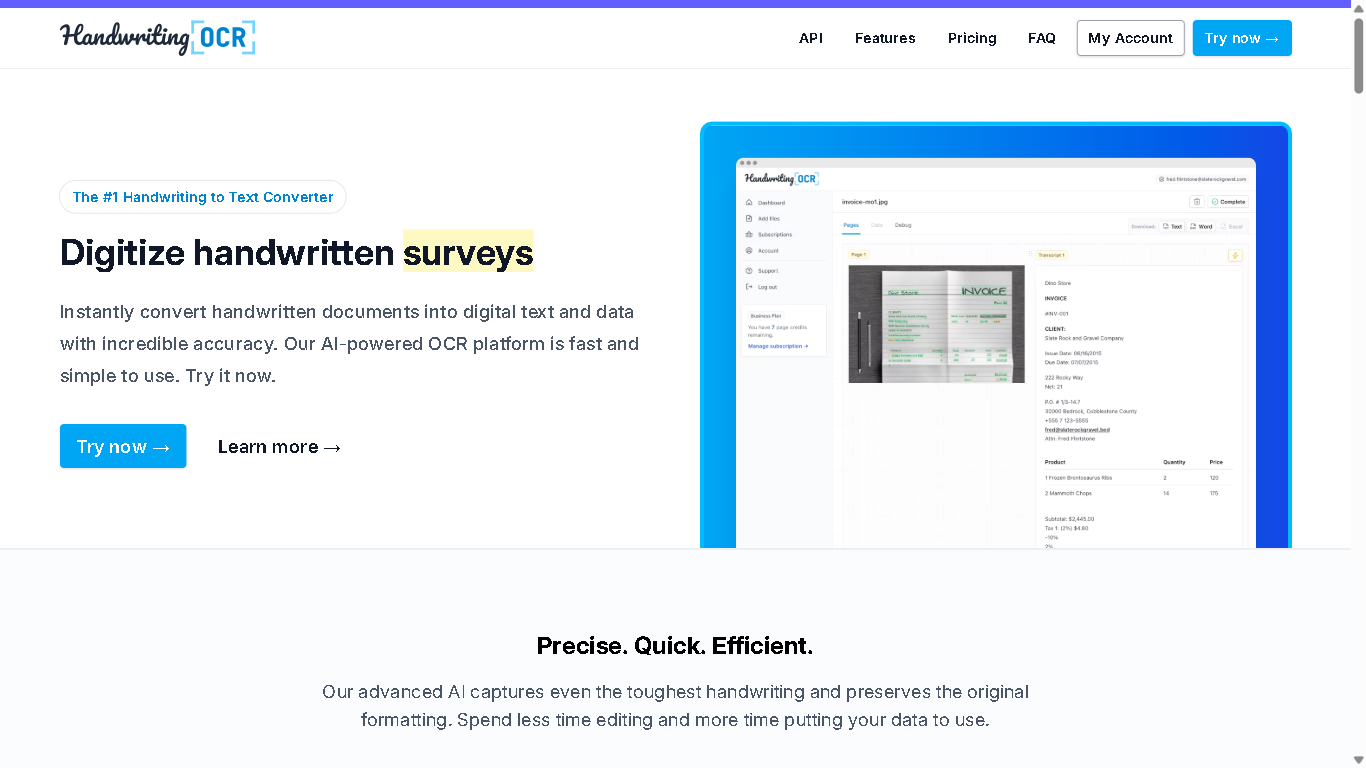

Handwriting OCR
HandwritingOCR.com is a powerful online platform that uses advanced AI to convert handwritten text into editable digital text. It offers fast, accurate transcription services for a variety of handwriting styles and document types, making it a valuable tool for individuals, businesses, and researchers needing to digitize handwritten materials.
Handwriting OCR
HandwritingOCR.com is a powerful online platform that uses advanced AI to convert handwritten text into editable digital text. It offers fast, accurate transcription services for a variety of handwriting styles and document types, making it a valuable tool for individuals, businesses, and researchers needing to digitize handwritten materials.
Handwriting OCR
HandwritingOCR.com is a powerful online platform that uses advanced AI to convert handwritten text into editable digital text. It offers fast, accurate transcription services for a variety of handwriting styles and document types, making it a valuable tool for individuals, businesses, and researchers needing to digitize handwritten materials.


Parseflow
Parseflow is an AI-powered document parsing and data extraction platform that automates the processing of varied document types with high accuracy. It allows businesses to extract structured and nested data from files like invoices, receipts, contracts, images, schematics, and many more—over 100 document types—while offering strong security and data protection features. With support for PII detection, anonymization, API integrations, and a no-code, intuitive interface, Parseflow aims to reduce manual data entry, speed up workflows, and enable seamless connectivity with other tools and systems.
Parseflow
Parseflow is an AI-powered document parsing and data extraction platform that automates the processing of varied document types with high accuracy. It allows businesses to extract structured and nested data from files like invoices, receipts, contracts, images, schematics, and many more—over 100 document types—while offering strong security and data protection features. With support for PII detection, anonymization, API integrations, and a no-code, intuitive interface, Parseflow aims to reduce manual data entry, speed up workflows, and enable seamless connectivity with other tools and systems.
Parseflow
Parseflow is an AI-powered document parsing and data extraction platform that automates the processing of varied document types with high accuracy. It allows businesses to extract structured and nested data from files like invoices, receipts, contracts, images, schematics, and many more—over 100 document types—while offering strong security and data protection features. With support for PII detection, anonymization, API integrations, and a no-code, intuitive interface, Parseflow aims to reduce manual data entry, speed up workflows, and enable seamless connectivity with other tools and systems.
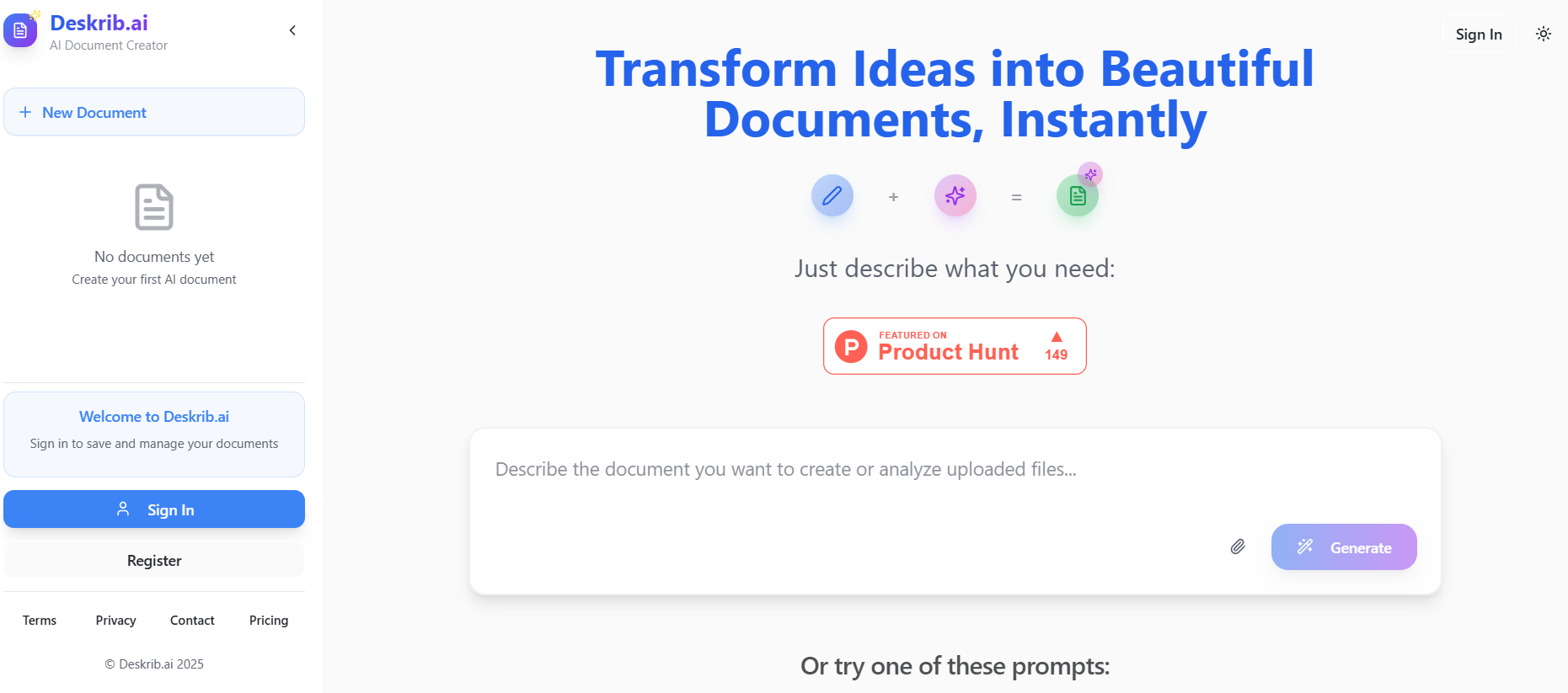
DeskribAI
Deskrib.AI is an AI-powered document generation assistant designed to streamline the process of creating professional documents. It transforms user inputs, such as outlines or keywords, into structured, polished documents in seconds. The platform supports a wide range of document types, including business plans, resumes, legal contracts, technical papers, and even travel itineraries. By combining instant content creation with rapid auto-research capabilities, Deskrib.AI acts as a smart co-pilot, enhancing both the speed and quality of document drafting.
DeskribAI
Deskrib.AI is an AI-powered document generation assistant designed to streamline the process of creating professional documents. It transforms user inputs, such as outlines or keywords, into structured, polished documents in seconds. The platform supports a wide range of document types, including business plans, resumes, legal contracts, technical papers, and even travel itineraries. By combining instant content creation with rapid auto-research capabilities, Deskrib.AI acts as a smart co-pilot, enhancing both the speed and quality of document drafting.
DeskribAI
Deskrib.AI is an AI-powered document generation assistant designed to streamline the process of creating professional documents. It transforms user inputs, such as outlines or keywords, into structured, polished documents in seconds. The platform supports a wide range of document types, including business plans, resumes, legal contracts, technical papers, and even travel itineraries. By combining instant content creation with rapid auto-research capabilities, Deskrib.AI acts as a smart co-pilot, enhancing both the speed and quality of document drafting.
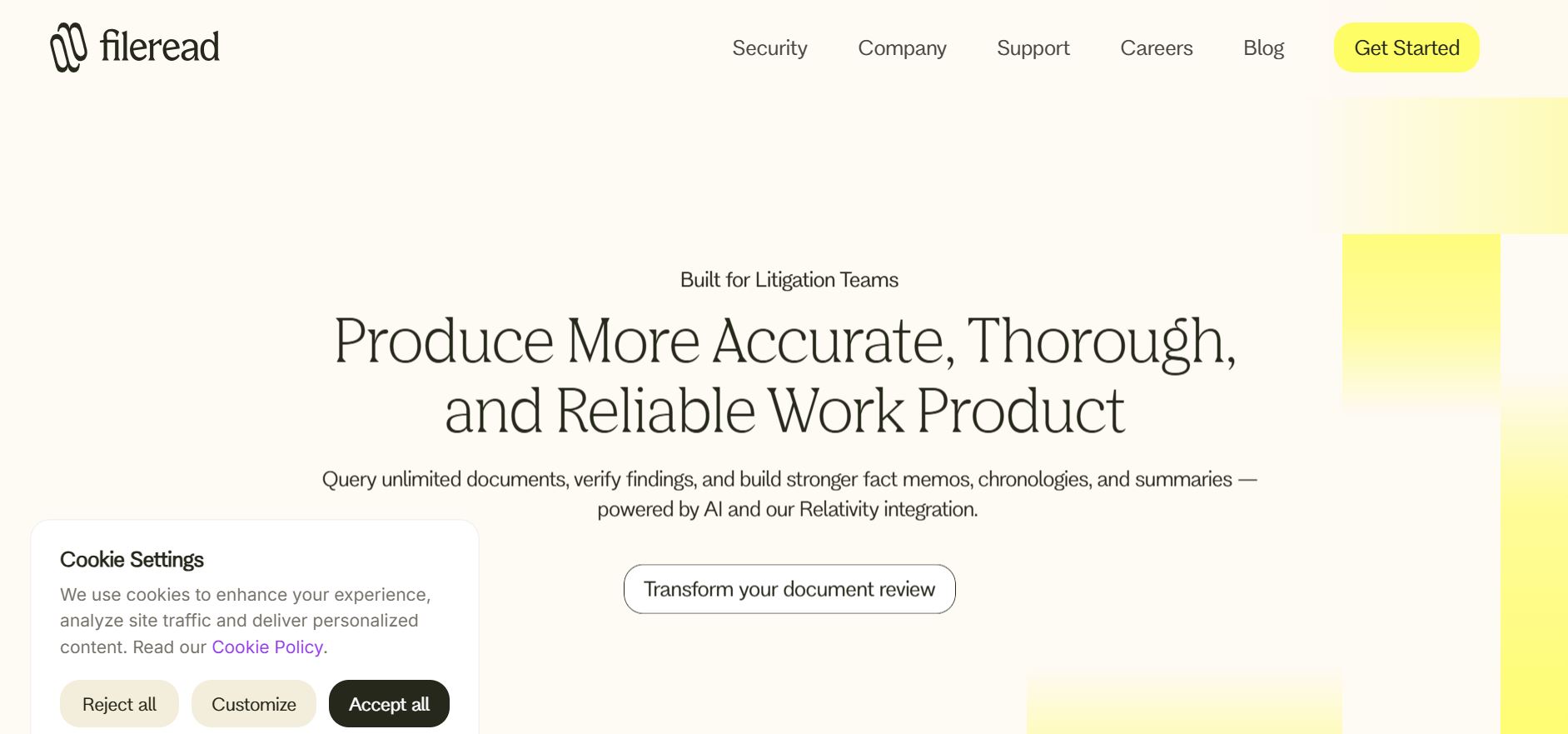

Fileread AI
FileRead.com is an AI-powered document analysis platform designed to help users instantly read, summarize, and understand large files like PDFs, Word documents, PowerPoints, and research papers. It combines natural language processing with deep learning to extract insights, answer questions, and generate summaries in seconds. Perfect for students, researchers, and professionals, FileRead transforms static documents into interactive experiences—allowing you to chat directly with your files. With support for multiple formats, real-time text interpretation, and smart Q&A capabilities, it helps users save hours of manual reading and comprehension work. Whether you're analyzing reports, contracts, or academic papers, FileRead makes complex information accessible, searchable, and easy to digest.
Fileread AI
FileRead.com is an AI-powered document analysis platform designed to help users instantly read, summarize, and understand large files like PDFs, Word documents, PowerPoints, and research papers. It combines natural language processing with deep learning to extract insights, answer questions, and generate summaries in seconds. Perfect for students, researchers, and professionals, FileRead transforms static documents into interactive experiences—allowing you to chat directly with your files. With support for multiple formats, real-time text interpretation, and smart Q&A capabilities, it helps users save hours of manual reading and comprehension work. Whether you're analyzing reports, contracts, or academic papers, FileRead makes complex information accessible, searchable, and easy to digest.
Fileread AI
FileRead.com is an AI-powered document analysis platform designed to help users instantly read, summarize, and understand large files like PDFs, Word documents, PowerPoints, and research papers. It combines natural language processing with deep learning to extract insights, answer questions, and generate summaries in seconds. Perfect for students, researchers, and professionals, FileRead transforms static documents into interactive experiences—allowing you to chat directly with your files. With support for multiple formats, real-time text interpretation, and smart Q&A capabilities, it helps users save hours of manual reading and comprehension work. Whether you're analyzing reports, contracts, or academic papers, FileRead makes complex information accessible, searchable, and easy to digest.
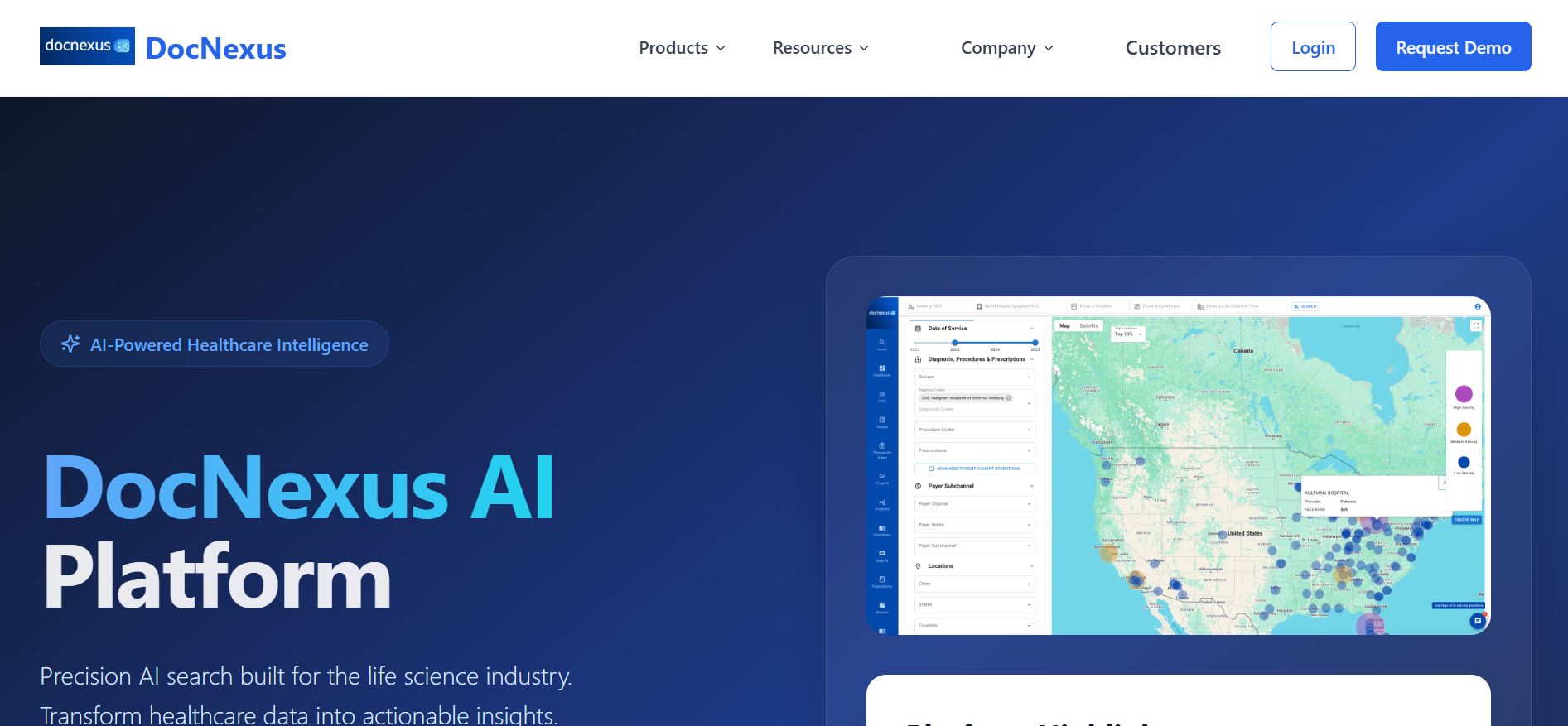

DocNexus
DocNexus.ai is an intelligent AI-powered platform that transforms how professionals read, analyze, and collaborate on research papers, reports, and technical documents. Designed for scientists, it combines deep document understanding with generative AI to summarize, extract insights, and connect knowledge across multiple sources. Its powerful AI engine helps users identify key findings, compare studies, and stay up to date with the latest research — all within a clean, intuitive interface. With contextual understanding and citation tracking, DocNexus turns static documents into interactive, searchable intelligence hubs. Whether you’re evaluating biotech startups, conducting due diligence, or exploring emerging technologies, DocNexus helps you move from information overload to actionable clarity.
DocNexus
DocNexus.ai is an intelligent AI-powered platform that transforms how professionals read, analyze, and collaborate on research papers, reports, and technical documents. Designed for scientists, it combines deep document understanding with generative AI to summarize, extract insights, and connect knowledge across multiple sources. Its powerful AI engine helps users identify key findings, compare studies, and stay up to date with the latest research — all within a clean, intuitive interface. With contextual understanding and citation tracking, DocNexus turns static documents into interactive, searchable intelligence hubs. Whether you’re evaluating biotech startups, conducting due diligence, or exploring emerging technologies, DocNexus helps you move from information overload to actionable clarity.
DocNexus
DocNexus.ai is an intelligent AI-powered platform that transforms how professionals read, analyze, and collaborate on research papers, reports, and technical documents. Designed for scientists, it combines deep document understanding with generative AI to summarize, extract insights, and connect knowledge across multiple sources. Its powerful AI engine helps users identify key findings, compare studies, and stay up to date with the latest research — all within a clean, intuitive interface. With contextual understanding and citation tracking, DocNexus turns static documents into interactive, searchable intelligence hubs. Whether you’re evaluating biotech startups, conducting due diligence, or exploring emerging technologies, DocNexus helps you move from information overload to actionable clarity.

Upstage Document Parse is an advanced AI-powered document processing tool designed to convert complex documents such as PDFs, scanned images, spreadsheets, and slides into structured, machine-readable text formats like HTML and Markdown. It excels at accurately recognizing and preserving complex layouts, tables, charts, and even handwritten elements with unmatched speed—processing over 100 pages in under a minute. The tool improves knowledge retrieval, enables quick decision-making through AI-driven summarization, and enhances accessibility by converting lengthy reports and legal documents into clean digital formats. Upstage Document Parse is scalable, easy to integrate via REST API or on-premises deployment, and certified for enterprise-grade security including SOC2 and ISO 27001.
Upstage Document Parse is an advanced AI-powered document processing tool designed to convert complex documents such as PDFs, scanned images, spreadsheets, and slides into structured, machine-readable text formats like HTML and Markdown. It excels at accurately recognizing and preserving complex layouts, tables, charts, and even handwritten elements with unmatched speed—processing over 100 pages in under a minute. The tool improves knowledge retrieval, enables quick decision-making through AI-driven summarization, and enhances accessibility by converting lengthy reports and legal documents into clean digital formats. Upstage Document Parse is scalable, easy to integrate via REST API or on-premises deployment, and certified for enterprise-grade security including SOC2 and ISO 27001.
Upstage Document Parse is an advanced AI-powered document processing tool designed to convert complex documents such as PDFs, scanned images, spreadsheets, and slides into structured, machine-readable text formats like HTML and Markdown. It excels at accurately recognizing and preserving complex layouts, tables, charts, and even handwritten elements with unmatched speed—processing over 100 pages in under a minute. The tool improves knowledge retrieval, enables quick decision-making through AI-driven summarization, and enhances accessibility by converting lengthy reports and legal documents into clean digital formats. Upstage Document Parse is scalable, easy to integrate via REST API or on-premises deployment, and certified for enterprise-grade security including SOC2 and ISO 27001.

ChatHub
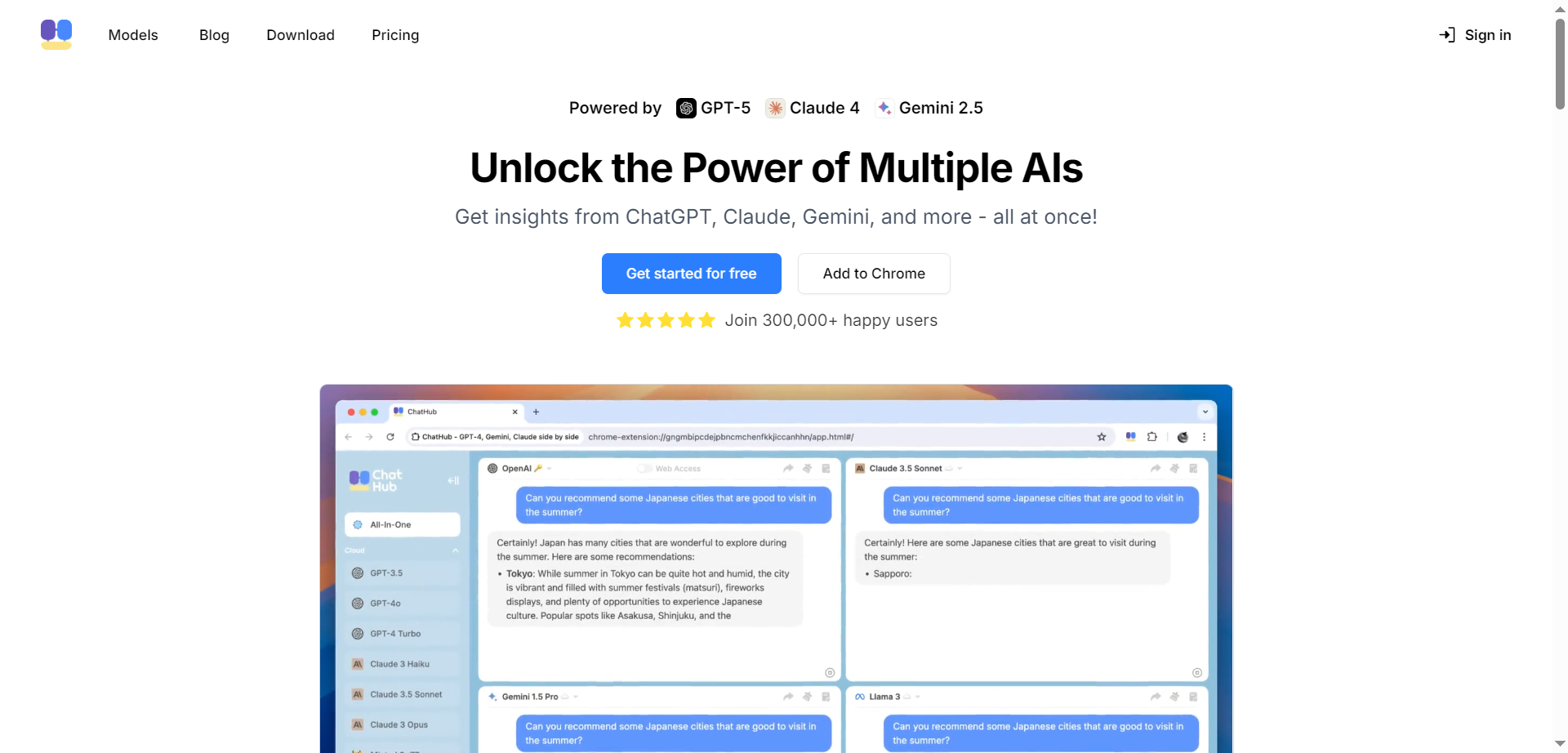
ChatHub is a platform that allows users to simultaneously interact with multiple AI chatbots, providing diverse AI-generated responses for enhanced insights and confidence. It supports top AI models like GPT-5, Claude 4, Gemini 2.5, Llama 3.3, and over 20 others, all accessible under one subscription. Users can input one question and receive multiple perspectives from these models, helping to cross-verify information and minimize hallucinations. ChatHub also includes AI-powered image generation using models such as DALL-E 3 and Stable Diffusion, file upload and analysis for documents and images, and features like AI-powered web search, code preview, prompt libraries, and productivity tools.
ChatHub
ChatHub is a platform that allows users to simultaneously interact with multiple AI chatbots, providing diverse AI-generated responses for enhanced insights and confidence. It supports top AI models like GPT-5, Claude 4, Gemini 2.5, Llama 3.3, and over 20 others, all accessible under one subscription. Users can input one question and receive multiple perspectives from these models, helping to cross-verify information and minimize hallucinations. ChatHub also includes AI-powered image generation using models such as DALL-E 3 and Stable Diffusion, file upload and analysis for documents and images, and features like AI-powered web search, code preview, prompt libraries, and productivity tools.
ChatHub
ChatHub is a platform that allows users to simultaneously interact with multiple AI chatbots, providing diverse AI-generated responses for enhanced insights and confidence. It supports top AI models like GPT-5, Claude 4, Gemini 2.5, Llama 3.3, and over 20 others, all accessible under one subscription. Users can input one question and receive multiple perspectives from these models, helping to cross-verify information and minimize hallucinations. ChatHub also includes AI-powered image generation using models such as DALL-E 3 and Stable Diffusion, file upload and analysis for documents and images, and features like AI-powered web search, code preview, prompt libraries, and productivity tools.

NoteGPT
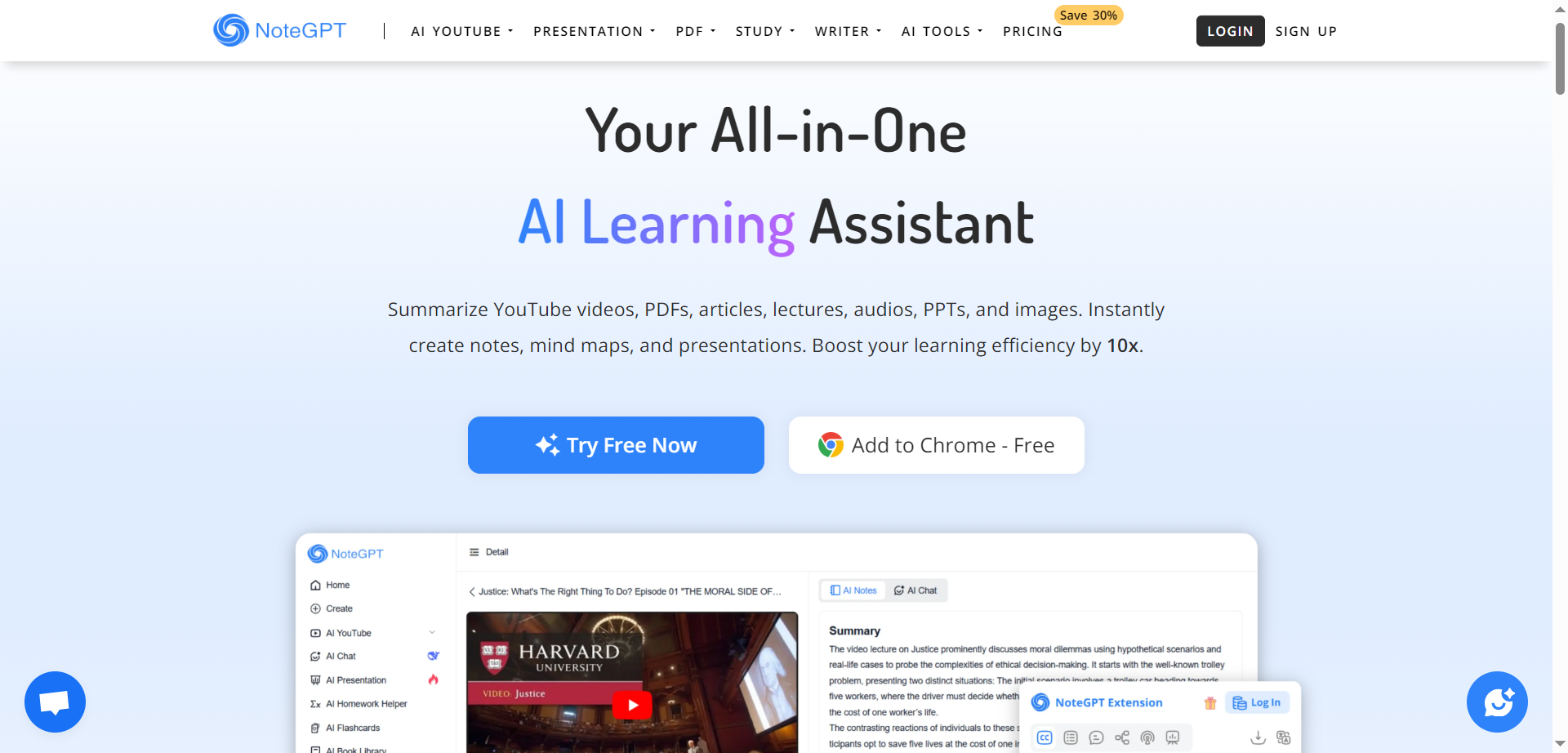
NoteGPT is an all-in-one AI learning assistant designed to enhance studying, research, teaching, and professional work through advanced AI-powered summarization, chat, and writing tools. It helps users quickly summarize YouTube videos and playlists, extract key points from PDFs while preserving original layouts, and convert between different document formats such as PDF, Word, Markdown, Image, and Excel. With built-in math problem solving, formula calculators, and AI-driven writing assistance, NoteGPT supports students, educators, researchers, professionals, and creators to study smarter, generate notes, prepare presentations, and create content effortlessly.
NoteGPT
NoteGPT is an all-in-one AI learning assistant designed to enhance studying, research, teaching, and professional work through advanced AI-powered summarization, chat, and writing tools. It helps users quickly summarize YouTube videos and playlists, extract key points from PDFs while preserving original layouts, and convert between different document formats such as PDF, Word, Markdown, Image, and Excel. With built-in math problem solving, formula calculators, and AI-driven writing assistance, NoteGPT supports students, educators, researchers, professionals, and creators to study smarter, generate notes, prepare presentations, and create content effortlessly.
NoteGPT
NoteGPT is an all-in-one AI learning assistant designed to enhance studying, research, teaching, and professional work through advanced AI-powered summarization, chat, and writing tools. It helps users quickly summarize YouTube videos and playlists, extract key points from PDFs while preserving original layouts, and convert between different document formats such as PDF, Word, Markdown, Image, and Excel. With built-in math problem solving, formula calculators, and AI-driven writing assistance, NoteGPT supports students, educators, researchers, professionals, and creators to study smarter, generate notes, prepare presentations, and create content effortlessly.
Editorial Note
This page was researched and written by the ATB Editorial Team. Our team researches each AI tool by reviewing its official website, testing features, exploring real use cases, and considering user feedback. Every page is fact-checked and regularly updated to ensure the information stays accurate, neutral, and useful for our readers.
If you have any suggestions or questions, email us at hello@aitoolbook.ai