
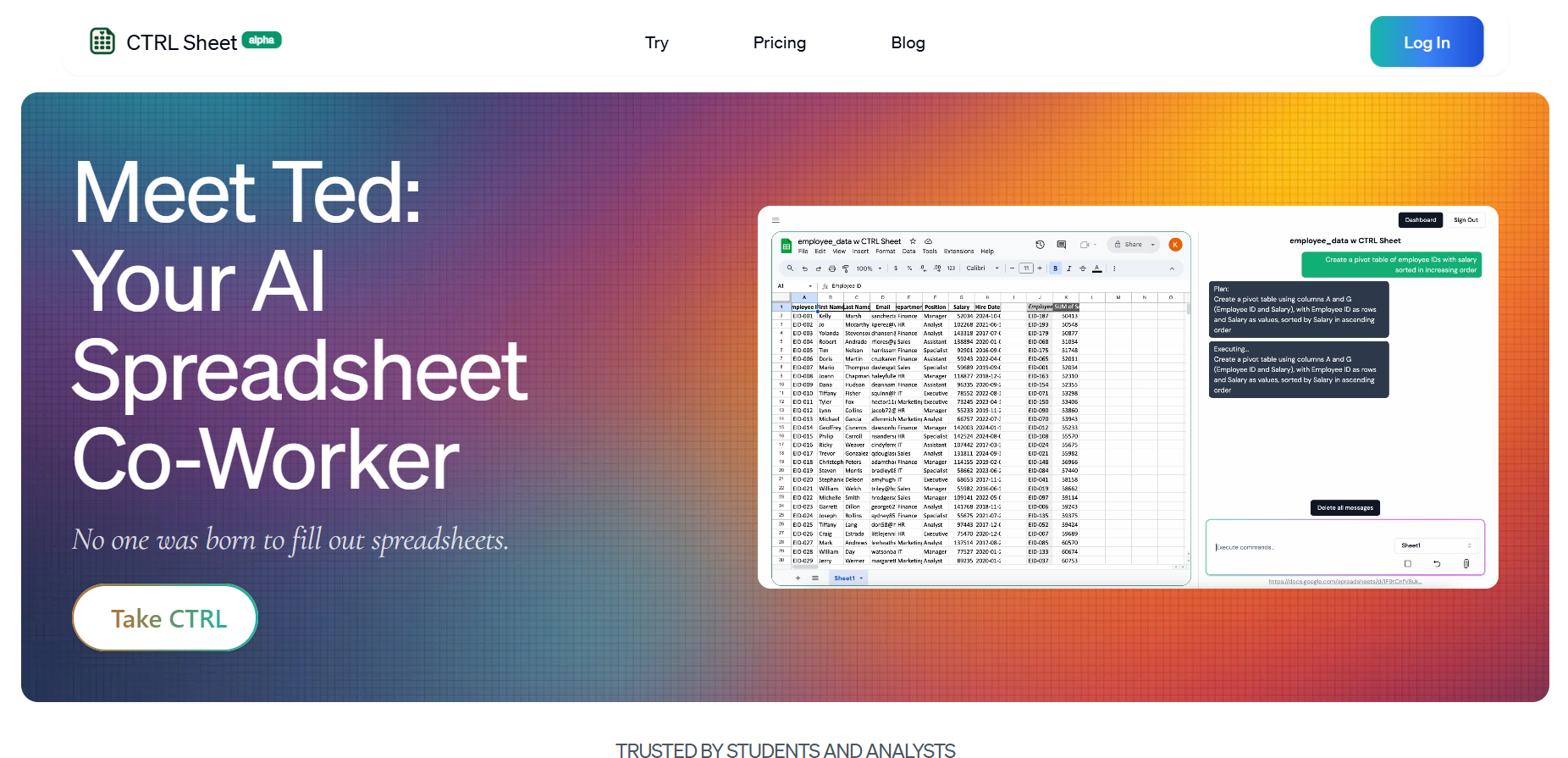
With support for Excel, Google Sheets, CSV, PDF, and image inputs, CtrlSheet functions as an intelligent spreadsheet co‑pilot. It is tailored to reduce manual toil and boost data accuracy, making spreadsheet work faster and more accessible.
- Business professionals who manage financial reporting, forecasts, or operational dashboards.
- Data analysts and consultants needing fast insights and model generation.
- Project managers automating task tracking or resource planning with dynamic formulas.
- Students and educators working on quantitative assignments or projects.
- Anyone frustrated by repetitive spreadsheet tasks or error-prone formula building.
How to Use CtrlSheet.ai?
- Users connect their Google Sheets or Excel file, or upload CSV or PDF data directly.
- Once connected, you can type instructions like “generate sales forecast model,” “create pivot chart of revenue by region,” or “clean and normalize customer ZIP codes.”
- The AI processes your command, builds formulas and tables, and returns structured output within your sheet.
- You can also ask it to pull web-based data like stock prices or currency rates in real time.
- Additionally, it supports cell editing, batch transformations, and document ingestion from images or PDFs, delivering rapid and context-aware spreadsheet enhancements.
- CtrlSheet.ai uniquely brings natural language AI directly into spreadsheet environments.
- Users no longer need to memorize complex functions or scripting languages to perform advanced tasks.
- The platform’s ability to interpret prompts and generate accurate models or visuals instantaneously sets it apart from traditional spreadsheet tools.
- It can compile data from PDFs or image files, pull live data from the internet, and integrate multiple data sources into a coherent analysis.
- The AI also learns over time—improving its formula suggestions and workflow recommendations based on repeated use. The result is a seamless, intelligent partner in data work that helps users focus on interpreting insights rather than constructing them manually.
- Generates complex formulas and financial models from natural language prompts.
- Automatically builds charts, pivot tables, and analysis dashboards without manual setup.
- Integrates external data sources for real-time updates.
- Supports a wide range of input formats, including PDFs, CSVs, and spreadsheets.
- Ideal for eliminating tedious manual spreadsheet editing and reducing error risk.
- Currently in early access or alpha stage; may have feature gaps or inconsistencies.
- Requires internet connection and connected spreadsheet access.
- Advanced functionality may require refinement for edge-case tasks.
- Lack of mobile or offline support at present.
Free
Free
- Manual mode to build models
- Data Extraction mode for attached files
- Up to 1 conversation
Pro
$ 19.99
- Everything in Free, plus
- Privacy Mode
- Cross-sheet functionality
- More usage
- Up to 25 conversations
Enterprise
Custom
- Everything in Pro, plus
- Full hands-on support
- Custom pricing
- Custom usage
- Custom Excel functions
Proud of the love you're getting? Show off your AI Toolbook reviews—then invite more fans to share the love and build your credibility.
Add an AI Toolbook badge to your site—an easy way to drive followers, showcase updates, and collect reviews. It's like a mini 24/7 billboard for your AI.
Reviews
Rating Distribution
Average score
Popular Mention
FAQs
Similar AI Tools

PDF AI Sheet
PDF AI Sheet, developed by CapGo.AI, is a powerful Google Sheets add-on that uses AI to extract and analyze information from multiple PDF files in bulk. Instead of manually opening each document, users can upload a batch of PDFs to the platform, connect them to a Google Sheet, and use natural language to ask questions and retrieve specific data. It is designed to streamline data extraction and analysis for a variety of documents, including resumes, financial filings, and reports.
PDF AI Sheet
PDF AI Sheet, developed by CapGo.AI, is a powerful Google Sheets add-on that uses AI to extract and analyze information from multiple PDF files in bulk. Instead of manually opening each document, users can upload a batch of PDFs to the platform, connect them to a Google Sheet, and use natural language to ask questions and retrieve specific data. It is designed to streamline data extraction and analysis for a variety of documents, including resumes, financial filings, and reports.
PDF AI Sheet
PDF AI Sheet, developed by CapGo.AI, is a powerful Google Sheets add-on that uses AI to extract and analyze information from multiple PDF files in bulk. Instead of manually opening each document, users can upload a batch of PDFs to the platform, connect them to a Google Sheet, and use natural language to ask questions and retrieve specific data. It is designed to streamline data extraction and analysis for a variety of documents, including resumes, financial filings, and reports.

SheetBot AI
SheetBot AI is a conversational AI-powered data analyst platform that transforms spreadsheets into insights. Users can upload, link, or query data through Google Sheets, Excel, or CSV files using simple natural-language prompts. The tool auto-generates charts, summaries, and visualized data trends—eliminating the need for manual formula writing. It provides instant visualizations, context-aware analysis, and exportable dashboards, ideal for teams that want fast data insight without technical complexity.
SheetBot AI
SheetBot AI is a conversational AI-powered data analyst platform that transforms spreadsheets into insights. Users can upload, link, or query data through Google Sheets, Excel, or CSV files using simple natural-language prompts. The tool auto-generates charts, summaries, and visualized data trends—eliminating the need for manual formula writing. It provides instant visualizations, context-aware analysis, and exportable dashboards, ideal for teams that want fast data insight without technical complexity.
SheetBot AI
SheetBot AI is a conversational AI-powered data analyst platform that transforms spreadsheets into insights. Users can upload, link, or query data through Google Sheets, Excel, or CSV files using simple natural-language prompts. The tool auto-generates charts, summaries, and visualized data trends—eliminating the need for manual formula writing. It provides instant visualizations, context-aware analysis, and exportable dashboards, ideal for teams that want fast data insight without technical complexity.

Sheetsy
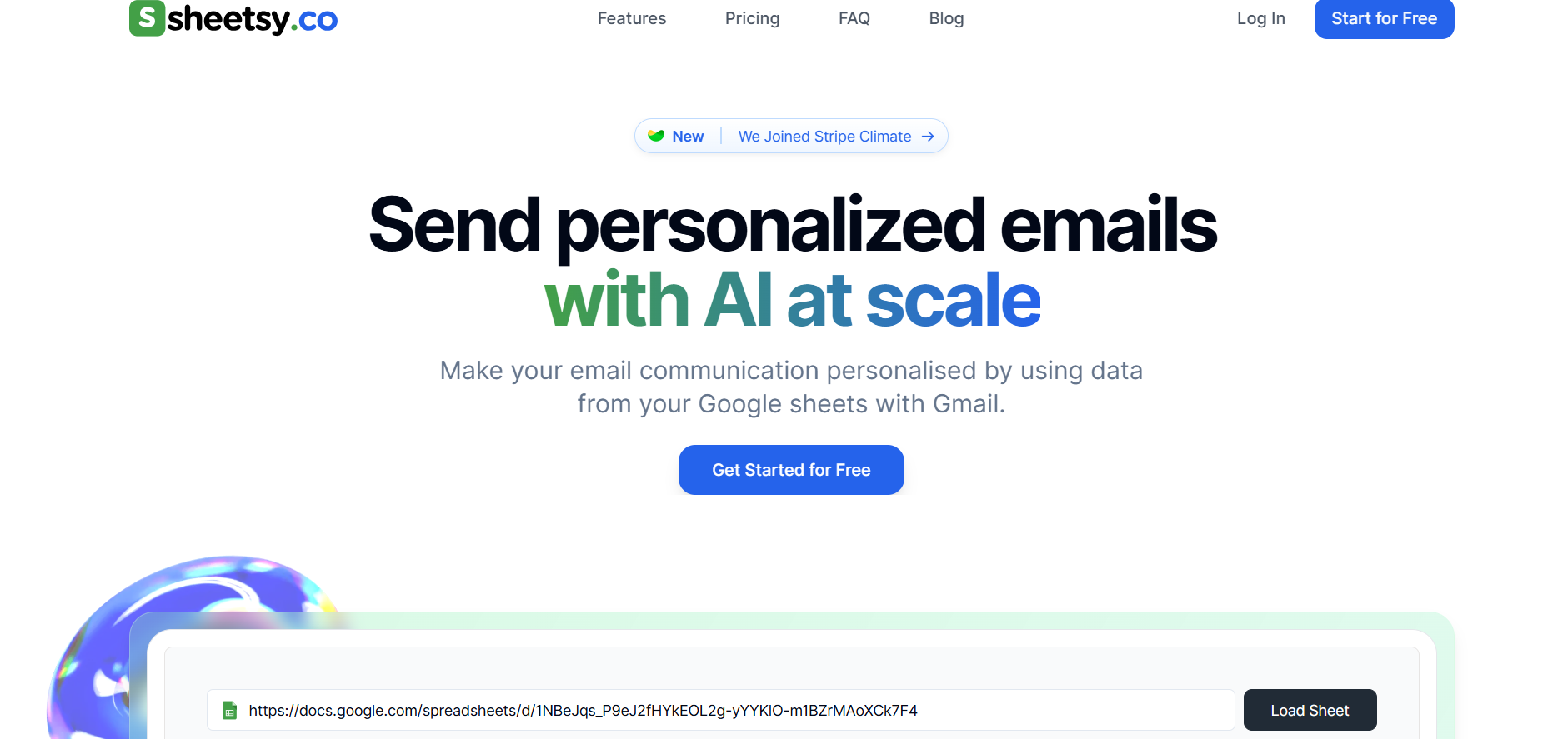
Sheetsy is an AI-powered email automation tool that connects Google Sheets to Gmail to streamline bulk email outreach. Users can personalize messages dynamically using spreadsheet data, with features like email scheduling, templates, analytics, and Gmail compliance safeguards. It supports up to 500 emails/day on personal Gmail and 2,000/day on Google Workspace, managing queues to avoid triggering Gmail caps. Pricing starts with a free plan and scales to paid plans offering more AI-generated emails per month.
Sheetsy
Sheetsy is an AI-powered email automation tool that connects Google Sheets to Gmail to streamline bulk email outreach. Users can personalize messages dynamically using spreadsheet data, with features like email scheduling, templates, analytics, and Gmail compliance safeguards. It supports up to 500 emails/day on personal Gmail and 2,000/day on Google Workspace, managing queues to avoid triggering Gmail caps. Pricing starts with a free plan and scales to paid plans offering more AI-generated emails per month.
Sheetsy
Sheetsy is an AI-powered email automation tool that connects Google Sheets to Gmail to streamline bulk email outreach. Users can personalize messages dynamically using spreadsheet data, with features like email scheduling, templates, analytics, and Gmail compliance safeguards. It supports up to 500 emails/day on personal Gmail and 2,000/day on Google Workspace, managing queues to avoid triggering Gmail caps. Pricing starts with a free plan and scales to paid plans offering more AI-generated emails per month.


Dot
Dot AI is an advanced AI-powered data assistant that enables teams to obtain instant, actionable insights from their data. By integrating seamlessly with existing analytics infrastructure, Dot allows users to ask data-related questions in natural language and receive accurate, context-aware answers in real-time.
Dot
Dot AI is an advanced AI-powered data assistant that enables teams to obtain instant, actionable insights from their data. By integrating seamlessly with existing analytics infrastructure, Dot allows users to ask data-related questions in natural language and receive accurate, context-aware answers in real-time.
Dot
Dot AI is an advanced AI-powered data assistant that enables teams to obtain instant, actionable insights from their data. By integrating seamlessly with existing analytics infrastructure, Dot allows users to ask data-related questions in natural language and receive accurate, context-aware answers in real-time.
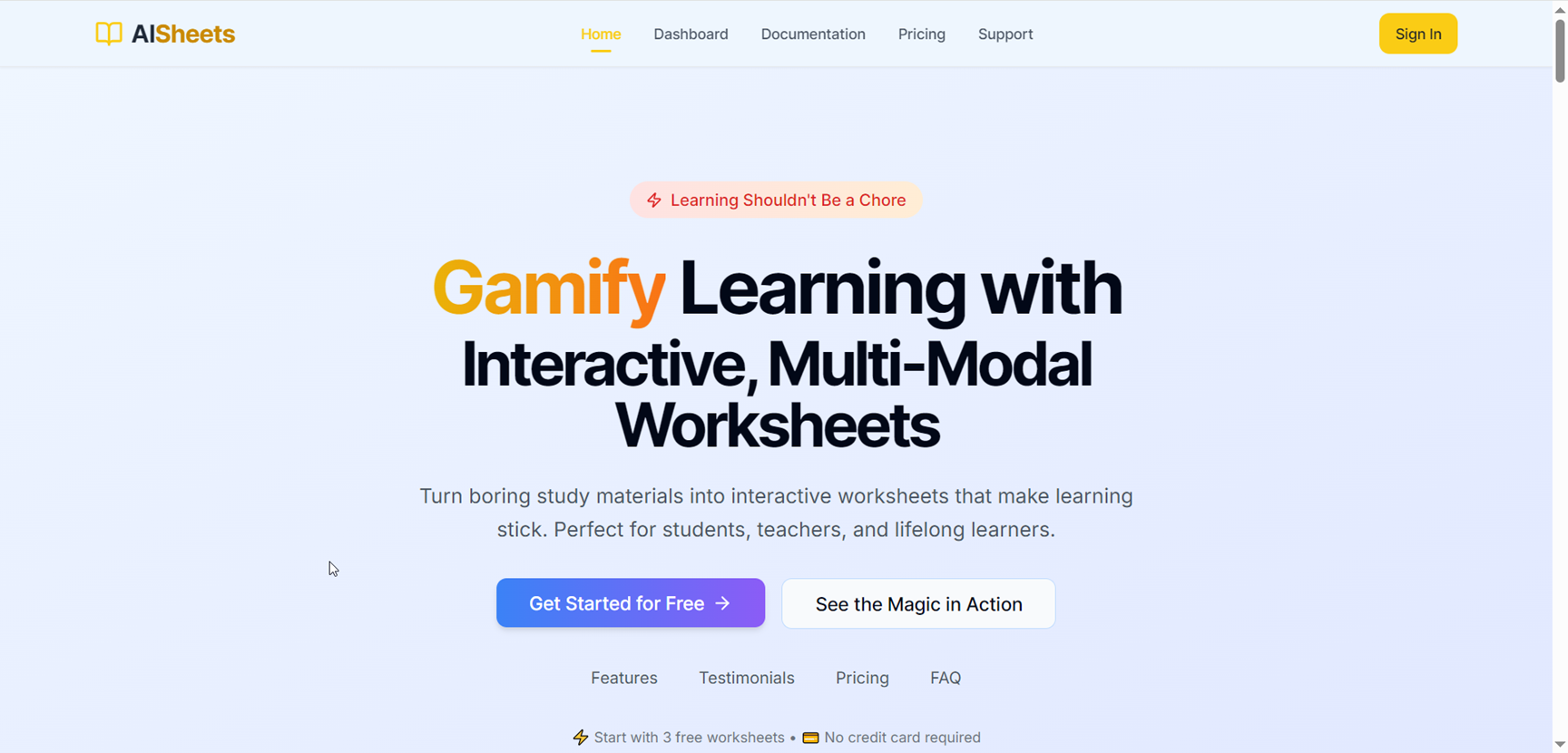

AISheets
AI Sheets is a versatile AI platform that transforms static study materials and datasets into interactive learning tools and smart spreadsheet workflows. It offers an AI Worksheet Generator for creating quizzes, flashcards, mind maps, and activities from PDFs, text, audio, or YouTube links, alongside a Google Sheets add-on that brings AI formulas for content generation, data analysis, web research, and even image creation. With LaTeX support, editable outputs, and printable PDFs, educators and learners get active learning materials fast, while analysts and marketers leverage AI-driven functions directly in Sheets for research, cleanup, and automation.
AISheets
AI Sheets is a versatile AI platform that transforms static study materials and datasets into interactive learning tools and smart spreadsheet workflows. It offers an AI Worksheet Generator for creating quizzes, flashcards, mind maps, and activities from PDFs, text, audio, or YouTube links, alongside a Google Sheets add-on that brings AI formulas for content generation, data analysis, web research, and even image creation. With LaTeX support, editable outputs, and printable PDFs, educators and learners get active learning materials fast, while analysts and marketers leverage AI-driven functions directly in Sheets for research, cleanup, and automation.
AISheets
AI Sheets is a versatile AI platform that transforms static study materials and datasets into interactive learning tools and smart spreadsheet workflows. It offers an AI Worksheet Generator for creating quizzes, flashcards, mind maps, and activities from PDFs, text, audio, or YouTube links, alongside a Google Sheets add-on that brings AI formulas for content generation, data analysis, web research, and even image creation. With LaTeX support, editable outputs, and printable PDFs, educators and learners get active learning materials fast, while analysts and marketers leverage AI-driven functions directly in Sheets for research, cleanup, and automation.
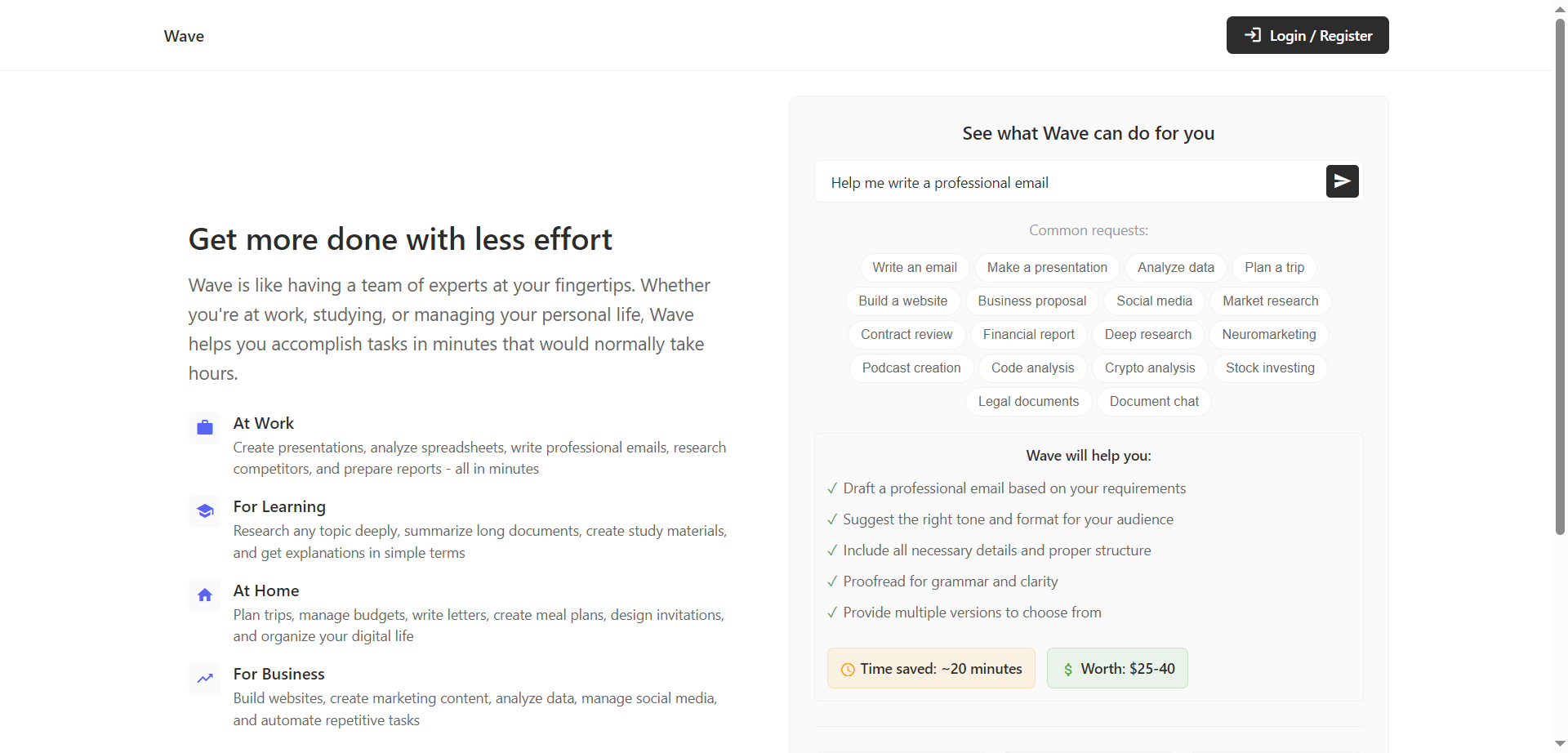

Wave
Wave is an AI-powered personal productivity assistant that helps complete work, learning, and life tasks in minutes instead of hours. It acts like a team of experts on demand, creating presentations, analyzing spreadsheets, drafting professional emails, researching competitors, and preparing reports. For learning, it can deeply research topics, summarize long documents, and generate study materials and plain-language explanations. At home and in business, it plans trips, manages budgets, creates marketing content, analyzes data, manages social, and automates repetitive tasks. With 200+ expert skills and a simple subscription, Wave focuses on saving time and multiplying output without adding complexity.
Wave
Wave is an AI-powered personal productivity assistant that helps complete work, learning, and life tasks in minutes instead of hours. It acts like a team of experts on demand, creating presentations, analyzing spreadsheets, drafting professional emails, researching competitors, and preparing reports. For learning, it can deeply research topics, summarize long documents, and generate study materials and plain-language explanations. At home and in business, it plans trips, manages budgets, creates marketing content, analyzes data, manages social, and automates repetitive tasks. With 200+ expert skills and a simple subscription, Wave focuses on saving time and multiplying output without adding complexity.
Wave
Wave is an AI-powered personal productivity assistant that helps complete work, learning, and life tasks in minutes instead of hours. It acts like a team of experts on demand, creating presentations, analyzing spreadsheets, drafting professional emails, researching competitors, and preparing reports. For learning, it can deeply research topics, summarize long documents, and generate study materials and plain-language explanations. At home and in business, it plans trips, manages budgets, creates marketing content, analyzes data, manages social, and automates repetitive tasks. With 200+ expert skills and a simple subscription, Wave focuses on saving time and multiplying output without adding complexity.


Chat CSV
ChatCSV is an AI-powered interactive analytics platform that allows you to upload CSV files and engage in natural-language conversations with your data. The tool transforms your spreadsheets into a conversational interface where you can ask questions like “What were our top five products by margin this quarter?” and receive visual responses such as charts and summaries. It supports both data exploration and quick insights, helping users who may not have heavy data-science skills to work effectively with spreadsheets.
Chat CSV
ChatCSV is an AI-powered interactive analytics platform that allows you to upload CSV files and engage in natural-language conversations with your data. The tool transforms your spreadsheets into a conversational interface where you can ask questions like “What were our top five products by margin this quarter?” and receive visual responses such as charts and summaries. It supports both data exploration and quick insights, helping users who may not have heavy data-science skills to work effectively with spreadsheets.
Chat CSV
ChatCSV is an AI-powered interactive analytics platform that allows you to upload CSV files and engage in natural-language conversations with your data. The tool transforms your spreadsheets into a conversational interface where you can ask questions like “What were our top five products by margin this quarter?” and receive visual responses such as charts and summaries. It supports both data exploration and quick insights, helping users who may not have heavy data-science skills to work effectively with spreadsheets.


Gigasheet
Gigasheet is a no-code big-data analytics platform that gives users a familiar spreadsheet-style interface while enabling analysis of massive datasets — even billions of rows. It is designed for professionals who need to work with large CSV, XLS, JSON or warehouse-data without requiring SQL or heavy engineering. The platform supports uploading large files, filtering, pivot-style analysis, integrations with data warehouses and sharing insights across teams. According to provider information, it is particularly used in industries like healthcare for price-transparency analytics, contract negotiation benchmarking and provider/payer rate analysis.
Gigasheet
Gigasheet is a no-code big-data analytics platform that gives users a familiar spreadsheet-style interface while enabling analysis of massive datasets — even billions of rows. It is designed for professionals who need to work with large CSV, XLS, JSON or warehouse-data without requiring SQL or heavy engineering. The platform supports uploading large files, filtering, pivot-style analysis, integrations with data warehouses and sharing insights across teams. According to provider information, it is particularly used in industries like healthcare for price-transparency analytics, contract negotiation benchmarking and provider/payer rate analysis.
Gigasheet
Gigasheet is a no-code big-data analytics platform that gives users a familiar spreadsheet-style interface while enabling analysis of massive datasets — even billions of rows. It is designed for professionals who need to work with large CSV, XLS, JSON or warehouse-data without requiring SQL or heavy engineering. The platform supports uploading large files, filtering, pivot-style analysis, integrations with data warehouses and sharing insights across teams. According to provider information, it is particularly used in industries like healthcare for price-transparency analytics, contract negotiation benchmarking and provider/payer rate analysis.
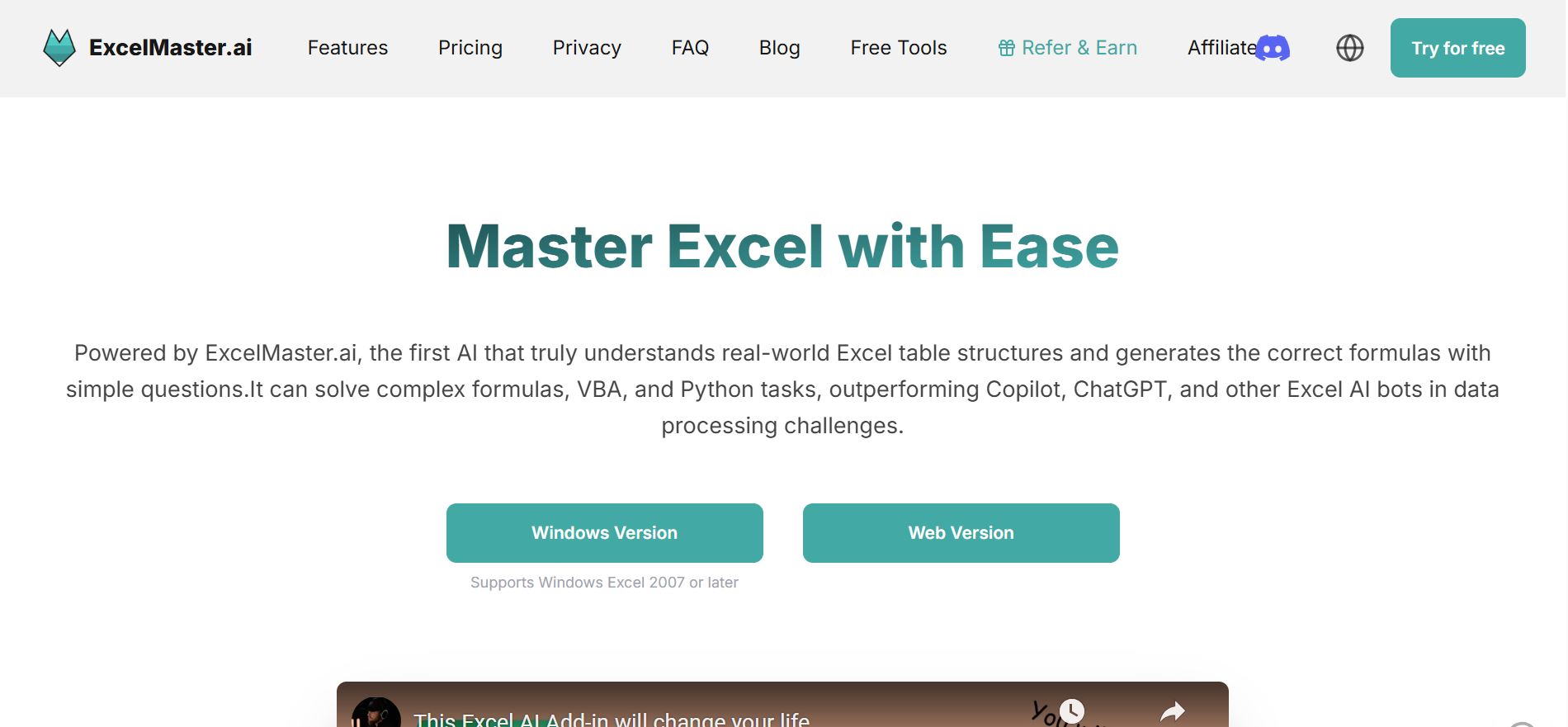

Excel Master AI
ExcelMaster.ai is an AI-powered productivity assistant built to simplify and supercharge your Excel and Google Sheets workflows. It helps users generate formulas, automate repetitive tasks, clean data, and create dashboards — all through natural language prompts. Designed for both beginners and data professionals, ExcelMaster turns complex spreadsheet logic into instant, understandable results. Whether you’re managing finances, analyzing data, or building reports, it lets you work faster and smarter without needing advanced Excel knowledge. By combining machine learning with spreadsheet automation, ExcelMaster.ai brings true efficiency to one of the world’s most-used tools.
Excel Master AI
ExcelMaster.ai is an AI-powered productivity assistant built to simplify and supercharge your Excel and Google Sheets workflows. It helps users generate formulas, automate repetitive tasks, clean data, and create dashboards — all through natural language prompts. Designed for both beginners and data professionals, ExcelMaster turns complex spreadsheet logic into instant, understandable results. Whether you’re managing finances, analyzing data, or building reports, it lets you work faster and smarter without needing advanced Excel knowledge. By combining machine learning with spreadsheet automation, ExcelMaster.ai brings true efficiency to one of the world’s most-used tools.
Excel Master AI
ExcelMaster.ai is an AI-powered productivity assistant built to simplify and supercharge your Excel and Google Sheets workflows. It helps users generate formulas, automate repetitive tasks, clean data, and create dashboards — all through natural language prompts. Designed for both beginners and data professionals, ExcelMaster turns complex spreadsheet logic into instant, understandable results. Whether you’re managing finances, analyzing data, or building reports, it lets you work faster and smarter without needing advanced Excel knowledge. By combining machine learning with spreadsheet automation, ExcelMaster.ai brings true efficiency to one of the world’s most-used tools.
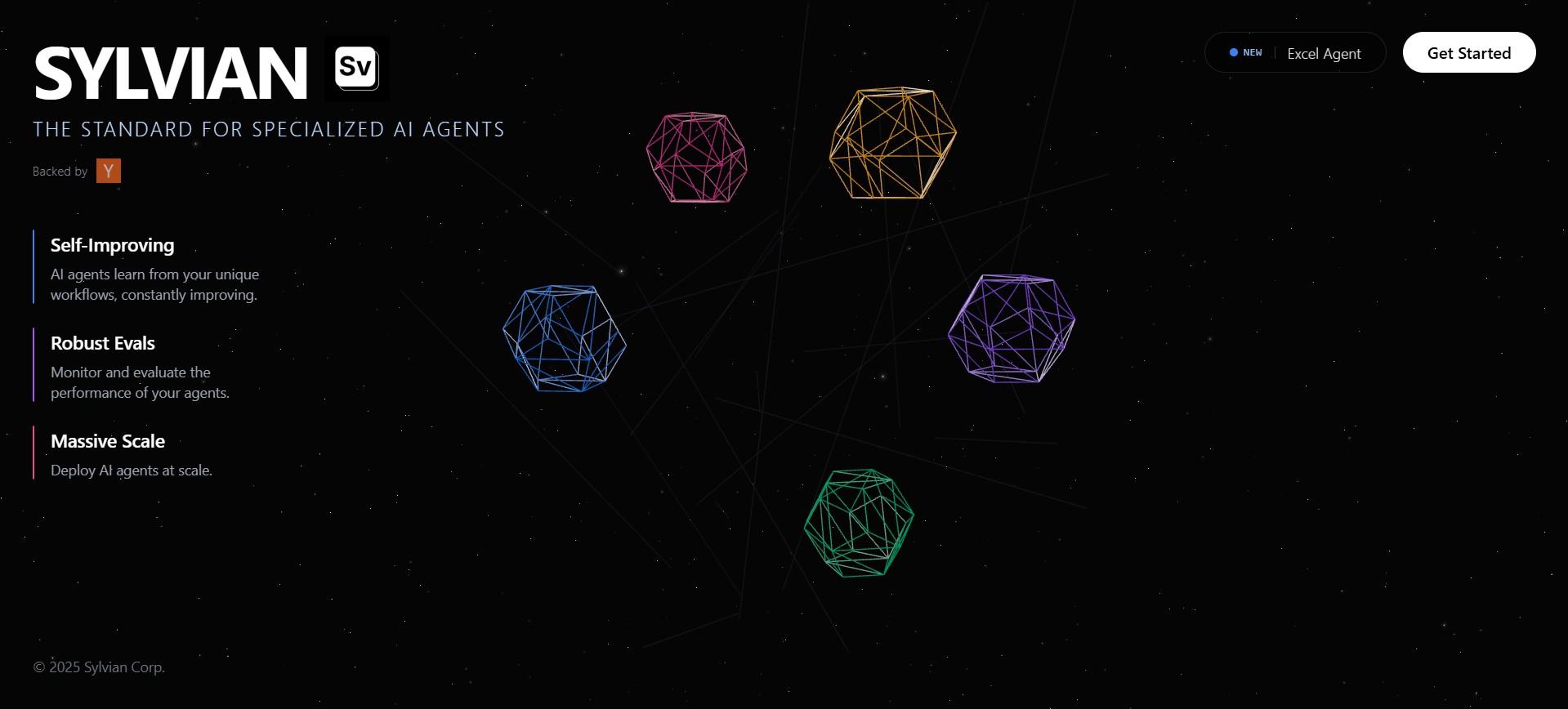
sv-excel-agent is an open-source AI-powered Excel automation agent designed to help users analyze, manipulate, and automate Excel and spreadsheet-related tasks using natural language. Built by SylvianAI, it allows developers, analysts, and business users to interact with Excel files programmatically through an intelligent agent that can understand instructions, execute actions, and return structured results efficiently.
sv-excel-agent is an open-source AI-powered Excel automation agent designed to help users analyze, manipulate, and automate Excel and spreadsheet-related tasks using natural language. Built by SylvianAI, it allows developers, analysts, and business users to interact with Excel files programmatically through an intelligent agent that can understand instructions, execute actions, and return structured results efficiently.
sv-excel-agent is an open-source AI-powered Excel automation agent designed to help users analyze, manipulate, and automate Excel and spreadsheet-related tasks using natural language. Built by SylvianAI, it allows developers, analysts, and business users to interact with Excel files programmatically through an intelligent agent that can understand instructions, execute actions, and return structured results efficiently.
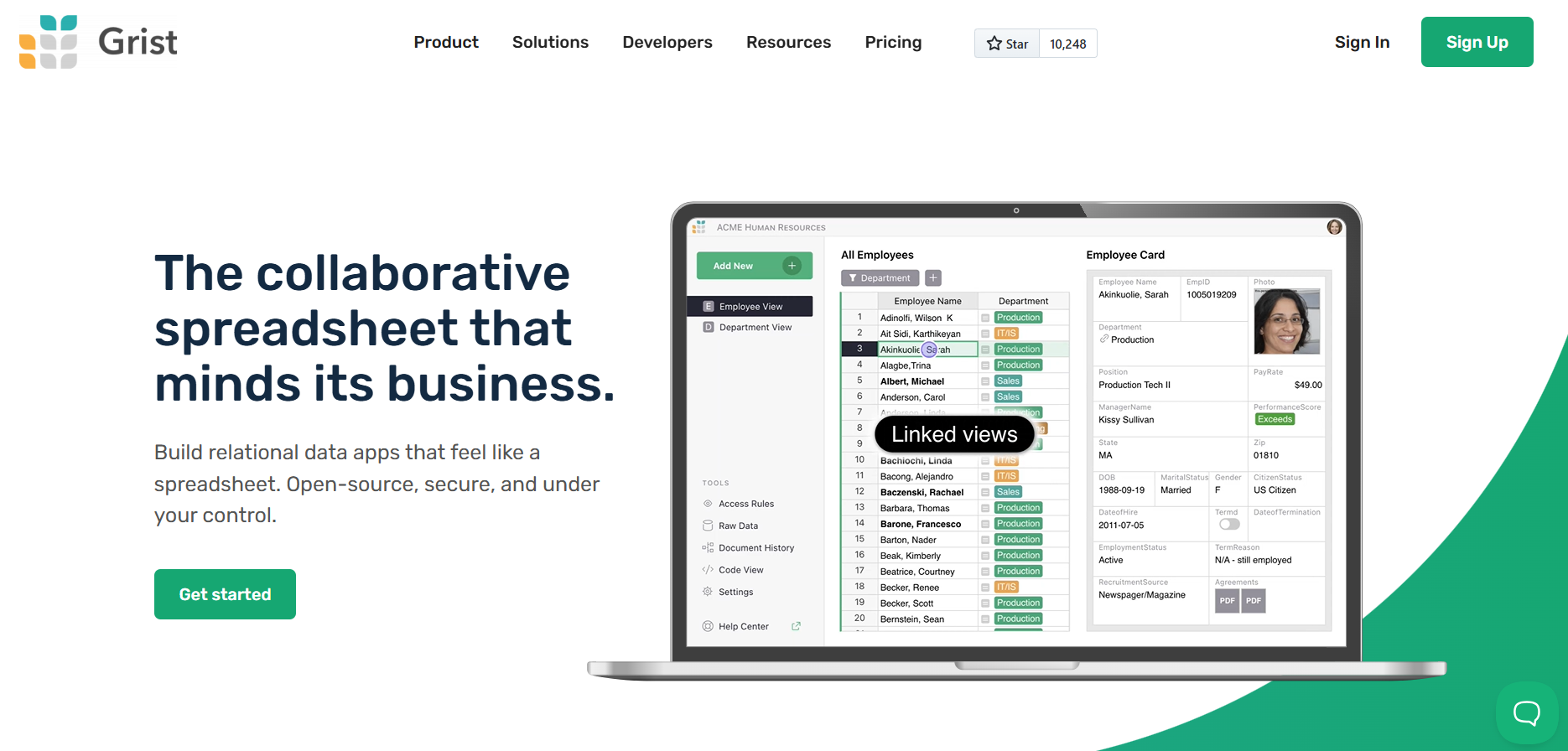

Grist
Grist is a collaborative spreadsheet platform designed to help teams build powerful relational data applications while retaining the familiar feel of a spreadsheet. Instead of limiting users to flat tables and formulas, Grist allows data to be structured relationally, enabling more complex logic, references, and workflows. It combines the flexibility of spreadsheets with the rigor of databases, making it suitable for internal tools, operational dashboards, trackers, and lightweight business applications. Being open-source and self-hostable, Grist gives organizations full control over their data, security, and infrastructure.
Grist
Grist is a collaborative spreadsheet platform designed to help teams build powerful relational data applications while retaining the familiar feel of a spreadsheet. Instead of limiting users to flat tables and formulas, Grist allows data to be structured relationally, enabling more complex logic, references, and workflows. It combines the flexibility of spreadsheets with the rigor of databases, making it suitable for internal tools, operational dashboards, trackers, and lightweight business applications. Being open-source and self-hostable, Grist gives organizations full control over their data, security, and infrastructure.
Grist
Grist is a collaborative spreadsheet platform designed to help teams build powerful relational data applications while retaining the familiar feel of a spreadsheet. Instead of limiting users to flat tables and formulas, Grist allows data to be structured relationally, enabling more complex logic, references, and workflows. It combines the flexibility of spreadsheets with the rigor of databases, making it suitable for internal tools, operational dashboards, trackers, and lightweight business applications. Being open-source and self-hostable, Grist gives organizations full control over their data, security, and infrastructure.
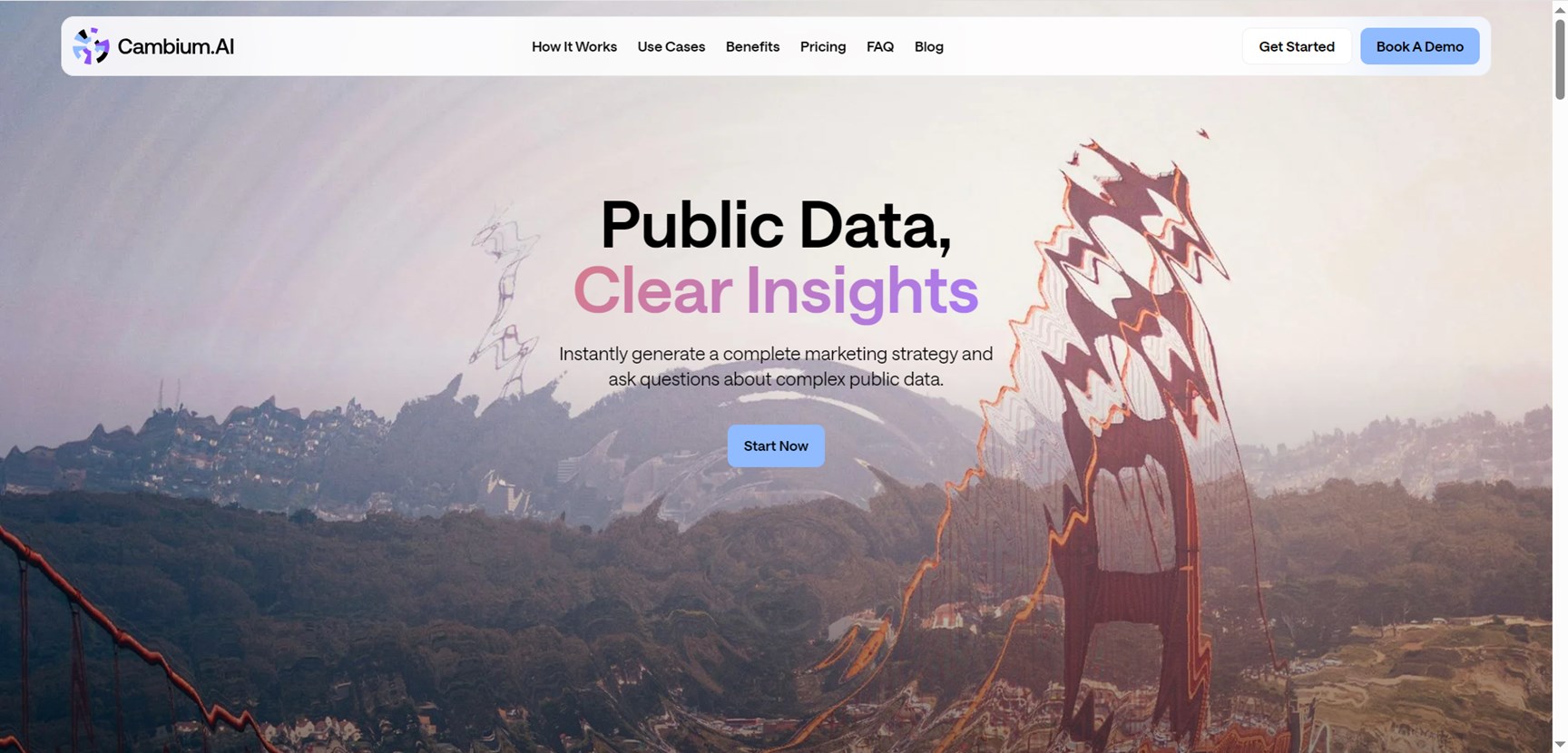

Cambium AI
Cambium AI instantly generates complete marketing strategies and answers questions on complex public data like U.S. Census and ACS using natural language. Input a URL for data-driven plans covering research, messaging, competitor analysis; get audience profiles, market demand validation, demographic visuals, maps, charts, tables without coding. Privacy-safe, compliant, transparent for launches, expansions, fundraising; saves weeks vs traditional research, skips analyst costs.
Cambium AI
Cambium AI instantly generates complete marketing strategies and answers questions on complex public data like U.S. Census and ACS using natural language. Input a URL for data-driven plans covering research, messaging, competitor analysis; get audience profiles, market demand validation, demographic visuals, maps, charts, tables without coding. Privacy-safe, compliant, transparent for launches, expansions, fundraising; saves weeks vs traditional research, skips analyst costs.
Cambium AI
Cambium AI instantly generates complete marketing strategies and answers questions on complex public data like U.S. Census and ACS using natural language. Input a URL for data-driven plans covering research, messaging, competitor analysis; get audience profiles, market demand validation, demographic visuals, maps, charts, tables without coding. Privacy-safe, compliant, transparent for launches, expansions, fundraising; saves weeks vs traditional research, skips analyst costs.
Editorial Note
This page was researched and written by the ATB Editorial Team. Our team researches each AI tool by reviewing its official website, testing features, exploring real use cases, and considering user feedback. Every page is fact-checked and regularly updated to ensure the information stays accurate, neutral, and useful for our readers.
If you have any suggestions or questions, email us at hello@aitoolbook.ai