
- Students: Turn chaotic assignment due dates and extracurriculars into a simple, AI‑organised weekly routine.
- Working Professionals: Juggle meetings, deep‑work blocks, and personal time without constant manual rescheduling.
- Academic Researchers: Nest recurring lab work, teaching hours, and writing blocks around flexible research windows.
- Entrepreneurs & solopreneurs: Protect time for product work and strategy while still making space for business‑development meetings.
- Coaches & educators: Align 1‑on‑1 sessions, group meetings, and grading windows without double‑booking or over‑scheduling.
How to Use Ocal AI?
- Sign Up & Connect Calendar Apps: Start by creating an account and linking your Google Calendar, Outlook, or other calendar services so Ocal can see your existing events.
- Share Your Priorities & Habits: Use simple prompts or onboarding steps to tell Ocal about deadlines, peak focus hours, and recurring commitments.
- Let Ocal Suggest & Auto‑Schedule: Accept AI‑generated meeting times, focus blocks, and recurring tasks, or let the system book slots automatically for you.
- Review Insights & Adjust: Check weekly analytics on how you actually spend time and tweak rules or availability to keep your schedule realistic and balanced.
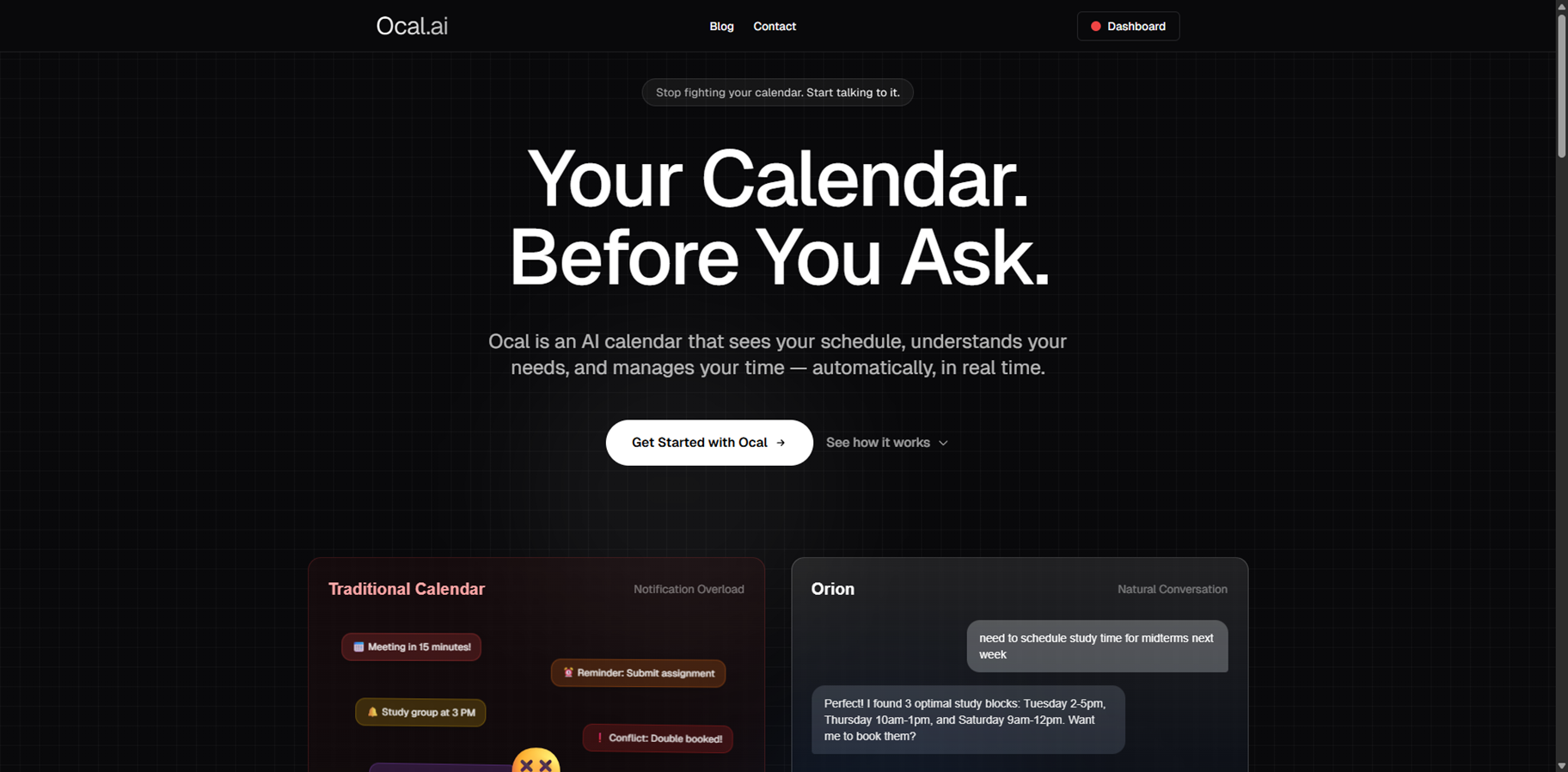
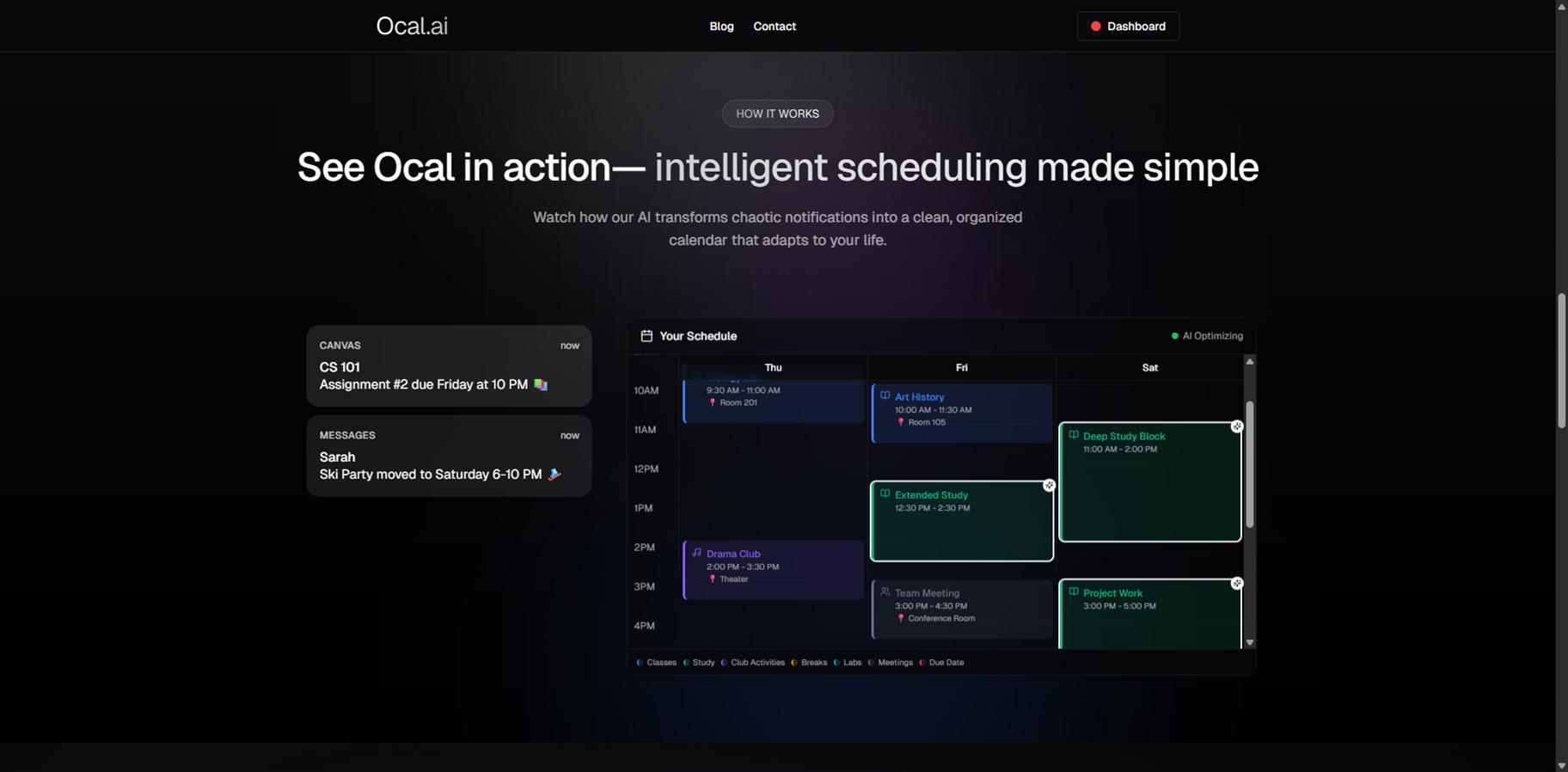
- AI Calendar That Schedules For You: Ocal doesn’t just show events—it proposes and books optimal meeting times and task slots based on your patterns.
- Natural‑Language Commands: Use plain phrases like “Plan study blocks this week” or “Find time for lunch with Sarah” instead of manually moving events around.
- Deep Calendar Integrations: Syncs seamlessly with Google Calendar, Outlook, and other popular tools so your AI planner stays in sync across platforms.
- Real‑Time Adaptation: If a class or meeting shifts, Ocal reshuffles your focus blocks and social time so your day stays cohesive.
- Analytics & Time Insights: Get clear analytics on meeting load, focus length, and personal time so you can spot imbalances and refine your rhythm.
- It automates scheduling so you spend less time managing your calendar.
- It understands your habits and adapts your schedule to fit how you actually work and rest.
- It supports natural‑language commands that feel conversational and intuitive.
- It integrates with mainstream calendar apps for a smooth, unified experience.
- You still need to set rules and guard rails so the AI doesn’t overfill your day.
- Heavier customisation may feel a bit complex for completely new users.
- Certain use cases may require manual tweaking to match irregular workflows.
- Access to advanced analyses and deeper automation modules may trail behind on smaller plans.
Custom
Pricing information is not directly provided.
Proud of the love you're getting? Show off your AI Toolbook reviews—then invite more fans to share the love and build your credibility.
Add an AI Toolbook badge to your site—an easy way to drive followers, showcase updates, and collect reviews. It's like a mini 24/7 billboard for your AI.
Reviews
Rating Distribution
Average score
Popular Mention
FAQs
Similar AI Tools
MinutesLink
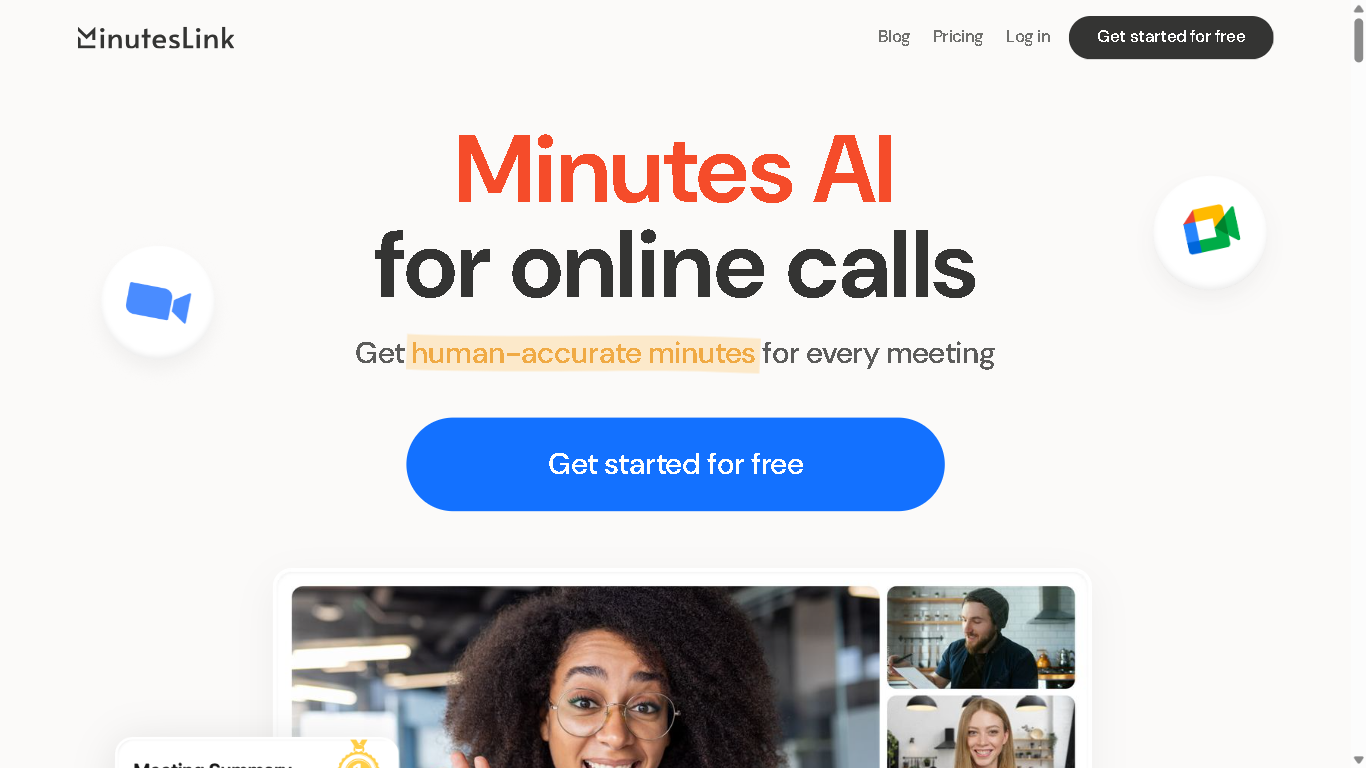
MinutesLink is an AI-powered meeting assistant that automates note-taking, transcription, and summarization for virtual meetings. It integrates with platforms like Zoom and Google Meet to capture and organize meeting content, enabling users to focus on discussions without manual note-taking. Experience the future of meeting productivity with MinutesLink – where every conversation becomes organized, searchable notes and actionable insights
MinutesLink
MinutesLink is an AI-powered meeting assistant that automates note-taking, transcription, and summarization for virtual meetings. It integrates with platforms like Zoom and Google Meet to capture and organize meeting content, enabling users to focus on discussions without manual note-taking. Experience the future of meeting productivity with MinutesLink – where every conversation becomes organized, searchable notes and actionable insights
MinutesLink
MinutesLink is an AI-powered meeting assistant that automates note-taking, transcription, and summarization for virtual meetings. It integrates with platforms like Zoom and Google Meet to capture and organize meeting content, enabling users to focus on discussions without manual note-taking. Experience the future of meeting productivity with MinutesLink – where every conversation becomes organized, searchable notes and actionable insights


AI Pro Management
AI Pro Management is a project management platform that blends traditional task- and workflow-management features with AI-enhanced assistants. The platform offers core project tracking, scheduling, and collaboration tools, but adds extra automation to help speed up routine project tasks. It aims to reduce manual overhead in managing projects by applying AI for things like task suggestions, progress monitoring, and possibly predictive insights. The goal is to let teams spend more time doing creative or high-impact work while the system helps keep things organized, on schedule, and transparent.
AI Pro Management
AI Pro Management is a project management platform that blends traditional task- and workflow-management features with AI-enhanced assistants. The platform offers core project tracking, scheduling, and collaboration tools, but adds extra automation to help speed up routine project tasks. It aims to reduce manual overhead in managing projects by applying AI for things like task suggestions, progress monitoring, and possibly predictive insights. The goal is to let teams spend more time doing creative or high-impact work while the system helps keep things organized, on schedule, and transparent.
AI Pro Management
AI Pro Management is a project management platform that blends traditional task- and workflow-management features with AI-enhanced assistants. The platform offers core project tracking, scheduling, and collaboration tools, but adds extra automation to help speed up routine project tasks. It aims to reduce manual overhead in managing projects by applying AI for things like task suggestions, progress monitoring, and possibly predictive insights. The goal is to let teams spend more time doing creative or high-impact work while the system helps keep things organized, on schedule, and transparent.

Noty.ai
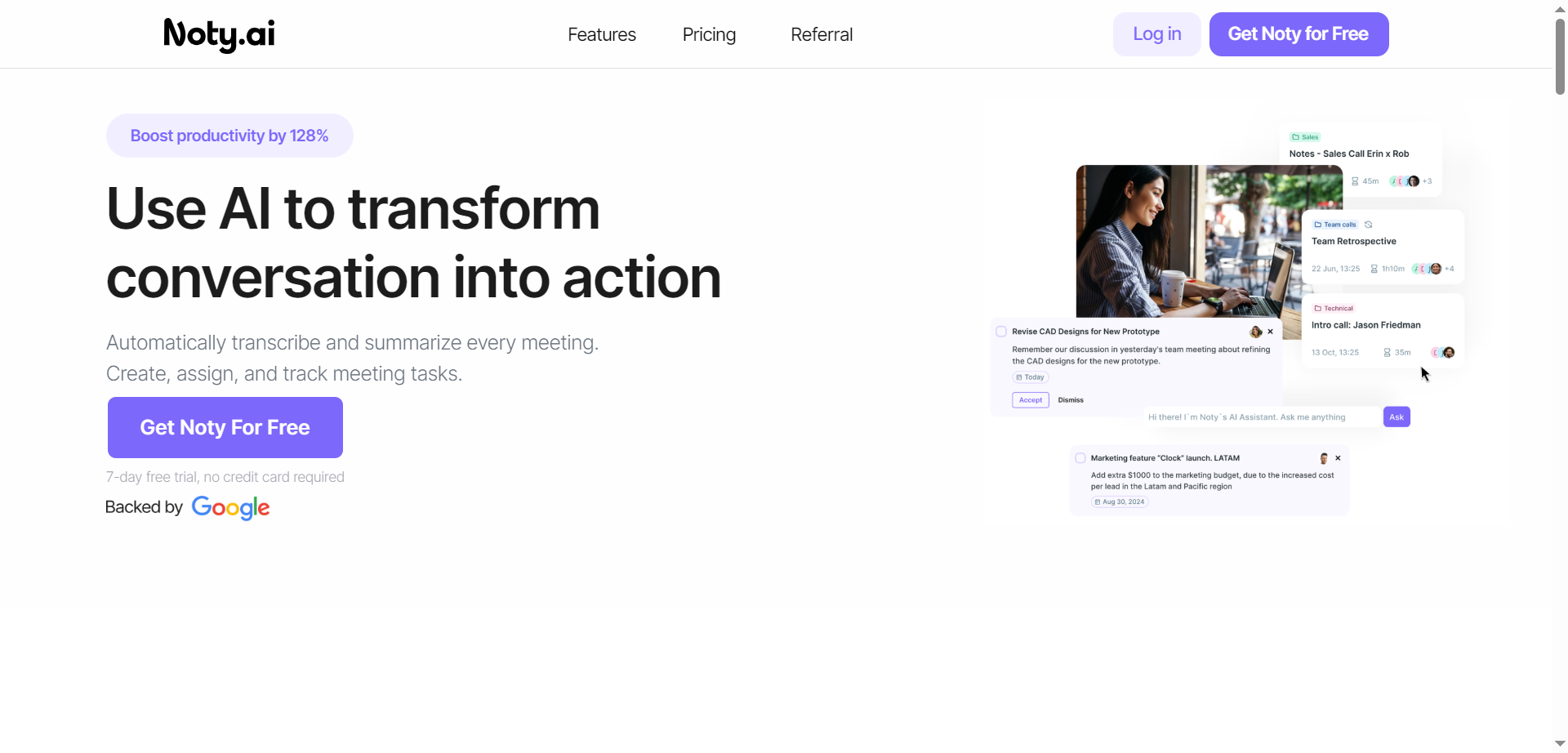
Noty.ai is a meeting AI assistant that turns conversations into actions by transcribing, summarizing, and organizing every meeting in real time. It captures key points, decisions, and deadlines, then generates concise summaries and AI-powered to-do lists for follow-through. During calls, it displays live transcripts for highlighting and commenting, and after, it creates shareable notes, tasks, and assignments. Teams can review, edit, and chat with Noty to surface details quickly, reducing post-meeting admin and context switching. With automated task detection, ownership, and due dates, it helps teams stay accountable and on schedule. The result is fewer missed details, faster alignment, and clearer action across projects.
Noty.ai
Noty.ai is a meeting AI assistant that turns conversations into actions by transcribing, summarizing, and organizing every meeting in real time. It captures key points, decisions, and deadlines, then generates concise summaries and AI-powered to-do lists for follow-through. During calls, it displays live transcripts for highlighting and commenting, and after, it creates shareable notes, tasks, and assignments. Teams can review, edit, and chat with Noty to surface details quickly, reducing post-meeting admin and context switching. With automated task detection, ownership, and due dates, it helps teams stay accountable and on schedule. The result is fewer missed details, faster alignment, and clearer action across projects.
Noty.ai
Noty.ai is a meeting AI assistant that turns conversations into actions by transcribing, summarizing, and organizing every meeting in real time. It captures key points, decisions, and deadlines, then generates concise summaries and AI-powered to-do lists for follow-through. During calls, it displays live transcripts for highlighting and commenting, and after, it creates shareable notes, tasks, and assignments. Teams can review, edit, and chat with Noty to surface details quickly, reducing post-meeting admin and context switching. With automated task detection, ownership, and due dates, it helps teams stay accountable and on schedule. The result is fewer missed details, faster alignment, and clearer action across projects.

TimeOS
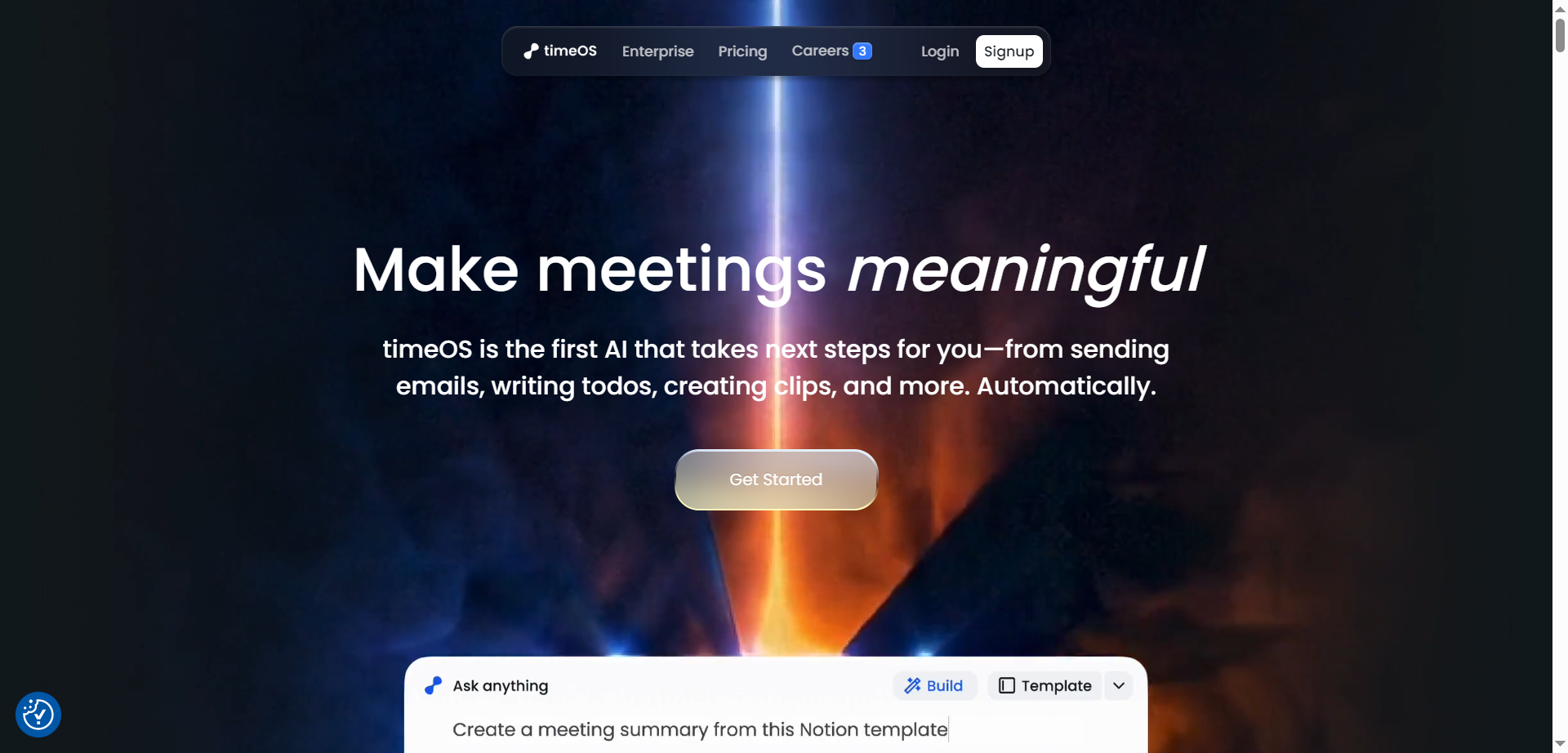
timeOS is a meeting-to-action AI that goes beyond note-taking to automatically draft emails, create todos, generate short video clips, and organize insights the moment a call ends. It captures conversations across tools, labels speakers, translates on the fly, and turns transcripts into structured outputs like summaries, dashboards, tables, and charts—customized through templates. Teams can build reusable workflows for sales, research, coaching, and content, then sync results to tools like Notion, Google Drive, and monday.com without bots joining the call. With desktop and Chrome apps, private-by-default design, and enterprise-grade security, timeOS helps convert every conversation into clear next steps—automatically.
TimeOS
timeOS is a meeting-to-action AI that goes beyond note-taking to automatically draft emails, create todos, generate short video clips, and organize insights the moment a call ends. It captures conversations across tools, labels speakers, translates on the fly, and turns transcripts into structured outputs like summaries, dashboards, tables, and charts—customized through templates. Teams can build reusable workflows for sales, research, coaching, and content, then sync results to tools like Notion, Google Drive, and monday.com without bots joining the call. With desktop and Chrome apps, private-by-default design, and enterprise-grade security, timeOS helps convert every conversation into clear next steps—automatically.
TimeOS
timeOS is a meeting-to-action AI that goes beyond note-taking to automatically draft emails, create todos, generate short video clips, and organize insights the moment a call ends. It captures conversations across tools, labels speakers, translates on the fly, and turns transcripts into structured outputs like summaries, dashboards, tables, and charts—customized through templates. Teams can build reusable workflows for sales, research, coaching, and content, then sync results to tools like Notion, Google Drive, and monday.com without bots joining the call. With desktop and Chrome apps, private-by-default design, and enterprise-grade security, timeOS helps convert every conversation into clear next steps—automatically.


ClienTask
ClienTask is a modern AI-powered client management tool that streamlines the way businesses handle client communication, tasks, and data organization. Designed for agencies, small to medium-sized businesses, and professionals, it centralizes client profiles, project tracking, and messaging—all within an intuitive platform. By offering automated workflows, customizable dashboards, and integrated billing and scheduling, ClienTask reduces administrative overhead and ensures teams never miss an important update. With its user-friendly interface and scalability, ClienTask empowers teams to focus more on building client relationships and less on repetitive manual tasks.
ClienTask
ClienTask is a modern AI-powered client management tool that streamlines the way businesses handle client communication, tasks, and data organization. Designed for agencies, small to medium-sized businesses, and professionals, it centralizes client profiles, project tracking, and messaging—all within an intuitive platform. By offering automated workflows, customizable dashboards, and integrated billing and scheduling, ClienTask reduces administrative overhead and ensures teams never miss an important update. With its user-friendly interface and scalability, ClienTask empowers teams to focus more on building client relationships and less on repetitive manual tasks.
ClienTask
ClienTask is a modern AI-powered client management tool that streamlines the way businesses handle client communication, tasks, and data organization. Designed for agencies, small to medium-sized businesses, and professionals, it centralizes client profiles, project tracking, and messaging—all within an intuitive platform. By offering automated workflows, customizable dashboards, and integrated billing and scheduling, ClienTask reduces administrative overhead and ensures teams never miss an important update. With its user-friendly interface and scalability, ClienTask empowers teams to focus more on building client relationships and less on repetitive manual tasks.
Spinach AI
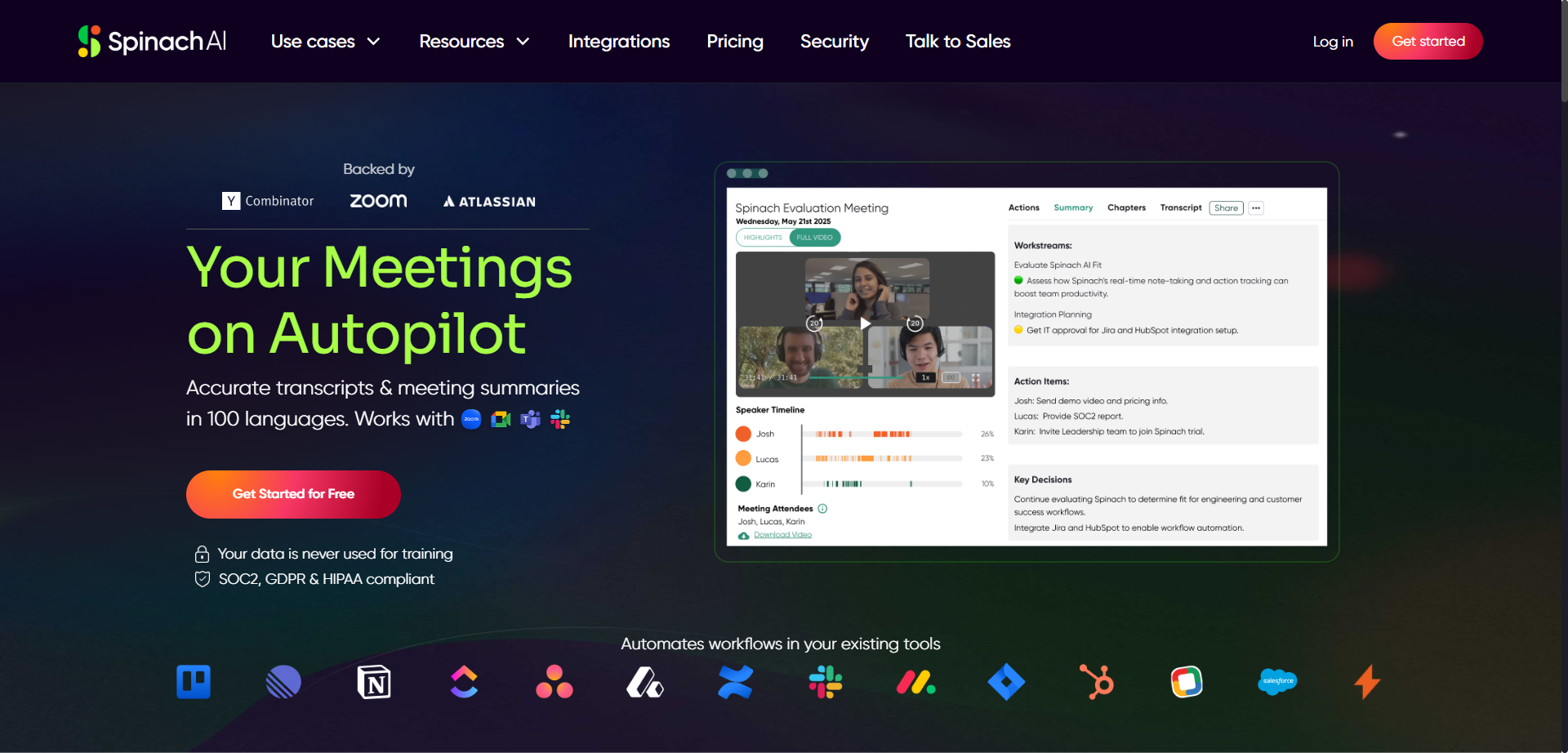
Spinach is an AI-powered meeting assistant designed to enhance productivity by automatically taking notes and capturing action items during meetings such as daily standups, weekly syncs, and user research sessions. It integrates seamlessly with calendars, video conferencing tools, Slack, email, and project management platforms like Jira to streamline workflows. Spinach converts discussion points into clear summaries and actionable tickets, allowing users to stay engaged without distraction. The platform gives users control to review and edit notes before sharing, ensuring privacy and accuracy. Spinach helps teams save time, improve collaboration, and keep project boards updated effortlessly.
Spinach AI
Spinach is an AI-powered meeting assistant designed to enhance productivity by automatically taking notes and capturing action items during meetings such as daily standups, weekly syncs, and user research sessions. It integrates seamlessly with calendars, video conferencing tools, Slack, email, and project management platforms like Jira to streamline workflows. Spinach converts discussion points into clear summaries and actionable tickets, allowing users to stay engaged without distraction. The platform gives users control to review and edit notes before sharing, ensuring privacy and accuracy. Spinach helps teams save time, improve collaboration, and keep project boards updated effortlessly.
Spinach AI
Spinach is an AI-powered meeting assistant designed to enhance productivity by automatically taking notes and capturing action items during meetings such as daily standups, weekly syncs, and user research sessions. It integrates seamlessly with calendars, video conferencing tools, Slack, email, and project management platforms like Jira to streamline workflows. Spinach converts discussion points into clear summaries and actionable tickets, allowing users to stay engaged without distraction. The platform gives users control to review and edit notes before sharing, ensuring privacy and accuracy. Spinach helps teams save time, improve collaboration, and keep project boards updated effortlessly.

Elephouse
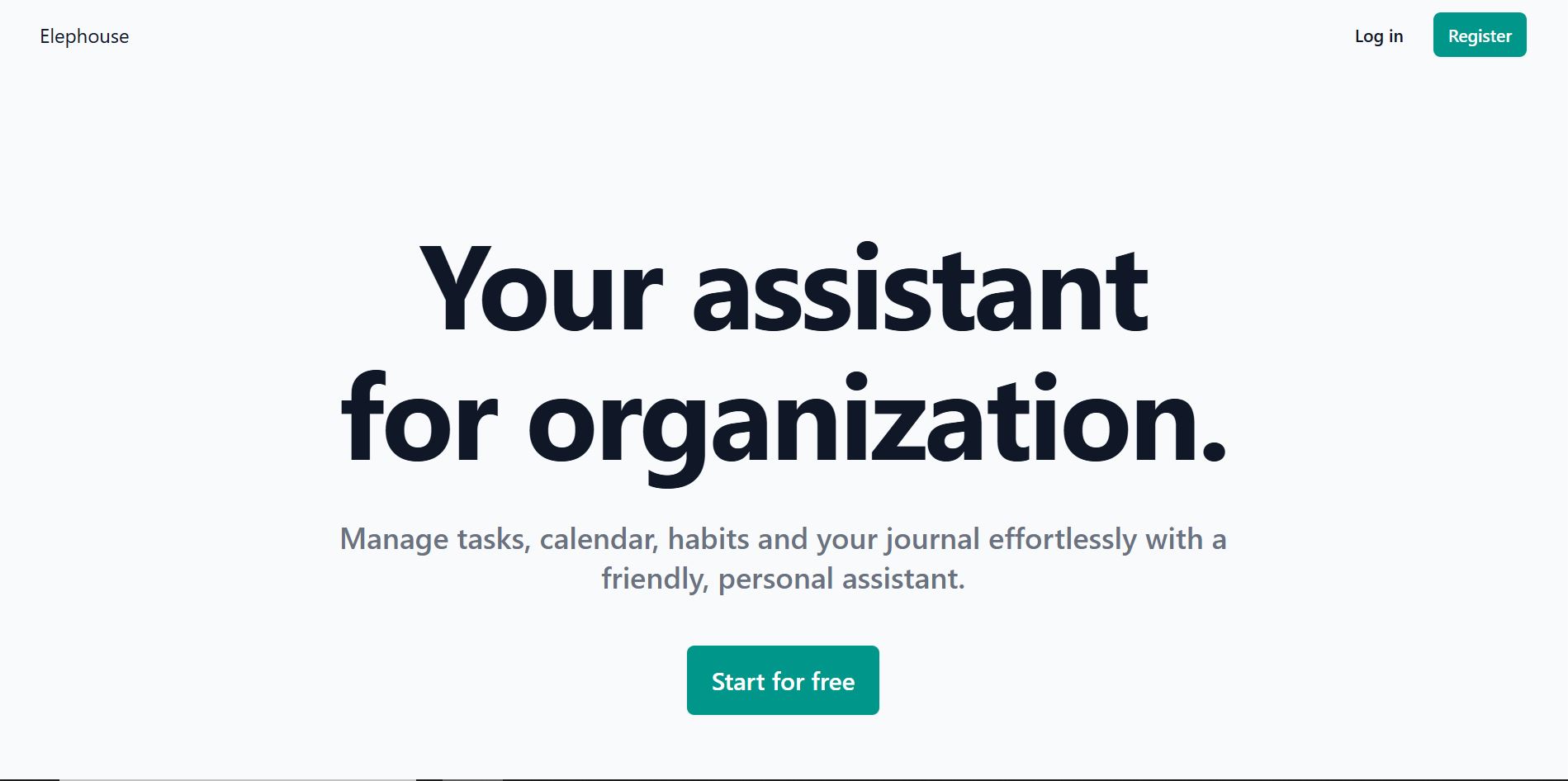
Elephouse is a personal productivity and organization assistant designed to help users manage daily life in a simple, structured, and human-friendly way. It combines task management, calendar planning, habit tracking, and journaling into a single assistant-driven experience. Rather than functioning as separate tools, Elephouse acts as a centralized personal assistant that supports organization, reflection, and consistency. The platform emphasizes ease of use and emotional friendliness, helping users stay organized without feeling overwhelmed by complex systems or rigid productivity frameworks.
Elephouse
Elephouse is a personal productivity and organization assistant designed to help users manage daily life in a simple, structured, and human-friendly way. It combines task management, calendar planning, habit tracking, and journaling into a single assistant-driven experience. Rather than functioning as separate tools, Elephouse acts as a centralized personal assistant that supports organization, reflection, and consistency. The platform emphasizes ease of use and emotional friendliness, helping users stay organized without feeling overwhelmed by complex systems or rigid productivity frameworks.
Elephouse
Elephouse is a personal productivity and organization assistant designed to help users manage daily life in a simple, structured, and human-friendly way. It combines task management, calendar planning, habit tracking, and journaling into a single assistant-driven experience. Rather than functioning as separate tools, Elephouse acts as a centralized personal assistant that supports organization, reflection, and consistency. The platform emphasizes ease of use and emotional friendliness, helping users stay organized without feeling overwhelmed by complex systems or rigid productivity frameworks.
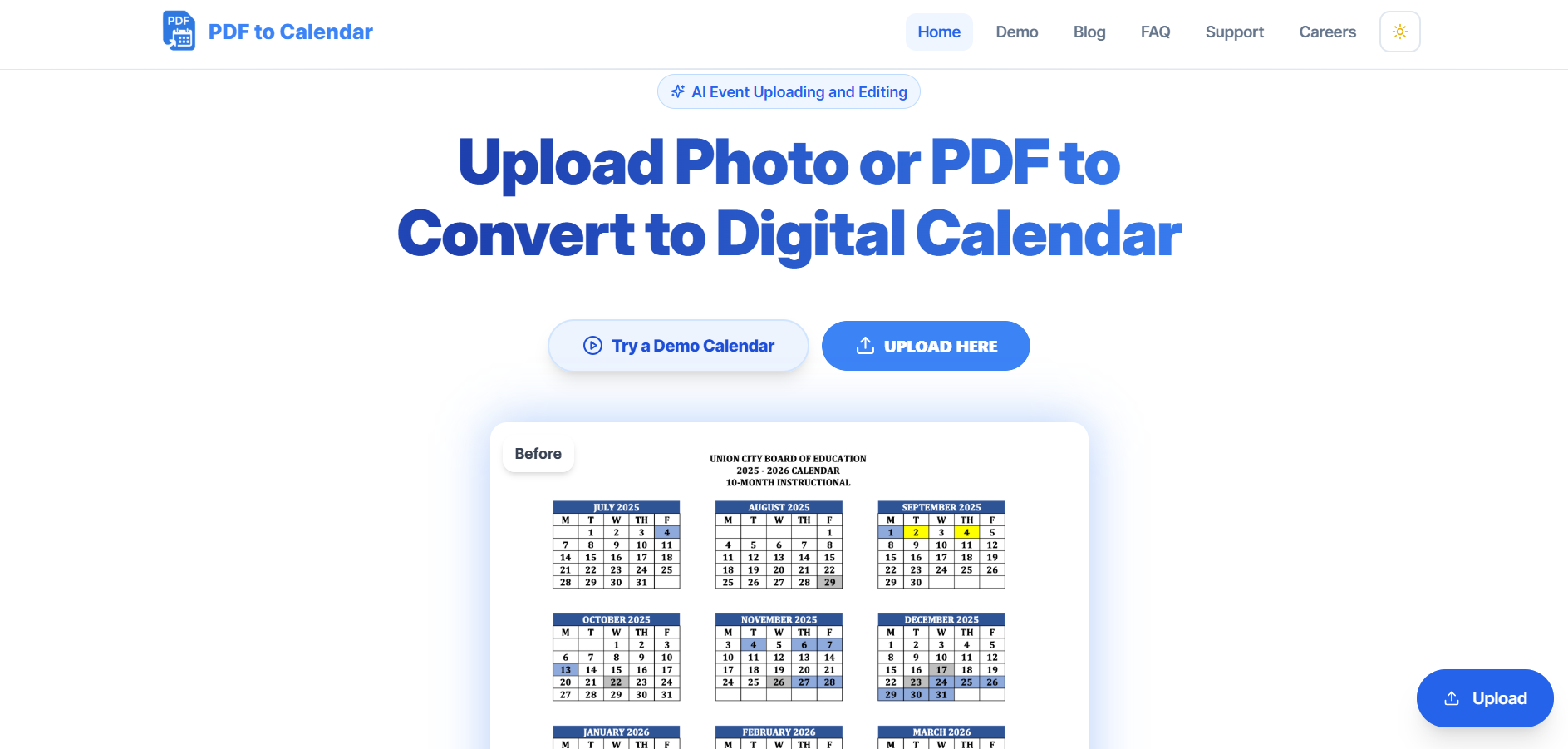
PDF to Calendar is a time-saving AI automation tool that converts PDF schedules, itineraries, and event lists into fully functional digital calendars. The platform uses smart text recognition and data extraction to identify dates, times, and event details, then automatically syncs them with calendar platforms like Google Calendar, Outlook, or Apple Calendar. Designed for professionals, students, and organizers, it eliminates manual calendar entry and reduces human errors, providing instant scheduling automation. Its simple workflow makes it ideal for conferences, academic timetables, and corporate events where structured schedules must be digitized quickly.
PDF to Calendar is a time-saving AI automation tool that converts PDF schedules, itineraries, and event lists into fully functional digital calendars. The platform uses smart text recognition and data extraction to identify dates, times, and event details, then automatically syncs them with calendar platforms like Google Calendar, Outlook, or Apple Calendar. Designed for professionals, students, and organizers, it eliminates manual calendar entry and reduces human errors, providing instant scheduling automation. Its simple workflow makes it ideal for conferences, academic timetables, and corporate events where structured schedules must be digitized quickly.
PDF to Calendar is a time-saving AI automation tool that converts PDF schedules, itineraries, and event lists into fully functional digital calendars. The platform uses smart text recognition and data extraction to identify dates, times, and event details, then automatically syncs them with calendar platforms like Google Calendar, Outlook, or Apple Calendar. Designed for professionals, students, and organizers, it eliminates manual calendar entry and reduces human errors, providing instant scheduling automation. Its simple workflow makes it ideal for conferences, academic timetables, and corporate events where structured schedules must be digitized quickly.

Bond
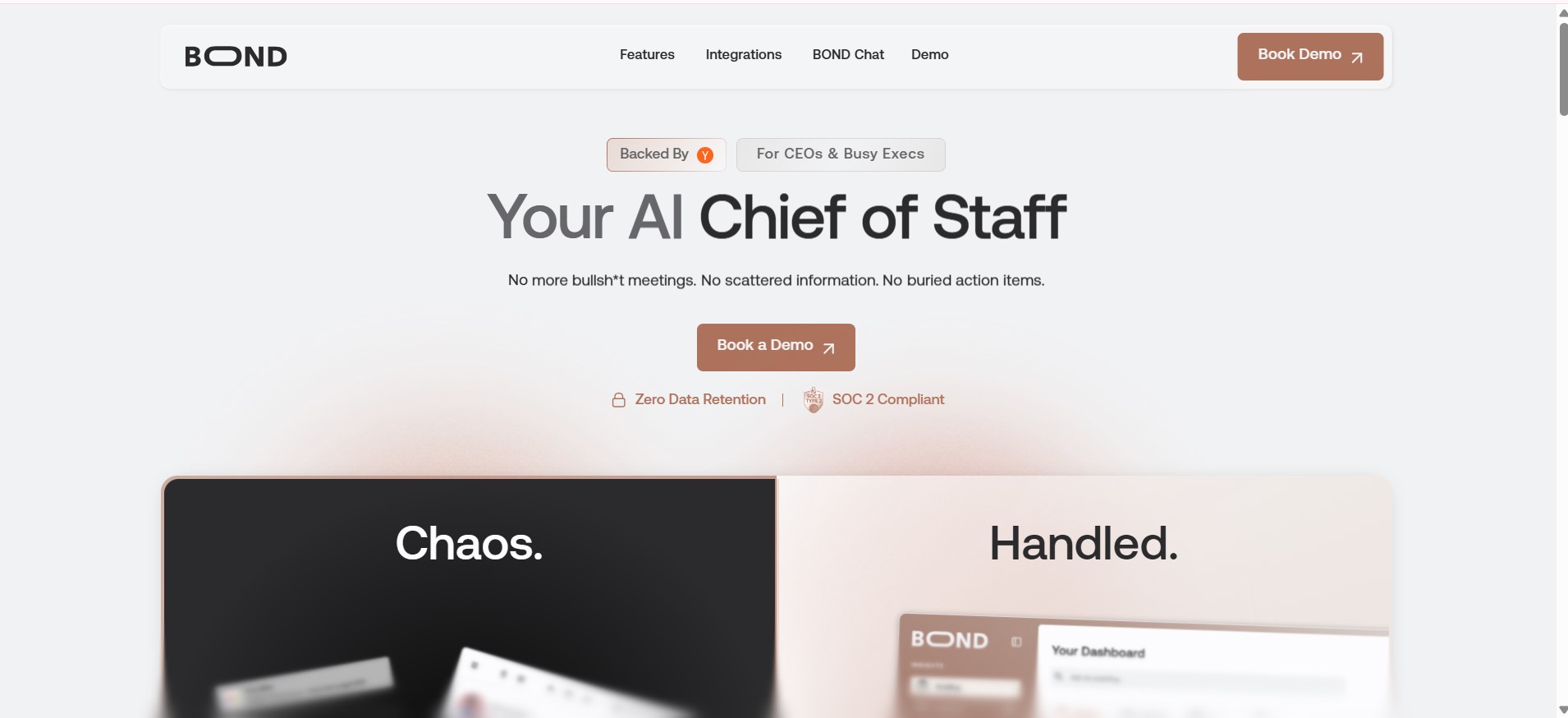
Bond is an AI-powered executive productivity platform that acts as an AI Chief of Staff for CEOs and senior leaders. It integrates data across organizational tools to provide real-time insights into projects, team performance, risks, and priorities, replacing the need for manual status updates and status meetings. By delivering concise daily briefings and centralized dashboards, Bond helps executives stay informed, make faster decisions, and focus on strategic work rather than hunting for information
Bond
Bond is an AI-powered executive productivity platform that acts as an AI Chief of Staff for CEOs and senior leaders. It integrates data across organizational tools to provide real-time insights into projects, team performance, risks, and priorities, replacing the need for manual status updates and status meetings. By delivering concise daily briefings and centralized dashboards, Bond helps executives stay informed, make faster decisions, and focus on strategic work rather than hunting for information
Bond
Bond is an AI-powered executive productivity platform that acts as an AI Chief of Staff for CEOs and senior leaders. It integrates data across organizational tools to provide real-time insights into projects, team performance, risks, and priorities, replacing the need for manual status updates and status meetings. By delivering concise daily briefings and centralized dashboards, Bond helps executives stay informed, make faster decisions, and focus on strategic work rather than hunting for information

Zivy
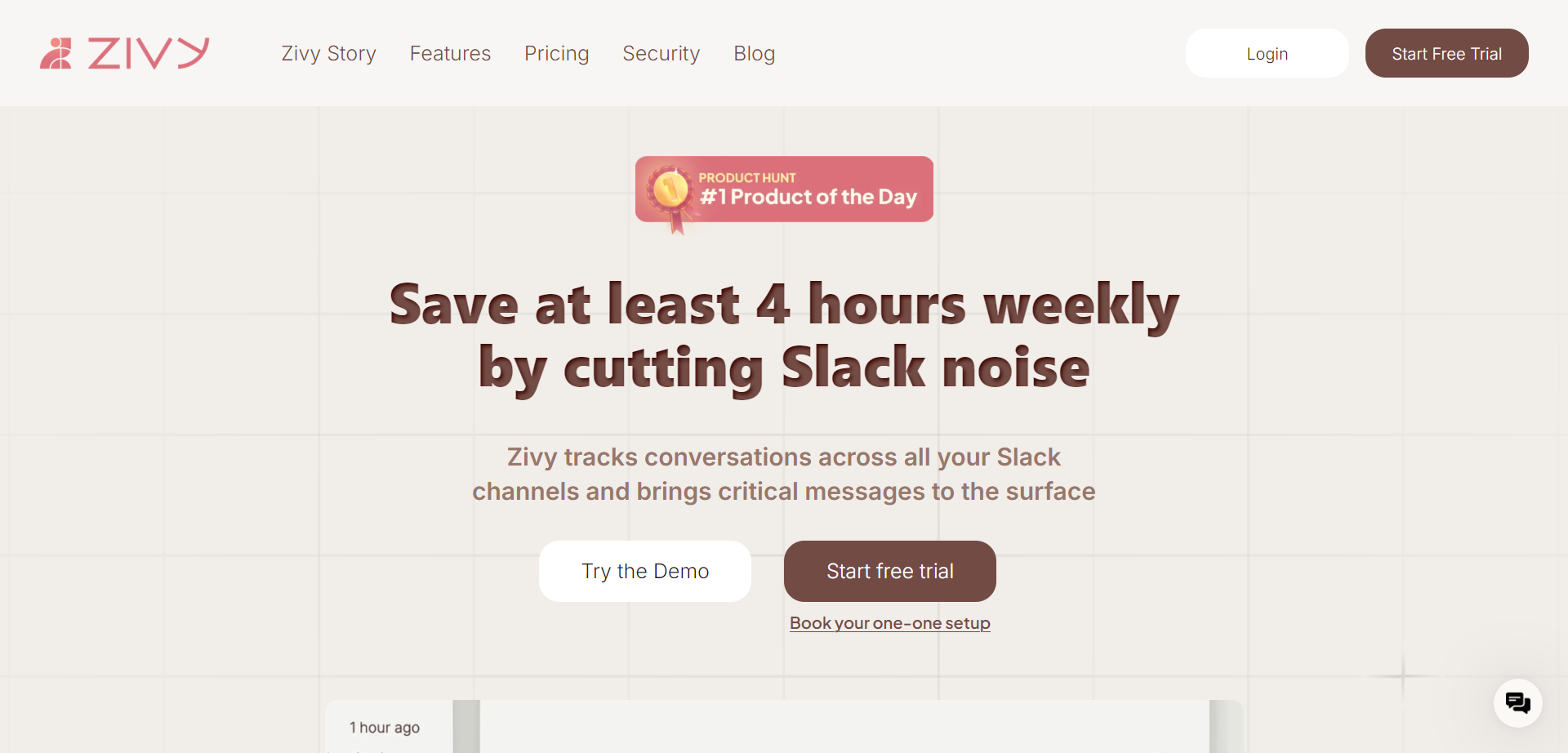
Zivy is an AI-powered Slack productivity tool that saves managers at least 4 hours weekly by filtering noise from chaotic channels and delivering actionable insights in one dashboard. It sorts messages into "needs input," "good to know," and "ignore" categories, provides AI thread summaries, automatic follow-ups on requests, instant reply drafts in your voice, and one-click scheduling to Google Calendar. With personalized AI filters, keyboard shortcuts, and a Slack bot for notifications, Zivy handles 50+ daily messages, boosts focus, and includes a 30-day money-back guarantee, backed by investors like Blume Ventures.
Zivy
Zivy is an AI-powered Slack productivity tool that saves managers at least 4 hours weekly by filtering noise from chaotic channels and delivering actionable insights in one dashboard. It sorts messages into "needs input," "good to know," and "ignore" categories, provides AI thread summaries, automatic follow-ups on requests, instant reply drafts in your voice, and one-click scheduling to Google Calendar. With personalized AI filters, keyboard shortcuts, and a Slack bot for notifications, Zivy handles 50+ daily messages, boosts focus, and includes a 30-day money-back guarantee, backed by investors like Blume Ventures.
Zivy
Zivy is an AI-powered Slack productivity tool that saves managers at least 4 hours weekly by filtering noise from chaotic channels and delivering actionable insights in one dashboard. It sorts messages into "needs input," "good to know," and "ignore" categories, provides AI thread summaries, automatic follow-ups on requests, instant reply drafts in your voice, and one-click scheduling to Google Calendar. With personalized AI filters, keyboard shortcuts, and a Slack bot for notifications, Zivy handles 50+ daily messages, boosts focus, and includes a 30-day money-back guarantee, backed by investors like Blume Ventures.

The Librarian
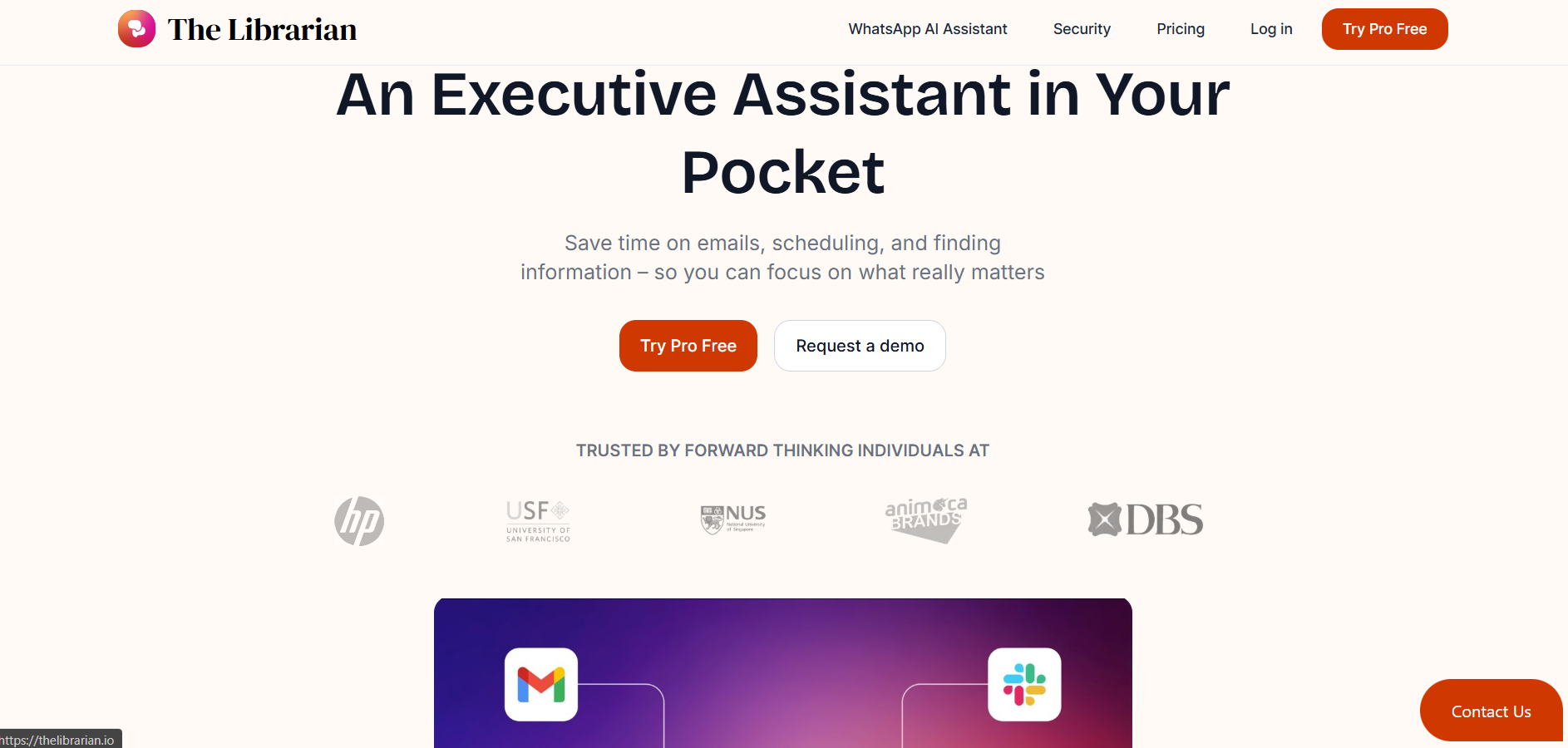
TheLibrarian.io is an AI-powered executive assistant designed to help users manage emails, scheduling, and information retrieval so they can focus on more meaningful work. The platform simplifies daily administrative load by organizing inboxes, drafting email responses, finding relevant information quickly, and coordinating schedules efficiently. It acts as a personal operations layer for professionals who want to reduce time spent on repetitive tasks. TheLibrarian.io frees users from manual searching, inbox clutter, and scheduling complexity, allowing them to redirect attention toward high-value priorities.
The Librarian
TheLibrarian.io is an AI-powered executive assistant designed to help users manage emails, scheduling, and information retrieval so they can focus on more meaningful work. The platform simplifies daily administrative load by organizing inboxes, drafting email responses, finding relevant information quickly, and coordinating schedules efficiently. It acts as a personal operations layer for professionals who want to reduce time spent on repetitive tasks. TheLibrarian.io frees users from manual searching, inbox clutter, and scheduling complexity, allowing them to redirect attention toward high-value priorities.
The Librarian
TheLibrarian.io is an AI-powered executive assistant designed to help users manage emails, scheduling, and information retrieval so they can focus on more meaningful work. The platform simplifies daily administrative load by organizing inboxes, drafting email responses, finding relevant information quickly, and coordinating schedules efficiently. It acts as a personal operations layer for professionals who want to reduce time spent on repetitive tasks. TheLibrarian.io frees users from manual searching, inbox clutter, and scheduling complexity, allowing them to redirect attention toward high-value priorities.

Brice
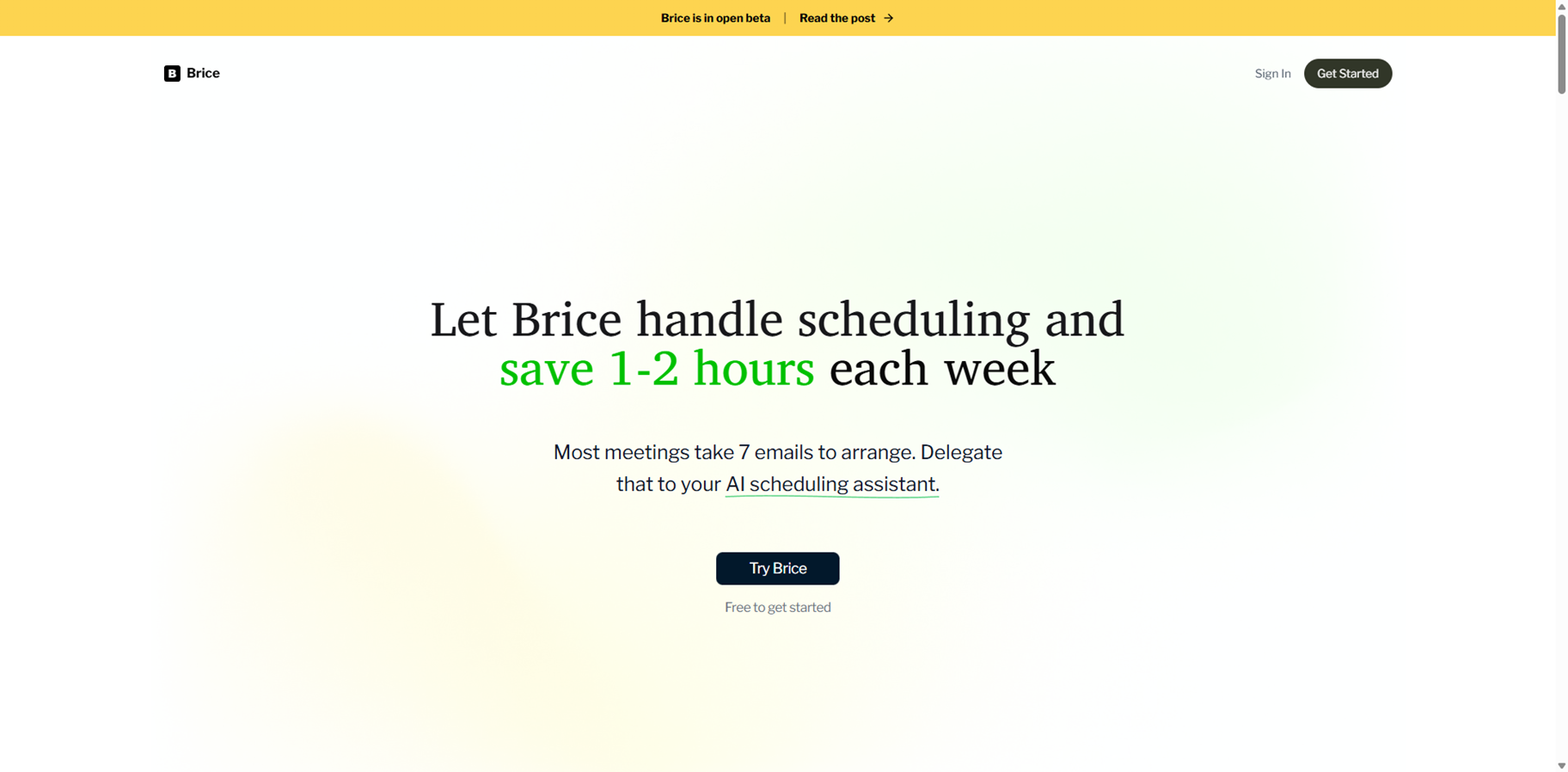
Brice is an AI scheduling assistant that takes over the back-and-forth of arranging meetings so you can save 1–2 hours every week. Instead of trading multiple emails to find a time, you simply CC Brice, and it coordinates with the other person to lock in a slot. Brice learns your preferences over time, such as ideal meeting lengths, time-of-day preferences, and how you like your week structured. By handling scheduling, rescheduling, and time zone coordination, it works like a personal assistant that lives in your inbox and calendar.
Brice
Brice is an AI scheduling assistant that takes over the back-and-forth of arranging meetings so you can save 1–2 hours every week. Instead of trading multiple emails to find a time, you simply CC Brice, and it coordinates with the other person to lock in a slot. Brice learns your preferences over time, such as ideal meeting lengths, time-of-day preferences, and how you like your week structured. By handling scheduling, rescheduling, and time zone coordination, it works like a personal assistant that lives in your inbox and calendar.
Brice
Brice is an AI scheduling assistant that takes over the back-and-forth of arranging meetings so you can save 1–2 hours every week. Instead of trading multiple emails to find a time, you simply CC Brice, and it coordinates with the other person to lock in a slot. Brice learns your preferences over time, such as ideal meeting lengths, time-of-day preferences, and how you like your week structured. By handling scheduling, rescheduling, and time zone coordination, it works like a personal assistant that lives in your inbox and calendar.
Editorial Note
This page was researched and written by the ATB Editorial Team. Our team researches each AI tool by reviewing its official website, testing features, exploring real use cases, and considering user feedback. Every page is fact-checked and regularly updated to ensure the information stays accurate, neutral, and useful for our readers.
If you have any suggestions or questions, email us at hello@aitoolbook.ai