
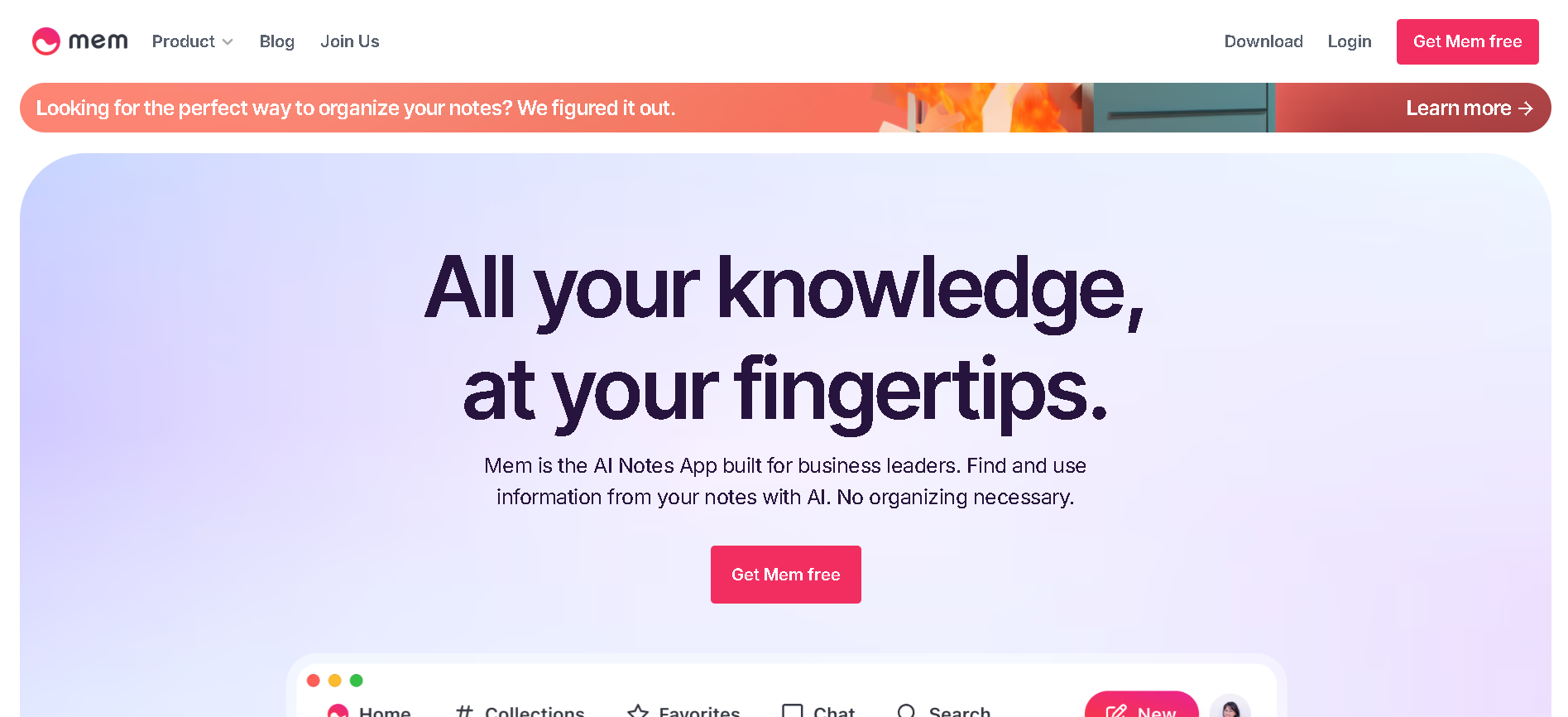
- Professionals & Knowledge Workers: Mem is perfect for individuals who regularly take notes during meetings, brainstorming sessions, or while conducting research. It helps you stay organized and ensures you can quickly retrieve valuable insights.
- Students & Researchers: Whether you’re jotting down lecture notes, reading materials, or research findings, Mem makes it easy to find relevant information across your notes, making it ideal for managing study materials and research data.
- Writers & Content Creators: Mem can assist in organizing thoughts and generating content based on your notes, making it easier to draft articles, stories, or scripts.
- Teams & Collaborators: Mem can streamline team collaboration by organizing meeting notes and group discussions, allowing members to access and contribute to a shared knowledge base.
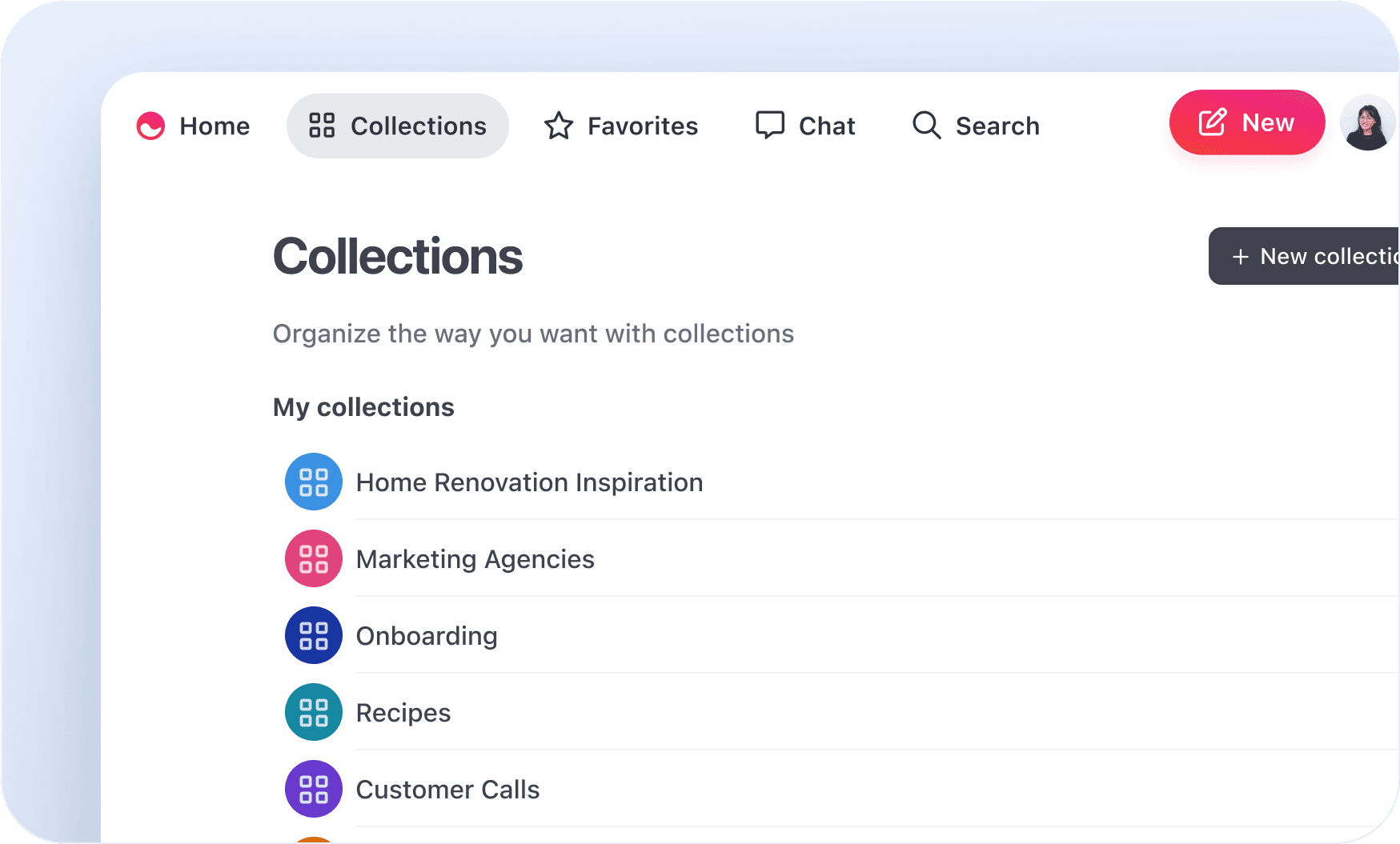
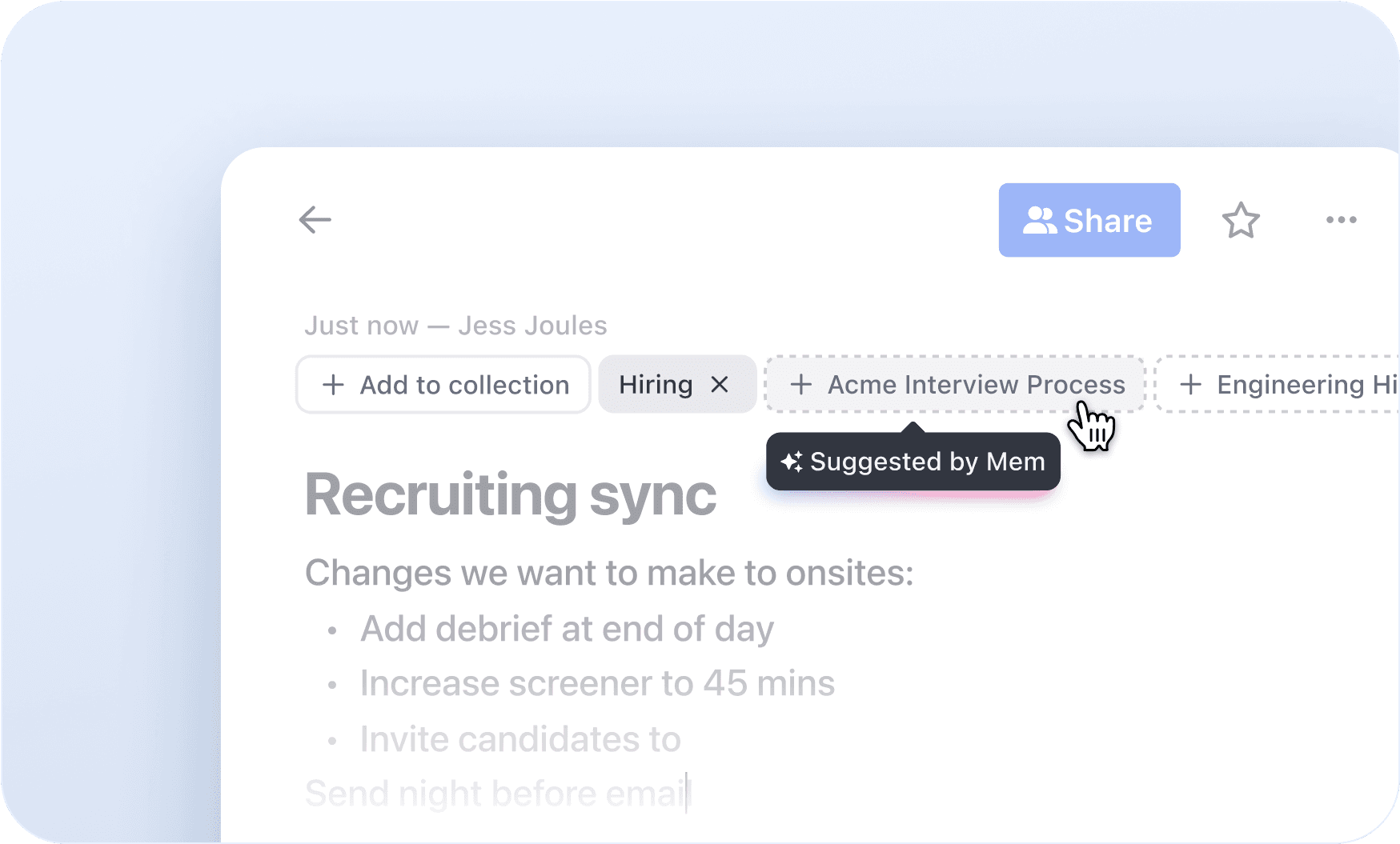
- AI-Powered Organization: Unlike traditional note-taking apps, Mem automatically organizes your notes for you. It doesn’t just store information but intelligently categorizes and retrieves it when needed.
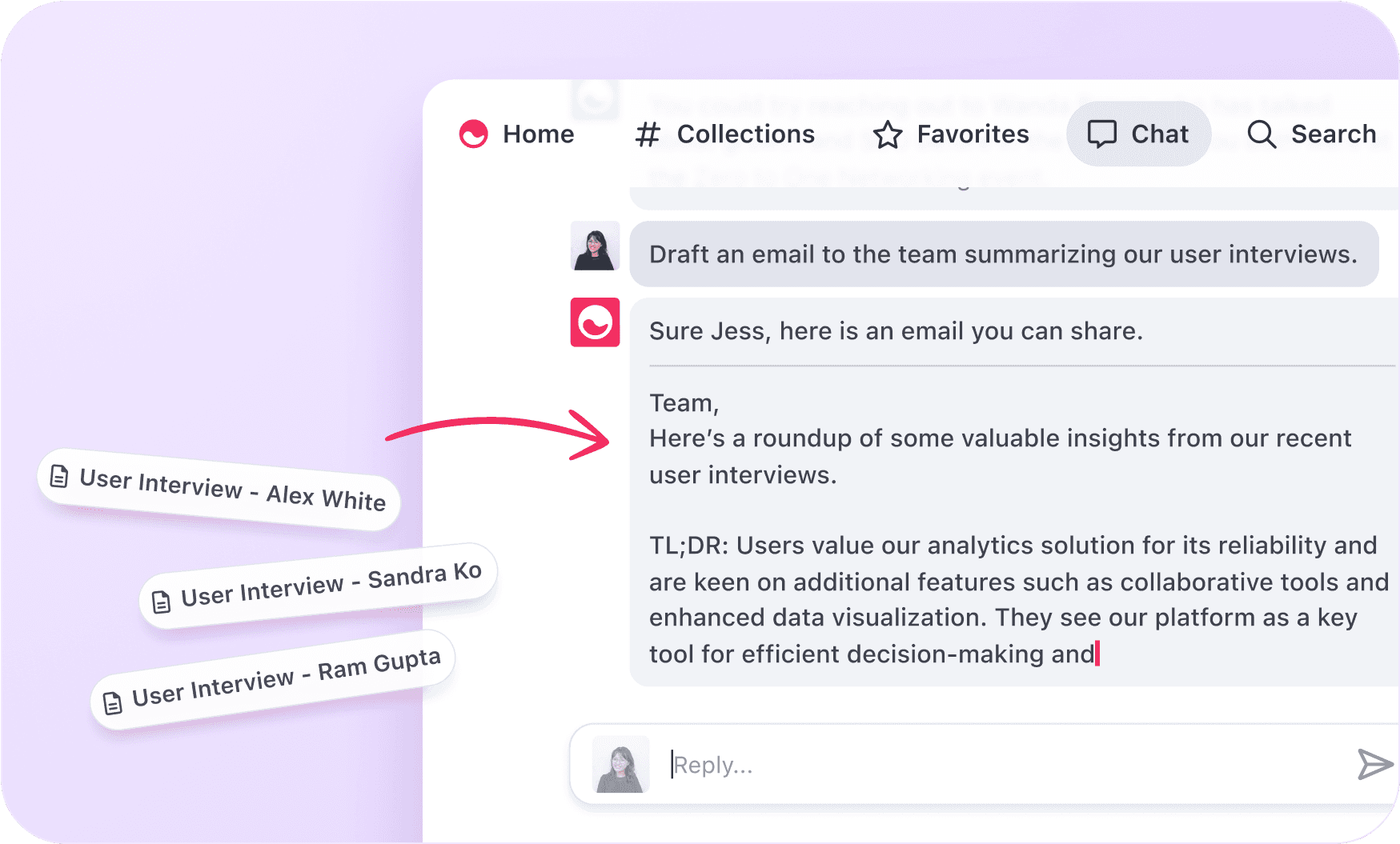
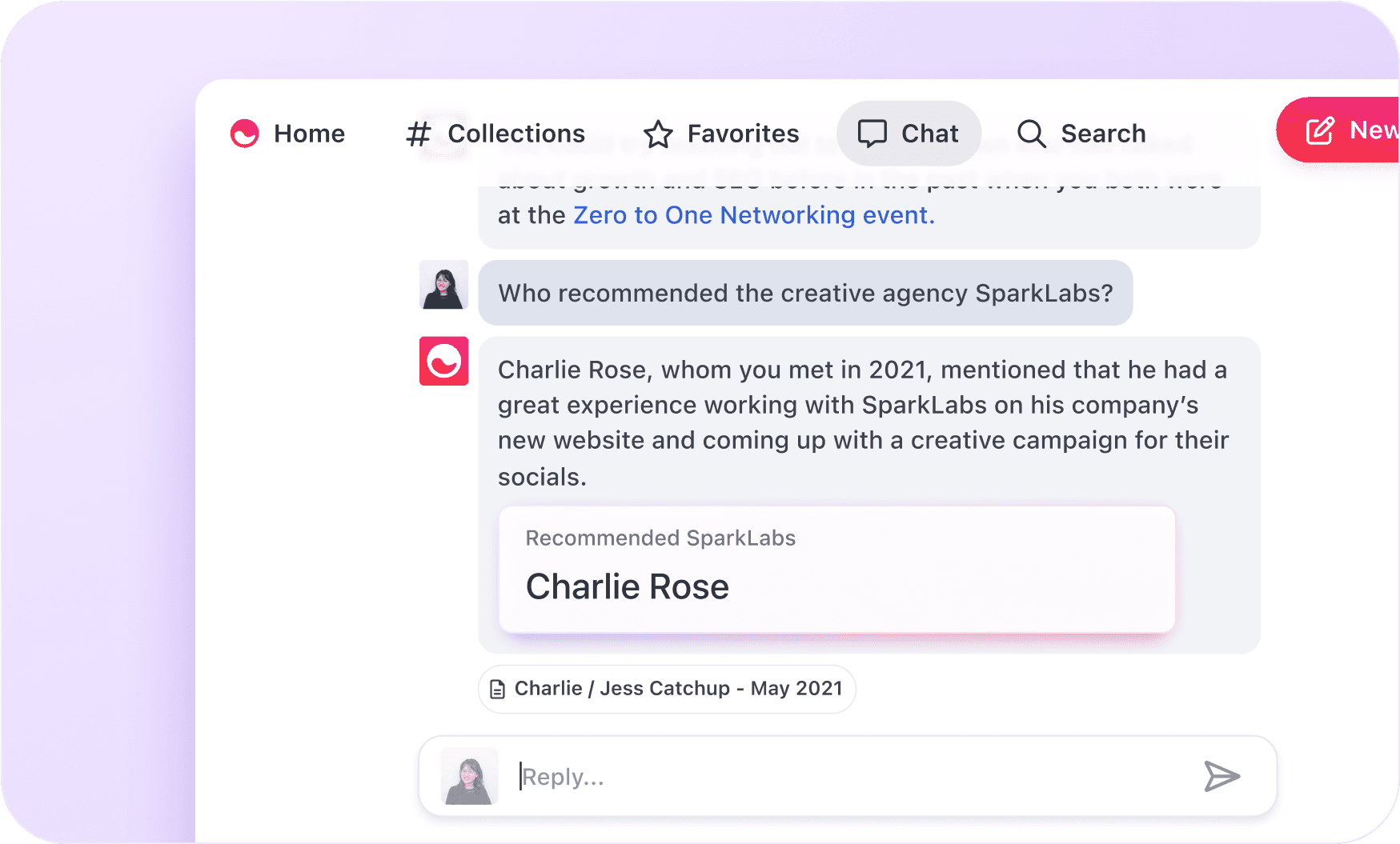
- Mem Chat: Mem Chat is a personal AI assistant that can search through your notes and provide answers, summaries, or generate content based on the data within them. It's like having a knowledgeable assistant right in your pocket.
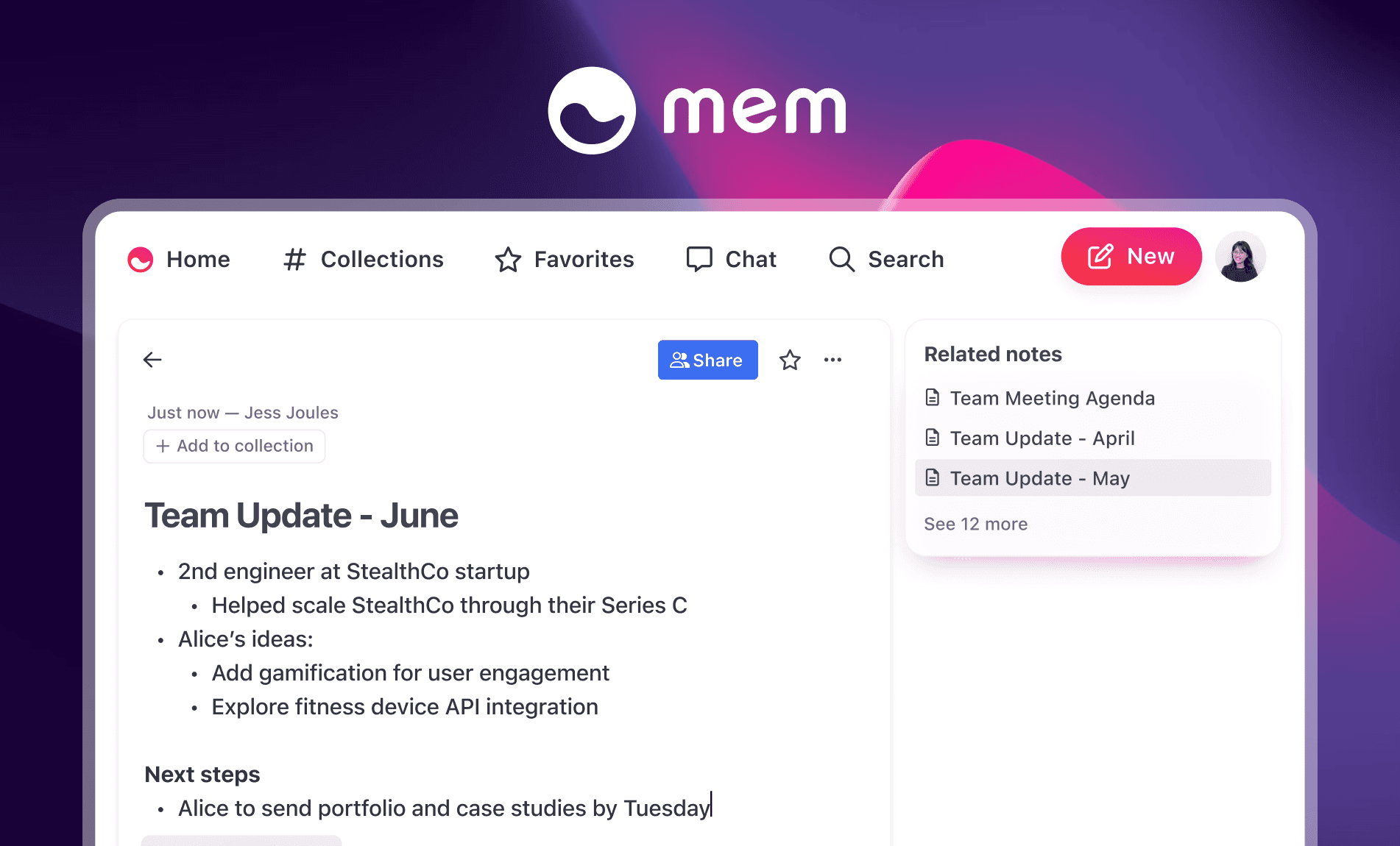
- Cross-Note Summarization: Mem can pull together information from various notes, making it easy to summarize key points or find patterns across different pieces of content.
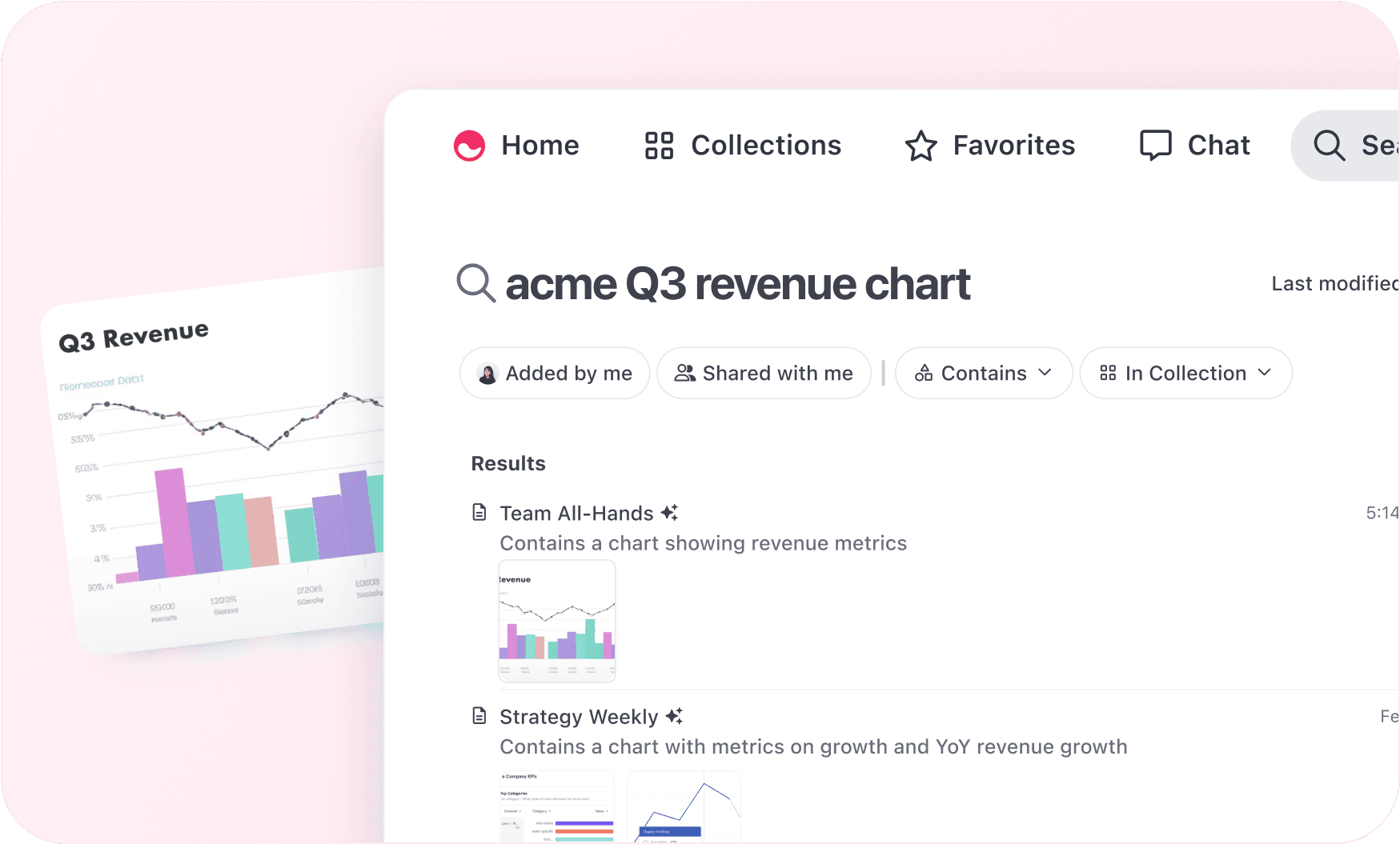
- Effortless Searchability: You don’t need to organize your notes immediately—just jot them down. When you need something, simply ask Mem Chat, and it will quickly retrieve the information you're looking for.
- Content Creation: Mem can help write content using its deep understanding of your notes, making it ideal for creating reports, presentations, or articles directly.
- Effortless Organization: Mem’s AI does the heavy lifting of organizing your notes, so you don’t have to manually tag or categorize everything.
- Mem Chat: The AI-powered assistant is a game-changer, providing quick, context-aware answers, summaries, and even content creation.
- Cross-Note Summarization: You can access insights from multiple notes in one place, helping you connect ideas and track information over time.
- Searchability: Mem’s search functionality is incredibly intuitive, allowing you to find relevant notes with ease.
- Content Generation: Mem can generate written content based on your notes, saving time when creating reports, drafts, or presentations.
- Learning Curve for New Users: While Mem is powerful, it might take a little time for new users to fully understand how to interact with the app and use its features effectively.
- Limited Customization: Some users may want more control over the note organization process, which Mem's automatic system may not always align with.
- Newer Product: As a relatively new tool, Mem might not yet have as many integrations or advanced features as more established apps.
Proud of the love you're getting? Show off your AI Toolbook reviews—then invite more fans to share the love and build your credibility.
Add an AI Toolbook badge to your site—an easy way to drive followers, showcase updates, and collect reviews. It's like a mini 24/7 billboard for your AI.
Reviews
Rating Distribution
Average score
Popular Mention
FAQs
Similar AI Tools
Read
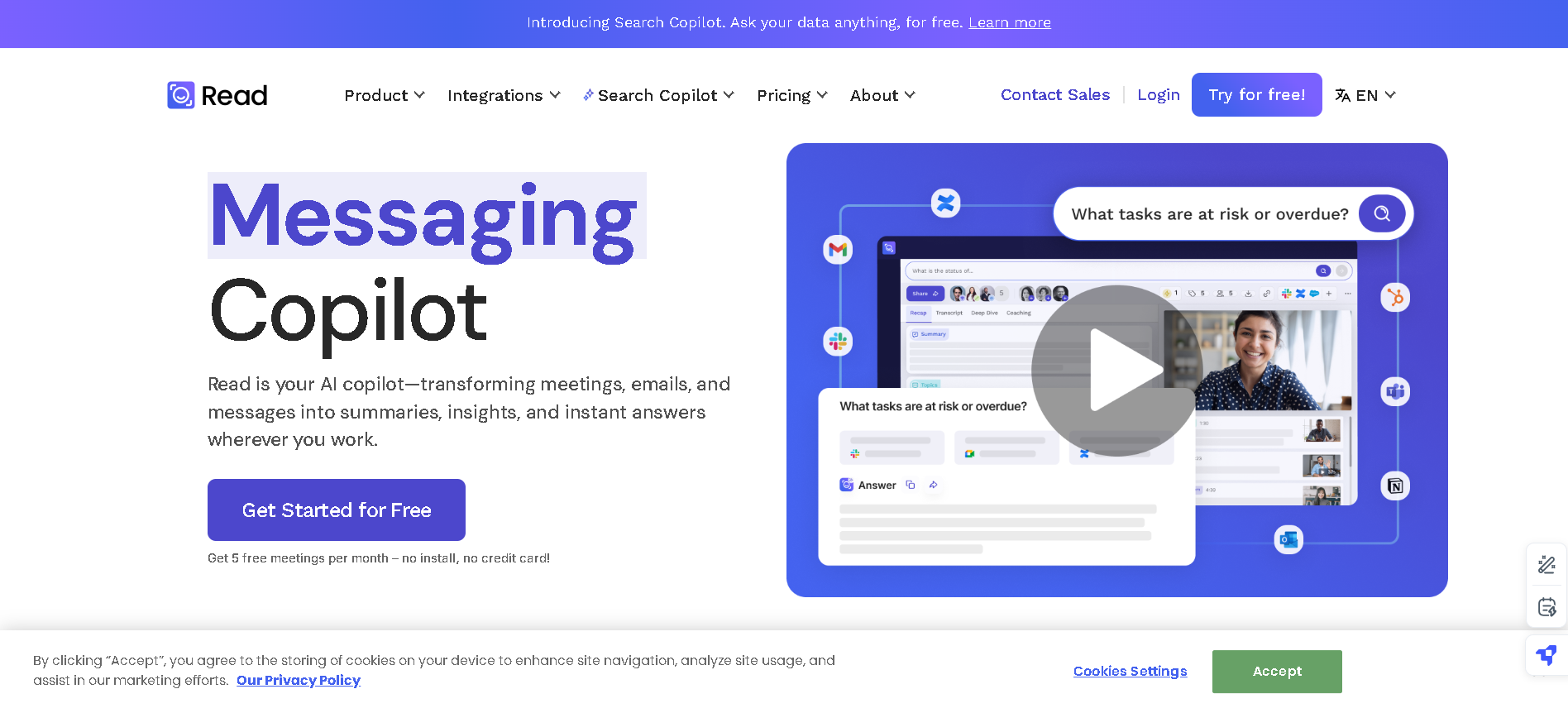
Read AI Copilot is an intelligent meeting and communication assistant designed to streamline workplace productivity. It provides real-time meeting summaries, actionable insights, and seamless integration across multiple platforms. Unlike traditional note-taking tools, Read AI connects meetings, messages, and emails to ensure information flows efficiently across teams. With robust security, multi-language support, and AI-powered analytics, Read AI enhances collaboration and accountability.
Read
Read AI Copilot is an intelligent meeting and communication assistant designed to streamline workplace productivity. It provides real-time meeting summaries, actionable insights, and seamless integration across multiple platforms. Unlike traditional note-taking tools, Read AI connects meetings, messages, and emails to ensure information flows efficiently across teams. With robust security, multi-language support, and AI-powered analytics, Read AI enhances collaboration and accountability.
Read
Read AI Copilot is an intelligent meeting and communication assistant designed to streamline workplace productivity. It provides real-time meeting summaries, actionable insights, and seamless integration across multiple platforms. Unlike traditional note-taking tools, Read AI connects meetings, messages, and emails to ensure information flows efficiently across teams. With robust security, multi-language support, and AI-powered analytics, Read AI enhances collaboration and accountability.
Taim App
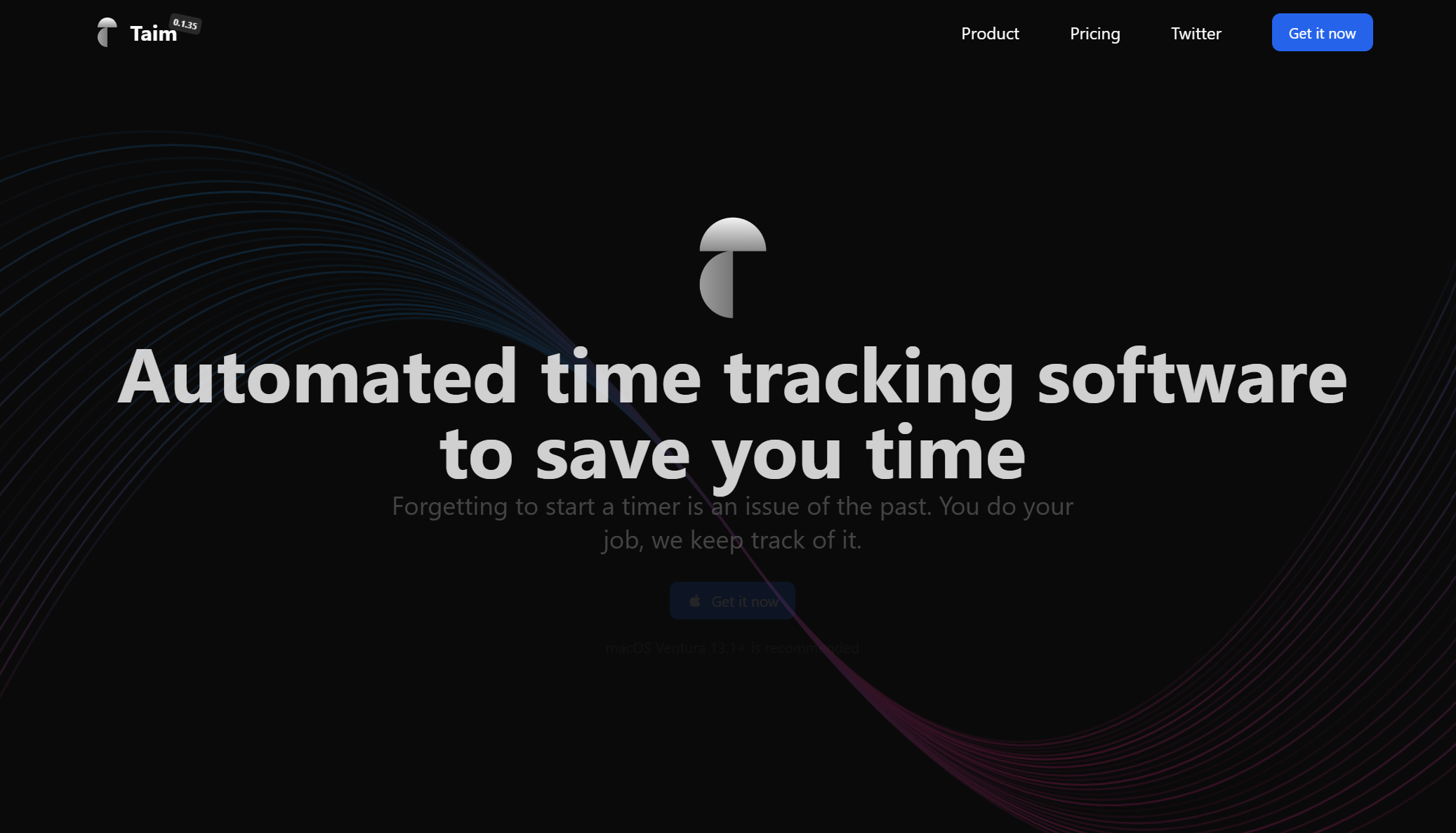
Taim is an intelligent time-tracking app designed for freelancers and teams. It automates session logging by monitoring active apps and windows, while also allowing manual overrides, notes, billing toggles, and Pomodoro sessions. The result? Accurate, effortless tracking and better billing transparency.
Taim App
Taim is an intelligent time-tracking app designed for freelancers and teams. It automates session logging by monitoring active apps and windows, while also allowing manual overrides, notes, billing toggles, and Pomodoro sessions. The result? Accurate, effortless tracking and better billing transparency.
Taim App
Taim is an intelligent time-tracking app designed for freelancers and teams. It automates session logging by monitoring active apps and windows, while also allowing manual overrides, notes, billing toggles, and Pomodoro sessions. The result? Accurate, effortless tracking and better billing transparency.

iMemo
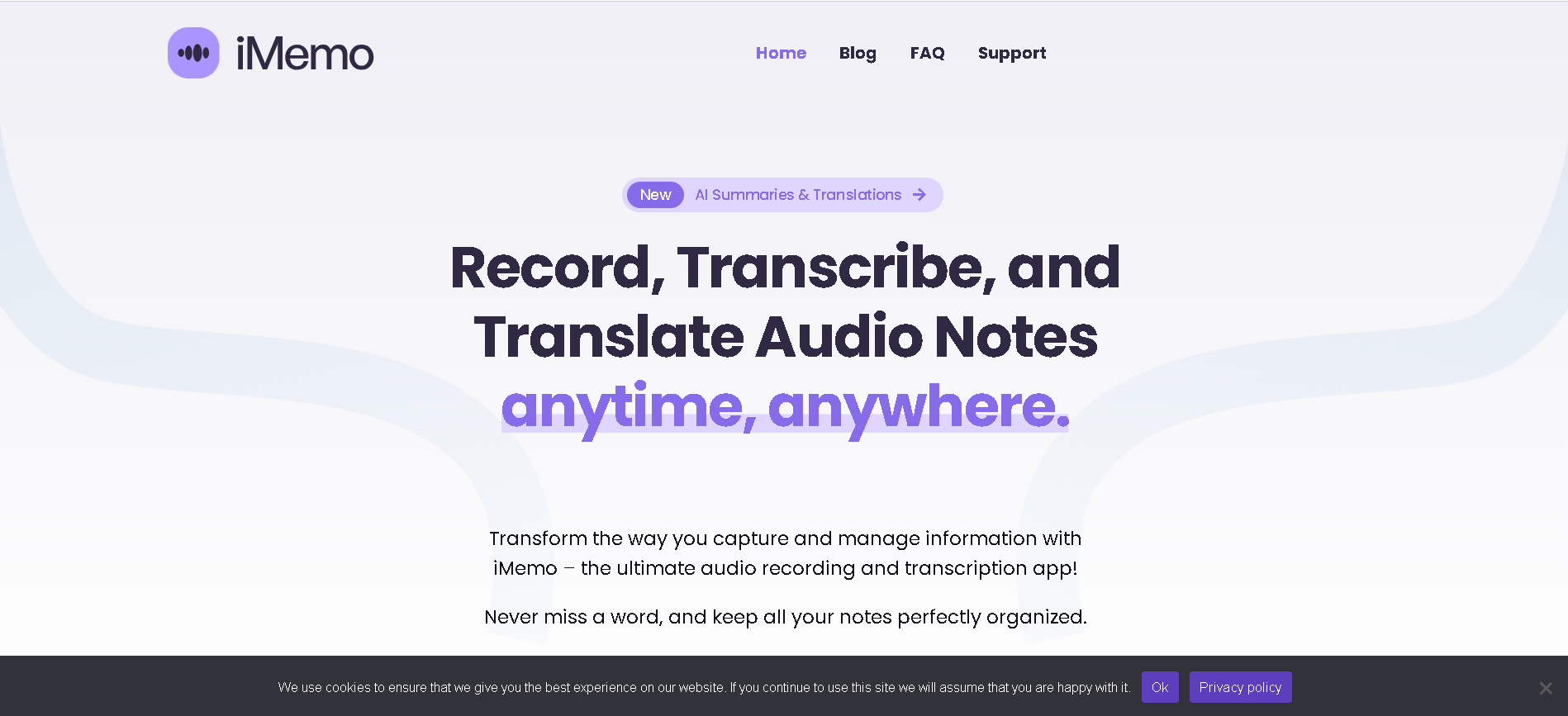
The iMemo app is an AI-powered note-taking assistant designed to transform how users capture and manage information. Its primary purpose is to seamlessly record, transcribe, and translate audio notes from various sources like lectures, meetings, and interviews, making the captured information more digestible, easily reviewable, and accessible in multiple languages.
iMemo
The iMemo app is an AI-powered note-taking assistant designed to transform how users capture and manage information. Its primary purpose is to seamlessly record, transcribe, and translate audio notes from various sources like lectures, meetings, and interviews, making the captured information more digestible, easily reviewable, and accessible in multiple languages.
iMemo
The iMemo app is an AI-powered note-taking assistant designed to transform how users capture and manage information. Its primary purpose is to seamlessly record, transcribe, and translate audio notes from various sources like lectures, meetings, and interviews, making the captured information more digestible, easily reviewable, and accessible in multiple languages.

Bolti App
Bolti is an AI-powered workspace designed to make your daily tasks faster and more efficient. It brings together notes, tasks, and documents into one platform, enhanced with AI that helps you write, organize, and find information instantly. Bolti works like your personal productivity assistant, simplifying workflows and boosting team collaboration.
Bolti App
Bolti is an AI-powered workspace designed to make your daily tasks faster and more efficient. It brings together notes, tasks, and documents into one platform, enhanced with AI that helps you write, organize, and find information instantly. Bolti works like your personal productivity assistant, simplifying workflows and boosting team collaboration.
Bolti App
Bolti is an AI-powered workspace designed to make your daily tasks faster and more efficient. It brings together notes, tasks, and documents into one platform, enhanced with AI that helps you write, organize, and find information instantly. Bolti works like your personal productivity assistant, simplifying workflows and boosting team collaboration.


YourAIScroll
YourAIScroll is an AI chat history manager and exporter that lets users download, save, and organize conversations from multiple AI platforms. It provides tools to preserve chat logs, code, diagrams, and other artifacts in clean, readable formats for knowledge bases and future reference.
YourAIScroll
YourAIScroll is an AI chat history manager and exporter that lets users download, save, and organize conversations from multiple AI platforms. It provides tools to preserve chat logs, code, diagrams, and other artifacts in clean, readable formats for knowledge bases and future reference.
YourAIScroll
YourAIScroll is an AI chat history manager and exporter that lets users download, save, and organize conversations from multiple AI platforms. It provides tools to preserve chat logs, code, diagrams, and other artifacts in clean, readable formats for knowledge bases and future reference.
ClickUp
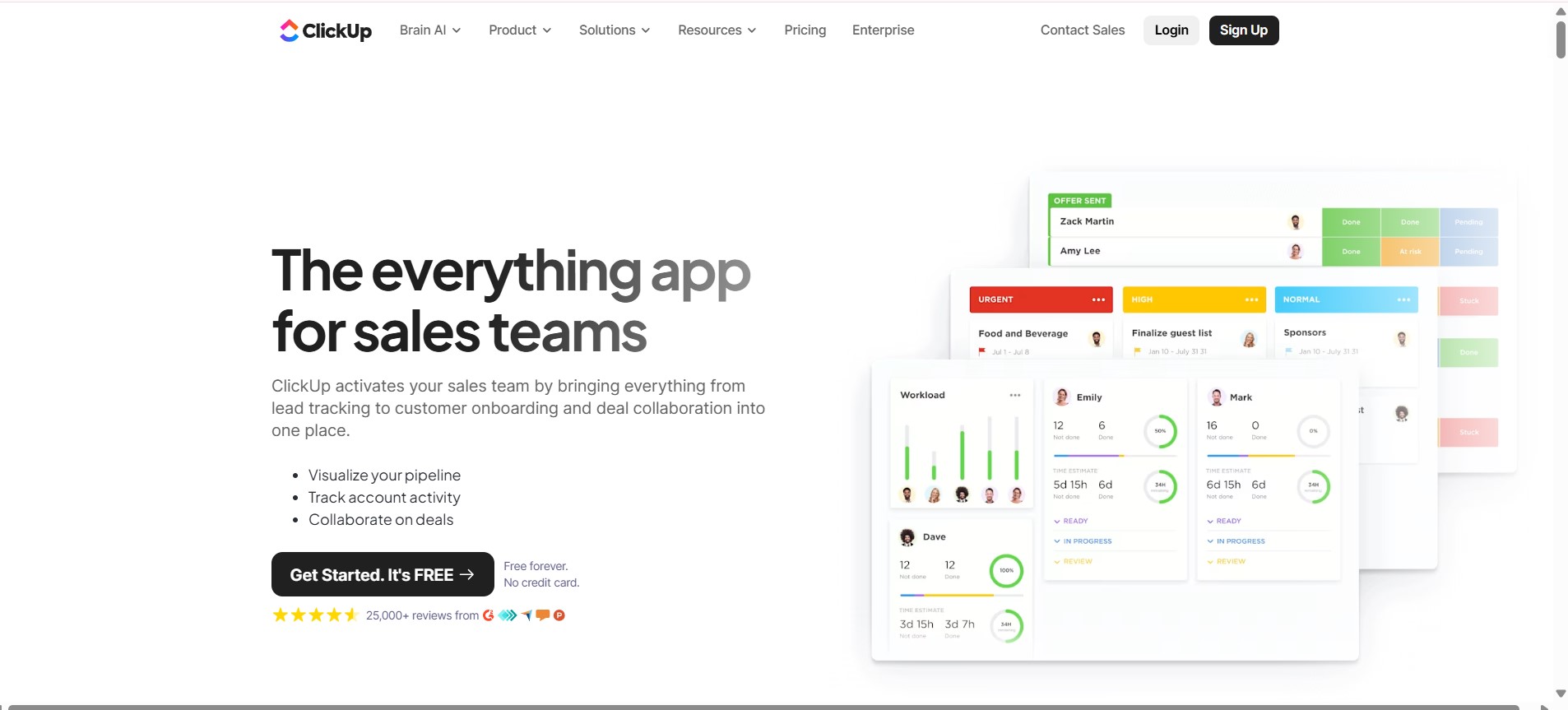
ClickUp is an all-in-one productivity and project management platform designed to help teams and individuals plan, track, and manage work efficiently. It combines tasks, docs, goals, time tracking, and collaboration tools into a single workspace, allowing organizations to streamline workflows, improve visibility, and boost productivity across projects of any size.
ClickUp
ClickUp is an all-in-one productivity and project management platform designed to help teams and individuals plan, track, and manage work efficiently. It combines tasks, docs, goals, time tracking, and collaboration tools into a single workspace, allowing organizations to streamline workflows, improve visibility, and boost productivity across projects of any size.
ClickUp
ClickUp is an all-in-one productivity and project management platform designed to help teams and individuals plan, track, and manage work efficiently. It combines tasks, docs, goals, time tracking, and collaboration tools into a single workspace, allowing organizations to streamline workflows, improve visibility, and boost productivity across projects of any size.
NinjaNote
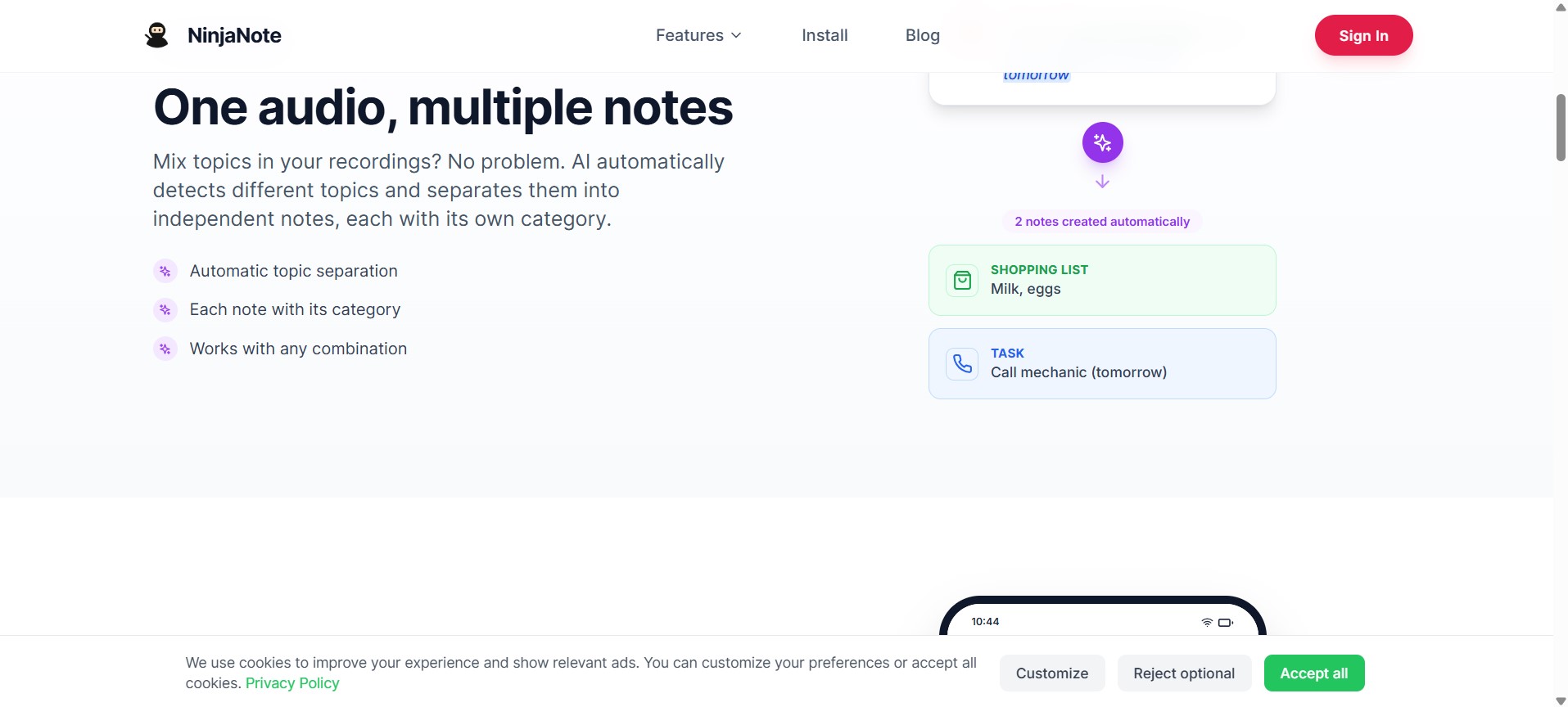
NinjaNote.app is an AI-powered smart note-taking platform that lets you record voice and audio and automatically transforms it into organized, searchable, and shareable notes. Using advanced artificial intelligence, NinjaNote detects topics from your voice recordings, categorizes information, and helps you manage tasks, lists, reminders, and more — all without manual typing.
NinjaNote
NinjaNote.app is an AI-powered smart note-taking platform that lets you record voice and audio and automatically transforms it into organized, searchable, and shareable notes. Using advanced artificial intelligence, NinjaNote detects topics from your voice recordings, categorizes information, and helps you manage tasks, lists, reminders, and more — all without manual typing.
NinjaNote
NinjaNote.app is an AI-powered smart note-taking platform that lets you record voice and audio and automatically transforms it into organized, searchable, and shareable notes. Using advanced artificial intelligence, NinjaNote detects topics from your voice recordings, categorizes information, and helps you manage tasks, lists, reminders, and more — all without manual typing.

Meet Ting
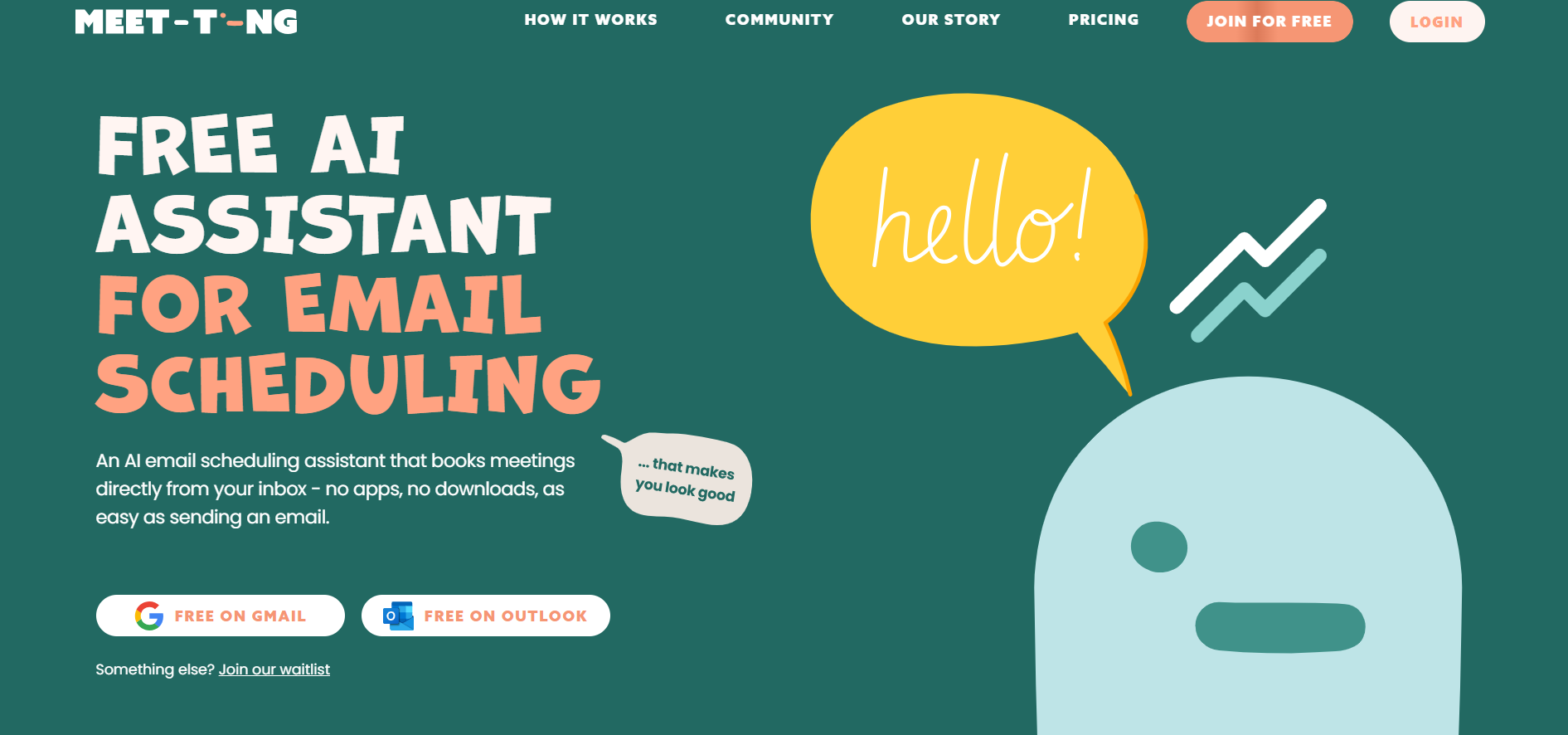
Meet-ting is an AI-powered meeting intelligence and productivity platform designed to help teams capture, understand, and act on conversations more effectively. It records meetings, transcribes discussions, and transforms spoken conversations into structured summaries, key takeaways, and actionable items. Rather than leaving important insights buried in long recordings or scattered notes, Meet-ting focuses on clarity, follow-up, and accountability, ensuring that meetings lead to concrete outcomes instead of information loss.
Meet Ting
Meet-ting is an AI-powered meeting intelligence and productivity platform designed to help teams capture, understand, and act on conversations more effectively. It records meetings, transcribes discussions, and transforms spoken conversations into structured summaries, key takeaways, and actionable items. Rather than leaving important insights buried in long recordings or scattered notes, Meet-ting focuses on clarity, follow-up, and accountability, ensuring that meetings lead to concrete outcomes instead of information loss.
Meet Ting
Meet-ting is an AI-powered meeting intelligence and productivity platform designed to help teams capture, understand, and act on conversations more effectively. It records meetings, transcribes discussions, and transforms spoken conversations into structured summaries, key takeaways, and actionable items. Rather than leaving important insights buried in long recordings or scattered notes, Meet-ting focuses on clarity, follow-up, and accountability, ensuring that meetings lead to concrete outcomes instead of information loss.

ScreenApp
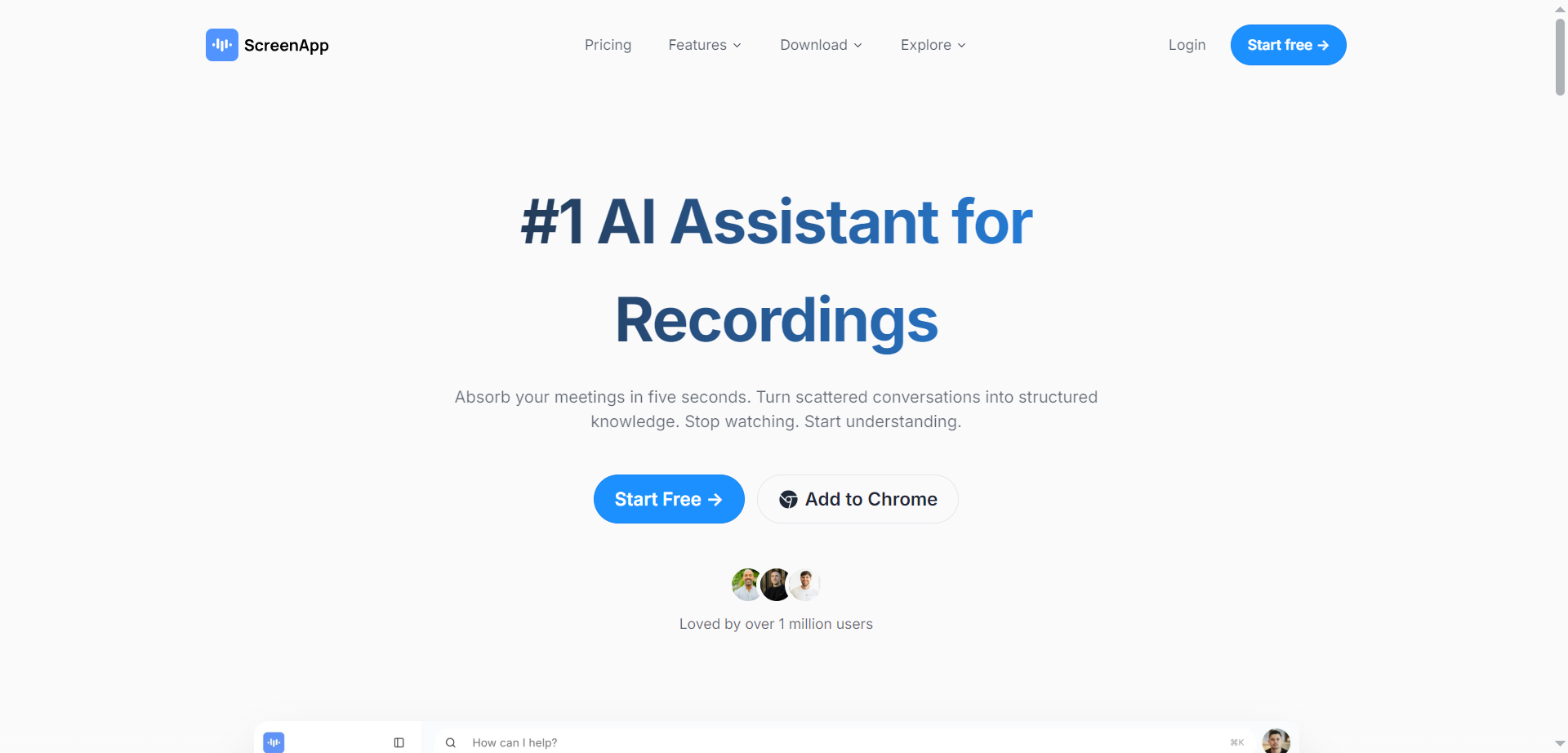
ScreenApp is an innovative AI-powered platform that serves as a comprehensive notetaker, transcription tool, summarizer, and recorder for audio and video content. It allows users to effortlessly record meetings, lectures, conversations, and screen activity directly in the browser without any installation. The AI automatically transcribes recordings with up to 99% accuracy for clear audio, generates structured notes with key points, action items, and decisions in real-time, extracts insights and summaries in seconds, and enables searching or asking questions about the content for instant answers. It transforms hours of scattered information into searchable, organized knowledge, acting as a second brain for your recordings.
ScreenApp
ScreenApp is an innovative AI-powered platform that serves as a comprehensive notetaker, transcription tool, summarizer, and recorder for audio and video content. It allows users to effortlessly record meetings, lectures, conversations, and screen activity directly in the browser without any installation. The AI automatically transcribes recordings with up to 99% accuracy for clear audio, generates structured notes with key points, action items, and decisions in real-time, extracts insights and summaries in seconds, and enables searching or asking questions about the content for instant answers. It transforms hours of scattered information into searchable, organized knowledge, acting as a second brain for your recordings.
ScreenApp
ScreenApp is an innovative AI-powered platform that serves as a comprehensive notetaker, transcription tool, summarizer, and recorder for audio and video content. It allows users to effortlessly record meetings, lectures, conversations, and screen activity directly in the browser without any installation. The AI automatically transcribes recordings with up to 99% accuracy for clear audio, generates structured notes with key points, action items, and decisions in real-time, extracts insights and summaries in seconds, and enables searching or asking questions about the content for instant answers. It transforms hours of scattered information into searchable, organized knowledge, acting as a second brain for your recordings.
Ping
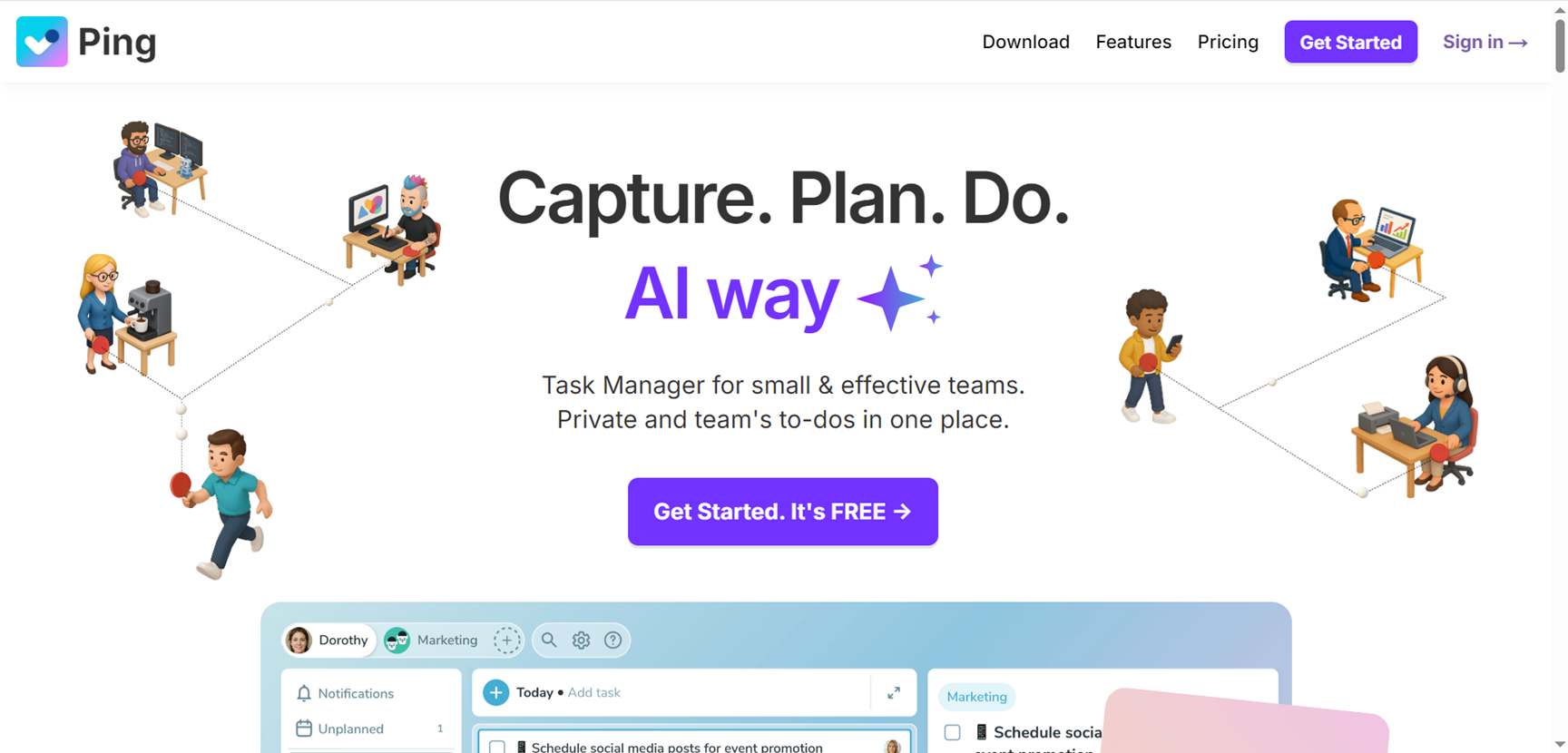
Ping is an AI-powered task manager app that simplifies capturing, planning, and executing tasks for individuals and small teams across mobile, desktop, and web. Speak or snap photos to create tasks instantly with AI auto-detecting titles, dates, reminders, and summaries; convert Gmail stars or Slack messages into actionable items. Features Kanban boards, unlimited tags, recurring tasks, snoozing, calendar sync, and team collaboration with mentions and projects, all in a clean interface praised for ADHD-friendly simplicity and quick setup. Loved worldwide for voice/photo AI and developer responsiveness.
Ping
Ping is an AI-powered task manager app that simplifies capturing, planning, and executing tasks for individuals and small teams across mobile, desktop, and web. Speak or snap photos to create tasks instantly with AI auto-detecting titles, dates, reminders, and summaries; convert Gmail stars or Slack messages into actionable items. Features Kanban boards, unlimited tags, recurring tasks, snoozing, calendar sync, and team collaboration with mentions and projects, all in a clean interface praised for ADHD-friendly simplicity and quick setup. Loved worldwide for voice/photo AI and developer responsiveness.
Ping
Ping is an AI-powered task manager app that simplifies capturing, planning, and executing tasks for individuals and small teams across mobile, desktop, and web. Speak or snap photos to create tasks instantly with AI auto-detecting titles, dates, reminders, and summaries; convert Gmail stars or Slack messages into actionable items. Features Kanban boards, unlimited tags, recurring tasks, snoozing, calendar sync, and team collaboration with mentions and projects, all in a clean interface praised for ADHD-friendly simplicity and quick setup. Loved worldwide for voice/photo AI and developer responsiveness.
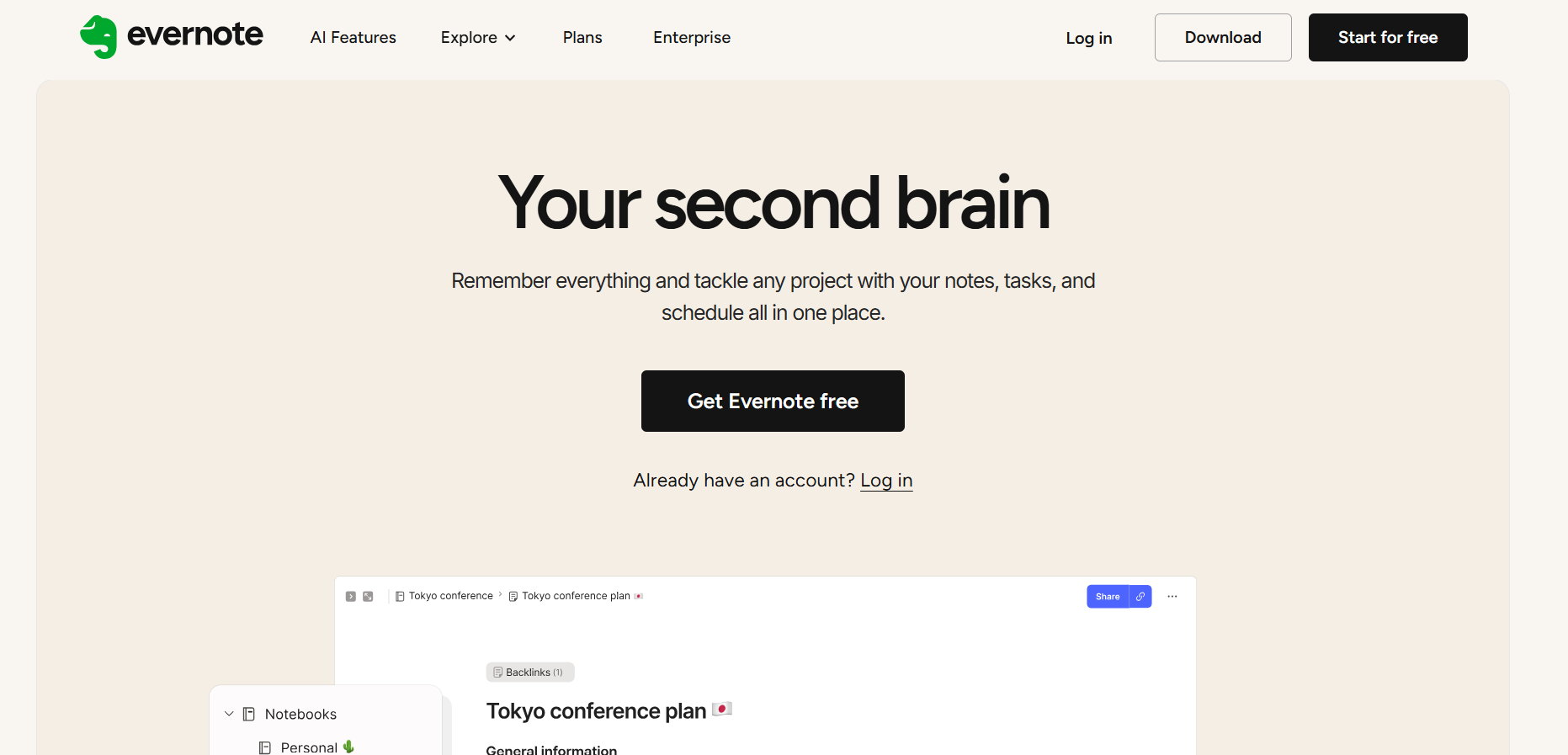

Evernote
Evernote is a productivity and organization platform designed to act as a digital second brain, helping users capture, organize, and retrieve information effortlessly. It brings notes, tasks, and schedules into one centralized workspace so ideas, plans, and references are never lost. Users can store text notes, checklists, documents, images, and reminders, then organize everything with notebooks, tags, and search. Evernote is built to support both everyday note-taking and long-term project management, making it easier to remember information, stay organized, and move from ideas to execution.
Evernote
Evernote is a productivity and organization platform designed to act as a digital second brain, helping users capture, organize, and retrieve information effortlessly. It brings notes, tasks, and schedules into one centralized workspace so ideas, plans, and references are never lost. Users can store text notes, checklists, documents, images, and reminders, then organize everything with notebooks, tags, and search. Evernote is built to support both everyday note-taking and long-term project management, making it easier to remember information, stay organized, and move from ideas to execution.
Evernote
Evernote is a productivity and organization platform designed to act as a digital second brain, helping users capture, organize, and retrieve information effortlessly. It brings notes, tasks, and schedules into one centralized workspace so ideas, plans, and references are never lost. Users can store text notes, checklists, documents, images, and reminders, then organize everything with notebooks, tags, and search. Evernote is built to support both everyday note-taking and long-term project management, making it easier to remember information, stay organized, and move from ideas to execution.
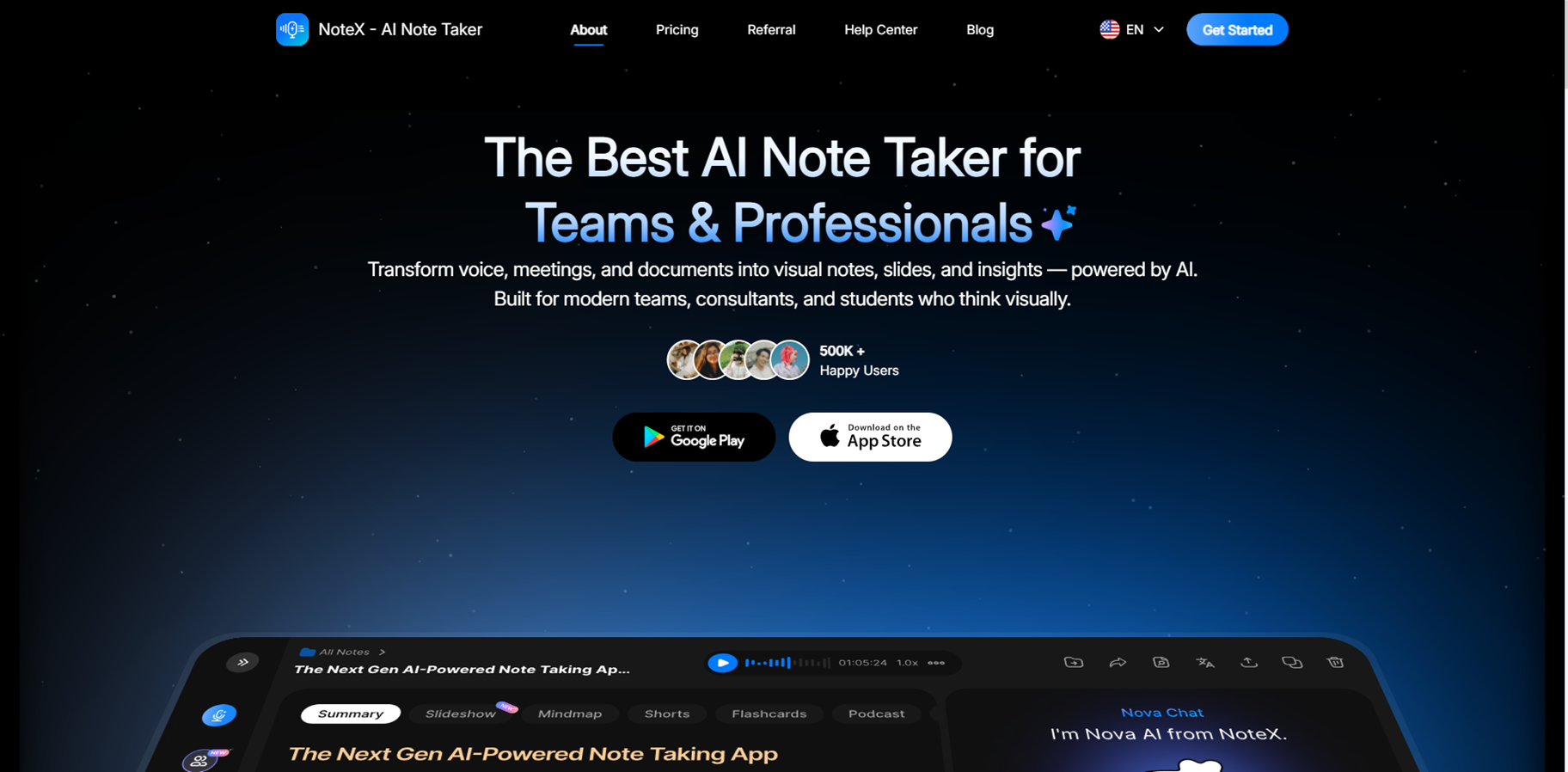
NoteX - AI Note Taker is an AI-powered note-taking platform that captures, transcribes, and transforms any content into smart, actionable study or work materials. Upload YouTube videos, audio recordings, PDFs, images for OCR, or websites, and it generates summaries, mind maps, flashcards, quizzes, and even AI Shorts for TikTok or YouTube. With 99.2% accurate transcriptions, voice-to-notes conversion, meeting minutes, and a chatty AI assistant named Nova, it syncs across web, iOS, and Android while supporting translations and collaboration. Ideal for students, professionals, and creators turning lectures, meetings, or ideas into organized knowledge fast.
NoteX - AI Note Taker is an AI-powered note-taking platform that captures, transcribes, and transforms any content into smart, actionable study or work materials. Upload YouTube videos, audio recordings, PDFs, images for OCR, or websites, and it generates summaries, mind maps, flashcards, quizzes, and even AI Shorts for TikTok or YouTube. With 99.2% accurate transcriptions, voice-to-notes conversion, meeting minutes, and a chatty AI assistant named Nova, it syncs across web, iOS, and Android while supporting translations and collaboration. Ideal for students, professionals, and creators turning lectures, meetings, or ideas into organized knowledge fast.
NoteX - AI Note Taker is an AI-powered note-taking platform that captures, transcribes, and transforms any content into smart, actionable study or work materials. Upload YouTube videos, audio recordings, PDFs, images for OCR, or websites, and it generates summaries, mind maps, flashcards, quizzes, and even AI Shorts for TikTok or YouTube. With 99.2% accurate transcriptions, voice-to-notes conversion, meeting minutes, and a chatty AI assistant named Nova, it syncs across web, iOS, and Android while supporting translations and collaboration. Ideal for students, professionals, and creators turning lectures, meetings, or ideas into organized knowledge fast.
Editorial Note
This page was researched and written by the ATB Editorial Team. Our team researches each AI tool by reviewing its official website, testing features, exploring real use cases, and considering user feedback. Every page is fact-checked and regularly updated to ensure the information stays accurate, neutral, and useful for our readers.
If you have any suggestions or questions, email us at hello@aitoolbook.ai