
- Software Engineers & Tech Leads: Looking to streamline code reviews through natural speech and AI collaboration.
- Distributed Engineering Teams: Needing efficient, accessible review tools in remote or hybrid environments.
- Open-Source Contributors: Eyeing faster, more intuitive ways to submit and review pull requests.
- Development Managers: Aiming to reduce review bottlenecks while boosting team alignment and consistency.
- Security & Quality Auditors: Wanting real-time AI feedback on vulnerabilities, architecture, or best practices.
How to Use It?
- Connect to GitHub: Authorize access to your repositories and pull requests.
- Launch the Web Interface: Load any Pull Request into the LightLayer workspace.
- Speak Your Thoughts: Highlight code segments and verbally provide feedback or ask questions.
- Receive AI Assistance: The AI drafts comments, summarizes changes, flags risks, and even offers fixes—reflecting your tone and phrasing.
- Enhance Context Awareness: LightLayer integrates with tools like Slack, Jira, Linear, and Notion for streamlined, information-rich reviews.
- Voice-Native Interaction: Eliminates typing and switches friction from screen to voice reviews.
- Context-Driven Intelligence: AI sees your viewport, understands code changes, and offers targeted remarks.
- Tone Matching: Your feedback is mirrored in the AI-generated text—whether casual, formal, or technical.
- Integrated Developer Workflow: Syncs with GitHub and planning tools, maintaining continuity across communications.
- Productivity Game-Changer: Reported to speed up code reviews significantly—once experienced, hard to revert to typing-based reviews.
- Dramatically accelerates review turnaround via voice-driven workflow.
- Contextual insights streamline code understanding and review cycles.
- Supports seamless integration with popular tooling for a unified experience.
- Encourages accessibility and reduces fatigue compared to traditional review methods.
- Excellent for scaling review processes across distributed or async teams.
- Limited to voice-enabled platforms—filtering for loud environments or narration pacing may be needed.
- Requires some setup for full integration with tools like Slack or Jira.
- Dependence on spoken clarity—accents or background can affect performance.
- May need disclaimers or rules when confirming high-stakes security-related feedback.
Custom
Custom Pricing.
Proud of the love you're getting? Show off your AI Toolbook reviews—then invite more fans to share the love and build your credibility.
Add an AI Toolbook badge to your site—an easy way to drive followers, showcase updates, and collect reviews. It's like a mini 24/7 billboard for your AI.
Reviews
Rating Distribution
Average score
Popular Mention
FAQs
It's a voice-first AI tool that lets developers review code by speaking, with AI generating review comments and contextual summaries.
Users report up to 5x faster reviews because speaking feedback is more efficient than typing.
GitHub is supported out of the box, with planned integrations for Slack, Jira, Linear, and Notion.
Yes—it can identify risks like security gaps or performance concerns, and suggest improvements.
The AI adapts to your phrasing—formal or casual—based on how you speak during the review.
Similar AI Tools

trae
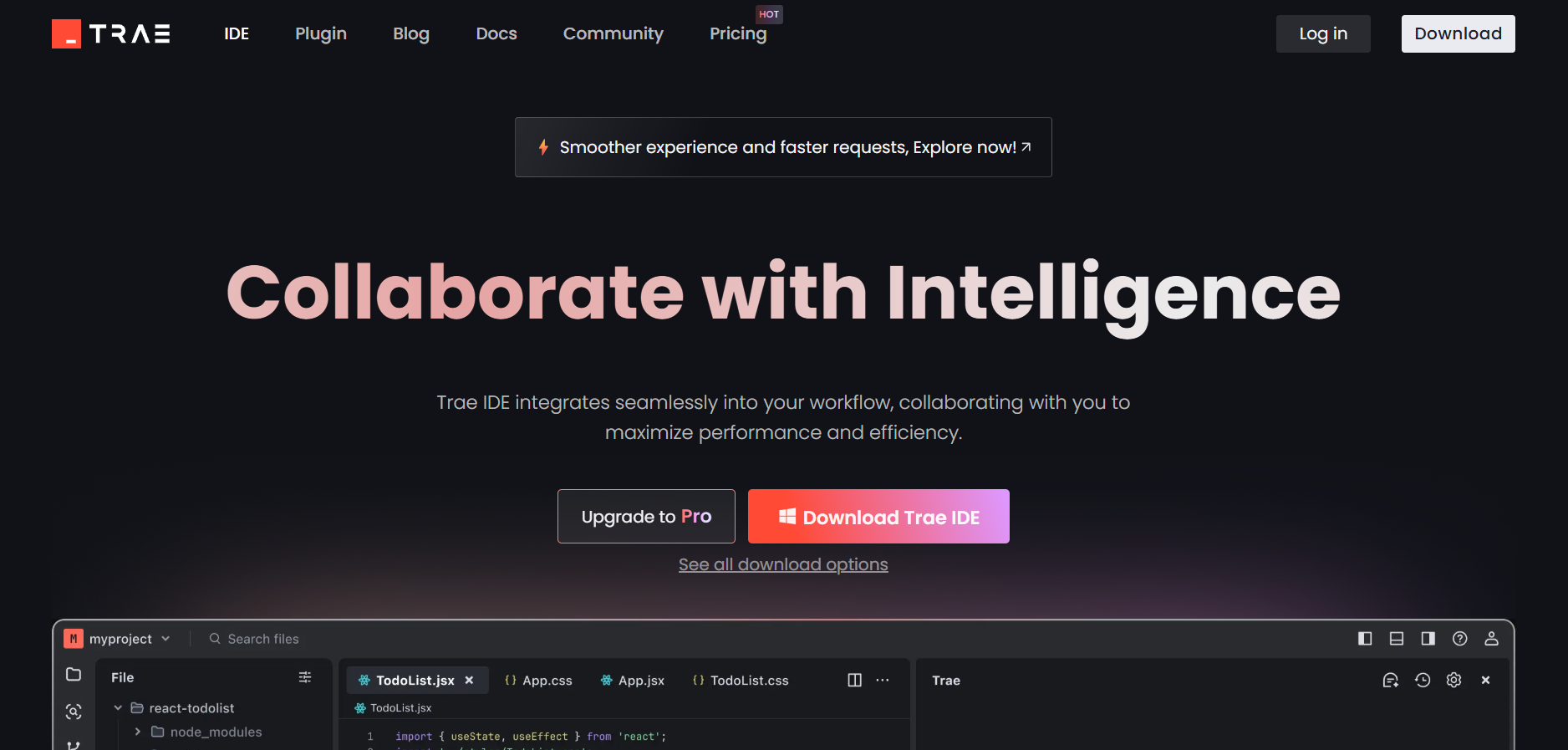
Trae AI is an innovative AI-powered Integrated Development Environment (IDE) designed to transform and streamline the coding process. By leveraging advanced AI capabilities, Trae AI offers adaptive collaboration, smart autocomplete, and real-time code generation features. This tool is tailored to enhance developer productivity by automating tasks, providing intelligent code suggestions, and facilitating better team communication. With support for multiple programming languages and seamless integration with popular development environments, Trae AI is a comprehensive solution for developers of all levels, aiming to boost efficiency and reduce project completion times.
trae
Trae AI is an innovative AI-powered Integrated Development Environment (IDE) designed to transform and streamline the coding process. By leveraging advanced AI capabilities, Trae AI offers adaptive collaboration, smart autocomplete, and real-time code generation features. This tool is tailored to enhance developer productivity by automating tasks, providing intelligent code suggestions, and facilitating better team communication. With support for multiple programming languages and seamless integration with popular development environments, Trae AI is a comprehensive solution for developers of all levels, aiming to boost efficiency and reduce project completion times.
trae
Trae AI is an innovative AI-powered Integrated Development Environment (IDE) designed to transform and streamline the coding process. By leveraging advanced AI capabilities, Trae AI offers adaptive collaboration, smart autocomplete, and real-time code generation features. This tool is tailored to enhance developer productivity by automating tasks, providing intelligent code suggestions, and facilitating better team communication. With support for multiple programming languages and seamless integration with popular development environments, Trae AI is a comprehensive solution for developers of all levels, aiming to boost efficiency and reduce project completion times.

RooCode
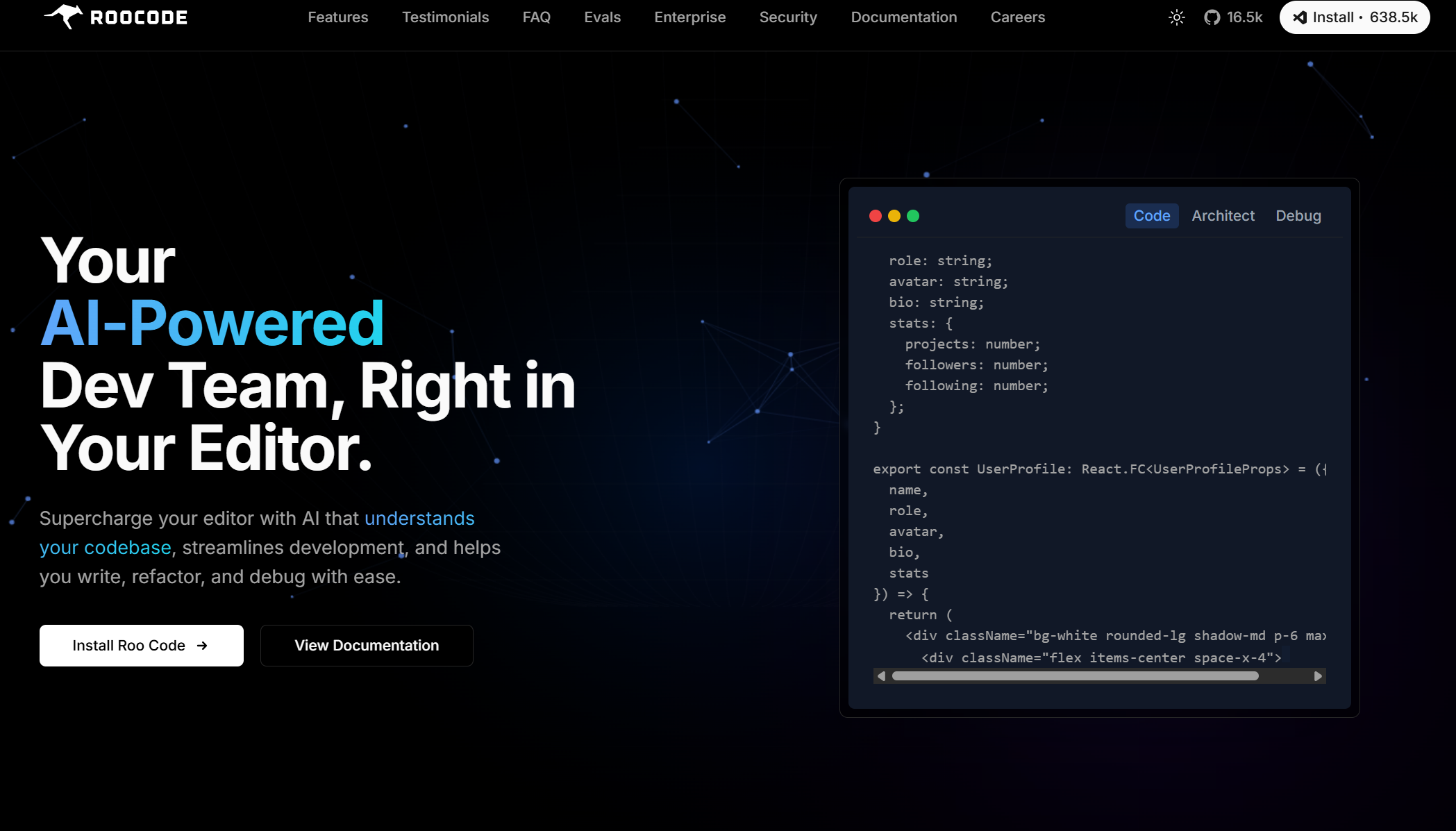
Roo Code (formerly Roo Cline) is an open-source, AI-powered development assistant built directly into Visual Studio Code. Acting like a full-stack “AI dev team,” it helps you plan, write, and refactor code across multiple files, run terminal commands, launch browsers, and debug—all from within your editor.
RooCode
Roo Code (formerly Roo Cline) is an open-source, AI-powered development assistant built directly into Visual Studio Code. Acting like a full-stack “AI dev team,” it helps you plan, write, and refactor code across multiple files, run terminal commands, launch browsers, and debug—all from within your editor.
RooCode
Roo Code (formerly Roo Cline) is an open-source, AI-powered development assistant built directly into Visual Studio Code. Acting like a full-stack “AI dev team,” it helps you plan, write, and refactor code across multiple files, run terminal commands, launch browsers, and debug—all from within your editor.

CRUDERRA
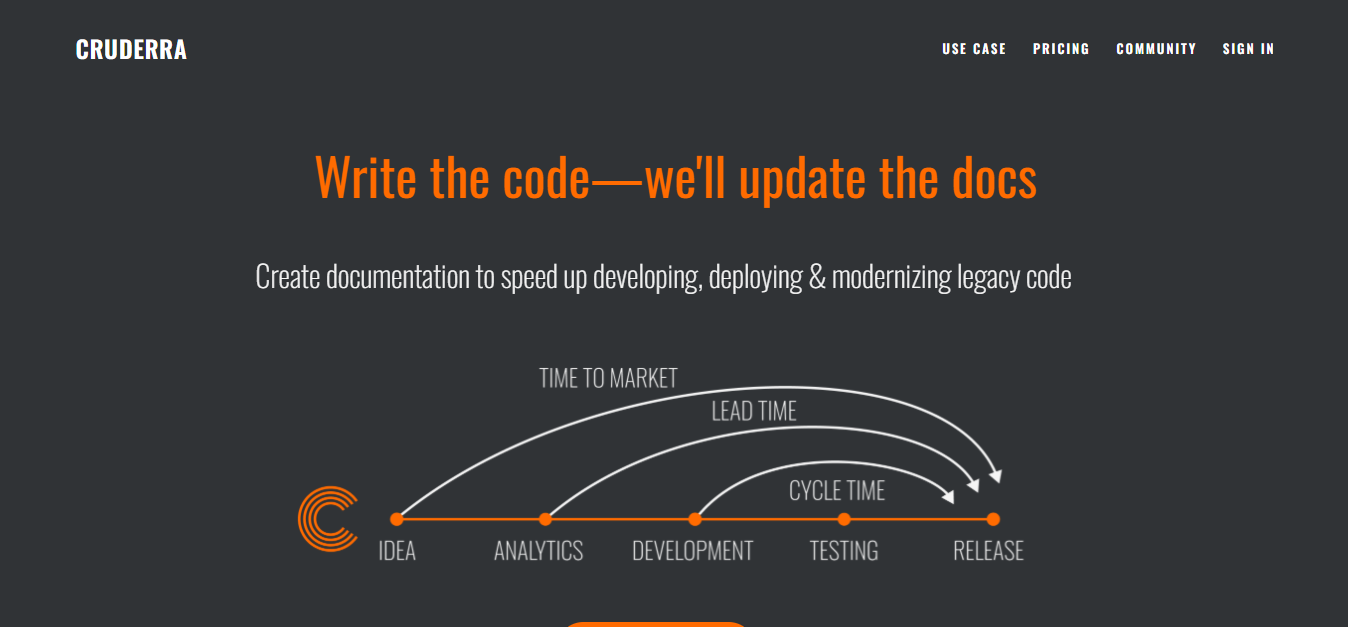
Cruderra.ai is an AI-driven platform engineered to automate the creation and maintenance of technical documentation for software development teams. It transforms architecture and code into comprehensive, code-backed documentation—including design diagrams, UML, and OpenAPI specs—especially valuable for legacy systems and microservices. The platform supports real-time code scanning, architecture reverse engineering, and keeps documentation aligned with ongoing development changes, helping streamline onboarding, reduce technical debt, and enhance team collaboration.
CRUDERRA
Cruderra.ai is an AI-driven platform engineered to automate the creation and maintenance of technical documentation for software development teams. It transforms architecture and code into comprehensive, code-backed documentation—including design diagrams, UML, and OpenAPI specs—especially valuable for legacy systems and microservices. The platform supports real-time code scanning, architecture reverse engineering, and keeps documentation aligned with ongoing development changes, helping streamline onboarding, reduce technical debt, and enhance team collaboration.
CRUDERRA
Cruderra.ai is an AI-driven platform engineered to automate the creation and maintenance of technical documentation for software development teams. It transforms architecture and code into comprehensive, code-backed documentation—including design diagrams, UML, and OpenAPI specs—especially valuable for legacy systems and microservices. The platform supports real-time code scanning, architecture reverse engineering, and keeps documentation aligned with ongoing development changes, helping streamline onboarding, reduce technical debt, and enhance team collaboration.


Voiceflow
Voiceflow is a collaborative platform designed for teams to build, prototype, and deploy conversational AI agents without writing code. It enables the creation of both voice and chat agents, facilitating seamless customer interactions across various channels. Voiceflow's visual interface allows users to design complex conversational flows, integrate with external APIs, and manage AI models, all within a unified environment.
Voiceflow
Voiceflow is a collaborative platform designed for teams to build, prototype, and deploy conversational AI agents without writing code. It enables the creation of both voice and chat agents, facilitating seamless customer interactions across various channels. Voiceflow's visual interface allows users to design complex conversational flows, integrate with external APIs, and manage AI models, all within a unified environment.
Voiceflow
Voiceflow is a collaborative platform designed for teams to build, prototype, and deploy conversational AI agents without writing code. It enables the creation of both voice and chat agents, facilitating seamless customer interactions across various channels. Voiceflow's visual interface allows users to design complex conversational flows, integrate with external APIs, and manage AI models, all within a unified environment.
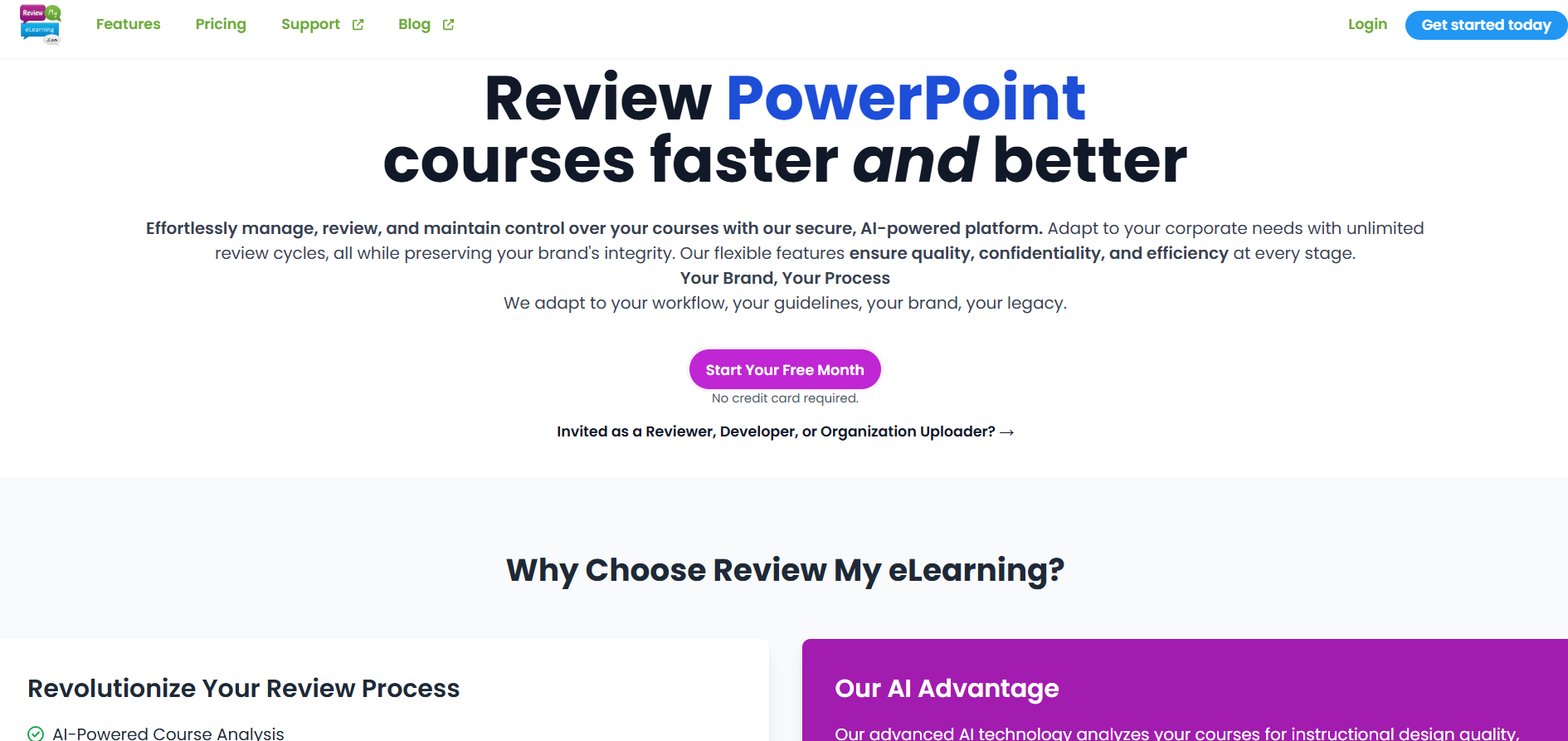
Review My eLearning is an AI-powered platform designed to simplify and enhance the review process for eLearning courses. It allows instructional designers, course developers, and corporate training teams to gather feedback quickly and efficiently. The platform integrates seamlessly with popular authoring tools like Articulate Storyline, Rise, and Adobe Captivate, providing a centralized space for stakeholders to review content, provide comments, and track revisions. With AI-driven insights, Review My eLearning evaluates courses for instructional design quality, accessibility, and user experience, ensuring high-quality eLearning content. The platform supports real-time collaboration, customizable workflows, and mobile accessibility, enabling team members to contribute feedback from anywhere.
Review My eLearning is an AI-powered platform designed to simplify and enhance the review process for eLearning courses. It allows instructional designers, course developers, and corporate training teams to gather feedback quickly and efficiently. The platform integrates seamlessly with popular authoring tools like Articulate Storyline, Rise, and Adobe Captivate, providing a centralized space for stakeholders to review content, provide comments, and track revisions. With AI-driven insights, Review My eLearning evaluates courses for instructional design quality, accessibility, and user experience, ensuring high-quality eLearning content. The platform supports real-time collaboration, customizable workflows, and mobile accessibility, enabling team members to contribute feedback from anywhere.
Review My eLearning is an AI-powered platform designed to simplify and enhance the review process for eLearning courses. It allows instructional designers, course developers, and corporate training teams to gather feedback quickly and efficiently. The platform integrates seamlessly with popular authoring tools like Articulate Storyline, Rise, and Adobe Captivate, providing a centralized space for stakeholders to review content, provide comments, and track revisions. With AI-driven insights, Review My eLearning evaluates courses for instructional design quality, accessibility, and user experience, ensuring high-quality eLearning content. The platform supports real-time collaboration, customizable workflows, and mobile accessibility, enabling team members to contribute feedback from anywhere.

Traycer
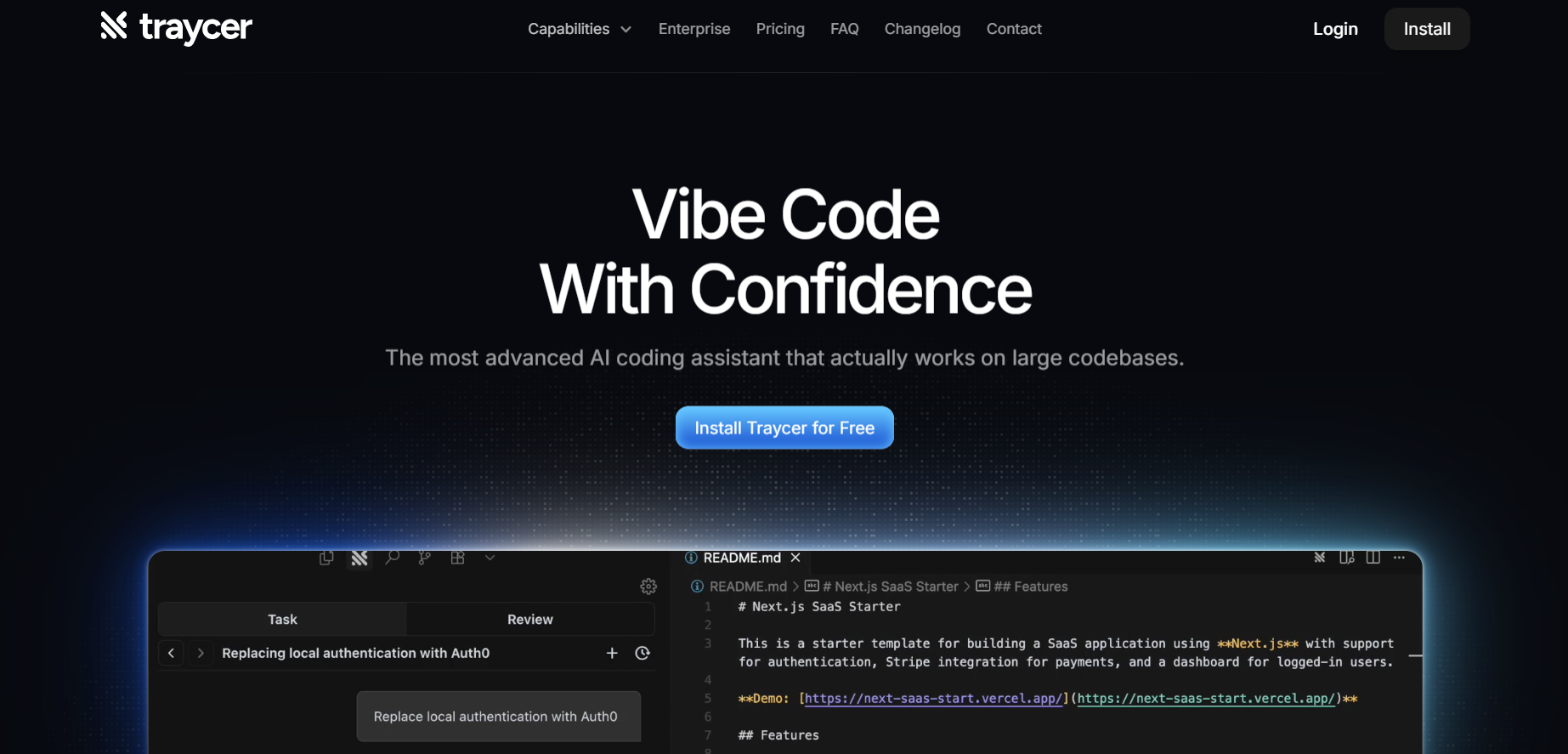
Traycer AI is an advanced coding assistant focused on planning, executing, and reviewing code changes in large projects. Rather than immediately generating code, it begins each task by creating detailed, structured plans that break down high-level intent into manageable actions. From there, it allows users to iterate on these plans, then hand them off to AI agents like Claude Code, Cursor, or others to implement the changes. Traycer also includes functionality to verify AI-generated changes against the existing codebase to catch errors early. It integrates with development environments (VSCode, Cursor, Windsurf) and supports features like “Ticket Assist,” which turns GitHub issues into executable plans directly in your IDE.
Traycer
Traycer AI is an advanced coding assistant focused on planning, executing, and reviewing code changes in large projects. Rather than immediately generating code, it begins each task by creating detailed, structured plans that break down high-level intent into manageable actions. From there, it allows users to iterate on these plans, then hand them off to AI agents like Claude Code, Cursor, or others to implement the changes. Traycer also includes functionality to verify AI-generated changes against the existing codebase to catch errors early. It integrates with development environments (VSCode, Cursor, Windsurf) and supports features like “Ticket Assist,” which turns GitHub issues into executable plans directly in your IDE.
Traycer
Traycer AI is an advanced coding assistant focused on planning, executing, and reviewing code changes in large projects. Rather than immediately generating code, it begins each task by creating detailed, structured plans that break down high-level intent into manageable actions. From there, it allows users to iterate on these plans, then hand them off to AI agents like Claude Code, Cursor, or others to implement the changes. Traycer also includes functionality to verify AI-generated changes against the existing codebase to catch errors early. It integrates with development environments (VSCode, Cursor, Windsurf) and supports features like “Ticket Assist,” which turns GitHub issues into executable plans directly in your IDE.


Roo Code
Roo Code is an open-source AI-powered coding assistant available on GitHub through the RooVetGit repository. It integrates directly with Visual Studio Code, providing developers with an autonomous “AI dev team” that can plan, write, debug, and refactor code across multiple files. Built as a fork of the earlier Roo Cline project, Roo Code uses agentic modes—such as Code, Architect, Ask, and Debug—to handle distinct development tasks. Developers can customize modes, connect various AI model providers, and fine-tune workflows for maximum control. Fully open-source, it supports local and cloud-based models while prioritizing privacy and flexibility.
Roo Code
Roo Code is an open-source AI-powered coding assistant available on GitHub through the RooVetGit repository. It integrates directly with Visual Studio Code, providing developers with an autonomous “AI dev team” that can plan, write, debug, and refactor code across multiple files. Built as a fork of the earlier Roo Cline project, Roo Code uses agentic modes—such as Code, Architect, Ask, and Debug—to handle distinct development tasks. Developers can customize modes, connect various AI model providers, and fine-tune workflows for maximum control. Fully open-source, it supports local and cloud-based models while prioritizing privacy and flexibility.
Roo Code
Roo Code is an open-source AI-powered coding assistant available on GitHub through the RooVetGit repository. It integrates directly with Visual Studio Code, providing developers with an autonomous “AI dev team” that can plan, write, debug, and refactor code across multiple files. Built as a fork of the earlier Roo Cline project, Roo Code uses agentic modes—such as Code, Architect, Ask, and Debug—to handle distinct development tasks. Developers can customize modes, connect various AI model providers, and fine-tune workflows for maximum control. Fully open-source, it supports local and cloud-based models while prioritizing privacy and flexibility.


LibreChat
LibreChat is an open-source AI chat platform designed for developers, teams, and enterprises looking for customizable and secure conversational AI solutions. It enables users to integrate leading AI models like OpenAI, Anthropic, AWS, and Azure, giving them full control over performance, data, and privacy. LibreChat also supports multimodal interactions, code execution, and advanced agent capabilities that handle files, APIs, and workspace tasks. With its modular architecture and developer-friendly integrations, LibreChat empowers organizations to deploy, extend, and scale AI-driven assistants effortlessly.
LibreChat
LibreChat is an open-source AI chat platform designed for developers, teams, and enterprises looking for customizable and secure conversational AI solutions. It enables users to integrate leading AI models like OpenAI, Anthropic, AWS, and Azure, giving them full control over performance, data, and privacy. LibreChat also supports multimodal interactions, code execution, and advanced agent capabilities that handle files, APIs, and workspace tasks. With its modular architecture and developer-friendly integrations, LibreChat empowers organizations to deploy, extend, and scale AI-driven assistants effortlessly.
LibreChat
LibreChat is an open-source AI chat platform designed for developers, teams, and enterprises looking for customizable and secure conversational AI solutions. It enables users to integrate leading AI models like OpenAI, Anthropic, AWS, and Azure, giving them full control over performance, data, and privacy. LibreChat also supports multimodal interactions, code execution, and advanced agent capabilities that handle files, APIs, and workspace tasks. With its modular architecture and developer-friendly integrations, LibreChat empowers organizations to deploy, extend, and scale AI-driven assistants effortlessly.

Langchain
LangChain is a powerful open-source framework designed to help developers build context-aware applications that leverage large language models (LLMs). It allows users to connect language models to various data sources, APIs, and memory components, enabling intelligent, multi-step reasoning and decision-making processes. LangChain supports both Python and JavaScript, providing modular building blocks for developers to create chatbots, AI assistants, retrieval-augmented generation (RAG) systems, and agent-based tools. The framework is widely adopted across industries for its flexibility in connecting structured and unstructured data with LLMs.
Langchain
LangChain is a powerful open-source framework designed to help developers build context-aware applications that leverage large language models (LLMs). It allows users to connect language models to various data sources, APIs, and memory components, enabling intelligent, multi-step reasoning and decision-making processes. LangChain supports both Python and JavaScript, providing modular building blocks for developers to create chatbots, AI assistants, retrieval-augmented generation (RAG) systems, and agent-based tools. The framework is widely adopted across industries for its flexibility in connecting structured and unstructured data with LLMs.
Langchain
LangChain is a powerful open-source framework designed to help developers build context-aware applications that leverage large language models (LLMs). It allows users to connect language models to various data sources, APIs, and memory components, enabling intelligent, multi-step reasoning and decision-making processes. LangChain supports both Python and JavaScript, providing modular building blocks for developers to create chatbots, AI assistants, retrieval-augmented generation (RAG) systems, and agent-based tools. The framework is widely adopted across industries for its flexibility in connecting structured and unstructured data with LLMs.

Coderabbit AI
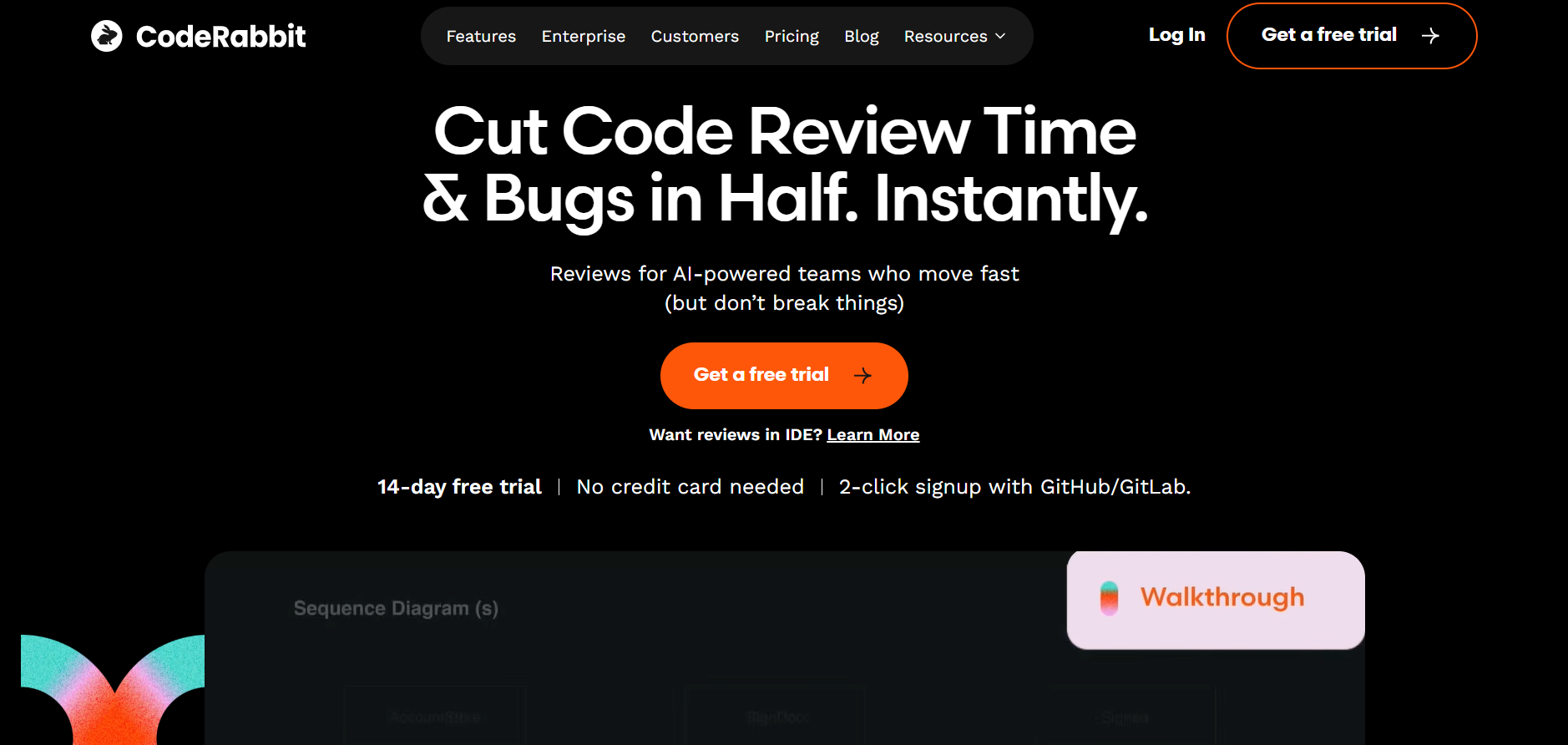
CodeRabbit AI is an intelligent code review assistant designed to automate software review processes, identify bugs, and improve code quality using machine learning. It integrates directly with GitHub and other version control systems to provide real-time analysis, review comments, and improvement suggestions. By mimicking human reviewer logic, CodeRabbit helps development teams maintain code standards while reducing time spent on manual reviews. Its AI models are trained on best coding practices, ensuring that every commit is efficient, secure, and optimized for performance.
Coderabbit AI
CodeRabbit AI is an intelligent code review assistant designed to automate software review processes, identify bugs, and improve code quality using machine learning. It integrates directly with GitHub and other version control systems to provide real-time analysis, review comments, and improvement suggestions. By mimicking human reviewer logic, CodeRabbit helps development teams maintain code standards while reducing time spent on manual reviews. Its AI models are trained on best coding practices, ensuring that every commit is efficient, secure, and optimized for performance.
Coderabbit AI
CodeRabbit AI is an intelligent code review assistant designed to automate software review processes, identify bugs, and improve code quality using machine learning. It integrates directly with GitHub and other version control systems to provide real-time analysis, review comments, and improvement suggestions. By mimicking human reviewer logic, CodeRabbit helps development teams maintain code standards while reducing time spent on manual reviews. Its AI models are trained on best coding practices, ensuring that every commit is efficient, secure, and optimized for performance.
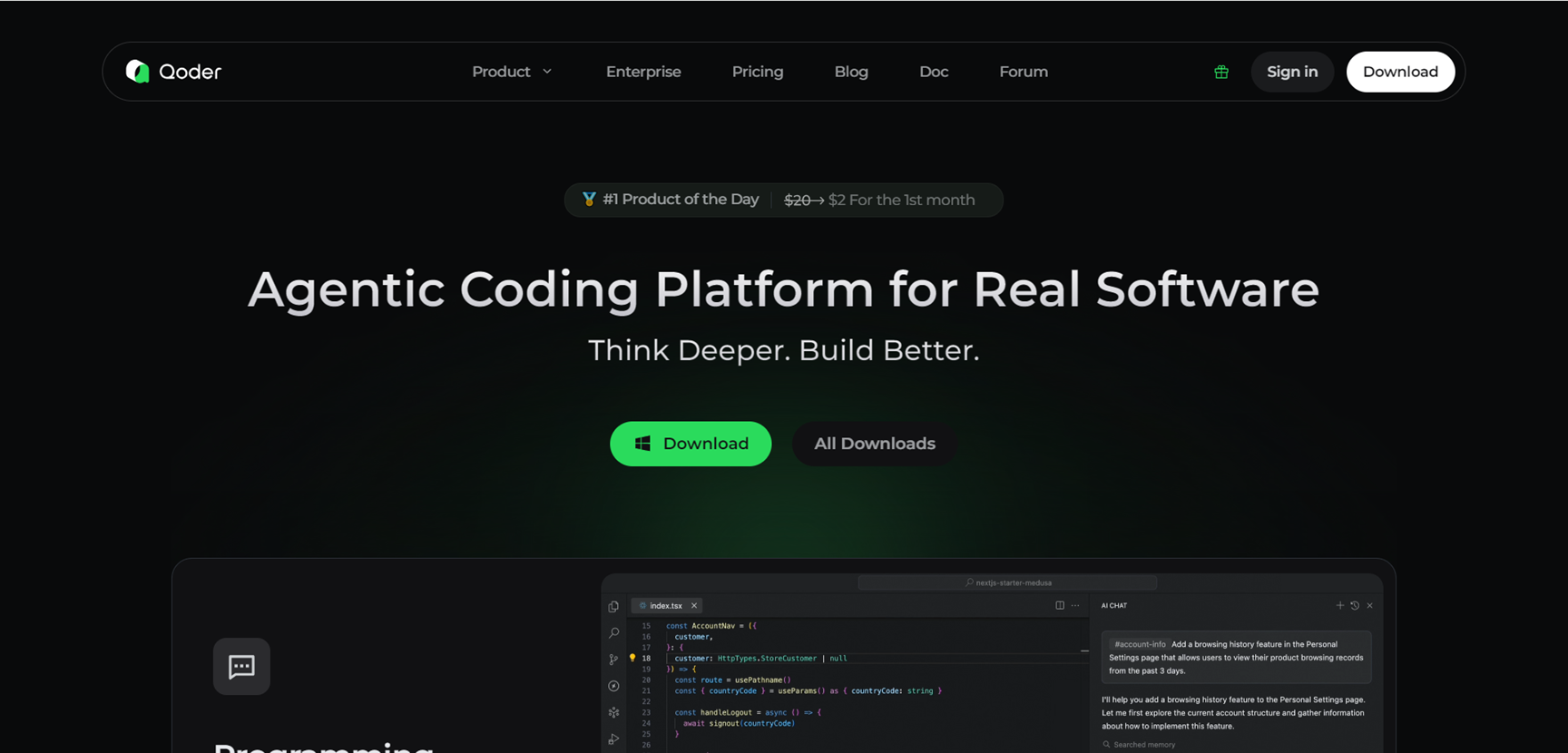

Qoder
Qoder is an agentic coding platform that powers real software development with AI agents handling complex tasks like code generation, testing, refactoring, and debugging across 200+ languages. It features NES intelligent suggestions, Quest mode for autonomous multi-file work, inline chats, codebase wikis, persistent memory learning, and MCP tool integration for external services. Downloadable for Windows, Mac, and Linux, it combines multi-model AI (Claude, GPT, Gemini) with deep context engineering for precise, iterative coding support.
Qoder
Qoder is an agentic coding platform that powers real software development with AI agents handling complex tasks like code generation, testing, refactoring, and debugging across 200+ languages. It features NES intelligent suggestions, Quest mode for autonomous multi-file work, inline chats, codebase wikis, persistent memory learning, and MCP tool integration for external services. Downloadable for Windows, Mac, and Linux, it combines multi-model AI (Claude, GPT, Gemini) with deep context engineering for precise, iterative coding support.
Qoder
Qoder is an agentic coding platform that powers real software development with AI agents handling complex tasks like code generation, testing, refactoring, and debugging across 200+ languages. It features NES intelligent suggestions, Quest mode for autonomous multi-file work, inline chats, codebase wikis, persistent memory learning, and MCP tool integration for external services. Downloadable for Windows, Mac, and Linux, it combines multi-model AI (Claude, GPT, Gemini) with deep context engineering for precise, iterative coding support.
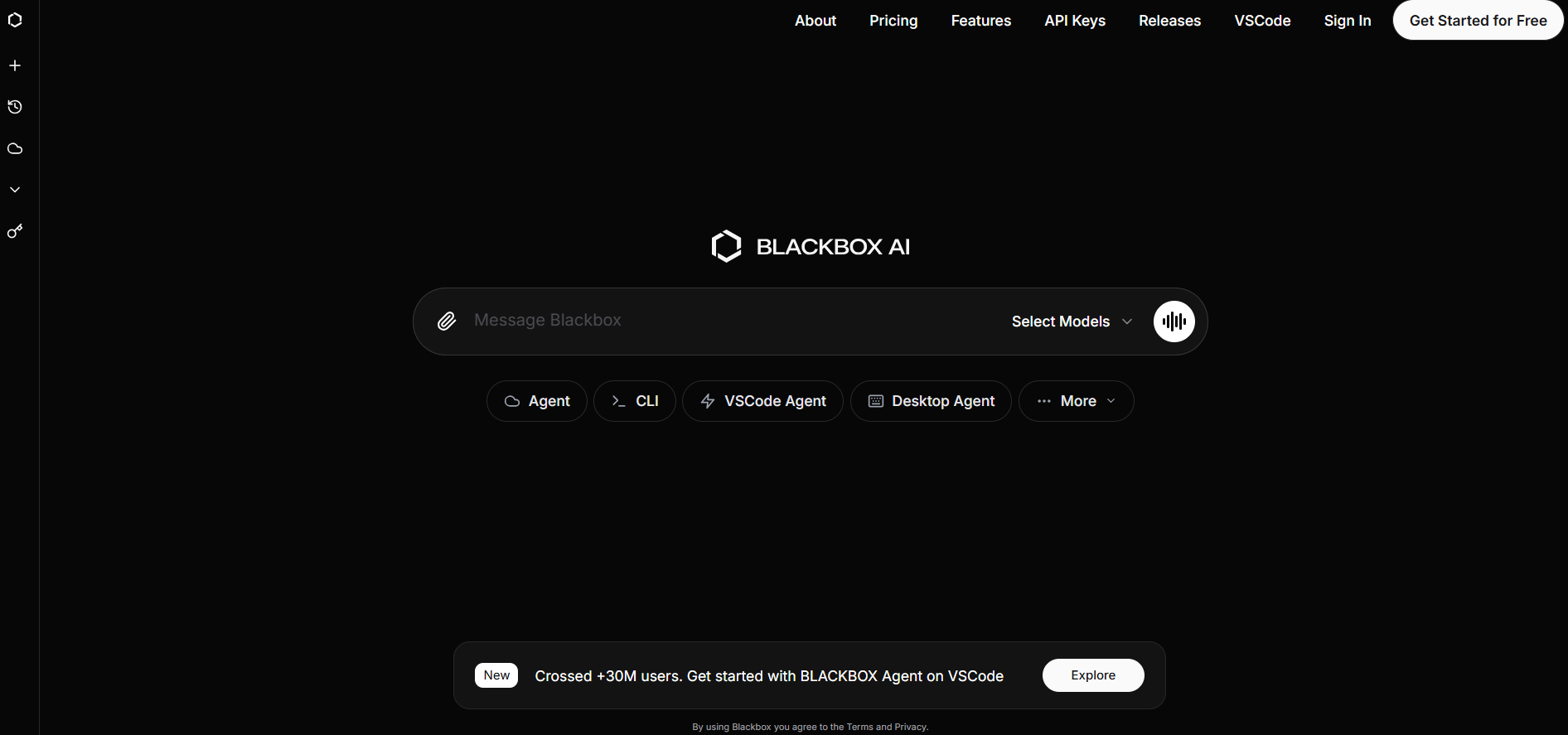

BlackBox AI
Blackbox.ai is a unified coding assistant platform that merges leading AI coding agents—Claude Code, Codex, Gemini, and Blackbox—into one environment used by over 30 million developers. It provides multi-agent code generation, debugging assistance, code translation, and intelligent search across projects. Instead of switching between tools, developers can query multiple coding agents in a single interface to compare solutions, fix errors, and accelerate development. Blackbox.ai reduces friction in coding tasks by enabling AI collaboration, helping developers build, debug, and ship faster with assistance from several powerful models working together.
BlackBox AI
Blackbox.ai is a unified coding assistant platform that merges leading AI coding agents—Claude Code, Codex, Gemini, and Blackbox—into one environment used by over 30 million developers. It provides multi-agent code generation, debugging assistance, code translation, and intelligent search across projects. Instead of switching between tools, developers can query multiple coding agents in a single interface to compare solutions, fix errors, and accelerate development. Blackbox.ai reduces friction in coding tasks by enabling AI collaboration, helping developers build, debug, and ship faster with assistance from several powerful models working together.
BlackBox AI
Blackbox.ai is a unified coding assistant platform that merges leading AI coding agents—Claude Code, Codex, Gemini, and Blackbox—into one environment used by over 30 million developers. It provides multi-agent code generation, debugging assistance, code translation, and intelligent search across projects. Instead of switching between tools, developers can query multiple coding agents in a single interface to compare solutions, fix errors, and accelerate development. Blackbox.ai reduces friction in coding tasks by enabling AI collaboration, helping developers build, debug, and ship faster with assistance from several powerful models working together.
Editorial Note
This page was researched and written by the ATB Editorial Team. Our team researches each AI tool by reviewing its official website, testing features, exploring real use cases, and considering user feedback. Every page is fact-checked and regularly updated to ensure the information stays accurate, neutral, and useful for our readers.
If you have any suggestions or questions, email us at hello@aitoolbook.ai