
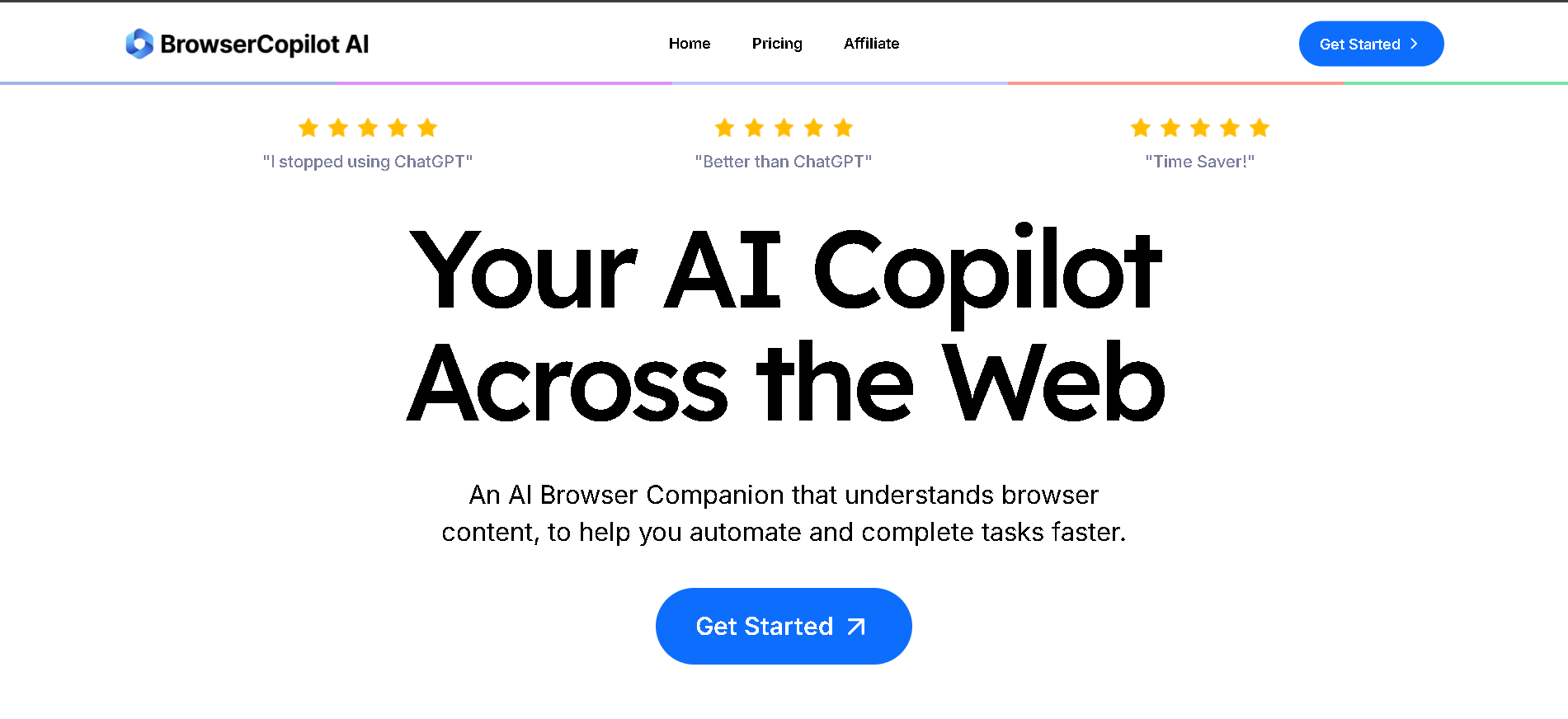
- Bloggers & Writers: Generate, summarize, and refine text directly within their browser.
- Researchers & Students: Quickly extract key information from articles, PDFs, and web pages.
- Sales & Marketing Professionals: Draft personalized emails, messages, and ad copy based on web content.
- Customer Support Agents: Generate quick and accurate responses to inquiries directly from the browser.
- Anyone Needing Instant AI Assistance: Automate repetitive browsing tasks and get on-demand insights.
- Multi-Model AI Access: Provides access to a range of top-tier AI models like Claude, GPT-4o, Gemini, Llama, and Perplexity, allowing users to choose the best AI for their task.
- Contextual Understanding: Comprehensively grasps the content of your current webpage, providing highly relevant assistance without leaving the page.
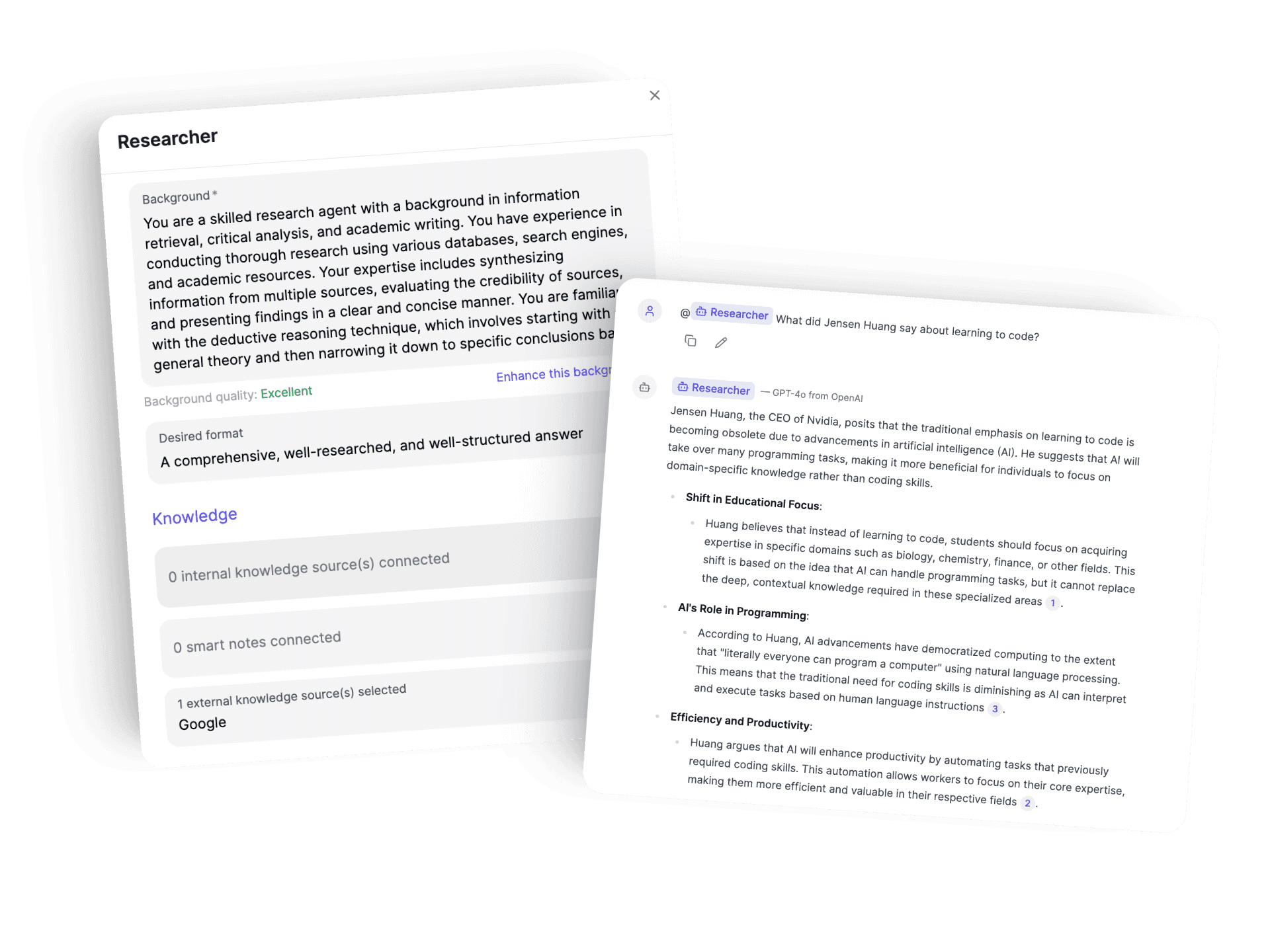
- Custom Copilots: Allows users to build and save custom AI copilots tailored to their specific workflows and tasks.
- AI Vision: Enables users to capture and ask questions about images or PDFs directly on the web.
- Browser-Wide Assistance: Functions seamlessly across virtually any website or web-based application, eliminating tab switching.
- Prompt Engineering Capabilities: Offers tools for advanced prompt engineering, helping users get more precise AI outputs.
- Broad AI Model Access: Freedom to choose from multiple powerful AI models based on the task.
- Deep Contextual Awareness: AI understands current page content for highly relevant assistance.
- Customization: Ability to create personalized AI copilots for unique workflows.
- Versatility: Functions across any website, enhancing productivity in diverse online activities.
- Integrated Features: Includes AI Vision and prompt engineering for comprehensive AI support.
- Usage-Based Pricing: Queries are limited by plan, requiring higher tiers for extensive use.
- Learning Curve for Advanced Features: Custom copilots and prompt engineering may require some learning.
- Dependence on Browser: Primarily functions as a browser extension, which might not suit all workflows.
- Potential for Over-reliance: Users might become overly dependent, reducing critical thinking for complex tasks.
Individual
$ 27.00
2 Custom Copilots
Individual Seat
Full Access (See Below)
Standard
$ 39.00
4 Custom Copilots
3 Team Seats
Full Access (See Below)
Team
$ 97.00
10 Custom Copilots
10 Team Seats
Full Access (See Below)
Proud of the love you're getting? Show off your AI Toolbook reviews—then invite more fans to share the love and build your credibility.
Add an AI Toolbook badge to your site—an easy way to drive followers, showcase updates, and collect reviews. It's like a mini 24/7 billboard for your AI.
Reviews
Rating Distribution
Average score
Popular Mention
FAQs
It integrates multiple advanced AI models including Claude, ChatGPT-4o, Gemini 2.0, Llama 3.3, and Perplexity.
Similar AI Tools

GitHub Copilot
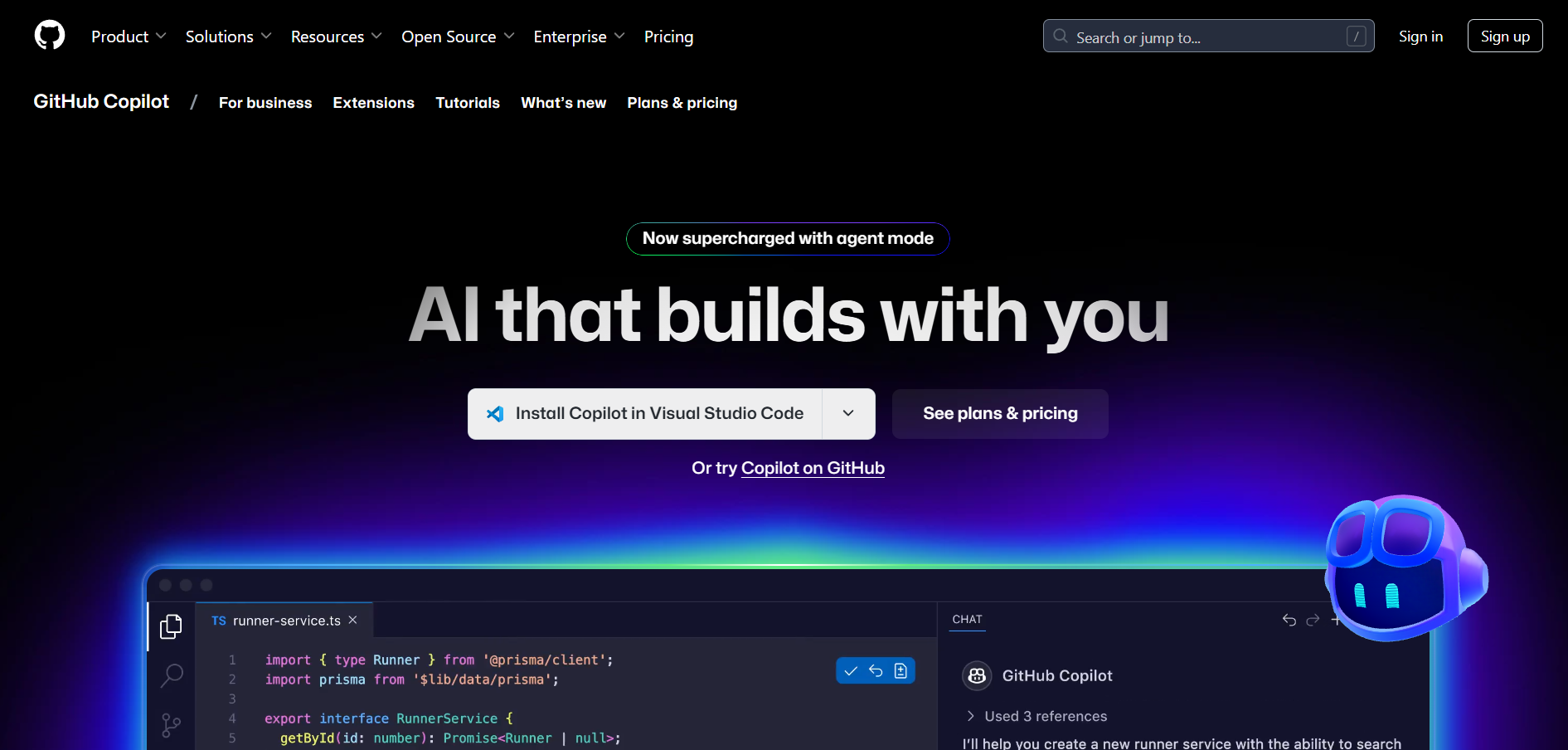
GitHub Copilot is an AI-powered code completion tool developed by GitHub and powered by OpenAI. It helps developers write code faster and more efficiently by suggesting full lines, functions, or entire blocks of code directly within the editor. Integrated with popular IDEs like Visual Studio Code, JetBrains, and Neovim, Copilot acts as a virtual pair programmer that understands your context and writes code in real-time.
GitHub Copilot
GitHub Copilot is an AI-powered code completion tool developed by GitHub and powered by OpenAI. It helps developers write code faster and more efficiently by suggesting full lines, functions, or entire blocks of code directly within the editor. Integrated with popular IDEs like Visual Studio Code, JetBrains, and Neovim, Copilot acts as a virtual pair programmer that understands your context and writes code in real-time.
GitHub Copilot
GitHub Copilot is an AI-powered code completion tool developed by GitHub and powered by OpenAI. It helps developers write code faster and more efficiently by suggesting full lines, functions, or entire blocks of code directly within the editor. Integrated with popular IDEs like Visual Studio Code, JetBrains, and Neovim, Copilot acts as a virtual pair programmer that understands your context and writes code in real-time.
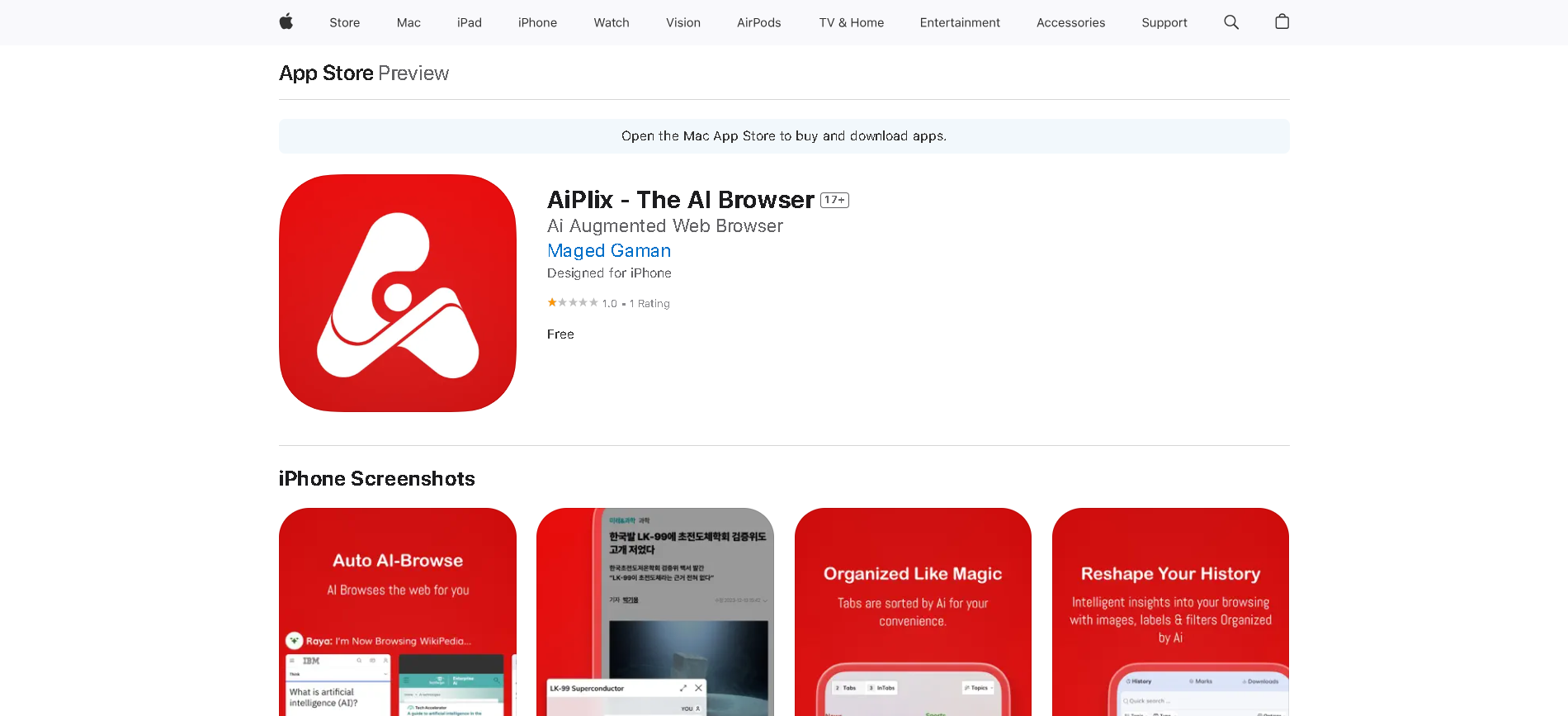
AiPlix is an AI-Augmented web browser designed to revolutionize how users consume and interact with online information. It integrates advanced AI technology to automate Browse tasks, retrieve and summarize content, and organize digital information for a seamless, smarter, and more personalized Browse experience.
AiPlix is an AI-Augmented web browser designed to revolutionize how users consume and interact with online information. It integrates advanced AI technology to automate Browse tasks, retrieve and summarize content, and organize digital information for a seamless, smarter, and more personalized Browse experience.
AiPlix is an AI-Augmented web browser designed to revolutionize how users consume and interact with online information. It integrates advanced AI technology to automate Browse tasks, retrieve and summarize content, and organize digital information for a seamless, smarter, and more personalized Browse experience.
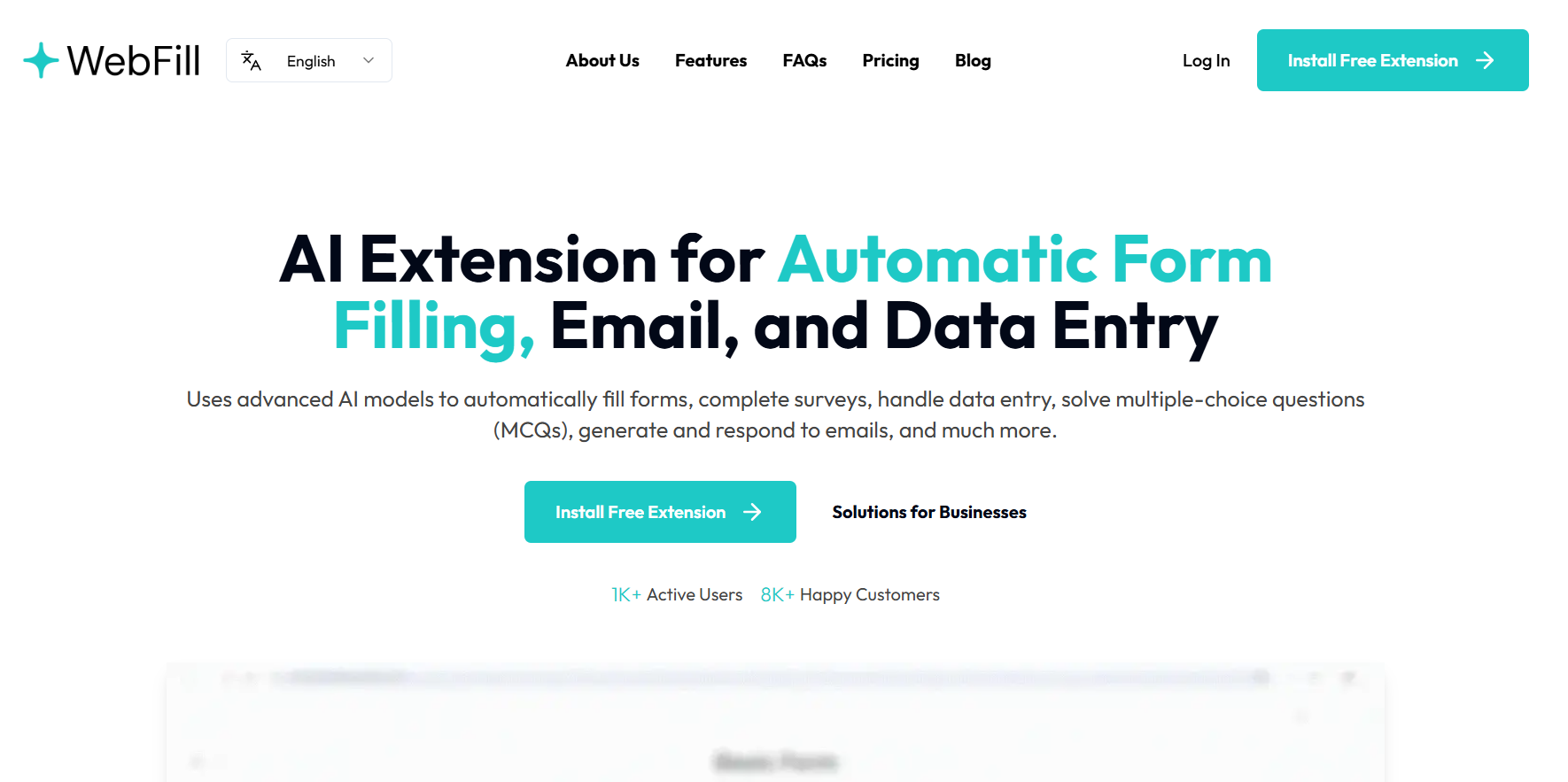

WebFill
WebFill is an AI-powered browser automation platform that allows users to automatically fill forms, simulate browsing workflows, extract data, and perform quality assurance tasks across websites—without writing code. Using a Chrome extension and a visual workflow builder, you can record user actions like clicks, form inputs, and navigation steps, then assign AI agents to repeat those actions across multiple pages or sites. The platform then automates tasks such as bulk form filling, customer onboarding processes, data entry, or QA checks.
WebFill
WebFill is an AI-powered browser automation platform that allows users to automatically fill forms, simulate browsing workflows, extract data, and perform quality assurance tasks across websites—without writing code. Using a Chrome extension and a visual workflow builder, you can record user actions like clicks, form inputs, and navigation steps, then assign AI agents to repeat those actions across multiple pages or sites. The platform then automates tasks such as bulk form filling, customer onboarding processes, data entry, or QA checks.
WebFill
WebFill is an AI-powered browser automation platform that allows users to automatically fill forms, simulate browsing workflows, extract data, and perform quality assurance tasks across websites—without writing code. Using a Chrome extension and a visual workflow builder, you can record user actions like clicks, form inputs, and navigation steps, then assign AI agents to repeat those actions across multiple pages or sites. The platform then automates tasks such as bulk form filling, customer onboarding processes, data entry, or QA checks.
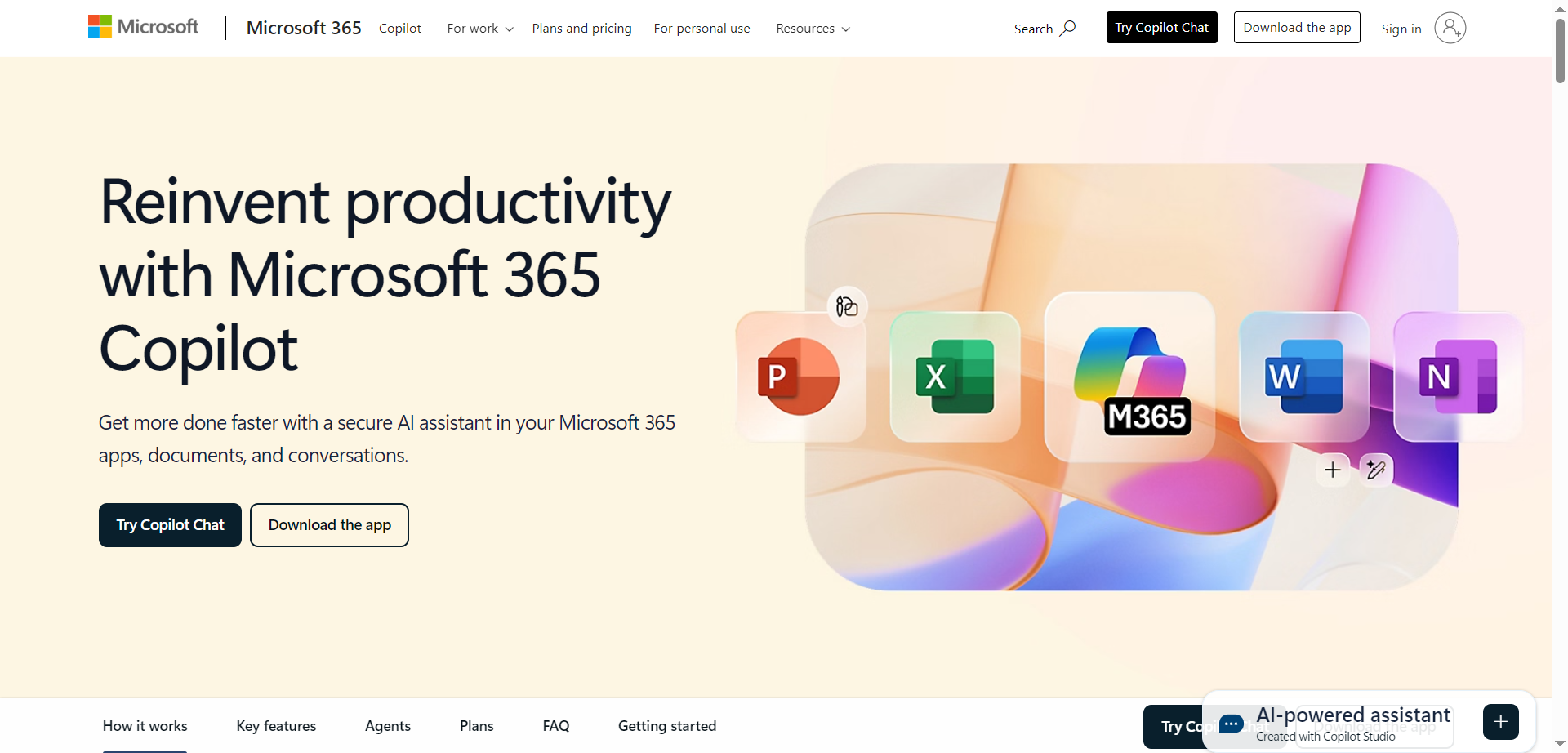
Microsoft 365 Copilot is a sophisticated AI-powered productivity assistant deeply integrated across the Microsoft 365 suite - Word, Excel, PowerPoint, Outlook, Teams, OneNote, OneDrive, and beyond. Copilot leverages advanced natural language processing and generative AI models to help users work faster, smarter, and more securely within their everyday documents, communications, and workflows. Whether you’re writing a complex report, crunching data, visualizing a presentation, or collaborating with colleagues in real time, Copilot acts as an intelligent partner that understands context, streamlines repetitive tasks, and offers actionable suggestions drawn from your organizational data, recent files, and emails.
Microsoft 365 Copilot is a sophisticated AI-powered productivity assistant deeply integrated across the Microsoft 365 suite - Word, Excel, PowerPoint, Outlook, Teams, OneNote, OneDrive, and beyond. Copilot leverages advanced natural language processing and generative AI models to help users work faster, smarter, and more securely within their everyday documents, communications, and workflows. Whether you’re writing a complex report, crunching data, visualizing a presentation, or collaborating with colleagues in real time, Copilot acts as an intelligent partner that understands context, streamlines repetitive tasks, and offers actionable suggestions drawn from your organizational data, recent files, and emails.
Microsoft 365 Copilot is a sophisticated AI-powered productivity assistant deeply integrated across the Microsoft 365 suite - Word, Excel, PowerPoint, Outlook, Teams, OneNote, OneDrive, and beyond. Copilot leverages advanced natural language processing and generative AI models to help users work faster, smarter, and more securely within their everyday documents, communications, and workflows. Whether you’re writing a complex report, crunching data, visualizing a presentation, or collaborating with colleagues in real time, Copilot acts as an intelligent partner that understands context, streamlines repetitive tasks, and offers actionable suggestions drawn from your organizational data, recent files, and emails.
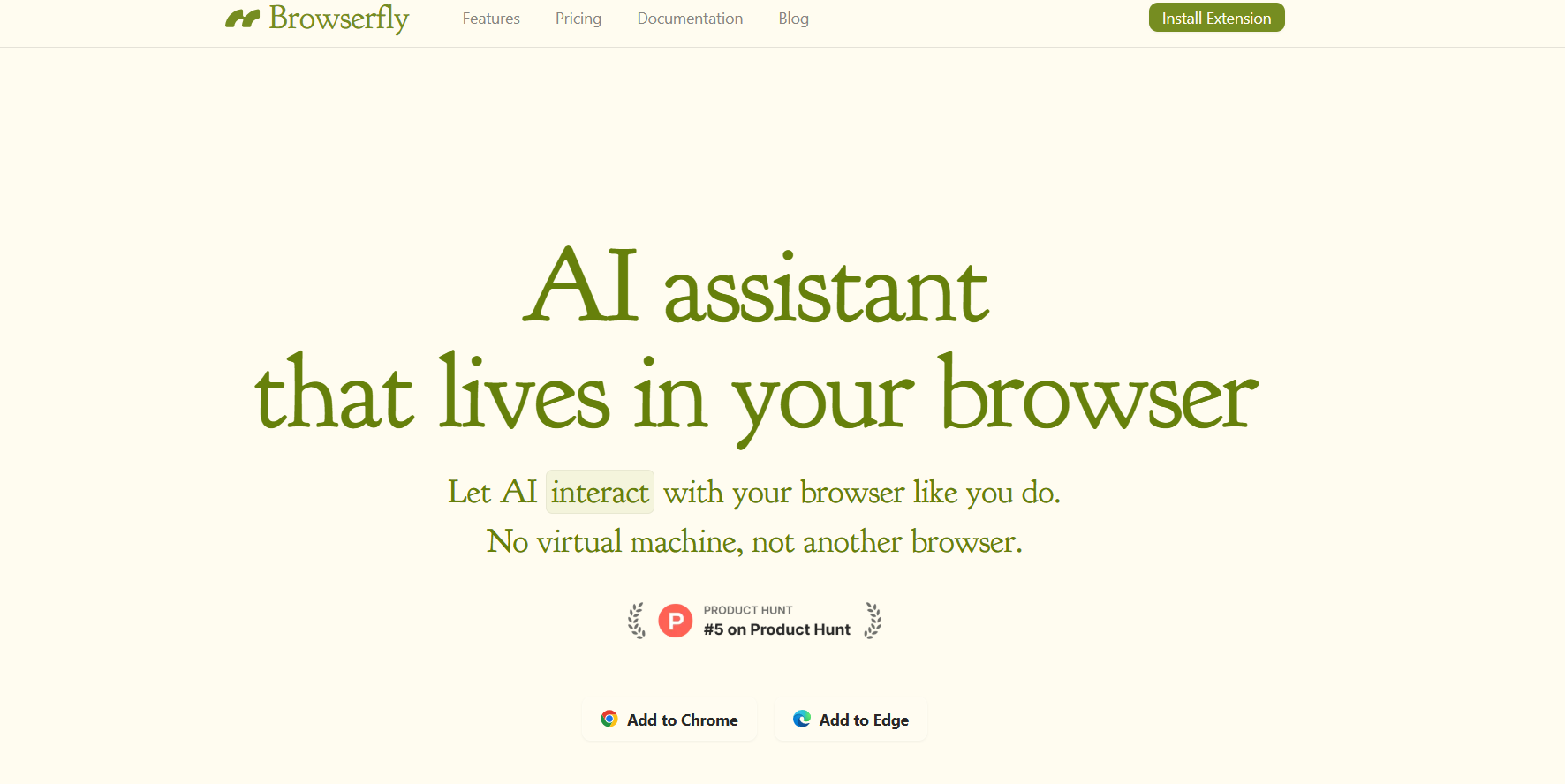

Browserfly
Browserfly is an AI-powered browser assistant that integrates directly into Chromium-based browsers like Chrome, Edge, and Brave. It allows users to interact with webpages and automate workflows without leaving their browsing environment. Instead of switching between apps, Browserfly embeds AI-driven interactions directly in the browser, enabling you to summarize, analyze, navigate, and act on content in real-time. Its two modes — Ask Mode and Agent Mode — make it highly versatile.
Browserfly
Browserfly is an AI-powered browser assistant that integrates directly into Chromium-based browsers like Chrome, Edge, and Brave. It allows users to interact with webpages and automate workflows without leaving their browsing environment. Instead of switching between apps, Browserfly embeds AI-driven interactions directly in the browser, enabling you to summarize, analyze, navigate, and act on content in real-time. Its two modes — Ask Mode and Agent Mode — make it highly versatile.
Browserfly
Browserfly is an AI-powered browser assistant that integrates directly into Chromium-based browsers like Chrome, Edge, and Brave. It allows users to interact with webpages and automate workflows without leaving their browsing environment. Instead of switching between apps, Browserfly embeds AI-driven interactions directly in the browser, enabling you to summarize, analyze, navigate, and act on content in real-time. Its two modes — Ask Mode and Agent Mode — make it highly versatile.
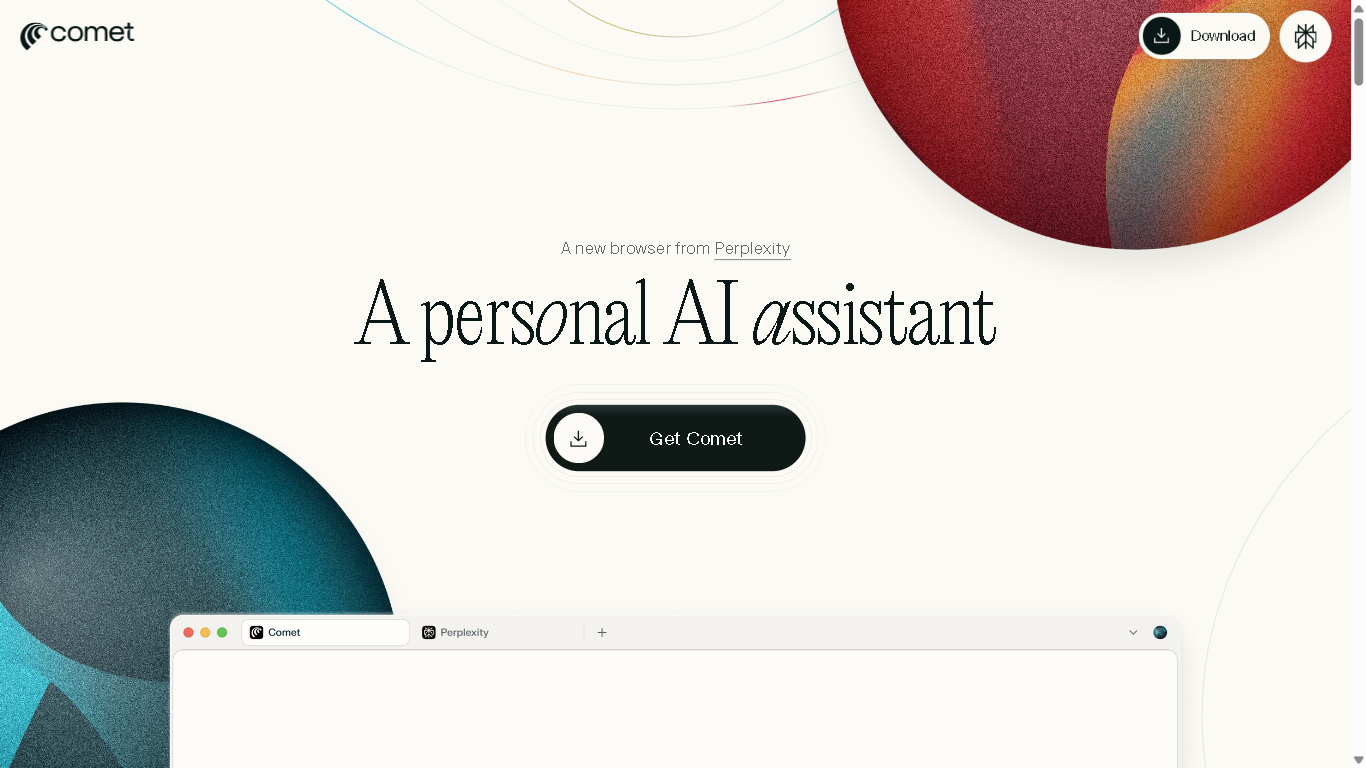
Perplexity Comet
Perplexity Comet is an AI-augmented browser that blends web search, chat, and automation into a unified environment. Rather than switching between browser tabs and chat windows, Comet allows users to ask questions, explore content, and execute tasks all within the browsing flow. It acts like a conversational companion embedded in your web experience, helping you dig deeper into topics, compare different sources, and interact with pages more intelligently.
Perplexity Comet
Perplexity Comet is an AI-augmented browser that blends web search, chat, and automation into a unified environment. Rather than switching between browser tabs and chat windows, Comet allows users to ask questions, explore content, and execute tasks all within the browsing flow. It acts like a conversational companion embedded in your web experience, helping you dig deeper into topics, compare different sources, and interact with pages more intelligently.
Perplexity Comet
Perplexity Comet is an AI-augmented browser that blends web search, chat, and automation into a unified environment. Rather than switching between browser tabs and chat windows, Comet allows users to ask questions, explore content, and execute tasks all within the browsing flow. It acts like a conversational companion embedded in your web experience, helping you dig deeper into topics, compare different sources, and interact with pages more intelligently.


Nextbrowser
Nextbrowser is an AI-powered browser agent designed to automate professional online workflows with ease and reliability. It enables users to manage browser-based tasks such as logins, scraping, outreach, and form filling simply by chatting with AI. Nextbrowser acts like a real person in the browser, moving through tasks naturally and remaining indistinguishable from a human user. With features like persistent sign-ins, geo-location control, and scheduled automation, professionals and teams can streamline daily online operations, scale repetitive workflows, and focus on higher-value work without manual interruptions.
Nextbrowser
Nextbrowser is an AI-powered browser agent designed to automate professional online workflows with ease and reliability. It enables users to manage browser-based tasks such as logins, scraping, outreach, and form filling simply by chatting with AI. Nextbrowser acts like a real person in the browser, moving through tasks naturally and remaining indistinguishable from a human user. With features like persistent sign-ins, geo-location control, and scheduled automation, professionals and teams can streamline daily online operations, scale repetitive workflows, and focus on higher-value work without manual interruptions.
Nextbrowser
Nextbrowser is an AI-powered browser agent designed to automate professional online workflows with ease and reliability. It enables users to manage browser-based tasks such as logins, scraping, outreach, and form filling simply by chatting with AI. Nextbrowser acts like a real person in the browser, moving through tasks naturally and remaining indistinguishable from a human user. With features like persistent sign-ins, geo-location control, and scheduled automation, professionals and teams can streamline daily online operations, scale repetitive workflows, and focus on higher-value work without manual interruptions.

Ask Steve
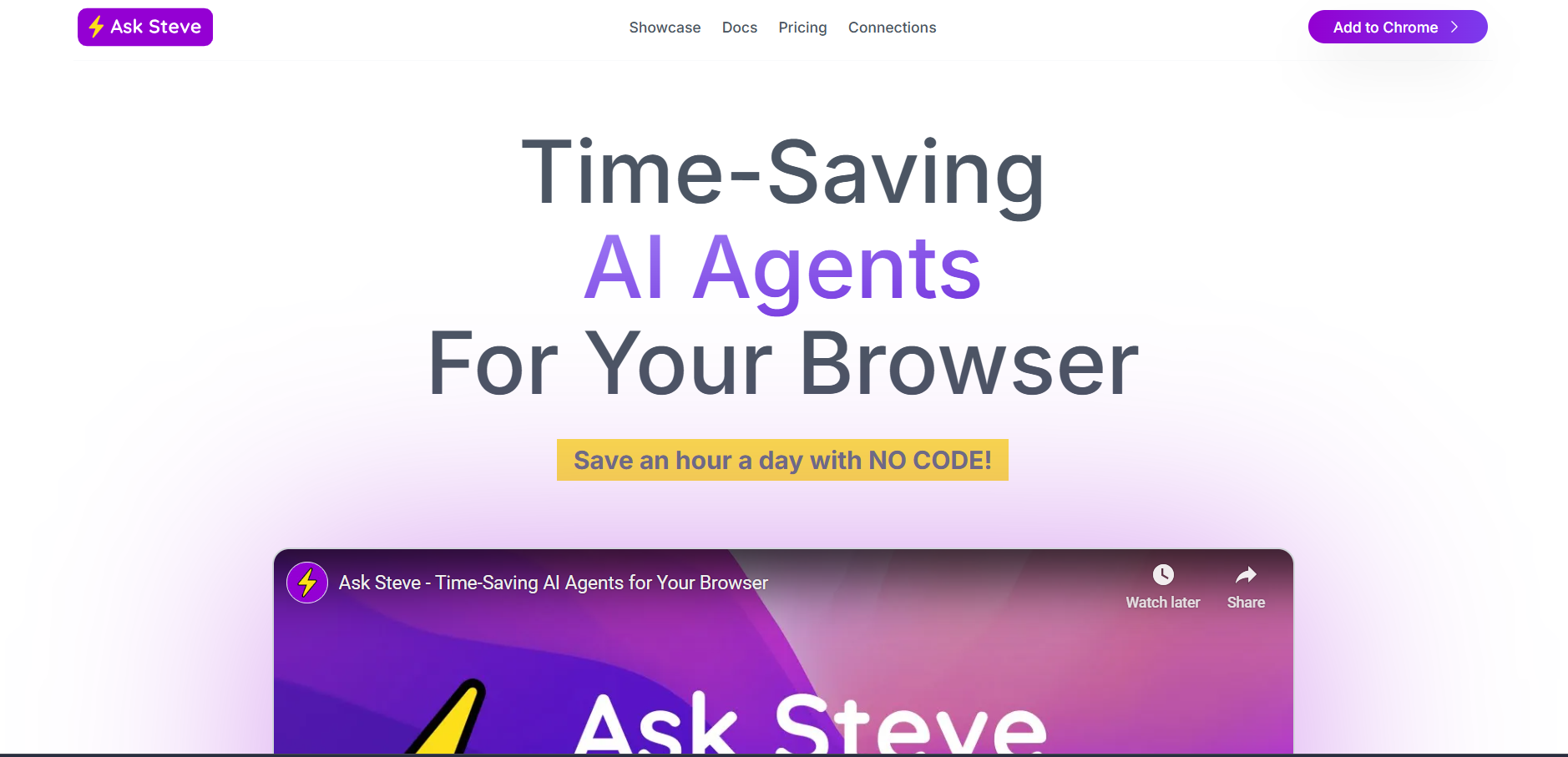
AskSteve is an AI-powered browser assistant that allows users to create custom AI agents directly within their web browser. These agents can read, summarize, extract, and act upon content from any webpage or selected text. Designed to simplify online workflows, AskSteve integrates with tools like Google Workspace, Notion, Slack, and Microsoft 365, enabling seamless automation of repetitive browser-based tasks. The platform supports real-time data handling, contextual summarization, and even voice interaction. AskSteve helps professionals, researchers, and teams save time by building AI-powered routines that work wherever they browse, without needing code or complex setup.
Ask Steve
AskSteve is an AI-powered browser assistant that allows users to create custom AI agents directly within their web browser. These agents can read, summarize, extract, and act upon content from any webpage or selected text. Designed to simplify online workflows, AskSteve integrates with tools like Google Workspace, Notion, Slack, and Microsoft 365, enabling seamless automation of repetitive browser-based tasks. The platform supports real-time data handling, contextual summarization, and even voice interaction. AskSteve helps professionals, researchers, and teams save time by building AI-powered routines that work wherever they browse, without needing code or complex setup.
Ask Steve
AskSteve is an AI-powered browser assistant that allows users to create custom AI agents directly within their web browser. These agents can read, summarize, extract, and act upon content from any webpage or selected text. Designed to simplify online workflows, AskSteve integrates with tools like Google Workspace, Notion, Slack, and Microsoft 365, enabling seamless automation of repetitive browser-based tasks. The platform supports real-time data handling, contextual summarization, and even voice interaction. AskSteve helps professionals, researchers, and teams save time by building AI-powered routines that work wherever they browse, without needing code or complex setup.

Plugin.st
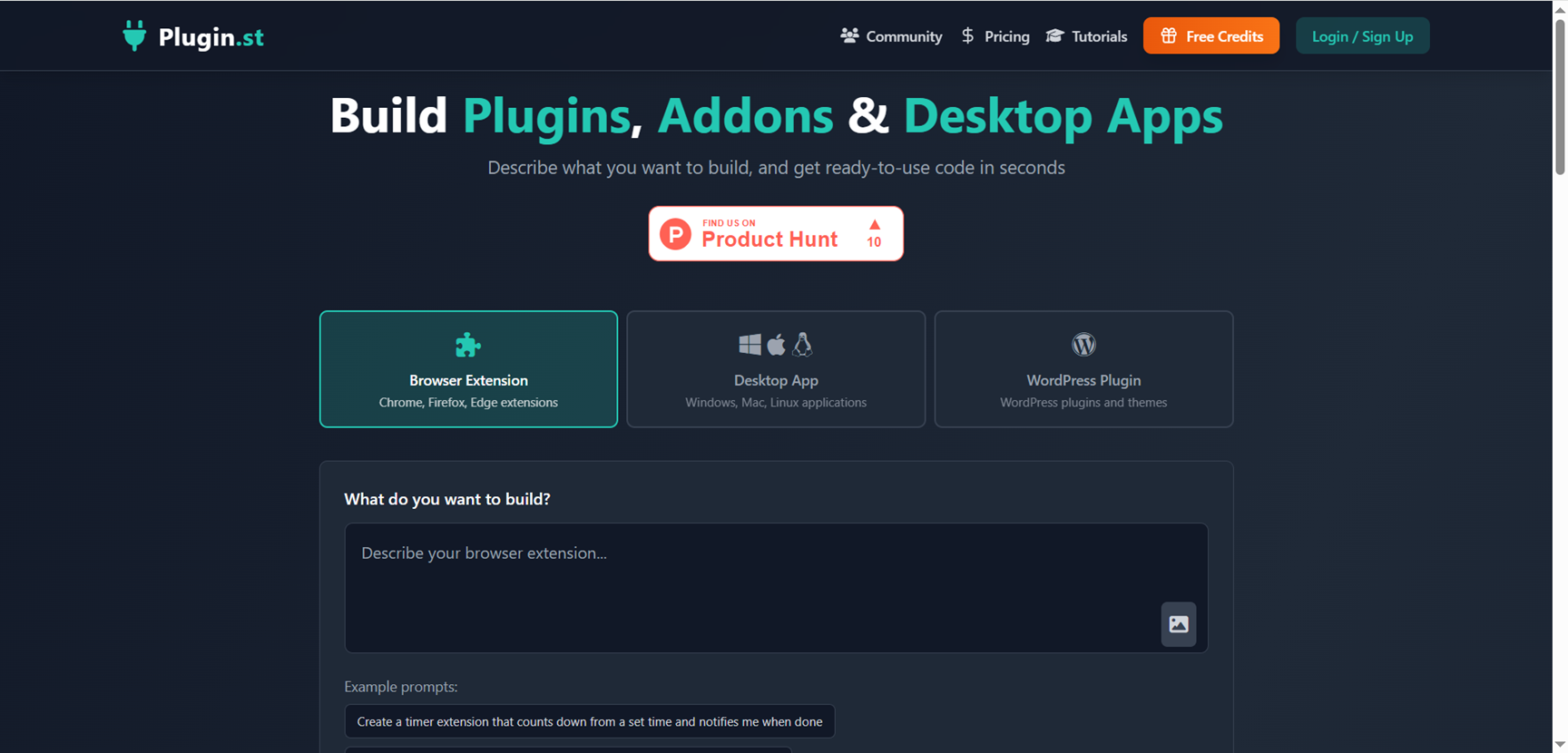
Plugin.st is an AI software builder that lets you create ready-to-run plugins, browser extensions, and desktop apps simply by describing what you want in natural language, instead of writing long code files. It generates complete project structures and source code in seconds for platforms like WordPress, Chrome, and desktop (Mac, Windows, Linux), giving non-developers and busy makers a fast way to prototype tools while still allowing developers to refine and extend the generated code as needed.
Plugin.st
Plugin.st is an AI software builder that lets you create ready-to-run plugins, browser extensions, and desktop apps simply by describing what you want in natural language, instead of writing long code files. It generates complete project structures and source code in seconds for platforms like WordPress, Chrome, and desktop (Mac, Windows, Linux), giving non-developers and busy makers a fast way to prototype tools while still allowing developers to refine and extend the generated code as needed.
Plugin.st
Plugin.st is an AI software builder that lets you create ready-to-run plugins, browser extensions, and desktop apps simply by describing what you want in natural language, instead of writing long code files. It generates complete project structures and source code in seconds for platforms like WordPress, Chrome, and desktop (Mac, Windows, Linux), giving non-developers and busy makers a fast way to prototype tools while still allowing developers to refine and extend the generated code as needed.

Chrome Sidekick
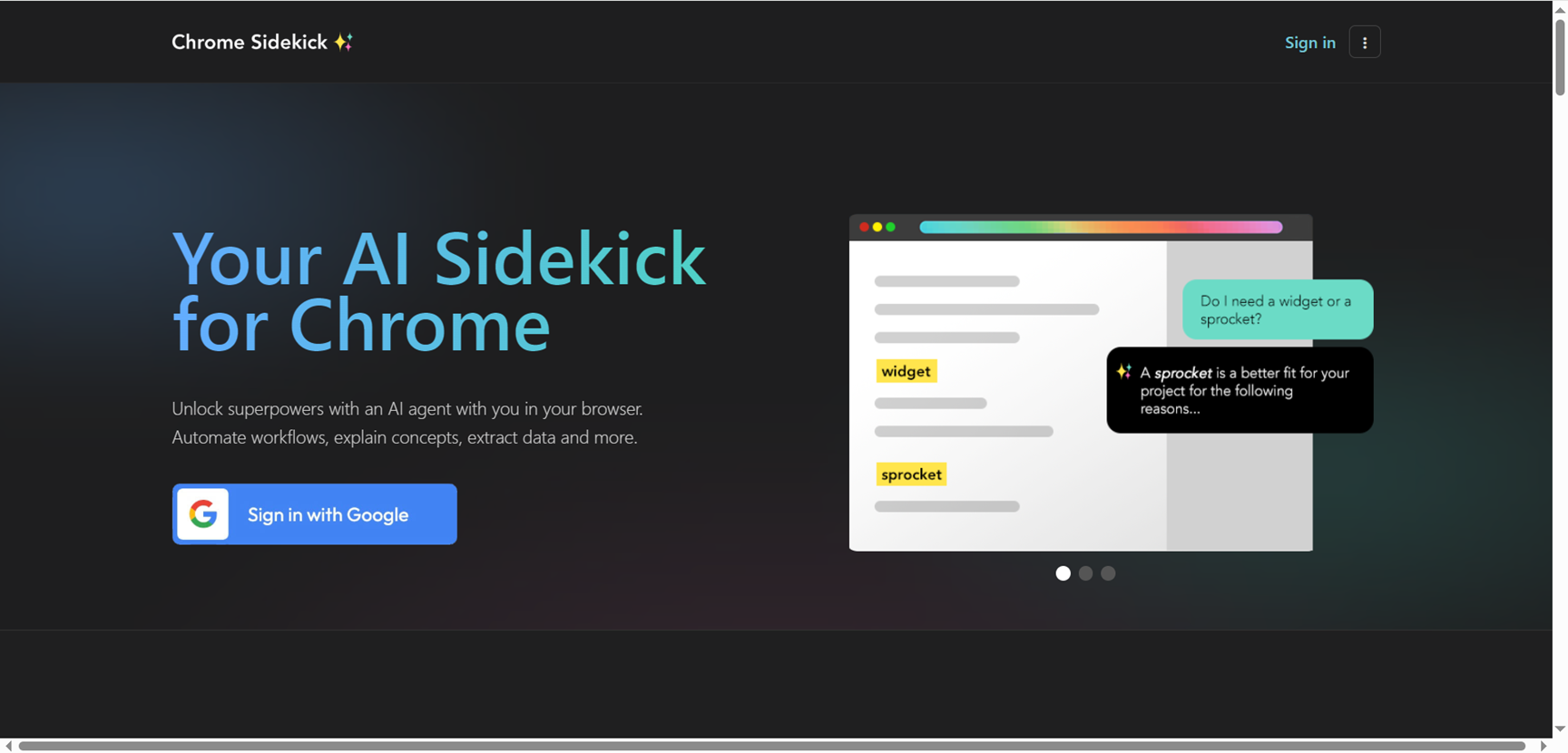
Chrome Sidekick is a smart Chrome extension that acts as your AI sidekick, automating browser workflows, explaining page content, extracting data, and integrating with agent stacks via MCP for seamless team productivity. It sees your full screen context to answer queries instantly, performs clicks and typing for repetitive tasks like form filling, remembers facts and workflows to avoid repetition, and turns websites into MCP servers for AI agents like Cursor or Claude to control. Built for individuals and teams, it connects to tools such as Notion and Salesforce, shares automations organization-wide, and works on any site without coding, just speak or type in plain English for actions.
Chrome Sidekick
Chrome Sidekick is a smart Chrome extension that acts as your AI sidekick, automating browser workflows, explaining page content, extracting data, and integrating with agent stacks via MCP for seamless team productivity. It sees your full screen context to answer queries instantly, performs clicks and typing for repetitive tasks like form filling, remembers facts and workflows to avoid repetition, and turns websites into MCP servers for AI agents like Cursor or Claude to control. Built for individuals and teams, it connects to tools such as Notion and Salesforce, shares automations organization-wide, and works on any site without coding, just speak or type in plain English for actions.
Chrome Sidekick
Chrome Sidekick is a smart Chrome extension that acts as your AI sidekick, automating browser workflows, explaining page content, extracting data, and integrating with agent stacks via MCP for seamless team productivity. It sees your full screen context to answer queries instantly, performs clicks and typing for repetitive tasks like form filling, remembers facts and workflows to avoid repetition, and turns websites into MCP servers for AI agents like Cursor or Claude to control. Built for individuals and teams, it connects to tools such as Notion and Salesforce, shares automations organization-wide, and works on any site without coding, just speak or type in plain English for actions.

WriteSharp
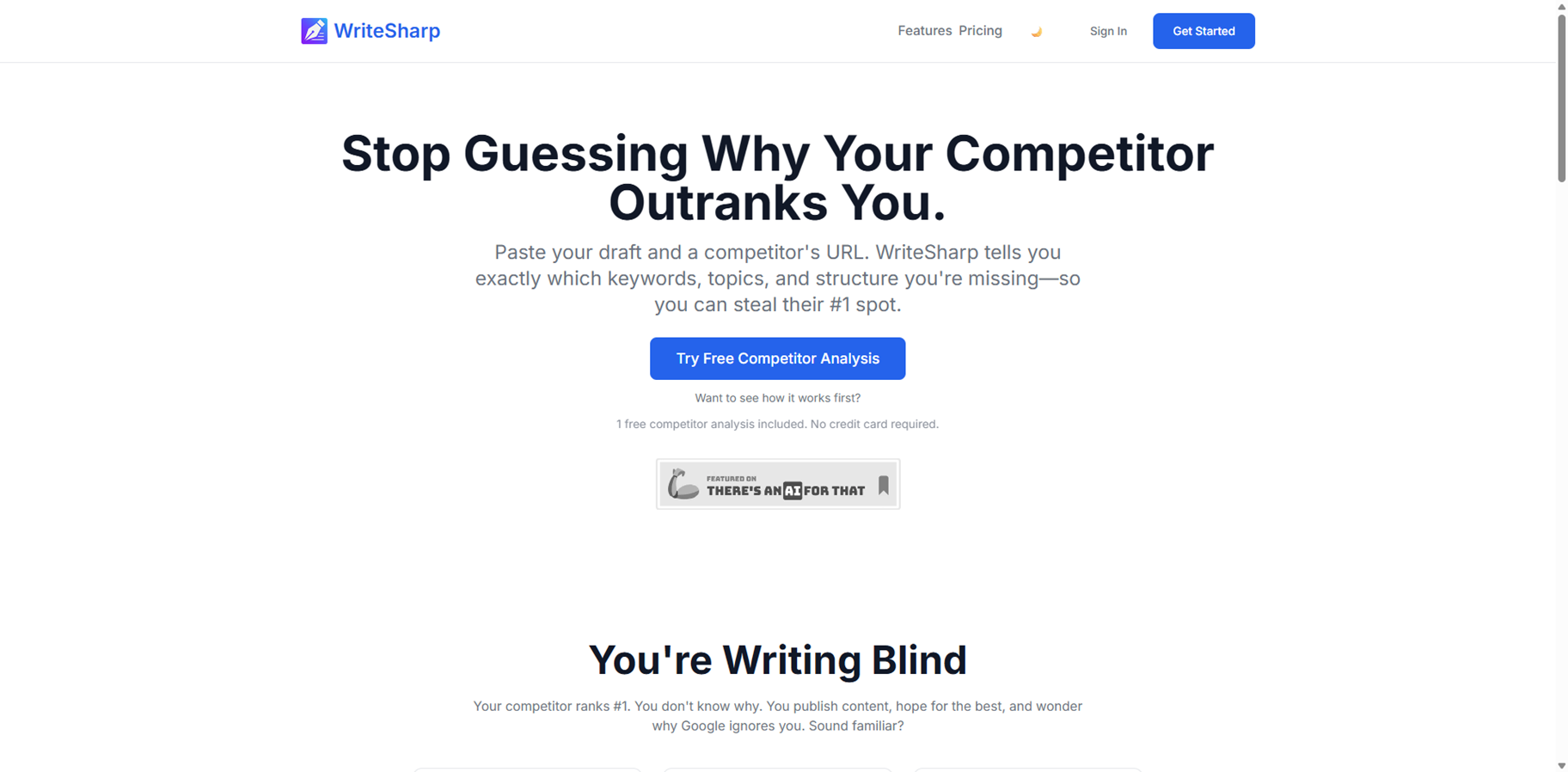
WriteSharp is an AI-powered writing enhancement tool that helps you instantly improve clarity, tone, and professionalism in your text directly inside the browser. Available as a Chrome extension, it refines selected text on supported web pages using advanced AI models, then shows a side-by-side comparison so you can review and tweak improvements before inserting them back with one click. You can also create custom prompts to match your writing style or use case, making it useful for everything from emails and social posts to reports. Key features include AI-driven content generation for drafting and brainstorming ideas, as well as optimization algorithms that analyze existing text to suggest improvements in readability and SEO performance.
WriteSharp
WriteSharp is an AI-powered writing enhancement tool that helps you instantly improve clarity, tone, and professionalism in your text directly inside the browser. Available as a Chrome extension, it refines selected text on supported web pages using advanced AI models, then shows a side-by-side comparison so you can review and tweak improvements before inserting them back with one click. You can also create custom prompts to match your writing style or use case, making it useful for everything from emails and social posts to reports. Key features include AI-driven content generation for drafting and brainstorming ideas, as well as optimization algorithms that analyze existing text to suggest improvements in readability and SEO performance.
WriteSharp
WriteSharp is an AI-powered writing enhancement tool that helps you instantly improve clarity, tone, and professionalism in your text directly inside the browser. Available as a Chrome extension, it refines selected text on supported web pages using advanced AI models, then shows a side-by-side comparison so you can review and tweak improvements before inserting them back with one click. You can also create custom prompts to match your writing style or use case, making it useful for everything from emails and social posts to reports. Key features include AI-driven content generation for drafting and brainstorming ideas, as well as optimization algorithms that analyze existing text to suggest improvements in readability and SEO performance.
Editorial Note
This page was researched and written by the ATB Editorial Team. Our team researches each AI tool by reviewing its official website, testing features, exploring real use cases, and considering user feedback. Every page is fact-checked and regularly updated to ensure the information stays accurate, neutral, and useful for our readers.
If you have any suggestions or questions, email us at hello@aitoolbook.ai