
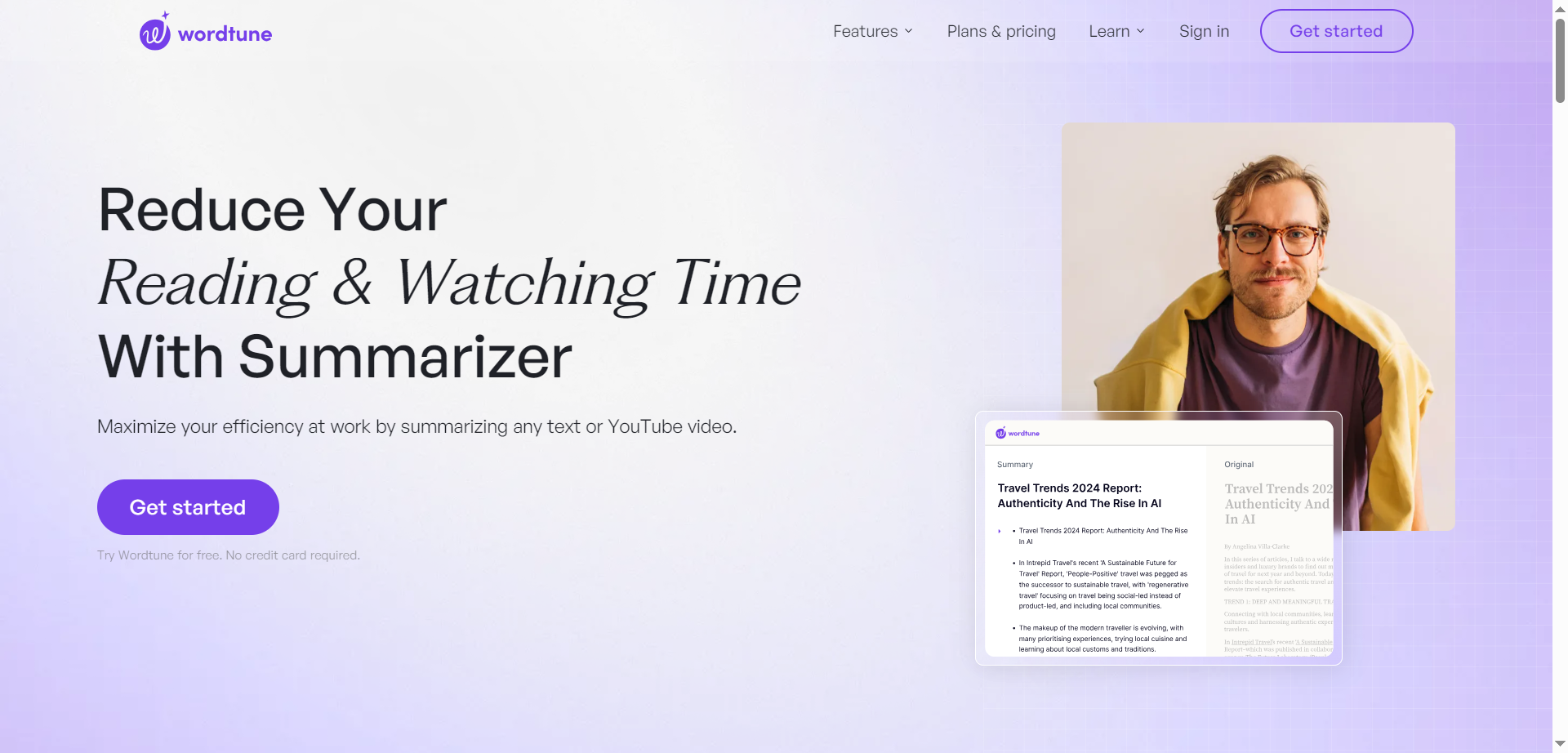
- Students & Researchers: Quickly digest academic papers, lectures, and articles for efficient studying and note-taking.
- Professionals & Business Users: Summarize reports, emails, and web content to stay informed without full reads.
- Writers & Editors: Extract main ideas from drafts or sources to structure content and overcome blocks.
- Educators & Teachers: Create overviews of materials and video lectures for lessons and student support.
- Content Consumers: Process news, blogs, and videos to grasp essence in minutes for daily reading.
How to Use Wordtune Summarizer?
- Sign Up & Access: Create a free account or use the Chrome extension for instant browser integration.
- Input Content: Paste text, upload PDF, enter article URL, or add YouTube video link.
- Generate Summary: Let AI process to produce highlighted key points and bullet summaries automatically.
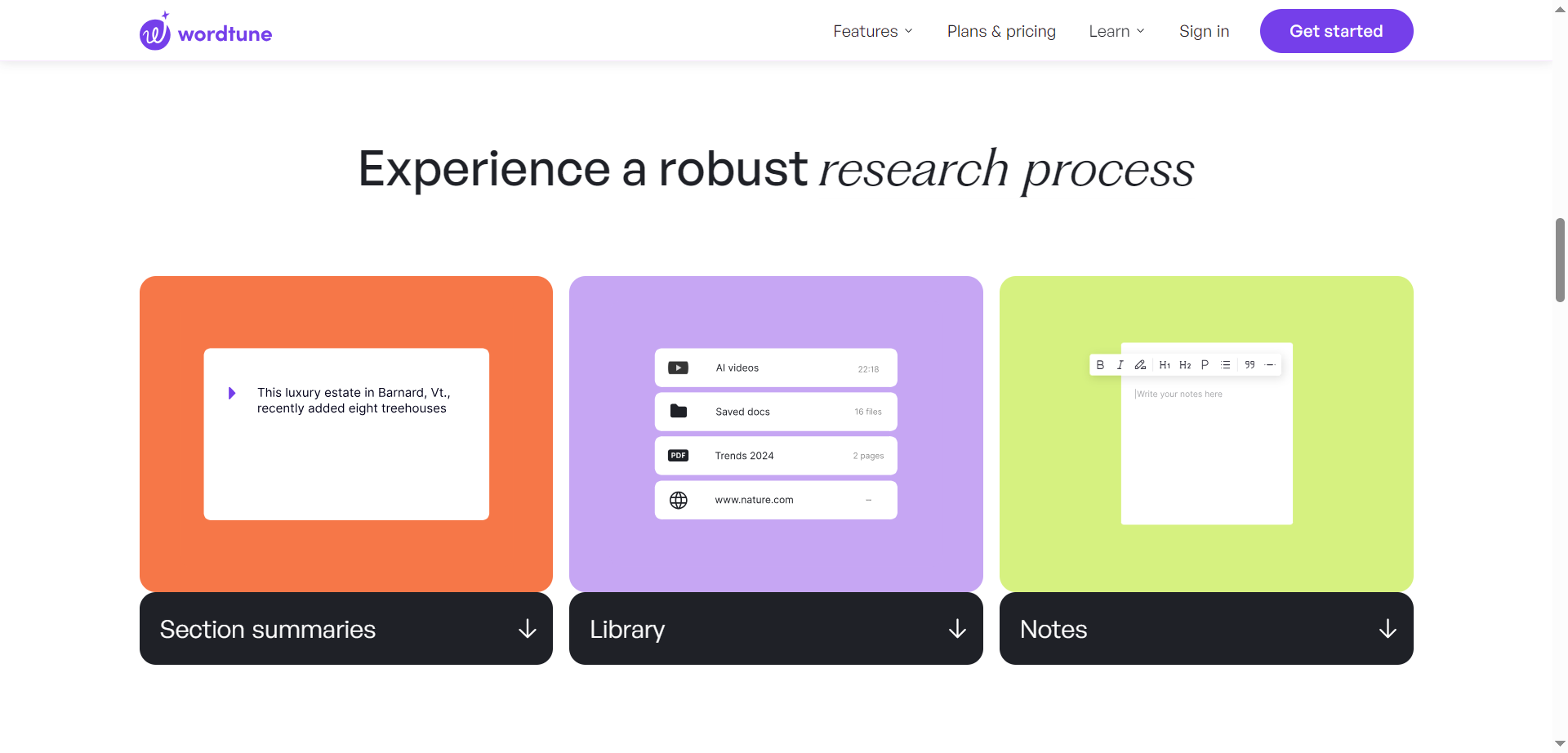
- Refine & Use: Expand sections, add notes, search library, or export for further work.
- YouTube Video Support: Summarizes video transcripts directly from URLs for quick lecture or content overviews.
- Interactive Expansion: Zoom in and expand specific summary parts for targeted deeper insights.
- Personal Library: Stores, organizes, tags, and semantically searches all your summaries in one place.
- Source Highlighting: Shows original text highlights tied to each summary point for transparency.
- Browser Extension: Summarize any webpage instantly without leaving your tab.
- Handles text, PDFs, URLs, and videos with fast, accurate key-point extraction.
- Builds a searchable personal knowledge base for long-term use.
- Allows expanding sections to focus on what matters most.
- Seamless Chrome extension for on-the-fly summarization.
- Free tier restricts number of summaries and advanced features.
- May occasionally miss nuances or alter slight meaning in complex texts.
- PDF processing can vary with scanned or formatted files.
- Premium needed for unlimited use and full capabilities.
Basic
$ 0.00
10 Rewrites & AI suggestions
AI generations
Limited monthly use:
3 AI summarizations
Unlimited:
Spelling corrections
Grammar checks
Advanced
$ 13.99
30 Rewrites & AI suggestions
Limited monthly use:
15 AI summarizations
Unlimited:
AI recommendations
Spelling corrections
Grammar checks
Unlimited
$ 19.99
Rewrites & AI suggestions
AI summarizations
Spelling corrections
Grammar checks
Vocabulary enhancements
Clarity improvements
Fluency increases
Premium support
Proud of the love you're getting? Show off your AI Toolbook reviews—then invite more fans to share the love and build your credibility.
Add an AI Toolbook badge to your site—an easy way to drive followers, showcase updates, and collect reviews. It's like a mini 24/7 billboard for your AI.
Reviews
Rating Distribution
Average score
Popular Mention
FAQs
Similar AI Tools
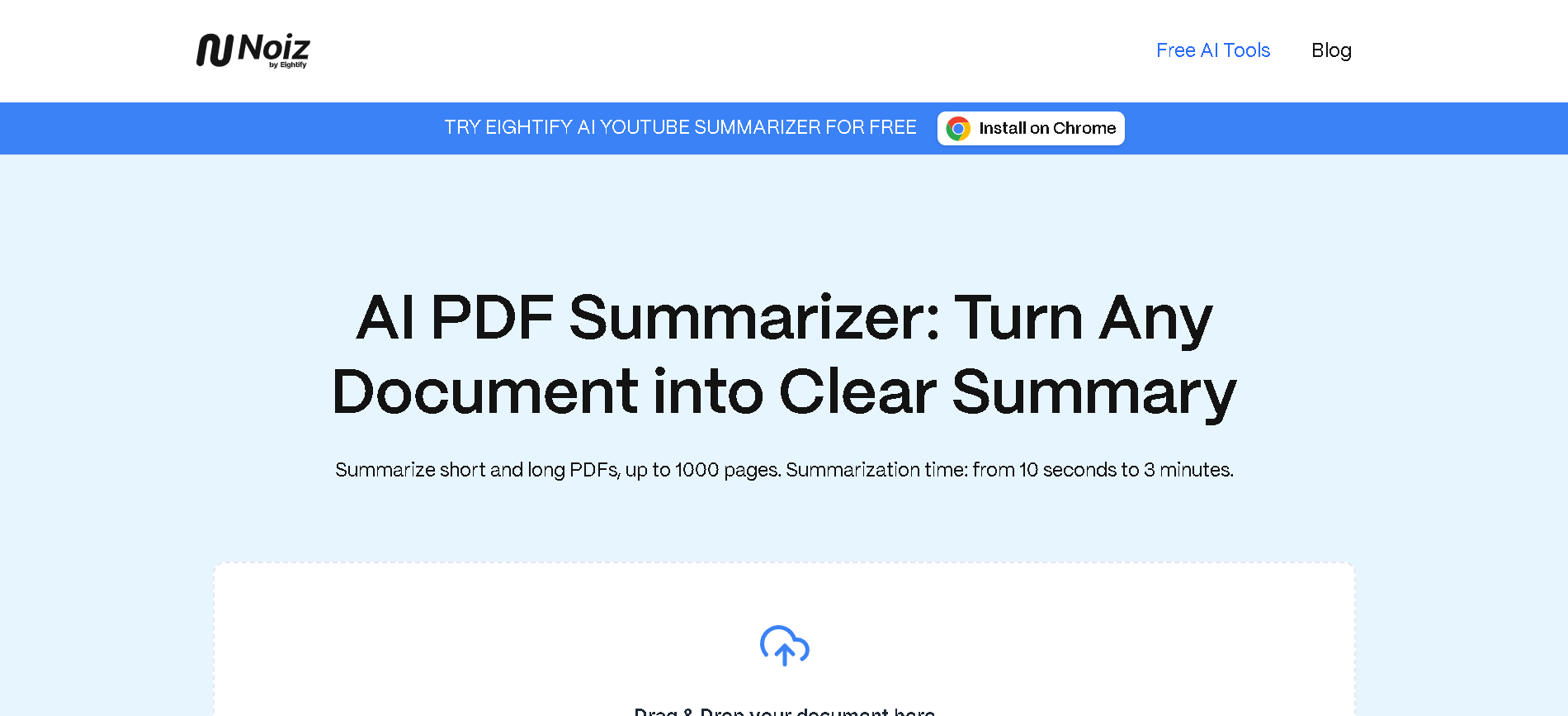
Noiz AI PDF Summarizer is a free online tool designed to convert various document formats, including PDFs, into clear, concise summaries. Utilizing the latest ChatGPT model, it allows users to quickly obtain customized summaries, even from large documents up to 1000 pages, without any cost, registration, or usage limits.
Noiz AI PDF Summarizer is a free online tool designed to convert various document formats, including PDFs, into clear, concise summaries. Utilizing the latest ChatGPT model, it allows users to quickly obtain customized summaries, even from large documents up to 1000 pages, without any cost, registration, or usage limits.
Noiz AI PDF Summarizer is a free online tool designed to convert various document formats, including PDFs, into clear, concise summaries. Utilizing the latest ChatGPT model, it allows users to quickly obtain customized summaries, even from large documents up to 1000 pages, without any cost, registration, or usage limits.

Recall
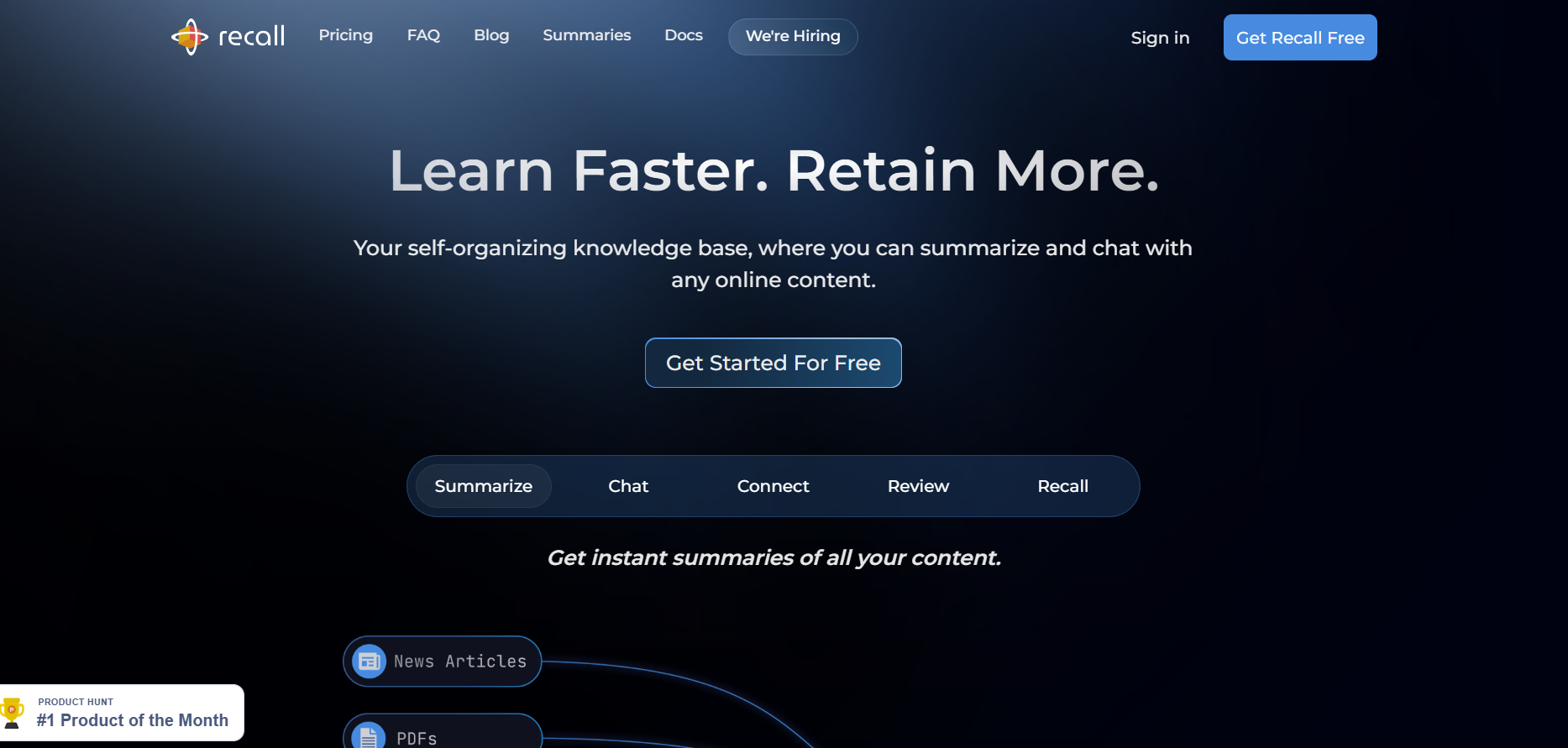
Recall is a personal knowledge-management & content summarization tool that transforms everything you read, watch, or listen to into a searchable, interactive knowledge base. You save web articles, blogs, YouTube videos, PDFs, podcasts, or Google Docs and turn them into “Recall Cards” which include the original content, AI summaries (concise or detailed), chat-interactions, editable notes, and connections to related content. The system also supports a spaced repetition / active recall workflow so that you can review key ideas over time, helping retention. Recall organizes what you learn automatically using tags and keywords, builds a graph of your saved content (knowledge graph), and provides augmented browsing so related past content resurfaces when you are browsing new material.
Recall
Recall is a personal knowledge-management & content summarization tool that transforms everything you read, watch, or listen to into a searchable, interactive knowledge base. You save web articles, blogs, YouTube videos, PDFs, podcasts, or Google Docs and turn them into “Recall Cards” which include the original content, AI summaries (concise or detailed), chat-interactions, editable notes, and connections to related content. The system also supports a spaced repetition / active recall workflow so that you can review key ideas over time, helping retention. Recall organizes what you learn automatically using tags and keywords, builds a graph of your saved content (knowledge graph), and provides augmented browsing so related past content resurfaces when you are browsing new material.
Recall
Recall is a personal knowledge-management & content summarization tool that transforms everything you read, watch, or listen to into a searchable, interactive knowledge base. You save web articles, blogs, YouTube videos, PDFs, podcasts, or Google Docs and turn them into “Recall Cards” which include the original content, AI summaries (concise or detailed), chat-interactions, editable notes, and connections to related content. The system also supports a spaced repetition / active recall workflow so that you can review key ideas over time, helping retention. Recall organizes what you learn automatically using tags and keywords, builds a graph of your saved content (knowledge graph), and provides augmented browsing so related past content resurfaces when you are browsing new material.

15Minutes
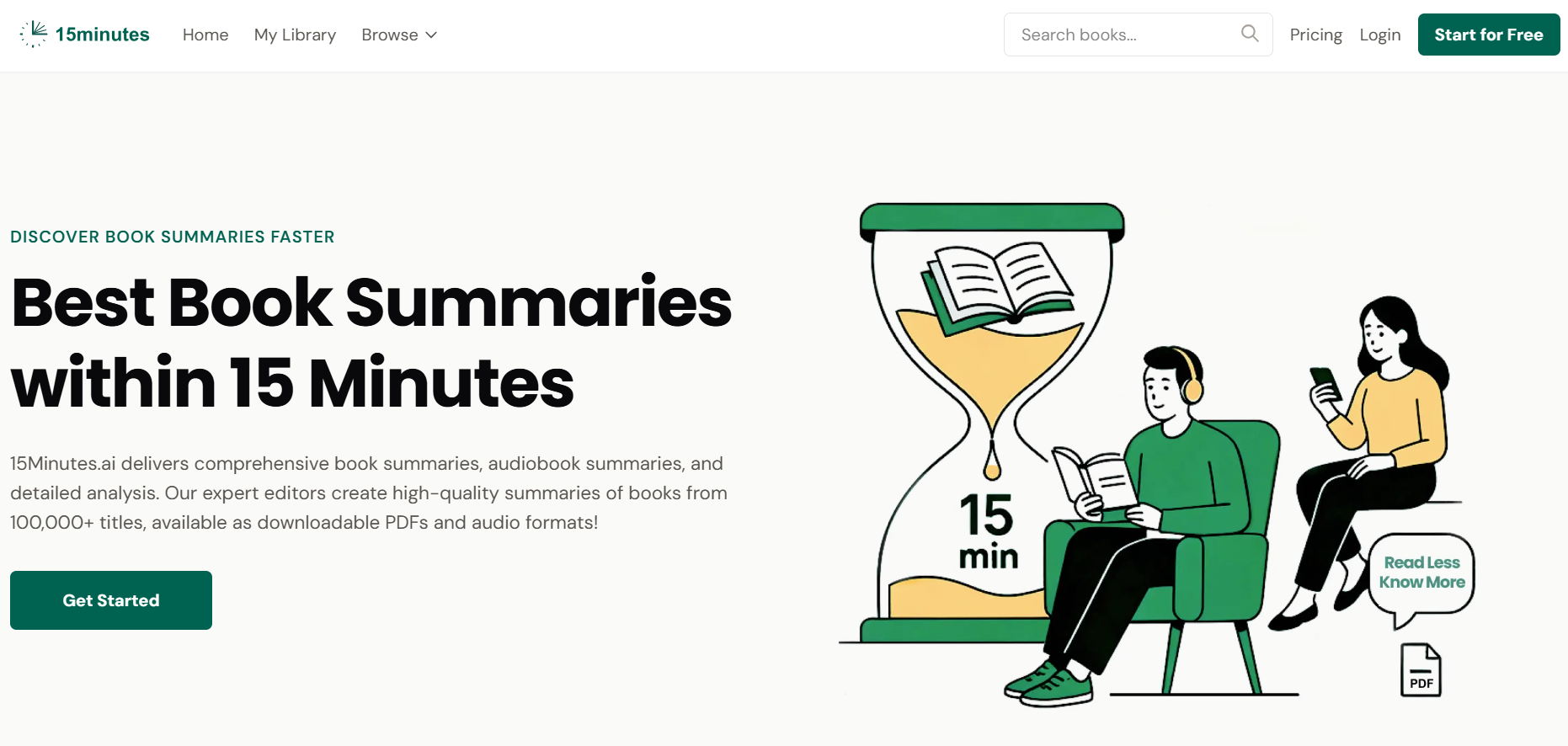
15Minutes.ai is a book-summary tool designed for readers, students, and professionals who want to learn faster without committing hours to reading full-length books. The platform uses AI to convert lengthy books into concise, insightful summaries that can be consumed in just 15 minutes. By providing summaries in multiple formats — including PDF, EPUB, and even audio — it caters to different reading and learning preferences, whether you prefer to skim a text, read on your Kindle, or listen while commuting. The goal is to make learning efficient and accessible, helping users stay informed about key ideas and bestsellers while saving time.
15Minutes
15Minutes.ai is a book-summary tool designed for readers, students, and professionals who want to learn faster without committing hours to reading full-length books. The platform uses AI to convert lengthy books into concise, insightful summaries that can be consumed in just 15 minutes. By providing summaries in multiple formats — including PDF, EPUB, and even audio — it caters to different reading and learning preferences, whether you prefer to skim a text, read on your Kindle, or listen while commuting. The goal is to make learning efficient and accessible, helping users stay informed about key ideas and bestsellers while saving time.
15Minutes
15Minutes.ai is a book-summary tool designed for readers, students, and professionals who want to learn faster without committing hours to reading full-length books. The platform uses AI to convert lengthy books into concise, insightful summaries that can be consumed in just 15 minutes. By providing summaries in multiple formats — including PDF, EPUB, and even audio — it caters to different reading and learning preferences, whether you prefer to skim a text, read on your Kindle, or listen while commuting. The goal is to make learning efficient and accessible, helping users stay informed about key ideas and bestsellers while saving time.

The Bookshelf
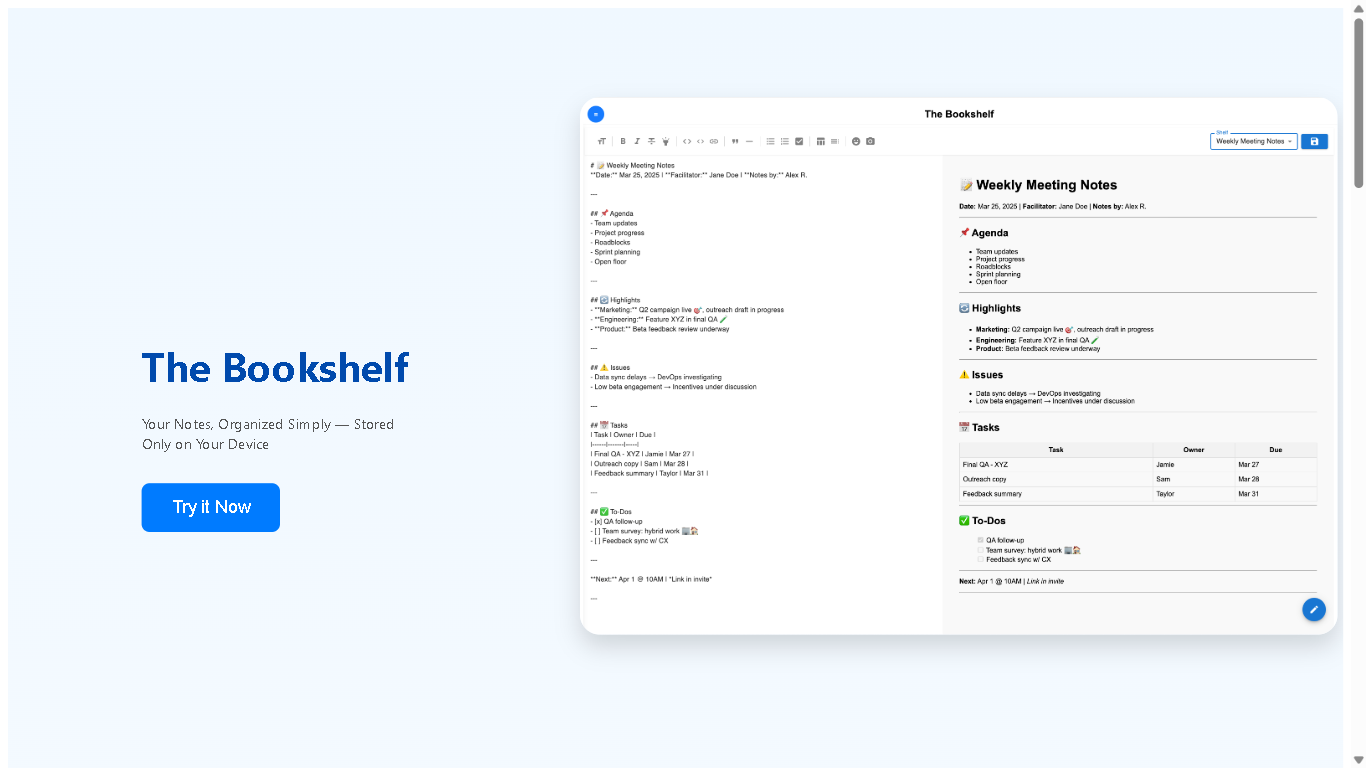
TheBookshelf.ai is an AI-powered personalized reading companion designed to help readers discover, summarize, and organize books more efficiently. It enables students, professionals, and book lovers to extract insights, generate summaries, and get recommendations tailored to their interests. With features like AI-driven book summaries, smart categorization, and personalized recommendations, TheBookshelf.ai makes reading more accessible, faster, and knowledge-rich.
The Bookshelf
TheBookshelf.ai is an AI-powered personalized reading companion designed to help readers discover, summarize, and organize books more efficiently. It enables students, professionals, and book lovers to extract insights, generate summaries, and get recommendations tailored to their interests. With features like AI-driven book summaries, smart categorization, and personalized recommendations, TheBookshelf.ai makes reading more accessible, faster, and knowledge-rich.
The Bookshelf
TheBookshelf.ai is an AI-powered personalized reading companion designed to help readers discover, summarize, and organize books more efficiently. It enables students, professionals, and book lovers to extract insights, generate summaries, and get recommendations tailored to their interests. With features like AI-driven book summaries, smart categorization, and personalized recommendations, TheBookshelf.ai makes reading more accessible, faster, and knowledge-rich.
Shortd
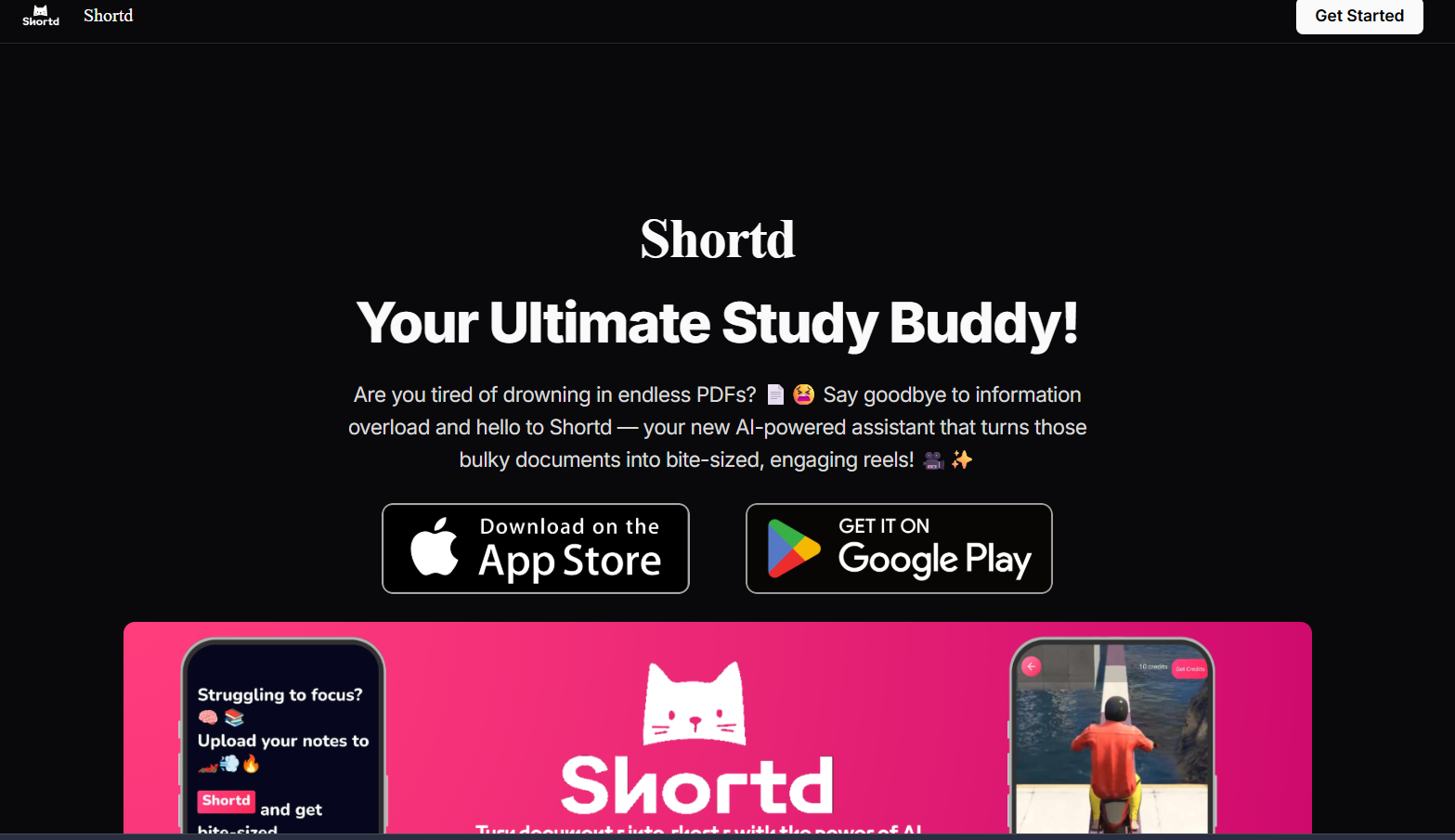
Shortd is an AI-powered study assistant that takes bulky documents like PDFs or images and turns them into bite-sized, engaging study content. Instead of wading through long text, Shortd summarizes key points, creates custom learning reels, and generates flashcards for quick reviews. It’s built for students, busy professionals, or anyone overloaded with reading material who wants to understand and retain information more efficiently.
Shortd
Shortd is an AI-powered study assistant that takes bulky documents like PDFs or images and turns them into bite-sized, engaging study content. Instead of wading through long text, Shortd summarizes key points, creates custom learning reels, and generates flashcards for quick reviews. It’s built for students, busy professionals, or anyone overloaded with reading material who wants to understand and retain information more efficiently.
Shortd
Shortd is an AI-powered study assistant that takes bulky documents like PDFs or images and turns them into bite-sized, engaging study content. Instead of wading through long text, Shortd summarizes key points, creates custom learning reels, and generates flashcards for quick reviews. It’s built for students, busy professionals, or anyone overloaded with reading material who wants to understand and retain information more efficiently.
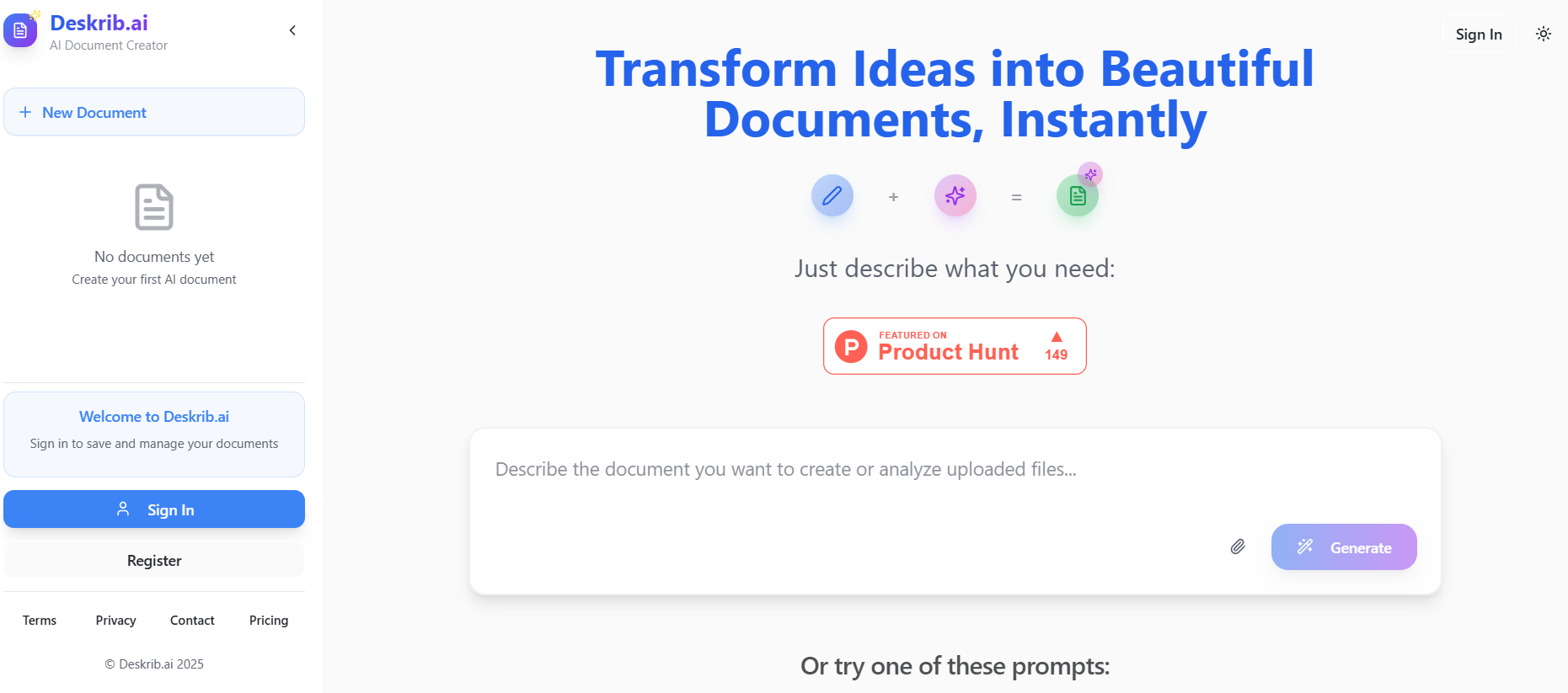
DeskribAI
Deskrib.AI is an AI-powered document generation assistant designed to streamline the process of creating professional documents. It transforms user inputs, such as outlines or keywords, into structured, polished documents in seconds. The platform supports a wide range of document types, including business plans, resumes, legal contracts, technical papers, and even travel itineraries. By combining instant content creation with rapid auto-research capabilities, Deskrib.AI acts as a smart co-pilot, enhancing both the speed and quality of document drafting.
DeskribAI
Deskrib.AI is an AI-powered document generation assistant designed to streamline the process of creating professional documents. It transforms user inputs, such as outlines or keywords, into structured, polished documents in seconds. The platform supports a wide range of document types, including business plans, resumes, legal contracts, technical papers, and even travel itineraries. By combining instant content creation with rapid auto-research capabilities, Deskrib.AI acts as a smart co-pilot, enhancing both the speed and quality of document drafting.
DeskribAI
Deskrib.AI is an AI-powered document generation assistant designed to streamline the process of creating professional documents. It transforms user inputs, such as outlines or keywords, into structured, polished documents in seconds. The platform supports a wide range of document types, including business plans, resumes, legal contracts, technical papers, and even travel itineraries. By combining instant content creation with rapid auto-research capabilities, Deskrib.AI acts as a smart co-pilot, enhancing both the speed and quality of document drafting.
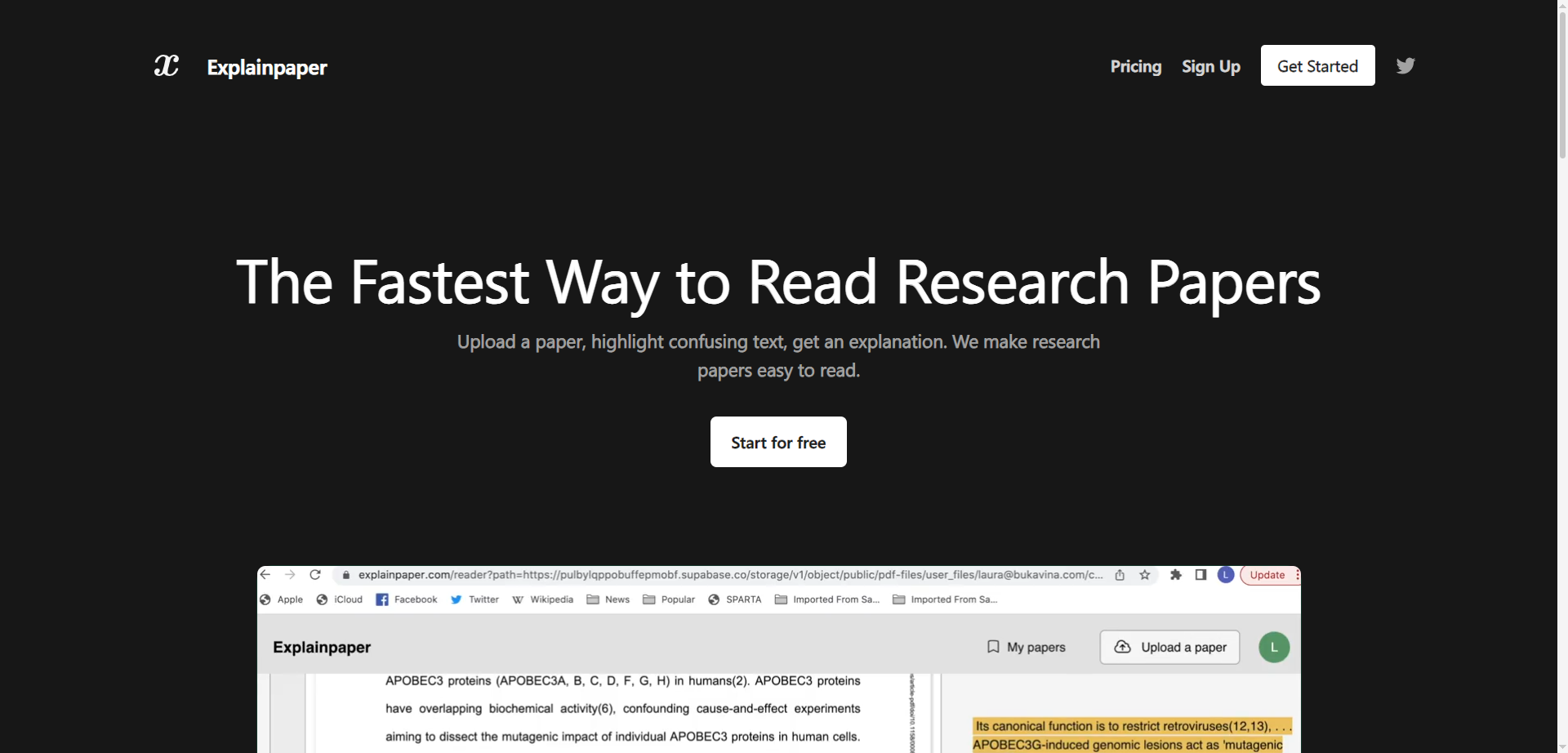

Explainpaper
Explainpaper is an AI reading assistant that makes academic papers easier to understand by letting readers upload a PDF, highlight confusing text, and get plain‑language explanations on the spot. It adds an interactive chat to ask follow‑up questions, plus outline and summarization aids to speed up comprehension. Researchers and students can stay in context as they read, rather than switching tools or losing their place. A free tier provides core highlight‑and‑explain functionality, while paid plans unlock advanced features like richer outlines and deeper chat analysis. Testimonials from prominent users emphasize how it reduces review time and makes dense concepts approachable.
Explainpaper
Explainpaper is an AI reading assistant that makes academic papers easier to understand by letting readers upload a PDF, highlight confusing text, and get plain‑language explanations on the spot. It adds an interactive chat to ask follow‑up questions, plus outline and summarization aids to speed up comprehension. Researchers and students can stay in context as they read, rather than switching tools or losing their place. A free tier provides core highlight‑and‑explain functionality, while paid plans unlock advanced features like richer outlines and deeper chat analysis. Testimonials from prominent users emphasize how it reduces review time and makes dense concepts approachable.
Explainpaper
Explainpaper is an AI reading assistant that makes academic papers easier to understand by letting readers upload a PDF, highlight confusing text, and get plain‑language explanations on the spot. It adds an interactive chat to ask follow‑up questions, plus outline and summarization aids to speed up comprehension. Researchers and students can stay in context as they read, rather than switching tools or losing their place. A free tier provides core highlight‑and‑explain functionality, while paid plans unlock advanced features like richer outlines and deeper chat analysis. Testimonials from prominent users emphasize how it reduces review time and makes dense concepts approachable.
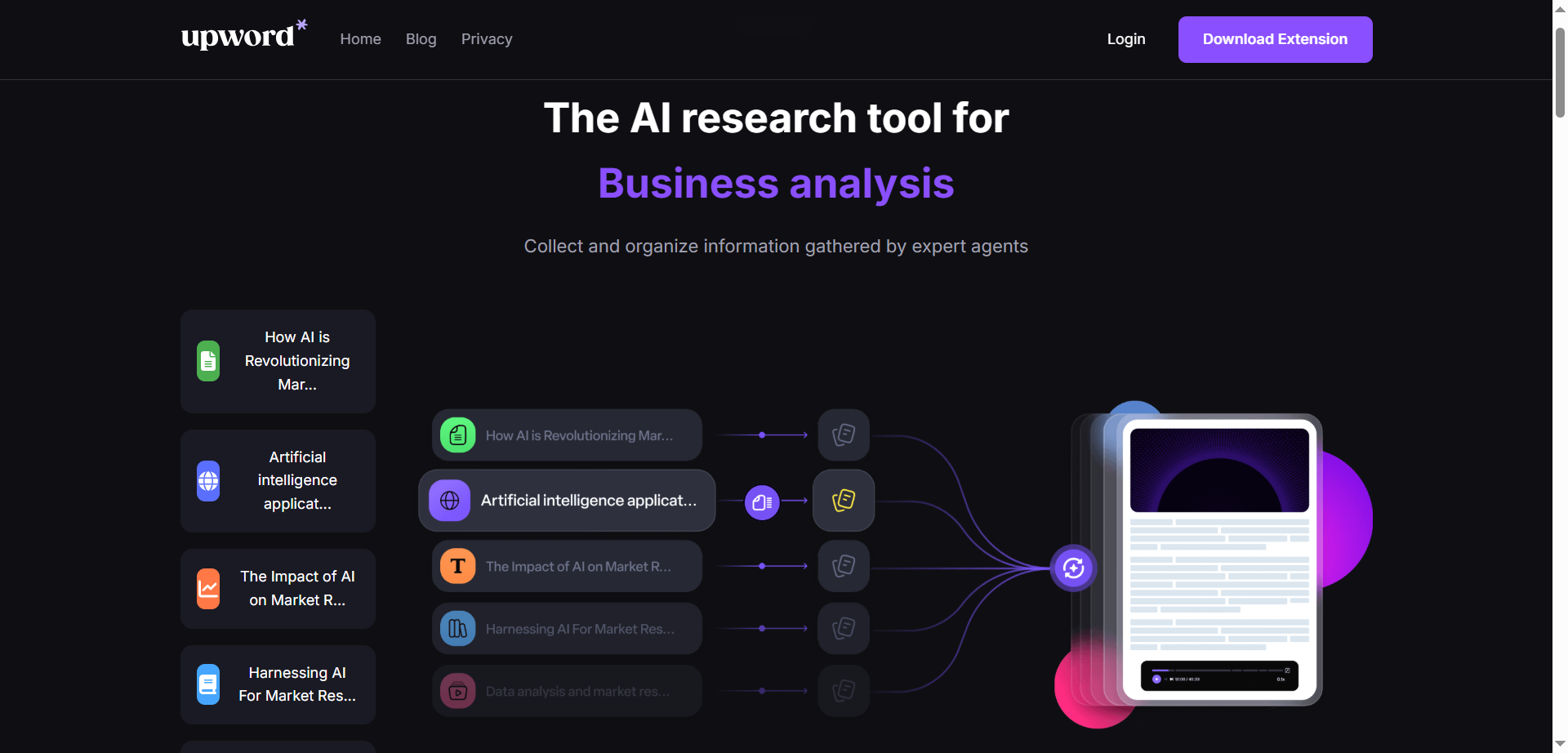

upword*
Upword is an AI-powered research assistant that helps collect, organize, and synthesize information into clear, actionable insights. It combines summarization, semantic search, and an AI copilot to process documents, web pages, videos, and PDFs, turning long sources into concise notes and briefs. A unified workspace, browser extension, and project-based organization keep sources and highlights in one place. Users can ask questions of their sources, extract key points, and convert findings into shareable documents. With customizable workflows and collaboration features, Upword aims to speed up analysis while preserving accuracy and context. It’s designed for teams and individuals who need to move from research to results quickly.
upword*
Upword is an AI-powered research assistant that helps collect, organize, and synthesize information into clear, actionable insights. It combines summarization, semantic search, and an AI copilot to process documents, web pages, videos, and PDFs, turning long sources into concise notes and briefs. A unified workspace, browser extension, and project-based organization keep sources and highlights in one place. Users can ask questions of their sources, extract key points, and convert findings into shareable documents. With customizable workflows and collaboration features, Upword aims to speed up analysis while preserving accuracy and context. It’s designed for teams and individuals who need to move from research to results quickly.
upword*
Upword is an AI-powered research assistant that helps collect, organize, and synthesize information into clear, actionable insights. It combines summarization, semantic search, and an AI copilot to process documents, web pages, videos, and PDFs, turning long sources into concise notes and briefs. A unified workspace, browser extension, and project-based organization keep sources and highlights in one place. Users can ask questions of their sources, extract key points, and convert findings into shareable documents. With customizable workflows and collaboration features, Upword aims to speed up analysis while preserving accuracy and context. It’s designed for teams and individuals who need to move from research to results quickly.

Fileread AI
FileRead.com is an AI-powered document analysis platform designed to help users instantly read, summarize, and understand large files like PDFs, Word documents, PowerPoints, and research papers. It combines natural language processing with deep learning to extract insights, answer questions, and generate summaries in seconds. Perfect for students, researchers, and professionals, FileRead transforms static documents into interactive experiences—allowing you to chat directly with your files. With support for multiple formats, real-time text interpretation, and smart Q&A capabilities, it helps users save hours of manual reading and comprehension work. Whether you're analyzing reports, contracts, or academic papers, FileRead makes complex information accessible, searchable, and easy to digest.
Fileread AI
FileRead.com is an AI-powered document analysis platform designed to help users instantly read, summarize, and understand large files like PDFs, Word documents, PowerPoints, and research papers. It combines natural language processing with deep learning to extract insights, answer questions, and generate summaries in seconds. Perfect for students, researchers, and professionals, FileRead transforms static documents into interactive experiences—allowing you to chat directly with your files. With support for multiple formats, real-time text interpretation, and smart Q&A capabilities, it helps users save hours of manual reading and comprehension work. Whether you're analyzing reports, contracts, or academic papers, FileRead makes complex information accessible, searchable, and easy to digest.
Fileread AI
FileRead.com is an AI-powered document analysis platform designed to help users instantly read, summarize, and understand large files like PDFs, Word documents, PowerPoints, and research papers. It combines natural language processing with deep learning to extract insights, answer questions, and generate summaries in seconds. Perfect for students, researchers, and professionals, FileRead transforms static documents into interactive experiences—allowing you to chat directly with your files. With support for multiple formats, real-time text interpretation, and smart Q&A capabilities, it helps users save hours of manual reading and comprehension work. Whether you're analyzing reports, contracts, or academic papers, FileRead makes complex information accessible, searchable, and easy to digest.

NoteGPT
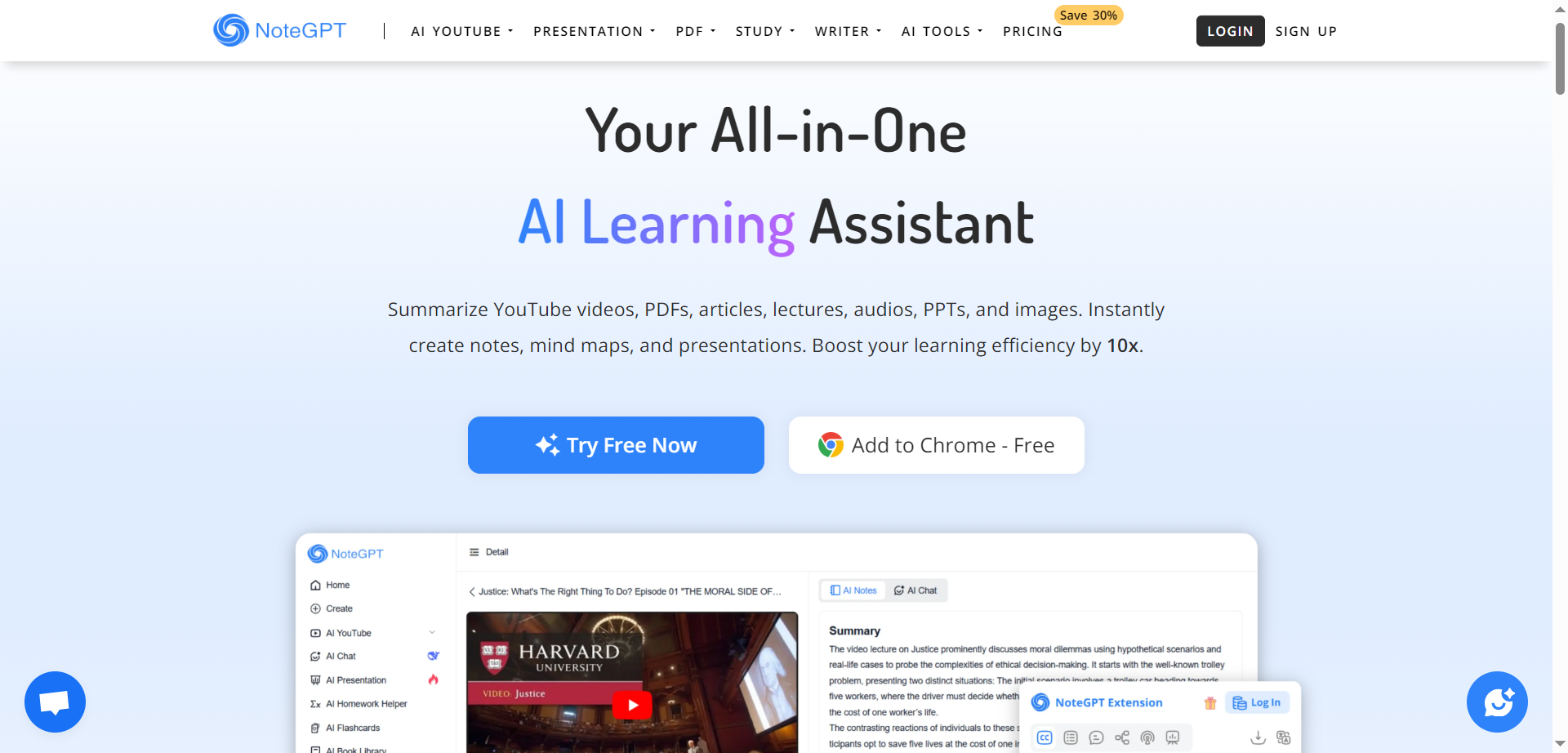
NoteGPT is an all-in-one AI learning assistant designed to enhance studying, research, teaching, and professional work through advanced AI-powered summarization, chat, and writing tools. It helps users quickly summarize YouTube videos and playlists, extract key points from PDFs while preserving original layouts, and convert between different document formats such as PDF, Word, Markdown, Image, and Excel. With built-in math problem solving, formula calculators, and AI-driven writing assistance, NoteGPT supports students, educators, researchers, professionals, and creators to study smarter, generate notes, prepare presentations, and create content effortlessly.
NoteGPT
NoteGPT is an all-in-one AI learning assistant designed to enhance studying, research, teaching, and professional work through advanced AI-powered summarization, chat, and writing tools. It helps users quickly summarize YouTube videos and playlists, extract key points from PDFs while preserving original layouts, and convert between different document formats such as PDF, Word, Markdown, Image, and Excel. With built-in math problem solving, formula calculators, and AI-driven writing assistance, NoteGPT supports students, educators, researchers, professionals, and creators to study smarter, generate notes, prepare presentations, and create content effortlessly.
NoteGPT
NoteGPT is an all-in-one AI learning assistant designed to enhance studying, research, teaching, and professional work through advanced AI-powered summarization, chat, and writing tools. It helps users quickly summarize YouTube videos and playlists, extract key points from PDFs while preserving original layouts, and convert between different document formats such as PDF, Word, Markdown, Image, and Excel. With built-in math problem solving, formula calculators, and AI-driven writing assistance, NoteGPT supports students, educators, researchers, professionals, and creators to study smarter, generate notes, prepare presentations, and create content effortlessly.

SciSummary
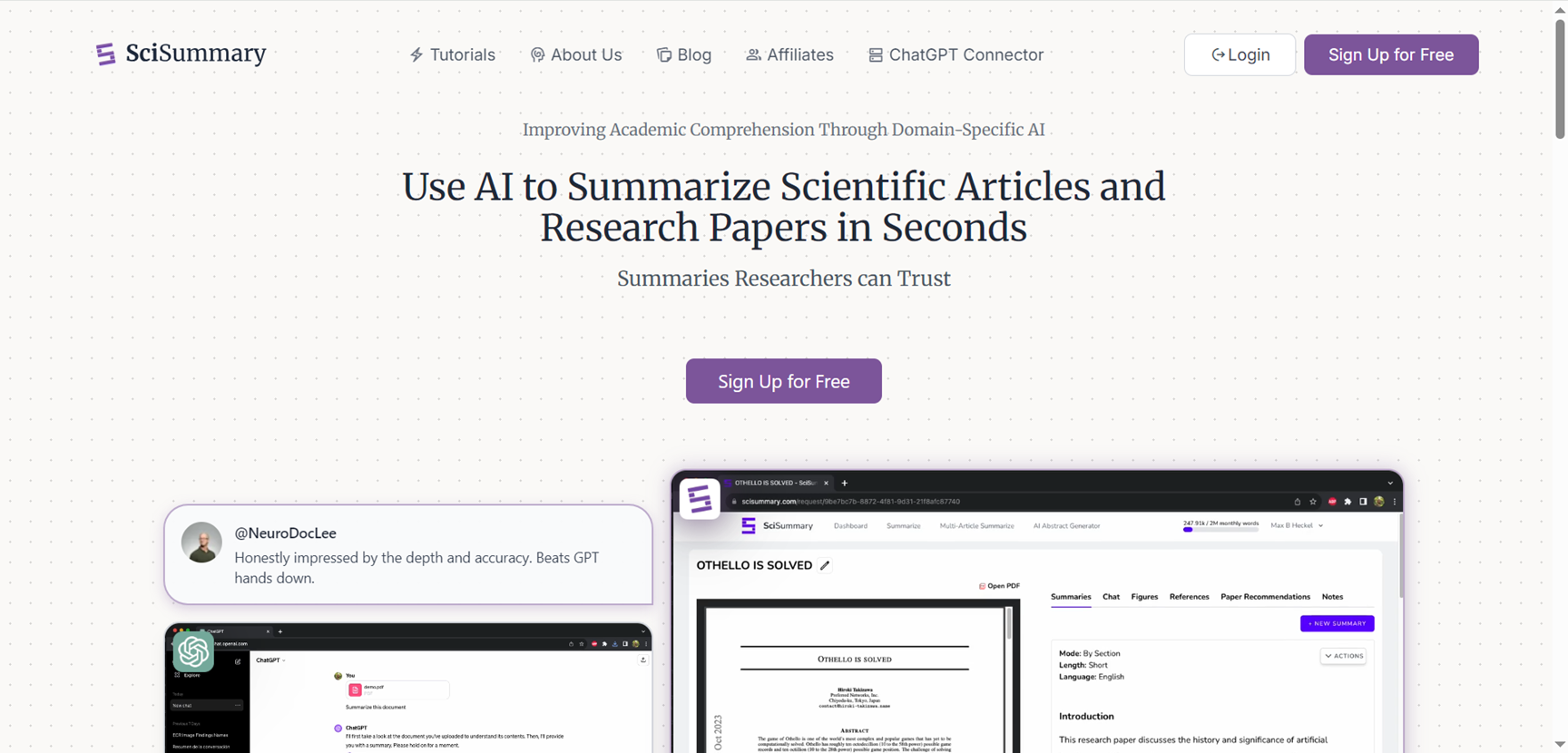
SciSummary is a specialized AI platform that summarizes scientific articles with precision, making complex research accessible for students, researchers, and academics worldwide. Unlike general tools like ChatGPT, it extracts key elements—abstracts, methods, results, conclusions, figures, and citations—delivering structured overviews that preserve context and highlight findings accurately. Over 800,000 users have processed 1.5 million papers since 2023, trusting its domain-specific framework for faster comprehension. Features include bulk summarization, paper comparisons, library organization with folders/tags, and interactive chats on stats like p-values or effect sizes.
SciSummary
SciSummary is a specialized AI platform that summarizes scientific articles with precision, making complex research accessible for students, researchers, and academics worldwide. Unlike general tools like ChatGPT, it extracts key elements—abstracts, methods, results, conclusions, figures, and citations—delivering structured overviews that preserve context and highlight findings accurately. Over 800,000 users have processed 1.5 million papers since 2023, trusting its domain-specific framework for faster comprehension. Features include bulk summarization, paper comparisons, library organization with folders/tags, and interactive chats on stats like p-values or effect sizes.
SciSummary
SciSummary is a specialized AI platform that summarizes scientific articles with precision, making complex research accessible for students, researchers, and academics worldwide. Unlike general tools like ChatGPT, it extracts key elements—abstracts, methods, results, conclusions, figures, and citations—delivering structured overviews that preserve context and highlight findings accurately. Over 800,000 users have processed 1.5 million papers since 2023, trusting its domain-specific framework for faster comprehension. Features include bulk summarization, paper comparisons, library organization with folders/tags, and interactive chats on stats like p-values or effect sizes.

SpeedStudy
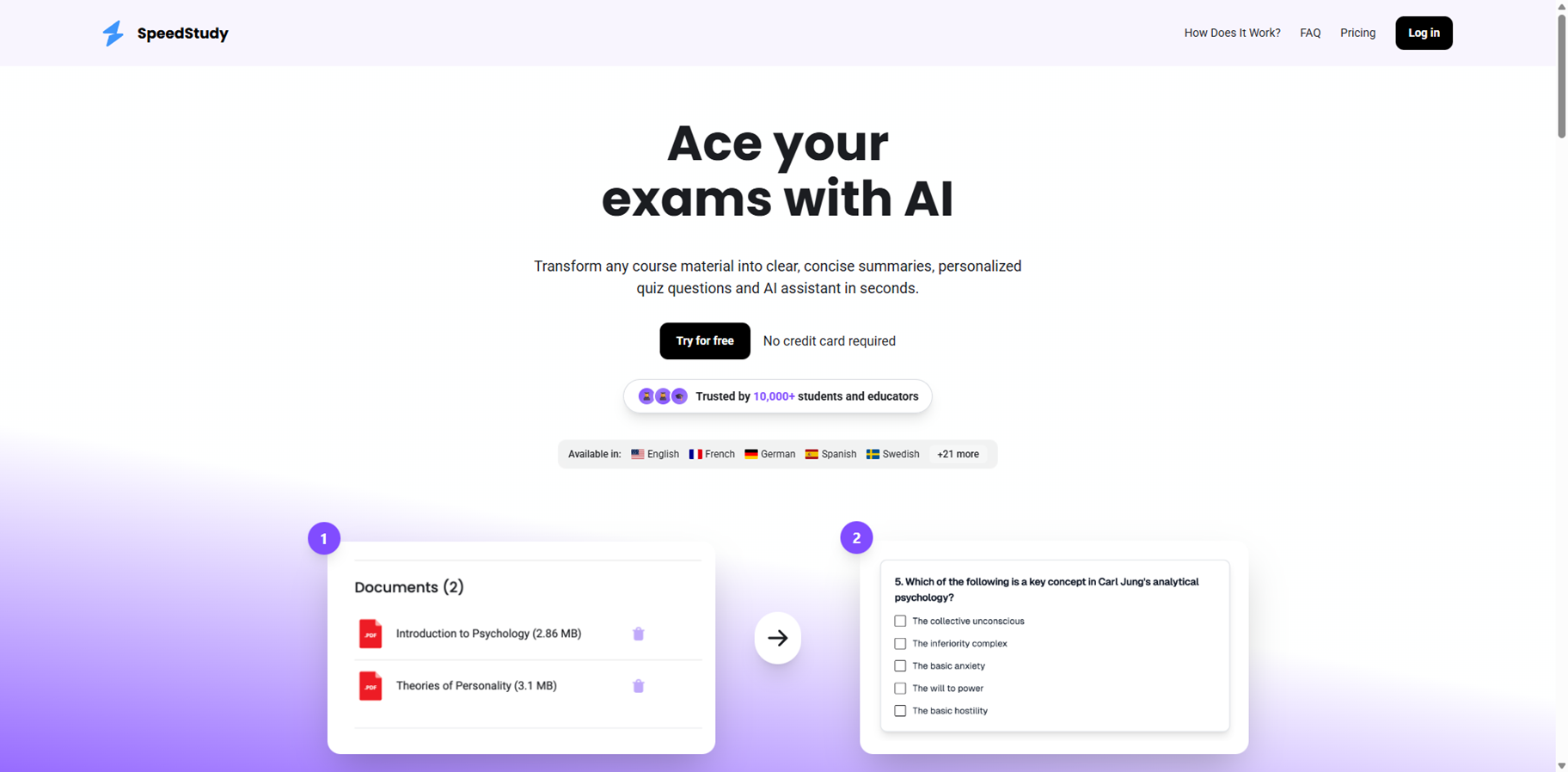
Speedstudy is an AI-powered study tool that transforms any course material like PDFs, notes, or textbooks into clear summaries, personalized quizzes, and an interactive assistant in seconds, helping students ace exams efficiently. Upload your files without formatting hassles, and the platform extracts key concepts, creates concise overviews, generates targeted practice questions, and provides an AI tutor for focused learning. Trusted by over 10,000 students and educators, it cuts study time dramatically with no credit card needed for the free trial, making complex subjects manageable for biology, engineering, med school, and more.
SpeedStudy
Speedstudy is an AI-powered study tool that transforms any course material like PDFs, notes, or textbooks into clear summaries, personalized quizzes, and an interactive assistant in seconds, helping students ace exams efficiently. Upload your files without formatting hassles, and the platform extracts key concepts, creates concise overviews, generates targeted practice questions, and provides an AI tutor for focused learning. Trusted by over 10,000 students and educators, it cuts study time dramatically with no credit card needed for the free trial, making complex subjects manageable for biology, engineering, med school, and more.
SpeedStudy
Speedstudy is an AI-powered study tool that transforms any course material like PDFs, notes, or textbooks into clear summaries, personalized quizzes, and an interactive assistant in seconds, helping students ace exams efficiently. Upload your files without formatting hassles, and the platform extracts key concepts, creates concise overviews, generates targeted practice questions, and provides an AI tutor for focused learning. Trusted by over 10,000 students and educators, it cuts study time dramatically with no credit card needed for the free trial, making complex subjects manageable for biology, engineering, med school, and more.
Editorial Note
This page was researched and written by the ATB Editorial Team. Our team researches each AI tool by reviewing its official website, testing features, exploring real use cases, and considering user feedback. Every page is fact-checked and regularly updated to ensure the information stays accurate, neutral, and useful for our readers.
If you have any suggestions or questions, email us at hello@aitoolbook.ai