
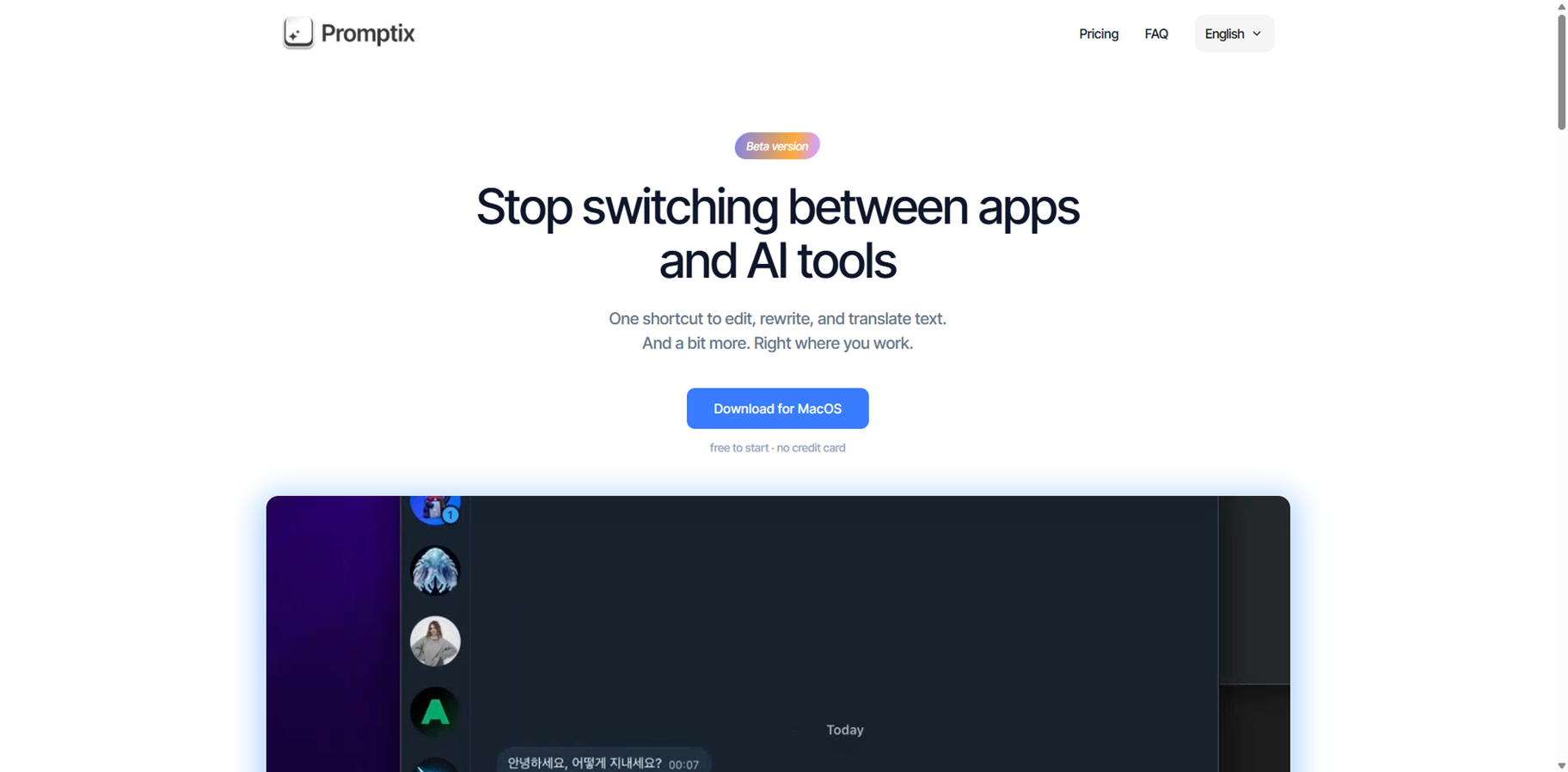
- Writers & Editors: Polish grammar, rewrite, or generate text right in your docs.
- Multilingual Users: Translate selected bits instantly to any language.
- Productivity Fans: Automate emails, posts, notes, or summaries with hotkeys.
- Developers & Creators: Run custom prompts for code snippets or ideas anywhere.
- Remote Workers: Boost efficiency in Slack, email, or browsers without disruptions.
How to Use Promptix?
- Install on Mac: Download and set up with your preferred AI API keys.
- Select Text Anywhere: Highlight what you want to process in any app.
- Hit Hotkey: Choose action like Translate, Fix Grammar, or custom prompt.
- Get Results Instantly: Paste or edit the AI output right back in place.
- Hotkey in Any App: AI access without leaving your current program or tab.
- Custom Prompts Anytime: Build and trigger your own for tailored tasks.
- Your API Keys Only: Unlimited requests, no costs or limits from Promptix.
- Privacy by Design: Sends only selected text, no data storage anywhere.
- Broad AI Support: OpenAI, Anthropic, Google, local LLMs, all compatible.
- Super quick hotkey workflow anywhere on Mac.
- Unlimited with your own API keys.
- Custom prompts make it endlessly flexible.
- Secure and lightweight on resources.
- Mac-only, no Windows version yet.
- Free plan has daily limits without keys.
- Basic built-ins need customs for power users.
- No mobile or web access.
Free
$ 0.00
Use API key without limits and any models
Pro
$ 4.99
More AI models: popular models from OpenAI and Grok
Proud of the love you're getting? Show off your AI Toolbook reviews—then invite more fans to share the love and build your credibility.
Add an AI Toolbook badge to your site—an easy way to drive followers, showcase updates, and collect reviews. It's like a mini 24/7 billboard for your AI.
Reviews
Rating Distribution
Average score
Popular Mention
FAQs
Similar AI Tools

Pismo
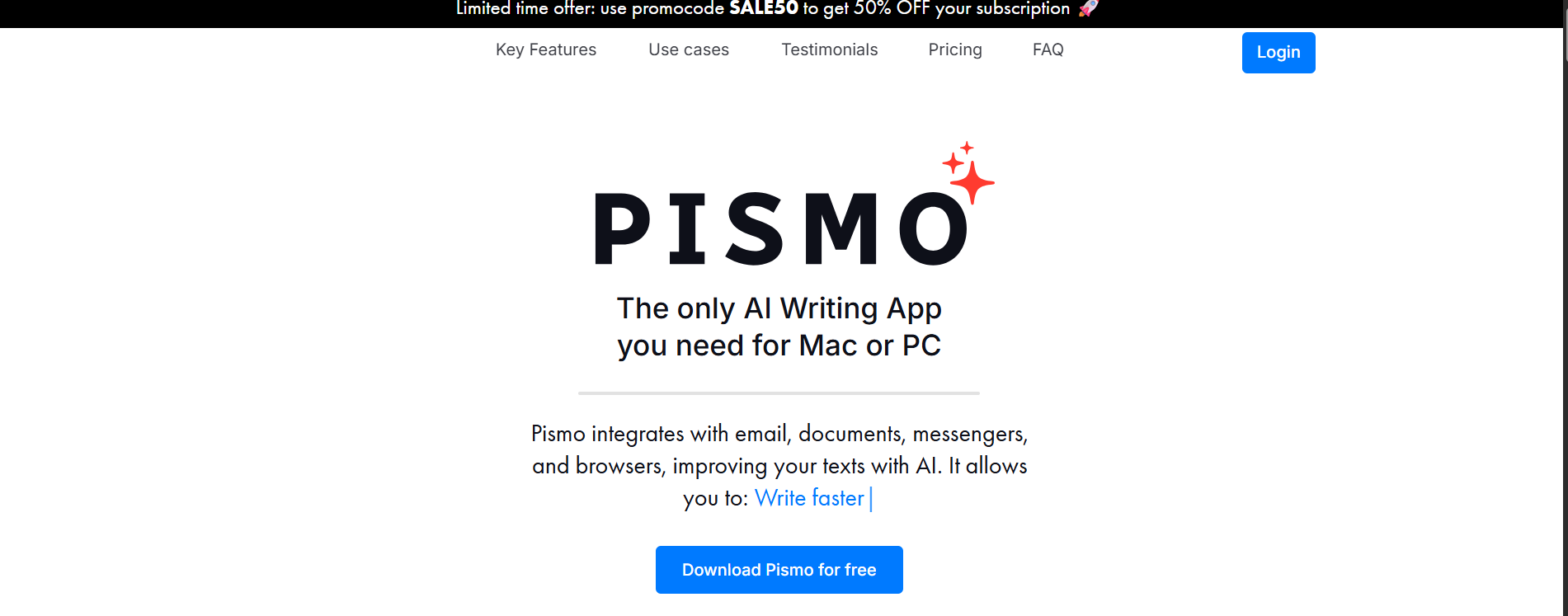
Pismo is an AI-powered writing assistant for Windows and Mac that enhances written communication across any app—emails, documents, browsers, and messengers. It offers features like proofreading, grammar & spelling correction, tone adjustments, length manipulation, translation into multiple languages, and custom prompt creation with hotkeys. Designed for broad usage, from professionals refining reports, students drafting essays, to multilingual users bridging language gaps, Pismo lets you improve clarity, adapt style, and boost productivity without always switching between separate writing tools. It runs as a desktop app with an always-available widget, emphasizes privacy by not storing your texts, and works seamlessly wherever you write.
Pismo
Pismo is an AI-powered writing assistant for Windows and Mac that enhances written communication across any app—emails, documents, browsers, and messengers. It offers features like proofreading, grammar & spelling correction, tone adjustments, length manipulation, translation into multiple languages, and custom prompt creation with hotkeys. Designed for broad usage, from professionals refining reports, students drafting essays, to multilingual users bridging language gaps, Pismo lets you improve clarity, adapt style, and boost productivity without always switching between separate writing tools. It runs as a desktop app with an always-available widget, emphasizes privacy by not storing your texts, and works seamlessly wherever you write.
Pismo
Pismo is an AI-powered writing assistant for Windows and Mac that enhances written communication across any app—emails, documents, browsers, and messengers. It offers features like proofreading, grammar & spelling correction, tone adjustments, length manipulation, translation into multiple languages, and custom prompt creation with hotkeys. Designed for broad usage, from professionals refining reports, students drafting essays, to multilingual users bridging language gaps, Pismo lets you improve clarity, adapt style, and boost productivity without always switching between separate writing tools. It runs as a desktop app with an always-available widget, emphasizes privacy by not storing your texts, and works seamlessly wherever you write.

Amical
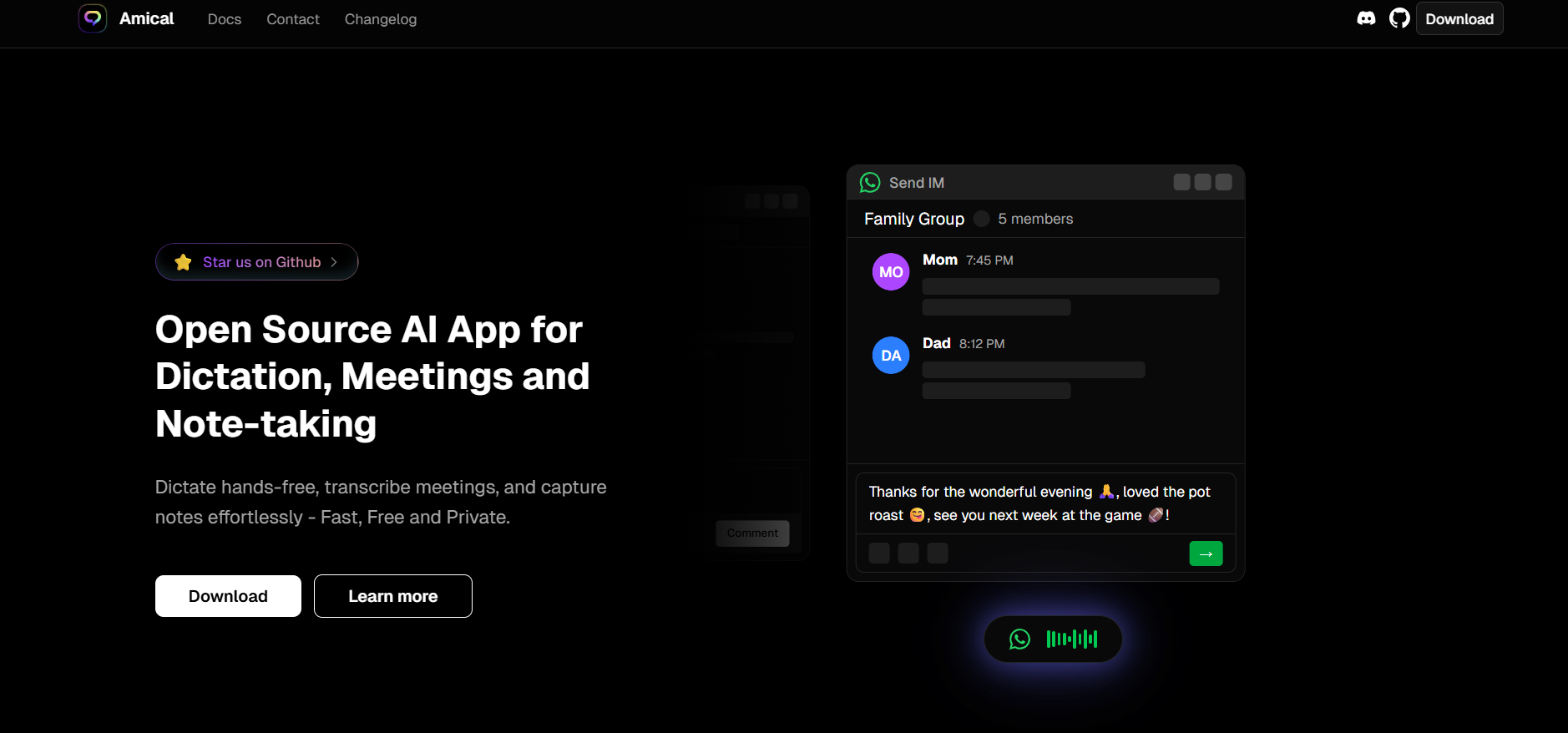
Amical is an open-source AI-powered dictation and note-taking application designed to enhance productivity through hands-free voice input. It enables users to dictate text, transcribe meetings, and capture notes effortlessly, offering fast, accurate, and context-aware transcription. Amical supports both local and cloud-based AI models, allowing users to choose the best option for speed, accuracy, and privacy. The application is compatible with various operating systems, including macOS, Windows, and Linux, and is available for download on GitHub.
Amical
Amical is an open-source AI-powered dictation and note-taking application designed to enhance productivity through hands-free voice input. It enables users to dictate text, transcribe meetings, and capture notes effortlessly, offering fast, accurate, and context-aware transcription. Amical supports both local and cloud-based AI models, allowing users to choose the best option for speed, accuracy, and privacy. The application is compatible with various operating systems, including macOS, Windows, and Linux, and is available for download on GitHub.
Amical
Amical is an open-source AI-powered dictation and note-taking application designed to enhance productivity through hands-free voice input. It enables users to dictate text, transcribe meetings, and capture notes effortlessly, offering fast, accurate, and context-aware transcription. Amical supports both local and cloud-based AI models, allowing users to choose the best option for speed, accuracy, and privacy. The application is compatible with various operating systems, including macOS, Windows, and Linux, and is available for download on GitHub.

TextWisely
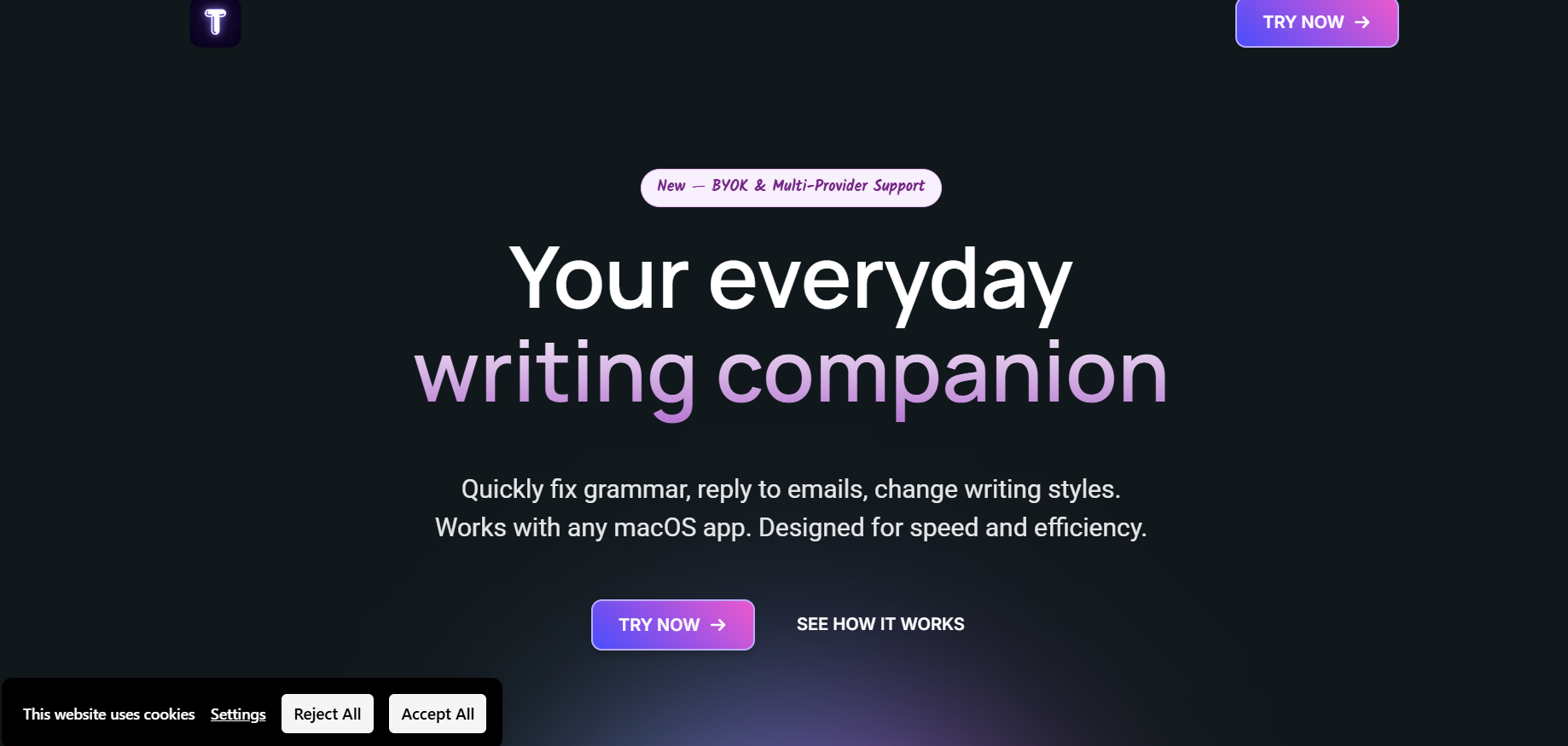
TextWisely is an AI writing assistant built specifically for macOS, designed to enhance productivity by integrating intelligent writing features directly into the user’s workflow. It enables users to fix grammar, reply to emails, summarize text, change tone, and perform inline edits without leaving the macOS app they’re working in. The tool aims to eliminate tab-switching, reduce context loss, and streamline writing tasks by offering quick actions via shortcuts and smart editing capabilities.
TextWisely
TextWisely is an AI writing assistant built specifically for macOS, designed to enhance productivity by integrating intelligent writing features directly into the user’s workflow. It enables users to fix grammar, reply to emails, summarize text, change tone, and perform inline edits without leaving the macOS app they’re working in. The tool aims to eliminate tab-switching, reduce context loss, and streamline writing tasks by offering quick actions via shortcuts and smart editing capabilities.
TextWisely
TextWisely is an AI writing assistant built specifically for macOS, designed to enhance productivity by integrating intelligent writing features directly into the user’s workflow. It enables users to fix grammar, reply to emails, summarize text, change tone, and perform inline edits without leaving the macOS app they’re working in. The tool aims to eliminate tab-switching, reduce context loss, and streamline writing tasks by offering quick actions via shortcuts and smart editing capabilities.
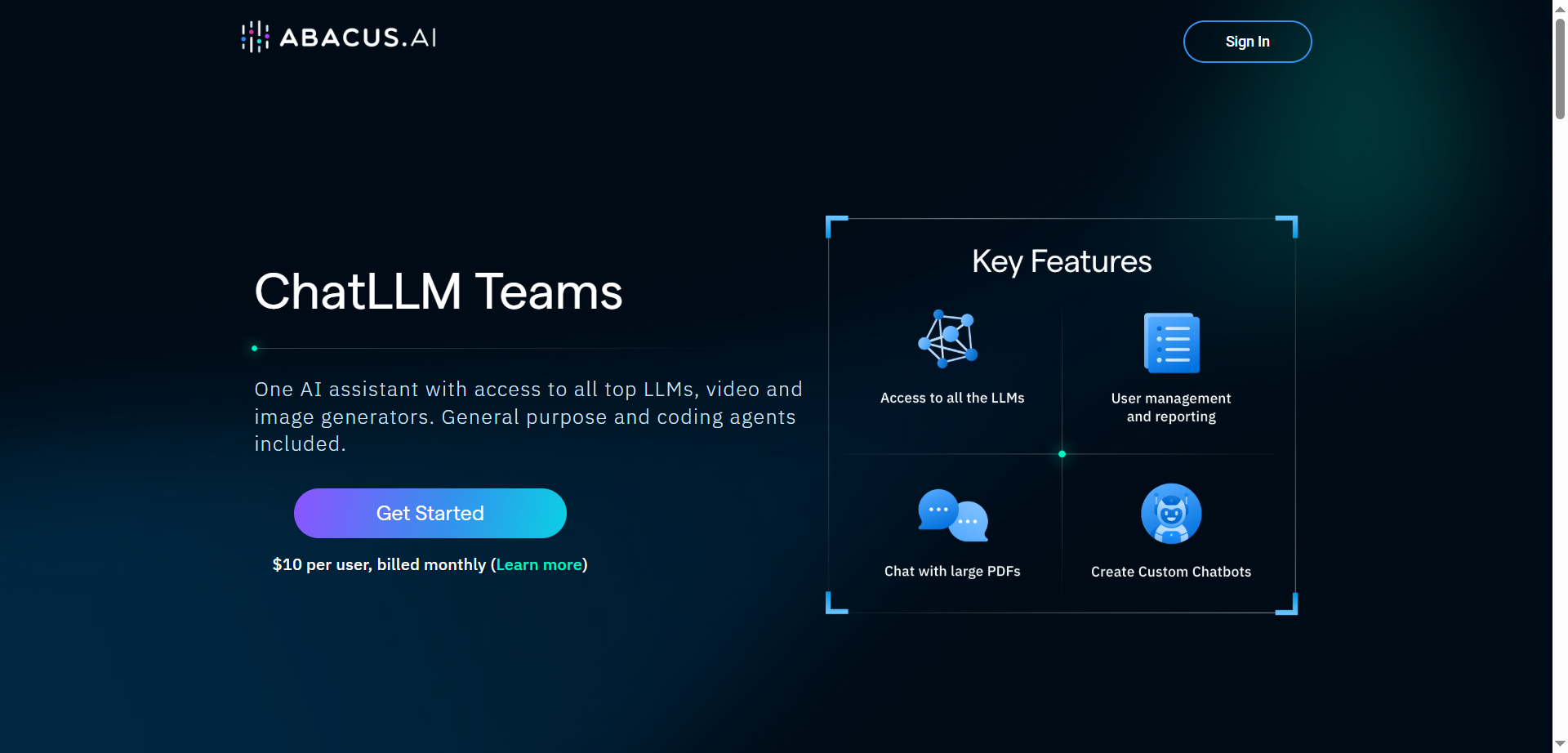

Abacus.AI
ChatLLM Teams by Abacus.AI is an all‑in‑one AI assistant that unifies access to top LLMs, image and video generators, and powerful agentic tools in a single workspace. It includes DeepAgent for complex, multi‑step tasks, code execution with an editor, document/chat with files, web search, TTS, and slide/doc generation. Users can build custom chatbots, set up AI workflows, generate images and videos from multiple models, and organize work with projects across desktop and mobile apps. The platform is OpenAI‑style in usability but adds operator features for running tasks on a computer, plus DeepAgent Desktop and AppLLM for building and hosting small apps.
Abacus.AI
ChatLLM Teams by Abacus.AI is an all‑in‑one AI assistant that unifies access to top LLMs, image and video generators, and powerful agentic tools in a single workspace. It includes DeepAgent for complex, multi‑step tasks, code execution with an editor, document/chat with files, web search, TTS, and slide/doc generation. Users can build custom chatbots, set up AI workflows, generate images and videos from multiple models, and organize work with projects across desktop and mobile apps. The platform is OpenAI‑style in usability but adds operator features for running tasks on a computer, plus DeepAgent Desktop and AppLLM for building and hosting small apps.
Abacus.AI
ChatLLM Teams by Abacus.AI is an all‑in‑one AI assistant that unifies access to top LLMs, image and video generators, and powerful agentic tools in a single workspace. It includes DeepAgent for complex, multi‑step tasks, code execution with an editor, document/chat with files, web search, TTS, and slide/doc generation. Users can build custom chatbots, set up AI workflows, generate images and videos from multiple models, and organize work with projects across desktop and mobile apps. The platform is OpenAI‑style in usability but adds operator features for running tasks on a computer, plus DeepAgent Desktop and AppLLM for building and hosting small apps.
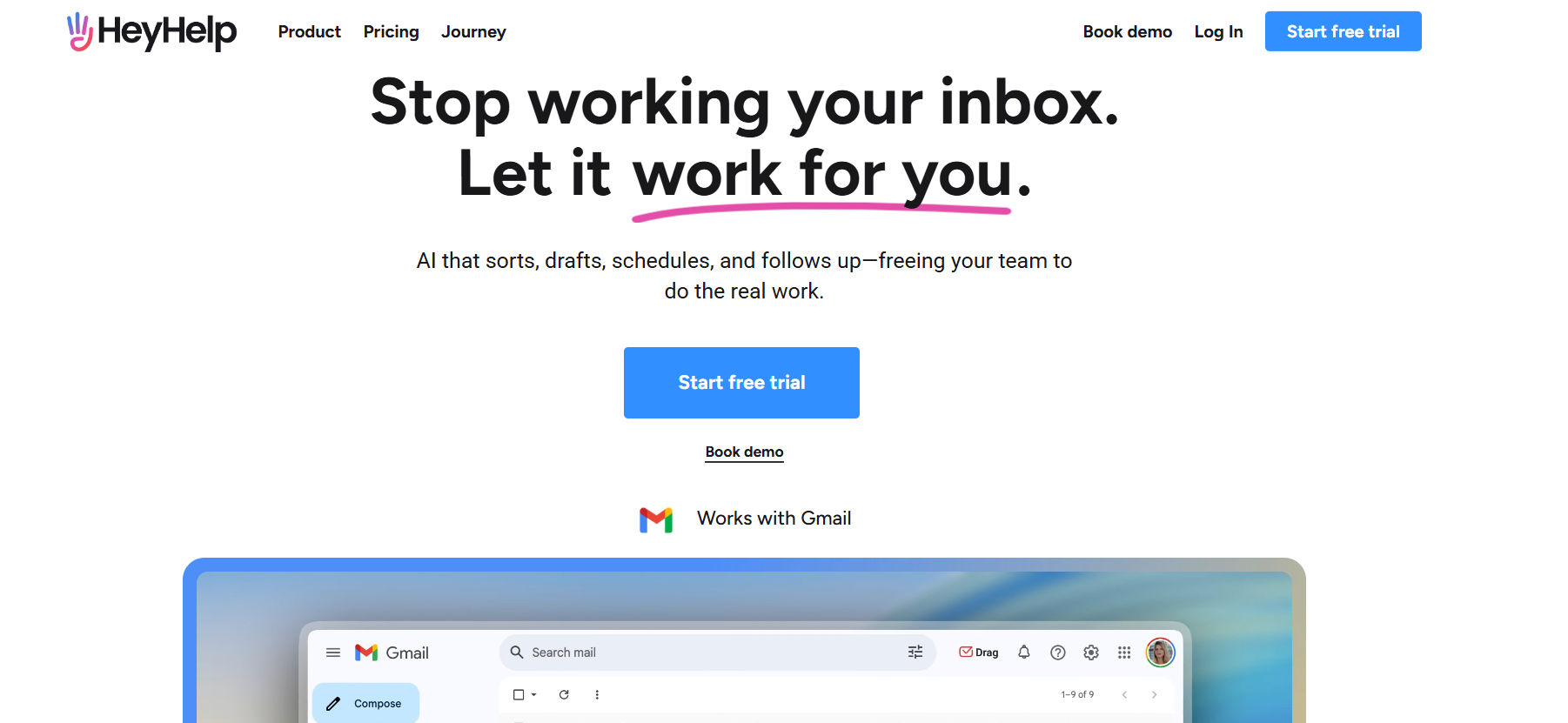

Heyhelp AI
HeyHelp AI is an AI-powered virtual assistant platform designed to simplify daily operations and workplace communication through intelligent automation. It allows users to create personal or team AI assistants capable of handling repetitive tasks, answering FAQs, managing emails, and organizing schedules. By combining generative AI with workflow logic, HeyHelp provides contextual, personalized, and human-like assistance. It’s ideal for businesses, startups, and individuals who want to reduce manual work and enhance productivity with conversational AI.
Heyhelp AI
HeyHelp AI is an AI-powered virtual assistant platform designed to simplify daily operations and workplace communication through intelligent automation. It allows users to create personal or team AI assistants capable of handling repetitive tasks, answering FAQs, managing emails, and organizing schedules. By combining generative AI with workflow logic, HeyHelp provides contextual, personalized, and human-like assistance. It’s ideal for businesses, startups, and individuals who want to reduce manual work and enhance productivity with conversational AI.
Heyhelp AI
HeyHelp AI is an AI-powered virtual assistant platform designed to simplify daily operations and workplace communication through intelligent automation. It allows users to create personal or team AI assistants capable of handling repetitive tasks, answering FAQs, managing emails, and organizing schedules. By combining generative AI with workflow logic, HeyHelp provides contextual, personalized, and human-like assistance. It’s ideal for businesses, startups, and individuals who want to reduce manual work and enhance productivity with conversational AI.
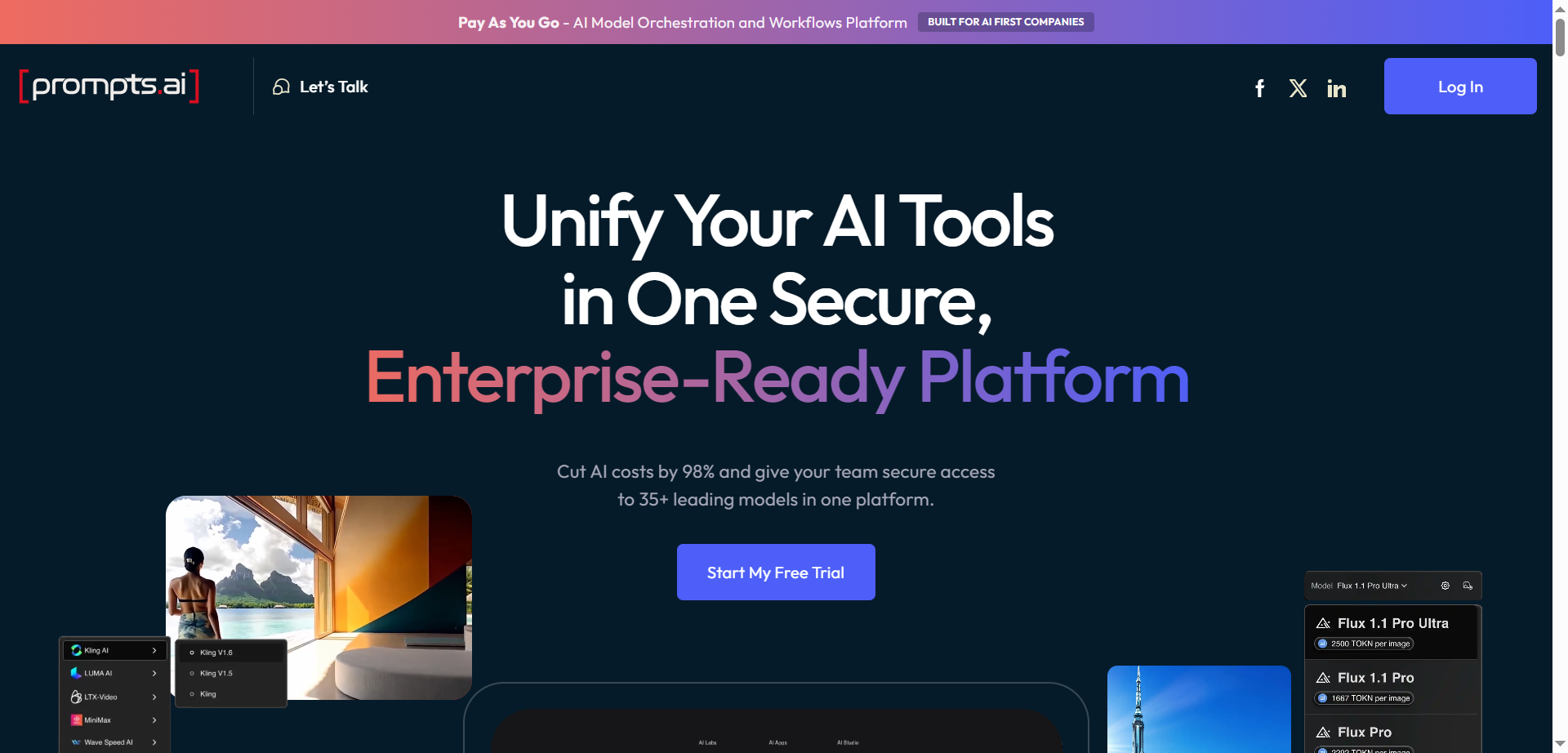
Prompts AI
Prompts.ai is an enterprise-grade AI platform designed to streamline, optimize, and govern generative AI workflows and prompt engineering across organizations. It centralizes access to over 35 large language models (LLMs) and AI tools, allowing teams to automate repetitive workflows, reduce costs, and boost productivity by up to 10 times. The platform emphasizes data security and compliance with standards such as SOC 2 Type II, HIPAA, and GDPR. It supports enterprises in building custom AI workflows, ensuring full visibility, auditability, and governance of AI interactions. Additionally, Prompts.ai fosters collaboration by providing a shared library of expert-built prompts and workflows, enabling businesses to scale AI adoption efficiently and securely.
Prompts AI
Prompts.ai is an enterprise-grade AI platform designed to streamline, optimize, and govern generative AI workflows and prompt engineering across organizations. It centralizes access to over 35 large language models (LLMs) and AI tools, allowing teams to automate repetitive workflows, reduce costs, and boost productivity by up to 10 times. The platform emphasizes data security and compliance with standards such as SOC 2 Type II, HIPAA, and GDPR. It supports enterprises in building custom AI workflows, ensuring full visibility, auditability, and governance of AI interactions. Additionally, Prompts.ai fosters collaboration by providing a shared library of expert-built prompts and workflows, enabling businesses to scale AI adoption efficiently and securely.
Prompts AI
Prompts.ai is an enterprise-grade AI platform designed to streamline, optimize, and govern generative AI workflows and prompt engineering across organizations. It centralizes access to over 35 large language models (LLMs) and AI tools, allowing teams to automate repetitive workflows, reduce costs, and boost productivity by up to 10 times. The platform emphasizes data security and compliance with standards such as SOC 2 Type II, HIPAA, and GDPR. It supports enterprises in building custom AI workflows, ensuring full visibility, auditability, and governance of AI interactions. Additionally, Prompts.ai fosters collaboration by providing a shared library of expert-built prompts and workflows, enabling businesses to scale AI adoption efficiently and securely.
Alice App
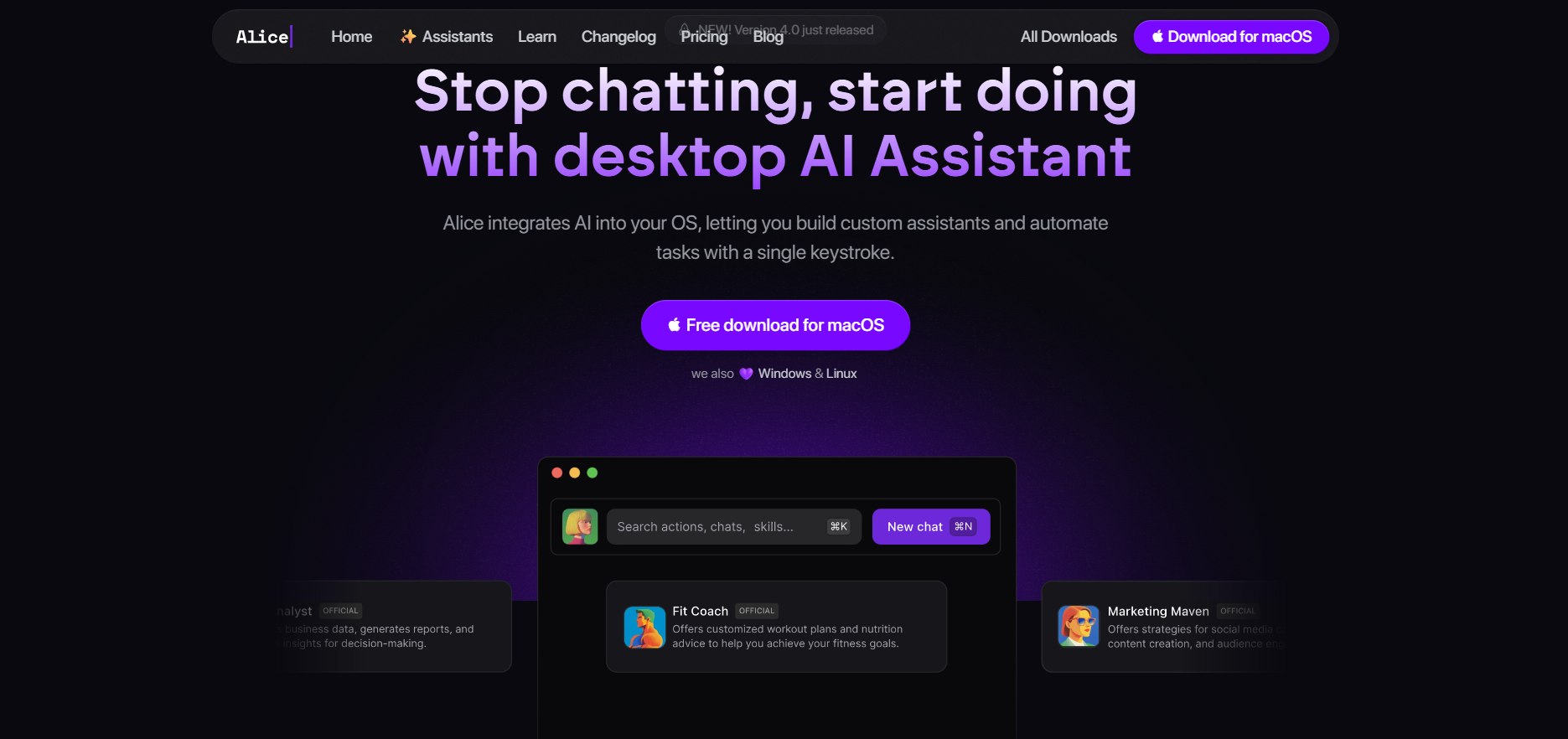
HeyAlice is a native desktop-based AI assistant app for Windows, macOS, and Linux, built to centralize AI-driven productivity and automation across a user’s workflow. It integrates various large language models (LLMs) and allows users to interact via global hotkeys, customizable prompts (“snippets”), and automation workflows that connect to tools like Zapier, Make, or n8n. With HeyAlice, users can generate documents, automate tasks, trigger custom workflows, fetch data, manage schedules, or convert natural-language instructions into structured actions — all without switching context between different applications. Its local-first architecture preserves privacy, while powerful automation capabilities streamline repetitive tasks for developers, freelancers, and professionals alike.
Alice App
HeyAlice is a native desktop-based AI assistant app for Windows, macOS, and Linux, built to centralize AI-driven productivity and automation across a user’s workflow. It integrates various large language models (LLMs) and allows users to interact via global hotkeys, customizable prompts (“snippets”), and automation workflows that connect to tools like Zapier, Make, or n8n. With HeyAlice, users can generate documents, automate tasks, trigger custom workflows, fetch data, manage schedules, or convert natural-language instructions into structured actions — all without switching context between different applications. Its local-first architecture preserves privacy, while powerful automation capabilities streamline repetitive tasks for developers, freelancers, and professionals alike.
Alice App
HeyAlice is a native desktop-based AI assistant app for Windows, macOS, and Linux, built to centralize AI-driven productivity and automation across a user’s workflow. It integrates various large language models (LLMs) and allows users to interact via global hotkeys, customizable prompts (“snippets”), and automation workflows that connect to tools like Zapier, Make, or n8n. With HeyAlice, users can generate documents, automate tasks, trigger custom workflows, fetch data, manage schedules, or convert natural-language instructions into structured actions — all without switching context between different applications. Its local-first architecture preserves privacy, while powerful automation capabilities streamline repetitive tasks for developers, freelancers, and professionals alike.

AI Maestro
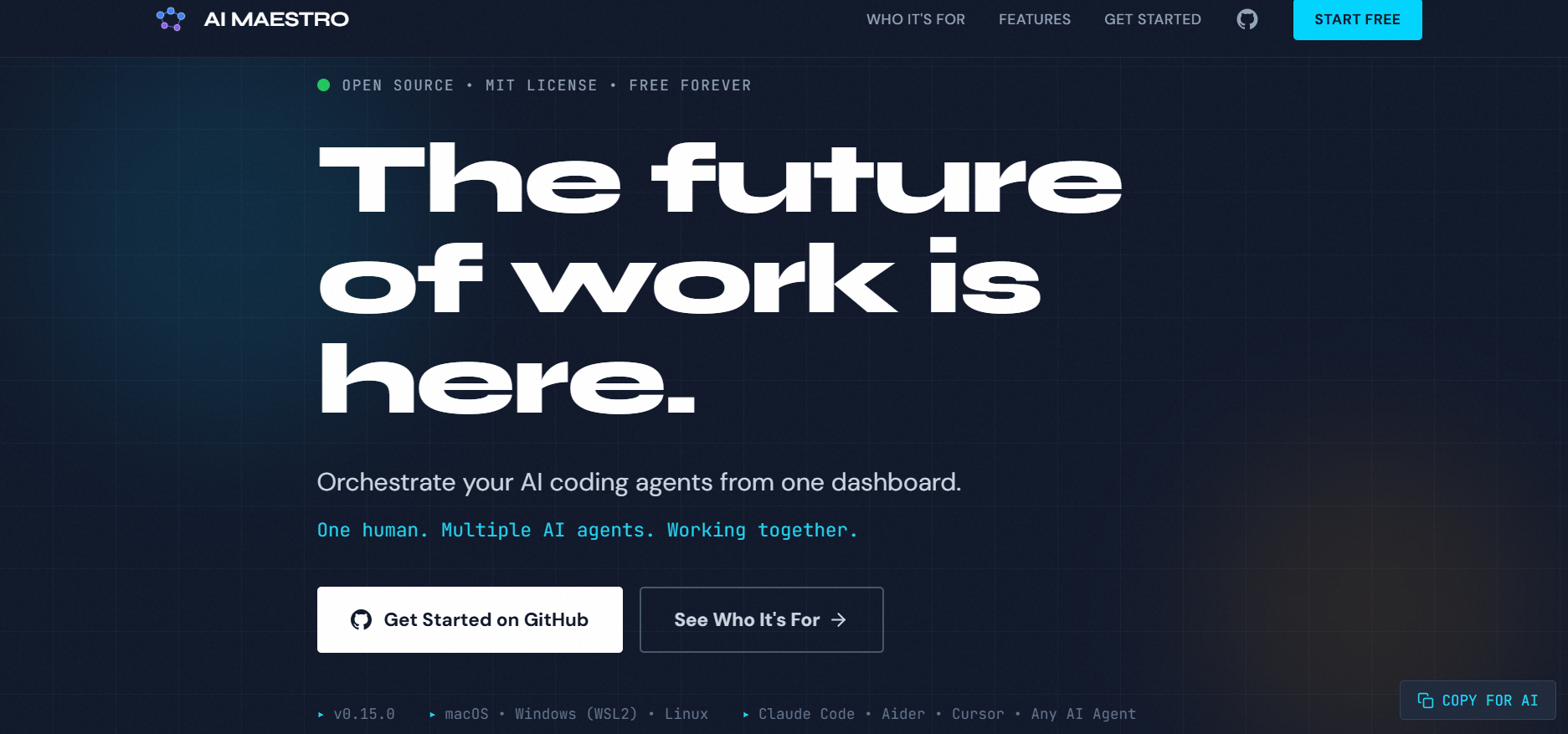
AI Maestro is a no-code AI workflow builder that enables businesses, creators, and teams to design, automate, and deploy intelligent processes without technical expertise. It provides a modular block-based interface where users can combine data inputs, logic steps, transformations, and AI-driven actions—such as classification, summarization, generation, or routing—to build complete automated workflows. AI Maestro reduces the complexity of traditional automation by making each step visual and configurable, allowing users to orchestrate tasks across documents, media, chat interactions, forms, and backend operations. The platform focuses on accelerating operational efficiency by replacing repetitive manual processes with automated AI pipelines.
AI Maestro
AI Maestro is a no-code AI workflow builder that enables businesses, creators, and teams to design, automate, and deploy intelligent processes without technical expertise. It provides a modular block-based interface where users can combine data inputs, logic steps, transformations, and AI-driven actions—such as classification, summarization, generation, or routing—to build complete automated workflows. AI Maestro reduces the complexity of traditional automation by making each step visual and configurable, allowing users to orchestrate tasks across documents, media, chat interactions, forms, and backend operations. The platform focuses on accelerating operational efficiency by replacing repetitive manual processes with automated AI pipelines.
AI Maestro
AI Maestro is a no-code AI workflow builder that enables businesses, creators, and teams to design, automate, and deploy intelligent processes without technical expertise. It provides a modular block-based interface where users can combine data inputs, logic steps, transformations, and AI-driven actions—such as classification, summarization, generation, or routing—to build complete automated workflows. AI Maestro reduces the complexity of traditional automation by making each step visual and configurable, allowing users to orchestrate tasks across documents, media, chat interactions, forms, and backend operations. The platform focuses on accelerating operational efficiency by replacing repetitive manual processes with automated AI pipelines.

Criticly
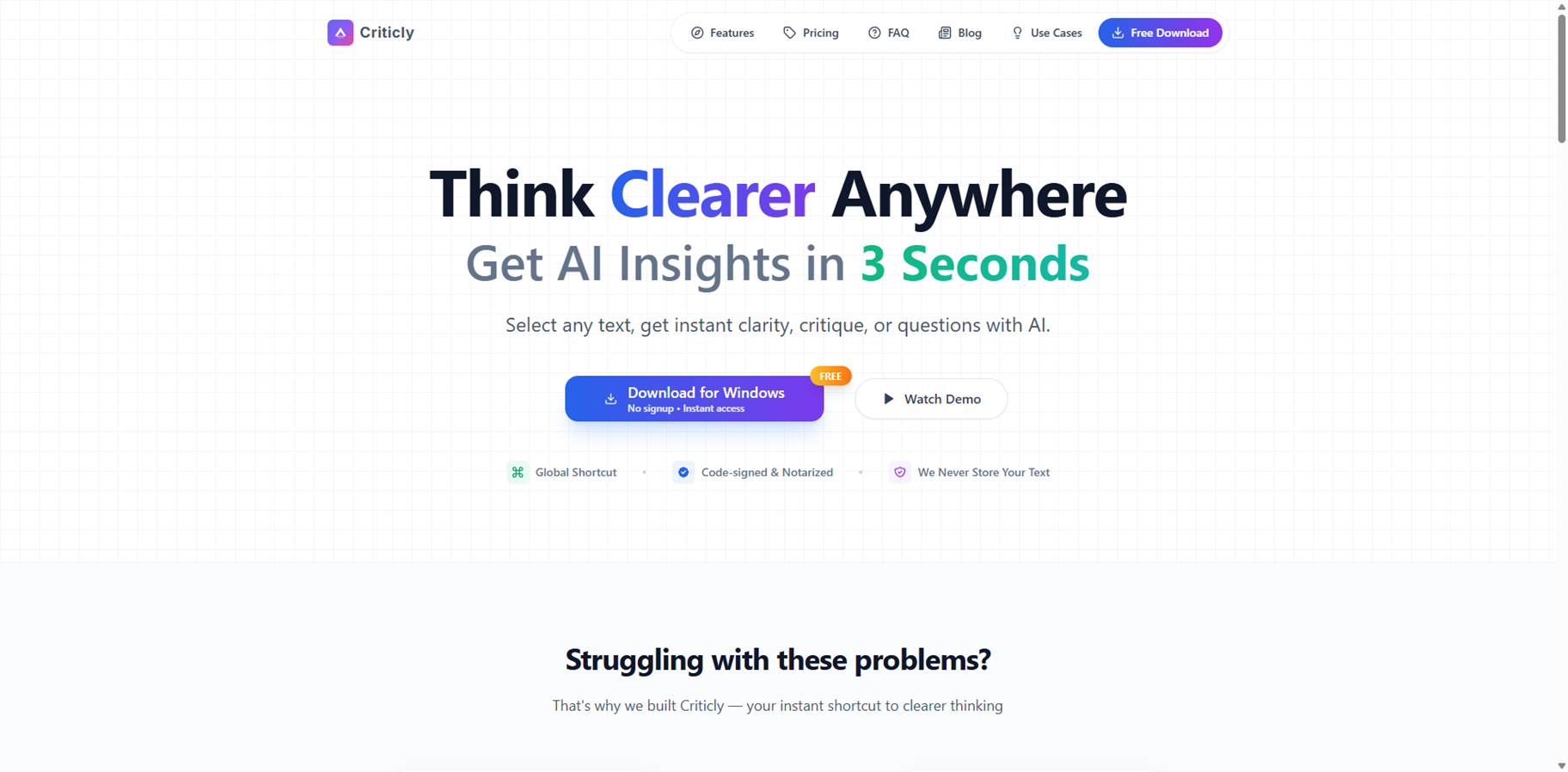
Criticly is a desktop AI assistant that helps you think clearer by turning any selected text into instant insights, critiques, questions, and summaries in about three seconds. Instead of drowning in information, you highlight text in emails, docs, browsers, or apps and invoke Criticly to distill core ideas, evaluate logic, and surface blind spots. It offers specialized tools to extract reasoning structure, generate clarifying questions, craft counters, expand with examples, and even create flashcard-style quizzes. With support for multiple AI models, 10+ languages, and themes, it becomes a flexible thinking companion that works wherever you write or read.
Criticly
Criticly is a desktop AI assistant that helps you think clearer by turning any selected text into instant insights, critiques, questions, and summaries in about three seconds. Instead of drowning in information, you highlight text in emails, docs, browsers, or apps and invoke Criticly to distill core ideas, evaluate logic, and surface blind spots. It offers specialized tools to extract reasoning structure, generate clarifying questions, craft counters, expand with examples, and even create flashcard-style quizzes. With support for multiple AI models, 10+ languages, and themes, it becomes a flexible thinking companion that works wherever you write or read.
Criticly
Criticly is a desktop AI assistant that helps you think clearer by turning any selected text into instant insights, critiques, questions, and summaries in about three seconds. Instead of drowning in information, you highlight text in emails, docs, browsers, or apps and invoke Criticly to distill core ideas, evaluate logic, and surface blind spots. It offers specialized tools to extract reasoning structure, generate clarifying questions, craft counters, expand with examples, and even create flashcard-style quizzes. With support for multiple AI models, 10+ languages, and themes, it becomes a flexible thinking companion that works wherever you write or read.
ClipboardAI
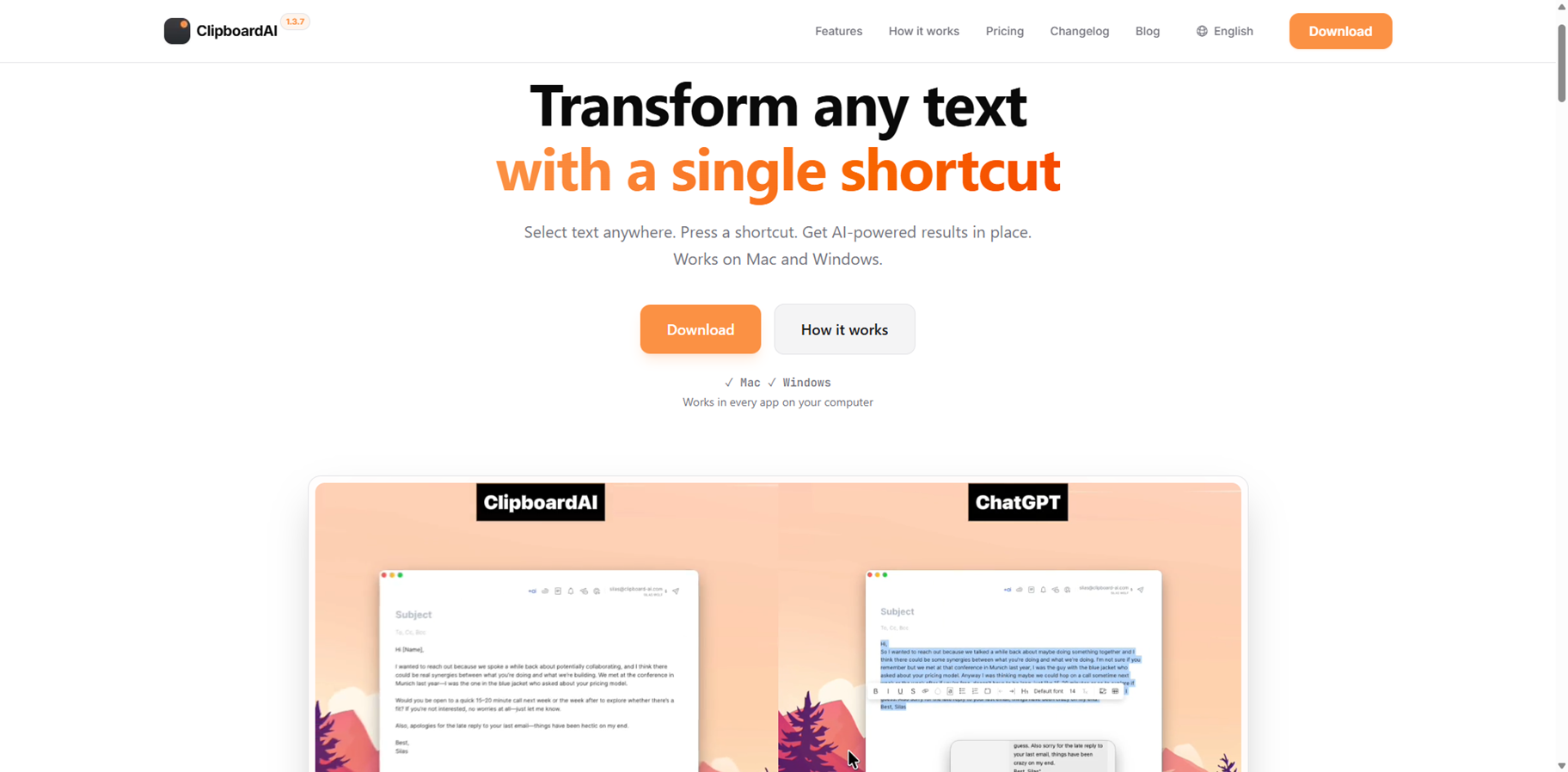
ClipboardAI is a slick AI text shortcut app for Mac and Windows that lets you transform selected text anywhere with one keystroke. Highlight in Notion, Slack, VS Code, or email, hit your shortcut, and it fixes grammar, rewrites code, summarizes, or translates on the spot—no app switching needed. Bring your own OpenAI or OpenRouter key to tap any model like GPT-5, Claude, or Llama without markups or subscriptions. Power users craft custom prompts for daily tasks, keeping hands on keyboard for lightning speed. Privacy-first design sends requests straight to your provider, storing nothing. From writers polishing prose to devs refactoring code, it slips into workflows seamlessly for massive time gains.
ClipboardAI
ClipboardAI is a slick AI text shortcut app for Mac and Windows that lets you transform selected text anywhere with one keystroke. Highlight in Notion, Slack, VS Code, or email, hit your shortcut, and it fixes grammar, rewrites code, summarizes, or translates on the spot—no app switching needed. Bring your own OpenAI or OpenRouter key to tap any model like GPT-5, Claude, or Llama without markups or subscriptions. Power users craft custom prompts for daily tasks, keeping hands on keyboard for lightning speed. Privacy-first design sends requests straight to your provider, storing nothing. From writers polishing prose to devs refactoring code, it slips into workflows seamlessly for massive time gains.
ClipboardAI
ClipboardAI is a slick AI text shortcut app for Mac and Windows that lets you transform selected text anywhere with one keystroke. Highlight in Notion, Slack, VS Code, or email, hit your shortcut, and it fixes grammar, rewrites code, summarizes, or translates on the spot—no app switching needed. Bring your own OpenAI or OpenRouter key to tap any model like GPT-5, Claude, or Llama without markups or subscriptions. Power users craft custom prompts for daily tasks, keeping hands on keyboard for lightning speed. Privacy-first design sends requests straight to your provider, storing nothing. From writers polishing prose to devs refactoring code, it slips into workflows seamlessly for massive time gains.
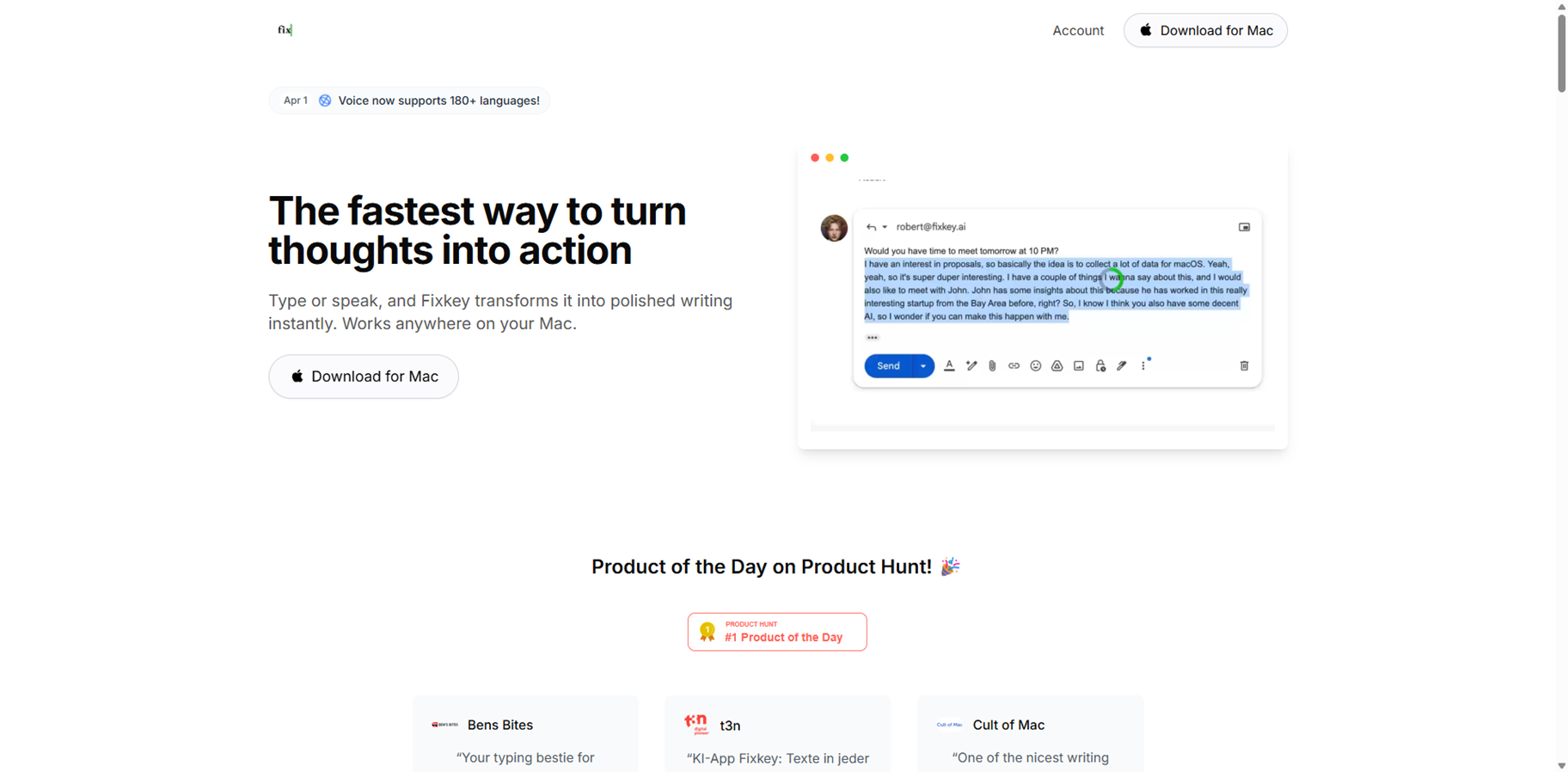

Fixkey
Fixkey is a lightning-fast AI writing assistant built natively for Mac, turning raw thoughts or speech into polished, formatted text anywhere on your system. Speak or type casually, and it instantly rewrites, translates to 180+ languages, or refines with one shortcut—no app switching needed. Features real-time voice-to-text with high accuracy, auto-language detection, custom prompts, and ultra-low 200ms latency for seamless flow. Lightweight and keyboard-driven, it boosts productivity in browsers, notes, or any app. Loved by 20k+ users including Blinkist founder, it handles voice commands for formatting too. Free download with pro upgrades.
Fixkey
Fixkey is a lightning-fast AI writing assistant built natively for Mac, turning raw thoughts or speech into polished, formatted text anywhere on your system. Speak or type casually, and it instantly rewrites, translates to 180+ languages, or refines with one shortcut—no app switching needed. Features real-time voice-to-text with high accuracy, auto-language detection, custom prompts, and ultra-low 200ms latency for seamless flow. Lightweight and keyboard-driven, it boosts productivity in browsers, notes, or any app. Loved by 20k+ users including Blinkist founder, it handles voice commands for formatting too. Free download with pro upgrades.
Fixkey
Fixkey is a lightning-fast AI writing assistant built natively for Mac, turning raw thoughts or speech into polished, formatted text anywhere on your system. Speak or type casually, and it instantly rewrites, translates to 180+ languages, or refines with one shortcut—no app switching needed. Features real-time voice-to-text with high accuracy, auto-language detection, custom prompts, and ultra-low 200ms latency for seamless flow. Lightweight and keyboard-driven, it boosts productivity in browsers, notes, or any app. Loved by 20k+ users including Blinkist founder, it handles voice commands for formatting too. Free download with pro upgrades.
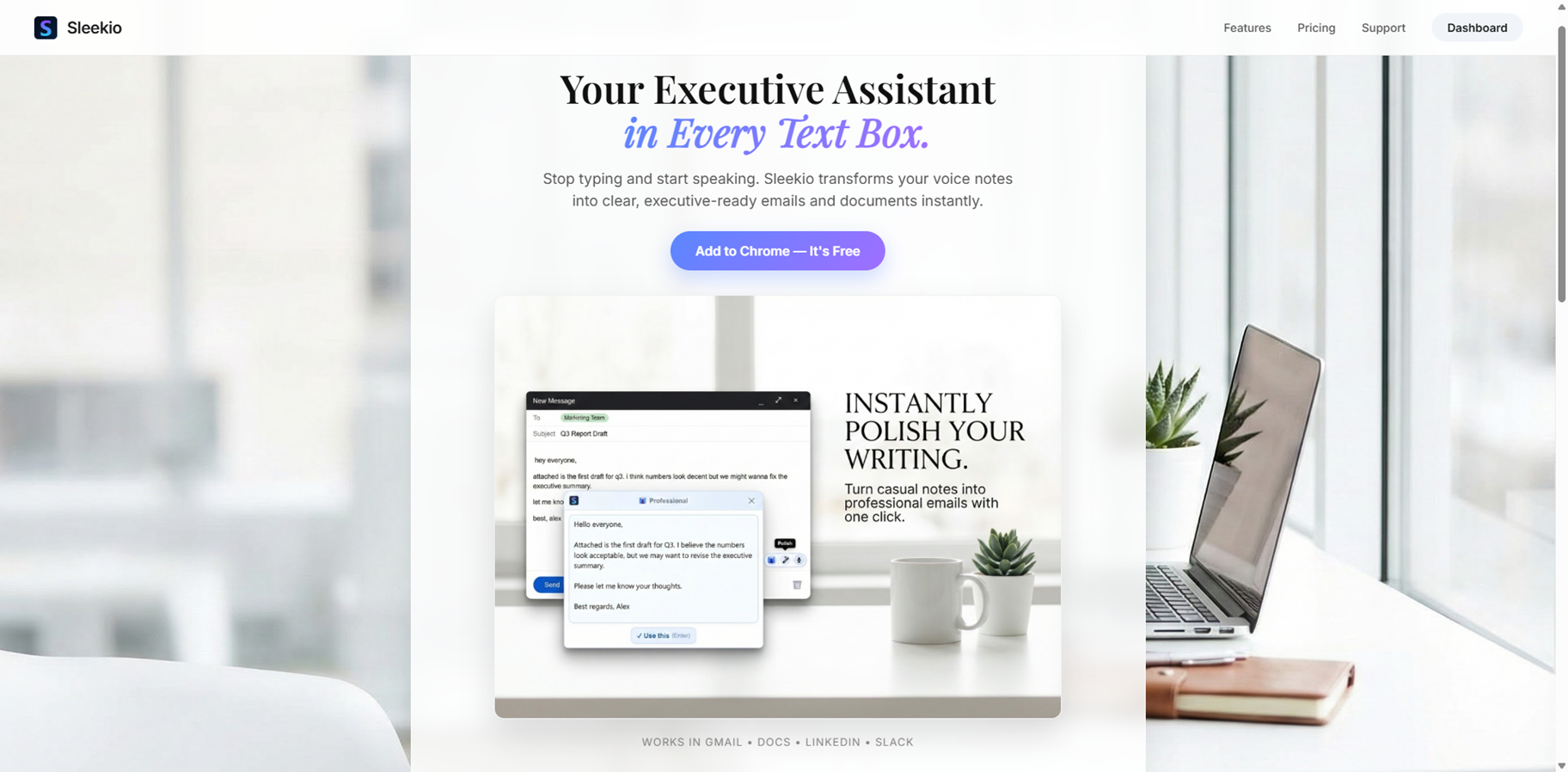
Sleekio
Sleekio is the executive AI assistant that lives in your browser as a Chrome extension, turning voice notes into crisp, professional emails and documents right inside Gmail, Docs, LinkedIn, or Slack without ever switching tabs. Speak naturally, filler words like "umms" and pauses vanish as it transcribes, polishes, and formats instantly. Beyond dictation, its magic wand rewrites any selected text for executive polish, translates to any language on the spot, and boosts writing speed 10x for busy pros who hate typing.
Sleekio
Sleekio is the executive AI assistant that lives in your browser as a Chrome extension, turning voice notes into crisp, professional emails and documents right inside Gmail, Docs, LinkedIn, or Slack without ever switching tabs. Speak naturally, filler words like "umms" and pauses vanish as it transcribes, polishes, and formats instantly. Beyond dictation, its magic wand rewrites any selected text for executive polish, translates to any language on the spot, and boosts writing speed 10x for busy pros who hate typing.
Sleekio
Sleekio is the executive AI assistant that lives in your browser as a Chrome extension, turning voice notes into crisp, professional emails and documents right inside Gmail, Docs, LinkedIn, or Slack without ever switching tabs. Speak naturally, filler words like "umms" and pauses vanish as it transcribes, polishes, and formats instantly. Beyond dictation, its magic wand rewrites any selected text for executive polish, translates to any language on the spot, and boosts writing speed 10x for busy pros who hate typing.
Editorial Note
This page was researched and written by the ATB Editorial Team. Our team researches each AI tool by reviewing its official website, testing features, exploring real use cases, and considering user feedback. Every page is fact-checked and regularly updated to ensure the information stays accurate, neutral, and useful for our readers.
If you have any suggestions or questions, email us at hello@aitoolbook.ai