
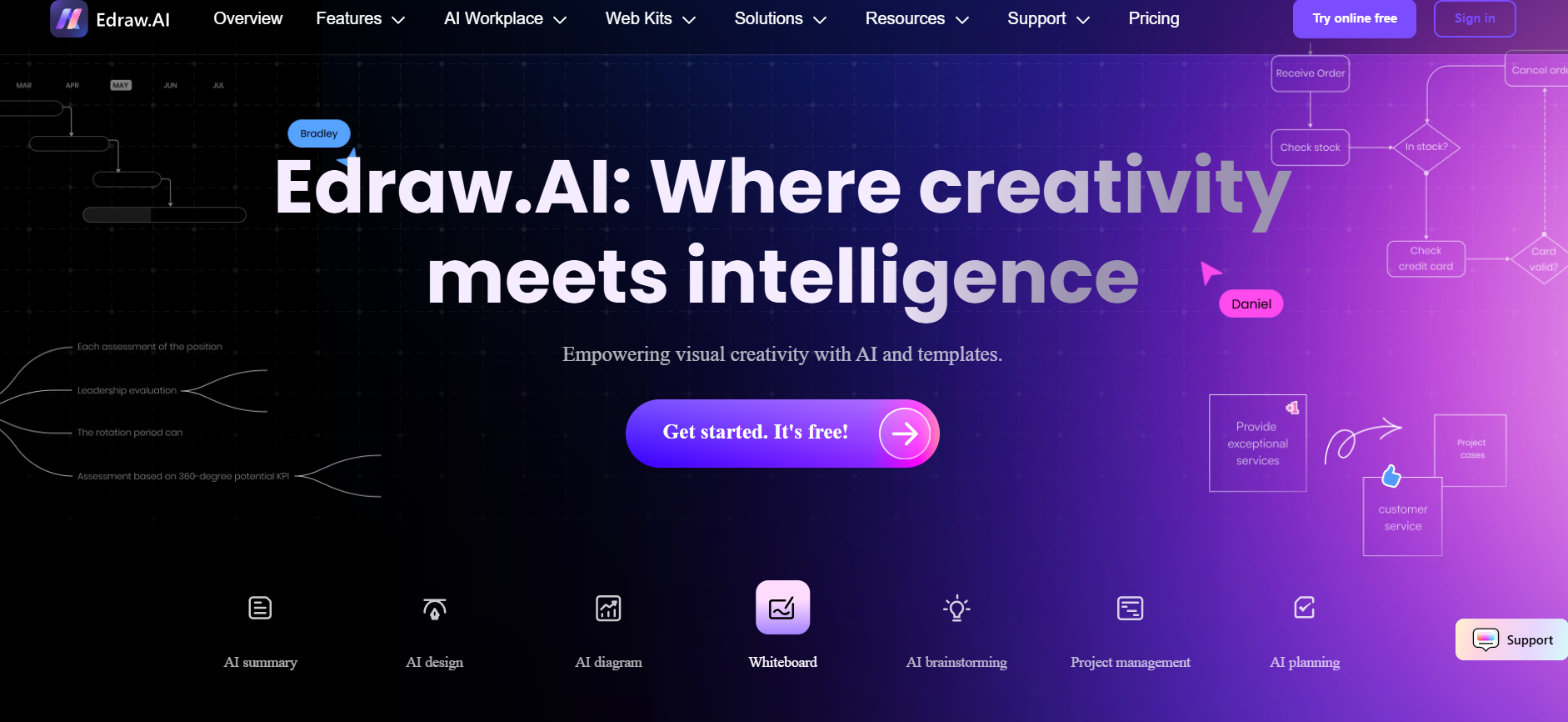
- Designers & educators: Create visual aids or lesson layouts quickly using AI prompts.
- Business professionals: Generate flowcharts, SWOT diagrams, charts for reports fast.
- Students & researchers: Turn notes into concept maps, slides, or structured visual summaries.
- Remote teams: Collaborate seamlessly on diagrams from any device.
- Content creators: Use AI Chat to drive visual ideation and diagram generation.
How to Use It?
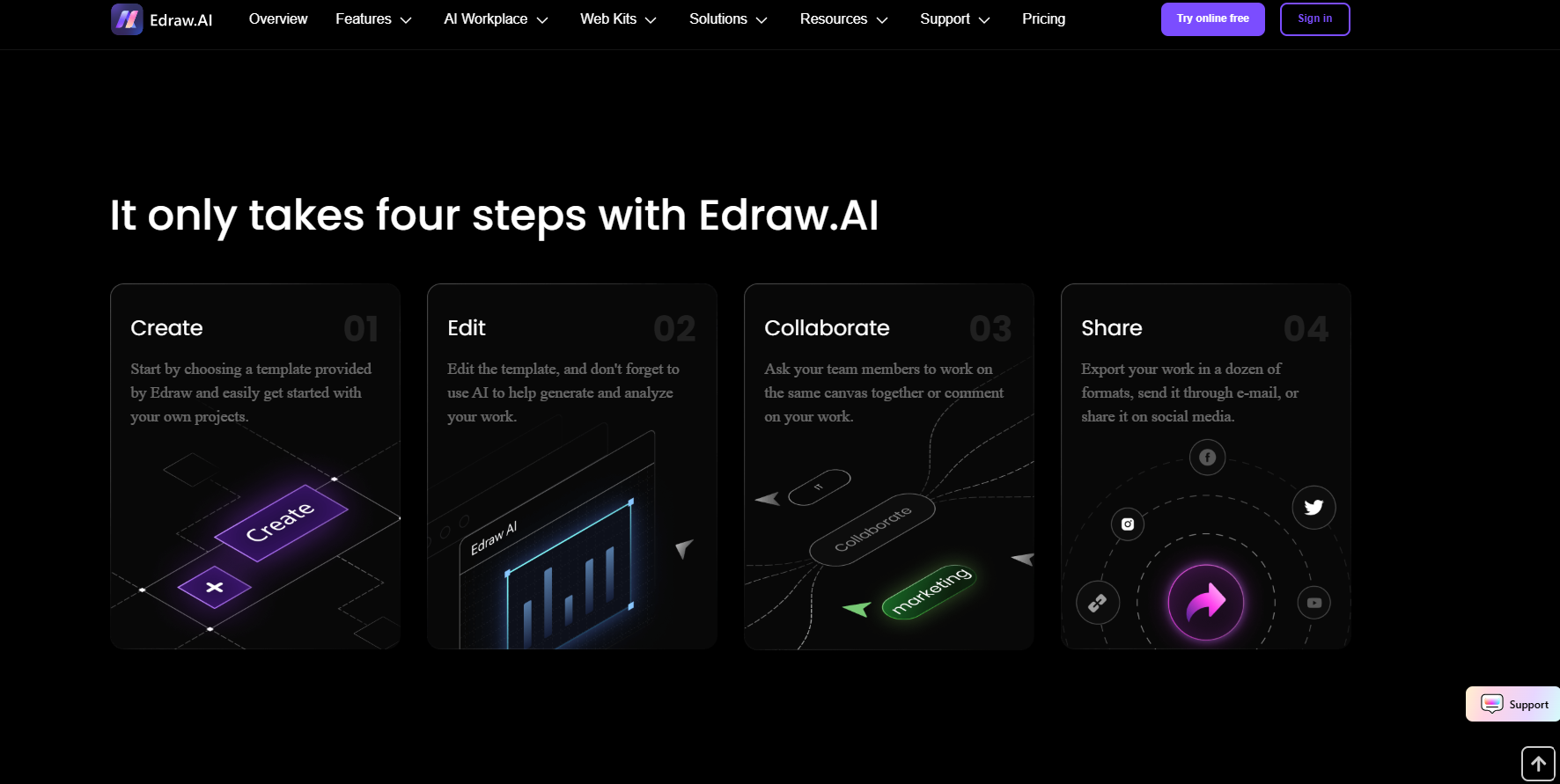
- Open Edraw AI: Visit edraw.ai in your browser—no downloads needed.
- Choose a visual tool: Select from diagram types like mind map, chart, or drawing.
- Type prompt or upload file: Use text input or file to drive AI generation.
- Review and refine: Apply one-click edits, AI toolbar suggestions, or design tweaks.
- Export or share: Save your work as images, PDFs, or editable files.
- Multimodal generation: Creates diagrams, maps, charts, and presentations from prompts.
- Intelligent UI tools: Includes AI toolbar, right-click activation, and shortcut support.
- Large template library: Offers vast styles, themes, and layout automation.
- Cloud collaboration: Edit and save diagrams online in real time.
- Cross functional use: Bridges ideation and presentation in one tool.
- Fast diagram generation from text input.
- Rich template and theme support for design flexibility.
- AI enhancements like auto-layout and style suggestions.
- No install required—pure browser workflow.
- Great for varied users—from students to pros.
- Feature depth may require subscription.
- High-end export formats uncertain.
- Performance varies with large diagrams.
- Lack of offline editing but runs on browser.
- No visible desktop or mobile app yet.
Free
Free
- 500 AI Tokens
- Easy drag-and-drop editor
- 100M cloud storage
Pro
$ 7.90
- Everything in Free plus:
- 10,000 AI Tokens
- 1G cloud storage
- Unlimited shapes&themes&pages
- Unlock templates&symbols
- Export/Print with no watermark
Unlimited
$ 9.90
- Everything in Pro plus:
- Unlimited AI Tokens
- 10G cloud storage
- Access to all functions
- Advanced Team Management
- Unlimited Team Numbers
- Unlimited Team Members Numbers
- Priority Support
Proud of the love you're getting? Show off your AI Toolbook reviews—then invite more fans to share the love and build your credibility.
Add an AI Toolbook badge to your site—an easy way to drive followers, showcase updates, and collect reviews. It's like a mini 24/7 billboard for your AI.
Reviews
Rating Distribution
Average score
Popular Mention
FAQs
Similar AI Tools
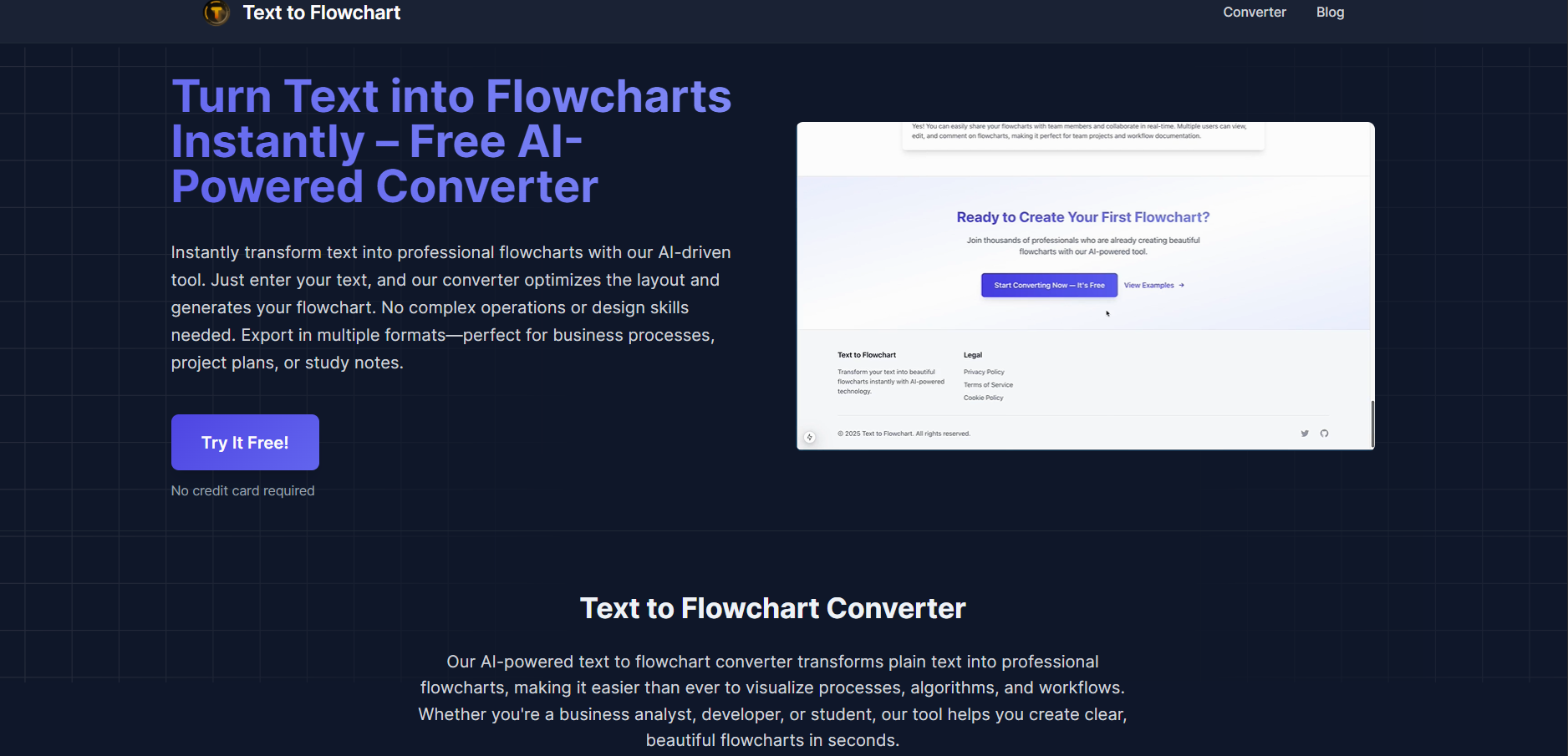
TextToFlowchart is an AI-based, no-code diagram tool that instantly transforms text input into flowcharts, BPMN diagrams, org charts, and visual processes. Users simply paste plain text or structured bullet points, and the AI interprets steps, decisions, and sequences into polished visual diagrams. These diagrams are fully editable, letting you adjust node placement, flow arrows, labels, and styles. The platform supports download in PNG or SVG and offers direct embedding capabilities for documentation, presentations, training materials, or planning tools—making diagram creation fast, intuitive, and collaborative.
TextToFlowchart is an AI-based, no-code diagram tool that instantly transforms text input into flowcharts, BPMN diagrams, org charts, and visual processes. Users simply paste plain text or structured bullet points, and the AI interprets steps, decisions, and sequences into polished visual diagrams. These diagrams are fully editable, letting you adjust node placement, flow arrows, labels, and styles. The platform supports download in PNG or SVG and offers direct embedding capabilities for documentation, presentations, training materials, or planning tools—making diagram creation fast, intuitive, and collaborative.
TextToFlowchart is an AI-based, no-code diagram tool that instantly transforms text input into flowcharts, BPMN diagrams, org charts, and visual processes. Users simply paste plain text or structured bullet points, and the AI interprets steps, decisions, and sequences into polished visual diagrams. These diagrams are fully editable, letting you adjust node placement, flow arrows, labels, and styles. The platform supports download in PNG or SVG and offers direct embedding capabilities for documentation, presentations, training materials, or planning tools—making diagram creation fast, intuitive, and collaborative.


Skrape.ai
Skrape.ai is an AI-powered web scraping API that transforms any website into clean, structured data or formatted Markdown—perfect for retrieval-augmented generation (RAG), knowledge base construction, machine learning pipelines, and technical documentation extraction. Without requiring coding knowledge, Skrape.ai enables users to define custom schemas to extract exactly the data they need—like titles, tables, code blocks, metadata, or product details—and outputs it in consistent JSON or markdown formats. It supports dynamic content scraping, including JavaScript rendering, and offers smart navigation workflows—clicking, scrolling, waiting—to handle single-page apps and complex websites. The platform can crawl multiple pages automatically, respect robots.txt rules, and avoid stale data with no caching.
Skrape.ai
Skrape.ai is an AI-powered web scraping API that transforms any website into clean, structured data or formatted Markdown—perfect for retrieval-augmented generation (RAG), knowledge base construction, machine learning pipelines, and technical documentation extraction. Without requiring coding knowledge, Skrape.ai enables users to define custom schemas to extract exactly the data they need—like titles, tables, code blocks, metadata, or product details—and outputs it in consistent JSON or markdown formats. It supports dynamic content scraping, including JavaScript rendering, and offers smart navigation workflows—clicking, scrolling, waiting—to handle single-page apps and complex websites. The platform can crawl multiple pages automatically, respect robots.txt rules, and avoid stale data with no caching.
Skrape.ai
Skrape.ai is an AI-powered web scraping API that transforms any website into clean, structured data or formatted Markdown—perfect for retrieval-augmented generation (RAG), knowledge base construction, machine learning pipelines, and technical documentation extraction. Without requiring coding knowledge, Skrape.ai enables users to define custom schemas to extract exactly the data they need—like titles, tables, code blocks, metadata, or product details—and outputs it in consistent JSON or markdown formats. It supports dynamic content scraping, including JavaScript rendering, and offers smart navigation workflows—clicking, scrolling, waiting—to handle single-page apps and complex websites. The platform can crawl multiple pages automatically, respect robots.txt rules, and avoid stale data with no caching.

Fluig
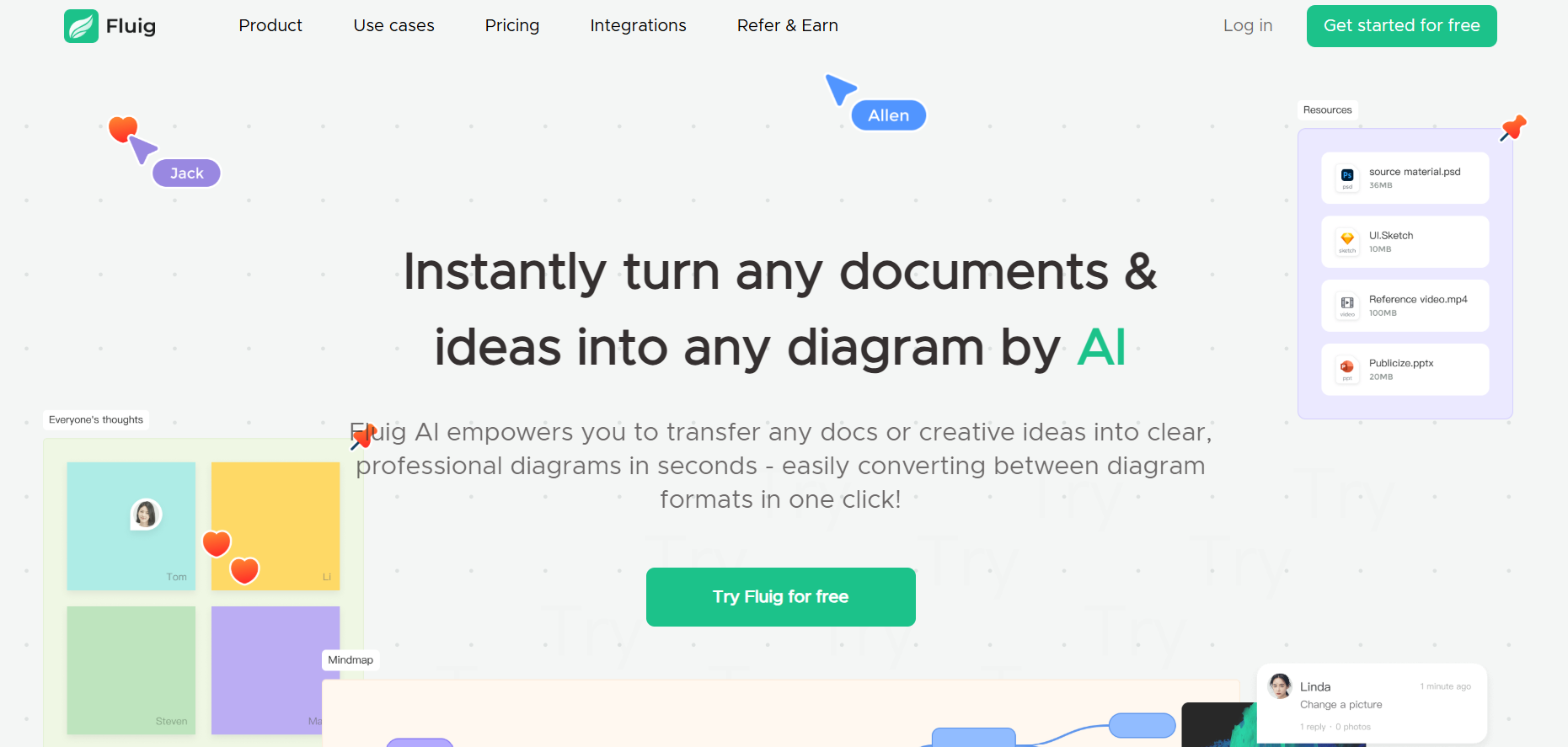
Fluig AI is a versatile, browser-based AI diagramming tool that transforms documents, ideas, images, and web pages into professional diagrams instantly. Whether you input a PDF, PPT, Word document, text, image, or URL, Fluig can generate mind maps, flowcharts, timelines, tables, kanban boards, cards, or other visual formats with a single click. It supports natural language prompts to convert between diagram types (e.g., mind map to flowchart), enables live collaboration via comments and sticky notes, and presents an infinite canvas that adapts to any workflow—making visual thinking fast, intuitive, and collaborative.
Fluig
Fluig AI is a versatile, browser-based AI diagramming tool that transforms documents, ideas, images, and web pages into professional diagrams instantly. Whether you input a PDF, PPT, Word document, text, image, or URL, Fluig can generate mind maps, flowcharts, timelines, tables, kanban boards, cards, or other visual formats with a single click. It supports natural language prompts to convert between diagram types (e.g., mind map to flowchart), enables live collaboration via comments and sticky notes, and presents an infinite canvas that adapts to any workflow—making visual thinking fast, intuitive, and collaborative.
Fluig
Fluig AI is a versatile, browser-based AI diagramming tool that transforms documents, ideas, images, and web pages into professional diagrams instantly. Whether you input a PDF, PPT, Word document, text, image, or URL, Fluig can generate mind maps, flowcharts, timelines, tables, kanban boards, cards, or other visual formats with a single click. It supports natural language prompts to convert between diagram types (e.g., mind map to flowchart), enables live collaboration via comments and sticky notes, and presents an infinite canvas that adapts to any workflow—making visual thinking fast, intuitive, and collaborative.
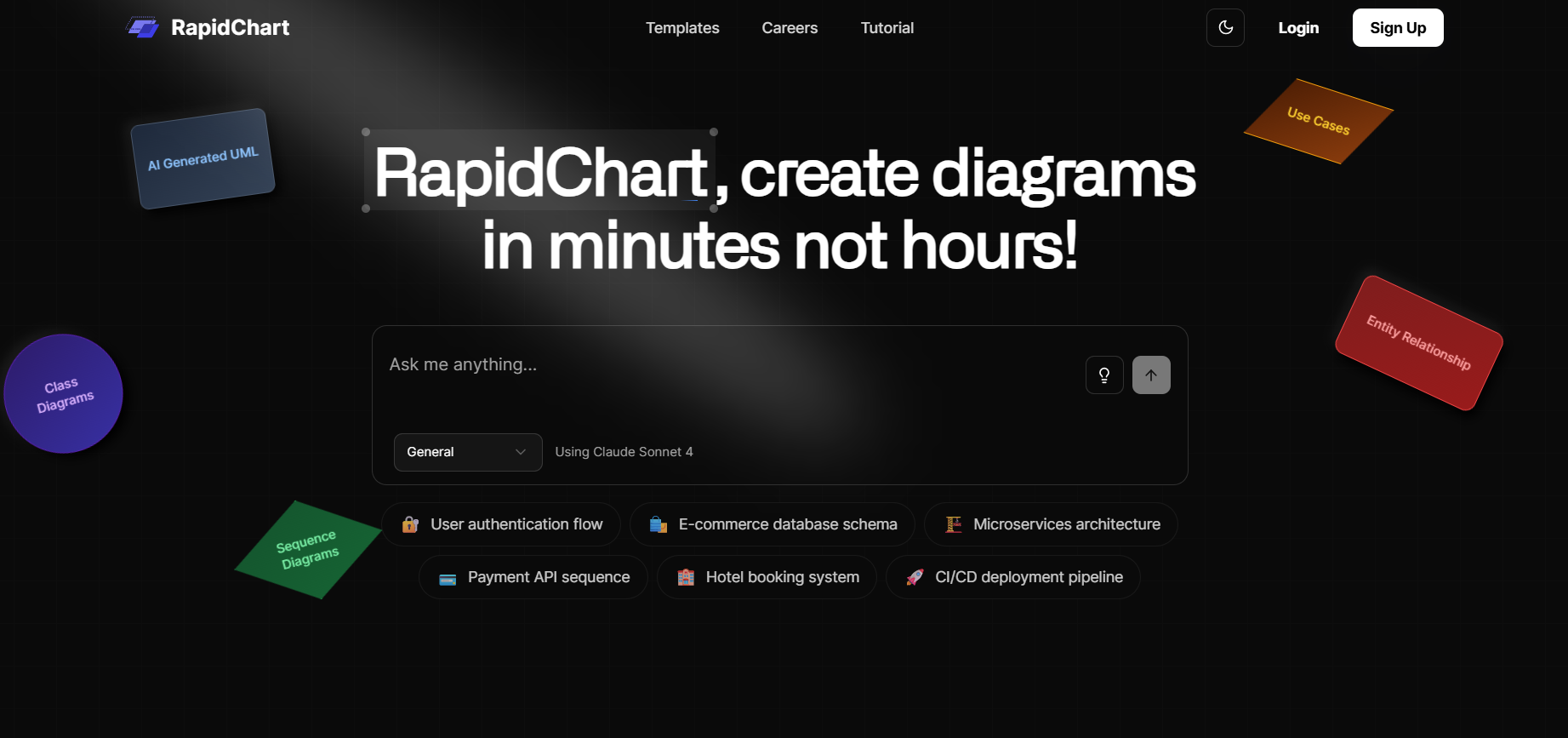

RapidChart
RapidChart.ai is an AI-powered diagram generation platform that transforms natural language prompts or simple code into a wide range of technical diagrams. Users can quickly generate UML diagrams—like class, sequence, use case, flowcharts—as well as ER diagrams, C4 architecture visuals, cloud infrastructure diagrams (AWS, Azure, GCP), and neural network visualizations. The tool features intelligent auto-layout, an infinite canvas, full customization, and supports real-time collaboration, making it ideal for technical professionals to generate polished, structured visuals swiftly.
RapidChart
RapidChart.ai is an AI-powered diagram generation platform that transforms natural language prompts or simple code into a wide range of technical diagrams. Users can quickly generate UML diagrams—like class, sequence, use case, flowcharts—as well as ER diagrams, C4 architecture visuals, cloud infrastructure diagrams (AWS, Azure, GCP), and neural network visualizations. The tool features intelligent auto-layout, an infinite canvas, full customization, and supports real-time collaboration, making it ideal for technical professionals to generate polished, structured visuals swiftly.
RapidChart
RapidChart.ai is an AI-powered diagram generation platform that transforms natural language prompts or simple code into a wide range of technical diagrams. Users can quickly generate UML diagrams—like class, sequence, use case, flowcharts—as well as ER diagrams, C4 architecture visuals, cloud infrastructure diagrams (AWS, Azure, GCP), and neural network visualizations. The tool features intelligent auto-layout, an infinite canvas, full customization, and supports real-time collaboration, making it ideal for technical professionals to generate polished, structured visuals swiftly.
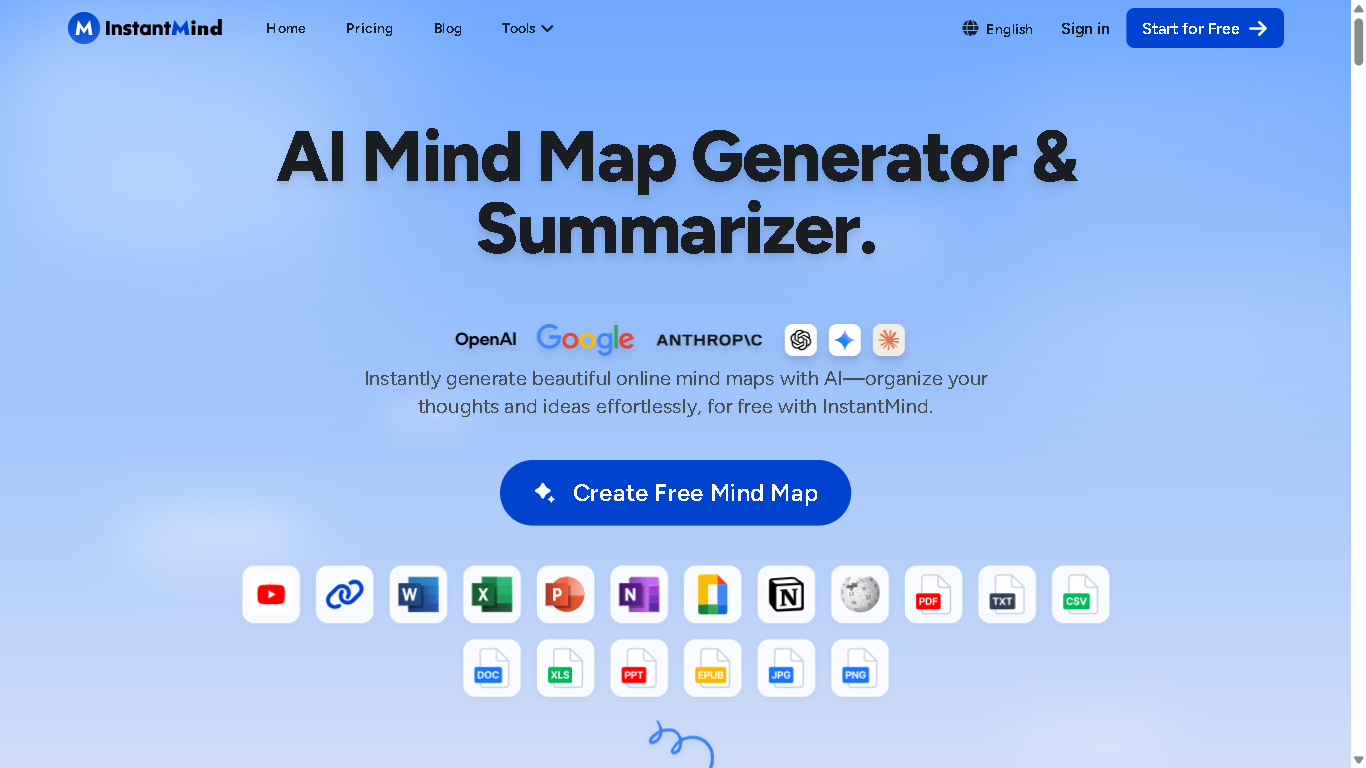

InstantMind
InstantMind.ai is an AI-powered mind mapping and summarization tool that helps users instantly transform any type of content into structured, visual mind maps. By leveraging advanced AI, the platform automates the process of organizing complex information, making it easier for users to understand. Choose from beautiful themes, colors, and layouts to make your mind maps visually stunning and professional.
InstantMind
InstantMind.ai is an AI-powered mind mapping and summarization tool that helps users instantly transform any type of content into structured, visual mind maps. By leveraging advanced AI, the platform automates the process of organizing complex information, making it easier for users to understand. Choose from beautiful themes, colors, and layouts to make your mind maps visually stunning and professional.
InstantMind
InstantMind.ai is an AI-powered mind mapping and summarization tool that helps users instantly transform any type of content into structured, visual mind maps. By leveraging advanced AI, the platform automates the process of organizing complex information, making it easier for users to understand. Choose from beautiful themes, colors, and layouts to make your mind maps visually stunning and professional.
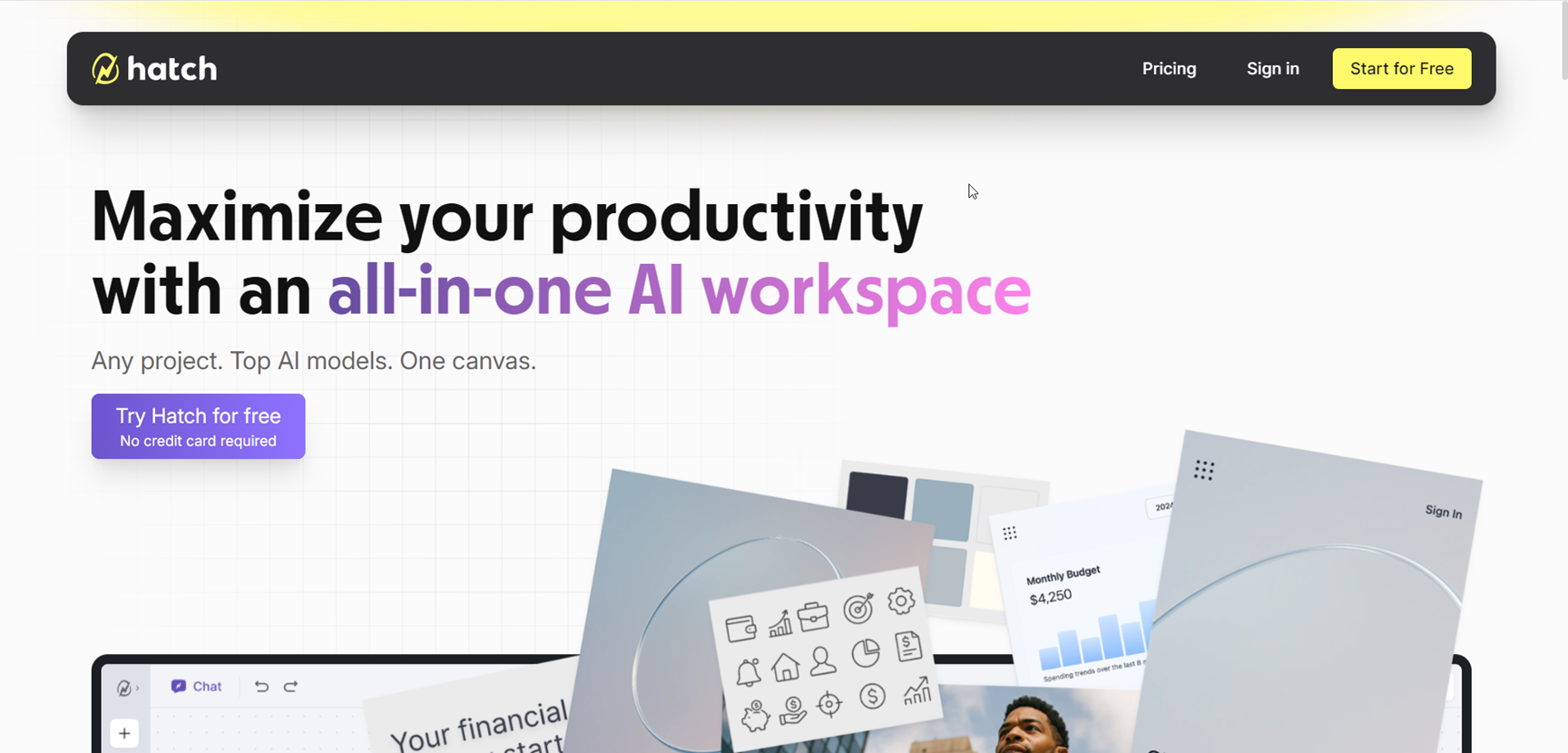

Hatch
Hatch is an all-in-one AI workspace designed to streamline project creation, collaboration, and execution by bringing together documents, images, code, and data on a single canvas. Acting as a unified alternative to juggling ChatGPT, Google Suite, VS Code, and multiple browser tabs, Hatch empowers users to develop quick sketches, code snippets, analysis, and designs without losing context. With multi-model AI integration, Hatch delivers team-level productivity, turning scattered ideas into polished projects, enabling seamless creativity, research, and collaboration—all in one place.
Hatch
Hatch is an all-in-one AI workspace designed to streamline project creation, collaboration, and execution by bringing together documents, images, code, and data on a single canvas. Acting as a unified alternative to juggling ChatGPT, Google Suite, VS Code, and multiple browser tabs, Hatch empowers users to develop quick sketches, code snippets, analysis, and designs without losing context. With multi-model AI integration, Hatch delivers team-level productivity, turning scattered ideas into polished projects, enabling seamless creativity, research, and collaboration—all in one place.
Hatch
Hatch is an all-in-one AI workspace designed to streamline project creation, collaboration, and execution by bringing together documents, images, code, and data on a single canvas. Acting as a unified alternative to juggling ChatGPT, Google Suite, VS Code, and multiple browser tabs, Hatch empowers users to develop quick sketches, code snippets, analysis, and designs without losing context. With multi-model AI integration, Hatch delivers team-level productivity, turning scattered ideas into polished projects, enabling seamless creativity, research, and collaboration—all in one place.
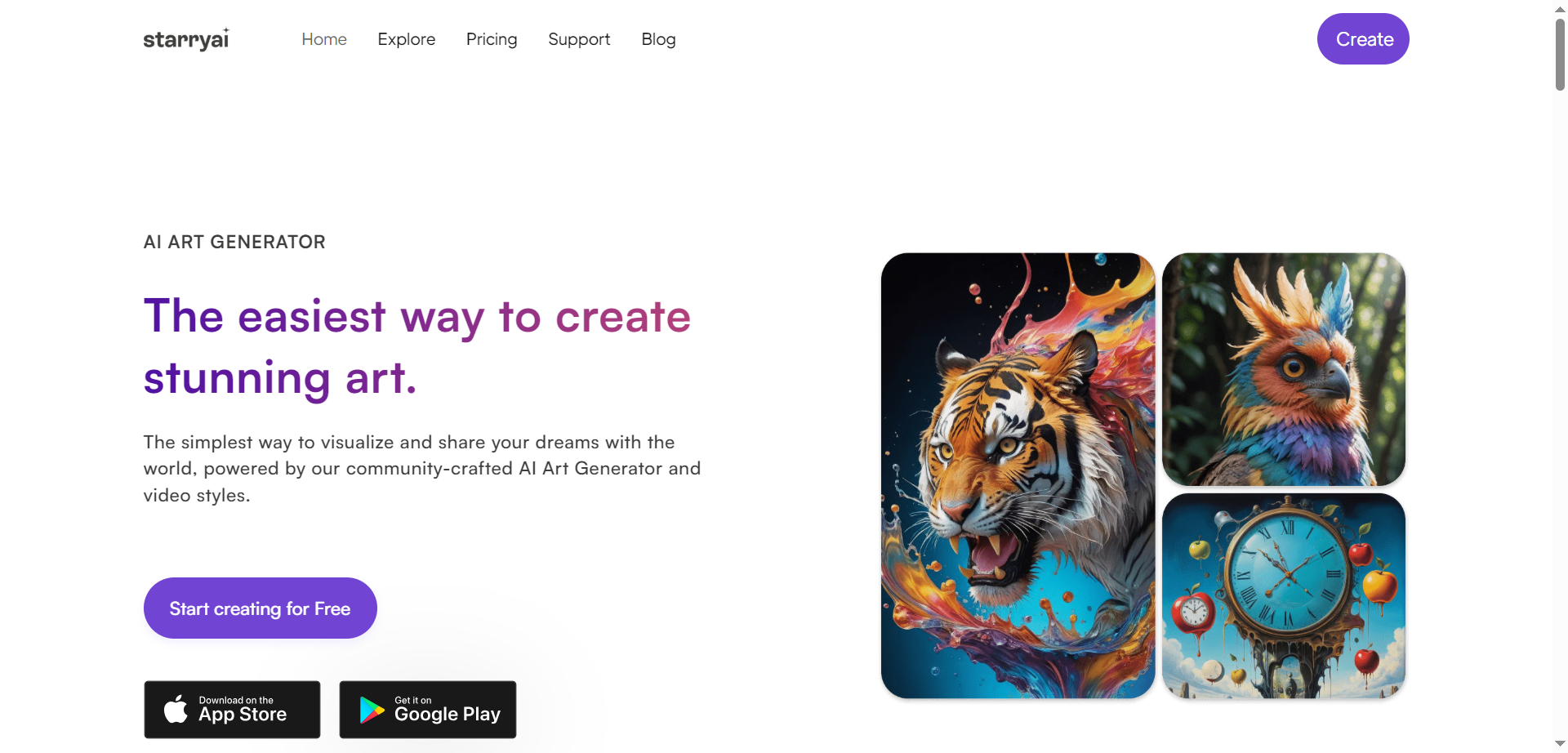

StarryAI
starryai is a free-to-start AI art generator that turns text prompts and reference images into unique visuals in seconds. It offers a generous daily free tier, a vast library of styles and models, and a prompt builder to fine-tune results without advanced technical skills. Users can choose methods like Art, Photos, Illustrations, or create Custom Styles, then customize canvas sizes and aspect ratios for social posts, print, or web. The platform supports upscaling, in-painting, and iterative refinement so ideas evolve quickly from draft to polished artwork. Full ownership rights allow use across personal and commercial projects, with Pro plans unlocking higher limits and priority generation.
StarryAI
starryai is a free-to-start AI art generator that turns text prompts and reference images into unique visuals in seconds. It offers a generous daily free tier, a vast library of styles and models, and a prompt builder to fine-tune results without advanced technical skills. Users can choose methods like Art, Photos, Illustrations, or create Custom Styles, then customize canvas sizes and aspect ratios for social posts, print, or web. The platform supports upscaling, in-painting, and iterative refinement so ideas evolve quickly from draft to polished artwork. Full ownership rights allow use across personal and commercial projects, with Pro plans unlocking higher limits and priority generation.
StarryAI
starryai is a free-to-start AI art generator that turns text prompts and reference images into unique visuals in seconds. It offers a generous daily free tier, a vast library of styles and models, and a prompt builder to fine-tune results without advanced technical skills. Users can choose methods like Art, Photos, Illustrations, or create Custom Styles, then customize canvas sizes and aspect ratios for social posts, print, or web. The platform supports upscaling, in-painting, and iterative refinement so ideas evolve quickly from draft to polished artwork. Full ownership rights allow use across personal and commercial projects, with Pro plans unlocking higher limits and priority generation.

Illustroke
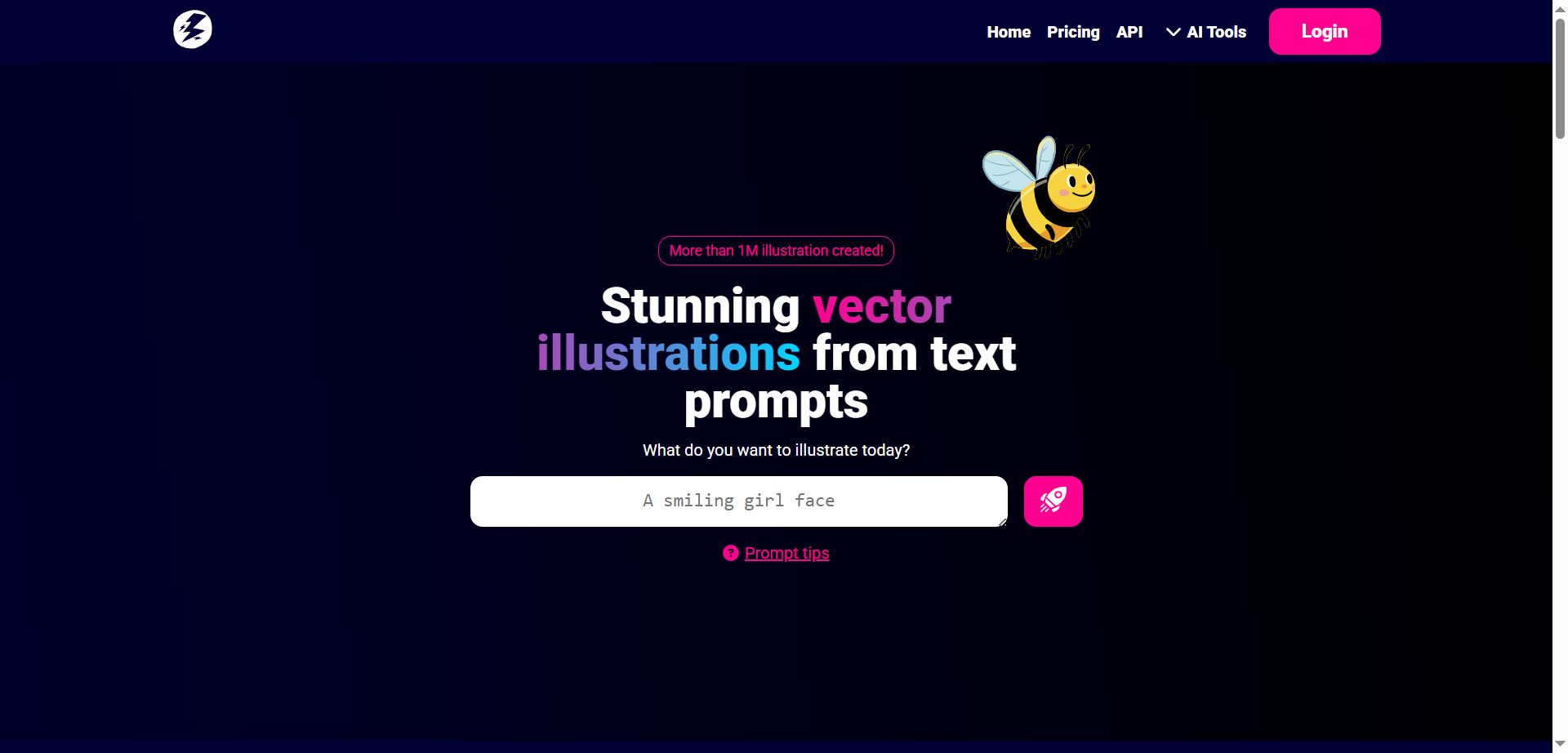
Illustroke is a generative AI design platform that turns plain text prompts into clean, scalable vector illustrations suitable for logos, icons, website graphics, and social posts. It focuses on SVG output, giving crisp lines and infinite scalability, with style presets to shift from flat or isometric to playful or corporate looks. A lightweight editor enables quick tweaks to colors and elements before download, and assets can be exported in vector formats for use in professional tools. The workflow is built for speed and simplicity, helping creators move from idea to on-brand visuals in minutes without advanced illustration skills or heavy software.
Illustroke
Illustroke is a generative AI design platform that turns plain text prompts into clean, scalable vector illustrations suitable for logos, icons, website graphics, and social posts. It focuses on SVG output, giving crisp lines and infinite scalability, with style presets to shift from flat or isometric to playful or corporate looks. A lightweight editor enables quick tweaks to colors and elements before download, and assets can be exported in vector formats for use in professional tools. The workflow is built for speed and simplicity, helping creators move from idea to on-brand visuals in minutes without advanced illustration skills or heavy software.
Illustroke
Illustroke is a generative AI design platform that turns plain text prompts into clean, scalable vector illustrations suitable for logos, icons, website graphics, and social posts. It focuses on SVG output, giving crisp lines and infinite scalability, with style presets to shift from flat or isometric to playful or corporate looks. A lightweight editor enables quick tweaks to colors and elements before download, and assets can be exported in vector formats for use in professional tools. The workflow is built for speed and simplicity, helping creators move from idea to on-brand visuals in minutes without advanced illustration skills or heavy software.


Team GPT
Team-GPT is a collaborative AI toolkit designed specifically for marketing teams and agencies to streamline content creation and campaign management. It combines access to multiple powerful AI models like ChatGPT, Claude, Gemini, and Perplexity on a single platform, eliminating the need for managing multiple subscriptions. Team-GPT enables marketing teams to build custom AI assistants trained on company or client-specific knowledge to ensure brand voice consistency and messaging accuracy. The platform supports seamless integration with popular content repositories like Google Drive and Notion, automates marketing workflows, generates professional marketing visuals, and organizes projects by client or use case for smoother team collaboration and scalable marketing operations.
Team GPT
Team-GPT is a collaborative AI toolkit designed specifically for marketing teams and agencies to streamline content creation and campaign management. It combines access to multiple powerful AI models like ChatGPT, Claude, Gemini, and Perplexity on a single platform, eliminating the need for managing multiple subscriptions. Team-GPT enables marketing teams to build custom AI assistants trained on company or client-specific knowledge to ensure brand voice consistency and messaging accuracy. The platform supports seamless integration with popular content repositories like Google Drive and Notion, automates marketing workflows, generates professional marketing visuals, and organizes projects by client or use case for smoother team collaboration and scalable marketing operations.
Team GPT
Team-GPT is a collaborative AI toolkit designed specifically for marketing teams and agencies to streamline content creation and campaign management. It combines access to multiple powerful AI models like ChatGPT, Claude, Gemini, and Perplexity on a single platform, eliminating the need for managing multiple subscriptions. Team-GPT enables marketing teams to build custom AI assistants trained on company or client-specific knowledge to ensure brand voice consistency and messaging accuracy. The platform supports seamless integration with popular content repositories like Google Drive and Notion, automates marketing workflows, generates professional marketing visuals, and organizes projects by client or use case for smoother team collaboration and scalable marketing operations.

Athena Board
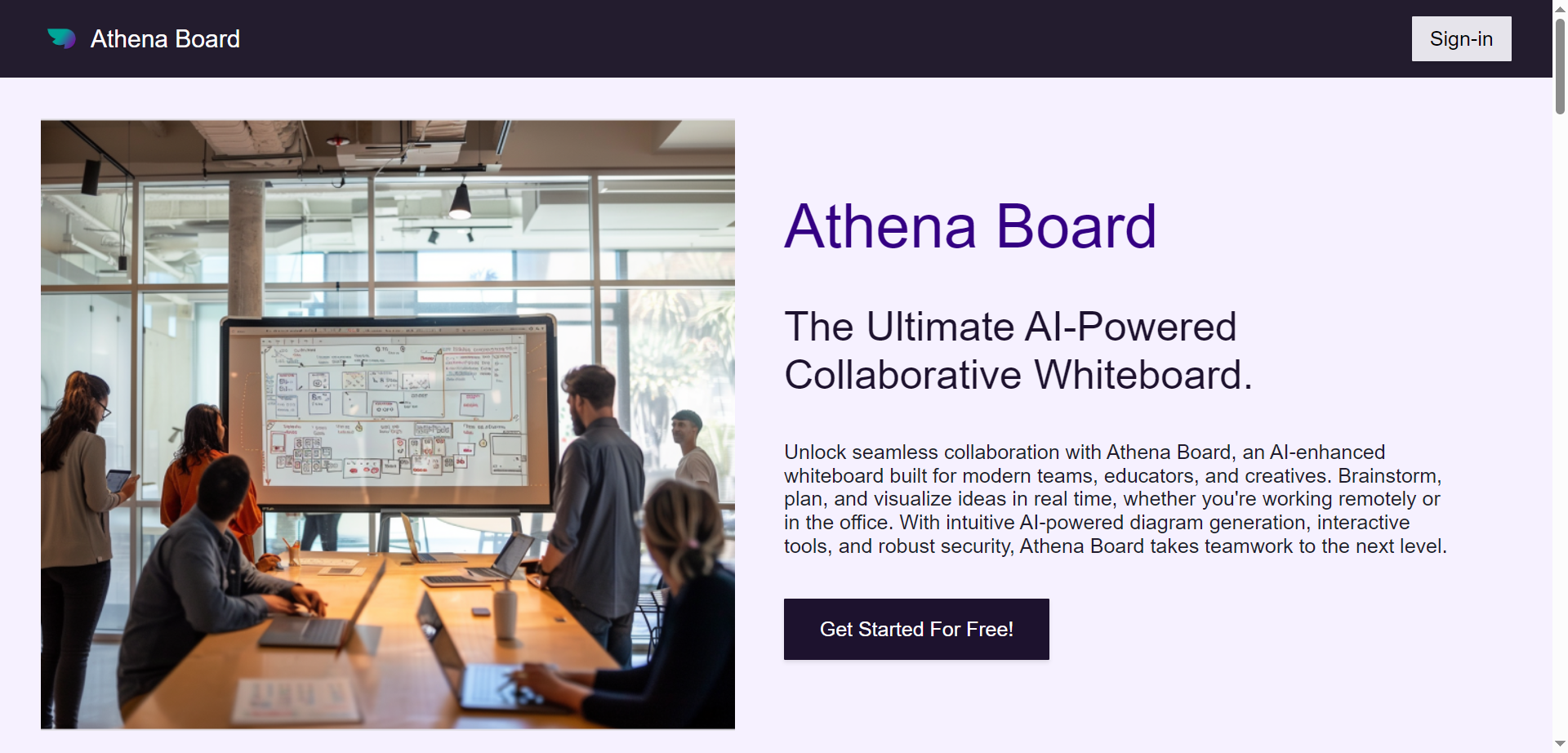
AthenaBoard.ai Whiteboard is an AI-enhanced collaborative whiteboard built for modern teams, educators, and creatives to brainstorm, plan, and visualize ideas in real time. It instantly generates diagrams like flowcharts, wireframes, mind maps, and UI prototypes from simple descriptions, eliminating the need for design skills through AI-powered layout and structuring. Users enjoy drag-and-drop editing for effortless customization, editable and exportable outputs in multiple formats, and seamless sharing for team feedback. Versatile for entrepreneurs, product teams, designers, and developers, it supports real-time collaboration, interactive prototyping with presentation mode, annotation tools, and pre-built templates for web pages, mobile apps, dashboards, and technical concepts. The platform streamlines workflows by automating visuals, organizing thoughts, and facilitating clearer communication in remote teams or classrooms.
Athena Board
AthenaBoard.ai Whiteboard is an AI-enhanced collaborative whiteboard built for modern teams, educators, and creatives to brainstorm, plan, and visualize ideas in real time. It instantly generates diagrams like flowcharts, wireframes, mind maps, and UI prototypes from simple descriptions, eliminating the need for design skills through AI-powered layout and structuring. Users enjoy drag-and-drop editing for effortless customization, editable and exportable outputs in multiple formats, and seamless sharing for team feedback. Versatile for entrepreneurs, product teams, designers, and developers, it supports real-time collaboration, interactive prototyping with presentation mode, annotation tools, and pre-built templates for web pages, mobile apps, dashboards, and technical concepts. The platform streamlines workflows by automating visuals, organizing thoughts, and facilitating clearer communication in remote teams or classrooms.
Athena Board
AthenaBoard.ai Whiteboard is an AI-enhanced collaborative whiteboard built for modern teams, educators, and creatives to brainstorm, plan, and visualize ideas in real time. It instantly generates diagrams like flowcharts, wireframes, mind maps, and UI prototypes from simple descriptions, eliminating the need for design skills through AI-powered layout and structuring. Users enjoy drag-and-drop editing for effortless customization, editable and exportable outputs in multiple formats, and seamless sharing for team feedback. Versatile for entrepreneurs, product teams, designers, and developers, it supports real-time collaboration, interactive prototyping with presentation mode, annotation tools, and pre-built templates for web pages, mobile apps, dashboards, and technical concepts. The platform streamlines workflows by automating visuals, organizing thoughts, and facilitating clearer communication in remote teams or classrooms.

Napkin
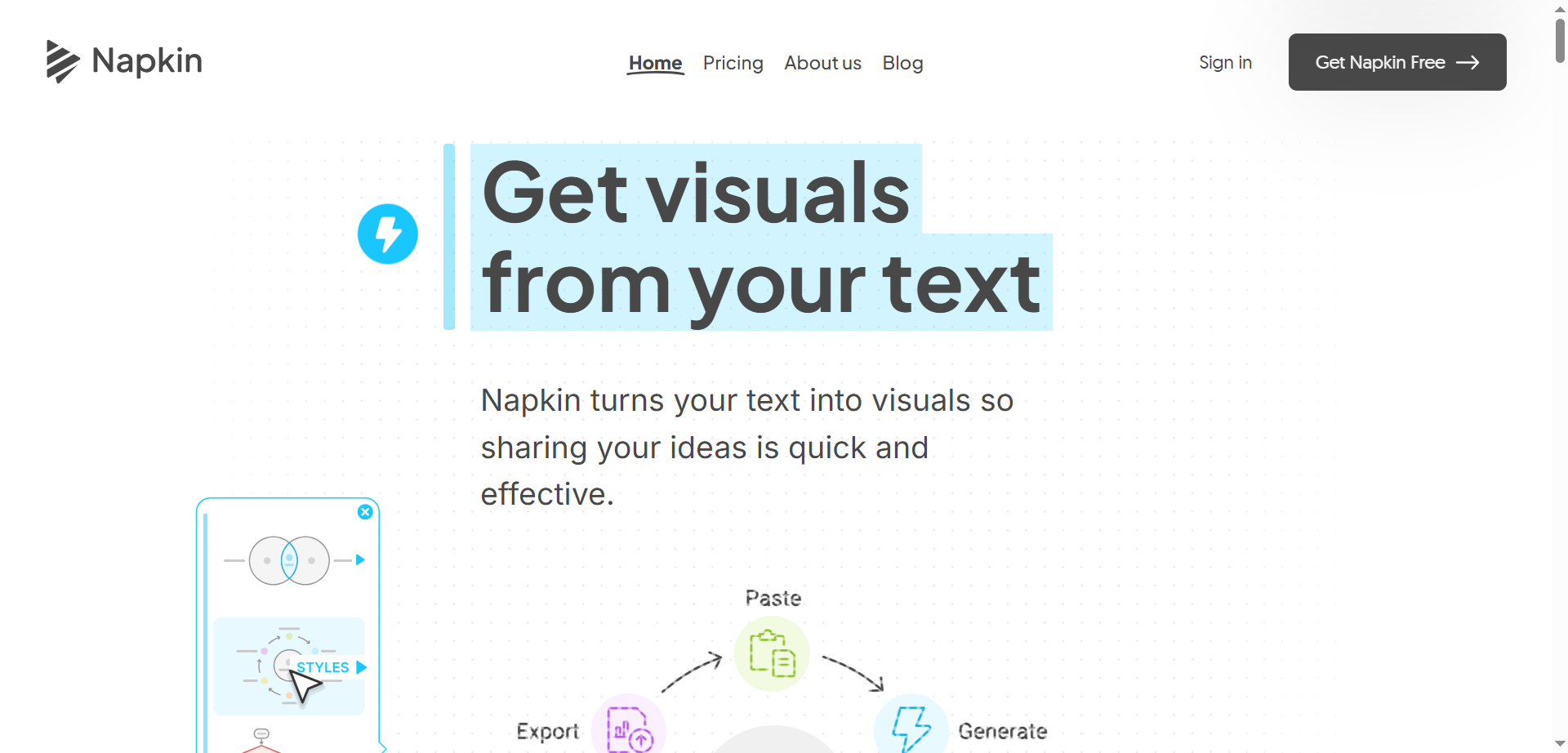
Napkin.ai is a visual AI tool that instantly transforms text into professional diagrams, infographics, mind maps, flowcharts, charts, icons, and scenes for business storytelling, presentations, blogs, social media, and docs. Users paste or import text—no prompts needed—and click to generate relevant visuals, then edit with customizable icons, decorators, connectors, colors, and fonts for light/dark modes. Export as PPT, PNG, PDF, or SVG; supports 60+ languages, team collaboration with real-time editing and comments, free plan available, and praised by project managers, educators, and designers for saving hours on visuals.
Napkin
Napkin.ai is a visual AI tool that instantly transforms text into professional diagrams, infographics, mind maps, flowcharts, charts, icons, and scenes for business storytelling, presentations, blogs, social media, and docs. Users paste or import text—no prompts needed—and click to generate relevant visuals, then edit with customizable icons, decorators, connectors, colors, and fonts for light/dark modes. Export as PPT, PNG, PDF, or SVG; supports 60+ languages, team collaboration with real-time editing and comments, free plan available, and praised by project managers, educators, and designers for saving hours on visuals.
Napkin
Napkin.ai is a visual AI tool that instantly transforms text into professional diagrams, infographics, mind maps, flowcharts, charts, icons, and scenes for business storytelling, presentations, blogs, social media, and docs. Users paste or import text—no prompts needed—and click to generate relevant visuals, then edit with customizable icons, decorators, connectors, colors, and fonts for light/dark modes. Export as PPT, PNG, PDF, or SVG; supports 60+ languages, team collaboration with real-time editing and comments, free plan available, and praised by project managers, educators, and designers for saving hours on visuals.

miro
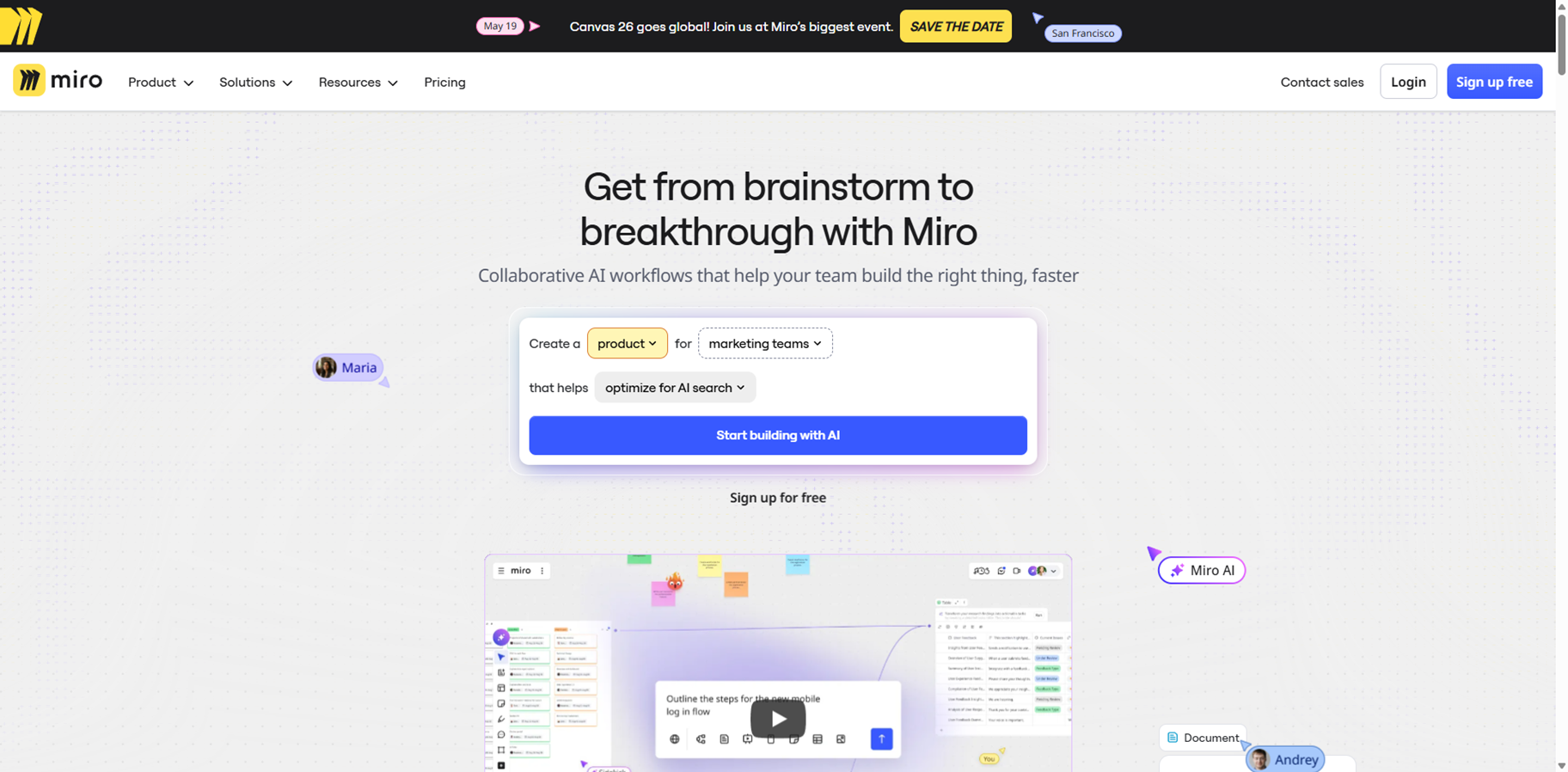
Miro is the ultimate AI-powered visual collaboration platform, offering an infinite canvas where teams worldwide brainstorm, plan, and innovate together in real time. With Miro AI, you can instantly generate sticky notes, diagrams, mind maps, user stories, and even full documents from simple prompts or existing content, slashing workflow time by over 3x. It supports everything from agile retrospectives and product roadmaps to design prototypes and marketing strategies, integrating seamlessly with 250+ tools like Jira, Slack, and Figma. Trusted by 100 million users at companies like Nike and IKEA, Miro keeps ideas flowing with smart clustering, summarization, and image generation while ensuring enterprise-grade security and unlimited boards.
miro
Miro is the ultimate AI-powered visual collaboration platform, offering an infinite canvas where teams worldwide brainstorm, plan, and innovate together in real time. With Miro AI, you can instantly generate sticky notes, diagrams, mind maps, user stories, and even full documents from simple prompts or existing content, slashing workflow time by over 3x. It supports everything from agile retrospectives and product roadmaps to design prototypes and marketing strategies, integrating seamlessly with 250+ tools like Jira, Slack, and Figma. Trusted by 100 million users at companies like Nike and IKEA, Miro keeps ideas flowing with smart clustering, summarization, and image generation while ensuring enterprise-grade security and unlimited boards.
miro
Miro is the ultimate AI-powered visual collaboration platform, offering an infinite canvas where teams worldwide brainstorm, plan, and innovate together in real time. With Miro AI, you can instantly generate sticky notes, diagrams, mind maps, user stories, and even full documents from simple prompts or existing content, slashing workflow time by over 3x. It supports everything from agile retrospectives and product roadmaps to design prototypes and marketing strategies, integrating seamlessly with 250+ tools like Jira, Slack, and Figma. Trusted by 100 million users at companies like Nike and IKEA, Miro keeps ideas flowing with smart clustering, summarization, and image generation while ensuring enterprise-grade security and unlimited boards.
Editorial Note
This page was researched and written by the ATB Editorial Team. Our team researches each AI tool by reviewing its official website, testing features, exploring real use cases, and considering user feedback. Every page is fact-checked and regularly updated to ensure the information stays accurate, neutral, and useful for our readers.
If you have any suggestions or questions, email us at hello@aitoolbook.ai