
- Photographers & Designers: To clean up test images, proofs, or samples by removing logos or watermarks.
- Content Creators & Bloggers: To repurpose images or make presentation visuals without overlay interference.
- Marketers & Advertisers: To use images in campaigns or ads where watermarks are distracting.
- Educators & Students: Removing watermarks from diagrams or illustrations for teaching or study.
- Social Media Managers: To polish visuals before posting across platforms.
- Graphic Editors: Who need a fast starting point before fine retouch work.
How to Use It?
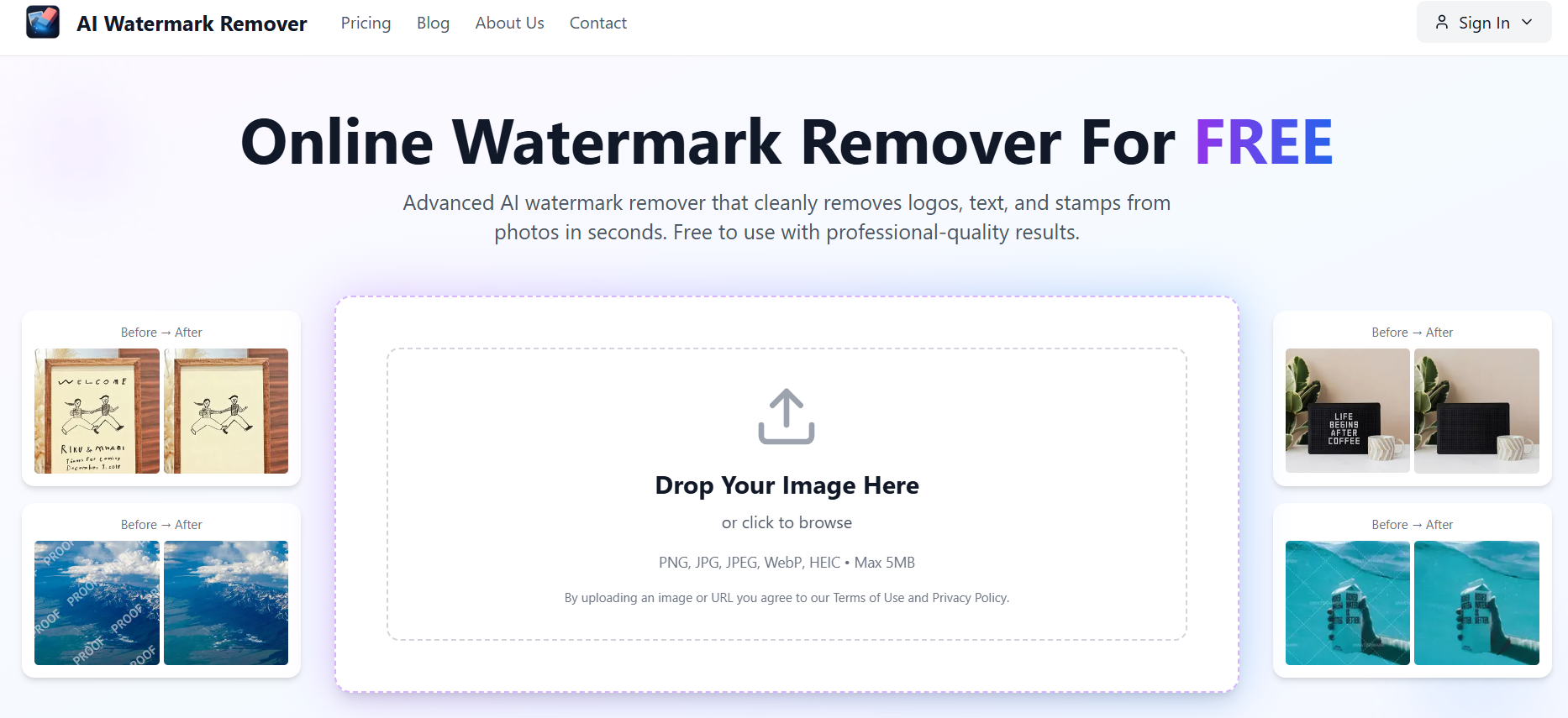
- Upload Image: Select or drag the image file containing a watermark.
- Detection & Masking: The system auto-detects watermark/logo region(s); you may adjust or refine the mask.
- Initiate Removal: Command the tool to remove the watermarked area using AI inpainting.
- Preview & Refine: View the edited result; if needed, refine the mask and reprocess.
- Download Output: Save the cleaned image in a high-quality format.
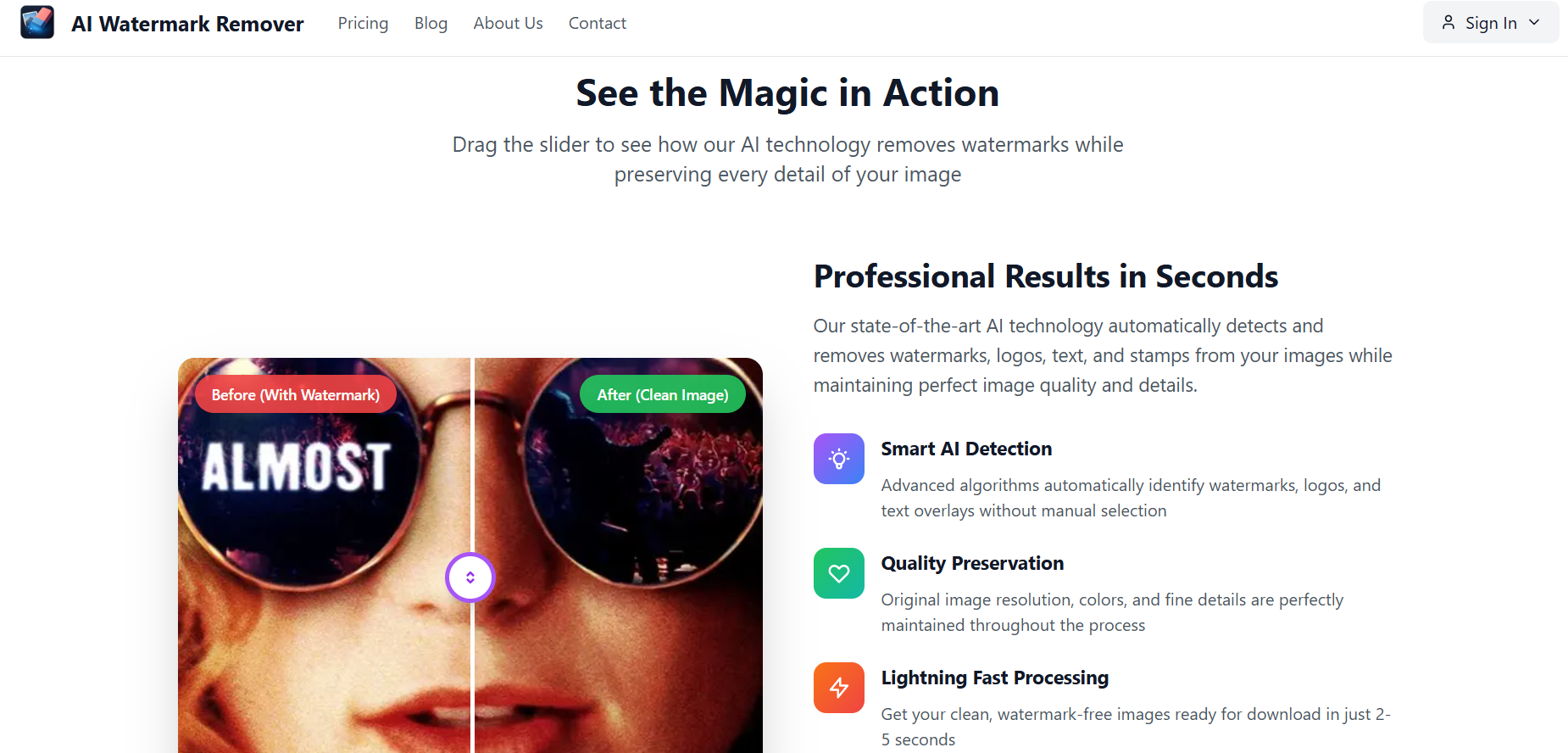
- Automatic Watermark Detection: No need to manually select watermark region in many cases.
- Smart Inpainting: Fills removed areas by reconstructing surrounding textures in context.
- Ease of Use: Very simple, user-friendly web interface with minimal steps.
- No Installation: Works entirely online via browser—no software downloads.
- Flexible Refinement: Users can adjust masking to improve results for difficult cases.
- Fast and straightforward watermark removal
- Effective for many watermark types (text, logos)
- Web-based—usable on any device
- Allows user refinement for better accuracy
- Good starting point before deeper retouching
- Results may be imperfect for complex backgrounds or heavy watermarking
- Some artifacts or blurring may appear in tricky regions
- Free or trial versions may limit image resolution or number of images
- Cannot handle watermarks overlapping intricate textures perfectly
- Requires a stable internet connection
Free
Free
High-quality AI processing
No credit card required
Monthly Pro
$ 69.99
Premium AI processing
Fastest processing
Image history for 1 month
Priority email support
Proud of the love you're getting? Show off your AI Toolbook reviews—then invite more fans to share the love and build your credibility.
Add an AI Toolbook badge to your site—an easy way to drive followers, showcase updates, and collect reviews. It's like a mini 24/7 billboard for your AI.
Reviews
Rating Distribution
Average score
Popular Mention
FAQs
It offers free or trial usage, but advanced features or high volumes may require a paid subscription.
The platform typically processes images temporarily; but always check privacy policy for data retention details.
It works best when watermark is relatively distinct; results may vary on complex images or overlapping textures.
In many cases, it preserves quality well, though some reconstructed regions may show minor artifacts.
Yes—free or lower tiers often limit maximum resolution for uploads and processed output.
Similar AI Tools

LoveFaceSwap AI
Lovefaceswap.com is a free online AI-powered platform that specializes in face swapping for both photos and videos. Beyond its core face swap functionality, it offers a suite of AI-driven image and video editing tools, including multiple face swapping in group shots, AI portrait generation, AI clothes removal, watermark removal, background removal, image upscaling, and color restoration, making advanced editing accessible to users.
LoveFaceSwap AI
Lovefaceswap.com is a free online AI-powered platform that specializes in face swapping for both photos and videos. Beyond its core face swap functionality, it offers a suite of AI-driven image and video editing tools, including multiple face swapping in group shots, AI portrait generation, AI clothes removal, watermark removal, background removal, image upscaling, and color restoration, making advanced editing accessible to users.
LoveFaceSwap AI
Lovefaceswap.com is a free online AI-powered platform that specializes in face swapping for both photos and videos. Beyond its core face swap functionality, it offers a suite of AI-driven image and video editing tools, including multiple face swapping in group shots, AI portrait generation, AI clothes removal, watermark removal, background removal, image upscaling, and color restoration, making advanced editing accessible to users.

Pokecut’s AI Beard Remover is a free, browser-based tool that uses advanced artificial intelligence to remove facial hair—including beards and mustaches—from photos. Whether you're preparing a professional headshot, updating your ID photo, or simply curious about your clean-shaven look, this tool delivers high-quality, realistic results without the need for manual editing or software installation.
Pokecut’s AI Beard Remover is a free, browser-based tool that uses advanced artificial intelligence to remove facial hair—including beards and mustaches—from photos. Whether you're preparing a professional headshot, updating your ID photo, or simply curious about your clean-shaven look, this tool delivers high-quality, realistic results without the need for manual editing or software installation.
Pokecut’s AI Beard Remover is a free, browser-based tool that uses advanced artificial intelligence to remove facial hair—including beards and mustaches—from photos. Whether you're preparing a professional headshot, updating your ID photo, or simply curious about your clean-shaven look, this tool delivers high-quality, realistic results without the need for manual editing or software installation.
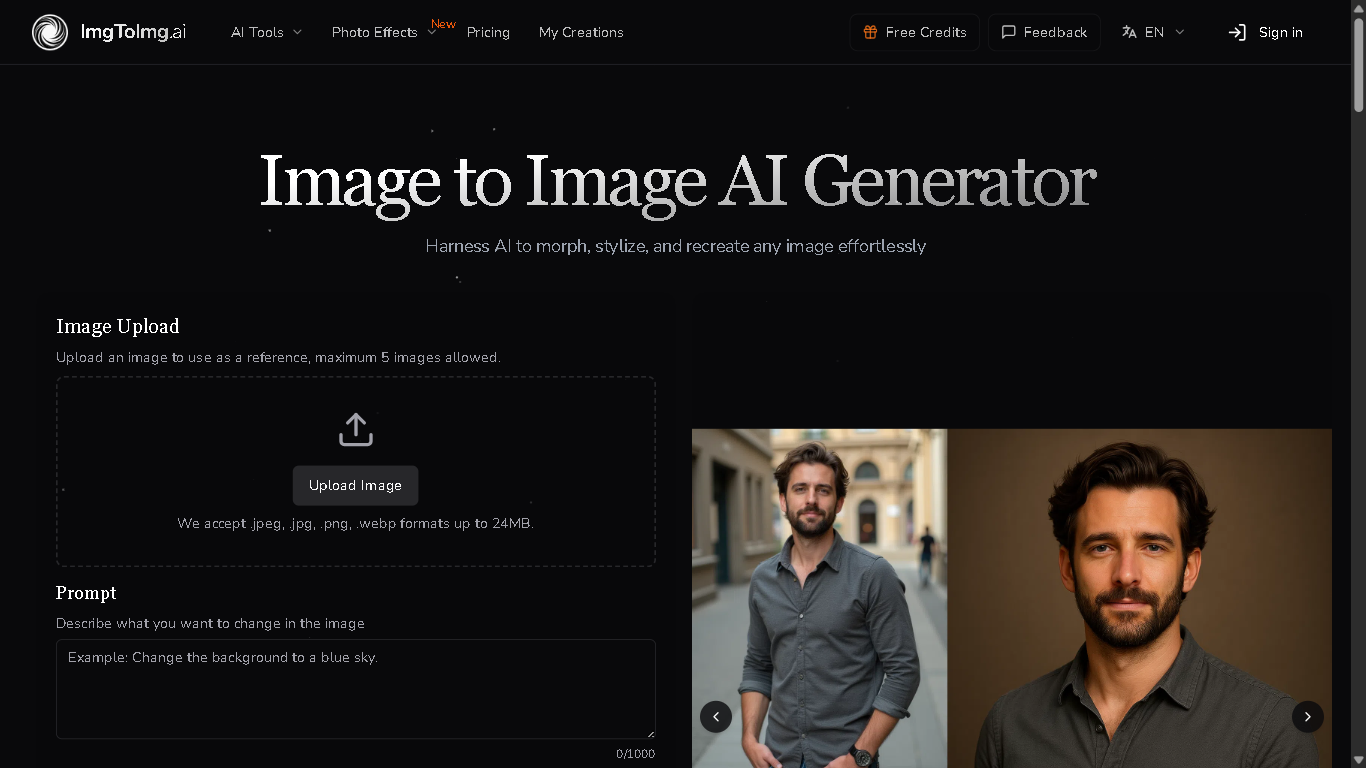

Image To Image AI
imgtoimg.ai is an AI-powered image generation platform that allows users to transform images into various artistic styles and formats. It utilizes advanced AI models to upscale, enhance, and modify images based on user-provided prompts and parameters, offering a range of creative possibilities for both personal and professional use.
Image To Image AI
imgtoimg.ai is an AI-powered image generation platform that allows users to transform images into various artistic styles and formats. It utilizes advanced AI models to upscale, enhance, and modify images based on user-provided prompts and parameters, offering a range of creative possibilities for both personal and professional use.
Image To Image AI
imgtoimg.ai is an AI-powered image generation platform that allows users to transform images into various artistic styles and formats. It utilizes advanced AI models to upscale, enhance, and modify images based on user-provided prompts and parameters, offering a range of creative possibilities for both personal and professional use.
Pixfy AI
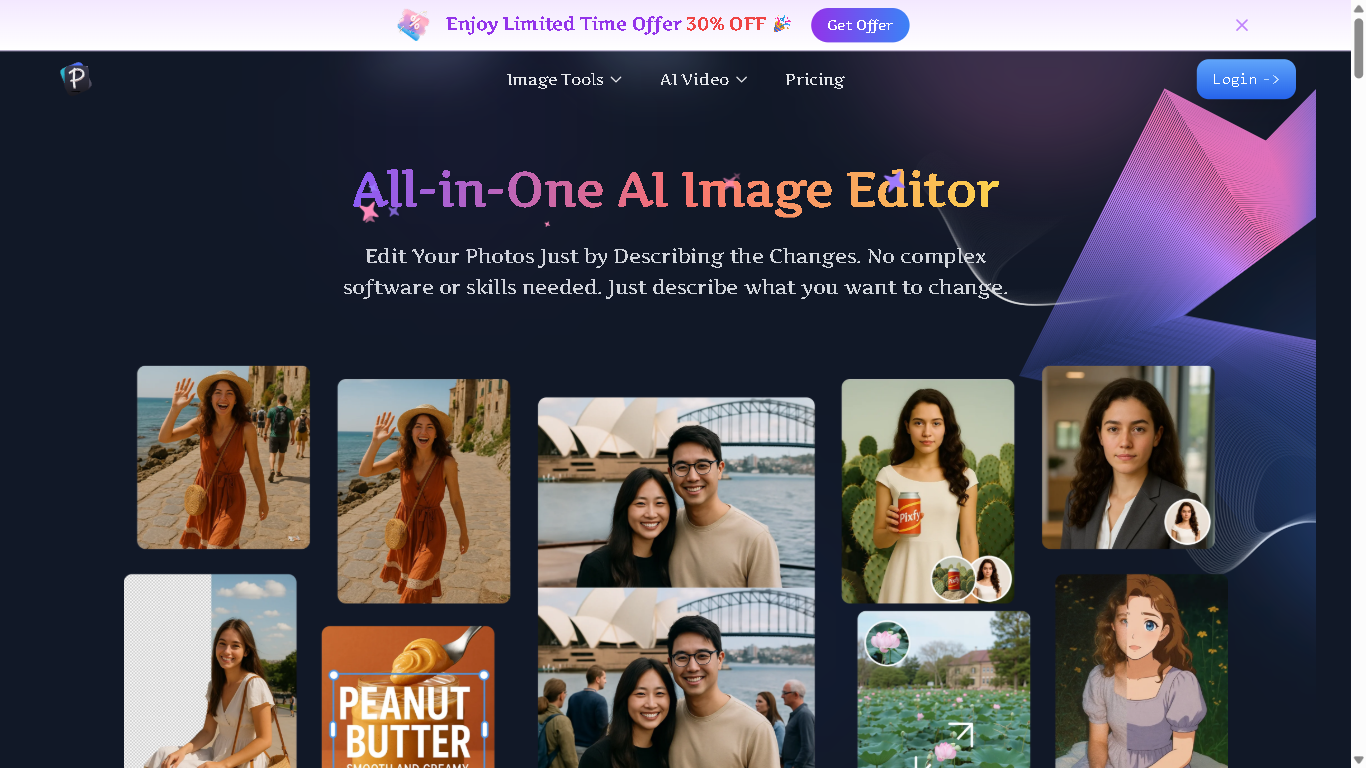
Pixfy.io is an AI-powered image editing platform that allows users to edit photos by simply describing the desired changes in natural language. It offers a comprehensive suite of tools, including background removal, object erasure, face swapping, image enhancement, and AI image generation. Whether you're an e-commerce business owner, content creator, or casual user, Pixfy.io provides professional-quality edits in seconds without the need for complex software or skills.
Pixfy AI
Pixfy.io is an AI-powered image editing platform that allows users to edit photos by simply describing the desired changes in natural language. It offers a comprehensive suite of tools, including background removal, object erasure, face swapping, image enhancement, and AI image generation. Whether you're an e-commerce business owner, content creator, or casual user, Pixfy.io provides professional-quality edits in seconds without the need for complex software or skills.
Pixfy AI
Pixfy.io is an AI-powered image editing platform that allows users to edit photos by simply describing the desired changes in natural language. It offers a comprehensive suite of tools, including background removal, object erasure, face swapping, image enhancement, and AI image generation. Whether you're an e-commerce business owner, content creator, or casual user, Pixfy.io provides professional-quality edits in seconds without the need for complex software or skills.
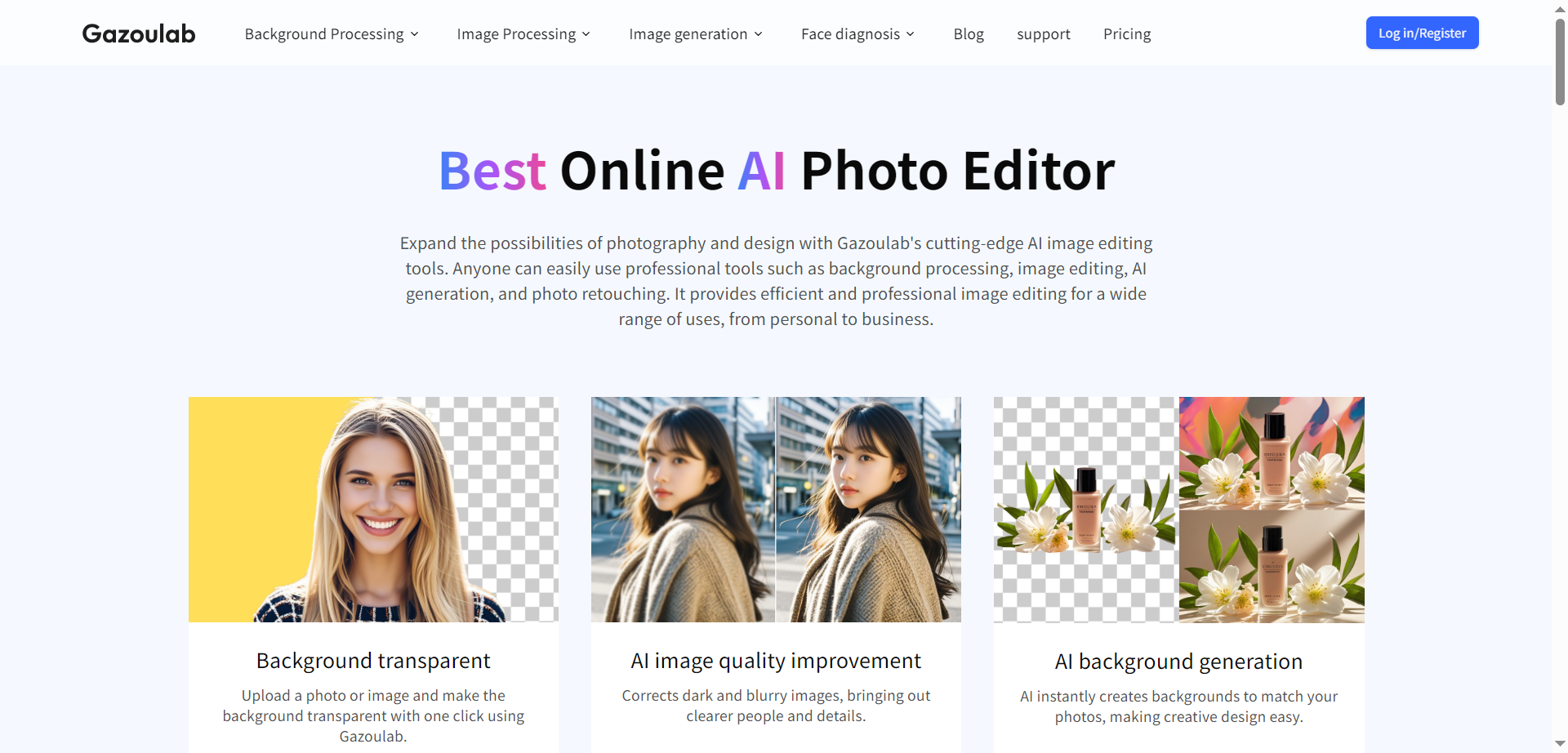

Gazoulab
Gazoulab is a powerful online AI image editing platform that makes professional-grade photo editing, background removal, enhancement, and AI image generation accessible to all users. It offers features like one-click background removal, background replacement, high-quality image upscaling, and AI-powered hairstyle simulation. Designed for both individuals and businesses, Gazoulab simplifies complex editing tasks with intuitive, browser-based tools that require no installation or advanced skills. It supports JPG, PNG, and WebP images and offers free and affordable subscription plans to meet diverse editing needs.
Gazoulab
Gazoulab is a powerful online AI image editing platform that makes professional-grade photo editing, background removal, enhancement, and AI image generation accessible to all users. It offers features like one-click background removal, background replacement, high-quality image upscaling, and AI-powered hairstyle simulation. Designed for both individuals and businesses, Gazoulab simplifies complex editing tasks with intuitive, browser-based tools that require no installation or advanced skills. It supports JPG, PNG, and WebP images and offers free and affordable subscription plans to meet diverse editing needs.
Gazoulab
Gazoulab is a powerful online AI image editing platform that makes professional-grade photo editing, background removal, enhancement, and AI image generation accessible to all users. It offers features like one-click background removal, background replacement, high-quality image upscaling, and AI-powered hairstyle simulation. Designed for both individuals and businesses, Gazoulab simplifies complex editing tasks with intuitive, browser-based tools that require no installation or advanced skills. It supports JPG, PNG, and WebP images and offers free and affordable subscription plans to meet diverse editing needs.


Pacdora
Pacdora’s AI Background Generator is a browser-based tool that removes product photo backgrounds and blends items into studio-quality, realistic scenes automatically. It recommends personalized backgrounds that match the product’s angle, lighting, and proportions, then uses advanced 3D rendering to align shadows and reflections for a natural look. The workflow is simple: upload a PNG, JPG, or WebP image, choose from curated styles or scenes, and export a polished asset in seconds. Designed for ecommerce and branding, it reduces the need for manual masking, compositing, and costly photoshoots.
Pacdora
Pacdora’s AI Background Generator is a browser-based tool that removes product photo backgrounds and blends items into studio-quality, realistic scenes automatically. It recommends personalized backgrounds that match the product’s angle, lighting, and proportions, then uses advanced 3D rendering to align shadows and reflections for a natural look. The workflow is simple: upload a PNG, JPG, or WebP image, choose from curated styles or scenes, and export a polished asset in seconds. Designed for ecommerce and branding, it reduces the need for manual masking, compositing, and costly photoshoots.
Pacdora
Pacdora’s AI Background Generator is a browser-based tool that removes product photo backgrounds and blends items into studio-quality, realistic scenes automatically. It recommends personalized backgrounds that match the product’s angle, lighting, and proportions, then uses advanced 3D rendering to align shadows and reflections for a natural look. The workflow is simple: upload a PNG, JPG, or WebP image, choose from curated styles or scenes, and export a polished asset in seconds. Designed for ecommerce and branding, it reduces the need for manual masking, compositing, and costly photoshoots.
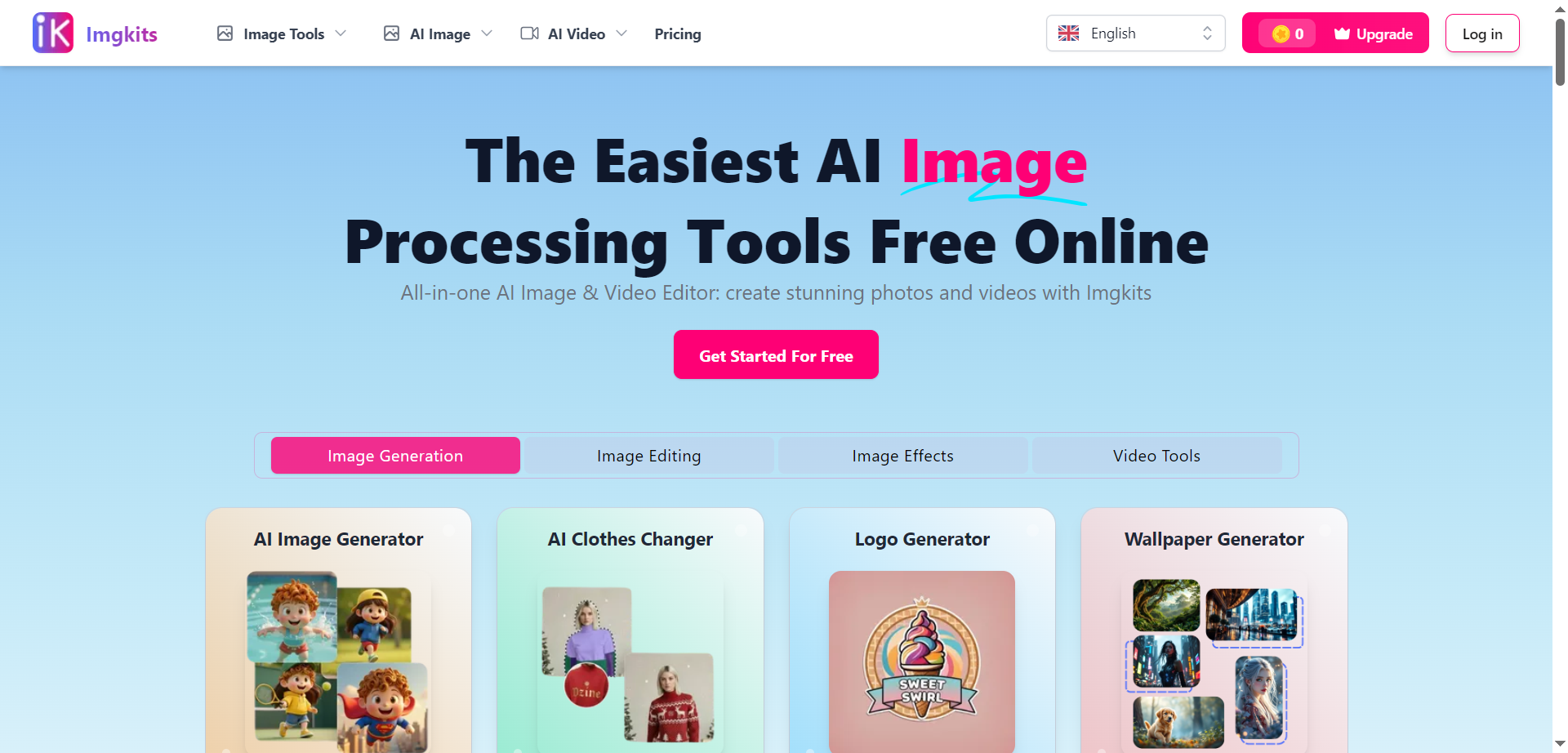

Imgkits
Imgkits is a browser-based AI toolkit for fast, high-quality photo edits, built around background removal, object and watermark cleanup, photo restoration, colorization, unblur, upscaling, and prompt-based edits. It’s designed for simplicity: upload JPG, JPEG, WEBP, or PNG and apply tools like AI inpainting to delete text, logos, date stamps, or unwanted people with natural-looking results. Batch processing supports multiple HD images at once, while filters turn photos into anime, Pixar-like 3D, sketches, and paintings. Privacy is emphasized with SSL encryption and automatic deletion of processed images within a day, and credits-based plans unlock watermark-free downloads and advanced features.
Imgkits
Imgkits is a browser-based AI toolkit for fast, high-quality photo edits, built around background removal, object and watermark cleanup, photo restoration, colorization, unblur, upscaling, and prompt-based edits. It’s designed for simplicity: upload JPG, JPEG, WEBP, or PNG and apply tools like AI inpainting to delete text, logos, date stamps, or unwanted people with natural-looking results. Batch processing supports multiple HD images at once, while filters turn photos into anime, Pixar-like 3D, sketches, and paintings. Privacy is emphasized with SSL encryption and automatic deletion of processed images within a day, and credits-based plans unlock watermark-free downloads and advanced features.
Imgkits
Imgkits is a browser-based AI toolkit for fast, high-quality photo edits, built around background removal, object and watermark cleanup, photo restoration, colorization, unblur, upscaling, and prompt-based edits. It’s designed for simplicity: upload JPG, JPEG, WEBP, or PNG and apply tools like AI inpainting to delete text, logos, date stamps, or unwanted people with natural-looking results. Batch processing supports multiple HD images at once, while filters turn photos into anime, Pixar-like 3D, sketches, and paintings. Privacy is emphasized with SSL encryption and automatic deletion of processed images within a day, and credits-based plans unlock watermark-free downloads and advanced features.


I Foto AI
iFoto.ai is a browser-based AI photo studio built to elevate visuals—whether it’s e-commerce, social, or personal. It offers a suite of image-editing modules like background removal, enhancement, color-replacements, AI-fashion models, and object cleanup—all powered by AI to reduce or replace traditional photo-shoots. With one click you can turn a standard product photo or selfie into a polished, high-res asset suitable for listings, ads, or social feeds. The platform emphasizes speed and scalability: batch uploads, automatic processes, and e-commerce-friendly outputs make it ideal for creators and small brands needing high-quality visuals fast.
I Foto AI
iFoto.ai is a browser-based AI photo studio built to elevate visuals—whether it’s e-commerce, social, or personal. It offers a suite of image-editing modules like background removal, enhancement, color-replacements, AI-fashion models, and object cleanup—all powered by AI to reduce or replace traditional photo-shoots. With one click you can turn a standard product photo or selfie into a polished, high-res asset suitable for listings, ads, or social feeds. The platform emphasizes speed and scalability: batch uploads, automatic processes, and e-commerce-friendly outputs make it ideal for creators and small brands needing high-quality visuals fast.
I Foto AI
iFoto.ai is a browser-based AI photo studio built to elevate visuals—whether it’s e-commerce, social, or personal. It offers a suite of image-editing modules like background removal, enhancement, color-replacements, AI-fashion models, and object cleanup—all powered by AI to reduce or replace traditional photo-shoots. With one click you can turn a standard product photo or selfie into a polished, high-res asset suitable for listings, ads, or social feeds. The platform emphasizes speed and scalability: batch uploads, automatic processes, and e-commerce-friendly outputs make it ideal for creators and small brands needing high-quality visuals fast.
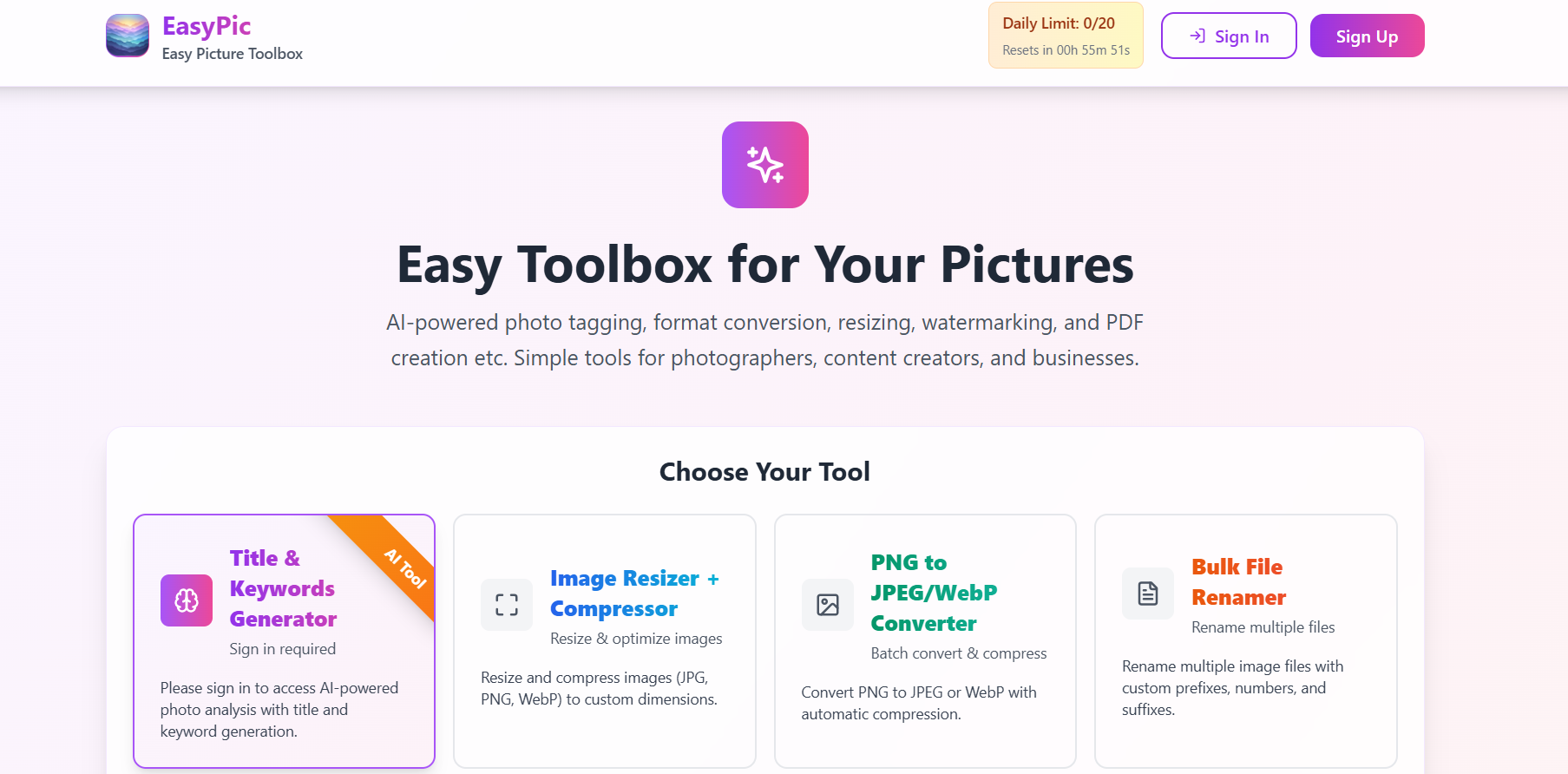

Easy Pic
EasyPic is an AI-based image editing platform that simplifies complex design and photo enhancement tasks. It uses advanced AI algorithms to remove backgrounds, retouch photos, add effects, and upscale images automatically. The platform caters to designers, marketers, and content creators who want high-quality image editing without using professional design tools. EasyPic’s intuitive interface allows users to perform edits with just a few clicks, offering fast and precise results suitable for eCommerce, social media, and digital marketing needs.
Easy Pic
EasyPic is an AI-based image editing platform that simplifies complex design and photo enhancement tasks. It uses advanced AI algorithms to remove backgrounds, retouch photos, add effects, and upscale images automatically. The platform caters to designers, marketers, and content creators who want high-quality image editing without using professional design tools. EasyPic’s intuitive interface allows users to perform edits with just a few clicks, offering fast and precise results suitable for eCommerce, social media, and digital marketing needs.
Easy Pic
EasyPic is an AI-based image editing platform that simplifies complex design and photo enhancement tasks. It uses advanced AI algorithms to remove backgrounds, retouch photos, add effects, and upscale images automatically. The platform caters to designers, marketers, and content creators who want high-quality image editing without using professional design tools. EasyPic’s intuitive interface allows users to perform edits with just a few clicks, offering fast and precise results suitable for eCommerce, social media, and digital marketing needs.
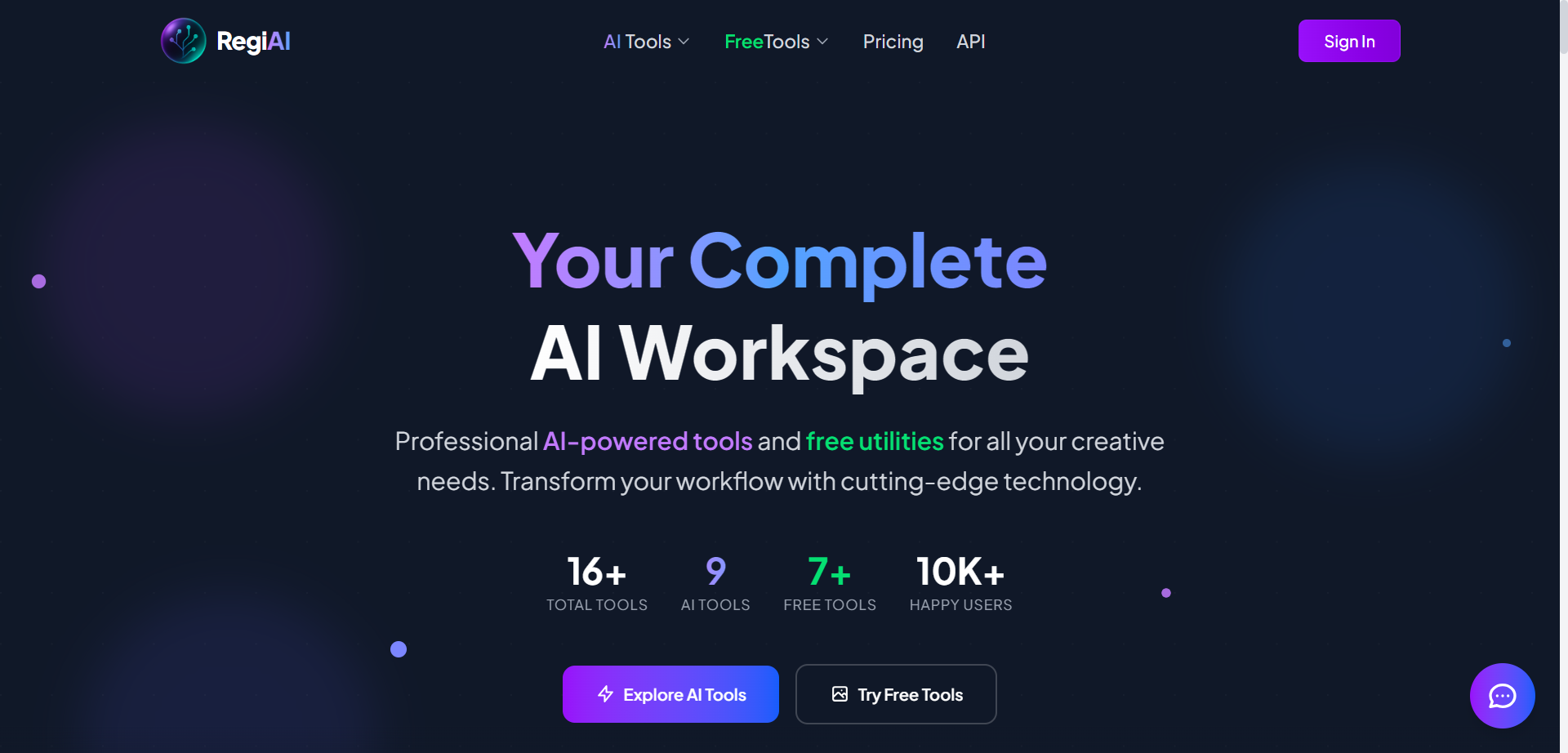

RegiAI
RegiAI is an all-in-one AI-powered platform offering a suite of professional utilities and advanced tools designed to enhance creative workflows. Its features include AI image editing, watermark removal, photo restoration, background removal, headshot creation, action figure generation, thumbnail design, and more. The platform combines cutting-edge AI technology with a user-friendly interface, enabling users to quickly process images, repair old photos, generate AI art, and perform advanced edits—all at affordable rates. RegiAI ensures data security with secure processing without storing user data and offers many core tools completely free, making it ideal for creators, marketers, developers, and businesses looking to elevate their visual content effortlessly.
RegiAI
RegiAI is an all-in-one AI-powered platform offering a suite of professional utilities and advanced tools designed to enhance creative workflows. Its features include AI image editing, watermark removal, photo restoration, background removal, headshot creation, action figure generation, thumbnail design, and more. The platform combines cutting-edge AI technology with a user-friendly interface, enabling users to quickly process images, repair old photos, generate AI art, and perform advanced edits—all at affordable rates. RegiAI ensures data security with secure processing without storing user data and offers many core tools completely free, making it ideal for creators, marketers, developers, and businesses looking to elevate their visual content effortlessly.
RegiAI
RegiAI is an all-in-one AI-powered platform offering a suite of professional utilities and advanced tools designed to enhance creative workflows. Its features include AI image editing, watermark removal, photo restoration, background removal, headshot creation, action figure generation, thumbnail design, and more. The platform combines cutting-edge AI technology with a user-friendly interface, enabling users to quickly process images, repair old photos, generate AI art, and perform advanced edits—all at affordable rates. RegiAI ensures data security with secure processing without storing user data and offers many core tools completely free, making it ideal for creators, marketers, developers, and businesses looking to elevate their visual content effortlessly.
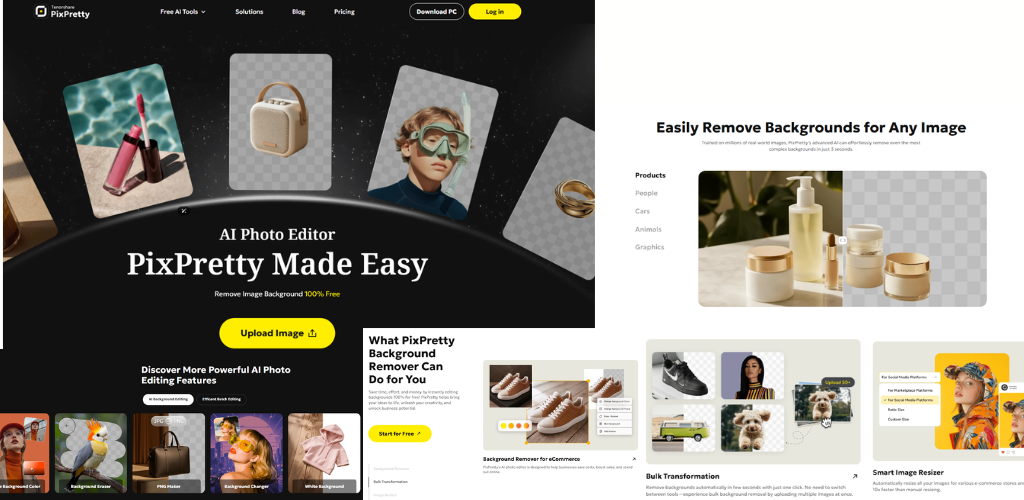
PixPretty is an AI-powered photo enhancement tool built to streamline image editing for creators, businesses, and professionals. It removes backgrounds with high precision, enhances portraits with natural detail, and processes large batches of images without slowing down your workflow. With AI-driven correction for lighting, skin texture, sharpness, and color balance, it helps users produce clean, polished, and ready-to-publish visuals in minutes. The platform supports RAW editing, product cleanup, and detailed retouching while preserving realism. Its fast rendering, simple controls, and high-quality output make it suitable for e-commerce stores, photographers, marketers, and social media creators who need efficiency without sacrificing professional standards.
PixPretty is an AI-powered photo enhancement tool built to streamline image editing for creators, businesses, and professionals. It removes backgrounds with high precision, enhances portraits with natural detail, and processes large batches of images without slowing down your workflow. With AI-driven correction for lighting, skin texture, sharpness, and color balance, it helps users produce clean, polished, and ready-to-publish visuals in minutes. The platform supports RAW editing, product cleanup, and detailed retouching while preserving realism. Its fast rendering, simple controls, and high-quality output make it suitable for e-commerce stores, photographers, marketers, and social media creators who need efficiency without sacrificing professional standards.
PixPretty is an AI-powered photo enhancement tool built to streamline image editing for creators, businesses, and professionals. It removes backgrounds with high precision, enhances portraits with natural detail, and processes large batches of images without slowing down your workflow. With AI-driven correction for lighting, skin texture, sharpness, and color balance, it helps users produce clean, polished, and ready-to-publish visuals in minutes. The platform supports RAW editing, product cleanup, and detailed retouching while preserving realism. Its fast rendering, simple controls, and high-quality output make it suitable for e-commerce stores, photographers, marketers, and social media creators who need efficiency without sacrificing professional standards.

PicWish
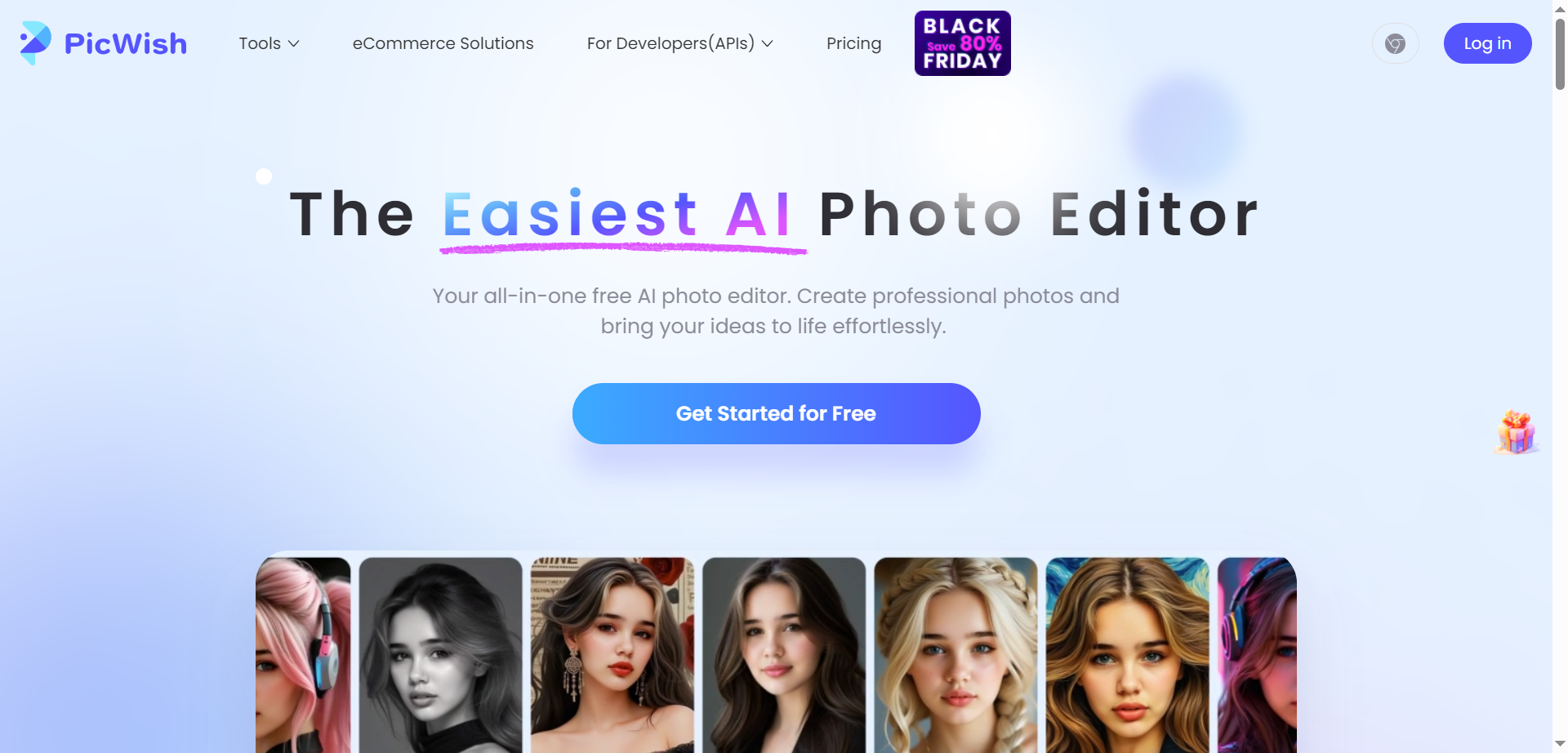
PicWish is an AI-powered online photo editor that brings image generation and pro-level design tools together in a simple, accessible interface. It focuses on everyday editing tasks like removing backgrounds in bulk (up to 30 images at once), unblurring and sharpening fuzzy photos, and enhancing image quality for personal and commercial use. With no professional skills required, users can quickly isolate subjects, change backgrounds, remove objects, and transform low-quality pictures into clear, high-resolution results. Loved by designers, ecommerce staff, and educators, PicWish is available on Windows, macOS, iOS, and Android, so you can edit on any device with the same easy, intuitive experience.
PicWish
PicWish is an AI-powered online photo editor that brings image generation and pro-level design tools together in a simple, accessible interface. It focuses on everyday editing tasks like removing backgrounds in bulk (up to 30 images at once), unblurring and sharpening fuzzy photos, and enhancing image quality for personal and commercial use. With no professional skills required, users can quickly isolate subjects, change backgrounds, remove objects, and transform low-quality pictures into clear, high-resolution results. Loved by designers, ecommerce staff, and educators, PicWish is available on Windows, macOS, iOS, and Android, so you can edit on any device with the same easy, intuitive experience.
PicWish
PicWish is an AI-powered online photo editor that brings image generation and pro-level design tools together in a simple, accessible interface. It focuses on everyday editing tasks like removing backgrounds in bulk (up to 30 images at once), unblurring and sharpening fuzzy photos, and enhancing image quality for personal and commercial use. With no professional skills required, users can quickly isolate subjects, change backgrounds, remove objects, and transform low-quality pictures into clear, high-resolution results. Loved by designers, ecommerce staff, and educators, PicWish is available on Windows, macOS, iOS, and Android, so you can edit on any device with the same easy, intuitive experience.
Editorial Note
This page was researched and written by the ATB Editorial Team. Our team researches each AI tool by reviewing its official website, testing features, exploring real use cases, and considering user feedback. Every page is fact-checked and regularly updated to ensure the information stays accurate, neutral, and useful for our readers.
If you have any suggestions or questions, email us at hello@aitoolbook.ai